

详细内容
AI Cover
Before vs After
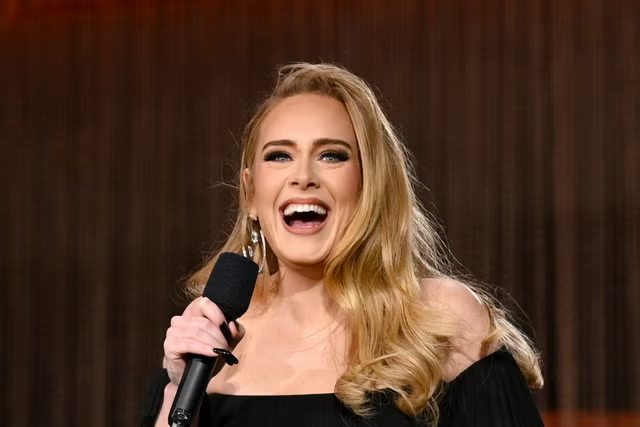
Original version by Adele

Covered by Lady Gaga
Steps to use AI Cover Generator
- Click “Refresh Models”
- Select a model from the dropdown list (The list will be empty if you do not click “Refresh Models”)
- Upload a file or paste a YouTube link (YouTube link might not be recognized)
- Click “Generate”
- Wait, that’s it!
\* If you use this model intensively over a short period, it may cause GPU resource shortages. Please wait a few minutes before resuming use.
\* It may return an error when it is a usage peak. Please wait a few minutes before resuming use.
* Depending on your internet speed, loading the model may take up to 10 seconds ↓
AICoverGenWebUI
AICoverGen WebUI ZeroGPU mode created with ❤️
⚠️ Important (click to expand)
- 🚀 This demo use a Zero GPU, which is available only for a limited time. It's recommended to use audio files that are no longer than 5 minutes. If you want to use it without time restrictions, you can duplicate the 'old CPU space'. ⏳
Duplicate the old CPU space for use in private: 
Generate Download model Upload model
Generate Download model Upload model
Main Options▼
Voice Models
Models folder "AICoverGen --> rvc_models". After new models are added into this folder, click the refresh button
Refresh Models 🔁
Audio file
Drop File Here - or - Click to Upload
Pitch Change (Vocals ONLY)
Generally, use 1 for male to female conversions and -1 for vice-versa. (Octaves)
↺
-33
Overall Pitch Change
Changes pitch/key of vocals and instrumentals together. Altering this slightly reduces sound quality. (Semitones)
↺
-1212
Voice conversion options▼
Index Rate
Controls how much of the AI voice's accent to keep in the vocals
↺
01
Filter radius
If >=3: apply median filtering median filtering to the harvested pitch results. Can reduce breathiness
↺
07
RMS mix rate
Control how much to mimic the original vocal's loudness (0) or a fixed loudness (1)
↺
01
Protect rate
Protect voiceless consonants and breath sounds. Set to 0.5 to disable.
↺
00.5
Pitch detection algorithm
Best option is rmvpe (clarity in vocals), then mangio-crepe (smoother vocals), rmvpe+ use a minimum and maximum allowed pitch values.
Steps
↺
13
Apply an additional noise reduction step to clean up the audio further.
Denoise
Keep all audio files generated in the song_output/id directory, e.g. Isolated Vocals/Instrumentals. Leave unchecked to save space
Keep intermediate files
Audio mixing options▼
Volume Change (decibels)
Main Vocals
↺
-2020
Backup Vocals
↺
-2020
Music
↺
-2020
Reverb Control on AI Vocals
Room size
The larger the room, the longer the reverb time
↺
01
Wetness level
Level of AI vocals with reverb
↺
01
Dryness level
Level of AI vocals without reverb
↺
01
Damping level
Absorption of high frequencies in the reverb
↺
01
Audio Output Format
Output file type
mp3: small file size, decent quality. wav: Large file size, best quality
Clear Generate
AI Cover
- You can also try
AICoverGen❤️in Colab’s free tier, which provides free GPU link.
Want to cover the song with your voice?
Click to create your voice model! ↓
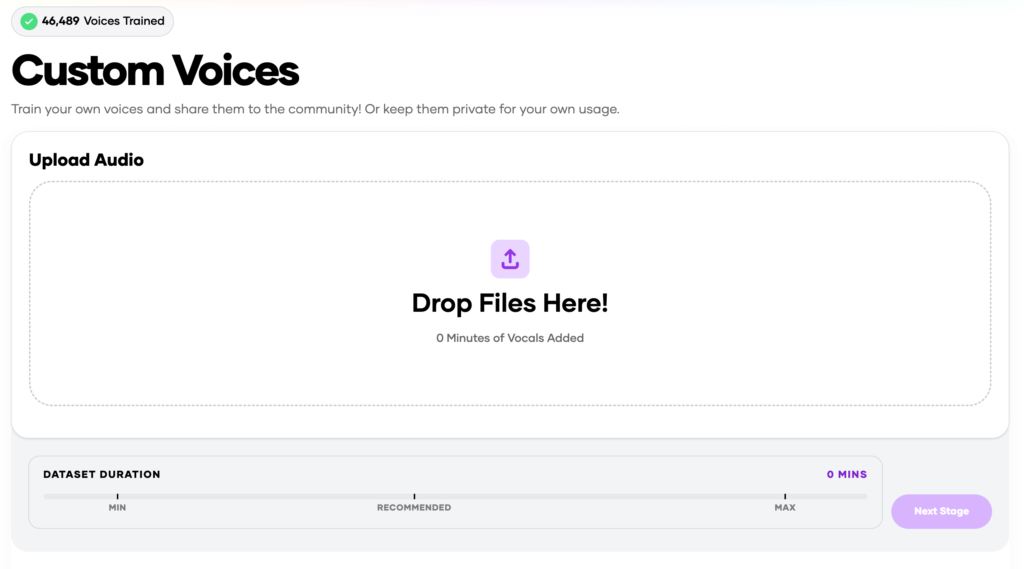
AI Voice Library
 AI Donald Trump Voice
90.4K Uses
 AI Joe Biden Voice
22.9K Uses
 AI Narendra Modi Voice
20.7K Uses
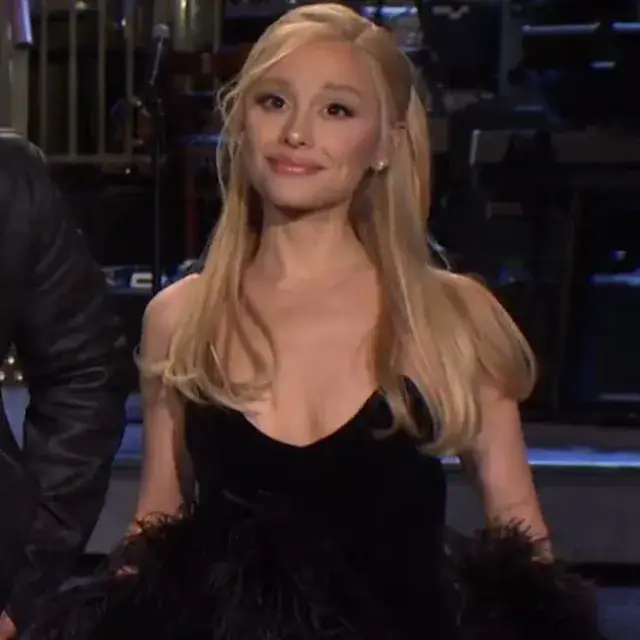 AI Ariana Grande (Eternal Sunshine Era V2) Voice
13.4K Uses AI Juice wrld Voice
28.9K Uses
 AI Park Chaeyoung (Rosé) – BLACKPINK Voice
12.9K Uses AI JISOO of BLACKPINK Voice
5.5K
 AI Jennie Ruby Jane – BLACKPINK Voice
6.1KUses
 AI Lalisa Manobal BLACKPINK Voice
4.6K Uses
 AI SpongeBob Voice
97.4K Uses
 AI Gojo Voice
50.6K Uses AI Peter Griffin Voice
72.8K Uses
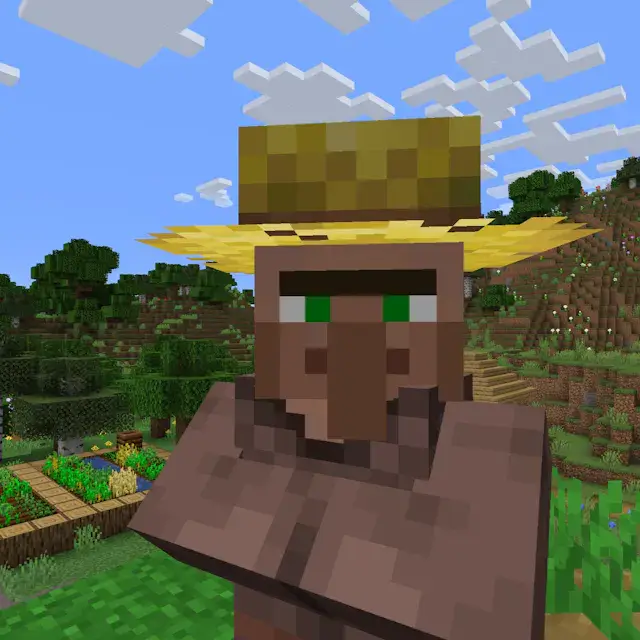 AI Minecraft Villager Voice
57.1K Uses
AI Cover: Revolutionizing Music Creation
Table of Contents
Overview
AI cover technology has transformed the music industry, allowing anyone to create high-quality song covers using artificial intelligence. This tool can replicate the singing style of various artists, offering unlimited possibilities for content creators and music enthusiasts. With an AI cover generator, you can generate covers quickly without needing professional skills.
What is an AI Cover?
An AI cover is a song where an artificial intelligence model recreates the vocals of a particular artist or voice. This technology uses advanced algorithms to analyze and replicate the characteristics of an artist’s voice, allowing users to create covers of songs that sound as if they were sung by the original artist.
Why Use an AI Cover Generator?
AI cover generators are popular because they enable users to create professional-sounding covers with ease. Whether you’re a content creator looking to produce engaging social media content or a music enthusiast wanting to experiment with different vocal styles, AI cover tools offer a convenient and accessible solution. They can save time, provide creative flexibility, and open up new revenue streams by allowing you to monetize your creations on platforms like YouTube and TikTok.
Features and Characteristics of AI Cover Generators
AI cover generators come with various features that make them a valuable tool for music creation:
- Voice Cloning: Many tools allow you to clone an artist’s voice, offering a wide range of voice models to choose from.
- Easy-to-Use Interfaces: These tools are designed for users of all skill levels, with simple steps to generate covers.
- Customization Options: Some platforms allow you to train your own AI voice model or adjust the pitch and quality of the output.
- Cross-Platform Support: Many AI cover generators can be accessed from multiple devices, including smartphones and computers.
How to Use an AI Cover Generator
Using an AI cover generator typically involves a few simple steps:
- Select a Voice Model: Choose the artist or vocal style you want to replicate.
- Upload or Select a Song: Either upload your own song or choose one from the platform’s library.
- Generate the Cover: The AI will process the song and apply the selected voice model to create a cover.
Who Should Use AI Cover Generators?
AI cover generators are suitable for:
- Content Creators: Enhance your social media presence with unique and engaging song covers.
- Musicians: Experiment with different vocal styles without needing a recording studio.
- Fans and Enthusiasts: Recreate your favorite songs with a twist, using the voices of various artists.
10 AI Cover Generators: Pros, Cons, Advantages, Challenges, and Recommendations
| Tool | Pros | Cons | Advantages | Challenges | Recommendations |
|---|---|---|---|---|---|
| FineShare Singify | Easy to use, free version available | Limited credits on free plan | 100+ voice models | Requires internet connection | Ideal for beginners |
| Musicfy | Custom voice training, multiple input methods | Higher cost for premium features | Versatile input options | Learning curve for custom models | Best for serious creators |
| Boomy | Monetization options, fast song creation | Limited features in free plan | Community support | Requires subscription for full access | Great for quick creations |
| Voicify | Advanced AI, cross-platform support | High subscription fees | High-quality output | Complex settings for beginners | Recommended for professionals |
| Voicemod | Real-time voice changing | Requires download | High customization | Limited to certain platforms | Best for live streaming |
| Synthesizer V | High-quality vocal synthesis | Expensive | Professional-grade tools | Steeper learning curve | Suited for professional musicians |
| XStudio | Professional tools for serious creators | Requires setup and installation | Full control over output | Requires powerful hardware | Ideal for studios |
| AIVocalist | Easy to navigate, great for beginners | Limited features | Beginner-friendly | Limited by internet speed | Good for hobbyists |
| Acapella Generator | Free and simple to use | Basic functionality | Quick setup | Lacks advanced features | Suitable for casual users |
| Jammable | Best overall, no sign-up required | None | Best AI cover generator | None | Highly recommended |
Note: The best tool for your needs may vary depending on your specific requirements and budget. Always explore multiple options before making a final decision.
Future Prospects of AI Cover Technology
AI cover technology is rapidly advancing, with continuous improvements in voice cloning and synthesis algorithms. As the technology becomes more accessible, we can expect a surge in AI-generated content across various platforms. This will likely lead to new creative opportunities and revenue streams for content creators, while also raising ethical questions around copyright and originality.
FAQ Module
-
How to make AI cover songs?
Use an AI cover generator like Singify to choose a voice model, upload a song, and generate the cover.
-
How to make an AI cover song?
Follow similar steps across most AI cover tools: select a voice model, upload or select a song, and let the AI do the work.
-
How to make an AI cover?
Choose a tool, pick your desired voice, and generate the cover with just a few clicks.
-
How to make AI cover?
Utilize AI-powered tools like Boomy or Musicfy to create high-quality covers quickly.
-
How to make an AI song cover?
AI tools simplify the process: pick a voice, upload your song, and create a cover in minutes.
-
Can you sing any song using AI?
Yes, AI cover generators allow you to sing any song using a chosen voice model.
-
How to make covers with your favorite artist’s voice?
Select an AI cover tool that offers the voice model of your favorite artist and generate the cover.
-
Are AI song covers suitable for social media?
Absolutely! They can boost engagement and provide unique content for platforms like TikTok and Instagram.
-
What is an AI voice model?
An AI voice model is a digital representation of a singer’s voice, used to create synthetic vocal tracks.
-
How to create AI covers for social media?
Use tools like Jammable or Singify to quickly generate AI covers that are ready to be shared on social media.
Conclusion
AI cover generators offer an exciting way to create and share music. Whether you’re a beginner or a professional, these tools provide an accessible means to explore new creative avenues. With the right tool, like Jammable, you can start generating AI covers today, no sign-up required.
This article has provided a comprehensive guide to AI cover technology, outlining its uses, benefits, and the best tools available. As AI continues to evolve, the possibilities for music creation will only expand.
Leave a Reply Cancel reply
Your email address will not be published.Required fields are marked *
Comment *
Name *
Email *
Website
Save my name, email, and website in this browser for the next time I comment.
Δ