

详细内容
Introducing resumeanalyser.com - AI-powered resume analysis and cover letter generation tool. Learn More
×
Best AI Diagram Tool
Generate Flowchart diagram 10X faster Convert text to Flowchart

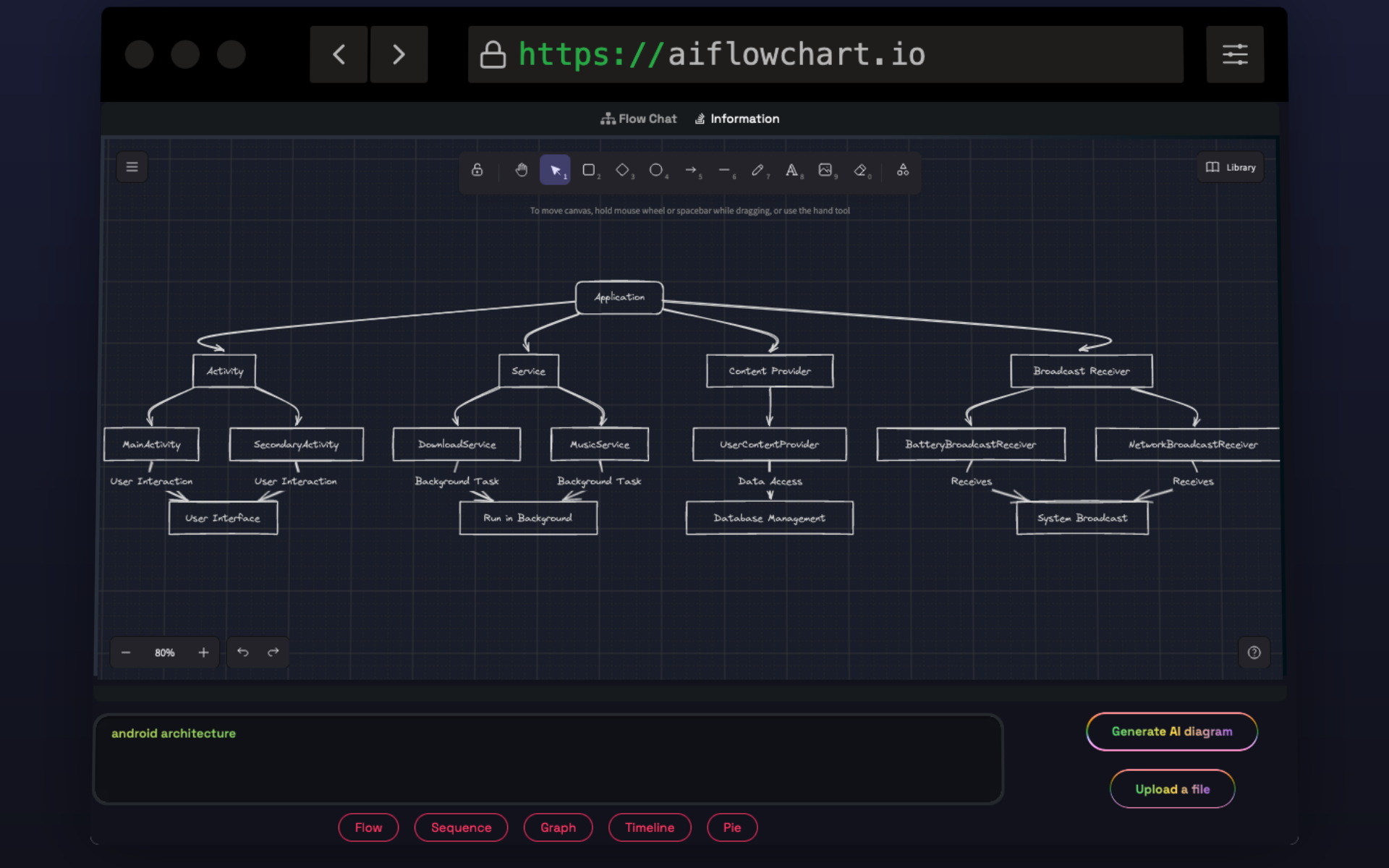
- Diagrams from blogs
- Diagrams from pdf files
- Diagrams from images
Always Generate Creative and Unique Diagrams, powered by chatgpt
Generates Unique diagrams
This application will generate unique diagrams.If you dont like generated diagram recreate again.Then again it will generate new diagram
Diagrams with explanation
This tool will help you to generate diagrams with explanation.Which means tools will explain each steps of the diagram
Themes
Many themes available.One customizable theme also available.which means you can change diagrams colors
Diverse Diagram Generation
Diverse Diagram Generation for Enhanced Creativity
Unlimited Creativity: Our AI flowchart tool generates unique diagrams every time you use it, providing you with a wide range of creative options. Multiple Diagram Types: Create flowcharts, graph diagrams, sequence diagrams, and pie charts effortlessly, all from a single tool.

Features 3
Versatile Source Compatibility for Diagram Generation withAI Flowchart.
Your Satisfaction is Our Priority: Recreate Diagrams as Needed
- Generate diagrams from various sources, including text data, PDF files, or even blog content.
- Not satisfied with the first set of diagrams? No problem. Easily recreate new ones until you're completely satisfied
- We empower you to explore different visual representations until you find the perfect fit for your needs.

Questions About our AIFlowchart? We have Answers!
What Is AI Flowchart Diagram Tool?
The AI Flowchart Diagram Tool is a powerful and innovative tool designed to assist users in creating various types of diagrams using artificial intelligence (AI) technology. It utilizes the Chat GPT API to generate diagrams seamlessly. With this tool, users can easily create flowcharts, graph diagrams, sequence diagrams, and pie charts from different data sources such as user queries, blog content, PDF files, and images. It simplifies the diagram creation process and enhances productivity, making it an indispensable tool for individuals and businesses alike.
How can I generate diagrams from text, PDF files, or blog content using your AI flowchart tool?
Our AI flowchart tool offers a convenient way to create diagrams from text, PDF files, or blog content. You can simply input the relevant text, upload your PDF files, or Copy paste the blog content, and our tool will process this data to generate the requested diagrams. This feature is particularly useful for visualizing information from written content.
How accurate are the diagrams generated by your AI tool?
Our AI flowchart tool leverages the power of the Chat GPT API to generate diagrams, which ensures a high level of accuracy. However, the accuracy also depends on the quality and clarity of the input data. We recommend providing well-structured and clear data to achieve the best results.
What types of diagrams can I create with your AI flowchart tool?
Our AI flowchart tool can generate five types of diagrams: flowcharts, graph diagrams, sequence diagrams, and pie charts. You can choose the type that best suits your needs and input the relevant data to create these diagrams.
How does the subscription process work?
To use our AI flowchart tool and generate diagrams, you need to subscribe to one of our pricing plans. We offer various subscription options to cater to different usage levels. Once subscribed, you will have access to the tool's features based on your selected plan.
Can I generate unique diagrams every time I use the AI flowchart tool? What if I'm not satisfied with the generated diagrams?
Absolutely! Our AI flowchart tool is designed to provide flexibility and creativity. It generates unique diagrams each time you use it, ensuring that you have a variety of options to choose from. If you're not satisfied with the initial set of diagrams generated, you can easily recreate new ones until you find the perfect fit for your needs. We aim to give you the freedom to explore different visual representations until you're completely satisfied with the results.

Using AI Flowchart you can save hours each week creating diagrams.

StripeM-Inner