

详细内容
Contact us Already using airSlate WorkFlow?
Log in
Automate document-heavy work — no IT required
Build, route, and sign complex workflows with no code. WorkFlow connects your CRM and ERP data to every document so work moves faster, safer, and smarter.
See how leading companies use airSlate WorkFlow
g2 airslate business automation reviews
Case study\
\
 \
\
“Our other challenge was creating a solution that included all the required features we needed, such as the ability to save our partially completed forms.”\
\
 \
\
Anthony Matero\
\
Operations Case study\
\
 \
\
“With airSlate, we can create static URLs for each form we use. Because of that, we were able to make posters to put up around campus with a QR code for each form, giving students instant access to what they needed.”\
\
 \
\
Allen Mutchler\
\
Registrar Case study\
\
 \
\
“We probably have about 1,200 students or adult volunteers who’ve filled out our airSlate forms. Two of us at RTSWS are currently using airSlate on a daily basis for our programs.”\
\
 \
\
Ashley Leftwich\
\
Partner Engagement Manager Case study\
\
 \
\
“airSlate WorkFlow has been a great addition to our business! It integrates well with Salesforce allowing our team to seamlessly get custom documents ready for signatures within our Salesforce record!”\
\
Michael Moore\
\
Insurance Advisor Case study\
\
 \
\
“I like the best the fact that the software is so simple to use yet so powerful. With a few clicks of a button, you can create multipage/document forms that are pre-populated based on information users already supply.”\
\
 \
\
Mark Mc Nichol\
\
Director Case study\
\
 \
\
“There is no need for dual entry; WorkFlow eliminated the risk of errors. All paperwork and signature gathering has become a breeze. There is no longer a need to print, mail, retype, etc.”\
\
Sam Ginzberg\
\
Chief Information Officer Case study\
\
 \
\
“The company is now able to generate order forms and send them for signing without additional manipulation. The entire workflow is automated and initiated by clicking one button in Dynamics 365.” Case study\
\
 \
\
“RCBC has significantly reduced the time required to bring new employees on board. From generating new hire forms pre-filled with new employee data, to routing, notifications, and reminders — the entire process is automated end-to-end without coding.” Case study\
\
 \
\
“Pioneermerchant has chosen airSlate to streamline data collection and signatures for the merchant application form and data sharing agreement. The entire process is now fast, secure, automated, and takes minutes for recipients to complete. No more delays or legal risks.” Case study\
\
 \
\
“Ground Floor was able to take advantage of airSlate’s no-code Bots to get their property management forms automatically pre-filled with information from a Spreadsheet. With automated data transfers, the company has improved its document processing times and eliminated data errors.” Case study\
\
 \
\
“Transforming the application process helps Kat attract more students to her yoga classes and improve communication with them. With airSlate automation, there is no need to manually enter and process data.” Case study\
\
 \
\
“By automating the work order process, Nationwide Roofing has eliminated paperwork, saved time, and improved customer satisfaction rates.”
Document-first automation that transforms work
WorkFlow turns manual document tasks into governed, self-moving data. Create contracts, route approvals, and capture eSignatures across Salesforce, NetSuite, and Dynamics — all in one no-code platform.

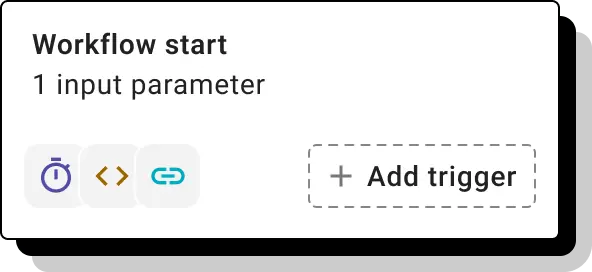
Originate
Initiate workflows through your CRM, website, or app triggers—or automate them based on scheduled events or real-time data changes.
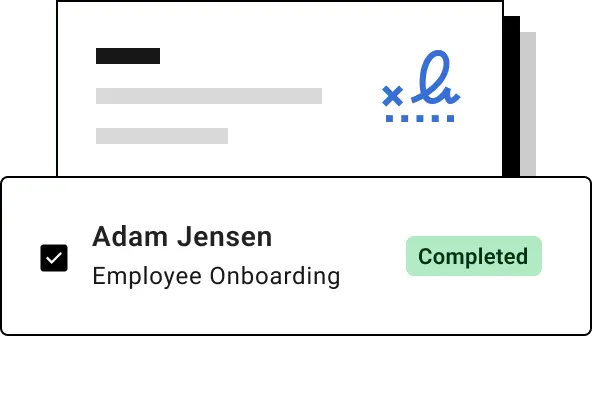
Assemble
Create flexible document that adjust dynamically based on recipient data, process stages, or conditional logic.
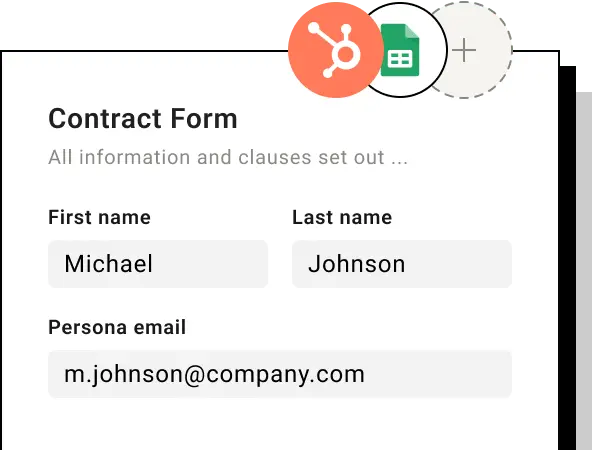
Fill
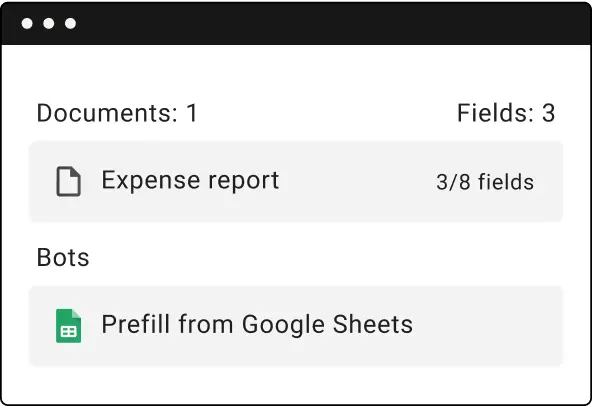
Automatically pre-fill documents with data from CRMs, spreadsheets, and databases to eliminate errors and save time.
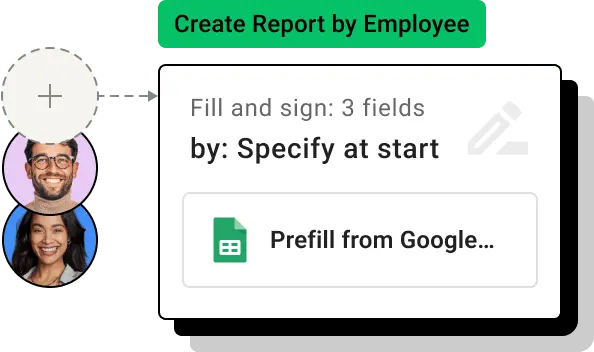
Route
Automatically send documents to the right recipients using logic tied to documents data or prior steps.
Integrate
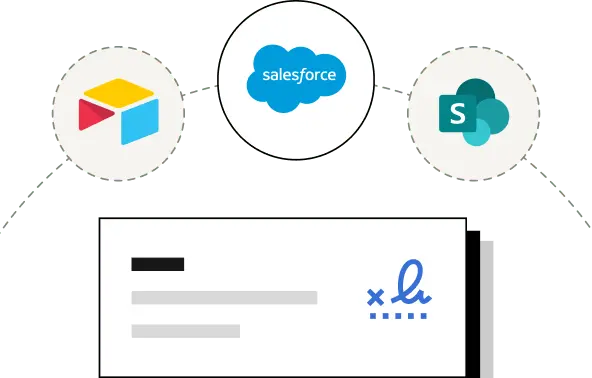
Instantly update your records—CRMs, spreadsheets, and databases—with data collected from completed documents.
Attach
Securely attach signed documents to the records in your connected systems—automatically and reliably.
Tangible benefits of document automation
Get started in hours, not days
Easily and quickly automate tedious repetitive tasks like filling documents, sending for approvals and updating records to meet specific business requirements.
Automate business logic
Add conditional logic and route documents via steps and branches using the easy-to-use drag-and-drop interface.
Connect with any system
Whether you’re working with CRM, ERP, a database or a marketing automation system, you can seamlessly integrate with them at the click of a button.
Why document automation?
Documents are the lifeblood of your business. The right set of documents, with the right data, should get to the right people. Any mistake or delay is costly and damaging.
airSlate WorkFlow delivers complete document automation even for most challenging requirements.
- Define your documents lifecycle visually without any coding
- Include the required business logic and data integration into document processing
- Keep full control over the documents routing, monitor it and intervene only when necessary.
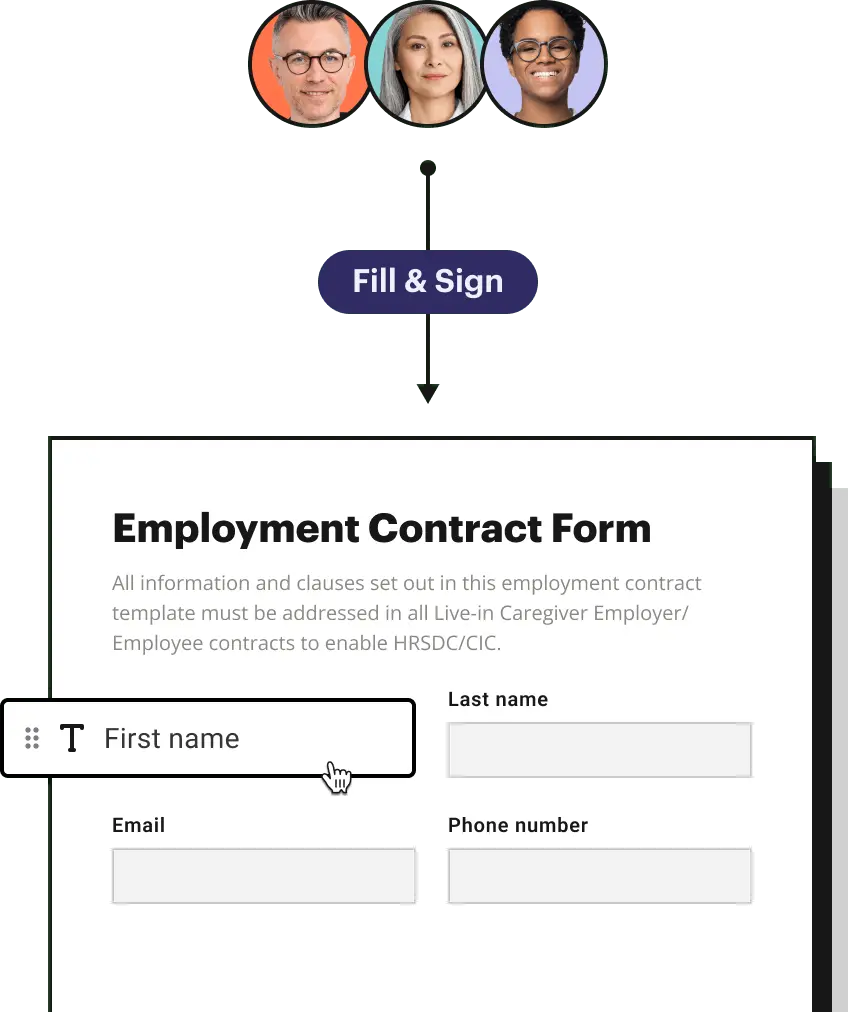
Document Automation solutions for every business
Sales Ops/CRM Admin
Line of Business Operations
IT
Order forms
Learn how to configure and put your Order Man...
Purchase contract
Automate tiresome and error-prone parts of your...
Leads intake
Take your document-driven operations to the nex...
Proposal management
Discover how to set up and put your Business Pr...
Human resources:
Performance management/reviews
Speed up your information collection with Perfo...
Performance management/reviews
Benefits management
Speed up your information collection with Benef...
Hiring process
Enhance your data gathering with Recruitment In...
Employee onboarding
Improve your data collection with Employee Onbo...
Legal:
Court documents
Automate your Privacy and Confidentiality Polic...
Contract/agreement
Secure and safe Client Contract Renewal Agreeme...
Healthcare:
Intake form
Automate your Patient Intake template and manag...
Different exam results
Automate your Eye Exam template and manage othe...
Education:
Application processes
Optimize your Operations & Procurement departme...
Academic progress
Ease your day-to-day workflows with Academic Pe...
Supports LOBs
Try out Desktop Support Request automation by...
Helpdesk & tech support
Try out IT Help Desk Survey automation by airS...
IT request
Take your document-based operations to the next...
Data compliance
Automate your Report of Compliance Activity and...
User management
Try out Website feedback survey automation by...
Has your business outgrown eSignature solutions?
Download the whitepaper to learn how document automation can take your business to the next level.

Real automation stories, real results
Discover how our customers use WorkFlow automation to transform their businesses.
Guiding your automation journey
WorkFlow is easy to implement and use, and we’re here to help you stay ahead of the game as your document workflows grow.
Blog \
\
Discover the latest automation trends, insights, and productivity tips to keep you ahead of the curve.\
\
Explore blog Videos \
\
Explore our YouTube channel for engaging product demos and document automation use case videos. \
\
See all videos Partners \
\
Learn how partnering with airSlate WorkFlow can bring additional benefits and revenue opportunities.\
\
Learn more Webinars \
\
Join our live expert-led webinars showcasing automation trends, insights, and product updates.\
\
Explore webinars
Automate your document workflows in hours
Your work email
Get started
Already using airSlate WorkFlow?
Log in
Your quick guide to get started with airSlate WorkFlow
WorkFlow is designed to revolutionize how businesses handle document workflows. With its no-code platform, businesses can achieve seamless workflow automation without technical expertise. From document processing automation to real-time monitoring, WorkFlow simplifies complex tasks, enabling faster setups and enhancing productivity. Offering flexible pricing, comprehensive integrations, and enterprise-ready security, it’s the ultimate document automation solution for businesses of all sizes.
How to start using WorkFlow
1. Sign up for airSlate WorkFlow Create an account and set up a secure workspace for your team. Enjoy a free plan to explore advanced product features.
2. Navigate to the visual workflow builder
Once logged in, start creating custom workflows using the drag-and-drop interface. Add conditional logic and branches to create smarter automated processes tailored to your needs.
3. Integrate data sources and CRMsLink your workflows to CRMs or databases for automated document processing. Populate forms with CRM data, use workflows to update systems, or store completed documents directly in repositories
4. Configure workflow triggersSet workflows to launch based on schedule, events, or data changes. Start workflow from your CRM and deliver launching links by emails and portals.
5. Monitor and optimizeUse real-time monitoring tools to analyze workflow performance. Adjust and refine processes for better results over time.
Getting started with WorkFlow is quick and intuitive. Explore the platform’s dynamic document tools and automation capabilities to eliminate manual tasks and boost efficiency. Sign up today and transform your business processes with ease!
Questions & answers
Here is a list of the most common customer questions. If you can’t find an answer to your question, please don’t hesitate to reach out to us.
What is workflow automation?
Workflow automation is the process of using technology to automate and streamline business processes and tasks typically performed manually. This involves setting up a series of automated actions triggered by specific events or conditions, allowing tasks to be completed with minimal human intervention. Workflow automation helps improve efficiency, reduce errors, and save time by ensuring that processes are consistent and repeatable.
How can I automate document workflows?
With WorkFlow's no-code platform, streamlining document workflow automation has never been easier. Its intuitive visual builder allows you to create custom workflows, design dynamic document packages, and seamlessly integrate data with your CRM or databases. You can also manage access controls and automate workflow initiations based on specific triggers, ensuring efficient and accurate document processing.
What tools can I use for document automation?
Use WorkFlow automation platform that helps businesses streamline and automate their document-centric workflows. It integrates document creation, eSignatures, CRM and database connections, and workflow automation, allowing you to save time and eliminate manual tasks.
Do I need coding skills to use WorkFlow?
No, WorkFlow is a no-code platform. Its intuitive drag-and-drop interface makes it easy for anyone to create automated workflows without programming knowledge.
What can I automate with WorkFlow?
You can automate document creation, approvals, eSignatures, and integrations with databases or CRM systems. WorkFlow simplifies complex business tasks with its extensive automation capabilities.
Can I integrate WorkFlow with other tools?
Yes, WorkFlow features integration bots that connect seamlessly with popular tools like CRMs, databases, and other business applications to enhance your document automation.
Is WorkFlow secure?
WorkFlow adheres to industry-leading security and compliance standards, including HIPAA compliance, encryption, and secure data storage, ensuring your sensitive information is well-protected.
How long does it take to set up an automated workflow?
With WorkFlow’s no-code tools, you can set up workflows in minutes instead of hours, significantly reducing your time-to-value. Plus, our intuitive drag-and-drop interface makes setting up workflows a breeze for users of all technical levels.

Power up your business with document automation
Get started
Already using airSlate WorkFlow?
Log in
reCAPTCHA
Recaptcha requires verification.
protected by reCAPTCHA
reCAPTCHA is changing its terms of service. Take action.