

详细内容
 4.5/5.0

Trusted by 50,000+ students & teachers worldwide
Generate Anki Flashcards Fast -from Any File or Text
The #1 AI Flashcards Maker for Students
Convert your Notes to Anki Flashcards with AI - in seconds.
Generate Flashcards Now - Free





- #1 AI Flashcards Maker 🚀
- All file types supported ⭐
- Save hours creating flashcards 🕒
Make Flashcards - the easy way
No need to manually create flashcards anymore. Just upload your notes and let AnkiDecks do the rest.
Concentrate on studying, not on creating flashcards.
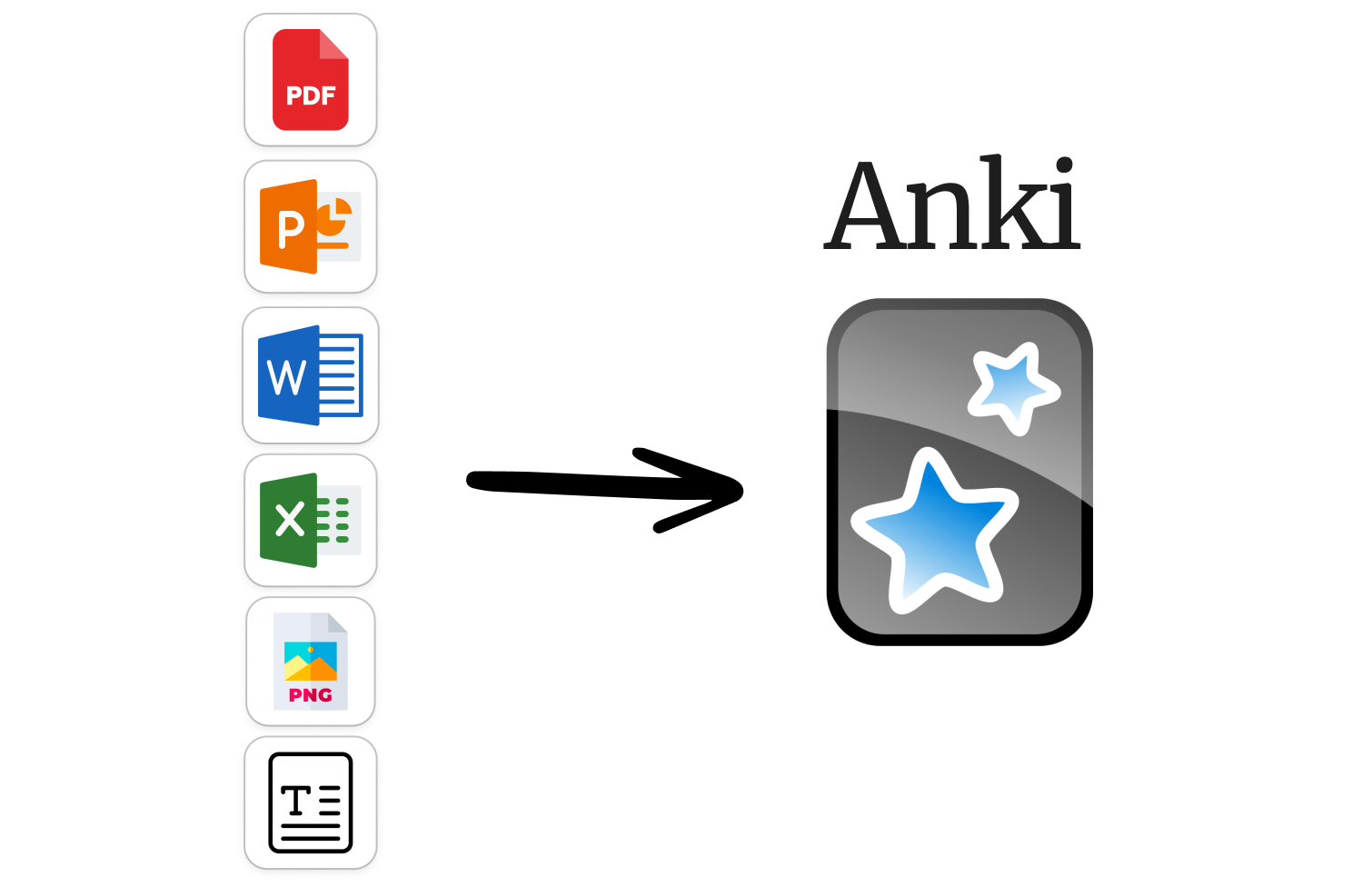
Convert Notes to Flashcards
Transform your PDF to Anki flashcards in seconds. Save time and focus on studying. Upload your notes ( PDF, PowerPoint, Word, Epub, etc.). The AnkiDecks AI flashcards maker analyzes your file and generates flashcards instantly. Save hours of manual flashcard creation and enjoy your free time instead.
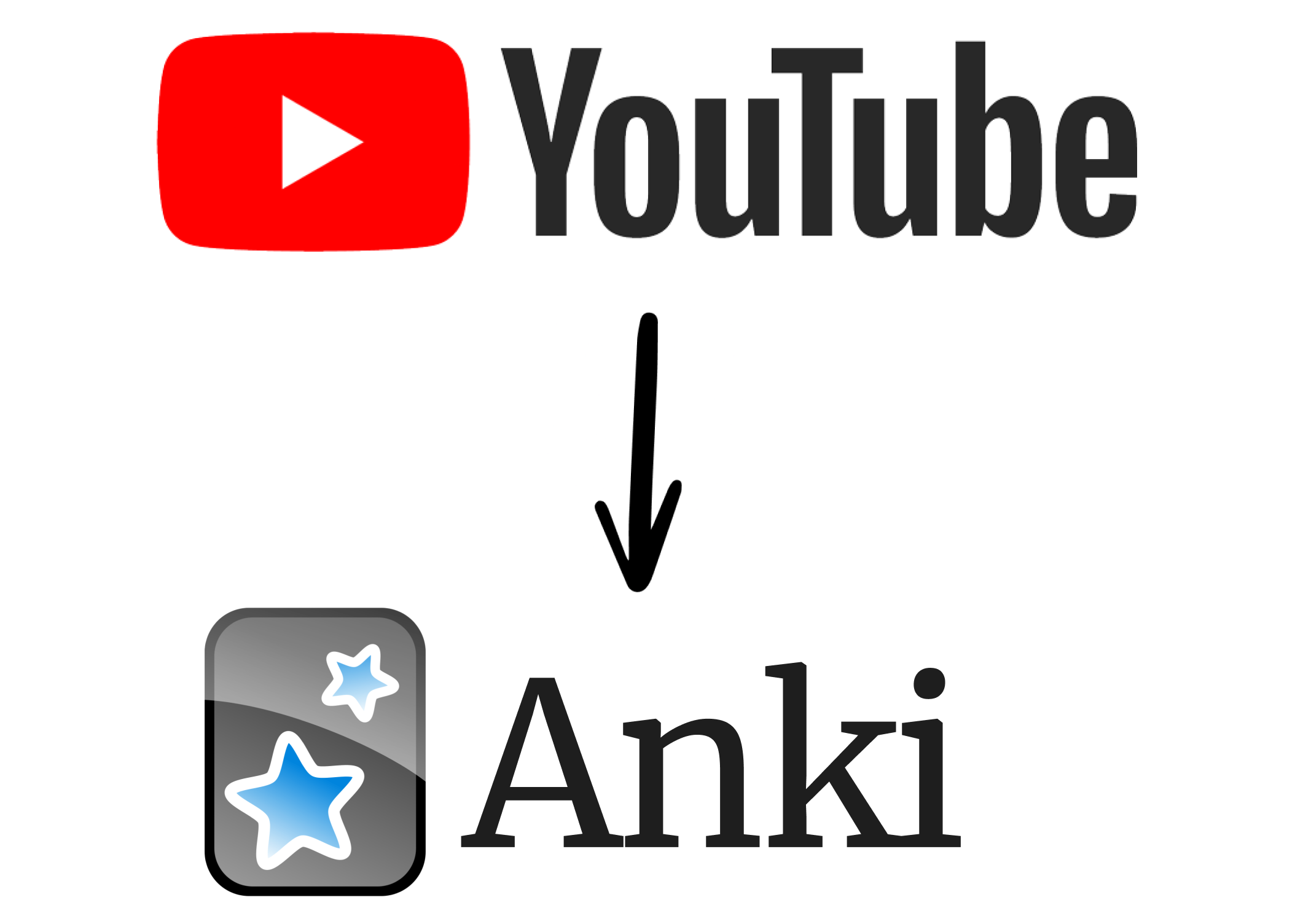
YouTube to Flashcards
Paste a YouTube link and we'll create all the Anki flashcards you need to memorize the knowledge from that video using our advanced flashcards maker.
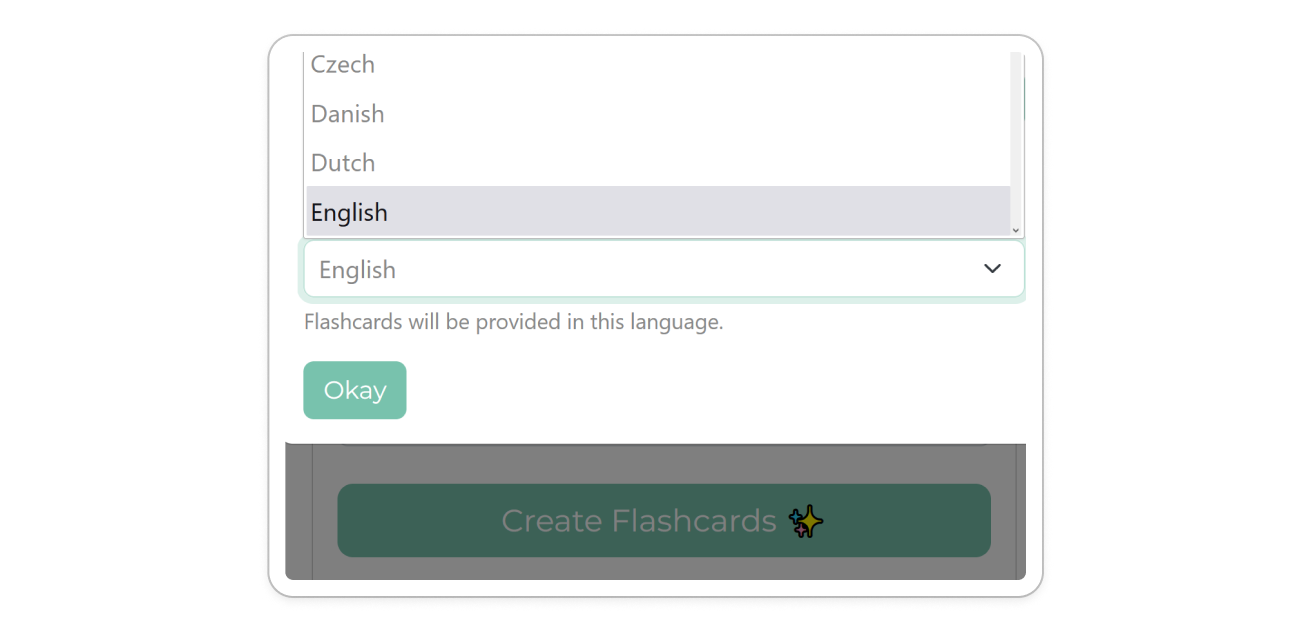
50+ Languages Supported
Create flashcards in your language.
AnkiDecks flashcards maker supports 50+ languages including English, Spanish, French, German, Italian, and many more.
You can even upload files in a different language and AnkiDecks will translate the flashcards into your preferred language.
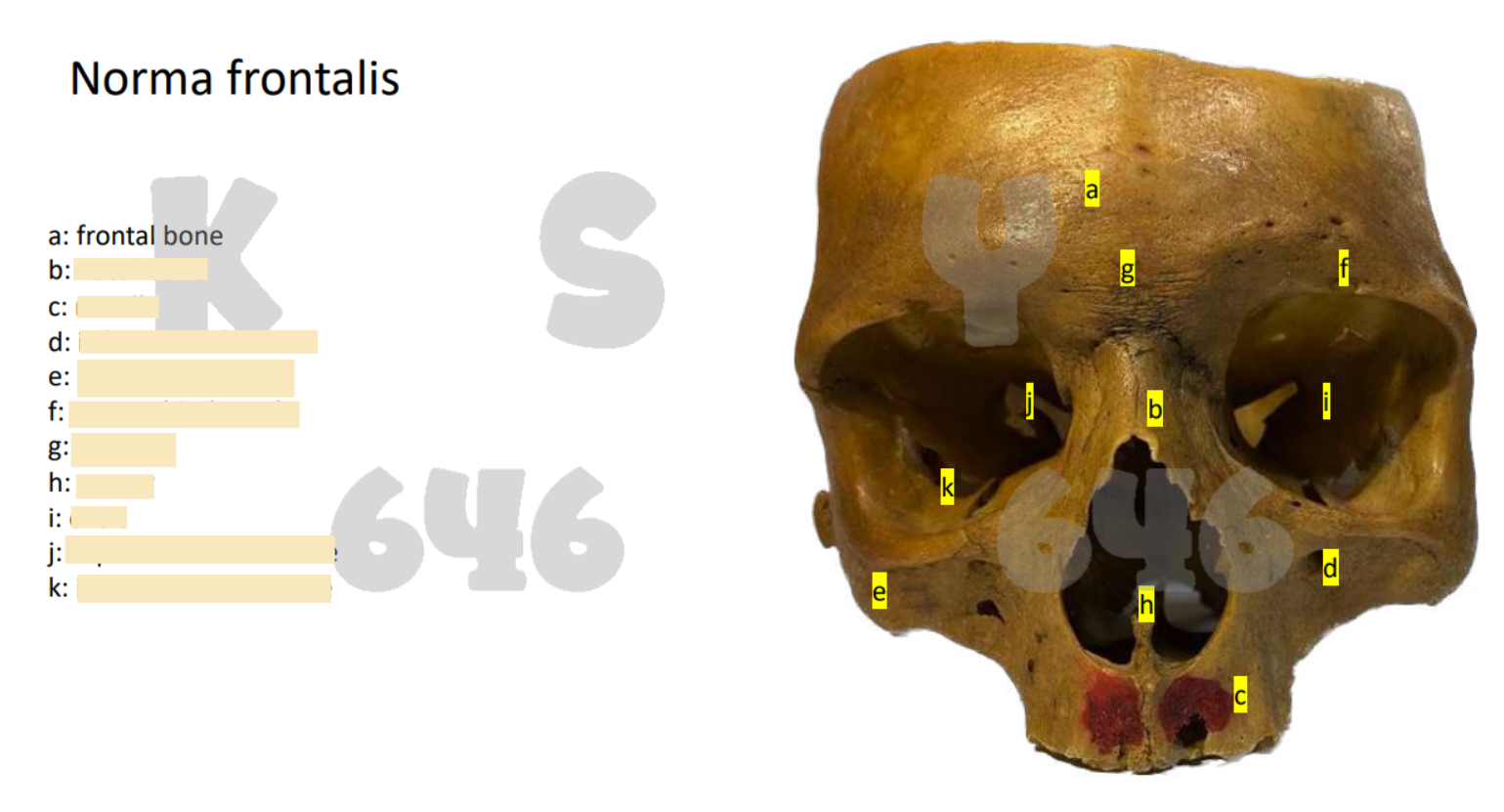
Automatic Image Occlusion
Easily create Anki Image Occlusion Flashcards. AnkiDecks extracts visual content like Anatomy Diagrams from your files. The text is automatically covered, a real timesaver!
Pssst, it even works with handwritten notes!
Create Beautiful Anki Flashcards
AnkiDecks generates flashcards for you, saving you time and effort!
-
Supported Flashcard Types:
- Question-Answer
- Cloze
- Multiple Choice
- Image Occlusion
-
Automatically organized with tags for seamless study sessions.
-
Beautiful design and easy to read layouts to enhance your learning experience.
-
Beautifully rendered formulas using LaTeX:
For example:
E=mc2
or
ddx∫0xf(t)dt
Export Flashcards to Anki ..
Export your flashcards to Anki with a single click!
.. or study flashcards online
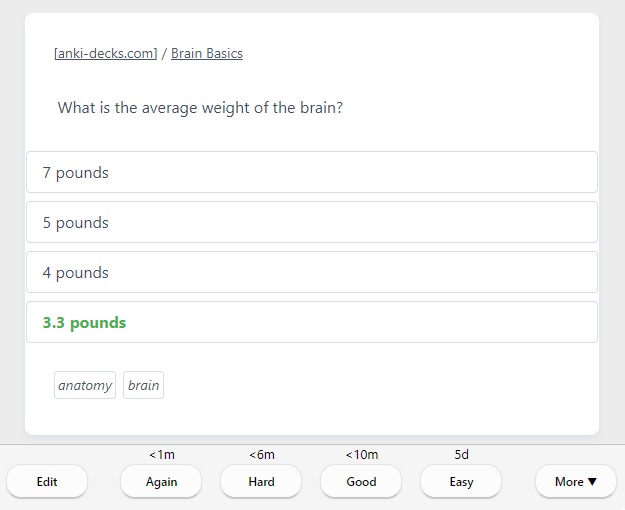
Prefer to study flashcards online? Use our built-in FSRS (Free Spaced Repetition Scheduler) - the most accurate spaced repetition algorithm available - and learn directly in your browser!
Share Flashcards Easily
Perfect for teachers, students, and more. Share your Anki decks with friends, classmates, or students with just a few clicks. Collaborate and learn together!

FAQs
Frequently Asked Questions
Flashcard Generation
Why should I use AnkiDecks?
Let's face it, creating Anki flashcards can be a tedious task. With AnkiDecks AI you can create flashcards from your files or text in seconds instead of spending hours transferring knowledge to flashcards.
Can I create flashcards from my files?
Yes, flashcards can be created from files. We support a wide range of file formats like PDF, PowerPoint, Word, Epub, and many more. Just upload your file and let AnkiDecks AI do the rest.
Can I generate flashcards in my language?
Yes, you can choose your preferred language when creating flashcards. We support 50+ languages.
Can I generate cloze (fill-the-blank) flashcards?
Yes, we support this option. Just click on "Options" and choose "Cloze" instead of "Basic".
Can I make Image Occlusion Flashcards?
Yes, we even automated generating image occlusion flashcards. Just upload your file, we'll extract the images and cover text with labels automatically.
Can I generate quizzes?
AnkiDecks can generate multiple choice flashcards in a quiz format which can be exported to Anki.
Which flashcard types does AnkiDecks support?
AnkiDecks supports Question-Answer, Cloze (Fill-the-blank), Multiple Choice, and Image Occlusion flashcards.
Why are flashcards not sorted the same when I export them to Anki?
When you export flashcards from AnkiDecks to Anki, they may not appear in the same order by default. However, you can sort them in Anki by their creation time, which should match the original order from AnkiDecks.
Sorting Flashcards in Anki Desktop
To sort your flashcards by creation time on Anki Desktop:
- Open your deck in Anki Desktop.
- Click on "Browse" to open the card browser.
- In the card browser, click on the column header "Created" to sort by creation date. If you don’t see the "Created" column, right-click on any column header to add it.
- Once sorted, your flashcards will display in the same order as they were created on AnkiDecks.
Sorting Flashcards in AnkiDroid
On AnkiDroid, you can also organize flashcards by creation date:
- Open your deck in the AnkiDroid Card Browser.
- Tap the three dots in the top-right corner and select "Choose display order ↓".
- Select "Order cards by" and choose "Created." This will display your flashcards in the same order as they were created on AnkiDecks.
If you have any further questions about flashcard order or other features, feel free to reach out!
Platform Features
Is it possible to study flashcards on anki-decks.com?
Yes! You can study your flashcards on our platform. Just click on "Study" and start learning. We use the FSRS algorithm to optimize your learning experience.
What is Anki?
Anki is a spaced repetition flashcard program that helps users efficiently memorize and retain information through active recall and personalized review schedules.
What are flashcards for language learners?
Language Flashcards are optimized for language learners. You can easily transfer your vocabulary list to flashcards with the "Text-to-Anki" mode.
Is there an app?
AnkiDecks is a Progressive Web App (PWA), which means you can install it on your phone and use it like a native app. While it isn't available in the App Store or Google Play, you can easily add it to your Home Screen from your browser.
Installing on Android:
- Open AnkiDecks in Chrome on your Android device.
- Tap the menu (three dots) in the top-right corner.
- Select "Add to Home screen" or "Install app".
- Confirm the installation, and AnkiDecks will appear on your home screen like a regular app.
Installing on iPhone:
- Open AnkiDecks in Safari on your iPhone.
- Tap the Share button (square with arrow pointing up) at the bottom of the screen.
- Scroll down and tap "Add to Home Screen".
- Customize the name if desired, then tap "Add".
- AnkiDecks will now appear on your home screen and open like a native app.
Once installed, AnkiDecks provides an app-like experience with features such as push notifications and a full-screen interface.
Do you support Image Occlusion Flashcards?
Yes, we support Image Occlusion Flashcards and made it really easy to generate Occlusion Flashcards from your files.
Account and Billing
Is it free?
Yes, you can generate up to 4 flashcard decks per month on the free plan. To create more flashcards from larger files or more text you can upgrade to our Pro plan.
Can I cancel my subscription at any time?
Absolutely, you can cancel your subscription at any time. Your subscription will remain active until the end of the billing cycle (monthly or yearly).
How can I cancel my subscription?
Easy! Just login to your account and go to Settings -> Manage Subscription. You can cancel your subscription there.
How can I delete my account?
You can delete your account yourself from Settings. Click "Delete Account" to permanently remove your account and all associated data.
Note: If you have an active subscription, please cancel it first. The Delete option becomes available once no active subscription is running.
How to import flashcards to Anki
Anki is the most popular flashcard software.
There are several possibilities to use Anki, see below for more.
Android
-
Step 1: Download and Install AnkiDroid (free)
Download and install the free AnkiDroid app on your Android device.
-
Step 2: Import a Deck
The easiest way is to click on the file (.apkg extension) you downloaded from anki-decks.com. Then choose AnkiDroid to open the file.
OR
Launch AnkiDroid on your Android device.
Tap on the three dots in the top-right corner.
Tap on "Import" and choose the Anki deck you want to import (.apkg file).
Wait for the import to finish and start learning!
-
Step 3: Create an AnkiWeb Account (optional)
If you want to sync your flashcards across multiple devices or access decks created on the Anki desktop version, it's recommended to create an AnkiWeb account.
Desktop
-
Step 1: Download and Install Anki Desktop (free)
Download and install the free Anki Desktop app.
-
Step 2: Import a Deck
Open the Anki app on your Desktop.
Click on File -> Import and choose the Anki deck (.apkg file).
Wait for the import to finish and start learning!
-
Step 3: Create an AnkiWeb Account (optional)
If you want to sync your flashcards across multiple devices or access decks created on the Anki desktop version, it's recommended to create an AnkiWeb account.
iOS
Unfortunately, the Anki app for iOS costs 24.99$.
-
Step 1: Download and Install AnkiMobile Flashcards
-
Step 2: Import a Deck
The easiest way is to click on the file (.apkg extension) you downloaded from anki-decks.com. Then choose AnkiDroid to open the file.
OR
Launch AnkiMobile Flashcards on your iOS device.
Tap on the three dots in the top-right corner.
Tap on "Import" and choose the Anki deck you want to import (.apkg file).
Wait for the import to finish and start learning!
-
Step 3: Create an AnkiWeb Account (optional)
If you want to sync your flashcards across multiple devices or access decks created on the Anki desktop version, it's recommended to create an AnkiWeb account.
If you don't want to pay 24.99$, you can use AnkiWeb as an alternative.
You need the Anki Desktop app to import a deck into your AnkiWeb account.
Afterwards you can login to AnkiWeb to repeat your flashcards.
Pro tip: Add AnkiWeb to your iOS homescreen for easy access!
If you would like to learn more about Anki, visit: https://apps.ankiweb.net/
Generate Flashcards Now - Free
Join 50,000+ students already benefiting from AnkiDecks AI-powered flashcard generator 🎓