

详细内容

Installation Guide

Step1:
Open the downloaded installation package


Step2:
Follow the on-screen instructions to install

Learn more about installation >




- Home
- Products
- Video Creative
 \
\
AVCLabs Video Enhancer AI\
\
AI Video Enhancer and Upscaler to Improve Video Quality \
\
AVCLabs Video Blur AI\
\
Automatically Blur Video to Reduce 99% Blurring Workload- Photo Creative
 \
\
AVCLabs Photo Enhancer AI\
\
AI Photo Enhancer: Improve Image Photo Quality with AI \
\
AVCLabs PhotoPro AI\
\
AI-Powered Photo Editor to Simplify Photo Editing
- AI Tools
- Pricing
- Blog
- Help
Your All-in-One AI Solution for Video and Photo Editing
One-click Enhancements, Revitalize Every Frame with Our AI-Powered Video Enhancer and Photo Editor
AVCLabs is a pioneering AI technology company specializing in
providing photo and video editing solutions
powered by cutting-edge neural
network models.
GET STARTED NOW VIEW ALL PRODUCTS
AVCLabs Trusted by
Millions
Worldwide






‹›
Discover Our Full Lineup of AI Software
Clearer, Sharper, More Detailed. Professional Results, Simplified Editing with AVCLabs

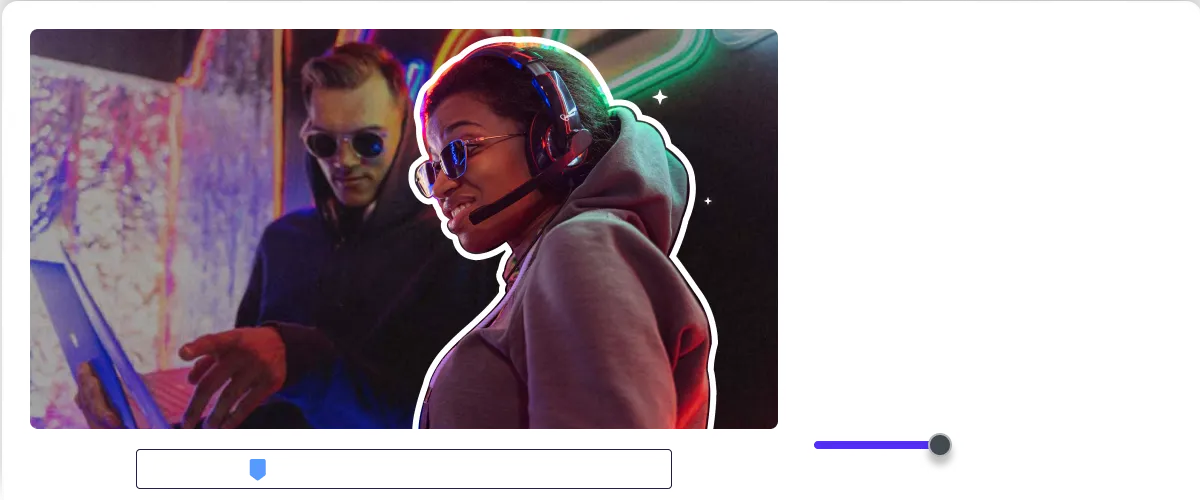
AVCLabs Video Enhancer AI
- Video Quality Enhancer
- Video Enhancement
- Video Upscaler
- 4K Upscaling
- 8K Upscaling
- HD Upscaling
- AI Upscaling
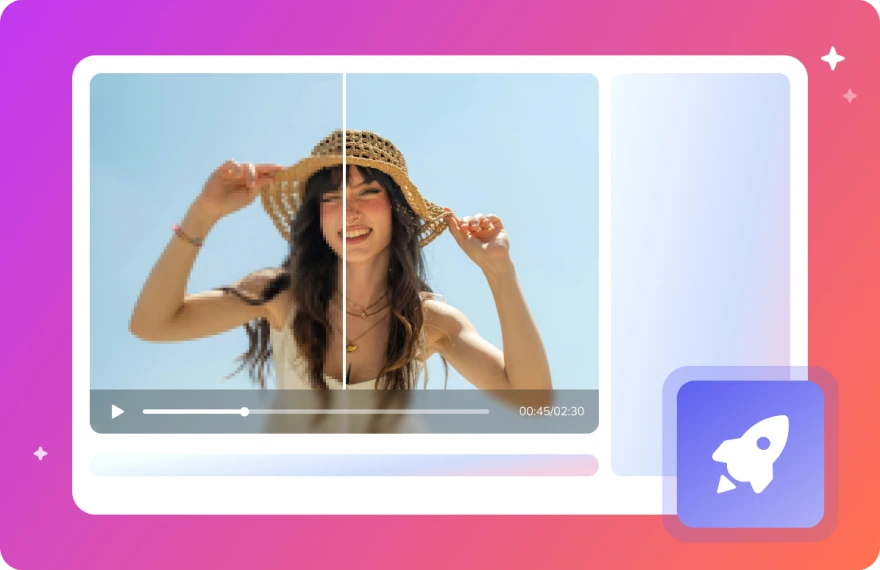
Leveraging the power of deep-learning neural networks, our
AI video enhancer and upscaler significantly improves video
quality. By employing advanced algorithms, AVCLabs Video
Enhancer AI can effectively upscale low-resolution videos to
high definition, reduce noise, restore facial details, and
deinterlace footage.
 Switch to Mac Version

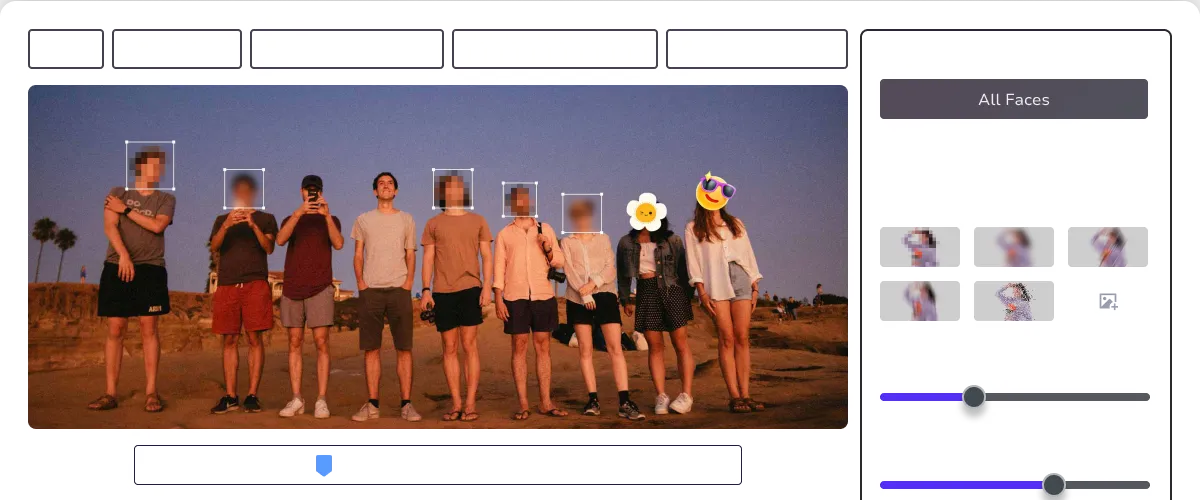
AVCLabs Video Blur AI
- Blur Background
- Blur Face in Video
- Face Blurring Software
- license Plate Obfuscation
- Blur Video
- Video Blur Software
AVCLabs Video Blur AI is a state-of-the-art AI-driven video
blur tool that automatically detects and blurs faces,
backgrounds, objects, and license plates in your videos.
With precise AI recognition and efficient blurring, it
reduces the manual workload by up to 99%. This product is
designed to protect personal privacy while enhancing video
security.
Switch to Mac Version

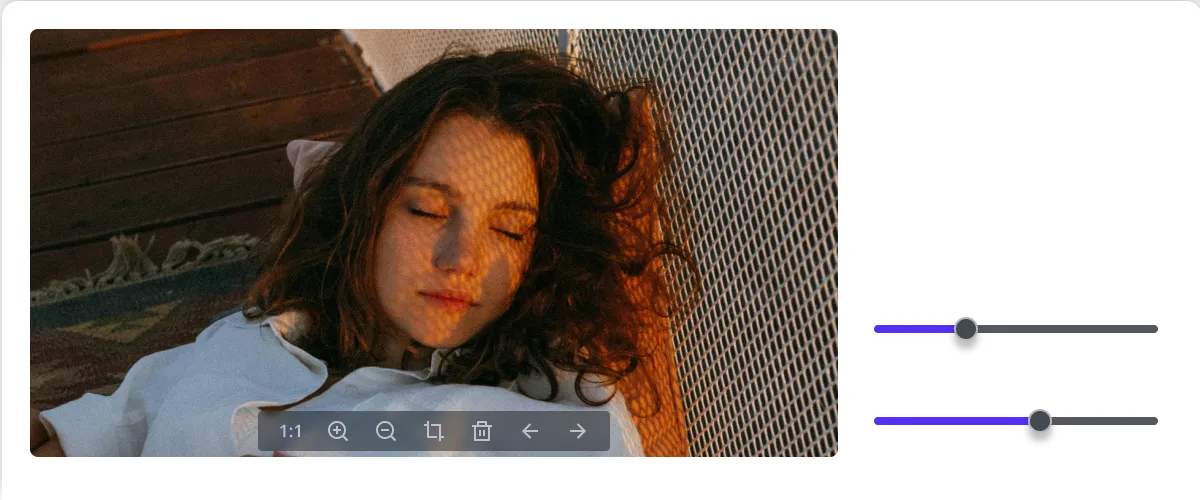
AVCLabs Photo Enhancer AI
- Photo Quality Enhancer
- Image Enhancer
- Image Upscaler
- Image Sharpener
- AI Colorizer
- 4K Upscaler
AVCLabs Photo Enhancer AI is your best AI image enhancement
solution. Our AI Photo Enhancer offers a suite of features
designed to enhance picture quality and restore old photos.
From 4K upscaling and colorization to noise reduction and
face restoration, we deliver exceptional results with every
use.
Switch to Mac Version

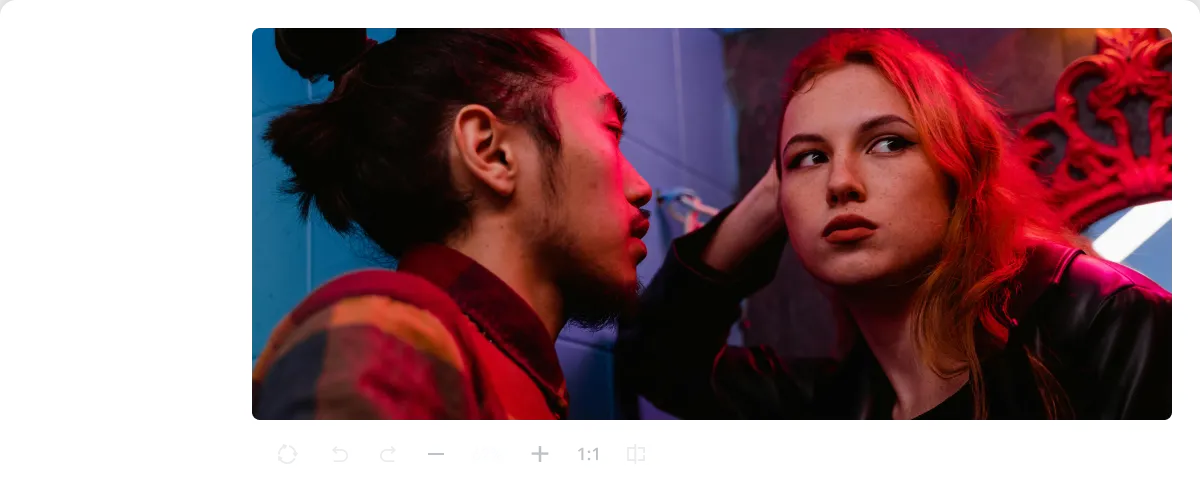
AVCLabs PhotoPro AI
- AI Photo Editor
- AI Image Enlarger
- Photo Editing Software
- Image Colorizer
- AI Image Replacer
- Old Photo Restoration
AVCLabs PhotoPro AI is a powerful AI photo editor that
simplifies complex editing tasks, making it easy for users
of all skill levels to enhance their photos. It offers a
comprehensive range of photo editing tools for enhancing
photo quality, increasing resolution, colorizing,
calibrating, changing and adding elements, removing unwanted
objects.
Switch to Mac Version
Why Choose AVCLabs
Intelligence, Innovation, Pixel-Perfect Precision, Efficiency, Ease of use
Our values are grounded in intelligence, innovation, and meticulous
attention to detail. We strive to provide efficient, intuitive tools
that enable everyone to produce exceptional visual content.
Discover More Online AI Tools
Enhance Your Creativity with AVCLabs AI Tools
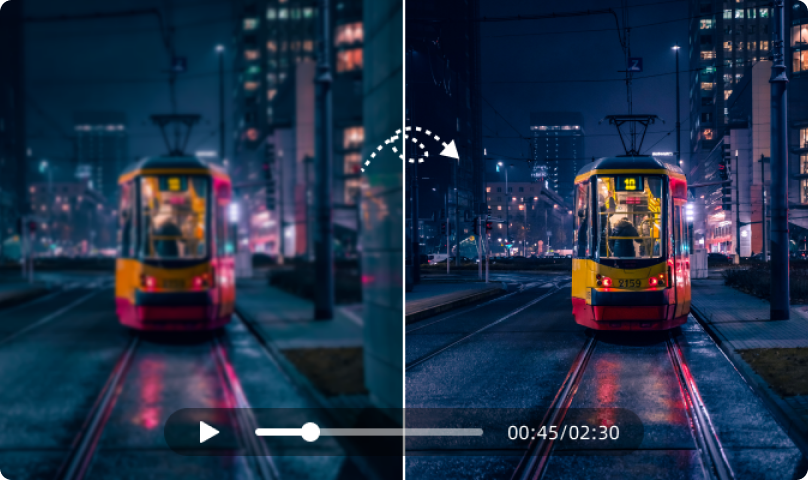 Video Quality Enhancer\
\
Instantly enhance video quality with our online video quality\
enhancer. Free improve low resolution videos, adjust sharpness,\
brightness, and more to make your videos stand out. \
\
Try It Free 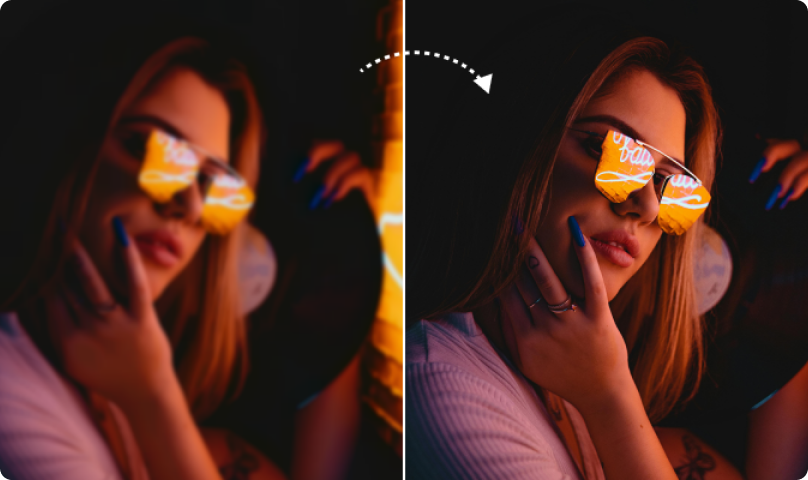 AI Image Enhancer\
\
Enhance photo quality and turn low-resolution images into\
high-resolution ones online free. Just upload your old,\
damaged, or blurry images, and bring their clarity to next level.\
\
Try It Free 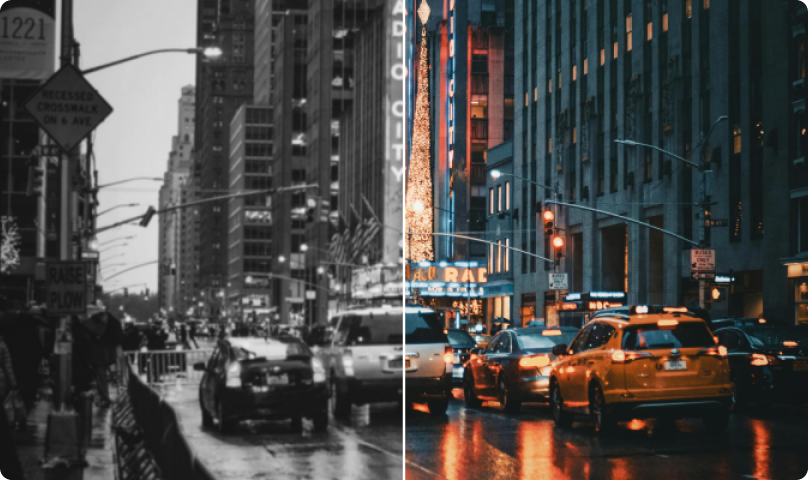 AI Image Colorizer\
\
AI image colorizer to free colorize old family photos,\
historical images, and teenage memories and bring them back to\
life. No professional skill needed. Restore old images online\
with AI!\
\
Try It Free 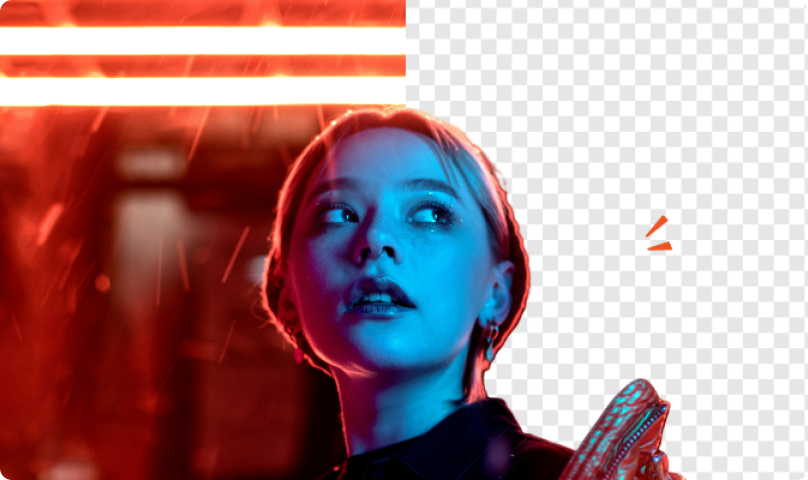 AI Background Remover\
\
No Photoshop Needed. Achieve designer-level results with ONE\
click! The online AI background removal can detect subjects from\
any photo and free remove background from image.\
\
Try It Free 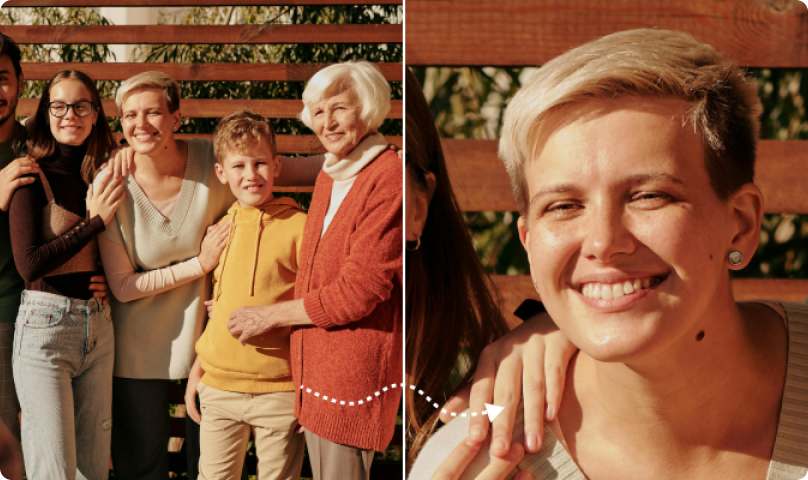 AI Image Upscaler\
\
Enlarge images online without quality loss, achieve clarity\
without distortion, and enhance details. Make image bigger by up\
to 400%. Free upscale jpg, png, bmp and more in seconds.\
\
Try It Free 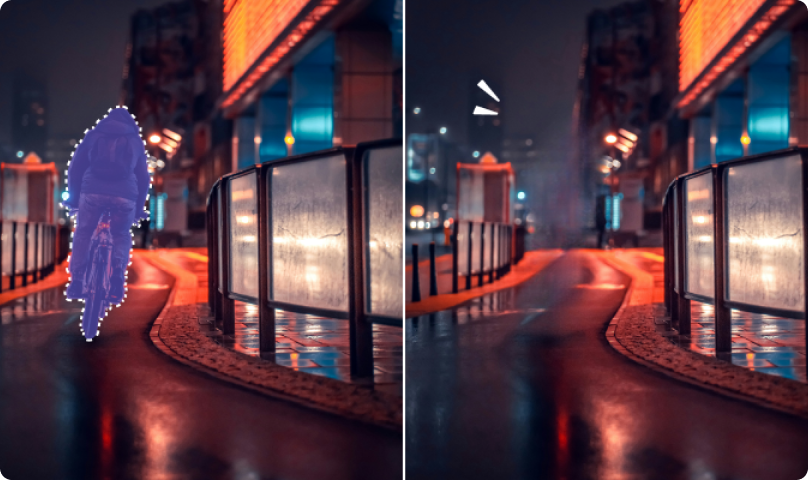 AI Object Remover\
\
Automatically remove any unwanted objects, including text, people,\
watermarks, images, defects from photos in a few clicks. Clean up\
your picture online free to make it sharper.\
\
Try It Free
AI-driven, Automated Processing, Unleash Your Creativity
What You Can Do with AVCLabs

Restore Old Photos
Easily remove scratches, stains, and noise from old photos,
restoring their clarity and color, and preserving precious
memories.

Restore Old Home Movies
Transform your old home videos and low-resolution footage into HD
quality. Rediscover hidden details, relive cherished moments.

Enhance Product Displays
Enhance product texture and highlight product details to increase
product appeal and boost your e-commerce business.

Protect Sensitive Information in Video
Whether it's social media users protecting their personal privacy
or enterprises safeguarding their business secrets, AVCLabs
provides a reliable solution.

Saving Time and Costs
Compared to traditional manual methods, AI algorithms can quickly
and accurately identify and repair various problems in videos,
saving a significant amount of time and labor costs.
Client Testimonials
What Our Clients Say About Us

"I rely on AVCLabs' software to restore and colorize photos
for my Ancestry research addiction. The software is simple to
operate yet delivers breathtaking outcomes. Occasionally, I
receive emails from family members I'm researching, praising
the final results I post as the best they've ever seen of
their loved ones."

Katharina U.
"I'm highly impressed with AVCLabs Video Enhancer AI. It
performs excellently on my Windows 11 system equipped with an
NVIDIA RTX 4060 GPU. Recently, I upscaled my first TikTok
video from HD at 30 frames per second to 4K at 60 frames per
second before uploading, and the quality was surprisingly
good. Well done!"

Ayush S.
"In fact, this is amazing! I have been wasting my time on
Photoshop trying to depixelate images and convert into High
Quality photos but it has not been giving me what AVCLabs just
offer me now. I was actually told about this amazing platform
by a friend of mine who has been using it before. Once again
AVCLabs is good."

Sam Y.
"I used to capture every family, friend's vacation moment, and
birthday party using the camera. Some of the early videos are
blurred. AVCLabs Video Enhance AI helps me fix these bad
quality videos, naturally restore old videos' realistic
details and remove the video blur and video noise. I am highly
satisfied with it."

Sarah L.
"I used AVCLabs PhotoPro AI to effortlessly remove backgrounds
from my photos. It intelligently identifies objects and
accurately cuts them out. Moreover, I experimented with
colorizing black and white photos, finding the manual color
adjustment feature to be exceptionally user-friendly."

David M.
"I recently had the opportunity to try AVCLabs Video Blur for
my vlog and it definitely exceeded expectations. I primarily
used AVCLabs for face, object, and background blurring, and I
was impressed by it's effectiveness and customizability. It
flawlessly identifies face(s) within the video, working
seamlessly and accurately. "

Hermes M.
"I rely on AVCLabs' software to restore and colorize photos
for my Ancestry research addiction. The software is simple to
operate yet delivers breathtaking outcomes. Occasionally, I
receive emails from family members I'm researching, praising
the final results I post as the best they've ever seen of
their loved ones."
Katharina U.
"I'm highly impressed with AVCLabs Video Enhancer AI. It
performs excellently on my Windows 11 system equipped with an
NVIDIA RTX 4060 GPU. Recently, I upscaled my first TikTok
video from HD at 30 frames per second to 4K at 60 frames per
second before uploading, and the quality was surprisingly
good. Well done!"
Ayush S.
"In fact, this is amazing! I have been wasting my time on
Photoshop trying to depixelate images and convert into High
Quality photos but it has not been giving me what AVCLabs just
offer me now. I was actually told about this amazing platform
by a friend of mine who has been using it before. Once again
AVCLabs is good."
Sam Y.
"I used to capture every family, friend's vacation moment, and
birthday party using the camera. Some of the early videos are
blurred. AVCLabs Video Enhance AI helps me fix these bad
quality videos, naturally restore old videos' realistic
details and remove the video blur and video noise. I am highly
satisfied with it."
Sarah L.
"I used AVCLabs PhotoPro AI to effortlessly remove backgrounds
from my photos. It intelligently identifies objects and
accurately cuts them out. Moreover, I experimented with
colorizing black and white photos, finding the manual color
adjustment feature to be exceptionally user-friendly."
David M.
"I recently had the opportunity to try AVCLabs Video Blur for
my vlog and it definitely exceeded expectations. I primarily
used AVCLabs for face, object, and background blurring, and I
was impressed by it's effectiveness and customizability. It
flawlessly identifies face(s) within the video, working
seamlessly and accurately. "
Hermes M.
‹›
Discover Our News
AVCLabs Updates, Product Releases
28 November. 2025
AVCLabs Video Blur AI V3.4.0 Update! Added Face List Export & Frame-by-Frame Editing.
Introduced face list export, added precise frame-by-frame erase, and supported rectangular/circular blur shapes in object tracking. Minimum boundary blur set to 0, license plate blurring allows pixel thresholds, and keyboard shortcuts for masks/tools added. Task selection, mosaic customization, and playback window size optimized, with minor bug fixes and performance improvements.
25 July. 2025
AVCLabs Video Blur AI V3.3.0 Update! Introduced Video Object Removal & Face Import Blurring.
Added video object removal feature, supported RTX 50 series GPUs, and improved license plate blurring model. Face import to blur, keyboard shortcuts and custom mask shapes are now available. Task selection and mosaic customization are optimized. Playback window size is remembered. UI and performance enhancements included.
Our Blog
Discover Practical Guides for Enhancing Videos and Photos
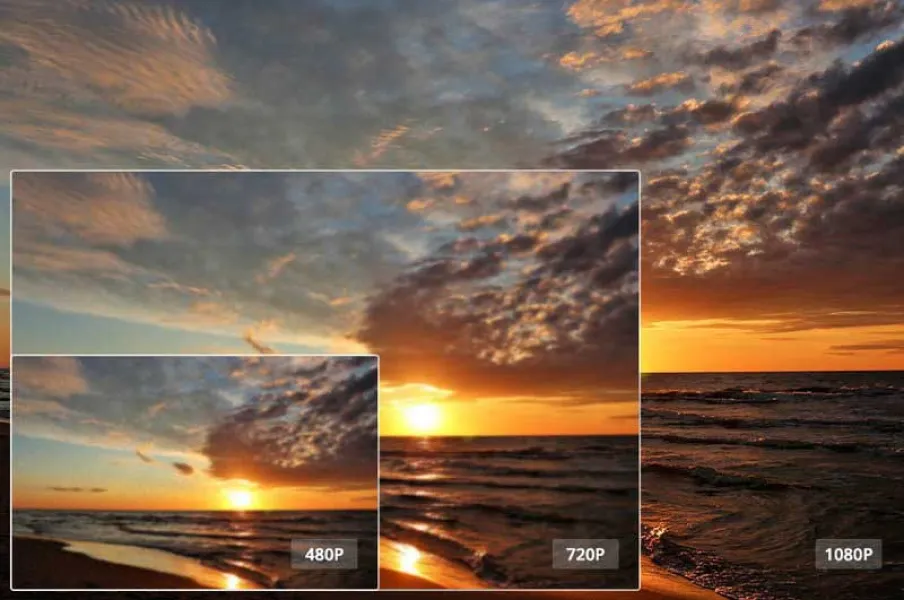
How to Increase Video Resolution without Losing Quality
How to enhance video resolution without compromising quality
using deep learning super-resolution technology.
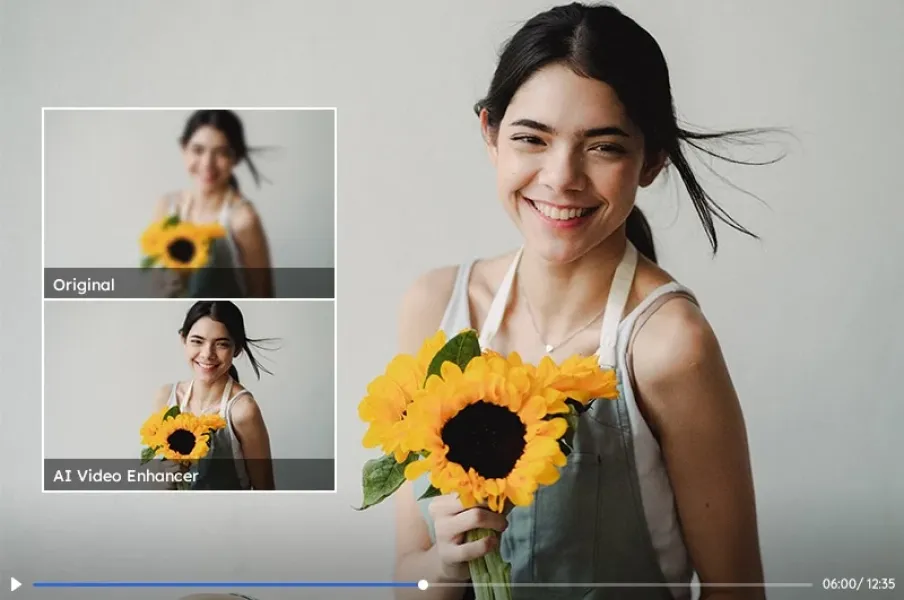
Best AI Video Enhancer and Best AI Upscaling Software to Enhance
Video Up to 8K
AI-powered video enhancers offer a solution for improving
low-quality videos by enhancing details and clarity.
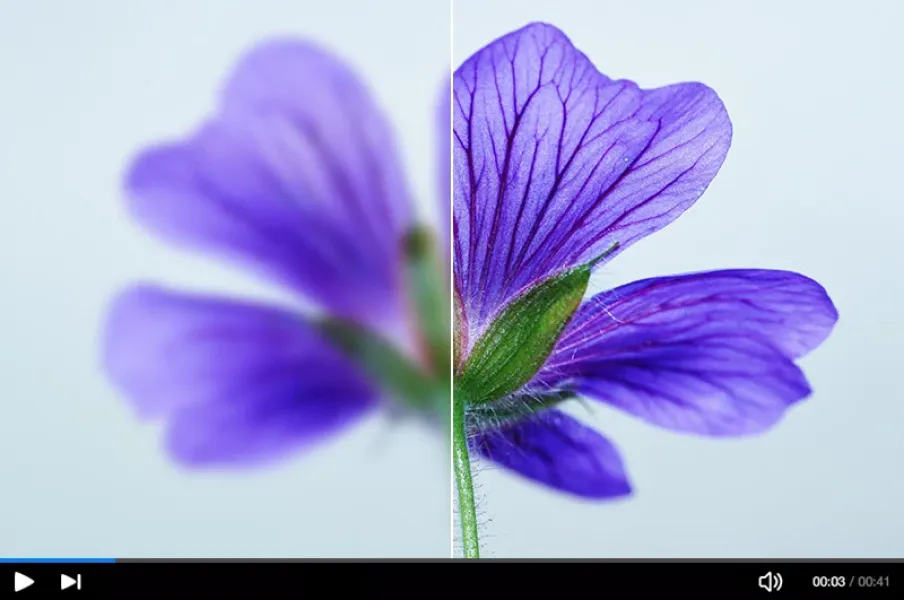
3 Ways to Fix Out-of-Focus Video: A Step-by-Step Guide
Three methods to fix out-of-focus videos, helping you achieve
crisp and clear footage even if your original recordings were
blurry.
Professional Quality, Affordable Price.Try AVCLabs's AI Enhancer for Free Now
Say Goodbye to Blurriness, Embrace HD. Discover the
transformative power of
AVCLabs
AI solutions and enhance your creative projects with
unparalleled precision and efficiency.

Pioneering in AI, AVCLabs is committed to providing
comprehensive tools for enhancing and restoring visual content
across industries.


Our Products
AI Tools
- AI Video Enhancer
- AI Objects Remover
- AI Background Remover
- AI Image Upscaler
- AI Photo Enhancer
- AI Image Denoiser
- AI Image Colorizer
Support
© 2025 AVCLabs Inc. All Rights Reserved
×

Black Friday Bonanza
Save $100 and Boost Your Creative Power!
Offer ends in: 12d 11h 36m 37s