

详细内容
Announcing our $28M Series A. Read More

Products

 \
\
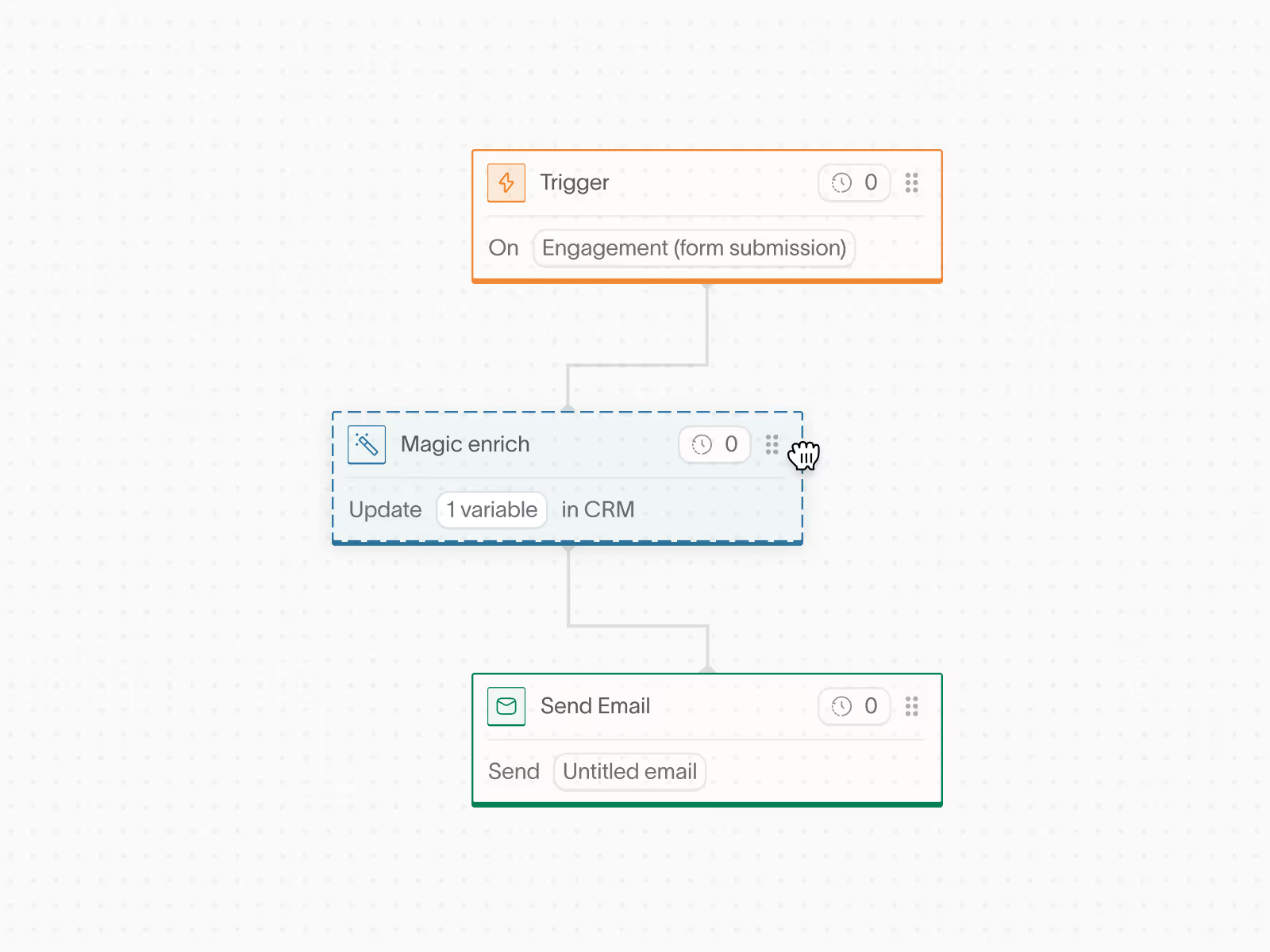
Workflows\
\

 \
\
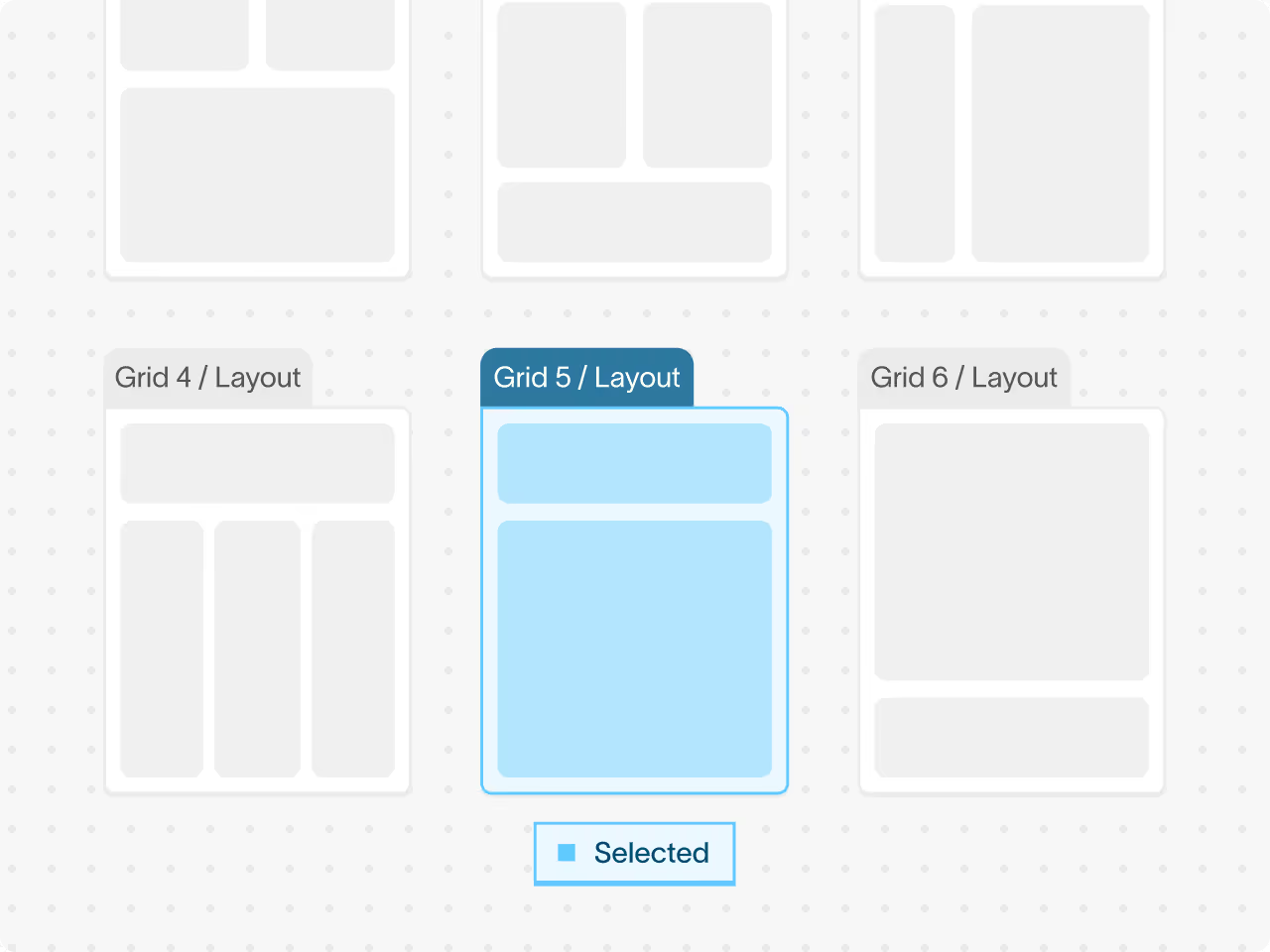
Email Design\
\
 \
\
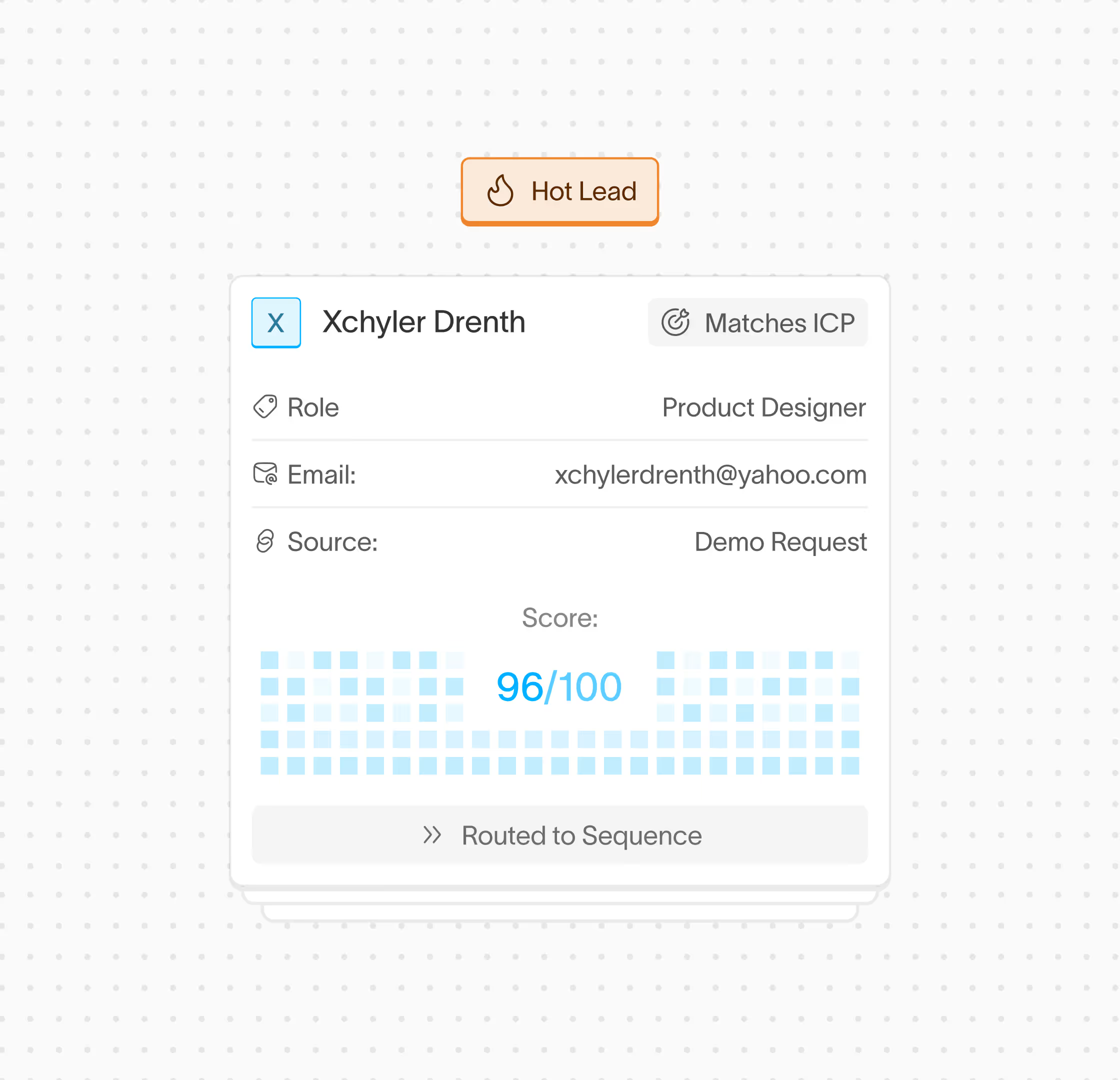
Audiences\
\
 \
\
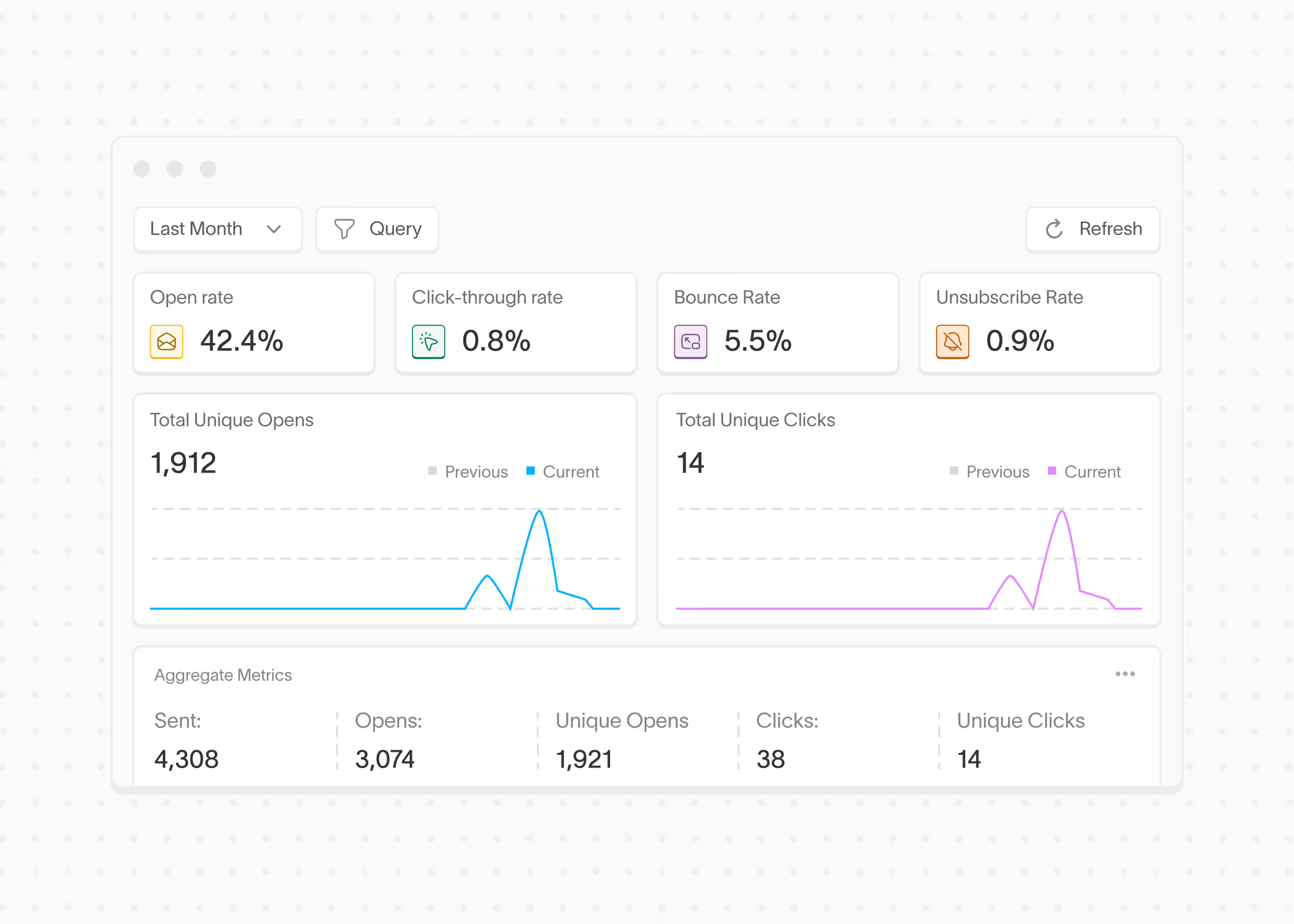
Reporting\
\

The Modern Marketing Automation Platform
Conversion is the AI-native Marketing Automation Platform built for high-growth B2B businesses. Activate customer data, build custom journeys, and send beautiful emails to every single customer.
Thank you! Your submission has been received!
Oops! Something went wrong while submitting the form.
Please enter your work email
Powering the world’s best product teams, From next-gen startups to established enterprises.








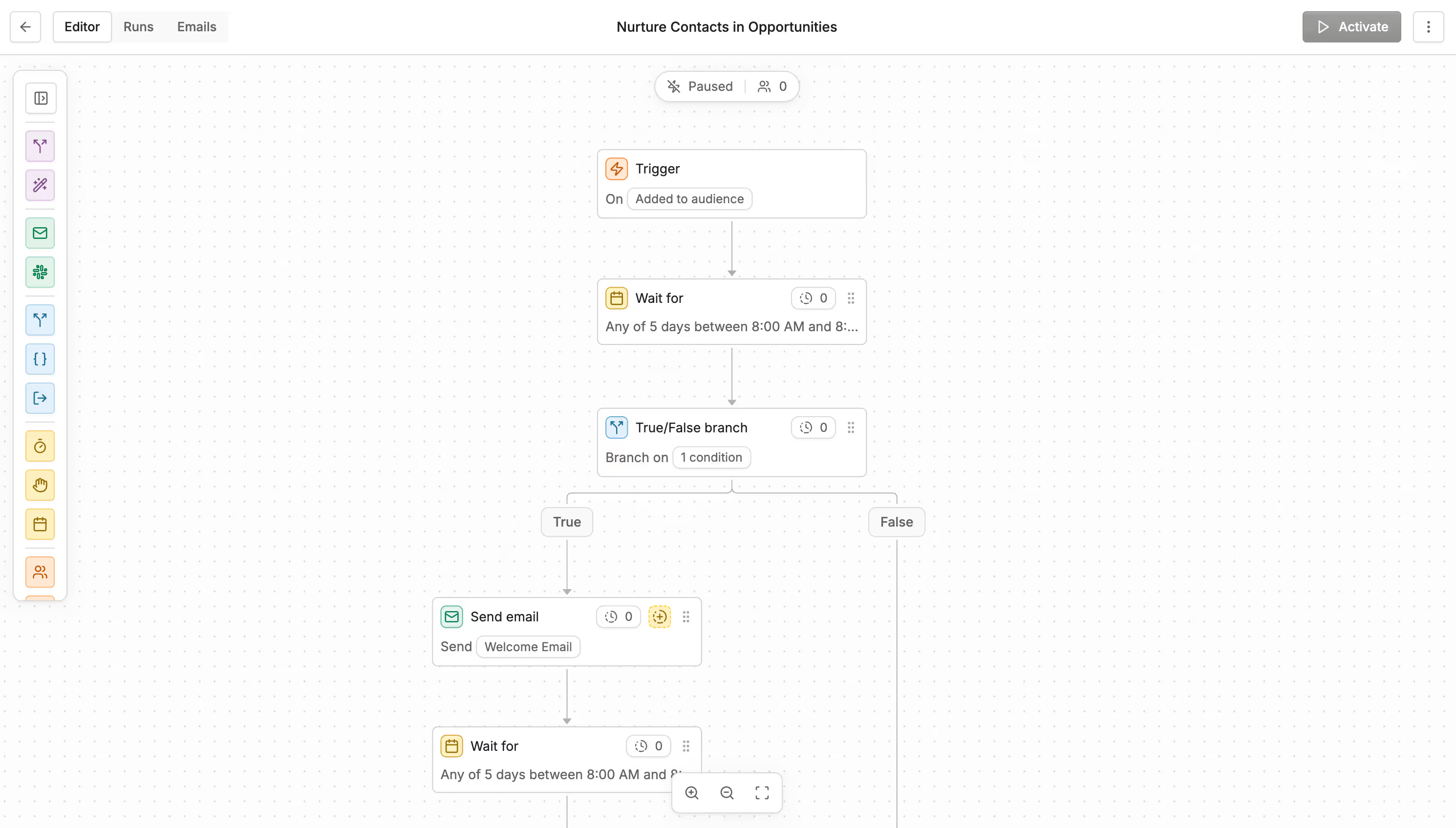
Workflows
Build custom workflows that adapt to every customer
Trigger emails, update CRM records, and assign leads based on product usage, enrichment data, and more — all without writing code.
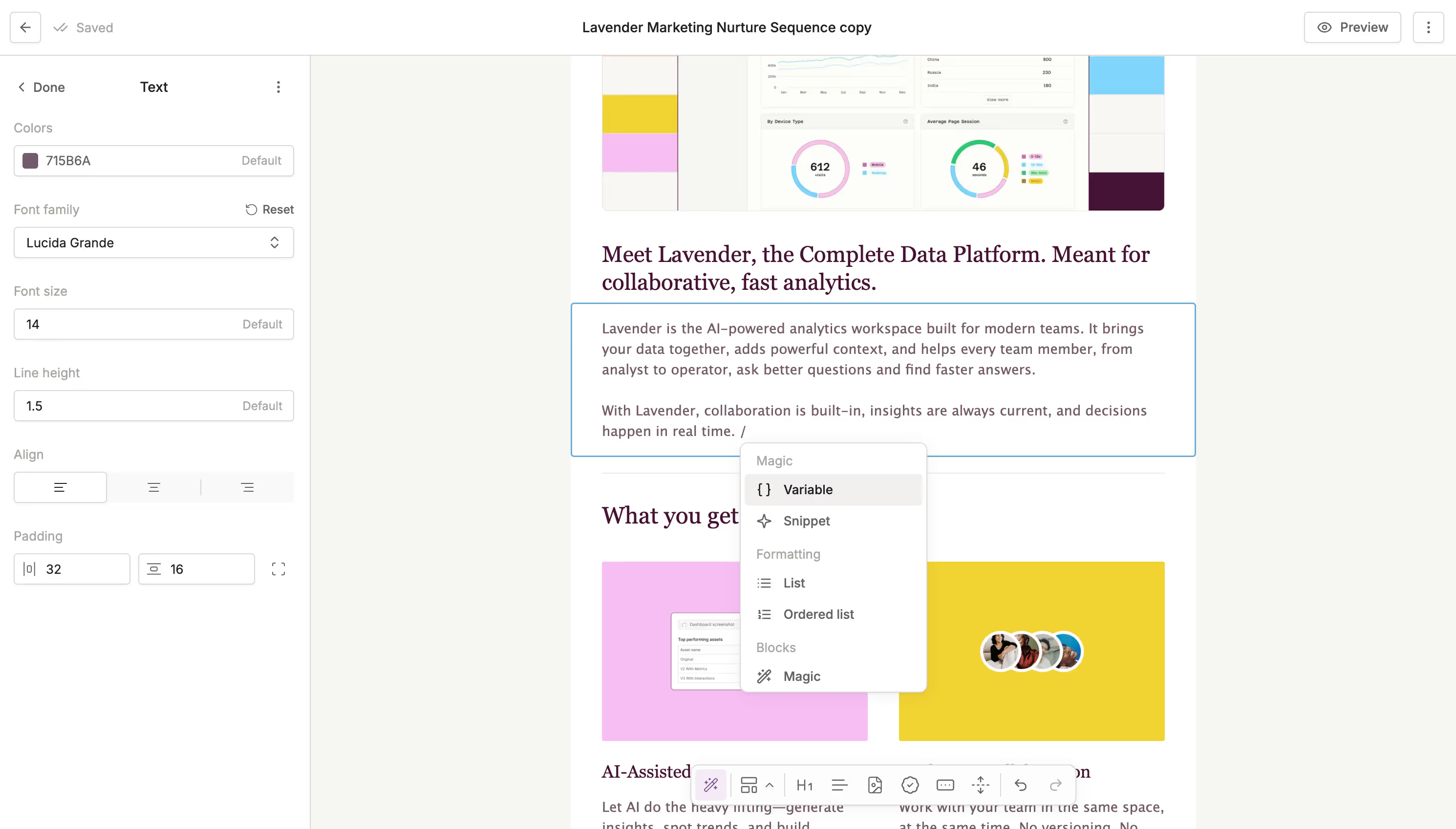
Design beautiful emails with drag and drop editing
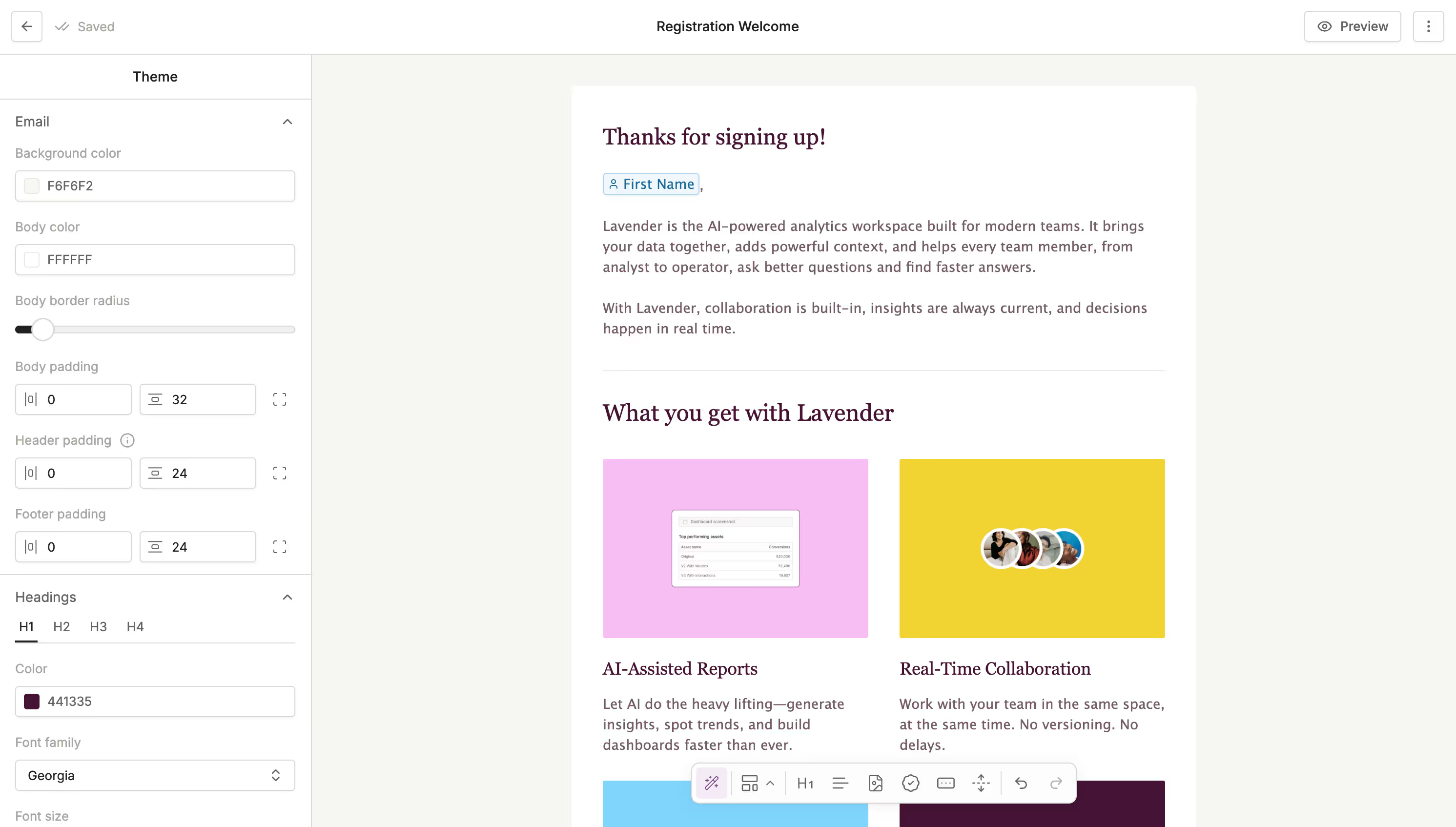
Build high-performing emails in minutes. Save blocks, add dynamic content, and stay on-brand without any developer help.
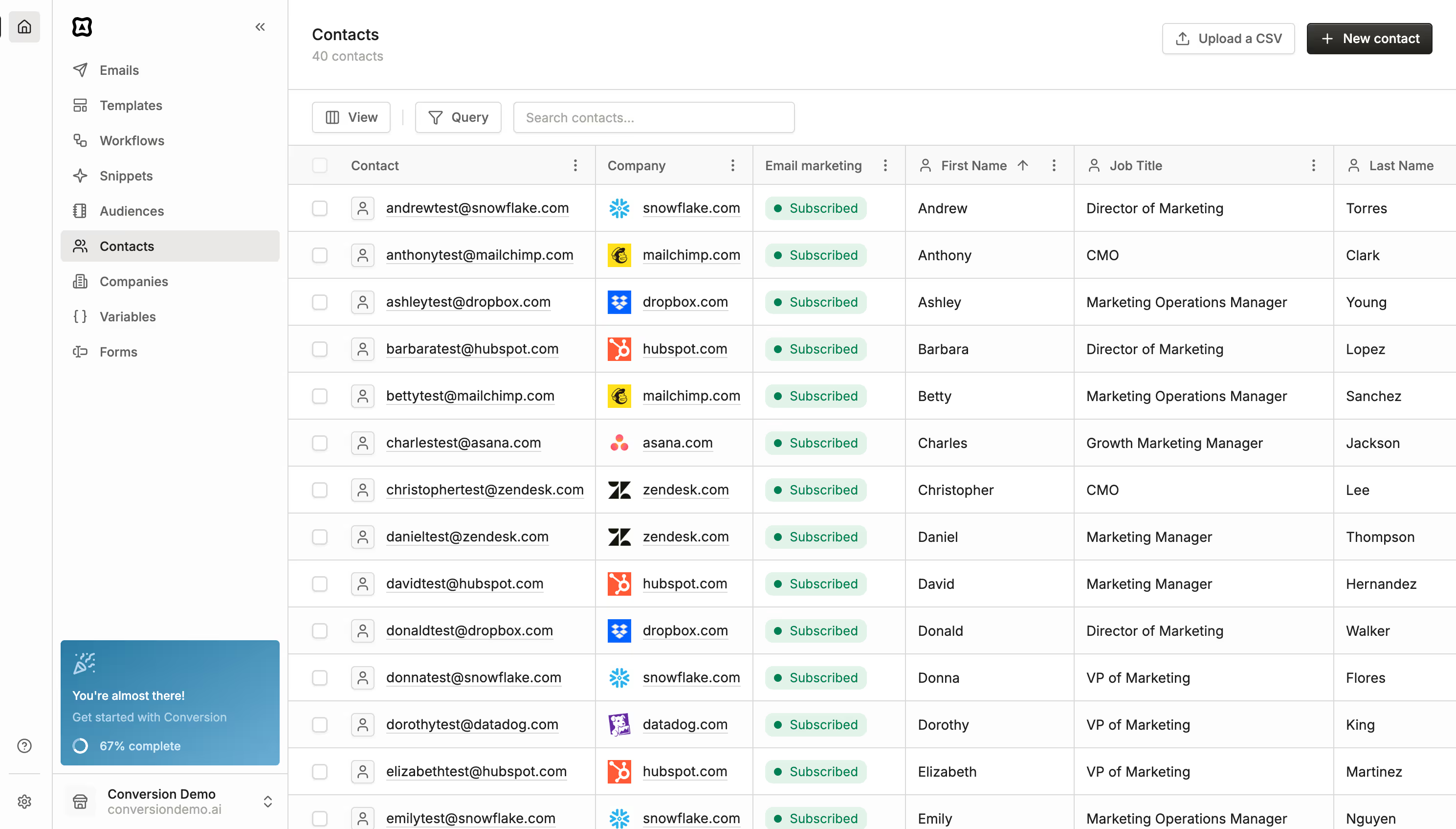
Manage your leads with CRM integrations and enrichment
Keep everything connected. Conversion syncs seamlessly with your CRM, product events, enrichment, billing tools, and more.
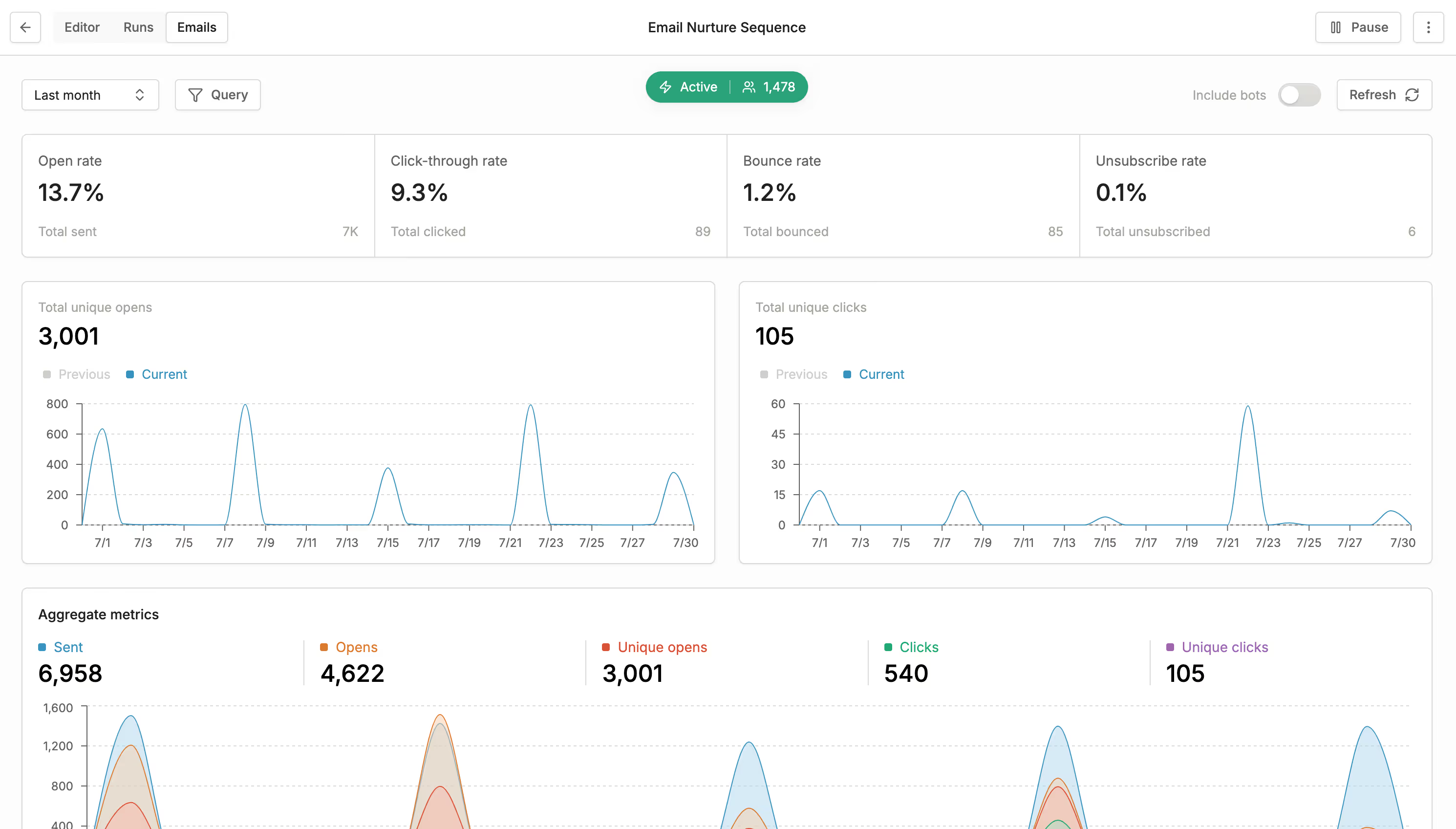
Take the guesswork out of campaign performance
Track what’s working and what isn’t in real time. Use Conversion’s native reporting to see performance by segment, channel, and touchpoint.
The Case for Conversion
Legacy marketing platforms are stuck in the 2000s. Conversion is built for speed and personalization. Here’s why modern B2B teams are making the switch.


Speed to launch
Build and ship campaigns in hours, not weeks, with modern tools and flexible workflows.

Hyper personalization
Automatically segment and tailor emails based on personas with the power of AI.

Design-first email builder
Create beautiful, responsive, on-brand emails without a line of code.

Native CRM syncing
Build and ship campaigns in hours, not weeks, with modern tools and flexible workflows.

All-in-one platform
Unify email, segmentation, scoring, workflows, and reporting.
Pay for what you use
Only pay for the contacts you actively market to. No inflated pricing. No hidden limits.
CUSTOMERS
Trusted by the best

Conversion_Hockeystack_Testimonial_Final from Kyle Wonzen on Vimeo

Playing in picture-in-picture
Pause
Settings
SpeedNormal
Picture-in-Picture

“With Conversion, we built a campaign we’re genuinely proud of. Fast to launch, easy to maintain, and better performing than anything we ran before.”
CUSTOMERS
Trusted by the best
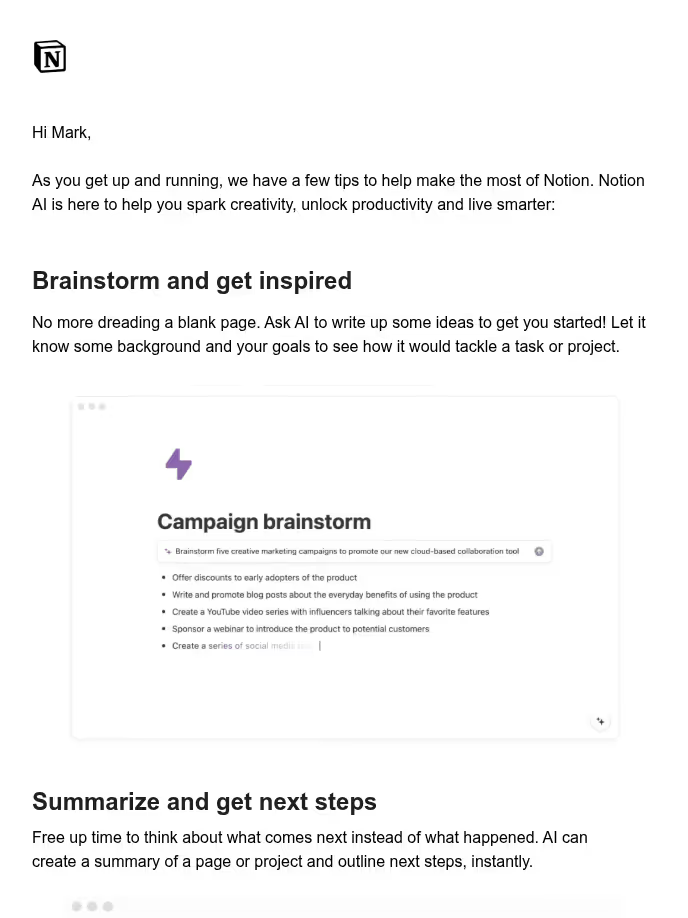
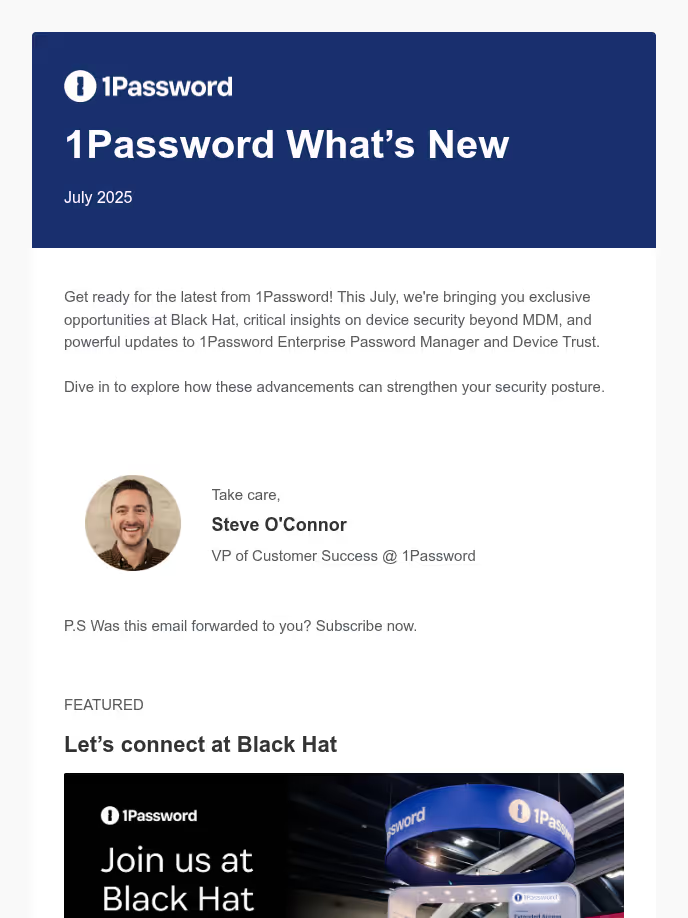
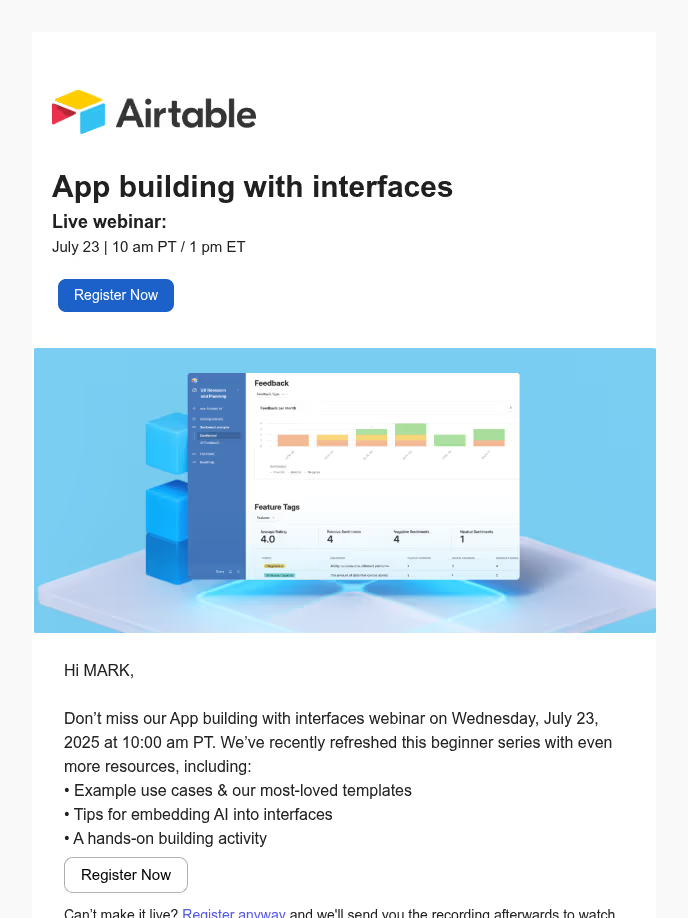
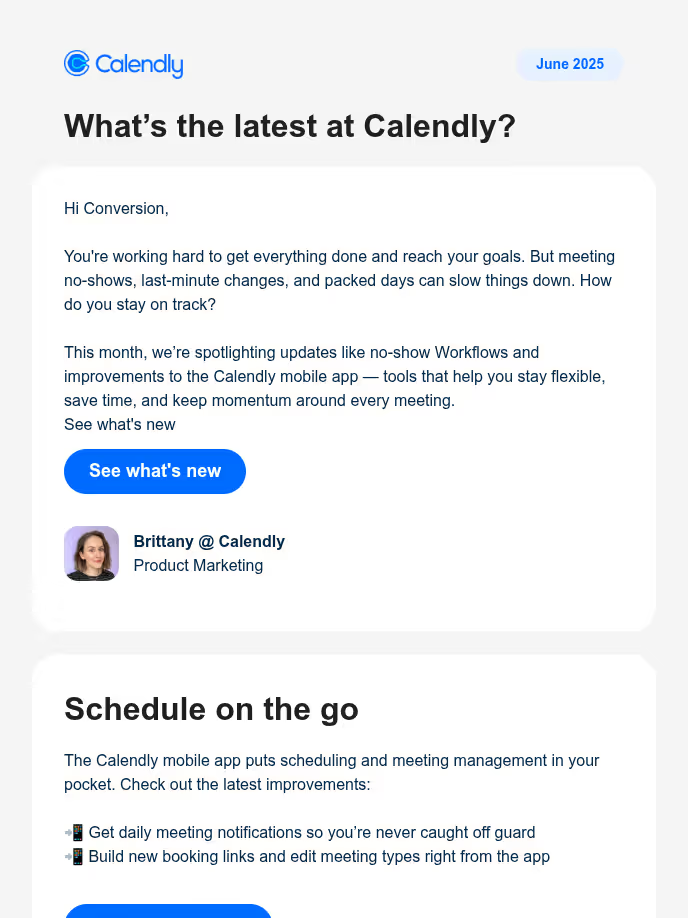
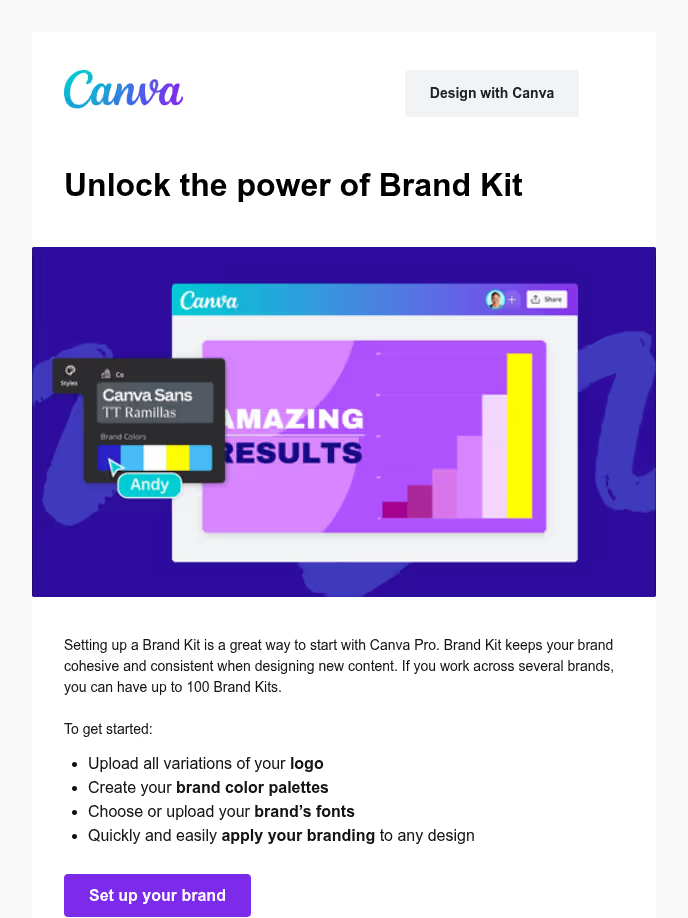
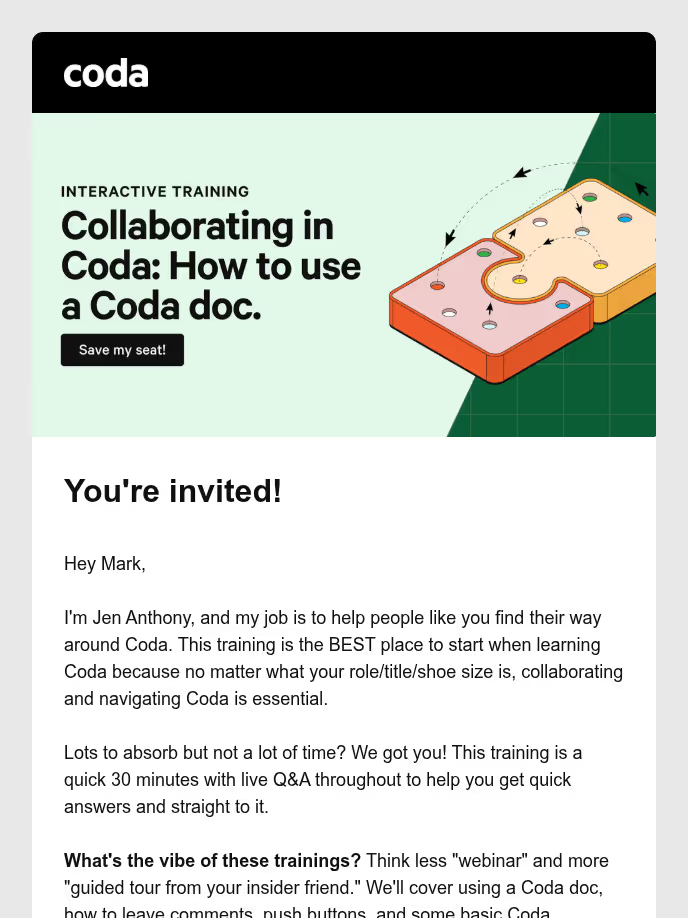
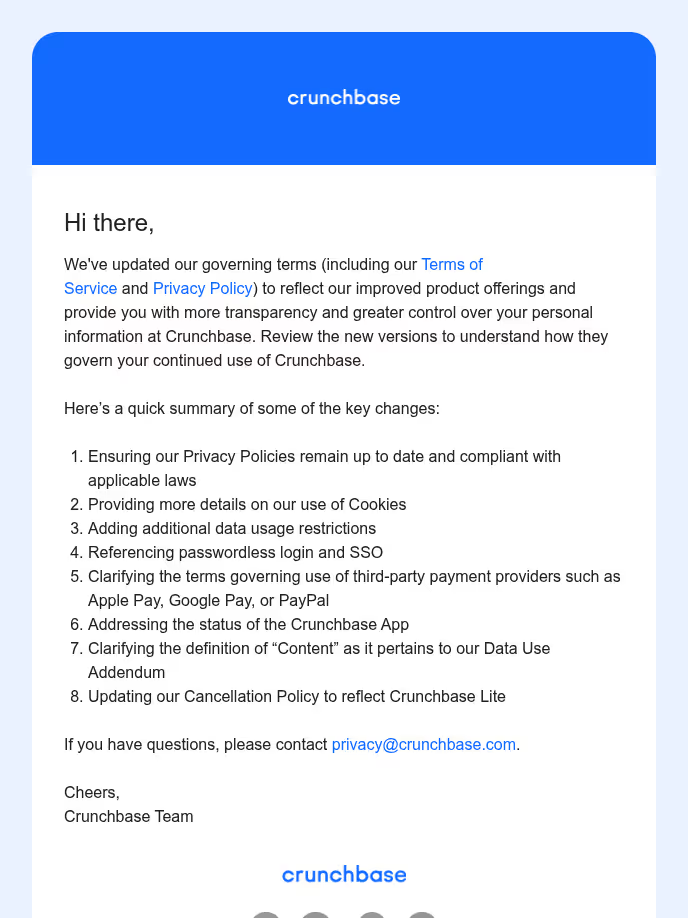
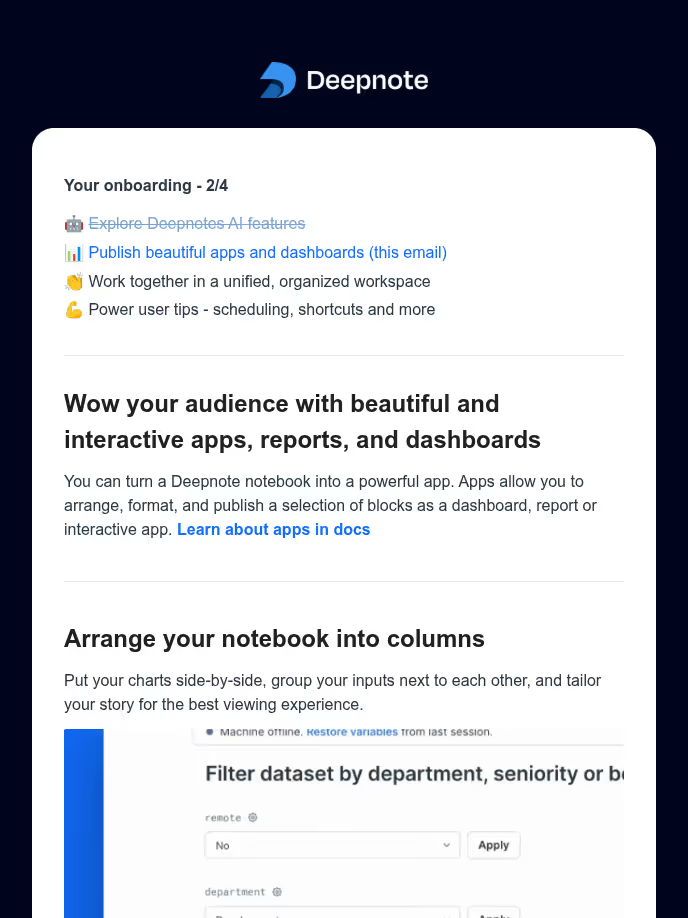
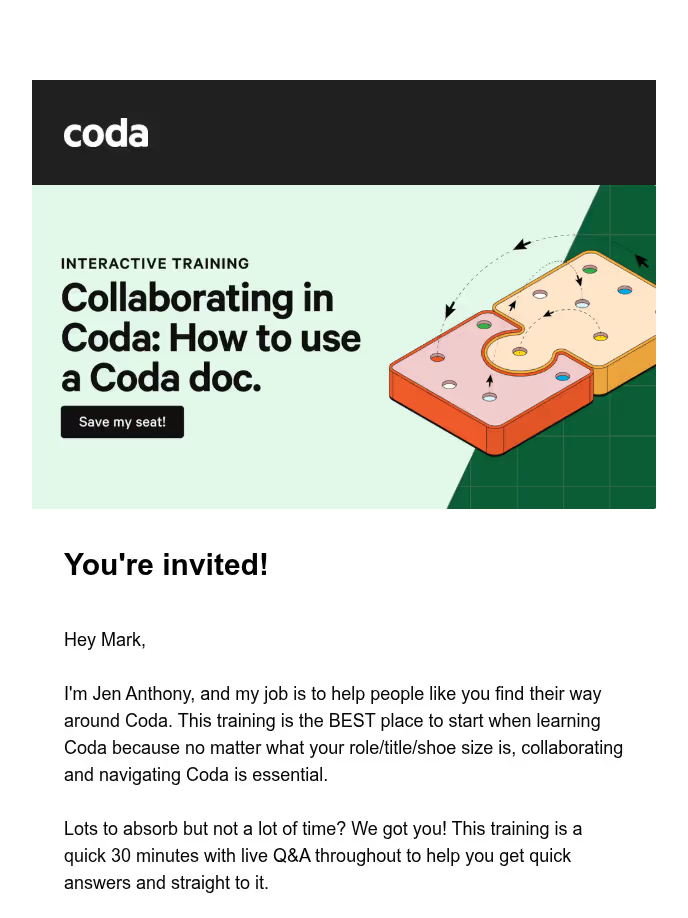
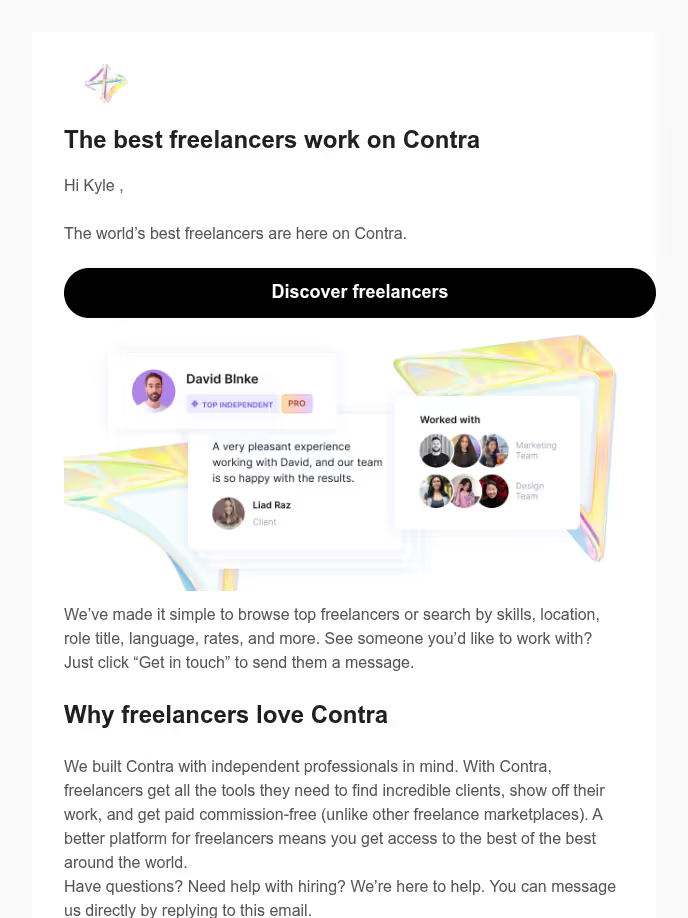
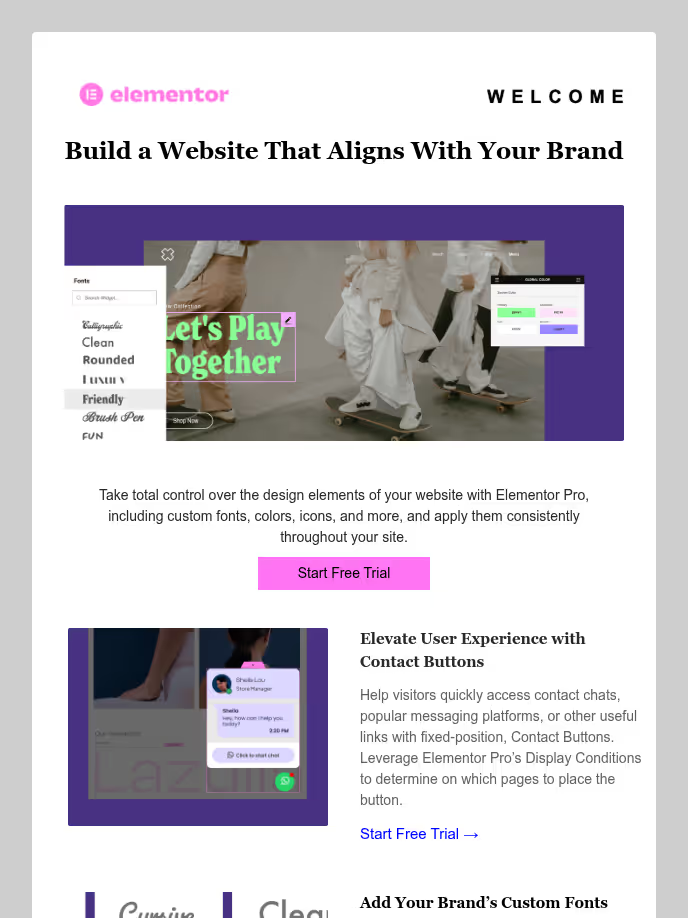
Templates for absolutely anything
From lifecycle emails to outbound nurture to product launches. Browse our full library of plug-and-play templates.



Built for modern enterprises
Create faster. Stay aligned. Scale with confidence. Conversion gives every team the power to automate, personalize, and grow.


Enterprise Compliance
Give your team enterprise-grade control: granular permissions, comprehensive audit trails, SOC 2 Type II compliance, SSO, SCIM, and premium support.

Custom Data Models
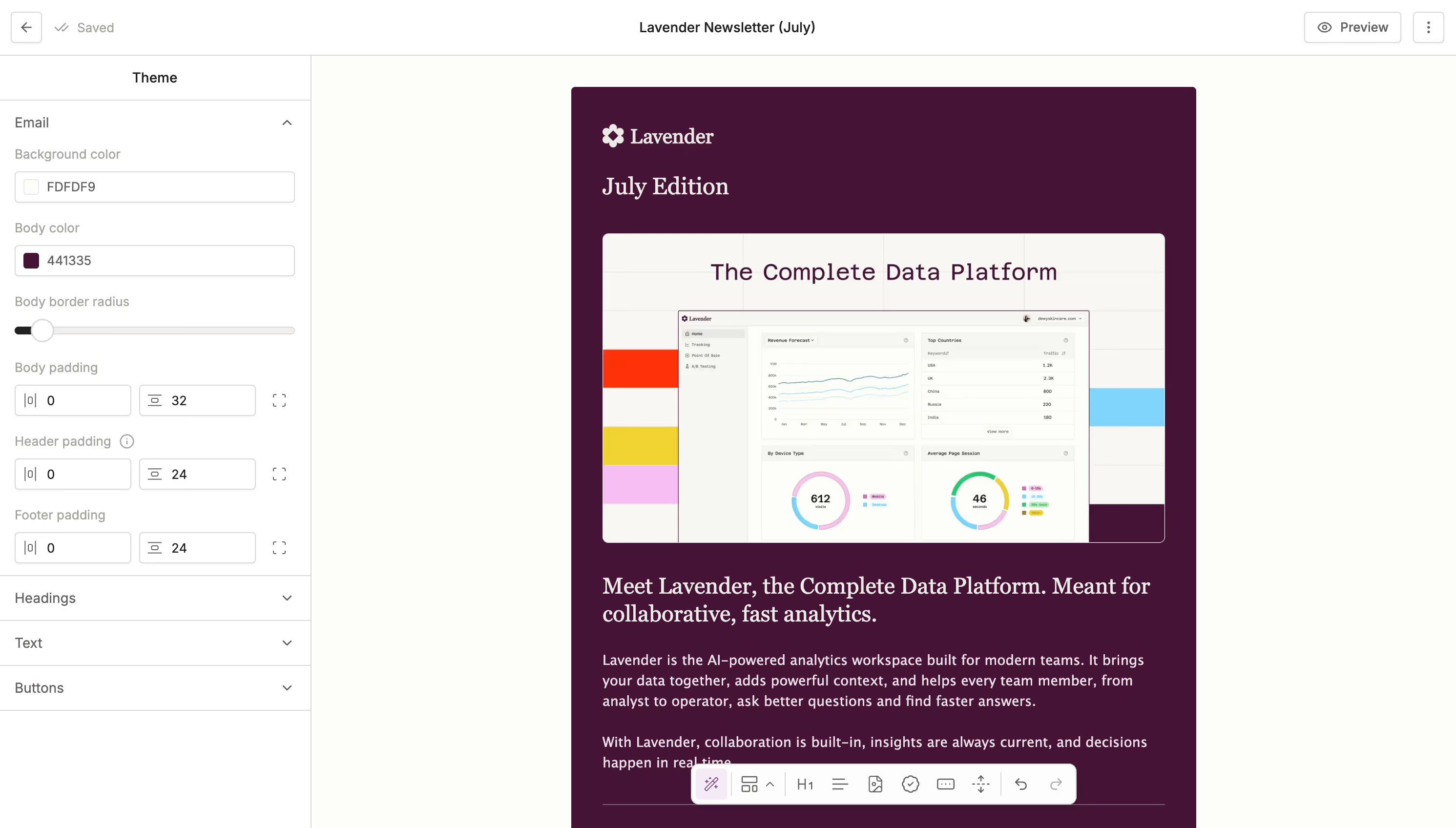
Bring in data from custom objects, CRM, engagement signals, and warehouse. Power GTM automations that adapt to any model — free trials, usage-based billing, or sales-led onboarding.

Asset Organization
Organize all your marketing activities with Conversion campaigns, bi-directionally sync to SFDC for reporting, and implement global tokens to scale.
Use cases
CRM Hygiene\
\
Keep your database clean and actionable with real-time sync, deduplication, and automated field updates. Conversion helps you fix data at the source so your team can move faster. Lead Scoring\
\
Prioritize the right accounts automatically with real-time, flexible scoring models. Surface the highest-intent leads to sales and engage them in nurture sequences. Newsletters\
\
Design, personalize, and send beautiful newsletters that actually get read. Conversion makes it easy to segment audiences, test content, and scale campaigns. Enrichment\
\
Keep your customer data fresh and complete with built-in enrichment workflows. Automatically fill in key fields, helping you better segment, score, and engage without relying on ops. Transactional\
\
Power critical one-to-one emails like order confirmations, alerts, and more with Conversion’s real-time delivery and flexible triggers.
integrations
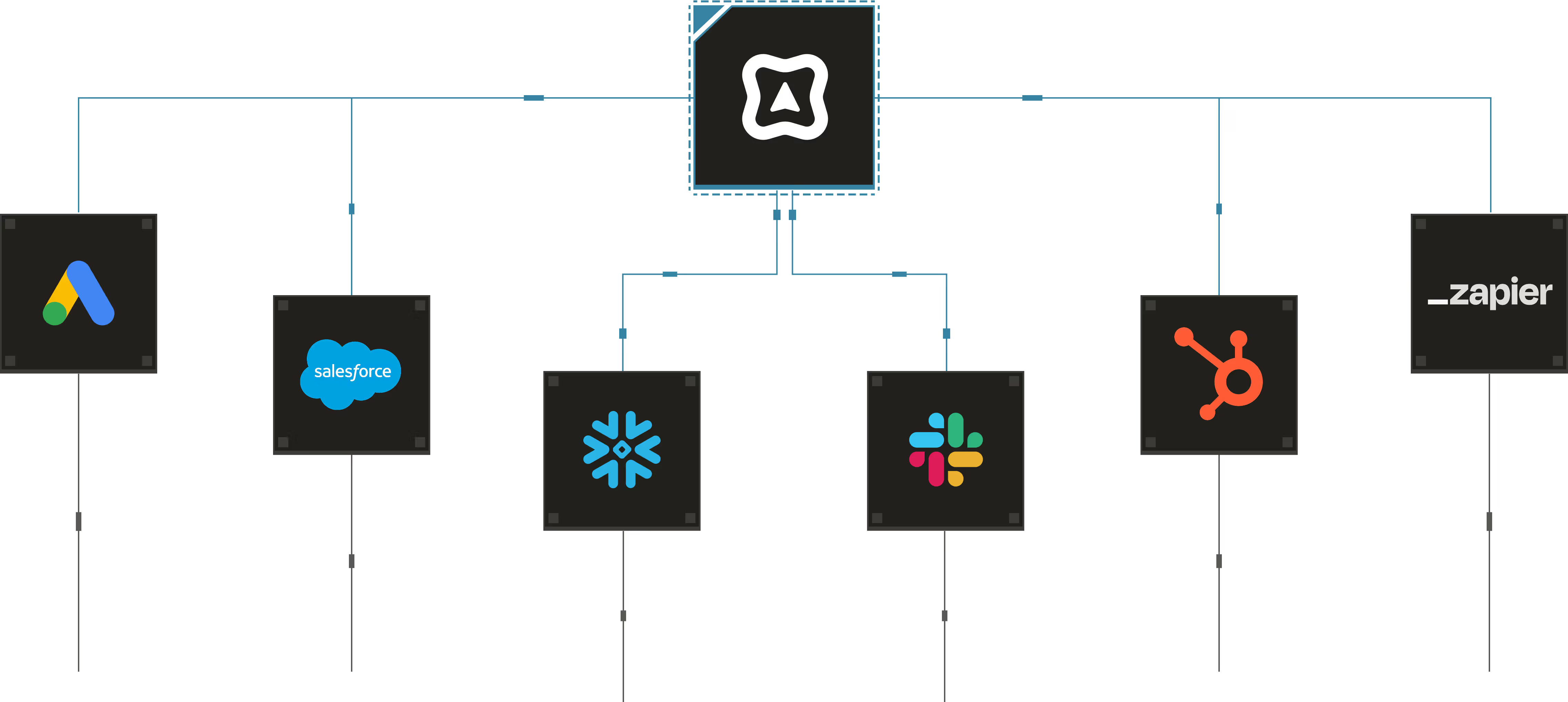
One-Click Integrations. Infinite Potential.
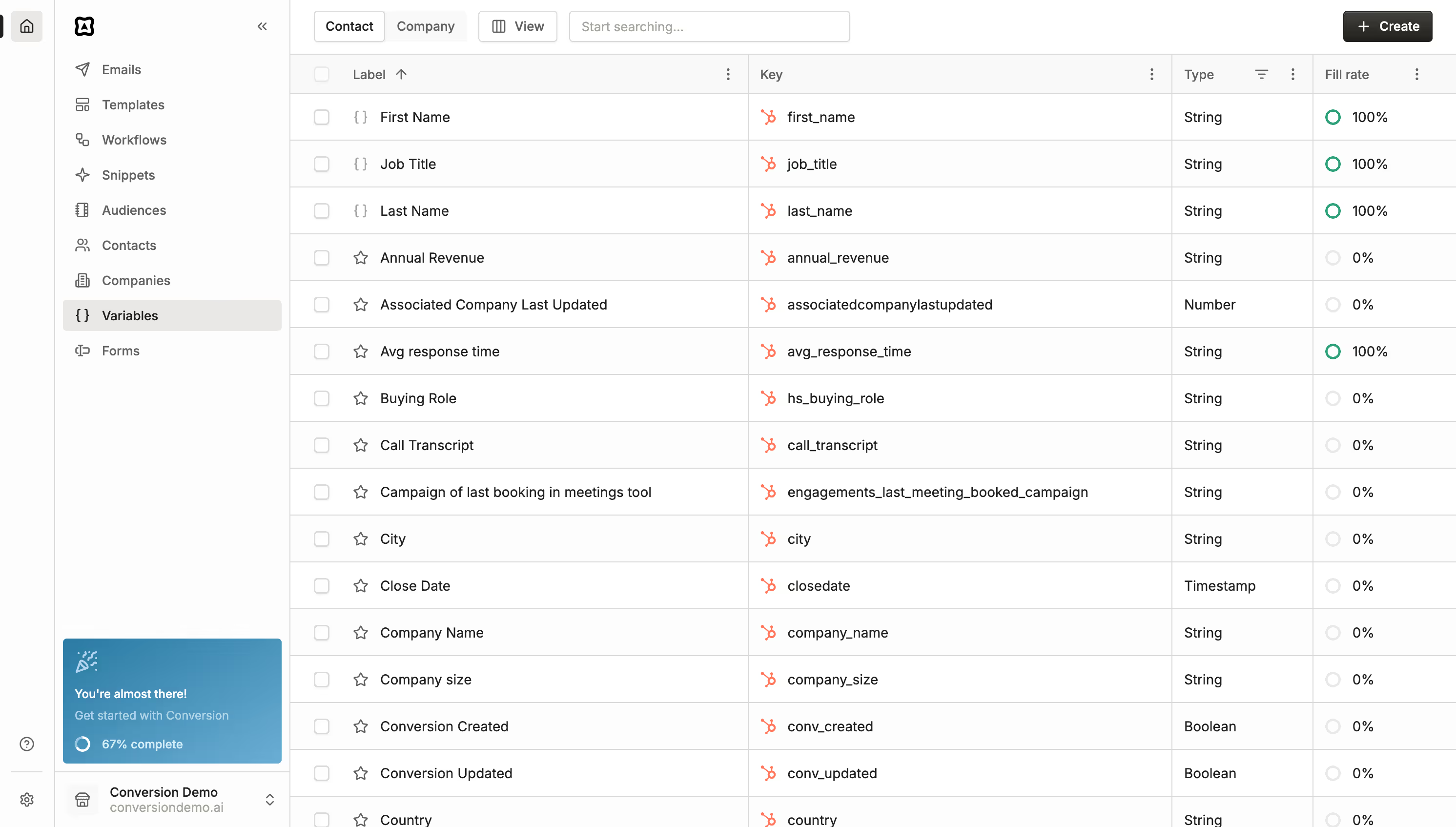
Conversion integrates seamlessly with your CRM, data warehouse, CDP, ad tools, and analytics to turn siloed data into coordinated, AI-powered campaigns.
Relevant resources
Lorem ipsum dolor sit amet, consectetur adipiscing elit, sed do eiusmod tempor incididunt ut labore et dolore magna aliqua.
Use Cases\
\
Inbound Lead Scoring & Enrichment \
\
November 22, 2025\
\
4 Minute Read\
\

Introduction
As your business scales, managing inbound volume quickly becomes a frustrating challenge. Legacy MAP such as Marketo, Pardot, or Hubspot also introduce operational complexities – fragmented data, manual upkeep, and rigid workflows that prevent your team from scaling.
Your CRM may be getting crowded with spam/low-intent leads, AEs are getting the wrong/low-quality leads, data is missing, and people are falling off forms.
Marketing teams at Adaptive, MyOutdesk, and Hockeystack have set up AI-native inbound marketing funnels on Conversion that scales with them:
- Form Creation
- Spam Check
- Data Enrichment
- Lead Scoring
- Lead Routing
For this workflow, you’ll need a form that’s either built in Conversion or hooked into Conversion via iframe.
Trigger
Most inbound workflows start by triggering off a form submission. You can simply set this up in Conversion by selecting an Engagement -> Form Submission for your trigger. You can choose multiple forms using the OR operator if you have multiple forms hosted throughout your website.
form trigger from Ishaan Maheshwari on Vimeo

Playing in picture-in-picture
Pause
SettingsPicture-in-Picture
Show controls
SpeedNormal
Spam Check
A fundamental issue with inbound workflows comes from the amount of spam that enters through forms. Your CRM ends up getting populated with tons of records that look like ai-master-3024@wewilltakeovertheworld.com.
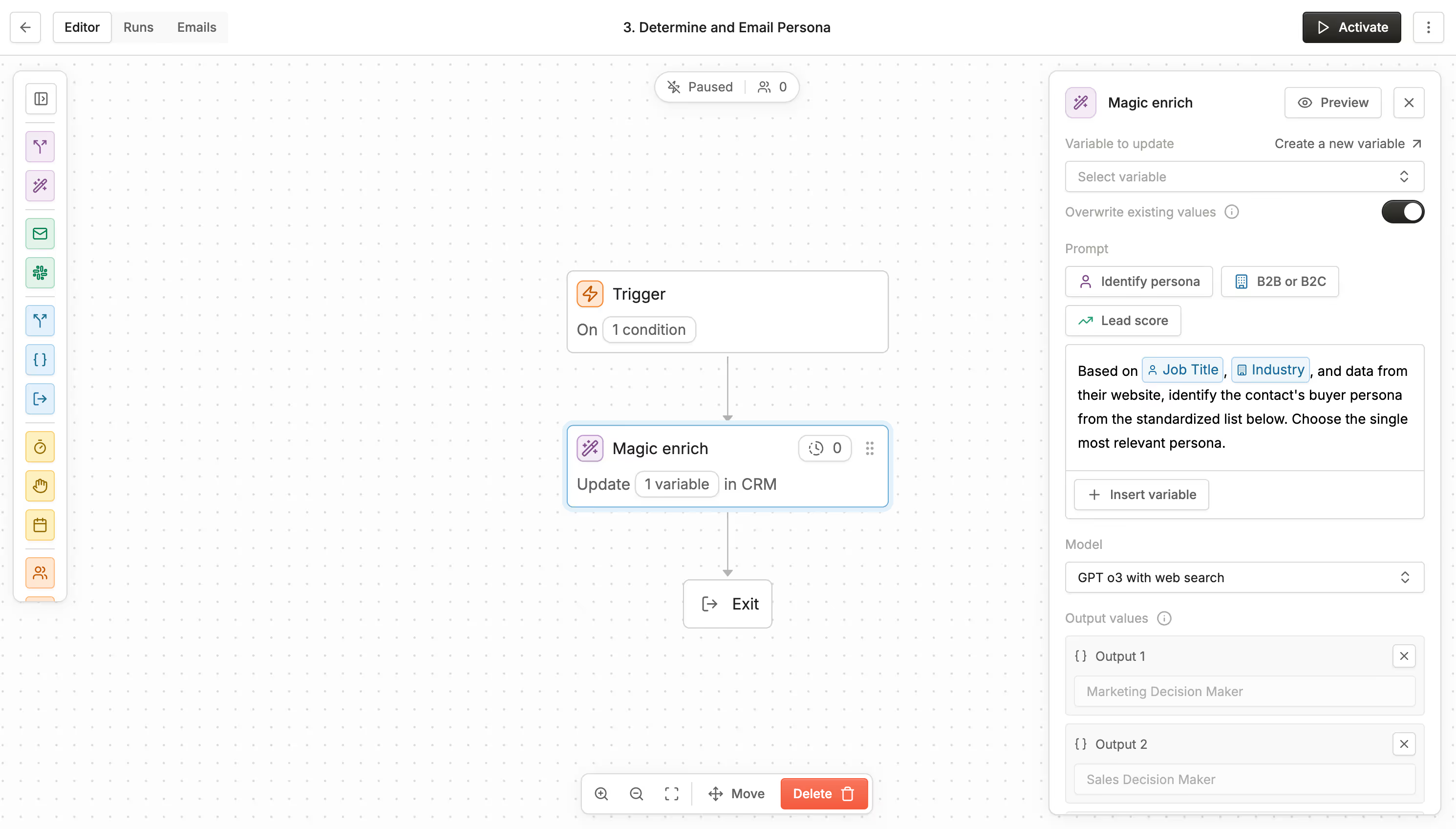
Using a magic enrich node, you can prompt AI to filter out any emails that may look spammy by inserting the email and domain variable.
spam from Ishaan Maheshwari on Vimeo

Playing in picture-in-picture
Pause
SettingsPicture-in-Picture
Show controls
SpeedNormal
Lead Scoring Form Submissions
Right after a prospect fills out a form, you’ll want to identify how strong of a lead they are with lead scoring - one of Conversion’s most powerful features. Traditional MAPs use a point-based system to keep track of lead activities, demographic fit, and behavioral intent.
With Conversion, you can prompt in natural language to score leads and identify who your most likely buyers are. These prospects typically deserve higher budget ad campaigns, more personalized email nurture sequences, and high-touch outreach from the sales team.
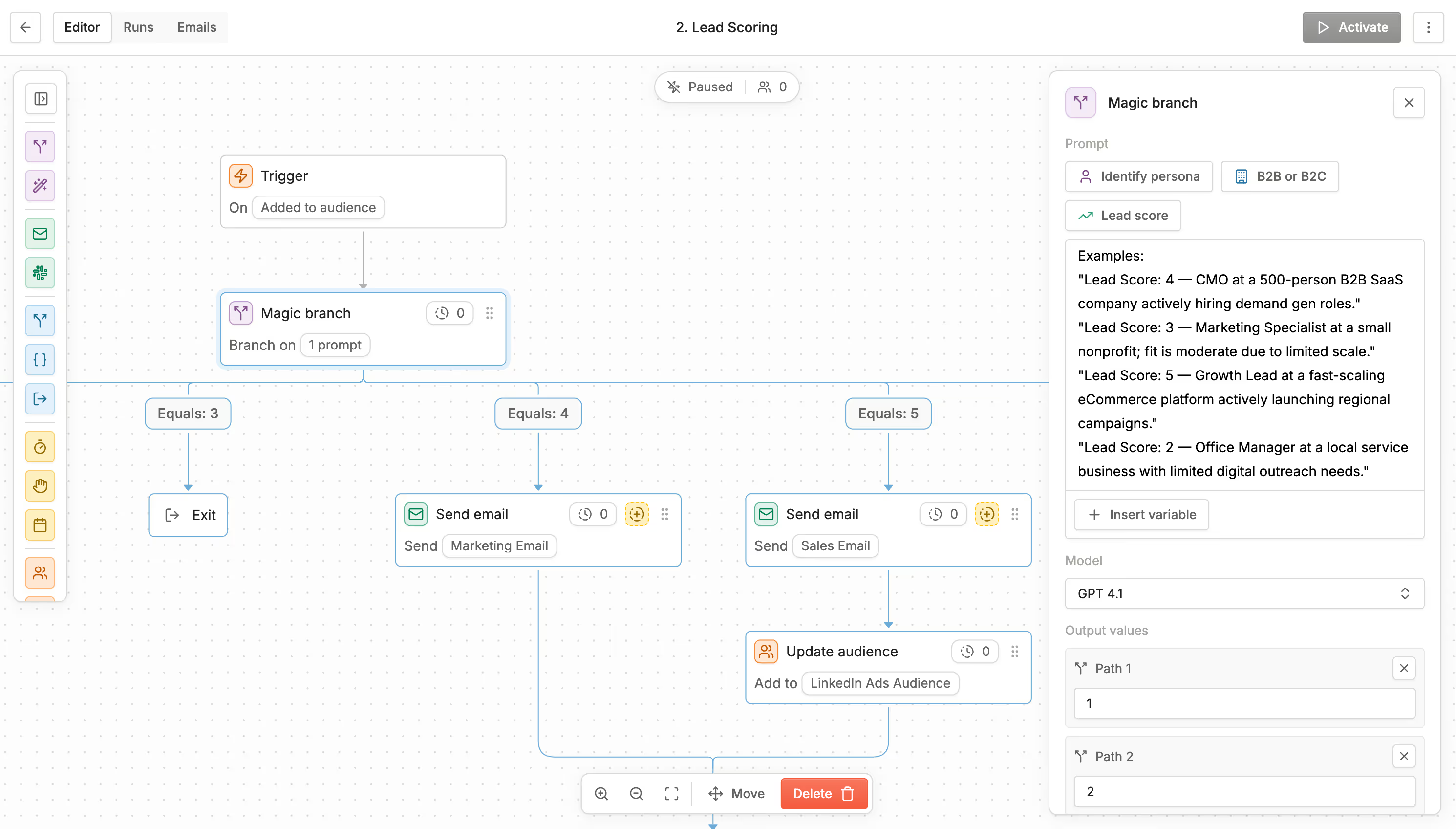
Using a magic enrich node, you can write a prompt instructing AI to score your leads. There are 2 types of lead scoring you can do in Conversion. As a baseline in both these types, include examples of what a good lead looks like, what an average lad looks like, and what a poor lead looks like. You want to give AI as much context as possible to make informed decisions. You may have to tweak the prompt a couple of times to get it right but once it’s set up correctly, you’ll never have to touch it again!
Demographic
For demographic lead scoring, you can pull in factors like company domain, industry, job title, seniority, and employee count to assess how good of an ICP fit the lead is. For Conversion, Directors of Marketing Operations at a 200+ employee B2B SaaS company is our perfect ICP.
Behavioral
You can also behaviorally lead score in Conversion to assess how high-intent certain buyers are and prioritize getting them over the finish line. Instead of demographic variables, you can bring in engagement variables such as “Number of site visits”, “Form Submitted”, “Webinar attendances", “Sales Meetings Attended”, etc.
Here’s an example of a well-written prompt for lead scoring in Conversion.
Given [Job Title], [Number of Employees], [Industry], and [Company Domain], and available data from the website, assign a lead score from 1–10 (10 = highest intent/fit). Include a short rationale focused on fit for a data analytics solution.

Examples:
"Lead Score: 9 — Business Intelligence Lead at a 500-person B2B SaaS company actively hiring data engineers."
"Lead Score: 6 — Finance specialist at a medium sized nonprofit; fit is moderate due to limited scale."
"Lead Score: 10 — Director of Product at a fast-scaling consumer software company actively launching regional campaigns."
"Lead Score: 2 — Sales person at a local service business with limited digital data."

Return ONLY a number between 1 and 10.
Routing & Post-Form Submission
Now that you are effectively lead scoring your form submissions, you can perform a host of actions in Conversion.
If a lead score is greater than a certain number, you can assign account owners in Salesforce, create tasks, enroll people in nurture sequences, or send Slack notifications.
SF_task from Ishaan Maheshwari on Vimeo

Playing in picture-in-picture
Pause
SettingsPicture-in-Picture
Show controls
SpeedNormal
Use Cases\
\
Inbound Lead Scoring & Enrichment \
\
November 23, 2025\
\
4 Minute Read\
\
Introduction
As your business scales, managing inbound volume quickly becomes a frustrating challenge. Legacy MAP such as Marketo, Pardot, or Hubspot also introduce operational complexities – fragmented data, manual upkeep, and rigid workflows that prevent your team from scaling.
Your CRM may be getting crowded with spam/low-intent leads, AEs are getting the wrong/low-quality leads, data is missing, and people are falling off forms.
Marketing teams at Adaptive, MyOutdesk, and Hockeystack have set up AI-native inbound marketing funnels on Conversion that scales with them:
- Form Creation
- Spam Check
- Data Enrichment
- Lead Scoring
- Lead Routing
For this workflow, you’ll need a form that’s either built in Conversion or hooked into Conversion via iframe.
Trigger
Most inbound workflows start by triggering off a form submission. You can simply set this up in Conversion by selecting an Engagement -> Form Submission for your trigger. You can choose multiple forms using the OR operator if you have multiple forms hosted throughout your website.
form trigger from Ishaan Maheshwari on Vimeo
Playing in picture-in-picture
Pause
SettingsPicture-in-Picture
Show controls
SpeedNormal
Spam Check
A fundamental issue with inbound workflows comes from the amount of spam that enters through forms. Your CRM ends up getting populated with tons of records that look like ai-master-3024@wewilltakeovertheworld.com.
Using a magic enrich node, you can prompt AI to filter out any emails that may look spammy by inserting the email and domain variable.
spam from Ishaan Maheshwari on Vimeo
Playing in picture-in-picture
Pause
SettingsPicture-in-Picture
Show controls
SpeedNormal
Lead Scoring Form Submissions
Right after a prospect fills out a form, you’ll want to identify how strong of a lead they are with lead scoring - one of Conversion’s most powerful features. Traditional MAPs use a point-based system to keep track of lead activities, demographic fit, and behavioral intent.
With Conversion, you can prompt in natural language to score leads and identify who your most likely buyers are. These prospects typically deserve higher budget ad campaigns, more personalized email nurture sequences, and high-touch outreach from the sales team.
Using a magic enrich node, you can write a prompt instructing AI to score your leads. There are 2 types of lead scoring you can do in Conversion. As a baseline in both these types, include examples of what a good lead looks like, what an average lad looks like, and what a poor lead looks like. You want to give AI as much context as possible to make informed decisions. You may have to tweak the prompt a couple of times to get it right but once it’s set up correctly, you’ll never have to touch it again!
Demographic
For demographic lead scoring, you can pull in factors like company domain, industry, job title, seniority, and employee count to assess how good of an ICP fit the lead is. For Conversion, Directors of Marketing Operations at a 200+ employee B2B SaaS company is our perfect ICP.
Behavioral
You can also behaviorally lead score in Conversion to assess how high-intent certain buyers are and prioritize getting them over the finish line. Instead of demographic variables, you can bring in engagement variables such as “Number of site visits”, “Form Submitted”, “Webinar attendances", “Sales Meetings Attended”, etc.
Here’s an example of a well-written prompt for lead scoring in Conversion.
Given [Job Title], [Number of Employees], [Industry], and [Company Domain], and available data from the website, assign a lead score from 1–10 (10 = highest intent/fit). Include a short rationale focused on fit for a data analytics solution.

Examples:
"Lead Score: 9 — Business Intelligence Lead at a 500-person B2B SaaS company actively hiring data engineers."
"Lead Score: 6 — Finance specialist at a medium sized nonprofit; fit is moderate due to limited scale."
"Lead Score: 10 — Director of Product at a fast-scaling consumer software company actively launching regional campaigns."
"Lead Score: 2 — Sales person at a local service business with limited digital data."

Return ONLY a number between 1 and 10.
Routing & Post-Form Submission
Now that you are effectively lead scoring your form submissions, you can perform a host of actions in Conversion.
If a lead score is greater than a certain number, you can assign account owners in Salesforce, create tasks, enroll people in nurture sequences, or send Slack notifications.
SF_task from Ishaan Maheshwari on Vimeo
Playing in picture-in-picture
Pause
SettingsPicture-in-Picture
Show controls
SpeedNormal
Use Cases\
\
Personalized Case Study Suggester \
\
November 23, 2025\
\
2 Minute Read\
\
Introduction
Sending a prospect a highly-targeted relevant case study can be one of the biggest needle movers during the marketing lifecycle. In a world where competition is continuously increasing, building social proof and trust has become a moat in itself.
However, sending a generic case study to all your prospects is a signal that you don’t know your buyer or their needs well.
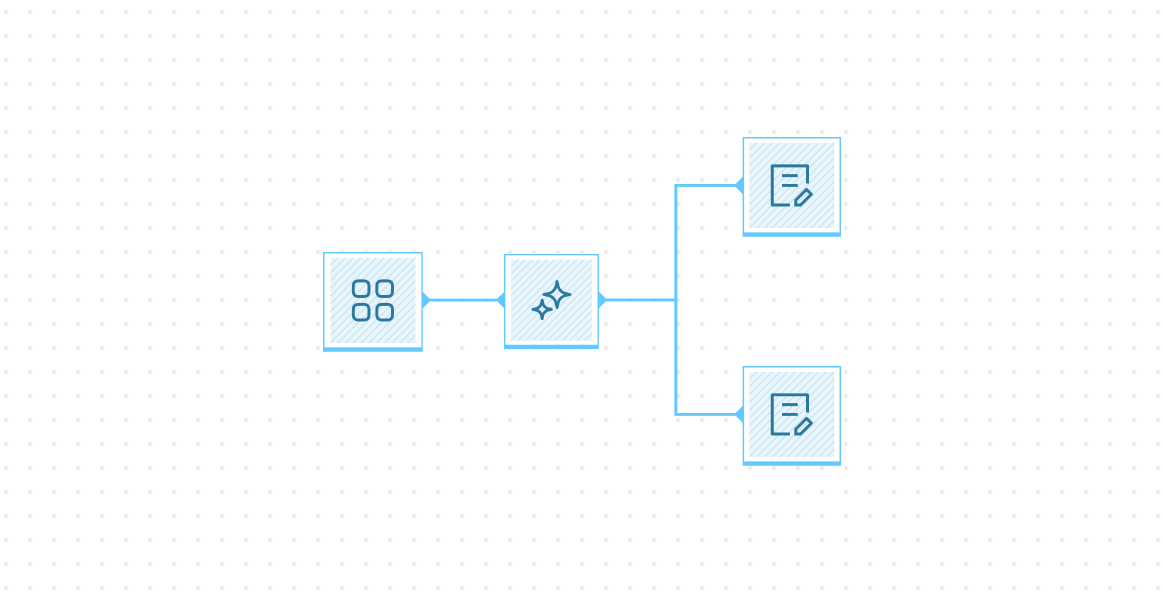
Here’s how you can build a Case Study Suggester in Conversion using call transcript data (or general firmographic data points).
Prerequisite
For this workflow, you’ll need a repository of case studies hosted on your website and (optional) call transcript data.
Find a customer’s biggest pain point
This step is optional in the case you don’t have call transcript data available in your CRM. If you do, we can put together a small workflow using a magic enrich node to find a customer’s biggest pain point using the call transcript.
biggest pain ponit from Ishaan Maheshwari on Vimeo

Playing in picture-in-picture
Pause
SettingsPicture-in-Picture
Show controls
SpeedNormal
Using an AI Snippet to suggest a case study
Now that we’ve established what a customer’s biggest pain point is, we can use Conversion’s AI snippet builder to suggest a case study.
Simply, create a ‘snippet’ on the Snippets tab and prompt it similar to the image below. Make sure that you include a fallback and good examples for AI to have context.
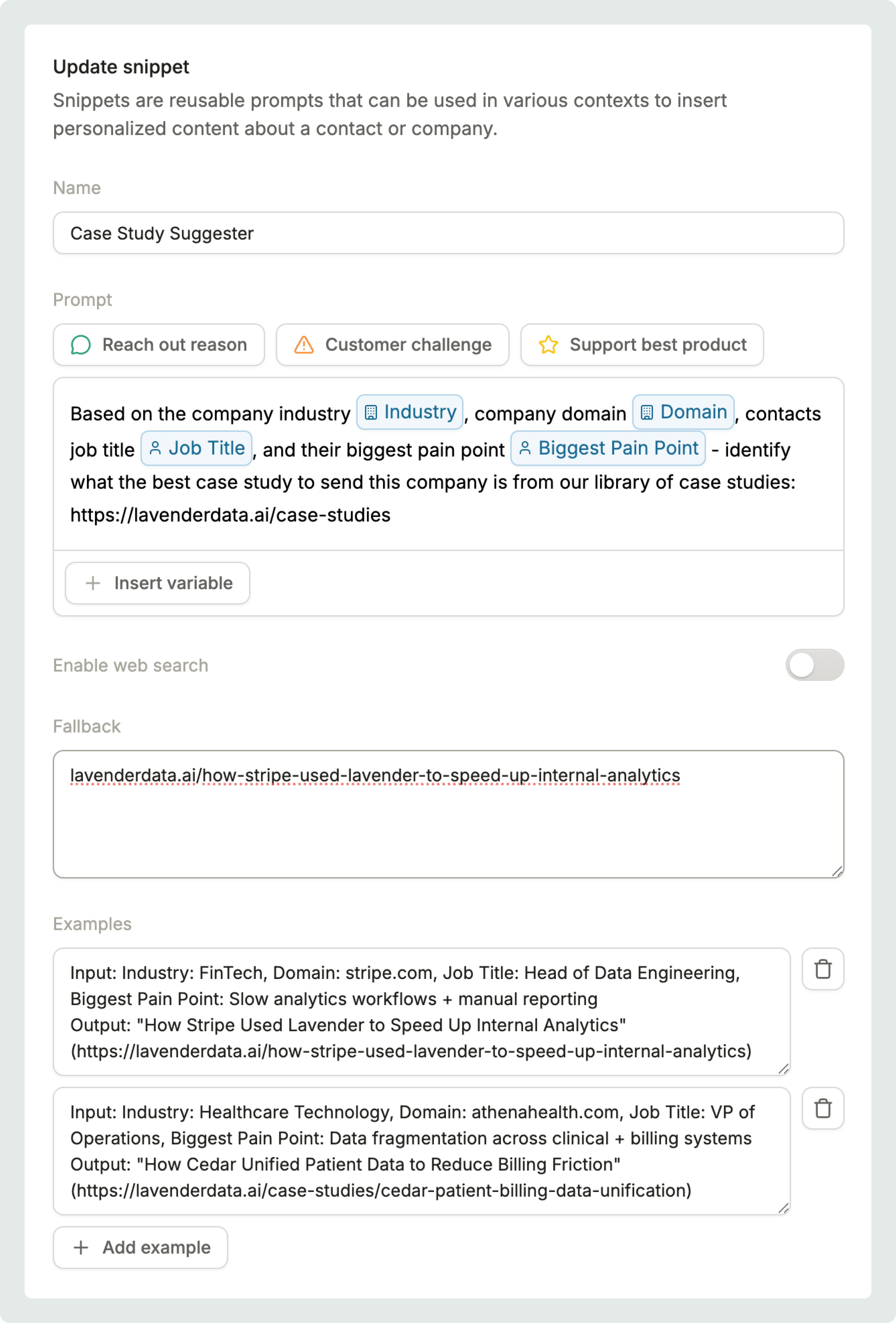
Awesome! Now your case study snippet is built. You can now insert this into nurture emails in Conversion and let social proof become your moat!
snippet from Ishaan Maheshwari on Vimeo

Playing in picture-in-picture
Pause
SettingsPicture-in-Picture
Show controls
SpeedNormal
Use Cases\
\
Clean Job Titles in your CRM with AI \
\
November 23, 2025\
\
2 Minute Read\
\
Introduction
Job titles are continuously being populated in your CRM whether it’s from AEs manually filling data out, first-party form-fill data, or LinkedIn enrichments coming in from ZoomInfo, Clay, Apollo, or Conversion.
For the same role type, you may have over 50+ variants of how the job title is portrayed in your CRM.
Ex:
- VP of MarOps
- Director, Marketing Operations
- Head of Marketing Operations
- Marketing Operations Manager
- Senior Marketing Operations Manager
You can’t segment by job title because all of them look different within your CRM. This leads to a fundamental issue for marketing teams where personalization by job title is virtually impossible.
How to segment personas in Conversion
Here’s how Conversion helps.
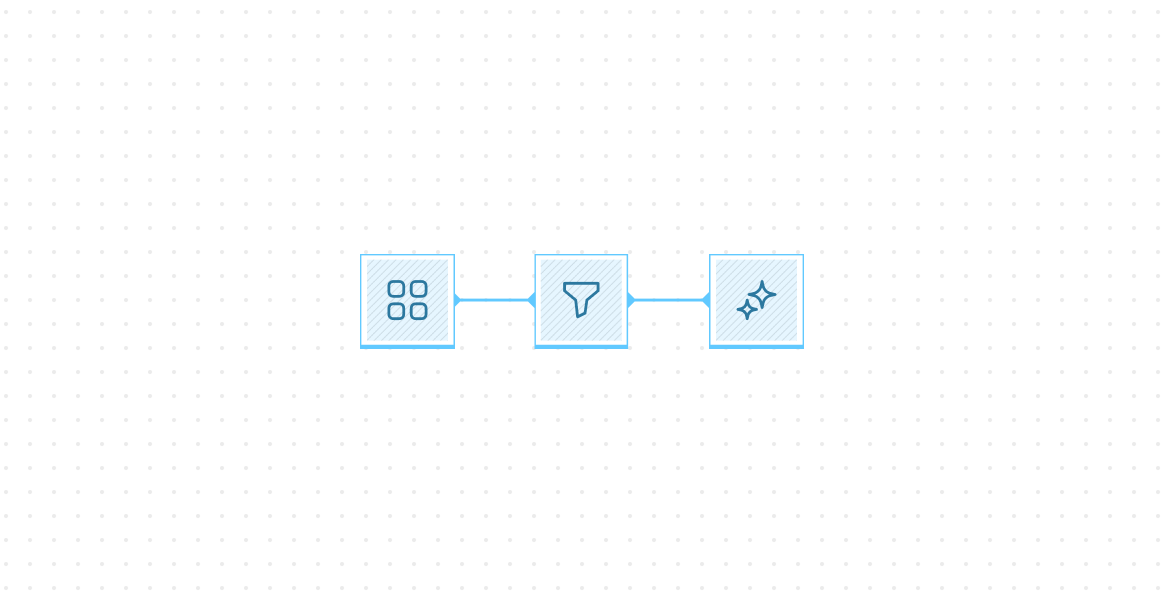
Using a magic enrich node, you can use AI to segment contacts into distinct persona buckets enabling you to personalize journeys, emails, and ads to a unique persona.
Simply create a “Persona” variable and prompt a magic enrich node along the following lines:
Based on the job title of this contact [insert job title variable], identify which of the following persona buckets they fall into:
- MarOps
- RevOps
- Marketing
- Sales
You can change the buckets however you’d like depending on your company’s ICP.
job_title from Ishaan Maheshwari on Vimeo

Playing in picture-in-picture
Pause
SettingsPicture-in-Picture
Show controls
SpeedNormal
Now that you have distinct persona variables in your Conversion platform, you can dynamically change the text in emails based using magic blocks, create variable branches based on these personas, put contacts into custom ads audiences, and so much more.
emails from Ishaan Maheshwari on Vimeo

Playing in picture-in-picture
Pause
SettingsPicture-in-Picture
Show controls
SpeedNormal
Turn Every Form Fill-Out Into Your Next Customer
Trigger personalized emails and actions based on real-time behavior, not static lists.
Thank you! Your submission has been received!
Oops! Something went wrong while submitting the form.
Please enter your work email

AI-Native Marketing Automation
Products
Text Link Text Link Text Link Text Link
Products
Text Link Text Link Text Link Text Link
links
product
Workflows Email Design Audiences Reporting
Comparisons
Conversion vs. Marketo Conversion vs. HubSpot Conversion vs. Pardot
other
Data Security Terms of Service Privacy Policy
© Relentlo Inc. 2025


