
详细内容
Get 30% 💰 discount for first 3 months. Use WINTER30 coupon code at checkout.
Power up your tech documentation with AI assistant!
Add CrawlChat to your documentation and let your users find answers for their questions instantly right where they are!
- Embed on Discord, Slack, MCP and API
- Fallback to human support with support tickets
- Analytics and observability to improve your docs
CrawlChat now powers "Ask AI" widget on site, MCP server for docs, Discord bot for community. Smarter docs. Better support.
 Anton Lavrenov, Konvajs
CrawlChat
Ask AI
👋 Ask your questions here
CrawlChat helps you in delivering your tech docs with AI to your community in the form on chatbot, Discord bot, Slack app and as a MCP server. Ask any question related to it and find the answers quickly!
QUICK QUESTIONS
How to integrate with REST API?
Show me latest change logs?
Why should I use CrawlChat?
Made by CrawlChat

Add Ask AI on
DashboardIntroNewAdd your docsView knowledgeEmbed AICategoriesNewConversationsData gaps
Already used by awesome companies!


Konvajs

270Degrees

Polotno

MCP, llms.txt and remotion.ai are now live! Thanks to @pramodk73 and CrawlChat for getting us up to speed with AI integrations.
 Jonny BurgerRemotion
Integrated CrawlChat into the new Konva docs – hats off to @pramodk73 for making it insanely useful. It now powers "Ask AI" widget on site, MCP server for docs, Discord bot for community. Smarter docs. Better support.
 Anton LavrenovKonvajs & Polotno
Can wholeheartedly recommend this. The number of support calls to 270 Degrees significantly dropped after we implemented CrawlChat.
 Maurits Koekoek270 Degrees
We can definitely recommend using CrawlChat, it's easy to set up, really affordable, and has great support. Thank you @pramodk73 for making this!
 EgelhausPostiz
Works in three simple steps
CrawlChat has a very simple workflow at its core. You can turn your docs into LLM ready for your community in three simple steps.
Make knowledge base
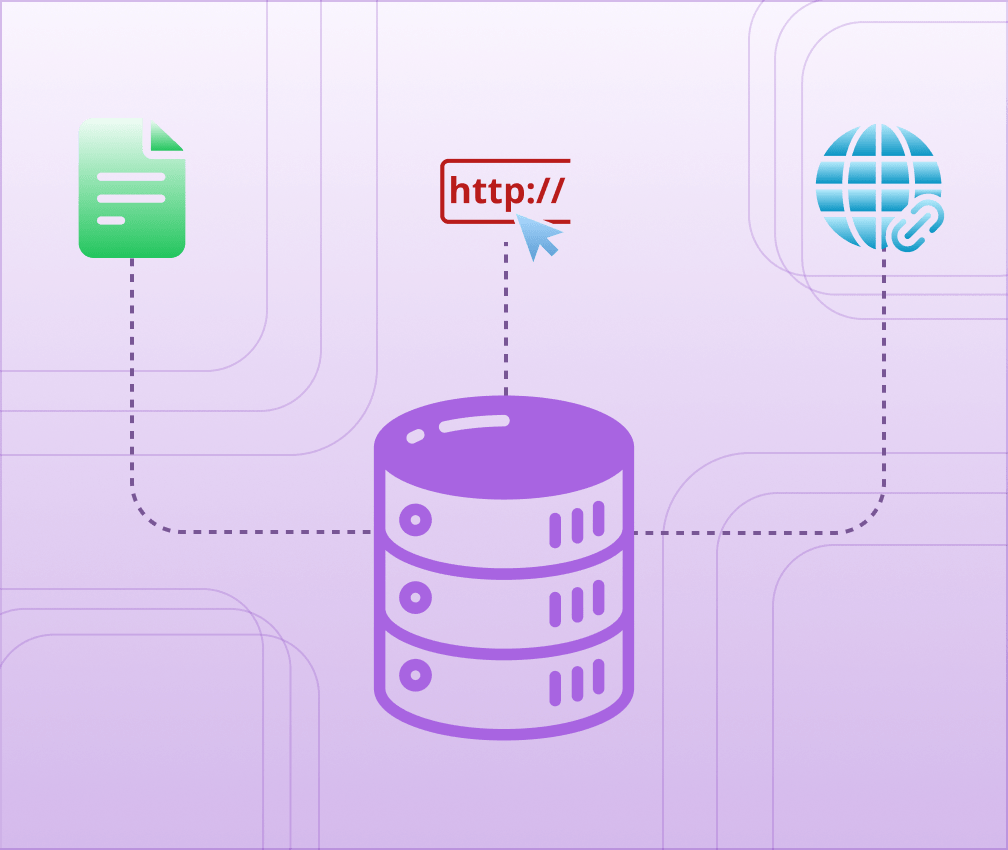
Add your existing documents or web pages as knowledge base. You can import your docs from multiple private and public sources within few minutes.
Integrate
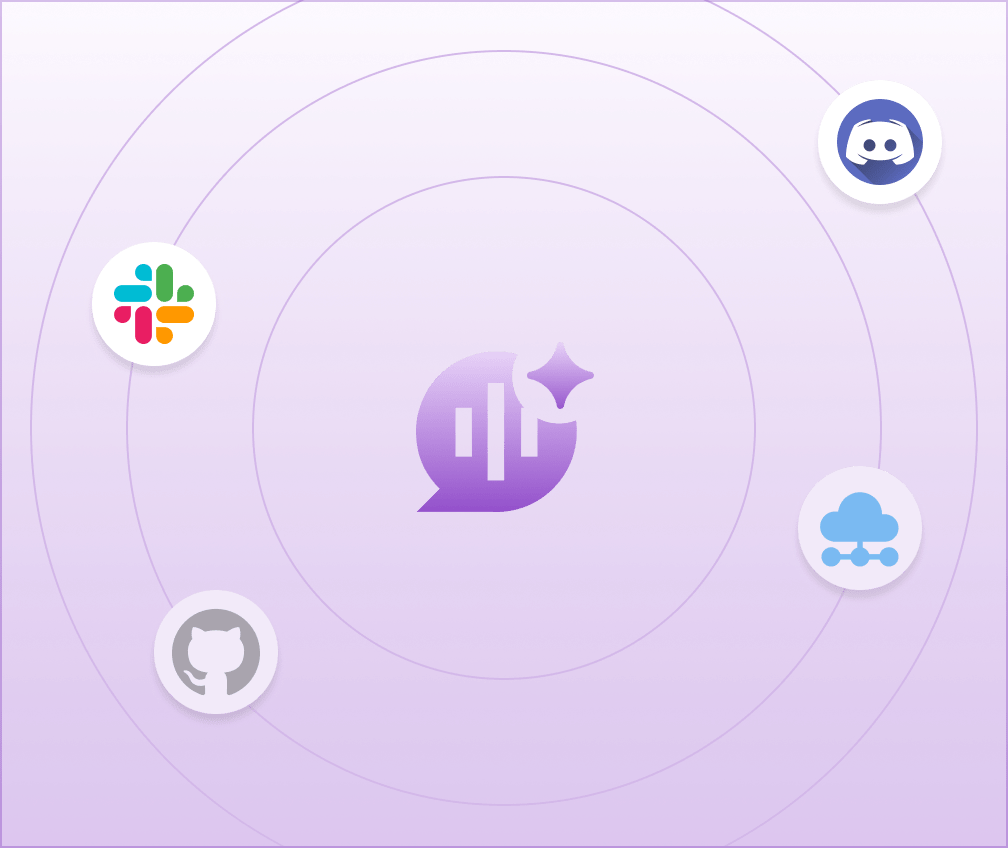
You can embed the Ask AI widget to your website, Discord server, or Slack workspace. You can customise the bot UI and behaviour of the bot
Analyse performance
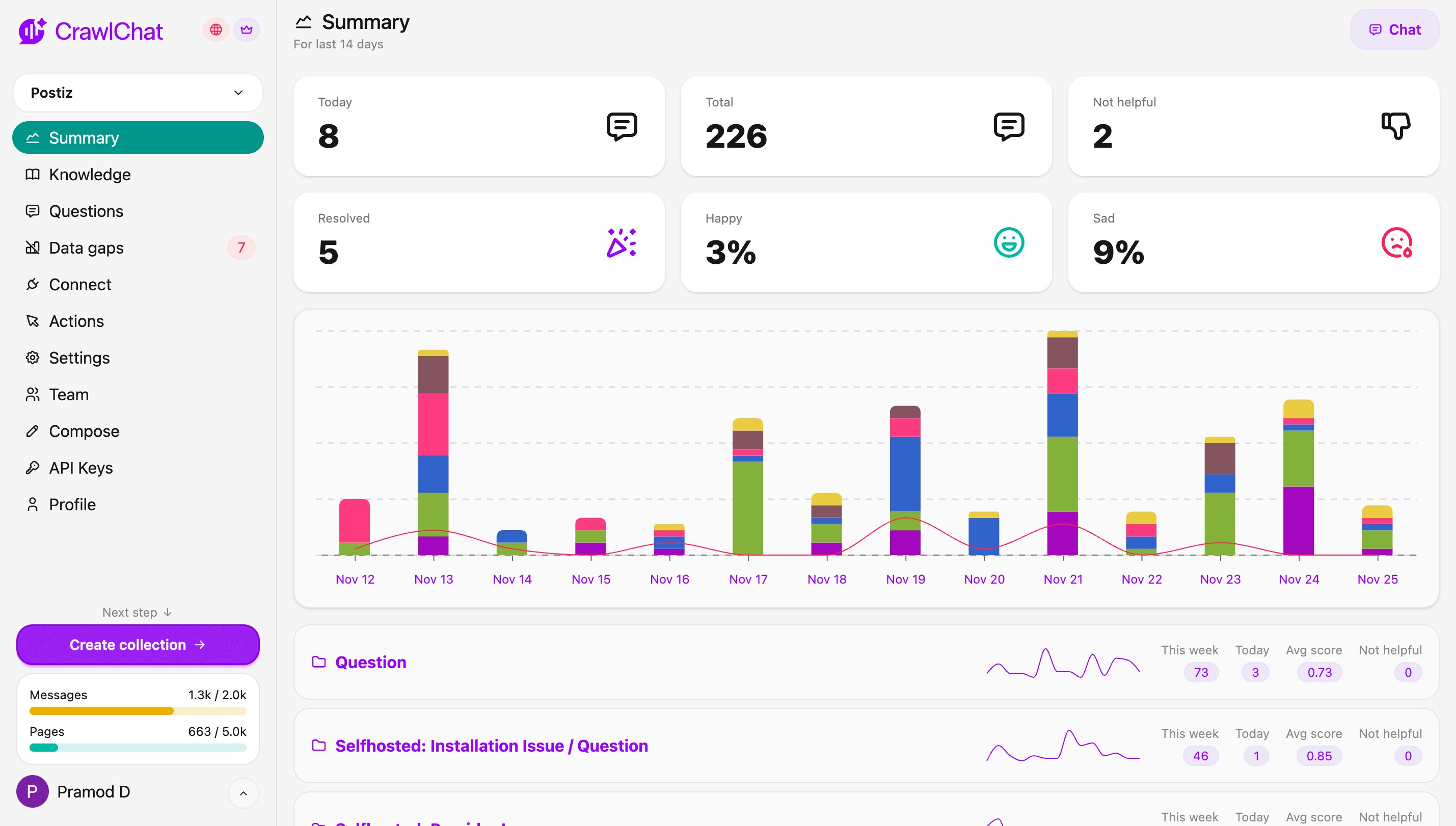
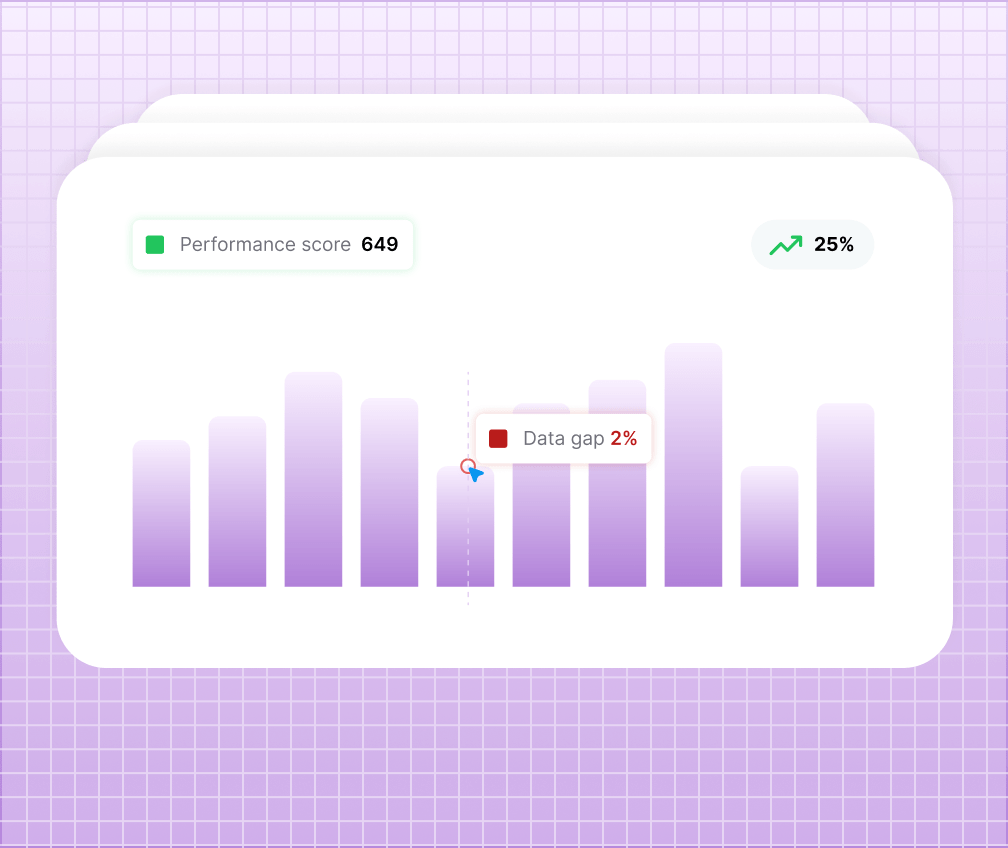
View all the messages and conversations that the bot has had. You get to see the performance, scores, and data gaps as well.
Be on top with AI powered technical docs
Don't fall behind by making your users go through hundreds of pages to find the answers they need. Add CrawlChat to your documentation and let your users find answers for their questions instantly right where they are!
Embed on your website
You can embed the Ask AI widget on your website under few minutes. You need to copy the embed code that CrawlChat provides and paste it on your website. You instantly get an AI assistant on your website that can handle most of your support queries.
Customise
You can customise the widget look and feel, and also the tone of the responses to match your brand and support style. You can add your own colors, logo of your brand, labels on the widget, and you can customise the behaviour of the AI using the prompts.
Human support
CrawlChat respects the user and understands that it might not have answers for all the support queries. Your users can always reach out to you via the support tickets. The widget itself prompts the user that it does not have answer and asks to create a support ticket by providing email right from the chat screen.

Get 360° visibility into your docs and community
People are already using ChatGPT to find answers? You are missing out hugely on the insights you can get from your docs and community. CrawlChat provides you insights on questions asked, categories, data gaps, scores, and more.
Useful analytics
CrawlChat provides a lot of useful information about your docs and questions being asked by your users. You can see the daily messages, score distribution, data gaps, hot knowledge pages, categories, sentiment analysis and more.
View questions
View the questions being asked by your users, find those questions that don't have answers in the documentation and improve your docs accordingly. You can group the questions into categores, view the channels for better understanding.
Teams
We understand that you might have multiple teams working on your documentation. CrawlChat allows you to bring your team to the app and work together to improve your docs and support your users.
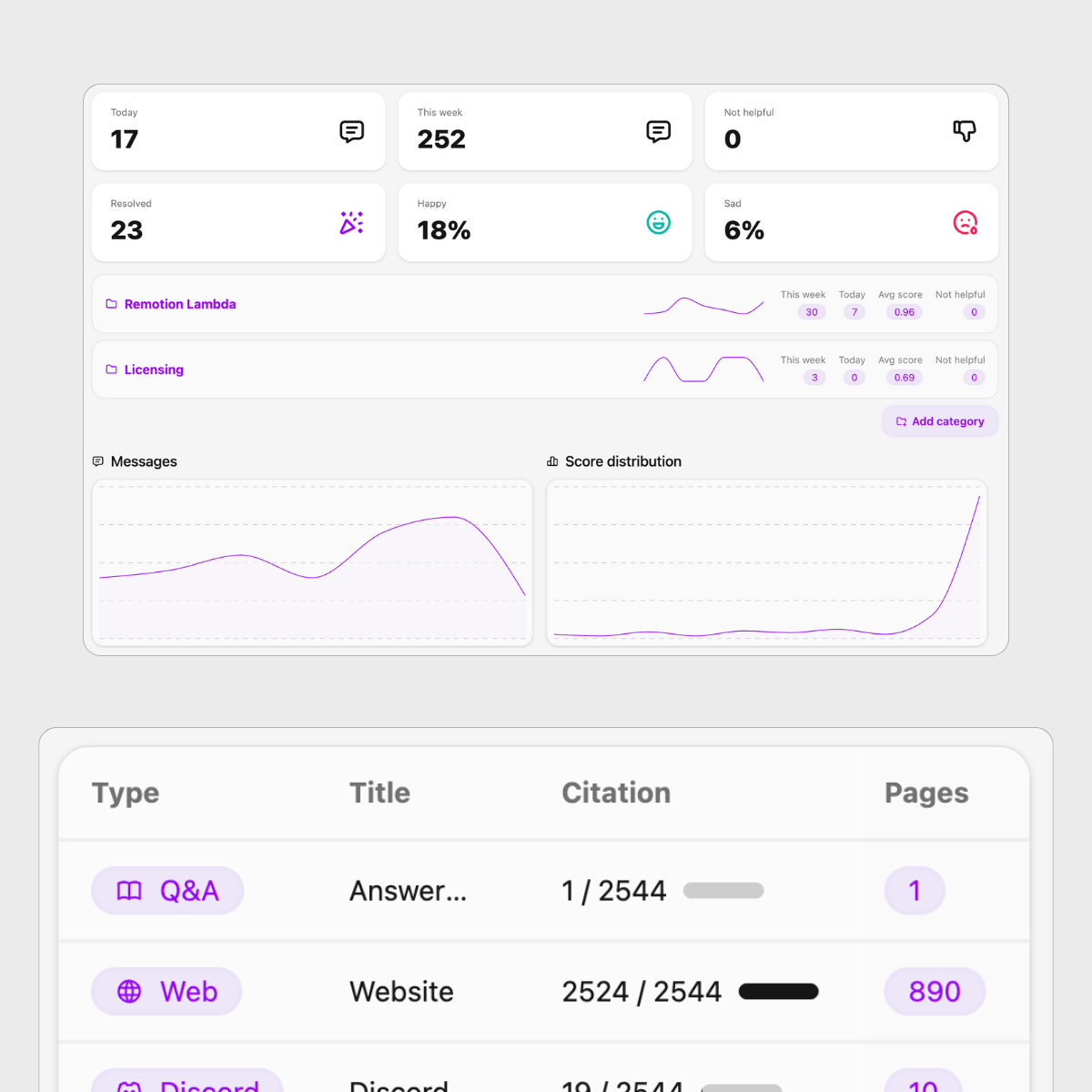
Deliver your docs to your internal teams
It is quite common for most of the tech companies to have a lot of internal documentation produced by multiple teams. It is very difficult deliver these docs to multiple teams. You can import your docs from Notion, Confluence, or upload files and connect them to your Discord or Slack workspaces.
Tag the bot
Once you add the CrawlChat bot to your Discord server, anyone on the Discord server can resolve their queries by just tagging the bot @crawlchat. It uses the same knowledge base you would have in the collection. On the admin side, all the discord messages are tagged with Discord channel.
Sources
The bot attaches the sources it uses to answer the question so that the users can find more help from your documentation. This works the same for the Web widget and the Slack bot as well. You can also configure it to reply the answers as a thread for clutter free channels.
Learn & Rate
It is evident that the bot might get wrong at times and the moderators might give correct answers. You can make the bot learn these correct answers from the Discord server itself. You can react to the correct messages with 🧩 to make the bot learn the message. You users can also react with 👍 and 👎 to rate the message that you can view from the dashboard and take necessary actions.
Learn more about Discord bot
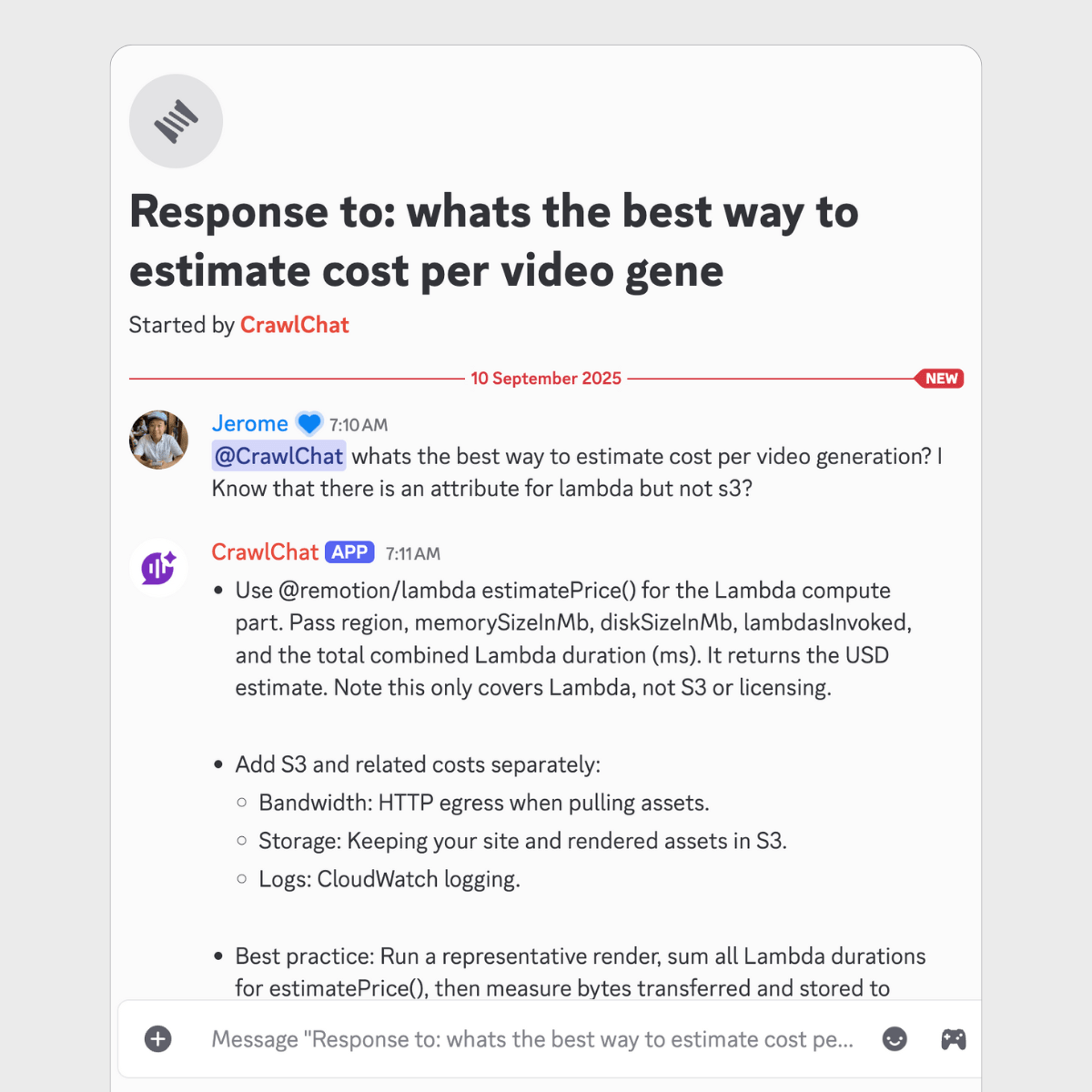
Serving the community
Answering questions continuously
Today
77
In the last week
918
In the last month
4904
Pricing for everyone
Choose the plan that best fits your needs. You can avail of the free trial for 7 days and cancel anytime.
Starter
Start your journey with CrawlChat
$45
/month
- 5000 pages
- 2000 message credits/month
- 2 collections
- 2 team members
- Smart AI models
- Support tickets
- API access
- Follow up questions
- MCP server
- Discord bot
- ExcludedGitHub issues
- ExcludedImage inputs
Popular
Pro
For power users and teams
$99
/month
- 14000 pages
- 7000 message credits/month
- 3 collections
- 5 team members
- Reasoning AI models
- Support tickets
- API access
- Follow up questions
- MCP server
- Discord bot
- GitHub issues
- Image inputs
Join on Discord
Interested? Join the Discord server to get updates and find out more about the product from the community.
Automate with n8n
Use the CrawlChat n8n node in your workflows to get answers from your docs and add content to your knowledge base.
All useful sources and channels
CrawlChat supports a wide range of sources for tech documentations and useful channels where you can deliver your documentation with AI.
Sources
Websites
Docusaurus
Files
Github issues
Notion
Confluence
New
Linear
New
API
Websites
Docusaurus
Files
Github issues
Notion
Confluence
New
Linear
New
API
Websites
Docusaurus
Files
Github issues
Notion
Confluence
New
Linear
New
API
Websites
Docusaurus
Files
Github issues
Notion
Confluence
New
Linear
New
API
Embed
Slack
Discord
MCP
New
API
New
n8n
New
Voice agent
Embed
Slack
Discord
MCP
New
API
New
n8n
New
Voice agent
Embed
Slack
Discord
MCP
New
API
New
n8n
New
Voice agent
Embed
Slack
Discord
MCP
New
API
New
n8n
New
Voice agent
Channels
Frequently Asked Questions
How do I train with my documentation?
There is technically no special process like training the AI chatbot. All you need to do is to add your existing help documentation about your product or service to the knowledge base. You can either pass the URL of your documentation or upload the files (multiple formats are supported) to the knowledge base. The chatbot will smartly understand the documentation and uses it to answer the questions.
I already user other chatbot, why do I switch?
CrawlChat shines in three areas:
- CrawlChat uses latest LLM models and gives you the best answers for your customer queries.
- It comes with a support ticket system that is makes sure that the queries reaches your if the documentation is not enough.
- It provides all the necessary analytics required to monitor the performance of the chatbot and fine tune your documentation.
Do I need to bring my own OpenAI API key?
No, CrawlChat uses the latest LLM models from OpenAI, Anthropic, Google, and Gemini. You can use the chatbot without any API key. You can choose the model that best suits your needs from the dashboard.
Does it support other languages?
Absolutely. That's is the advantage of using AI based chatbots. The LLMs/AI models are capable of answering your customer or client's queries in their own language out of the box. This includes all major 32 languages like English, Spanish, French, German, Italian, Portuguese, Russian, Chinese, Japanese, Korean, etc.
Can I try it out first?
You can signup and try out the platform with free credits you get on signup. You can check the pricing section for more details about the credits.
How can I integrate the Ask AI widget to my website?
It is a very simple process. You can navigate to the integration section and copy the code snippet. You can then paste the code snippet in your website. It also provides config for documentation solutions like Docusaurus, etc.
How can integrate it with Slack or Discord?
Yes! CrawlChat provides a Discord bot and a Slack app that can be integrated with your Discord or Slack server. You can find the instructions to integrate the chatbot to your Discord or Slack server in the Discord bot and Slack app pages. Once added to the channel or server, your community can tag @CrawlChat to ask questions to get the answers.
What kind of analytics does it provide?
CrawlChat gives rating to each answer based on the relevance of the answer to the question. The more the score is, the better the answer and the documentation was for the given query. CrawlChat provides charts over time, distribution of the score and per messange & conversation scores as well. They help you to monitor the performance of the chatbot and the knowledge base.
It also provides analytics on geo location of the users, browser, device, etc. so that you can understand the user behavior and improve your documentation.
Apart from that, you can also what knowledge groups are being used the most to answer the questions.
What happens if the message credits run out?
The message credits are reset every month whenever the subscription is renewed. Whereas the pages is the number of unique pages (maxed to a set of charecters) you have at any given point of time. Choose the plan that best suits your needs. You can topup your message credits by sending an email to support.
How can I customise the Ask AI widget?
You can configure your own brand colors, text, logo for the Ask AI button that will be visible on your website. This can be controlled from the dashboard without updating the embedded snippet.
Question not listed? Ask here
Deliver your tech doc with AI to your community and internal teams now!
CrawlChat
Ask AI
👋 Ask your questions here
CrawlChat helps you in delivering your tech docs with AI to your community in the form on chatbot, Discord bot, Slack app and as a MCP server. Ask any question related to it and find the answers quickly!
QUICK QUESTIONS
How to integrate with REST API?
Show me latest change logs?
Why should I use CrawlChat?
Made by CrawlChat
Ask 💬