

详细内容
Instantly Shape Your Ideas into Clear, Powerful Diagrams
Generate professional-grade UML or process flows in seconds—no manual tweaking required. Just describe your vision and let AI handle the rest.
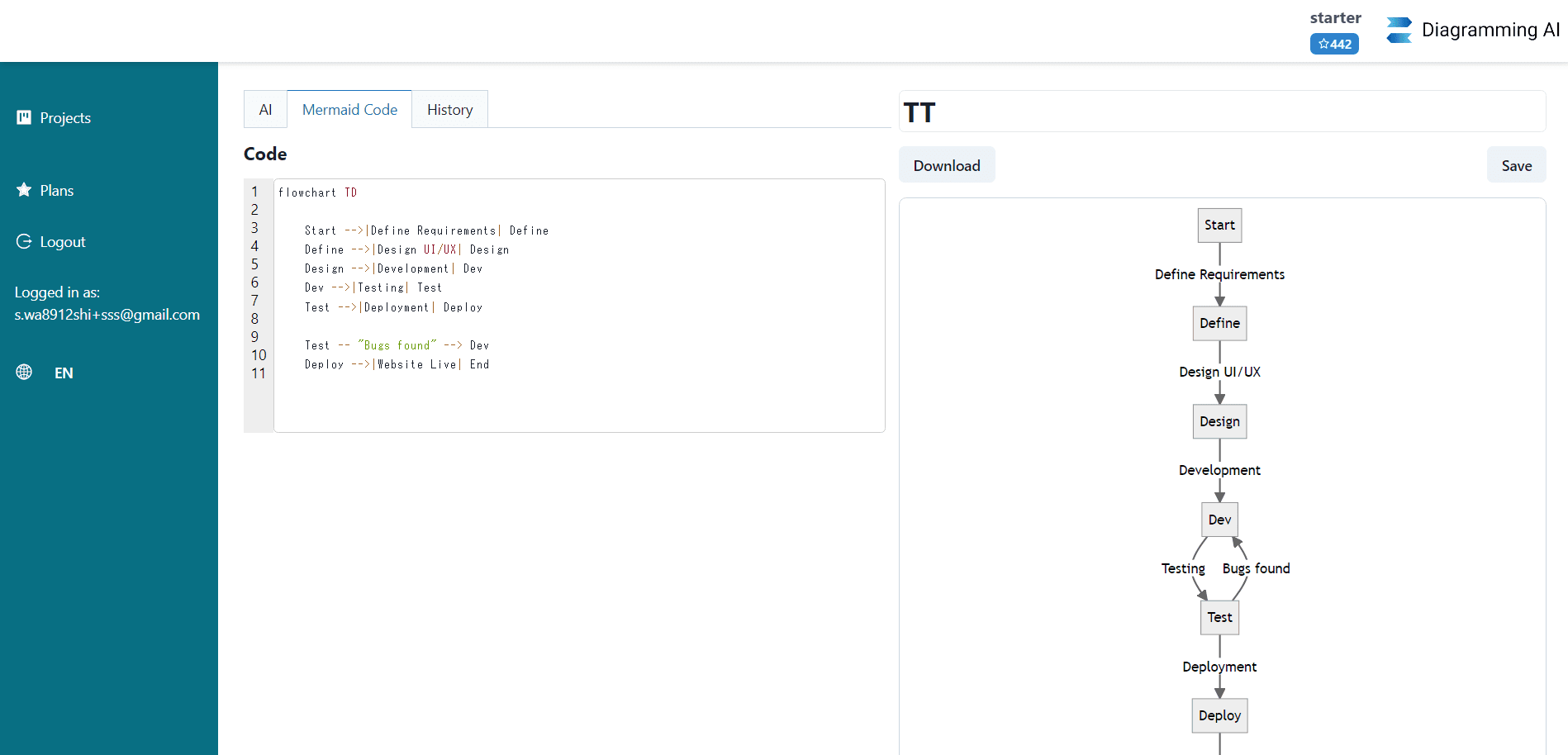
AI-powered diagram creation, discussion, suggestion, and updates.

With Diagramming AI, not only can you instantly create and update diagrams through intuitive AI commands, but you can also engage in AI chat for tailored suggestions and advanced conditions. The process makes diagramming remarkably easy and dynamic. Plus, our storage and retrieval system ensures your projects remain organized and accessible.
Features
AI-Powered Automated Diagram Creation
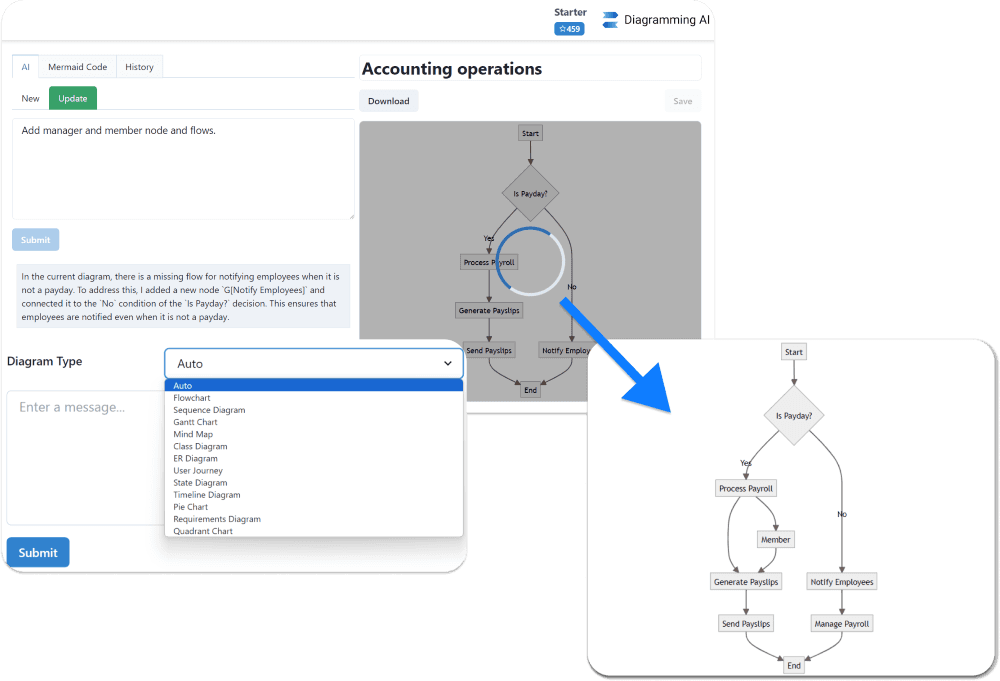
AI-Powered Automated Diagram Creation
Generate diagrams instantaneously using LLM-based AI. Input text and receive charts in a variety of formats, such as flowcharts, sequence diagrams, Gantt charts, and more. Directly instruct AI to format your diagrams with a user-friendly UI.
AI Chat
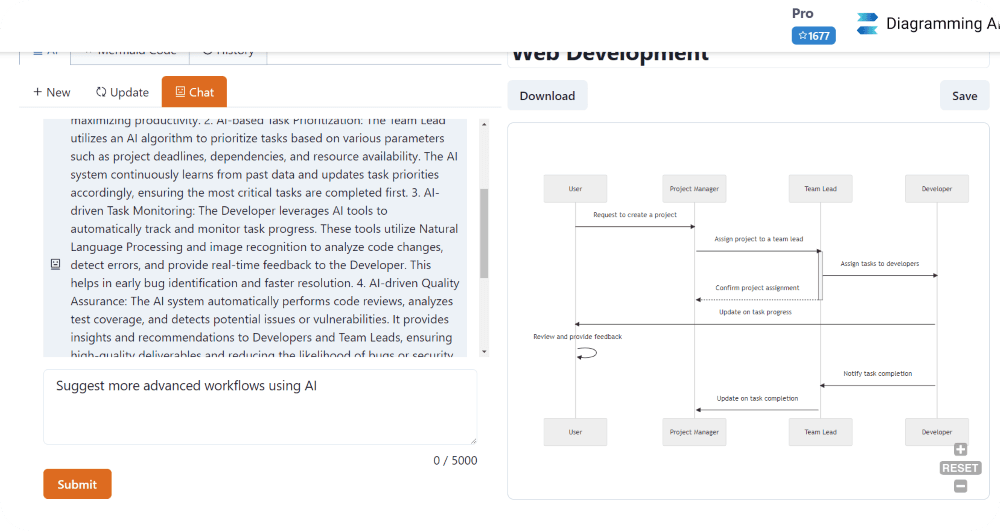
AI Chat
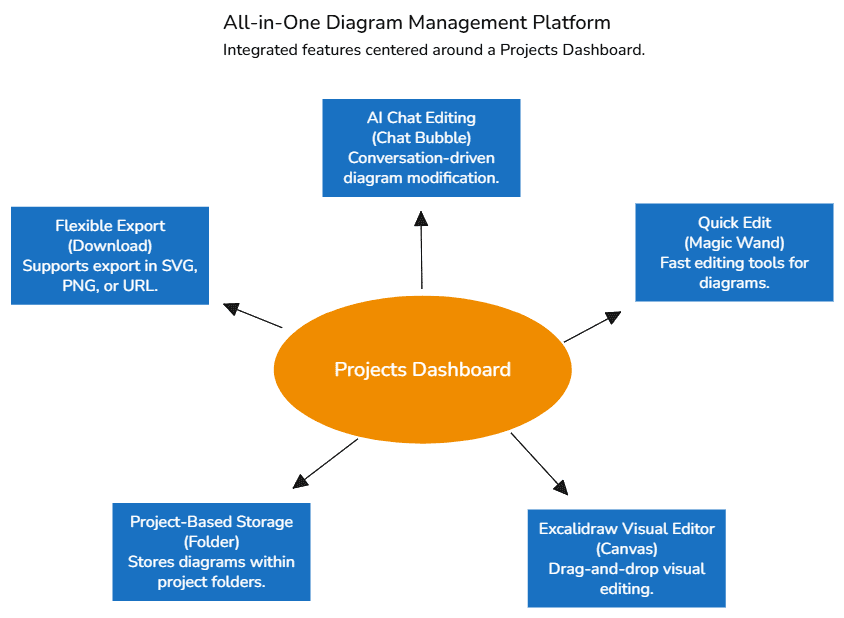
Engage in insightful discussions with AI about diagrams. Two modes are available: Discussion Mode allows for exploring various issues, suggestions, and ideas for improvement, while Update Mode enables direct instructions to the AI for real-time diagram edits through chat. Diagrams can be enhanced effortlessly with AI's guidance and immediate updates.
Seamless Diagram Drawing
Seamless Diagram Drawing
Experience the innovative AI-driven diagramming tool that outputs your design continuously. This seamless drawing approach elevates your AI diagram drawing experience, ensuring clarity, precision, and fluidity in every design.
AI-Powered Error Resolution
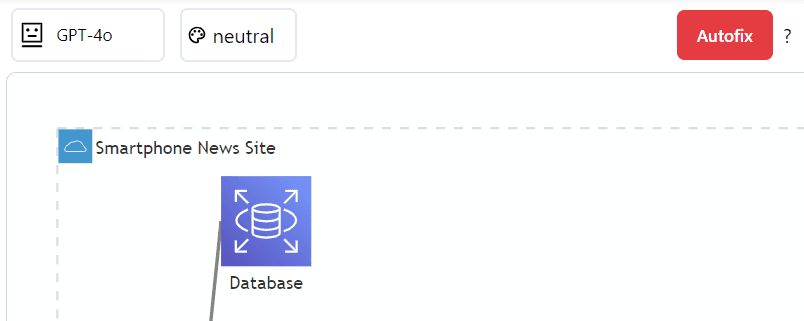
AI-Powered Error Resolution
Our AI automatically analyzes and fixes diagram errors. It interprets error messages and applies intelligent corrections to ensure your diagrams work perfectly. This feature supports Mermaid, PlantUML, and Graphviz diagrams, making it easier to maintain error‑free visualizations across different diagram types.
Quick Edit Functionality
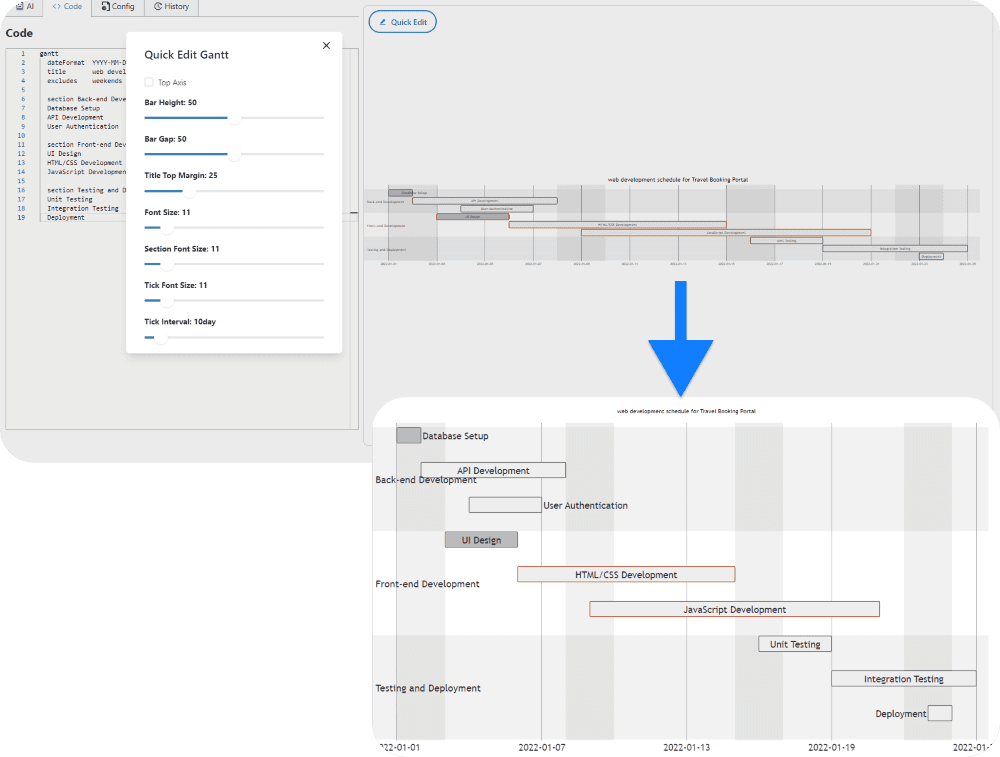
Quick Edit Functionality
Introducing the Quick Edit feature that allows you to easily and promptly modify each part's size and style of your diagrams. It displays your diagram and provides intuitive, accessible options for adjusting your visual data effectively, making it exceptionally useful for constructing clear and comprehensible charts.
Visual Editor with Excalidraw Integration
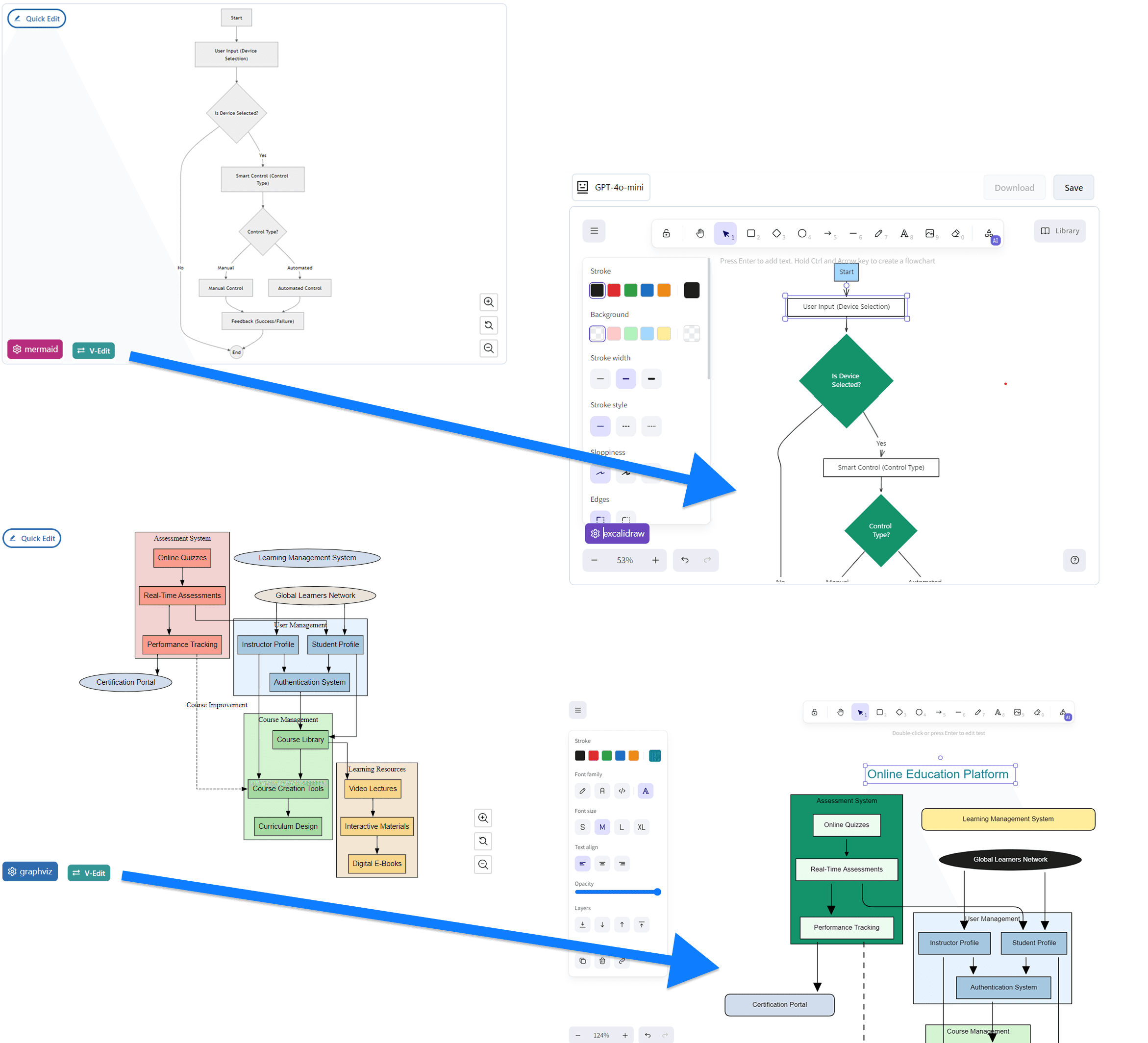
Visual Editor with Excalidraw Integration
Transform your Mermaid, PlantUML, and Graphviz diagrams into interactive visual canvases with our V‑Edit feature. With just one click, your text‑based diagrams come to life in Excalidraw, where you can effortlessly fine‑tune your Flowcharts, Sequence Diagrams, Class Diagrams, ER Diagrams, Timeline Diagrams, Gantt Charts, State Diagrams, Mind Maps, C4 Diagrams, and Graphviz visualizations using intuitive drag‑and‑drop controls. This seamless integration brings a new level of flexibility to your diagramming experience, making it easier than ever to perfect your visualizations.
Project-Based Diagram Code Storage with Mermaid, PlantUML, Graphviz, and Excalidraw
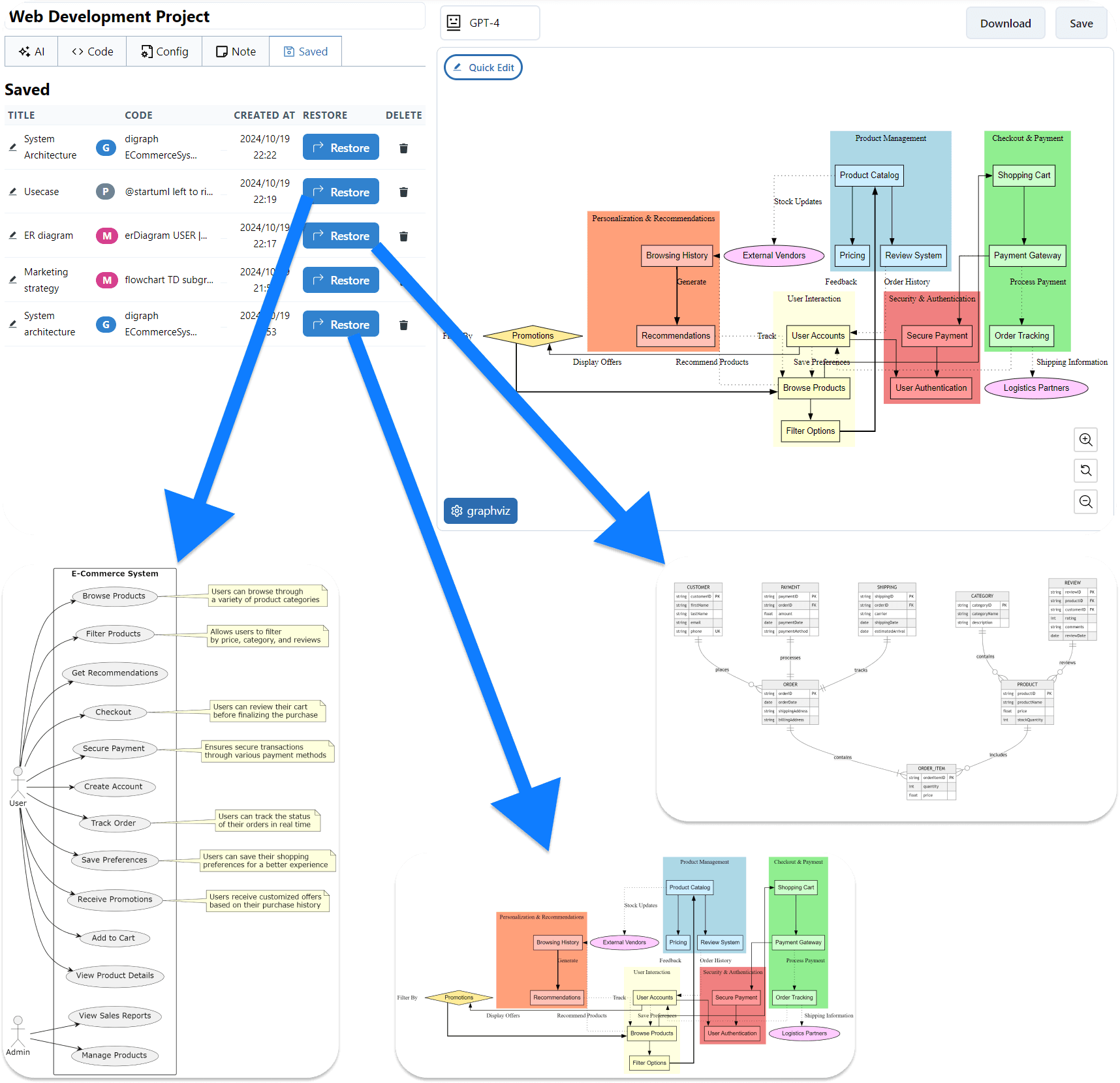
Project-Based Diagram Code Storage with Mermaid, PlantUML, Graphviz, and Excalidraw
Create multiple projects and store a wide variety of diagrams using Mermaid, PlantUML, or Graphviz code—all in one unified platform. Save your interactive Excalidraw visual edits alongside your text‑based diagrams. Mermaid, PlantUML, and Graphviz editors and quick edit features are all available for free. Effortlessly access and manage your diagrams, leveraging AI for easy updates and seamless switching between different formats as needed. The ability to save notes for each diagram enhances project organization, making it ideal for managing complex projects and their associated visualizations.
Flexible Export & Editing
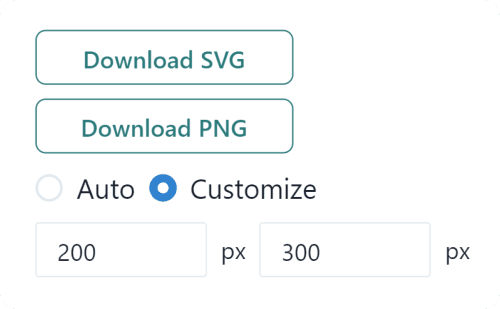
Flexible Export & Editing
Export your diagrams easily in SVG/PNG or via shareable URLs, thanks to our Kroki integration. Edit anytime for up‑to‑date visuals that are easy to share and collaborate on.
Customizable Color Themes
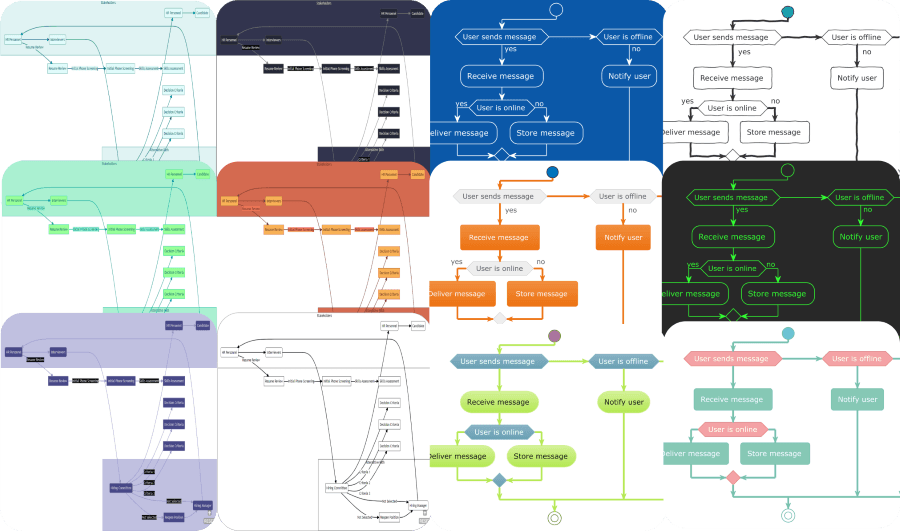
Customizable Color Themes
Step into a world where your diagrams come alive with color and personality. With over 10 color themes for mermaid diagrams and 40+ for PlantUML, the perfect palette awaits to match your project's vibe. From sleek and professional to bold and vibrant, easily find and switch themes to keep your designs on‑point and engaging. Our expansive color collection ensures your diagrams not only deliver information but do it with style that speaks to you. Dive into our selection and let your diagrams make a statement without saying a word.
URL to Diagram
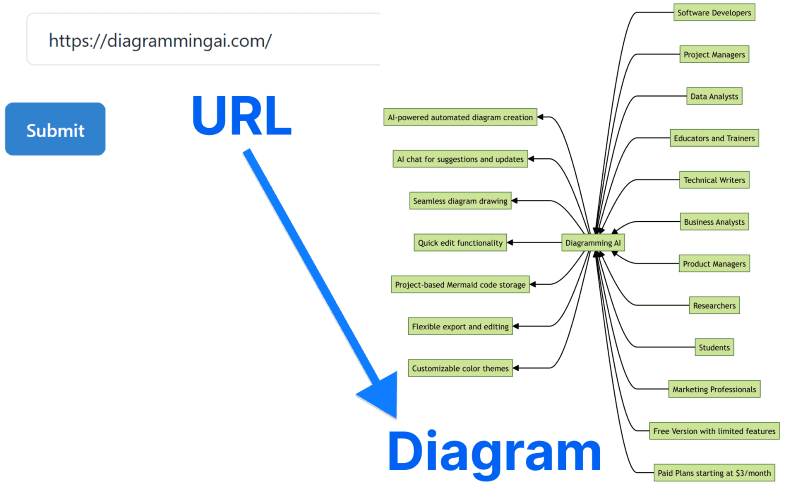
URL to Diagram
Simply by inputting a URL, you can transform any site into a diagram. This feature is invaluable for gaining a quick understanding of a site's overview.
Image to Diagram
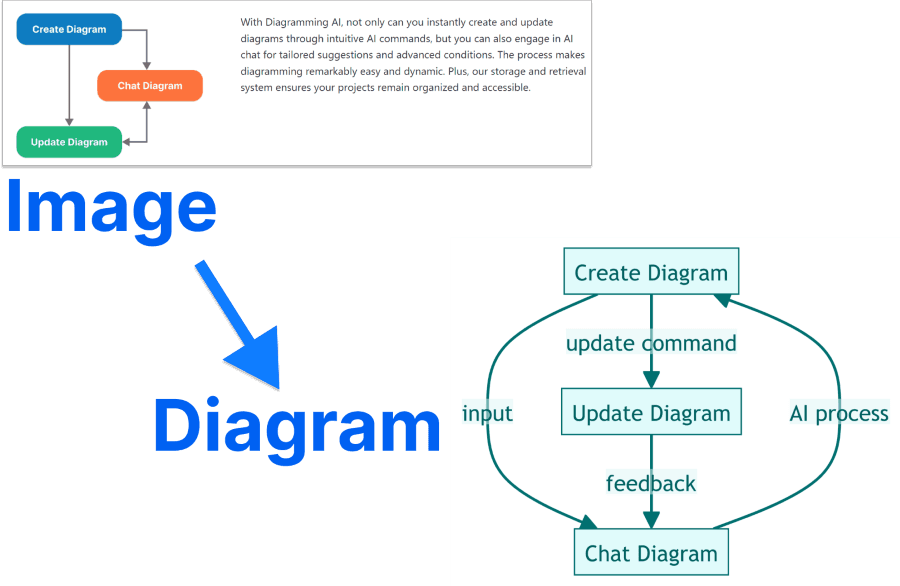
Image to Diagram
This feature allows you to generate diagrams from images. It supports content like text and diagrams within the image. You can easily switch templates, converting from mermaid to PlantUML, among others. The tool accommodates images from URL, local captures, uploads, and drag‑and‑drop inputs, offering versatile ways to create insightful diagrams. Whether you're looking to get a quick overview or a detailed representation, this feature simplifies the process, making it accessible and efficient.
Diagram Templates
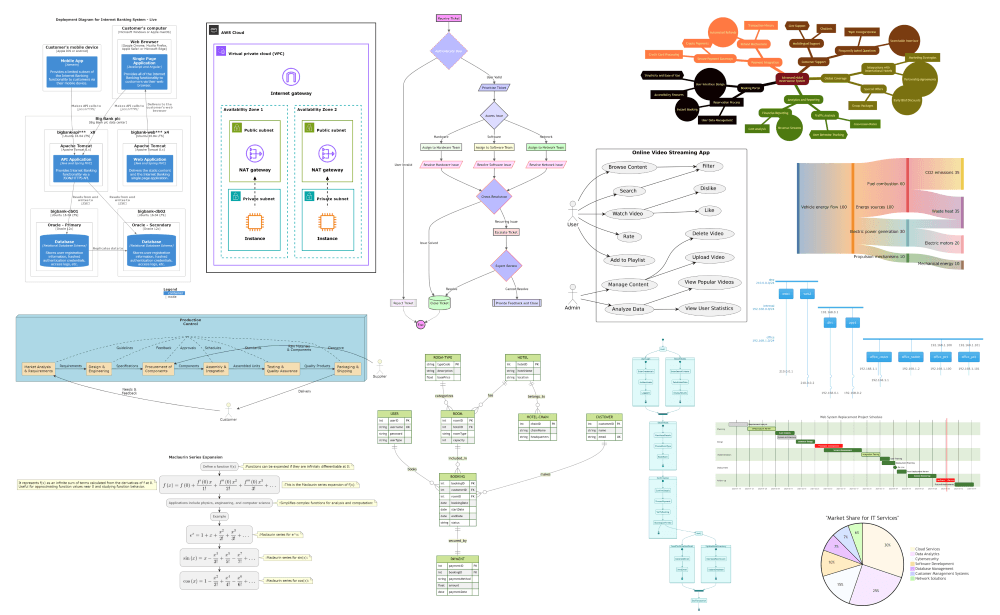
Diagram Templates
Jumpstart your diagramming with a comprehensive library of templates for mermaid.js and PlantUML. Effortlessly create diagrams by guiding AI to match your desired template, whether you need flowcharts, sequence diagrams, class diagrams, or state diagrams. You can even generate flowcharts directly from code with specialized templates designed for this purpose. Available diagram types also include activity diagrams, use case diagrams, component diagrams, deployment diagrams, object diagrams, Gantt charts, pie charts, ER diagrams, mind maps, network diagrams, timing diagrams, interaction overview diagrams, package diagrams, profile diagrams, requirement diagrams, C4 model diagrams, Code to flowcharts, AWS architecture diagrams, ArchiMate diagrams, and more, offering extensive possibilities for visualization.
AI-Powered Infographics
AI-Powered Infographics
Transform your ideas into stunning infographics with our AI-powered Excalidraw integration. Simply describe your concept in natural language, and watch as AI generates professional-looking infographics with hand-drawn aesthetics. Choose from pre-designed templates for consistent styling, or let AI create unique layouts from scratch. The Format Input feature optimizes your prompts for the best visual results, ensuring your infographics effectively communicate complex information in an engaging, visually appealing way. Perfect for presentations, reports, and educational content that needs to capture attention while maintaining clarity.
Who is this service for?
- Software Developers: Use sequence diagrams and flowcharts to illustrate system design, and Gantt charts to visualize project timelines.
- Project Managers: Visually represent project schedules with Gantt charts.
- Data Analysts: Visualize data flows and processes.
- Educators and Trainers: Explain complex topics and ideas visually.
- Technical Writers: Add visual elements to technical documents and manuals.
- Business Analysts: Create and visualize flowcharts for business processes.
- Product Managers: Showcase product feature flows and user experiences visually.
- Researchers: Represent research findings and data visually.
- Students: Map out topics and ideas visually for study purposes.
- Marketing Professionals: Visually represent marketing campaign strategies and plans.
Frequently asked questions
What is the key benefit of using Diagramming AI?
What kind of diagrams can be created and edited with AI?
Who can benefit from using Diagramming AI?
How does the AI Chat feature work?
Which version of LLMs is being used?
What is the Excalidraw Visual Editor feature and how does it work?
What is Project-Based Diagram Code Storage with Mermaid and PlantUML?
Pricing
Free
$0
- All Editors
- 2 projects
- 3 diagrams/project
- 10 credits
- 3000 input characters
- GPT-5-mini, Gemini-2.5-Flash, Claude-4.5-Haiku access
Lite
$3 /month
- All Editors
- Unlimited projects
- Unlimited diagrams/project
- 250 credits
- 3000 input characters
- URL to Diagram
- Image to Diagram
- GPT-5-mini, Gemini-2.5-Flash, Claude-4.5-Haiku access
Starter
$6 /month
- All Editors
- Unlimited projects
- Unlimited diagrams/project
- 800 credits
- 12000 input characters
- URL to Diagram
- Image to Diagram
- GPT-5-mini, Gemini-2.5-Flash, Claude-4.5-Haiku access
- GPT-5, Gemini-2.5-Pro, Claude-4.5-Sonnet access
Pro
$14 /month
- All Editors
- Unlimited projects
- Unlimited diagrams/project
- 2,500 credits
- 20000 input characters
- URL to Diagram
- Image to Diagram
- GPT-5-mini, Gemini-2.5-Flash, Claude-4.5-Haiku access
- GPT-5, Gemini-2.5-Pro, Claude-4.5-Sonnet access
