

详细内容


★★★★★
Top Rated OCR Software for Financial Documents
High-Accuracy Financial Data Extraction Software
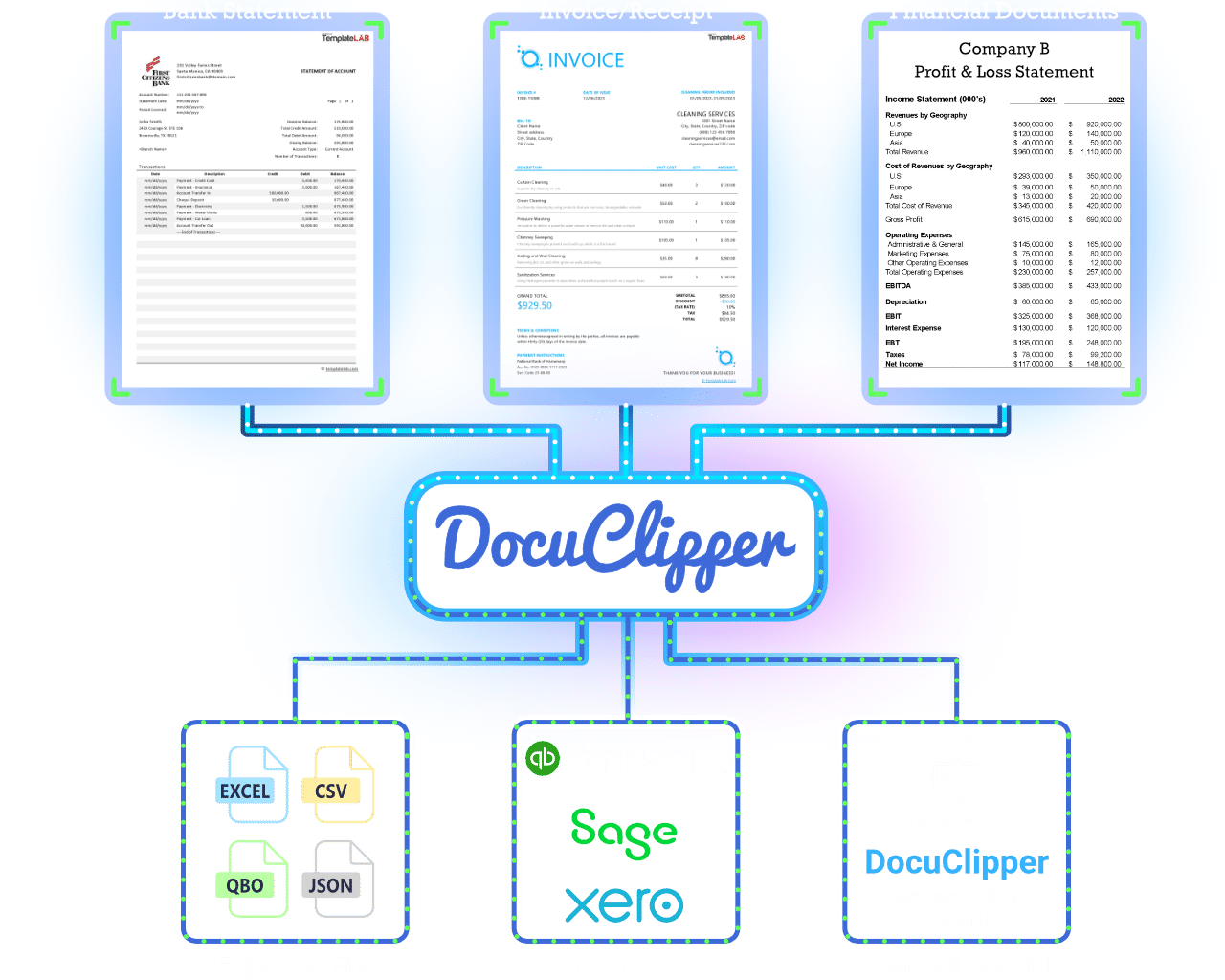
Automatically extract data from bank statements, invoices, receipts, and other financial documents and import it to CSV, Excel, and your accounting software.
No credit card required.
Bank statement extraction
Invoice & receipt parsing
99.6% accuracy rate
Bank-level security
Trusted by 10,000+ Businesses Around the World






Extract Financial Data with 99.6% Accuracy & Fast Processing
Bank Statement Data Extraction Software for PDF to Excel, CSV, QBO
Our bank statement converter has the highest accuracy, supports all bank statements and integrates seamlessly with any ERP or accounting software.
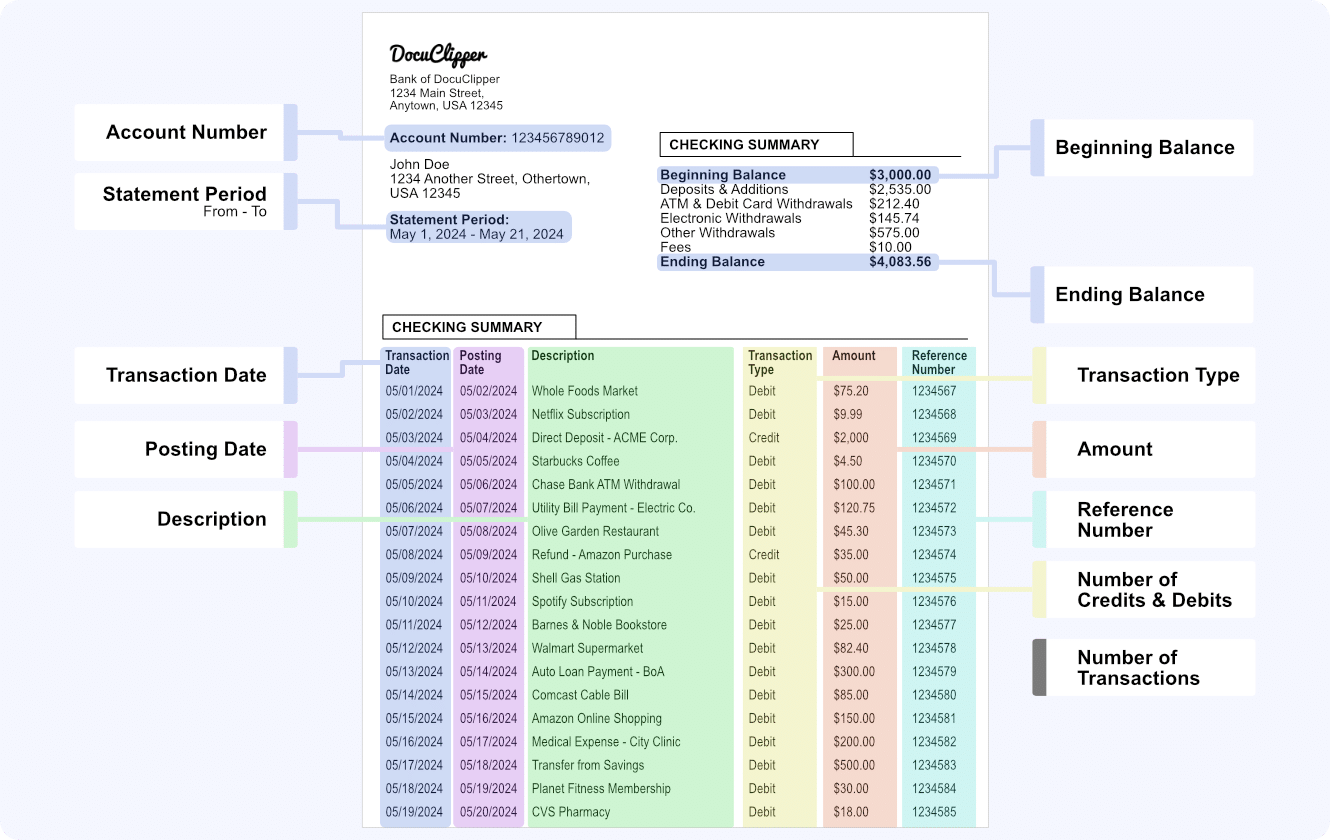
- Automatic Conversion for Any PDF Bank Statements Drag and drop your bank or credit card statements into DocuClipper, and it automatically converts them into Excel, CSV, or QBO formats in seconds.
- Supports Both Scanned and Digital PDF Versions You can upload both scanned and digitally generated PDF bank statements to DocuClipper, and it will accurately extract the data from either type.
- Import to Excel and Your Accounting Software Connect DocuClipper with your preferred accounting software, such as QuickBooks, Xero, and Sage, to directly import the converted bank statements.
- Automatic Reconciliation Ensures Accuracy DocuClipper automatically reconciles your bank statements by comparing the transaction totals with the summary information to ensure accurate data extraction.
- Automatic Multiple Account Detection Upload a bank statement with multiple accounts, and DocuClipper will automatically detect and separate the transactions for each account.
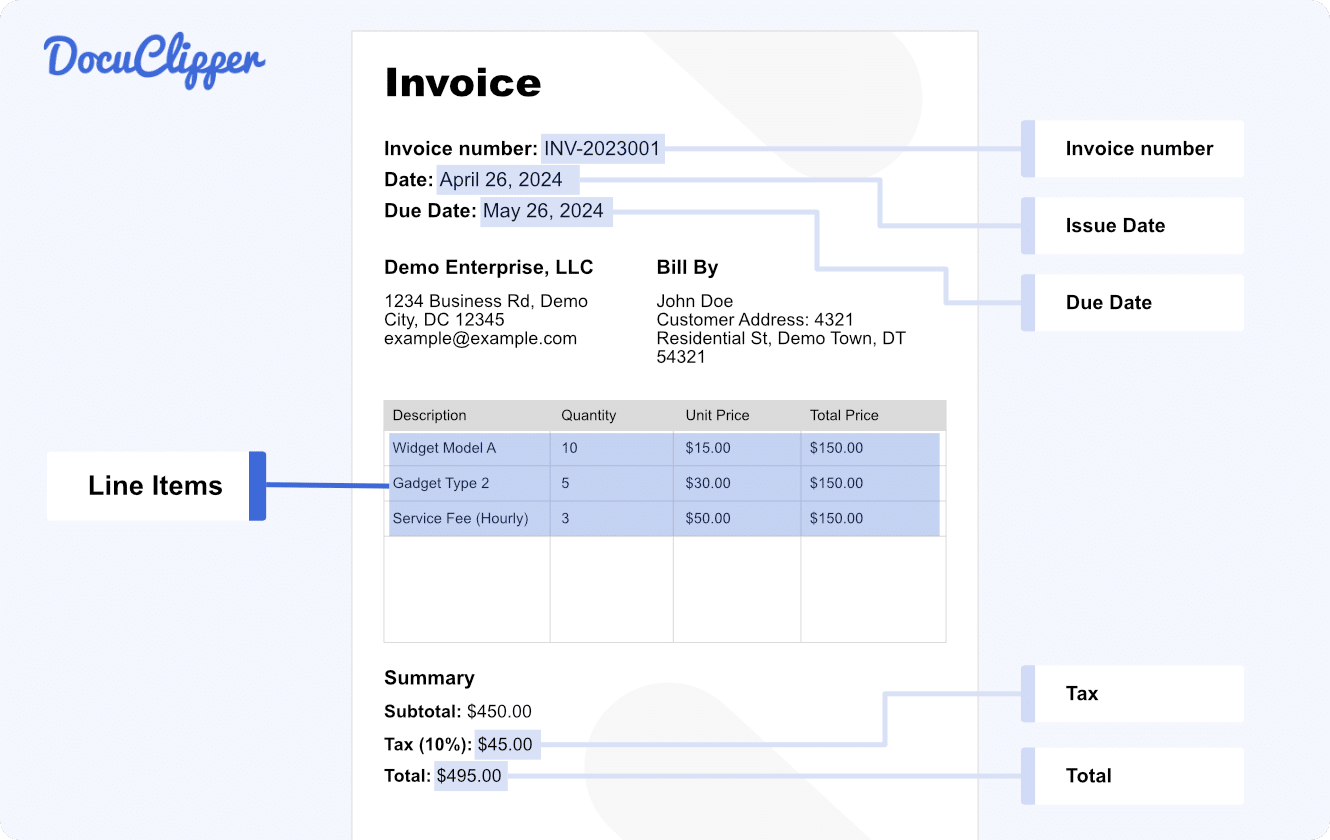
Invoice & Receipt Data Extraction Software for Faster Processing
DocuClipper’s Invoice OCR and Receipt OCR technology extracts data from PDFs instantly, eliminating manual entry and saving you time.
- Automatic Conversion for Any PDF Invoices & Receipts Simply drag and drop your PDF invoices or receipts, and DocuClipper quickly converts them into editable formats like Excel or CSV.
- Supports Both Scanned and Digital PDF Versions Whether scanned or digitally generated, DocuClipper extracts accurate data from any type of invoice or receipt.
- Import to Excel and Your Accounting Software Sync seamlessly with QuickBooks or export to CSV for easy data handling in other software.
- Unlimited Line Item Extraction Extract detailed data from all line items, with no extra charges or limits on entries.
- Invoice & Receipt Rules Automation Set up rules to categorize and allocate invoice data effortlessly, streamlining accounting workflows.
OCR Software for Extracting Data from Tax Forms, P&L, and More
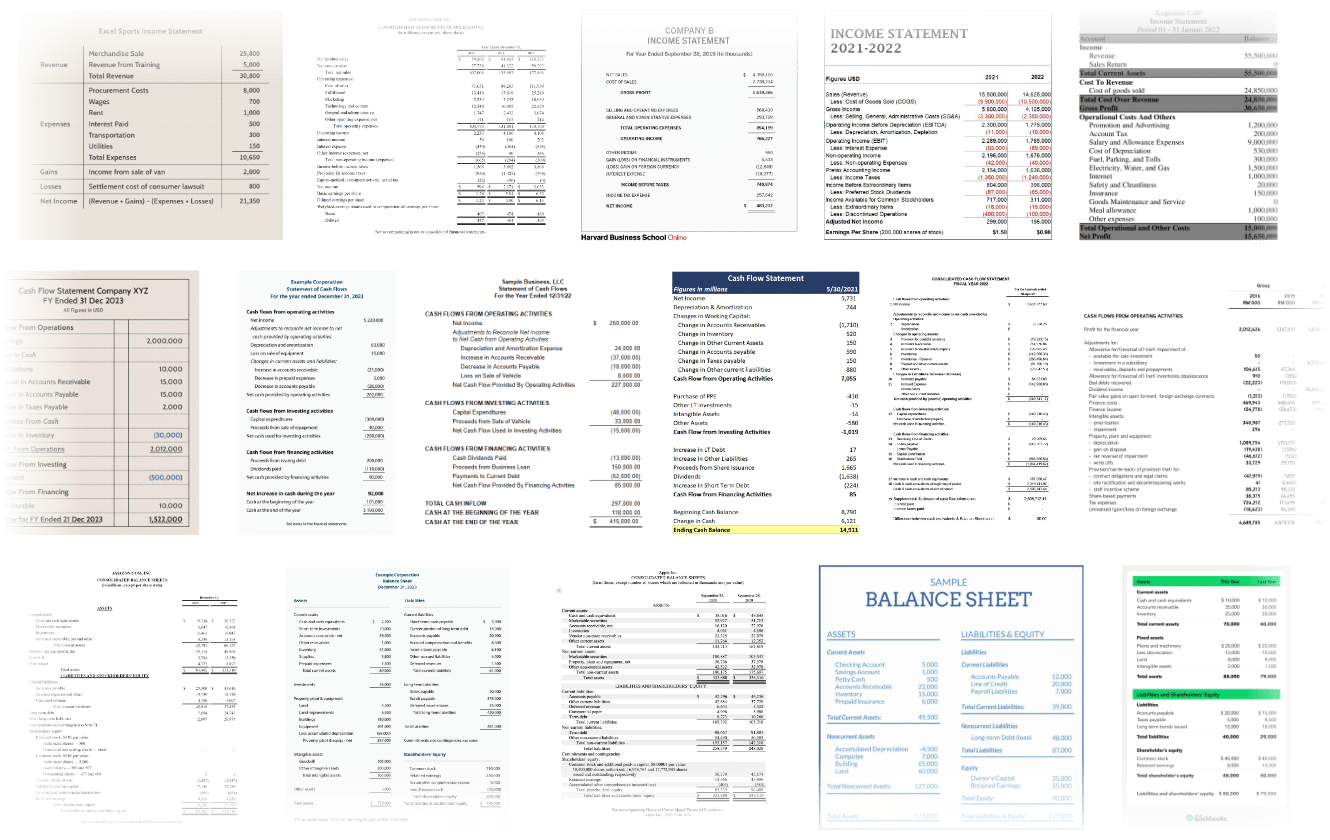
DocuClipper also extracts data from other financial documents such as tax forms, P&L and cash flow statements, balance sheets, and more, allowing you to automate data extraction and streamline your workflow.
Top Features:
- Automatic Conversions Easily convert any PDF document into a spreadsheet without any configuration needed.
- Create a Custom Template Create custom templates to precisely control what data gets extracted..
- Supports Both Scanned and Digital PDF Versions DocuClipper can handle both scanned images of physical documents and digitally generated PDFs.
- Import to Excel or CSV Easily export extracted data into Excel or CSV formats for easy analysis and integration.
Export Financial Data to Excel, Accounting Software & ERPs
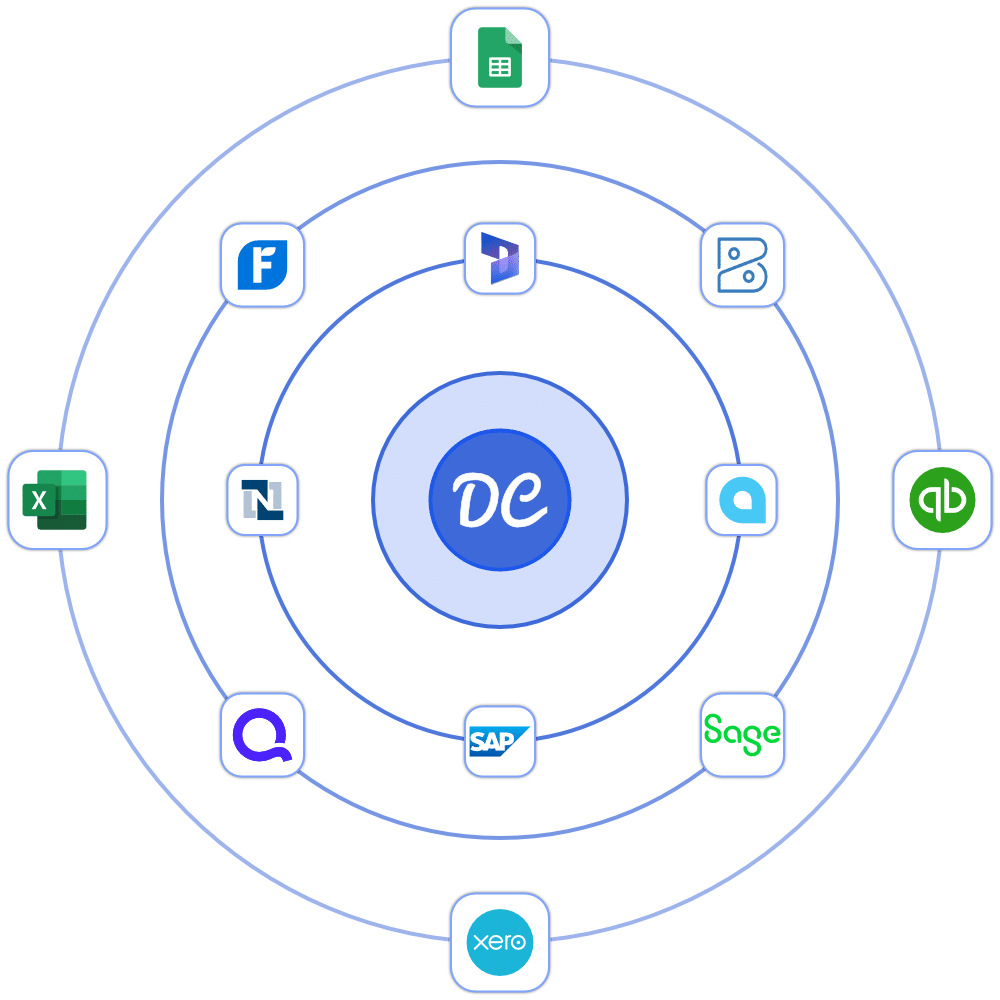
DocuClipper lets you export extracted data into the exact format you need, ready for seamless integration into your accounting software, ERP, CRM, or spreadsheet. Focus on insights, not data formatting or manual entry.
- Export Data in Custom Formats Export your data into formats like CSV, Excel, or QBO, so it’s easy to use and analyze.
- Integrate with Accounting Software Connect with popular accounting platforms like QuickBooks, Xero, Quicken, and Sage to streamline data transfer.
- Connect to Your CRM & ERP Easily import your data into CRM or ERP systems for unified data management and reporting.
Secure Financial Data Extraction with SOC 2 & 256-Bit Encryption
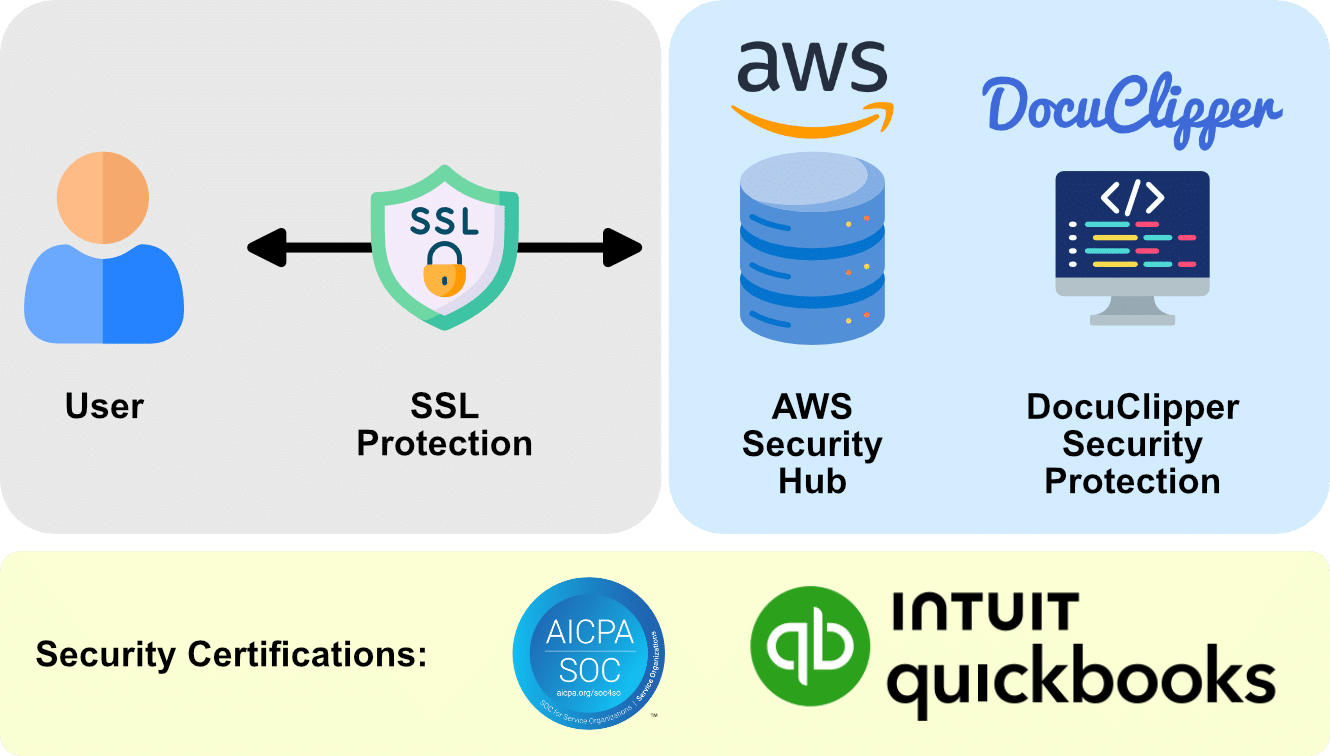
DocuClipper delivers top-tier security, featuring SOC 2 compliance, Amazon’s robust servers, and AES 256-Bit SSL encryption, ensuring your data remains protected.
- SOC 2 Certified: Meets high standards for data protection.
- Amazon Servers: Reliable infrastructure ensures uptime and security.
- AES 256-Bit Encryption: Military-grade protection for your data.
Why DocuClipper is the Best Financial Data Extraction Software
Scroll to explore
99.6% Accuracy
Our software accurately extracts data from financial documents
Instant Conversions
Extract data from documents in seconds to speed up your workflow
Fully Automatic
Fully automated OCR data extraction, just drag-and-drop, easy to use
Expert Support
Receive excellent customer service to ensure we don't slow you down
#1 OCR Software
Rated as the #1 OCR software for financial documents, with unmatched accuracy and ease of use
Specialized Algorithms
Specialized algorithms for every document type to ensure highest accuracy & speed
Turn Your Documents into Data with Our Powerful OCR APIs
Invoice OCR API
Say goodbye to manual data entry! Our Invoice OCR helps you quickly pull important data from your invoices with amazing accuracy, making your accounts payable team’s life much easier.
Receipt OCR API
Never lose track of expenses again! Our Receipt OCR automatically captures and organizes all your receipt information, perfect for keeping your expense management clean and simple.
Bank Statement OCR API
Simplify reconciliation! Our Bank Statement OCR converts statements into usable data in seconds, helping you clean up books faster and keep accounts organized.
OCR API
Quickly process financial paperwork, from tax forms to cash flow statements. Our specialized OCR ensures precise, secure data extraction.
See Why Finance Professionals Love DocuClipper


Learn More About Finance Automation and OCR
Software

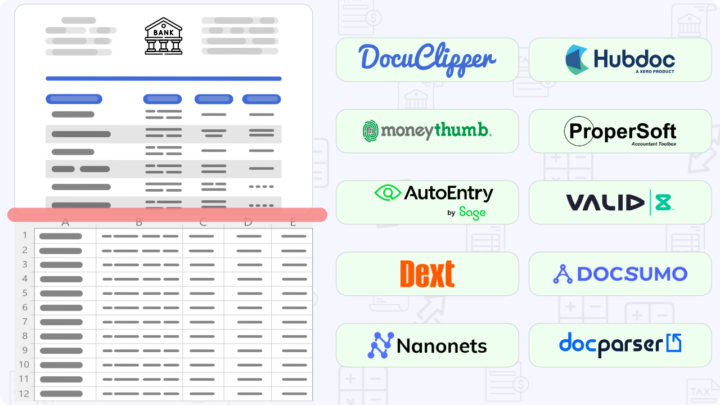
10 Best Bank Statement Extraction Software in 2025
Discover the best bank statement extraction software to streamline your financial processes. With the curated list of best solutions, you can select the right bank
Jorge Martinez
March 5, 2025
Bank Statements
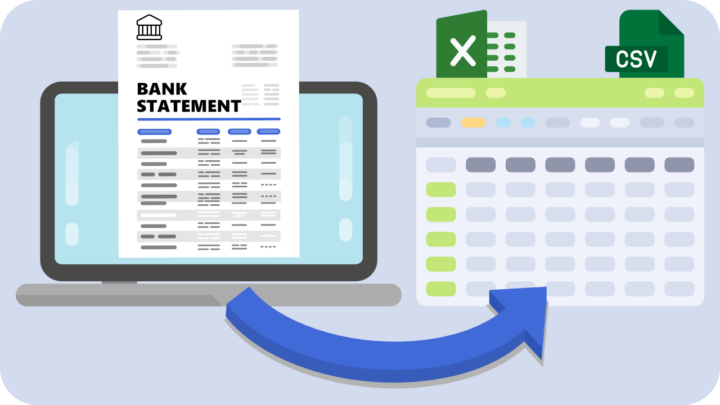
How to Convert Bank and Credit Card Statements to Excel or CSV
Looking to convert bank statements or credit card statements to Excel? This comprehensive guide will show you how to quickly transform your PDF financial statements
Jorge Martinez
May 7, 2025

Software
14 Best Invoice Scanning Software for Businesses in 2025 (Compared)
Managing invoices efficiently is a critical challenge for businesses and accounting professionals in today’s fast-paced financial landscape. The diversity of invoice formats across suppliers, vendors,
Jorge Martinez
July 14, 2025
Eliminate manual data extraction with a specialized OCR software for financial documents.

Try it for Free
Get a 14-day free trial to convert your financial documents.

4.8

Leading OCR Software for Financial Documents
DocuClipper is trusted by over 10,000 professionals for accurate and quick data extraction from financial documents such as bank statements, invoices, receipts, purchase orders, and tax forms.
Features
- Invoice Data Extraction Software
- Receipt OCR
- Bank Statement OCR
- IRS Tax Form Data Extraction
- Transaction Categorization
- Financial Analysis
Solutions
- Bank Statement Converter
- Bank Statement Analyzer New
- PDF to QBO Converter
- Invoice Scanning Software
- Receipt Scanning Software
- CSV to QBO Converter
- Credit Card Statement Converter
API
Integrations
- Excel OCR
- QuickBooks OCR
- Xero OCR
- Quicken OCR
- Sage OCR
- NetSuite OCR
- Dynamics 365 OCR
- SAP OCR
- Accounting Software OCR
- ERP Software OCR
Let's Get You Started!
© 2025, DocuClipper is owned by Grand Plans LLC, All Rights Reserved.