

详细内容
Special Offer: 20% off Lifetime Plans\
\
\
Ends Dec 4th
Trusted by 3000+ professionals worldwide
Rated 4.6 out of 5 by real users on Capterra, GetApp, and Software Advice




The brains that you can create from information you have already created and then interact with, is one of the most brilliant features of any AI I have come across.
Edward - United States

I work across several fields (business, tech, non-profit development, start-ups, education, health, fiction writing, and a few more) and wanted a system that allowed me to quickly cross-connect without hiding things in folders and sub-folders festooned with tags.
Gil C - Executive Director
I like how easy it is to create specialized brains based on personal or professional files, documents, notes, and web pages in the application. I have personally created hundreds of reports over my career, and I can upload those and those of my colleagues to create a specialized brain.
Kevin- Professional Engineer, US
Escape the Chaos. Find Your Focus.
Data Scattered Everywhere
Your ideas live across PDFs, Notes, Notion pages, and web clips; but never in one place.
Hours Lost Searching
You waste time hunting for what you've already read, written, or saved.
Manual Task Switching
Every app holds a fragment of your mind; switching between them kills your flow.
Information Overload is Real
You struggle to make sense of large amounts of data, documents, and digital content.

Introducing
Elephas
Organize all your knowledge into Super Brain
Talk to your files. Get real answers.
Bring AI superpowers into every Mac app
No hallucinations, all answers from your data
Start Building Your AI Brain Today
Build Your Own Searchable AI Brain
Organize all your files, notes, and recordings into a searchable AI memory.
One Place for All Your Knowledge
Bring your files, notes, and recordings into one smart AI hub
Add unlimited documents — 20+ file formats supported
Your knowledge, automatically organized and searchable
Organize knowledge into multiple Super Brains — tailored for work, personal life, or any topic
Start Building Your Super Brain
Knowledge Brain

Finder Files

Apple Notes
Word
Web
Excel Files
Notion
YouTube Videos
Code
Audios
Markdown
CSV
Ask Your Knowledge Anything
Turn your documents, notes, and files into an intelligent assistant that answers your toughest questions.
What are the key legal precedents for this contract dispute?
Legal Professional
What are the goals for the next quarter?
Executive
What methodologies have shown best results for treating anxiety disorders?
Healthcare Worker
Compare the ROI analysis from our Q3 reports with competitor data
Consultant
Instant Answers
Get precise answers from your knowledge base in seconds, not hours.
Source Citations
Every answer includes references to your original documents and files.
Private & Secure
Your data stays local and private. No cloud storage required.
Start Asking Your Brain Questions
Turn Your Tools into a Unified Brain
Elephas syncs your Apple Notes, Zoom Meetings, Notion, and more—making every idea instantly searchable and chat-ready.
Notion
Bring in knowledge from your workspace

Apple Notes
Auto-sync your notes, search or ask later
Zoom Meetings
Summarize and chat with your transcripts
Obsidian
Connect your networked thoughts and ideas

DevonThink
Access Elephas search from anywhere
See what Elephas can do with your tools
Work Smarter Across Your Mac
Supercharge every Mac app with your personal knowledge base.
Create Content
Smart Email Replies
Powerful Workflow Automation
Capture, Ask, and Act
Summarize Articles in Seconds

Instant Docs, Powered by Your Knowledge
-
Draft reports, notes, and proposals without switching windows
-
Use your Super Brain to pull facts, quotes, and context instantly
-
Works in Google Docs, Pages, Notion, Notes, and more
-
Refine drafts on the fly with AI-powered suggestions and tone control

Smart Email Replies
-
Generate personalized email responses in seconds
-
Perfect tone matching based on recipient and context
-
Seamless integration with Apple Mail and other email clients
-
Replies powered by your personalized knowledge base

Powerful Workflow Automation
-
Create custom multi-step AI workflows in seconds
-
Automate repetitive tasks across all your applications
-
Connect your data, APIs, and AI models seamlessly
-
Pre-built templates for common workflows

Capture Anything. Store It in Your Brain.
-
Save insights from articles, PDFs, and websites
-
Capture key takeaways from chat threads and meeting notes
-
Store quotes, code, or highlights from documents
-
Clip emails or feedback to use in future drafts

Summarize Articles in Seconds
-
Condense lengthy articles into clear, concise summaries
-
Extract key insights and action items automatically
-
Works with PDFs, web pages, and research papers
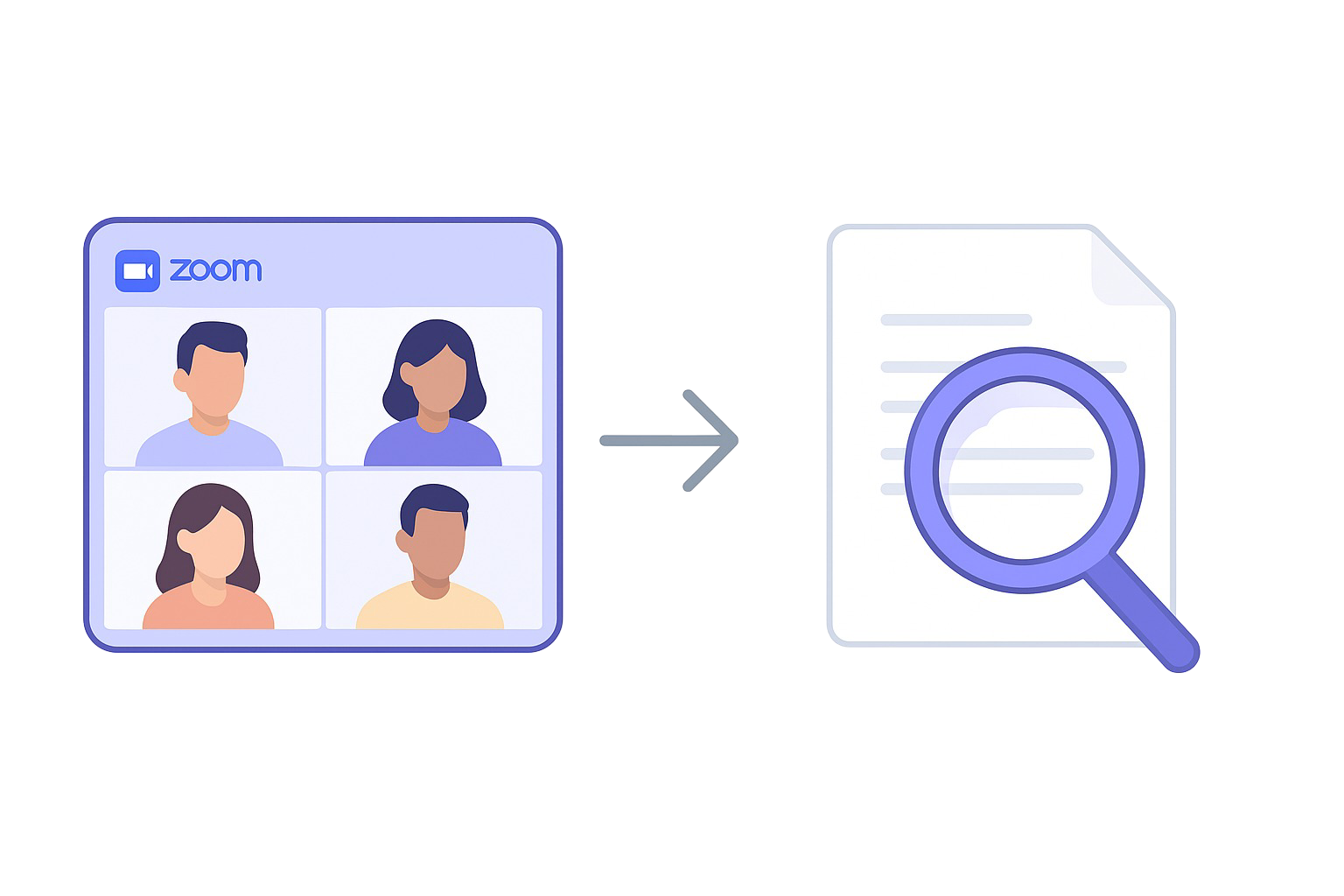
Search Your Zoom Meetings
Get AI summaries of your Zoom calls. Add them to your Brain. Chat with them anytime.
Sync and summarize Zoom meetings
Never miss important details from your calls again.
Add meeting insights directly to your Super Brain
Seamlessly integrate meeting knowledge with your existing documents.
Chat with your meeting content using natural language
Ask questions about past meetings and get instant answers.
Extract action items and key decisions automatically
Stay on top of follow-ups and important outcomes.
Also supports voice notes and other recordings.
Your AI, Your Data. 100% Offline Mode.
You own and control your data. Super Brain can be configured to run offline.

Your Data Stays Safe
We hate data mining as much as you do. That's why we built Super Brain with privacy as a top priority.
Choice of AI engines:
Use OpenAI-backed AI for enhanced capabilities or switch to fully offline models for complete privacy
Local data storage:
All your generated data are stored securely on your local computer
Optional iCloud sync:
Sync across devices with iCloud, or disable it for maximum privacy control
No data used for training:
Since don't store any of your data
Every Role, One Super Brain.
Supercharge your thinking—whether you're a lawyer, scientist, or CEO.
Business Executives
- Analyze market research and competitor data
- Generate executive summaries instantly
- Make data-driven decisions with AI-powered insights
Legal Professionals
- Build your own legal research assistant
- Find precedents in seconds, draft smarter briefs
- Turn contracts and judgments into insights
Healthcare Workers
- Upload medical journals and research papers
- Extract treatment protocols and outcomes
- Create specialty-specific knowledge bases
Researchers & Scientists
- Upload papers across multiple disciplines
- Create specialized research area brains
- Identify novel research approaches
Consultants
- Build client-specific knowledge bases
- Analyze industry reports for insights
- Generate presentations and recommendations
Marketers
- Analyze customer feedback and market research
- Generate content ideas from trends
- Create targeted messaging from insights
Ready to Transform Your Professional Workflow?
Join thousands of professionals who've made Elephas their intelligent knowledge partner
Start Your Professional AI Assistant See Pricing Plans
Compare AI Knowledge Assistants
See how Elephas stands out as your Mac-native AI knowledge assistant
| Feature | Elephas | Claude | NotebookLM (Google) |
|---|---|---|---|
| Unlimited files | Yes | No | No |
| Works Across All Mac Apps | System-wide overlay | Web only | Browser only |
| Works Offline | Offline mode available | No | No |
| Multiple AI Models | OpenAI + Claude + Gemini | Claude only | Gemini only |
| Apple Notes Integration | Yes | No | No |
| Zoom Meeting Ingestion | Yes | No | Limited |
| Auto Sync | Yes (local folders, Notion, Apple Notes, etc.) | Manual uploads only | Partial sync from Google Drive |
| Data Integration | 20+ file types, Notion, Obsidian,<br>Apple Notes, Zoom transcripts,<br>Markdown, YouTube, etc. | Upload PDFs, images, docs | Google Docs, Slides, URLs, YouTube |
| Web Search | Yes (Built-in), limited support | None | Partial source discovery |
| Writing / Automation | AI writing, workflows, hotkeys, Super Command | Content/code generation | Summaries, FAQs, timelines |
| Customization | Custom prompts, commands, agent workflows | Claude instructions per project | Smart outlines, tailored study modes |
| Knowledge Capture | Yes (System-wide capture) | Manual uploads only | Auto-ingests from Google sources |
| Multimodal Input | Yes (audio, video, images, etc.) | Yes (charts, images) | Yes (video, audio, text, etc.) |
| Search & Retrieval | Semantic, source-cited search | Contextual, 200K token limit | Source-grounded, 2M token window |
| Knowledge Organization | "Brains" for topics/projects | "Projects" to group chats/docs | "Notebooks" for grouped sources |
| Collaboration | Solo-first, with optional team sharing | Team-focused design | Collaboration + analytics (Plus) |
Ready to Experience the Difference?
Join thousands of Mac professionals who've made Elephas their go-to AI knowledge assistant
Get Your AI Brain for Mac(Free) View Pricing
What Users Say About Super Brain
Real feedback from Elephas users on

Great in-line AI and RAG Tool!
In-line use of AI and use of “Super Brains” to allow query of your own content.
ScottUnited States

If they take away Elephas from me I will lose my job
I am biased when it comes to talking about Elephas; I use it for absolutely everything. From rewriting a text for me to reminding me of facts I didn't even remember (with Brain).
GabrielBrazil

Elephas versatile, context aware AI tool
I have been using this software on a daily basis and it has become an essential tool for automating various tasks. From replying to messages, writing articles, to creating technical documentation, this software has significantly streamlined my workflow. One of the aspects that I truly appreciate about this software is the responsiveness of the developers. Whenever I encounter a bug or have a feature request, they are quick to address the issue and provide updates. Their commitment to improving the software based on user feedback is commendable and ensures a smooth user experience.
MicheleGermany

Flexible AI tool with superb functionality
The Super Brain function is brilliant. It's my daily driver. Also, I can use chat with a local LLM, so everything stays local. And it can export the results directly into a Keynote presentation - if you have a ready presentation template, you can be set in 5 minutes.
KamilPoland
Elephas Super Brain
The capability to handle more contact, deal with more emails and refine my content has been a real help for me as I set up my new company. It is intuitive and learns as it goes.
SeanIreland

Elephas AI: The Good, The Great, The Semi-Bad, and the Polished “Uglies”
The brains that you can create from information you have already created and then interact with, is one of the most brilliant features of any AI I have come across. you can get new perspectives on information that you have already curated, only helping expand what you can do..
EdwardUnited States
Elephas is the best at bringing AI to my fingertips
The killer feature is the close integration with my OS. I have AI superpowers every time I need them.
LucaItaly

King of AI clients
I've tried pretty much every local AI client on my Mac, but Elephas may be the best. Really centres on building knowledge bases (aka 'Brains') which is a common use case I have. Also provides all the other tools you'd expect (chat, text replacement, personas/tones etc).
BenUnited Kingdom
Game changer for your productivity
I like the fact that you can create brains, bringing your own data, and chat with it, as it was some sort of Yoda character. This is a game changer. By far the best app of its kind as of the moment.Additionally, the team is very proactive bringing up new updates and fixing small bugs. Kuddos and continue the great job.
David AntonioSpain

Frequently Asked Questions
Got questions? We've got answers.
-
How is it different from other AI tools?
Elephas Super Brain stands out by acting as your personal Second Brain. Unlike generic AI tools, it learns from your own data and documents, providing personalized insights and assistance tailored specifically to your knowledge and work. It integrates seamlessly with your Mac ecosystem, offering a unified platform for brainstorming, writing, and research that adapts to your unique workflow.
-
Is my data safe and private?
Absolutely. We prioritize your privacy and data security. All your information is encrypted end-to-end, and we never share or sell your data. Checkout the data storage article.
You can even run 100% offline, by following this guide.
-
Do I need an OpenAI account?
No. The Elephas Mac app features its own AI engine supported by OpenAI APIs. However, you can also use your own OpenAI or Claude key. This allows for maximum flexibility in utilizing the full potential of GPT-3/GPT-4. There are no longer any monthly credits or token limitations when you use your own API keys, as long as you are on a paid account.
-
Does it have support for German or Spanish?
Yes. Almost all features support all popular languages.
-
Can I run Elephas offline?
You can run 100% offline, by following this guide.
-
What is Super Command?
Apart from the second brain solution, Elephas can act as AI writing assistant. Super Command can run on any apps on your Mac, and it can perform wide range of text operations, such as summarization, grammar fixes, rewrites, translation, and more. You can also create your own custom commands, called Snippet.
-
Is there a free trial?
There is only a free version, which has monthly limitations on number of times you can invoke Elephas features. You can upgrade to a paid plan to remove these limitations.
We use cookies to enhance your experience and analyze website traffic. By continuing to use this site, you consent to our use of cookies.Privacy Policy