

详细内容

Fix Your AI-LookingImages into Natural Photos
Get rid of artificial skin textures and make your AI art look naturally beautiful in seconds.
Selective area enhancement•Advanced texture control•Results in seconds
Selective area enhancementAdvanced texture controlResults in seconds
See the Difference
Advanced AI texture processing transforms artificial images into natural-looking photos

Enhanced
Natural skin textures with realistic variations
AI-Generated
Artificial skin texture with unnatural smoothness
4K Ultra HD Quality
Stunning Detail & Sharpness
Experience ultra-sharp details and crystal-clear textures on AI-generated images
Enhanced Resolution
Scroll to explore details
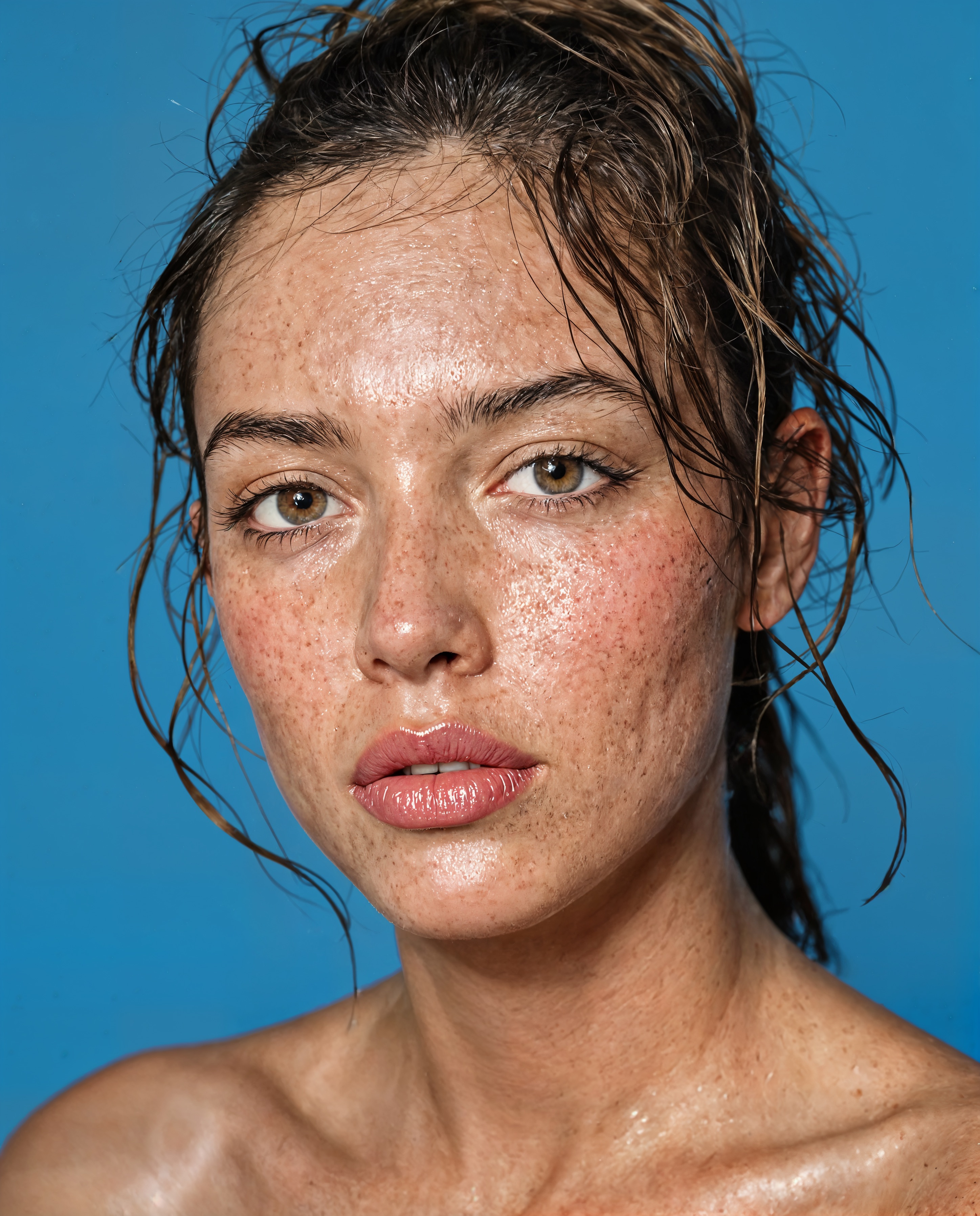
AI-Generated
Experience the full quality of our enhancement technology

Before
After
AI-Generated
AI-Generated
Ultra Sharp
Crystal clear details
4K Upscale
Up to 4096×4096
AI Enhanced
Smart processing
Experience the difference in quality

Skin Realism Technology
Achieve New Levels of Skin Realism
Transform AI portraits with lifelike skin textures and natural details indistinguishable from photographs
Photo-Realistic Texture
Light Scattering
Natural Shadows
Detail Preservation
Incredible Power.
Advanced technology that delivers stunning results through meticulously refined algorithms.
AI Skin Texture
Revolutionary texture correction powered by advanced machine learning.
Texture Styles
AI-powered
Natural
Realistic skin pores and texture
Smooth
Refined and even skin tone
Detailed
Enhanced facial features
natural
Selective Enhancement
Choose specific areas to enhance while keeping others unchanged.
Enhancement Areas
Select All
F
face
S
skin
N
nose
M
mouth
E
eyes
60% COVERAGE
Precise Control
Fine-tune every aspect with intuitive controls.
Enhancement Controls
Reset
texture65
MINMAX
detail45
MINMAX
smoothness70
MINMAX
Custom
Stunning Detail
Enhance resolution while preserving natural characteristics.

Hover to examine details
Portrait Focused
Made Specifically for Portraits
Enhancor is designed from the ground up to perfect portrait images with exceptional attention to facial details
Natural Skin Texture
After Enhancement

Enhanced Details
After Enhancement

Realistic Rendering
After Enhancement

Lifelike Features
After Enhancement
Click any image to view in full size
Face Recognition
Advanced AI that identifies and enhances facial features with precision
Skin Detail
Specialized algorithms that create realistic skin textures while preserving natural appearances
Portrait Tools
Smart enhancement tools including intelligent cropping and facial detail adjustment
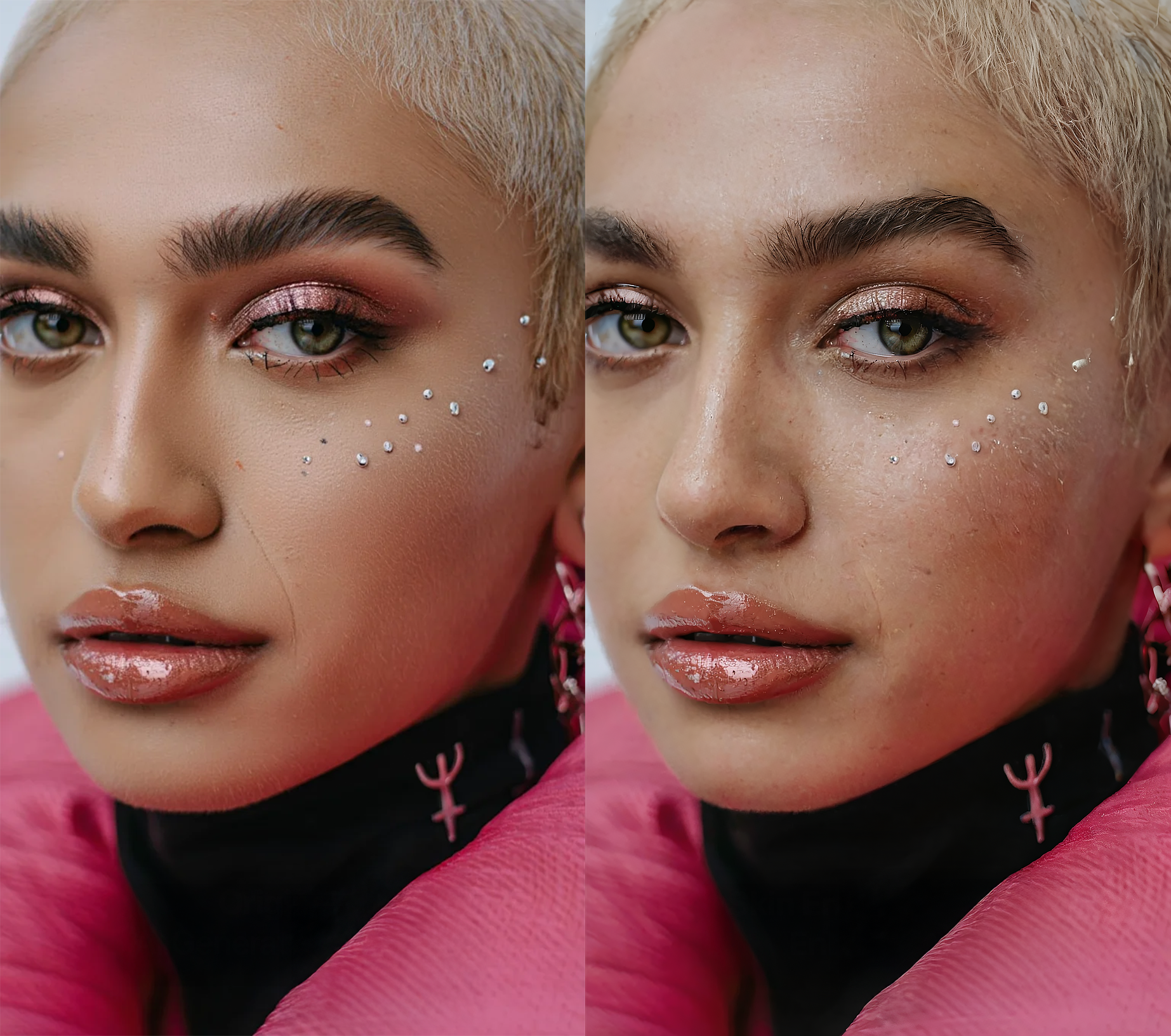

Ultra 4K Resolution Support
Experience the stunning detail of 4K enhancement. Every pixel matters in creating truly professional results.
Up to 4096×4096 pixels
4K UHD
Identity Preservation
Enhancor Preserves Identity
Our AI enhances features without altering identity, maintaining the essence of the original image
Before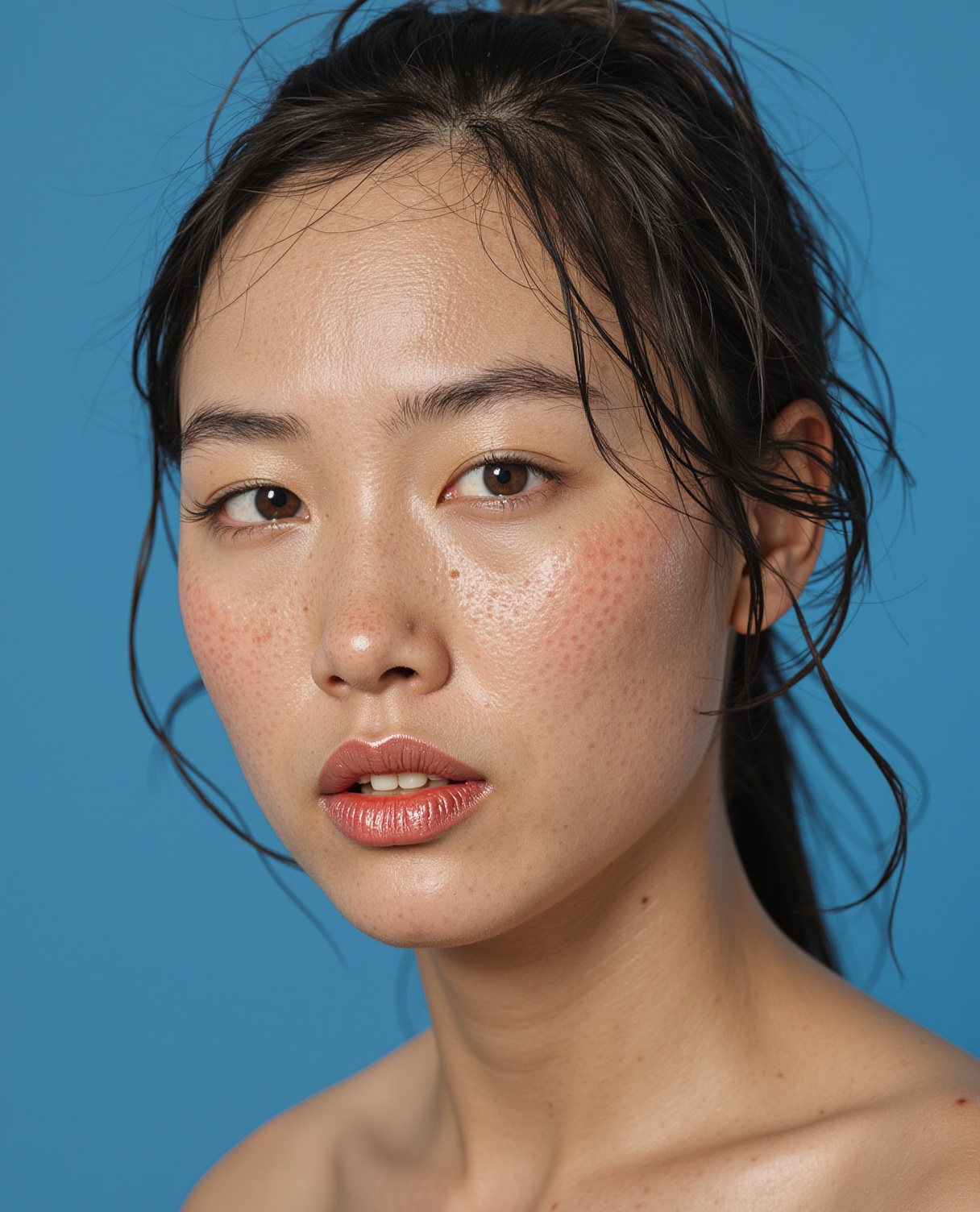
After
Enhanced Texture
Same identity, better details
Before
After
Natural Features
Same identity, refined look
Before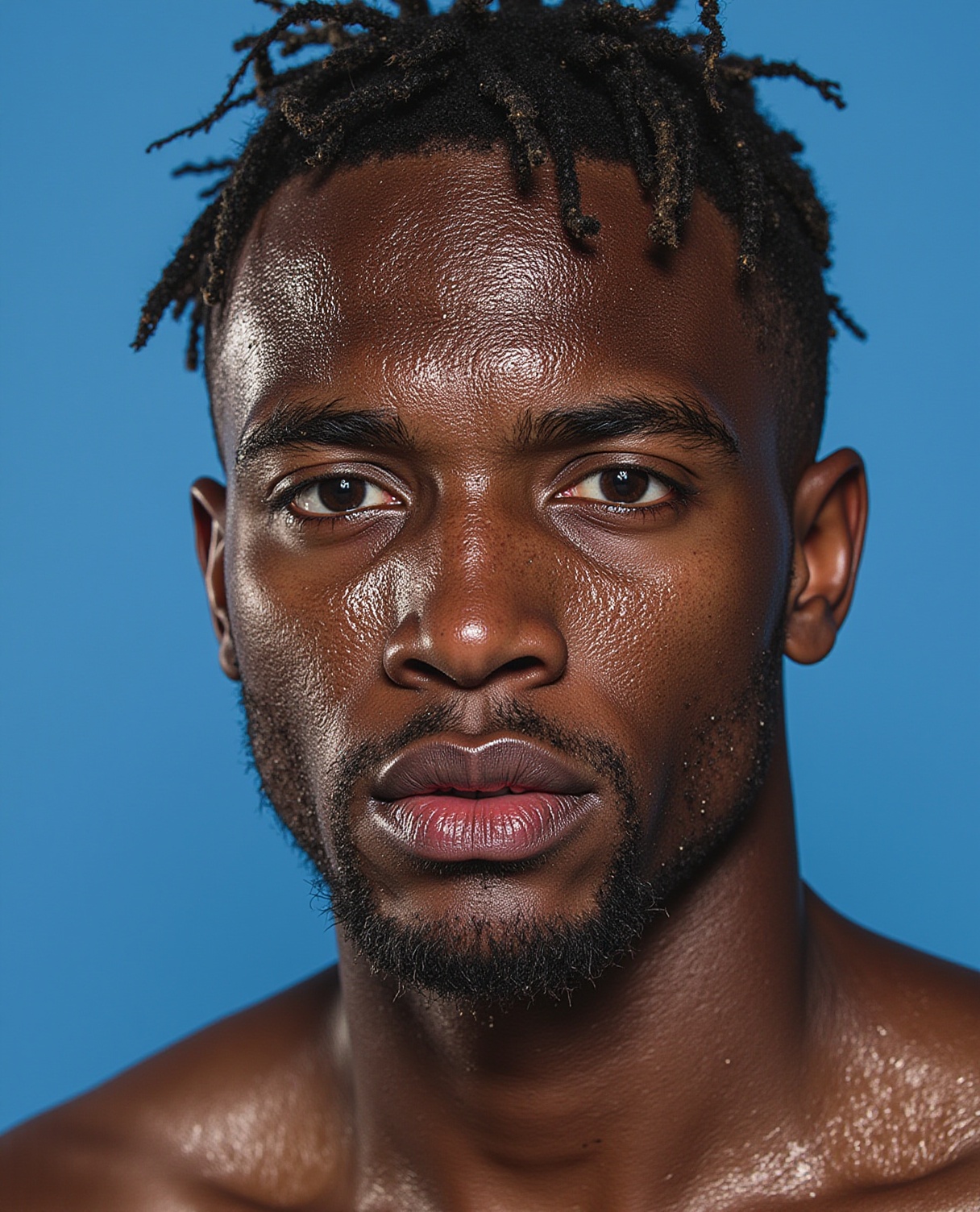
After
Preserved Identity
Same person, enhanced quality
Our AI protects identity
Unlike many AI enhancement tools, Enhancor carefully preserves the unique features that make each person recognizable, ensuring the enhanced version remains authentic to the original.
More Examples
Experience the transformation from artificial to natural images with our advanced AI technology.
Enhanced
Original
Drag to compare
Portrait Enhancement
Natural facial features
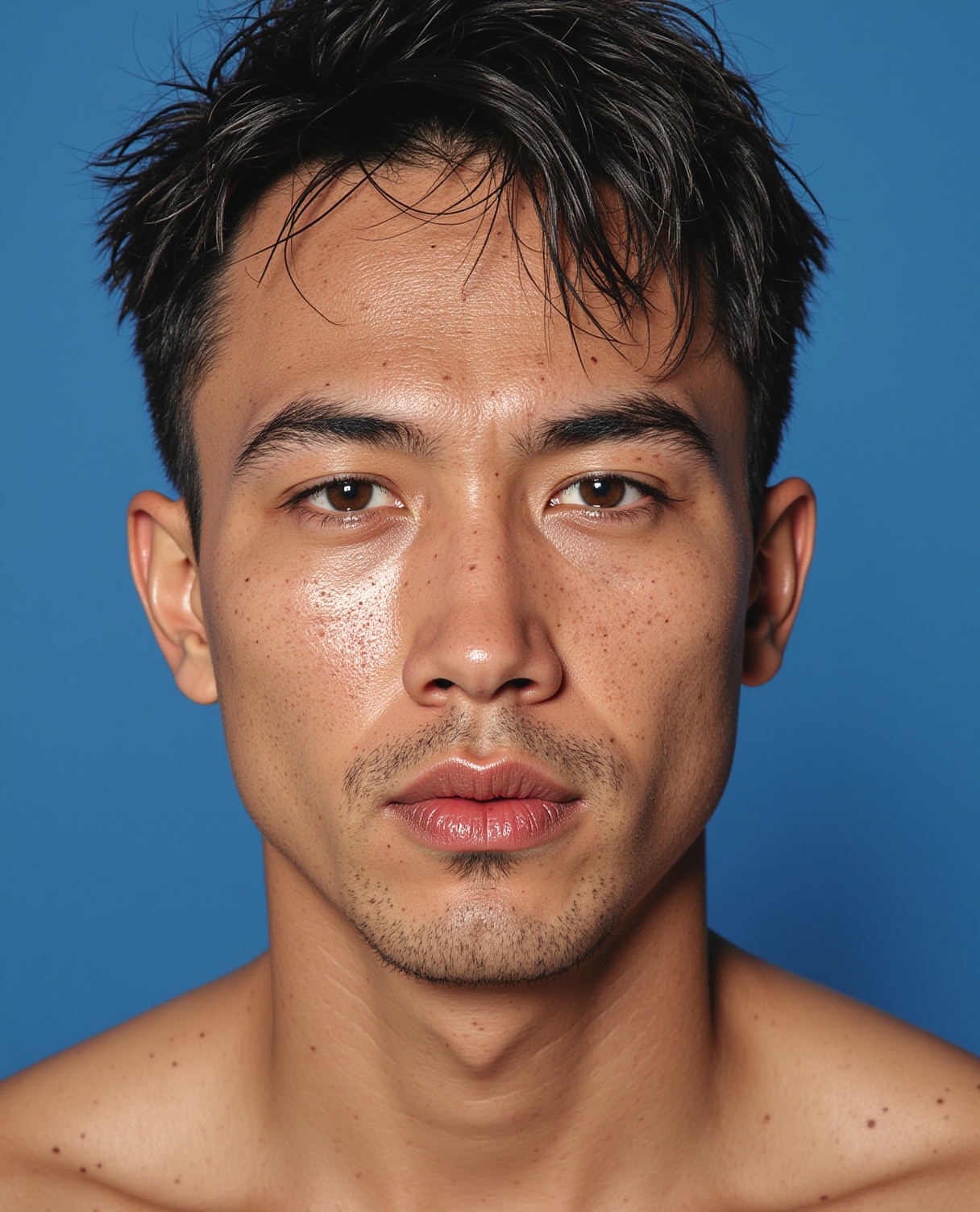
Enhanced
Original
Drag to compare
Studio Portrait
Enhanced details
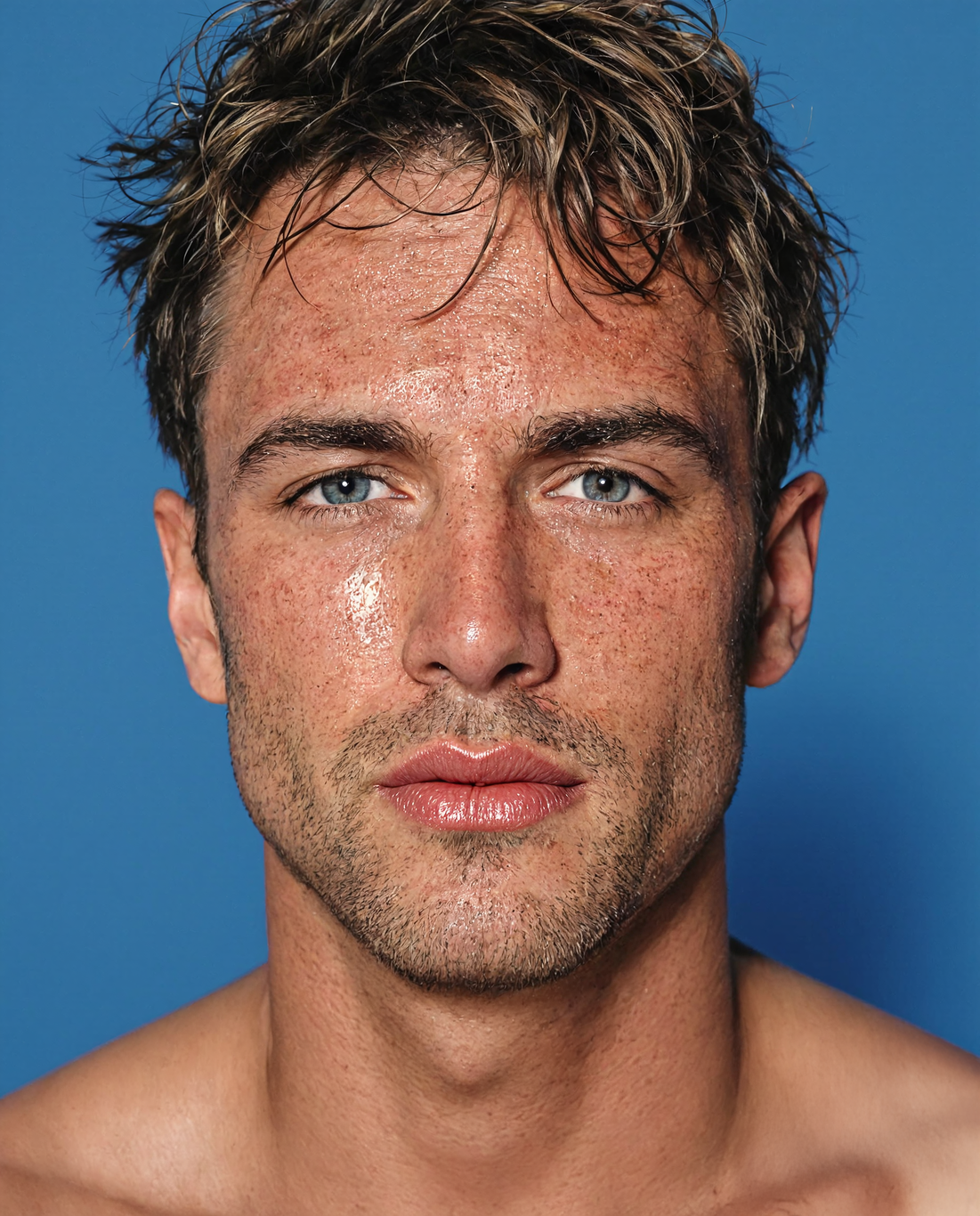

Enhanced
Original
Drag to compare
Professional Shot
Refined textures
Enhanced
Original
Drag to compare
Casual Portrait
Improved lighting
Enhanced
Original
Drag to compare
Modern Portrait
Natural skin tones


Enhanced
Original
Drag to compare
Natural Portrait
Enhanced features
Featured Artist
Meet Tove
Tove is an AI Model and multidisciplinary artist whose work primarily focuses on immersive performance art & abstract painting.
@toveskargard @joey_lb (Builder: Joelle)
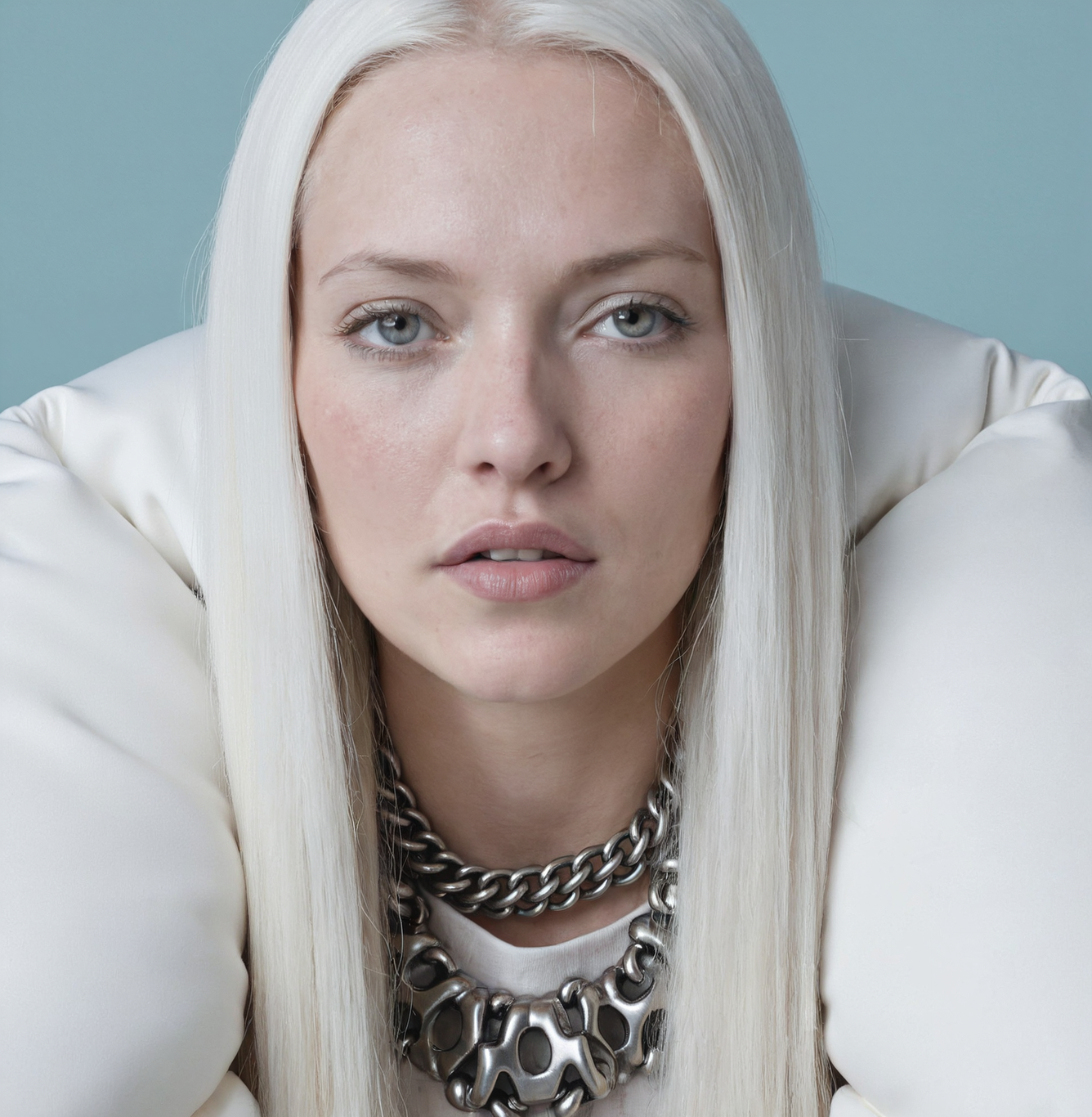

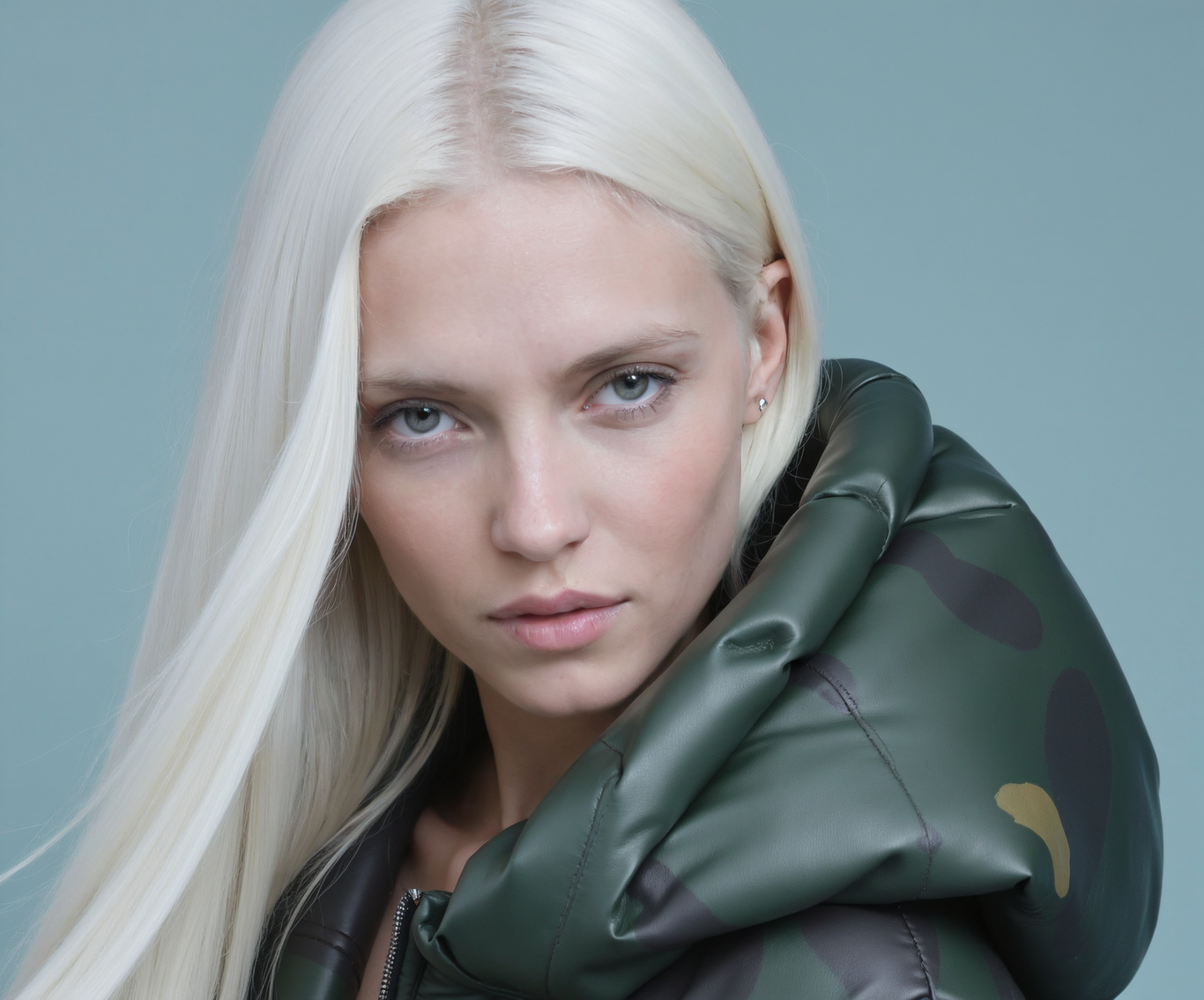
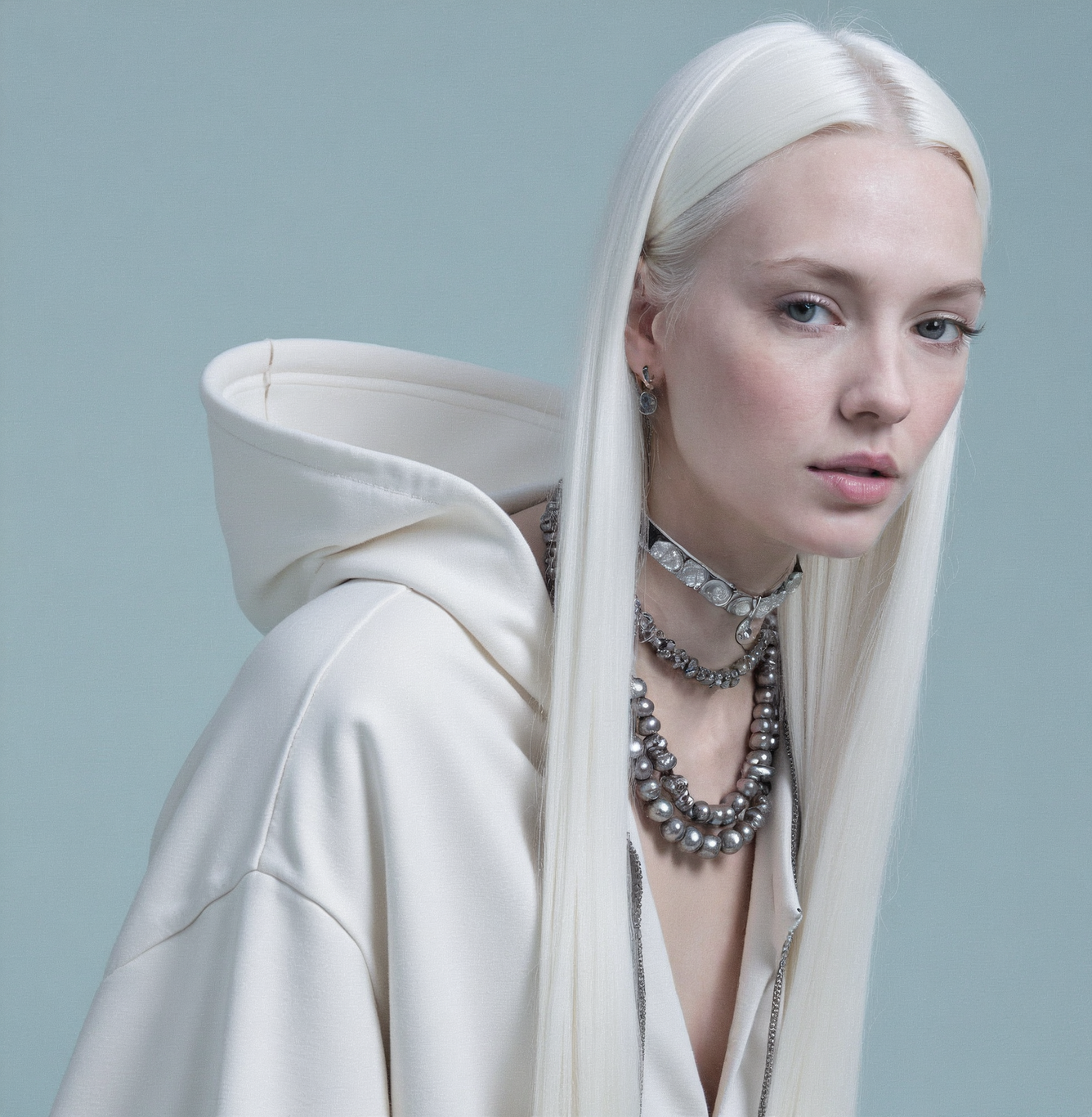
See how Tove uses Enhancor to achieve photorealistic results in her creative work, elevating her AI-generated art to a new level of quality and expression.
Realistic AI Skin Enhancement
Fix Your AI Art
Experience the most realistic AI-powered image skin enhancement


Skin Details
Drag to Compare

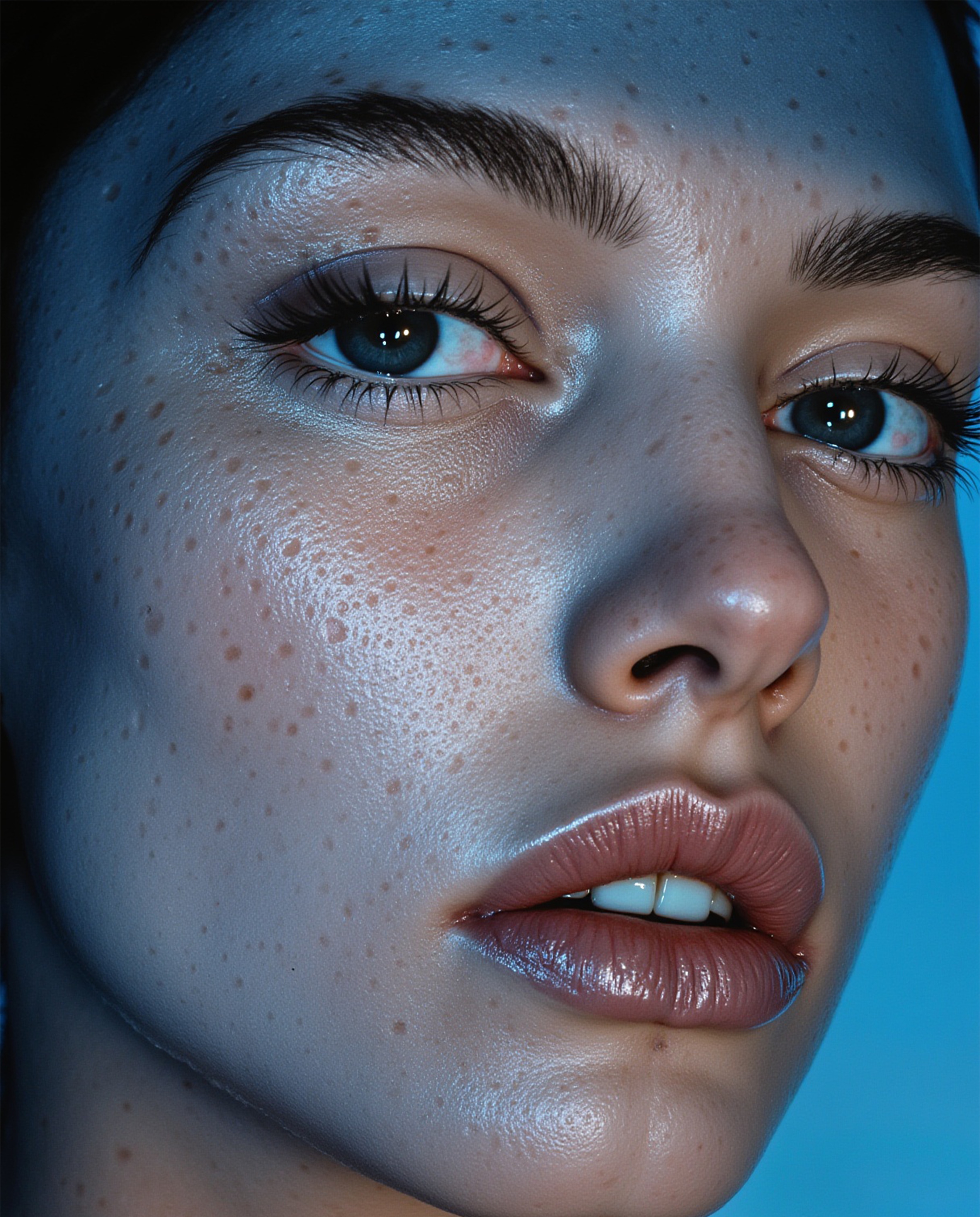
Feature Enhancement
Drag to Compare
Image to Video Transform
From Still to Living Portraits
Transform your enhanced images into stunning, lifelike video portraits with natural movements
You can use Enhancor to enhance your AI portraits, upscale them, and then transform your realistic portrait into any video using image-to-video services. Enhancor will help you generate the most realistic image source for perfect video transformations.
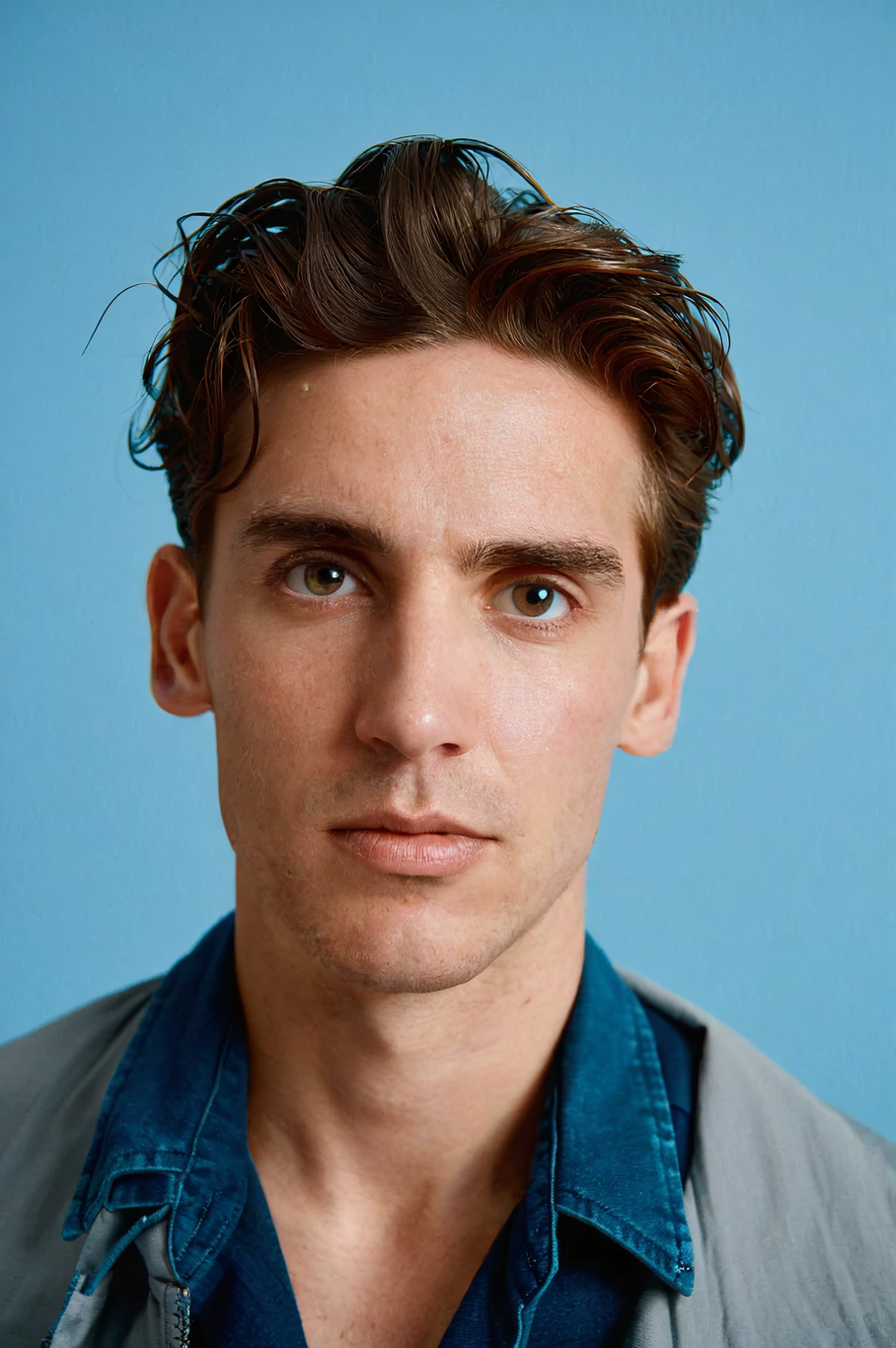
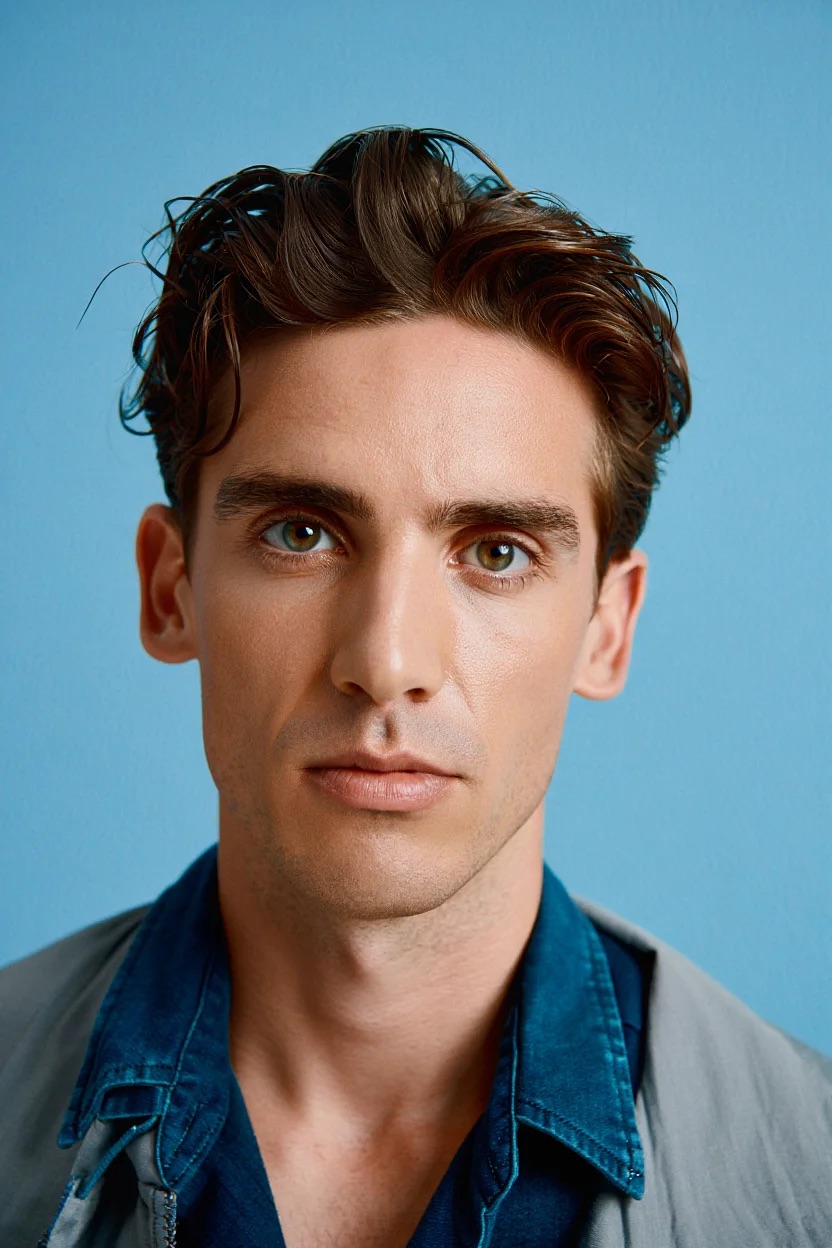
Before & After
Drag to Compare
Live Portrait
Natural Motion
Lifelike movements and expressions
Realistic Detail
Sharp, high-quality video output
Quick Transform
Rapid image to video conversion
Auto Loop
Seamless video transitions
Built-in Cost Optimization
Save Credits with Built-in Tools
Every Enhancor account includes powerful smart cropping and resizing tools to help you reduce processing costs. Use these built-in features to optimize your images and save up to 60% on credits while maintaining quality.
Face Detection & Cropping
Automatically detect and crop to the face area
Recommended
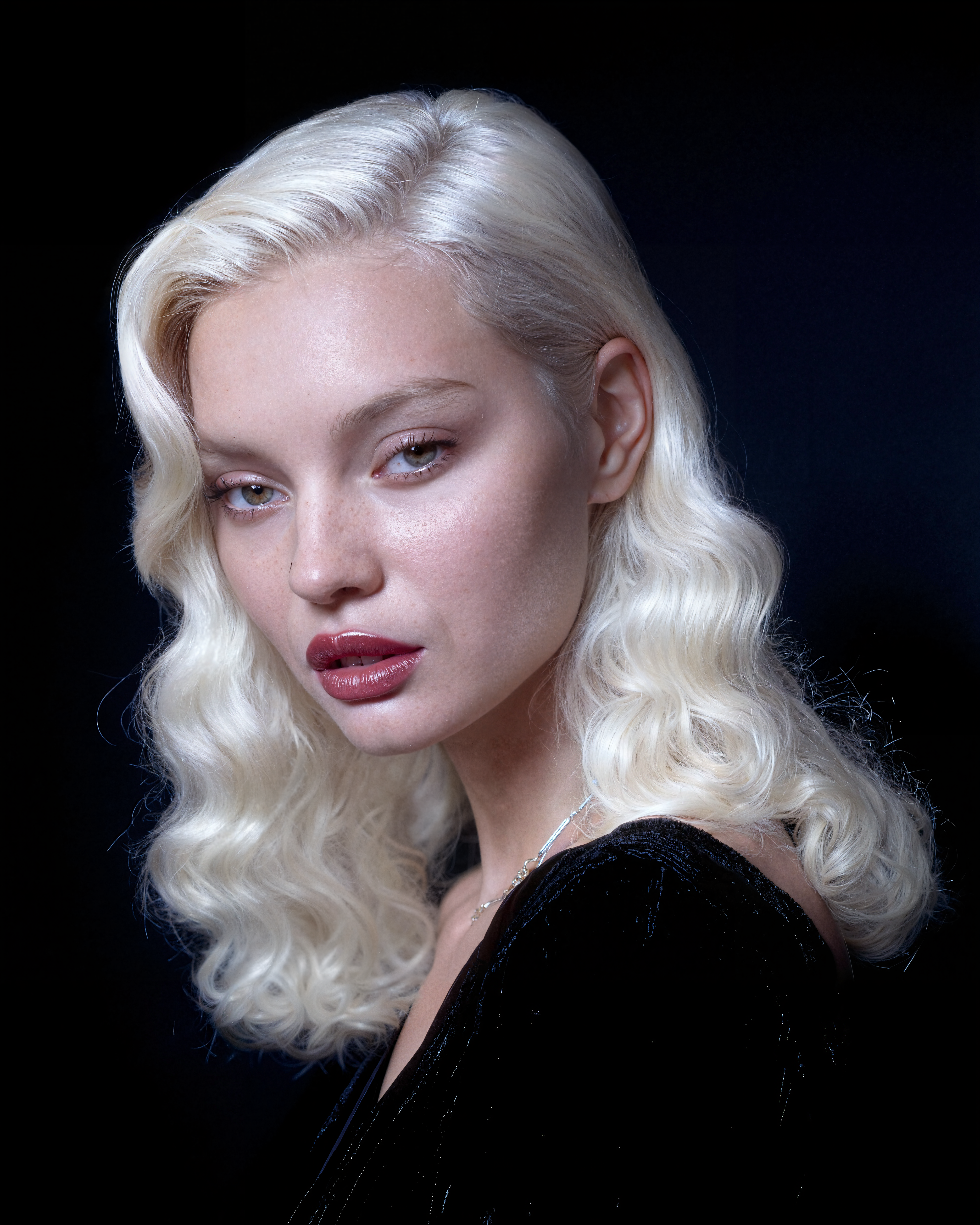
1Click "Crop" to detect faces
2Select the face to focus on
3Apply the optimized crop
Photo Resizer
Optimize image dimensions for better processing
Save up to 60%
Smart Optimization: Reduce processing costs while maintaining quality. Larger images consume more credits - optimize dimensions to save.
Standard
512×512
≤ 0.26 MP
100 credits
HD
Budget-friendly
1024×1024
≤ 1.05 MP
130 credits
Full HD
1920×1080
≤ 2.07 MP
180 credits
4K
2160×2160
≤ 4.66 MP
360 credits
Quick Resize
Reduce dimensions by percentage to save credits
25%
Save 75%
35%
Save 65%
50%
Save 50%
75%
Save 25%
Processing Tips
- Start with smaller dimensions for testing
- Use recommended presets for optimal quality/cost ratio
- Larger isn't always better - match your use case
Save on Processing Costs
≤ 512×512
≤ 0.26 MP
100
Testing
≤ 1024×1024
≤ 1.05 MP
130
Budget-friendly
≤ 1920×1080
≤ 2.07 MP
180
Professional
≤ 2160×2160
≤ 4.66 MP
360
Ultra HD
By focusing only on the face area and optimizing image dimensions, you can reduce processing costs while maintaining high-quality results.
New Feature
Cinematic B-roll Generator
Instantly create realistic, cinematic B-roll images for your videos and creative projects. Fine-tune realism, camera angle, and more for perfect results every time.
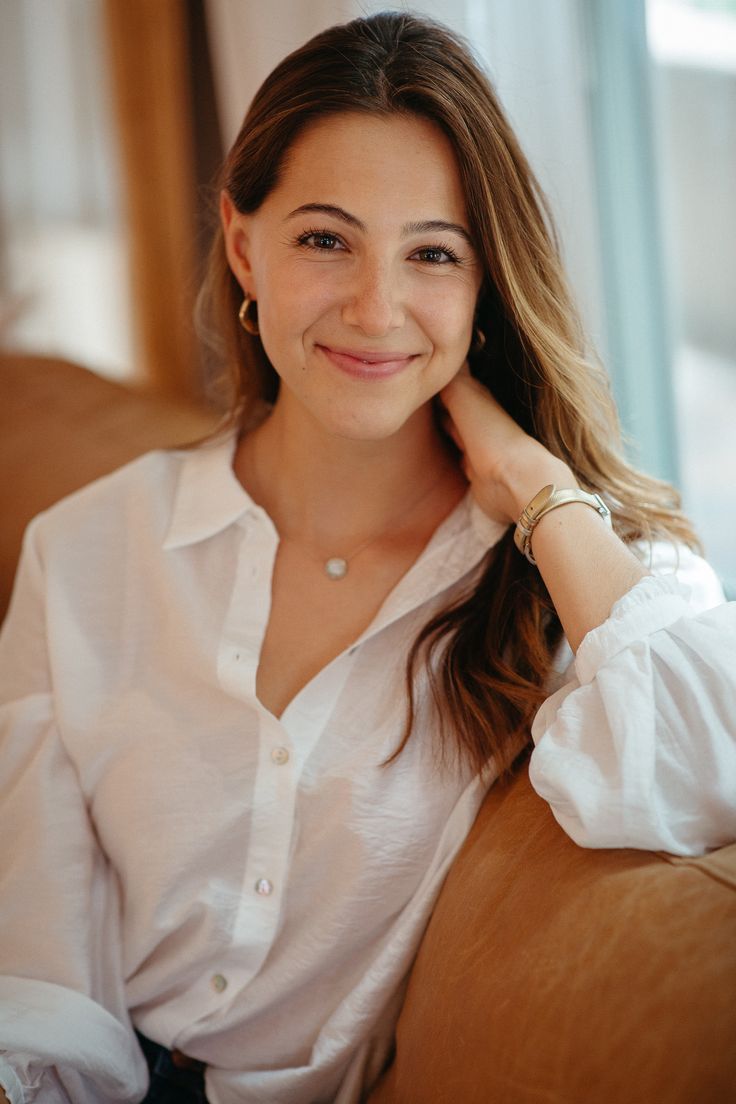
- Device Simulation
Choose iPhone or Samsung camera modes for authentic looks
- Portrait & TikTok Ratios
Generate in 3:4 or 9:16 for any platform
- Realism & Wide Angle
Fine-tune cinematic realism and camera perspective
- Perfect for Video Content
Create B-roll for YouTube, TikTok, Reels, and more
Simple Process
How the B-roll Generator Works
Create cinematic B-roll in just a few simple steps. No design skills required!
Describe Your Scene
Enter a prompt describing your scene, subject, or desired style
Select Camera Mode
Choose between iPhone or Samsung for authentic camera effects
Choose Aspect Ratio
Pick Portrait or TikTok/Reels format for your content
Adjust Settings
Fine-tune realism and wide angle for cinematic effect
Generate & Download
Create and download your B-roll for video projects
Transparent Pricing
Choose Your Plan
Flexible options designed for every stage of your creative journey. Credits never expire.
MonthlyYearlyCollapse All
Basic
12,000 monthly credits
~120 Images
$12
/month
Core Skin Realism Models
- Enhancor V1 Model access
- Enhancor V2 Model access
- Enhancor V3 Model access
- Freckle Control
- Precision Skin Texture Control
- Skin Realism Level Control Settings
- Selective Area Editing
- Face Detection Crop
Resolution
- HD resolution only (1080p)
Upscalers
- Portrait Upscaler/Detailer
- Image Upscaler
- Quick Upscaler
- Crisp Upscaler
- 4k Pro Video Upscaler
Image Editing
- Seedream 4
- Nano Banana
- Nano Banana 2 (Uncensored)
- Pose Transfer
- Kora Character Consistency
Animation
- Wan 2.2 Animate
Product
- Avatars Holding Products
Inpainting
- Content Aware Inpainting (remove watermarks, logos or text)
Video Models
- Google VEO 3.1
- SORA 2 with Timeline Prompting
Lipsyncing
- Enhancor V1 Lipsync
- Enhancor V2 Lipsync
- Video to Video Pro Lipsync
Consistency
- Character Consistency
API
- API Support
Support
- Email Support
- Live Chat Support
Early Access to Beta Models
- Early access to unreleased models
Refunds
- Refunds on Failed Generations
Popular
Creator
50,800 monthly credits
~500 Images
$45
/month
10% off
Core Skin Realism Models
- Enhancor V1 Model access
- Enhancor V2 Model access
- Enhancor V3 Model access
- Freckle Control
- Precision Skin Texture Control
- Skin Realism Level Control Settings
- Selective Area Editing
- Face Detection Crop
Resolution
- Up to 4k
Upscalers
- Portrait Upscaler/Detailer
- Image Upscaler
- Quick Upscaler
- Crisp Upscaler
- 4k Pro Video Upscaler
Image Editing
- Seedream 4
- Nano Banana
- Nano Banana 2 (Uncensored)
- Pose Transfer
- Kora Character Consistency
Animation
- Wan 2.2 Animate
Product
- Avatars Holding Products
Inpainting
- Content Aware Inpainting (remove watermarks, logos or text)
Video Models
- Google VEO 3.1
- SORA 2 with Timeline Prompting
Lipsyncing
- Enhancor V1 Lipsync
- Enhancor V2 Lipsync
- Video to Video Pro Lipsync
Consistency
- Character Consistency
API
- API Support
Support
- Email Support
- Live Chat Support
Early Access to Beta Models
- Early access to unreleased models
Refunds
- Refunds on Failed Generations
Professional
170,000 monthly credits
~1,700 Images
$147
/month
13.5% off
Core Skin Realism Models
- Enhancor V1 Model access
- Enhancor V2 Model access
- Enhancor V3 Model access
- Freckle Control
- Precision Skin Texture Control
- Skin Realism Level Control Settings
- Selective Area Editing
- Face Detection Crop
Resolution
- Up to 4k
Upscalers
- Portrait Upscaler/Detailer
- Image Upscaler
- Quick Upscaler
- Crisp Upscaler
- 4k Pro Video Upscaler
Image Editing
- Seedream 4
- Nano Banana
- Nano Banana 2 (Uncensored)
- Pose Transfer
- Kora Character Consistency
Animation
- Wan 2.2 Animate
Product
- Avatars Holding Products
Inpainting
- Content Aware Inpainting (remove watermarks, logos or text)
Video Models
- Google VEO 3.1
- SORA 2 with Timeline Prompting
Lipsyncing
- Enhancor V1 Lipsync
- Enhancor V2 Lipsync
- Video to Video Pro Lipsync
Consistency
- Character Consistency
API
- API Support
Support
- Email Support
- Live Chat Support
Early Access to Beta Models
- Early access to unreleased models
Refunds
- Refunds on Failed Generations
Enterprise
360,000 monthly credits
~3,600 Images
$299
/month
16.9% off
Core Skin Realism Models
- Enhancor V1 Model access
- Enhancor V2 Model access
- Enhancor V3 Model access
- Freckle Control
- Precision Skin Texture Control
- Skin Realism Level Control Settings
- Selective Area Editing
- Face Detection Crop
Resolution
- Up to 8k
Upscalers
- Portrait Upscaler/Detailer
- Image Upscaler
- Quick Upscaler
- Crisp Upscaler
- 4k Pro Video Upscaler
Image Editing
- Seedream 4
- Nano Banana
- Nano Banana 2 (Uncensored)
- Pose Transfer
- Kora Character Consistency
Animation
- Wan 2.2 Animate
Product
- Avatars Holding Products
Inpainting
- Content Aware Inpainting (remove watermarks, logos or text)
Video Models
- Google VEO 3.1
- SORA 2 with Timeline Prompting
Lipsyncing
- Enhancor V1 Lipsync
- Enhancor V2 Lipsync
- Video to Video Pro Lipsync
Consistency
- Character Consistency
API
- API Support
Support
- Email Support
- Live Chat Support
Early Access to Beta Models
- Early access to unreleased models
Refunds
- Refunds on Failed Generations
Common Questions
Everything you need to know about Enhancor.
How does Enhancor's AI technology work?
Enhancor uses advanced machine learning models trained on millions of high-quality images to analyze and enhance skin textures. Our AI identifies artificial patterns and replaces them with natural-looking details while preserving the original image's character.
Will Enhancor work with my AI-generated images?
Yes! Enhancor is compatible with images from all major AI art generators including Midjourney, DALL-E, Stable Diffusion, and more. Our technology adapts to each platform's unique characteristics.
How long does the enhancement process take?
Most images are processed within seconds. Processing time may vary based on image size and the level of enhancement needed. Batch processing is available for Pro users.
What image formats and sizes are supported?
Enhancor supports all common image formats including PNG, JPEG, and WebP. We can process images up to 8K resolution (8192x8192 pixels) with our Enterprise plan, and up to 4K (4096x4096 pixels) with our standard plan.
Ready to Perfect Your AI Art?
Join thousands of creators making their AI-generated images look naturally stunning.