

详细内容


Design PCBs with AI
What do you want to build today?
Make me a
temperature and humidity sensor nodeportable speaker/boombox (stereo Class-D)handheld digital thermometer & data logger (K-type/NTC)compact (FOC) brushless DC motor driver board1S Li-ion power module (charger + protection + fuel gauge)constant-current LED buck driver (non-isolated, dimmable)
with
Wifi and BluetoothWiFiBluetooth Low EnergyUSB-C (data)USB to UARTPWM/analog dim inputCANI2CSPILoRaWanZigbee
powered by
USB-C (5V)USB-C (PD 12V)5 VDC barrel jack12 VDC barrel jack24 VDC barrel jacksolarsingle-cell Li-ion/LiPo batterymulti-cell Li-ion/LiPo battery2x AA batteries
for
consumer useindustrial applicationsautomotive applications
.
Thank you! Your submission has been received!
Oops! Something went wrong while submitting the form.
temperature and humidity sensor node
It should be a low-power environmental node with a digital T/RH sensor, ultra-low-power MCU
portable speaker/boombox (stereo Class-D)
It should be a compact stereo system with dual Class-D amps (2×10–25 W class), simple DSP/EQ or MCU tone controls
handheld digital thermometer & data logger (K-type/NTC)
It should be a handheld meter with a thermocouple ADC + cold-junction compensation, a secondary NTC channel, low-power MCU with RTC for timestamped logging, microSD for CSV export
compact (FOC) brushless DC motor driver board
The key subsystems are: power stage and gate drive, sensing, MCU, comms, and protection to thermal/mechanical stress; external loads: motors dominate (8W to 12W)
1S Li-ion power module (charger + protection + fuel gauge)
It should be a single-cell power delivery board with a charger + power-path, pack protection FETs (OV/UV/OC/short), fuel gauge with sense resistor and alert pin, thermistor input
constant-current LED buck driver (non-isolated, dimmable)
It should be a CC LED buck, PWM/analog dimming with soft-start and fault flagging, LED voltage monitor
Wifi and Bluetooth
Wi-Fi + Bluetooth (dual-radio) — 2.4 GHz 802.11 b/g/n plus BLE 5.x
WiFi
Wi-Fi — 2.4 GHz 802.11 b/g/n (optionally 5 GHz), secure OTA
Bluetooth Low Energy
Bluetooth Low Energy — BLE 5.x (1M/2M/Coded), with (UART-over-BLE, DFU), and OTA DFU
USB-C (data)
USB-C (data) — USB 2.0 FS/HS device with proper CC configuration, ESD protection; supports console/logging and firmware updates
USB to UART
USB-to-UART — Driverless CDC bridge with level-shifting, and activity LEDs optional
PWM/analog dim input
PWM / Analog dim input — Accepts PWM and/or analog dim with de-glitch/RC filtering, selectable polarity
CAN
CAN (Classical/FD) — ISO-11898 transceiver (optionally isolated), and support for higher-level protocols as needed
I2C
I²C — Multi-drop 100 k/400 k/1 MHz bus with correctly sized pull-ups, level-shifting as needed
SPI
SPI — Mode 0/3 synchronous bus with multi-CS, optional CRC/framing and DMA; short
LoRaWan
LoRaWAN — Sub-GHz radio with OTAA/ABP, ADR, secure key storage, and airtime-aware scheduling.
Zigbee
Zigbee — 2.4 GHz 802.15.4 with Zigbee 3.0 stack, and OTA updates.
USB-C (5V)
USB-C (5 V) — USB-C receptacle 5 V default; include reverse/OVP/UVLO/OCP protection and plan for 0.5–3 A sources
USB-C (PD 12V)
USB-C PD (12 V) — PD controller negotiates 12 V PDO, hot-swap/inrush limiting on VBUS, and standard OVP/UVLO/OCP; supports tens of watts
5 VDC barrel jack
5 V DC barrel jack — Fused/TVS-protected 5 V input add transient clamps and basic EMI care at higher loads
12 VDC barrel jack
12 V DC barrel jack — Fused/TVS-protected 12 V input add transient clamps and basic EMI care at higher loads
24 VDC barrel jack
24 V DC barrel jack — Fused/TVS-protected 12 V input add transient clamps and basic EMI care at higher loads—observe creepage/clearance
solar
Solar — PV panel through blocking/ideal-diode into, to system rails
single-cell Li-ion/LiPo battery
Single-cell Li-ion/LiPo (1S) — On-board 1S charger with power-path and NTC, pack protection (OV/UV/OC/short), and simple fuel-gauge; prioritize low-IQ for long standby
multi-cell Li-ion/LiPo battery
Multi-cell Li-ion/LiPo (nS) — Multi-cell charger/BMS with balancing, direct high-power path where appropriate; monitor pack V/I and thermals
2x AA batteries
2×AA batteries — Primary (alkaline/Li-FeS₂) or NiMH cells with UVLO and reverse-polarity guard
consumer use
industrial applications
automotive applications
1,099,361
Builders
6,425,482
Projects
821,334
Components
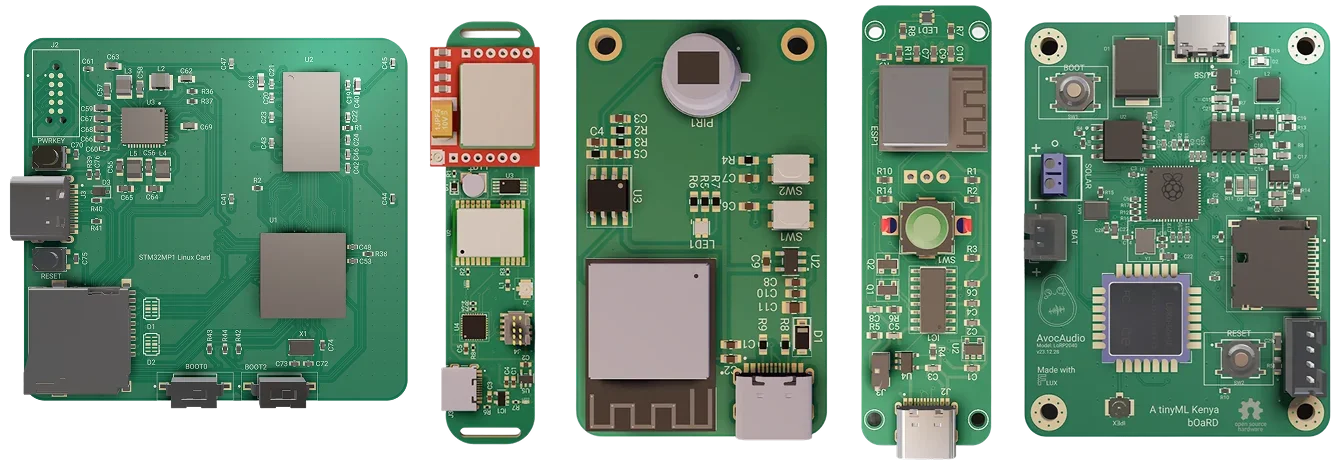
Partnered with your favorite manufacturers








The first AI intern for PCBs
Introducing a new way to work: Give Flux a job and it plans, explains, and executes workflows inside a full browser-based eCAD you can edit anytime.
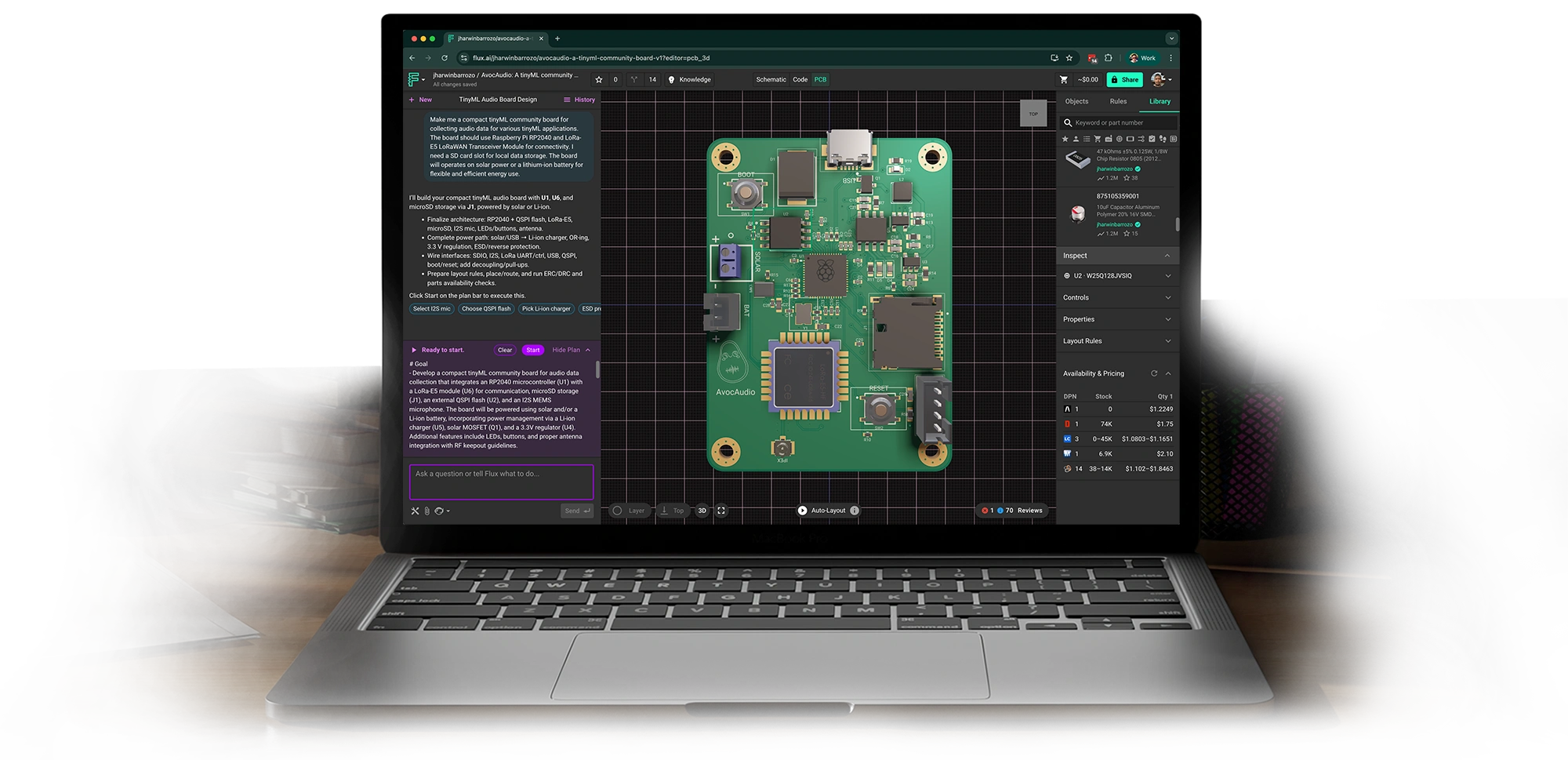
AI help from idea to PCB
Work with Flux like an engineering intern—automating the grunt work, learning your standards, explaining its decisions, and checking in for feedback at key moments.
01
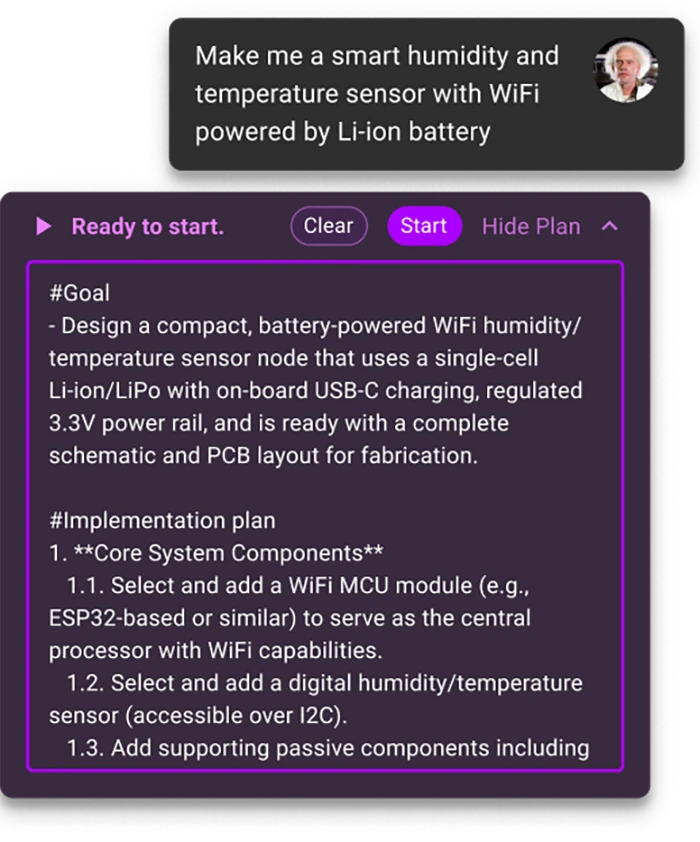
Plan
Describe what you want to build. Flux understands your requirements and maps out a detailed plan for your approval.
02
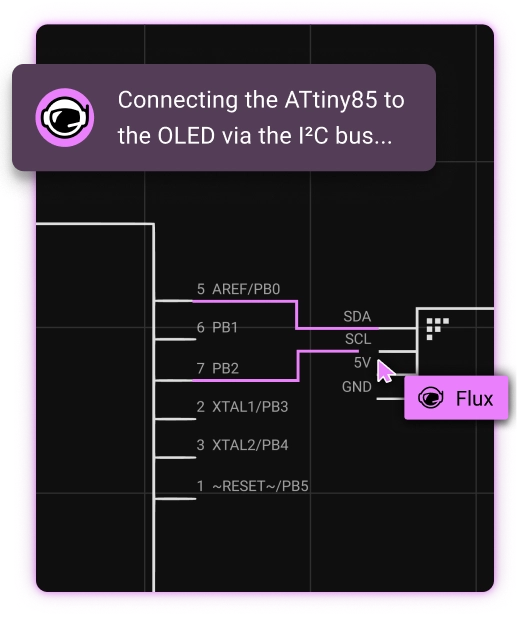
Schematic
Flux generates conducts research, generates BoMs and schematics while checking in at key points to get your feedback and direction.
03
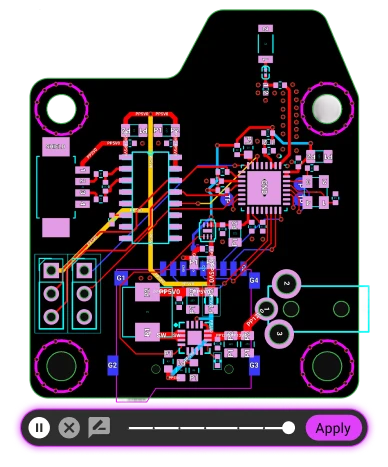
Layout
AI places parts and routes your design with awareness of your constraints — delivering layouts you can edit and continue to optimize.
04
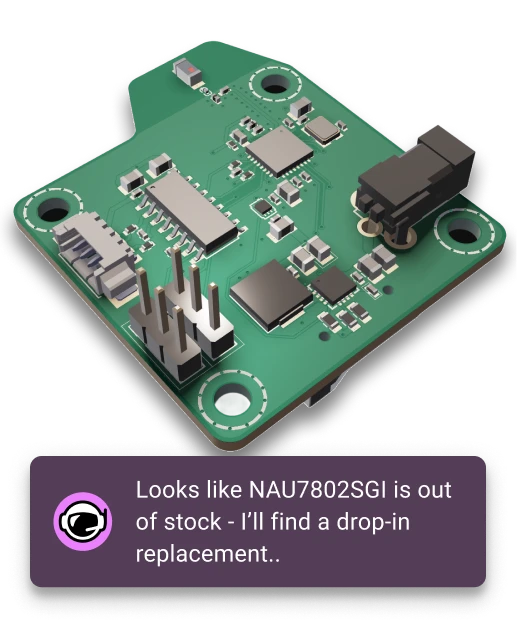
Manufacture
Outputs are ready for fab, with sourcing-aware parts suggestions to reduce cost and avoid supply risks.
Ship real hardware
Flux scales from quick prototypes to production-ready PCBs. Explore thousands of forkable projects and templates or brainstorm with Flux.
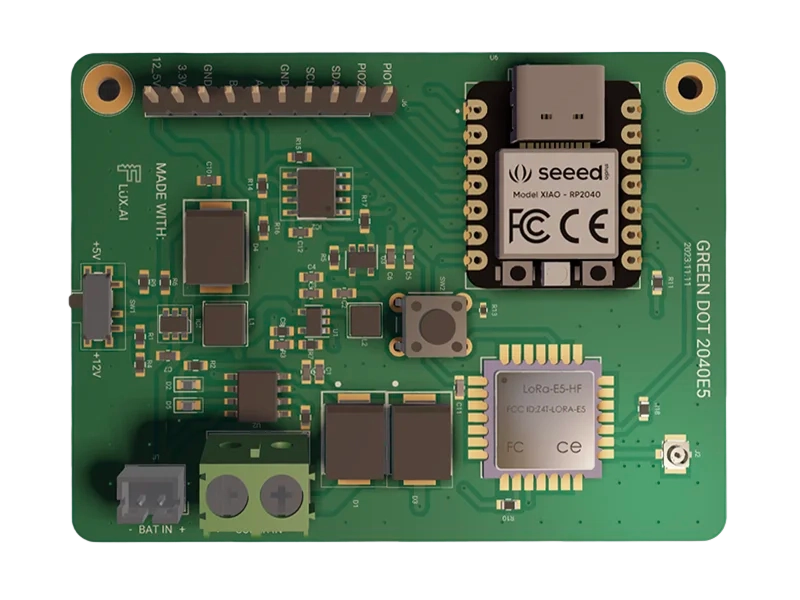
IoT Devices
ESP32 boards, connected sensors, and gateways.
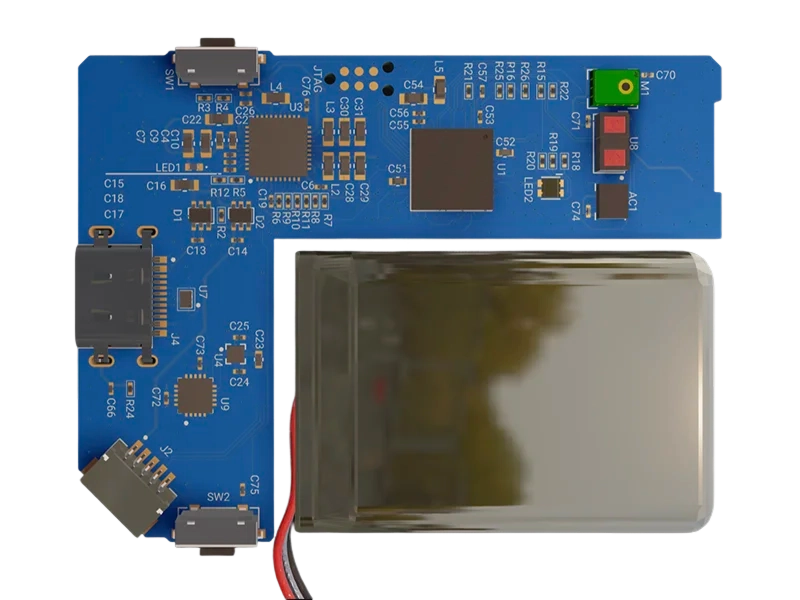
Wearables
Compact, multi-layer PCBs for consumer devices.
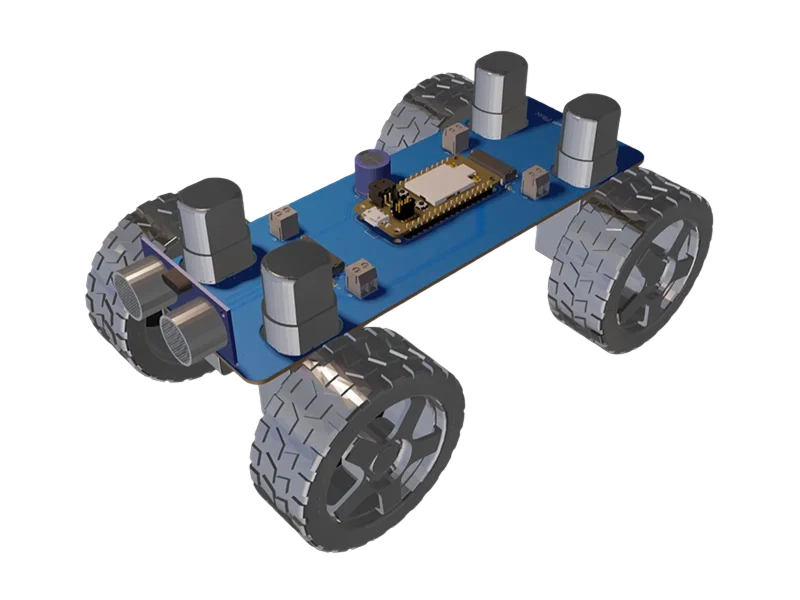
Robotics
Motion control, embedded systems, & power distribution.
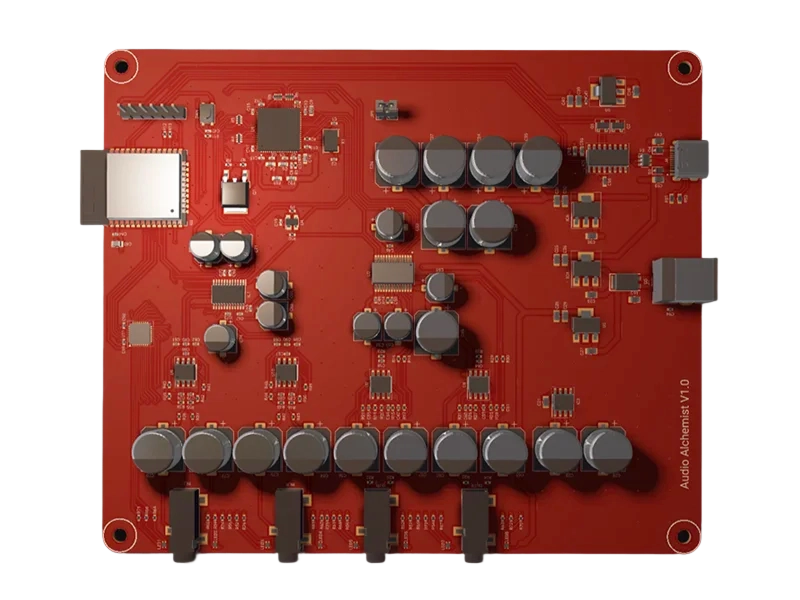
Audio Devices
Drivers, power converters, and control boards.
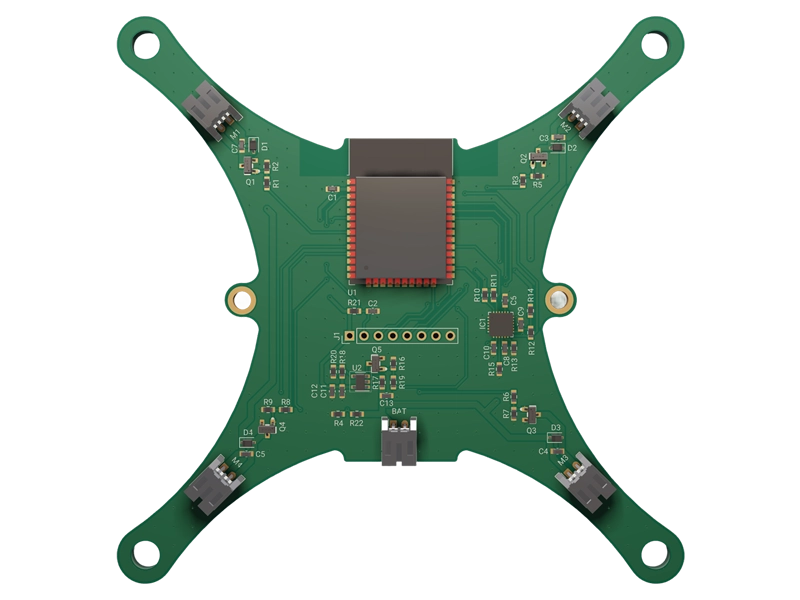
Drones
Flight controllers, telemetry, and navigation systems.
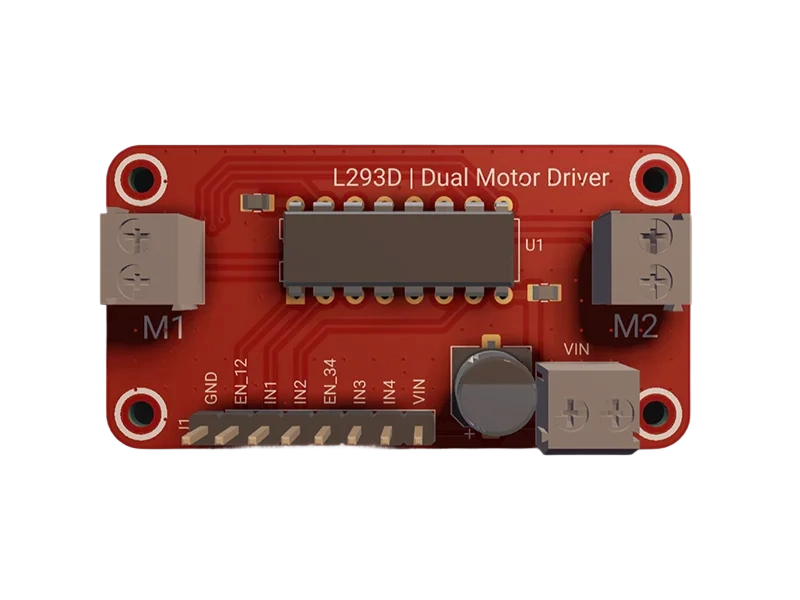
Motor Controllers
Drivers, converters, and custom control boards.
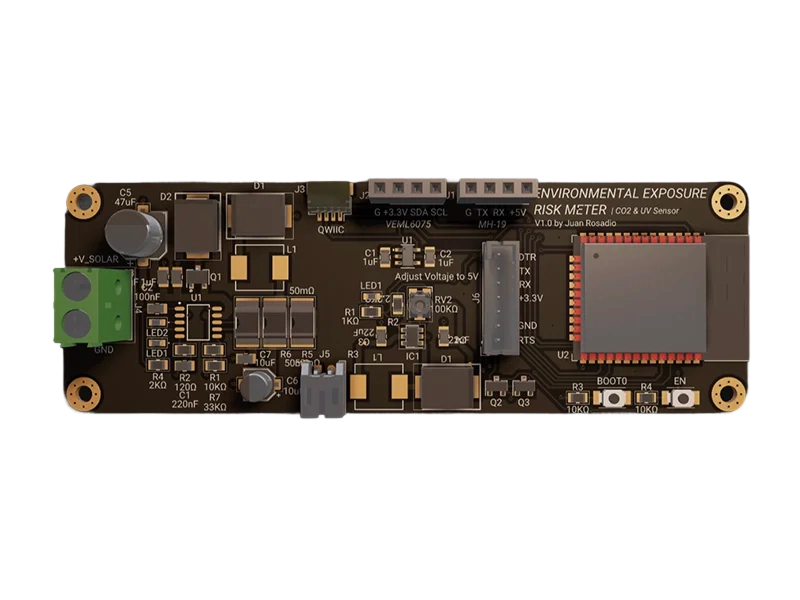
Smart Home
Relays, controllers, and wireless hubs.
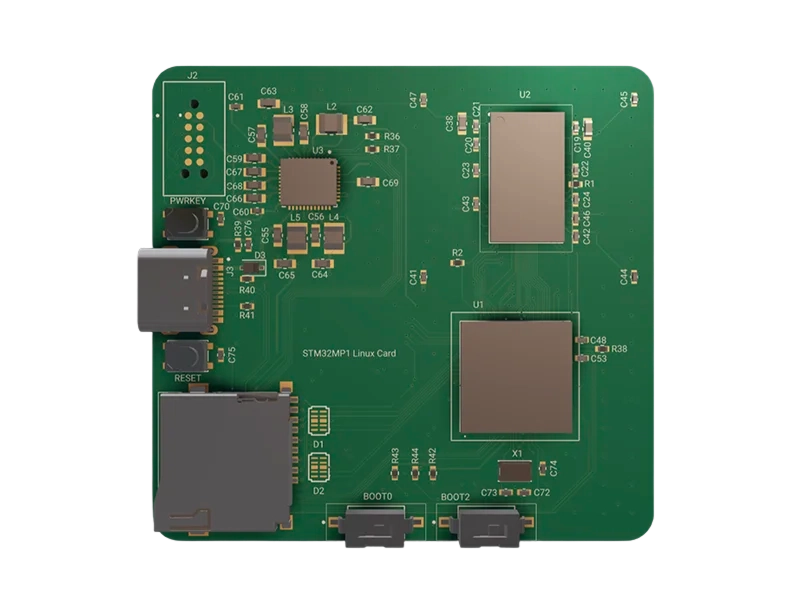
FPGAs
High-performance and reconfigurable boards.
Why engineers choose Flux
Hardware is entering a new era, led by engineers who embrace AI. Flux is the platform built for them—with automation, collaboration, and intelligence that improves with every design.

Live component data
Design with real inventory, pricing, and alternates—your BoM is always ready to source.

Real-time collaboration
Work together at the speed of thought with version control and advanced permissions.

Works anywhere
Browser-native design means no downloads, instant sharing, and access from any device.

Transparent AI
Every action is explainable, reviewable, and reversible—you stay in control.

Smart guardrails
Automated design rule checks, supply chain monitoring, and manufacturability validation.

Human Support
Fast help from real engineers and an active builder community.
Our vision
Taking the hard out of hardware
Unlike software, building hardware is still insanely difficult.If you’re working with atoms, the costs are high, the risks are significant, and the timelines are long.
We founded Flux to make atoms as malleable as bits.We want to take the hard out of hardware, to make it as easy for a teenager to build an iPhone as a website. Read more about Flux manifesto.

If you can type, you can build
Join thousands of engineers already designing with AI.

Frequently Asked Questions
What kinds of boards can I design in Flux?
chevron_right
Flux supports professional multi-layer PCBs up to eight layers used in IoT devices, wearables, and robotics. Built to go all the way from prototype to production. Featured projects
Can I import projects from Altium, Cadence, or KiCad?
chevron_right
Yes — schematics from Altium (ASCII) and Cadence (EDIF) import into Flux; KiCad part libraries can be imported to bring your components across. Layout import isn’t supported yet.
Importing projects from:
Can I export for manufacturing?
chevron_right
Yes. Flux exports Gerbers, drill files, BoM, pick-and-place, and standard netlists for fabrication and downstream tools. Exporting projects
Is my data secure?
chevron_right
Yes. Flux encrypts data in transit and at rest and runs on SOC-2–aligned, cloud-native infrastructure with SSO and project-level permissions. Read more about privacy statement.
How capable is the AI — and what are its limits?
chevron_right
Treat it like a fast junior engineer: powerful, but you must review its work. We recommend intermediate PCB experience; Flux explains changes, shows reasoning, and checks in before key steps.
How does Flux perform in the browser?
chevron_right
Flux is built to feel like a desktop-class tool without installs: large, multi-layer designs run smoothly in a modern browser, with real-time collaboration built in. Learn how to setup your browser to ensure the best possible experience.
How much does Flux cost?
chevron_right
When you sign up you get a free two-week free trial — risk-free, cancel anytime. Then paid plans start at $15 per month for starter, $39 per month for pro, and $49 per month for teams. Each tier includes a number of monthly AI credits. Beyond that, additional AI credits are charged based on your usage, with a configurable spend limit. Plans and pricing
How do I get help if I’m stuck?
chevron_right
You’re not alone. Our team and community are active in Slack, with docs, Youtube videos, and fast support when you need it.
How is Flux different from traditional ECAD tools?
chevron_right
Flux is full ECAD rebuilt for the AI era: browser-based, collaborative, connected to live parts data, and guided by explainable AI. See KiCAD vs. Flux, EasyEDA vs. Flux to learn about key differences.
 \
 \
 \
 \
 \
Product
Guides
- KiCAD vs Flux
- EasyEDA vs Flux
- The Flux Method
- Copilot Prompts
- Video Tutorials
- Instructables
- Overshoot Videos
Sitemap
- Overview
- Microcontrollers
- Reference Designs
- Common Parts Library
- Project Templates
- Manufacturers
- Active Components
- Passive Components
- Top Users
- Top Organizations