

详细内容

Do. Data. Faster.
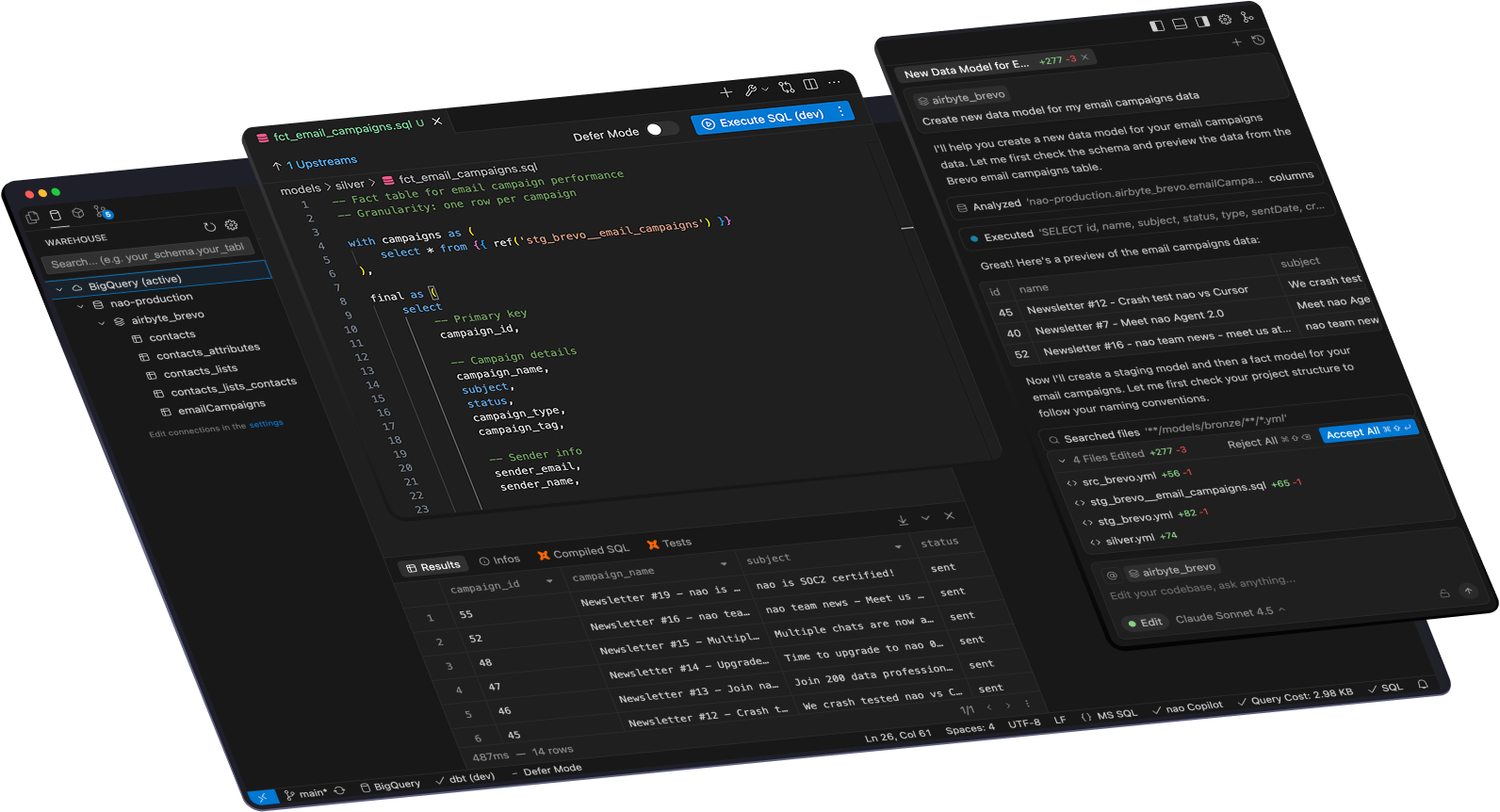
nao is the AI data editor designed for data teams — connected to your warehouse and business context, powered by an agent that writes code with data quality in mind.
Simply the best way to work on data with AI.
THEY USE NAO EVERY DAY


Welcome home, data teams.
We’ve been tweaking developer tools for too long — juggling extensions, AI with no data context and five different windows. It’s time for a tool built for us.
An IDE where you can actually see your data
Connect your data warehouse

Postgres

Snowflake

BigQuery

Databricks

DuckDB

Motherduck

Athena

Redshift
Postgres
Snowflake
BigQuery
Databricks
DuckDB
Motherduck
Athena
Redshift
Query your data directly
nao replaces your data warehouse console, with extra AI features. Preview your data, run SQL queries, and get AI auto-complete on your data schema.
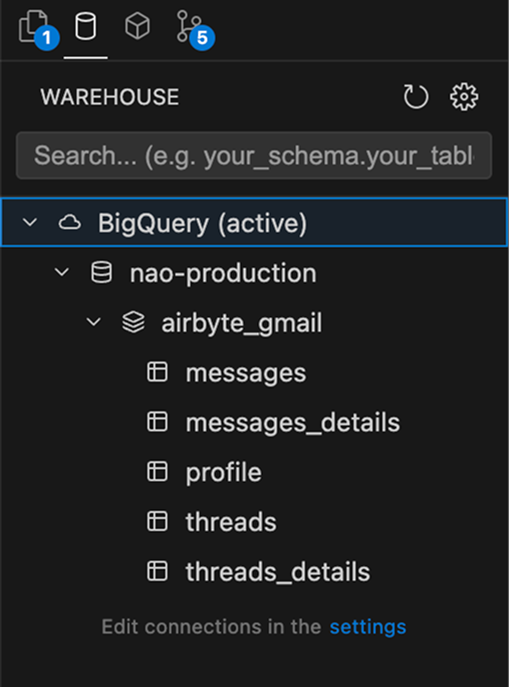
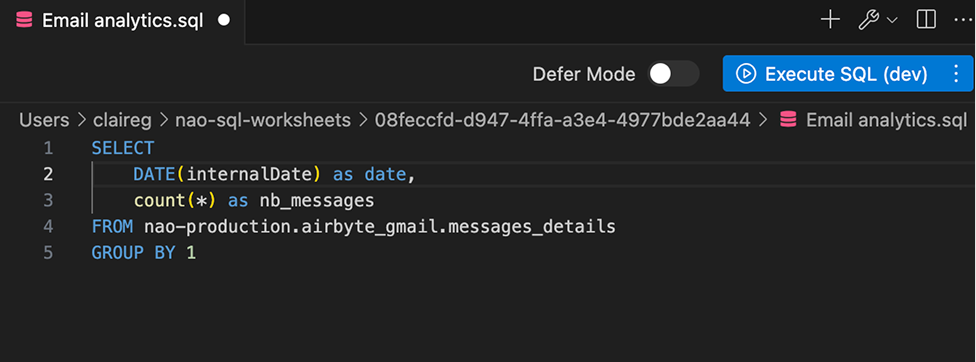
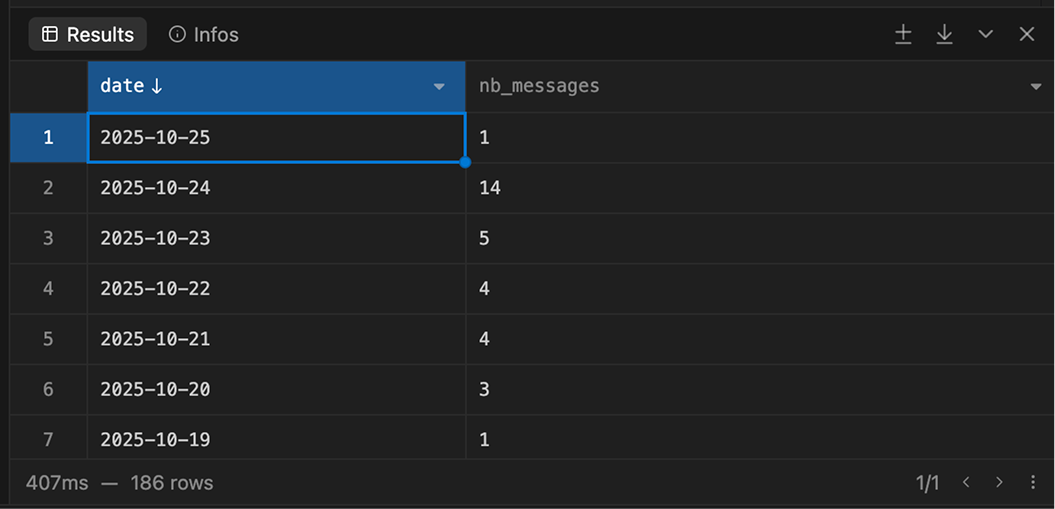
Warehouse console features, directly in the IDE
Connect multiple warehouses
Create and save SQL worksheets
Table & columns auto-complete
BigQuery dry run & costs
AI with data at core.
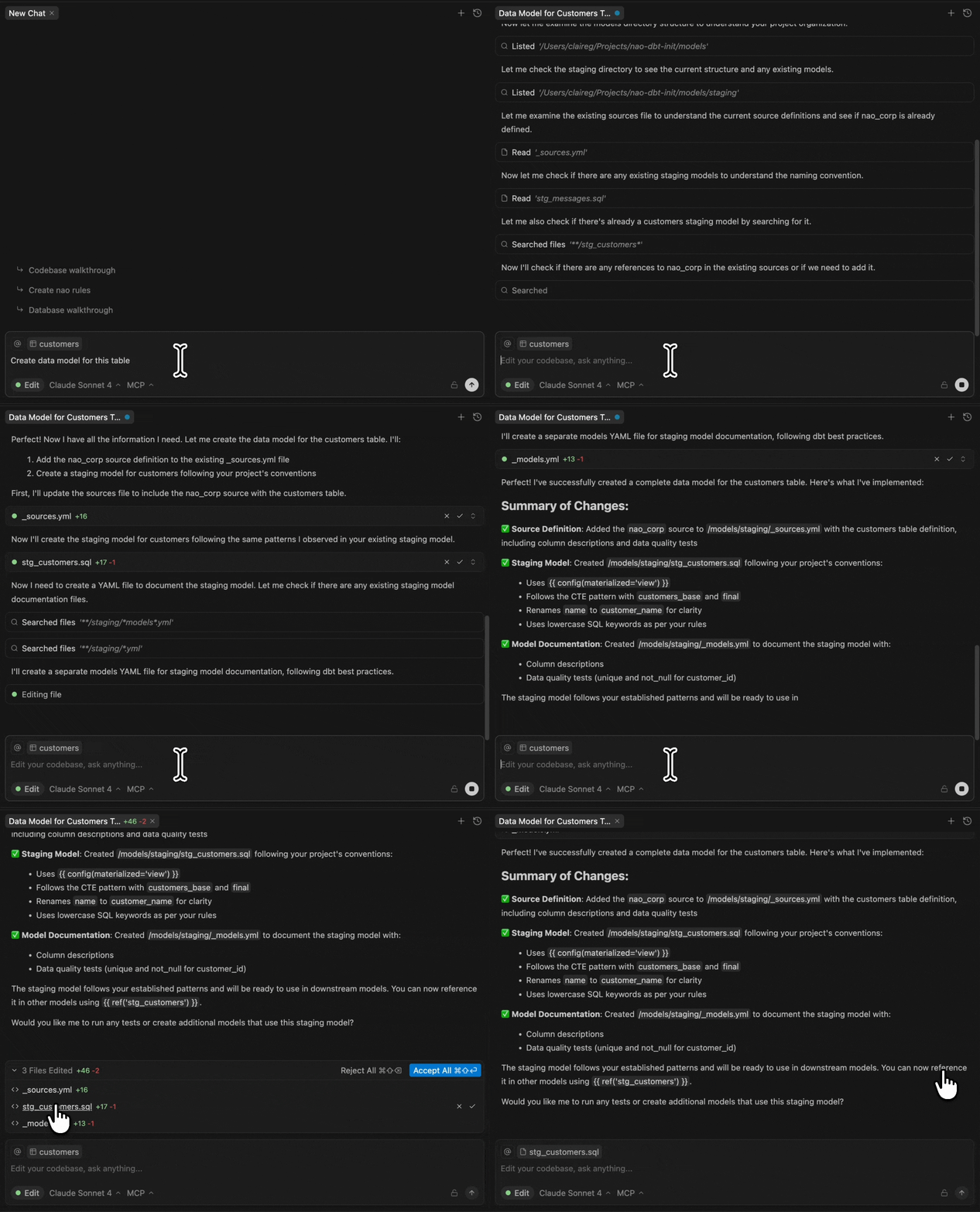
nao AI agent has direct access to your data schema. It can write code that matches your data, query it, analyze it, and ensure of data quality.
AI Agent

Create data pipelines
Ship data models in minutes
Let the agent turn raw warehouse tables into clean, production-ready models.

Run analytics
Get insights instantly
Ask the agent to run complex analyses, explore trends, and surface what matters.

Explore your data
Find the relevant data quickly
nao uses your schema, code, and documentation to identify the relevant data.

Check data quality
Trust every data
Let the agent test your data, run data diffs and ensure data quality.
Drag and drop data to AI agent
main.orders
@
Edit
Claude 4.5 Sonnet
To pick up a draggable item, press the space bar.
While dragging, use the arrow keys to move the item.
Press space again to drop the item in its new position, or press escape to cancel.
Make beautiful charts
@
prod.payments
Analyze payment volume trend of 2025
2501250Number of payments2025-012025-022025-032025-042025-052025-062025-07Month
Add data to context (⌘ L)
Add to Chat ⌘L
| customer_id | firstname | order_date | nb_products |
|---|---|---|---|
| 1 | Michael | 2018-01-01 | 2 |
| 2 | Shawn | 2018-01-11 | 1 |
| 3 | Ka | 2018-01-02 | 3 |
| 6 | Sarah | 2018-02-19 | 1 |
Search table in warehouse
@Add context
In which table can I find information about MMR?
Finding MRR Information...
Tab to data
nao auto-complete suggest codes that actually matches with your data schema.

Connected to all your data stack and context
nao integrates with your data stack tools for an end-to-end development experience.

dbt Integration
dbt tools in agent
Preview dbt models
View lineage

Data stack docs as context
nao indexes your data stack tools docs to write code that matches every framework



One click MCPs
Add your data stack MCPs in one click to add more tools to nao agent


Coming Soon

.naorules
Personalize AI agents with nao rules around your data model, coding style, project rules...


Never compromise your data security
nao is designed to keep your data secured: You data connection is local, between your computer and your warehouse. No data is sent to nao. No data is sent to the LLM unless you allow it explicitely.
Your data stays private and secure — never used to train AI. nao is SOC 2 Type II certified, ensuring the highest standards of security and privacy.
