

详细内容
Support our new\
\
Mobile SDK\
on Product Hunt
today 😻
Get 30% OFF
Black Friday
Available for all plans including HelpKit AI
Time Until offer Ends
00
Days
08
Hours
16
Minutes
30
Seconds
BLACKFRIDAY25
How to redeem the discount?
Support our new\
\
Mobile SDK\
on Product Hunt
today 😻

Log in Get Started for Free → Get Started for Free →

Easily build your Knowledge BaseHelp CenterDocumentation Site with Notion
Turn your Notion docs into a professional self-service help center
for your customers
– no code required.
Free 7-day trial
No credit card required
24/7 support

"With Helpkit we literally went from 0 to fully functional knowledge-base in 1 hour. I highly recommend it!"
Dan Kelly, CEO at Adjust Square
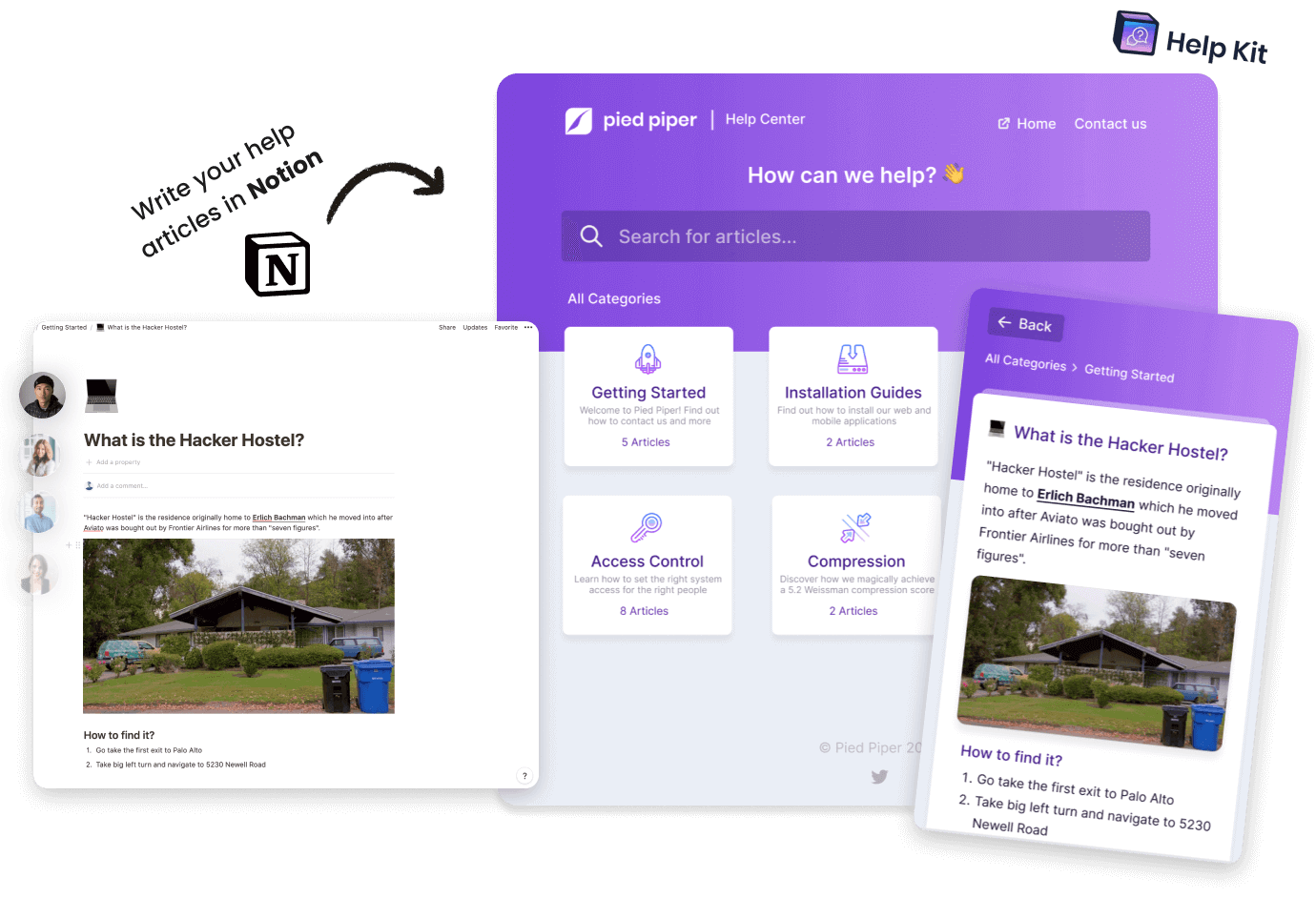
 View Help Center Demo ↗️
 View Documentation Demo ↗️







Join 1000+ happy customers reducing their
support ticket load and getting customers to their
answers quickly.
"With Helpkit we literally went from 0 to fully functional knowledge-base in 1 hour. I highly recommend it!"
Dan Kelly, CEO at Adjust Square
Standalone Center
Create a public or internal protected help center or documentation site with your own domain, custom appearance
and SEO optimization
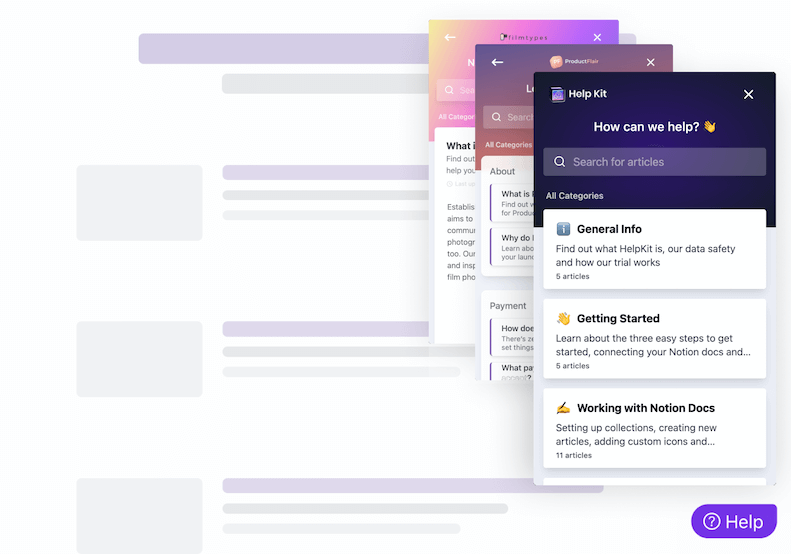
Embeddable Widget
Install our widget on your web/mobile app so users can get their answers quickly in
context. Learn more about our embeddable widget and mobile app SDKs
Why HelpKit?
Already using Notion for your company docs?
Let's use it for your
knowledge base too.
Customers demand instant solutions to their problems. Deliver instant
help and make them happier while dealing with less support tickets:
without leaving Notion.
⚡
Easy & Amazing
HelpKit is the easiest no-code solution to create a knowledge
base your customers will find amazing
🙅🏽♂️
Not Another App
Use Notion to write your help articles. Notion provides a
great editing experience and all of your companies docs are
probably written there anyway.
👨👩👦👦
Perfect for Teams
Make use of Notion's real time collaboration features and work
on your articles together. Your changes are automatically
updated.
😎
Look Professional
Your articles look like a professionally created website with
your brand instead of the default Notion page.
🔗
Own Domain
Use your own domain such as support.acme.com so your visitors
can easily find you.
💨
Blazingly Fast
HelpKit is optimized for SEO so that search engines easily
find your website. Loads up to 100x faster than default Notion
pages.


I love using Notion to write articles and then HelpKit takes care of the rest. It’s easy and beautiful. The help widget and analytics works great and is worth the price all on its own. Even if you haven’t used Notion, you’ll pick it up super fast and you’ll love how easy it is to update your articles.

Testimonial from Fred Cutler
CEO at
Email
Sign up free →
Or continue with
Sign up with
Google
Free 7-day trial
No credit card required
24/7 support
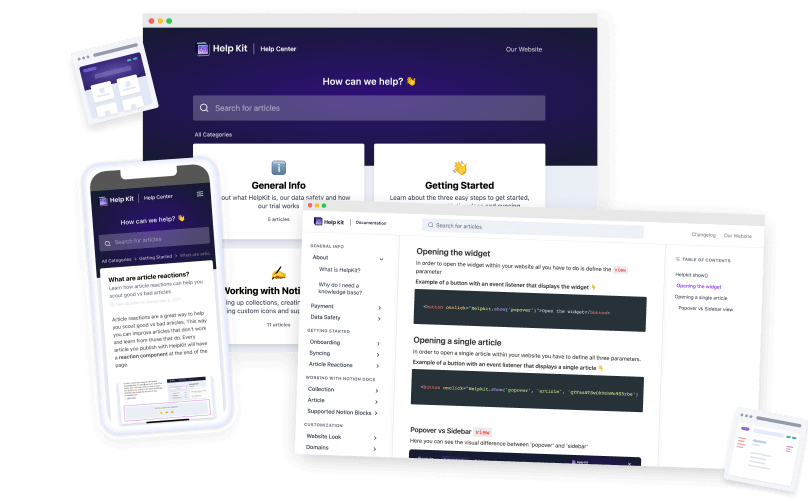
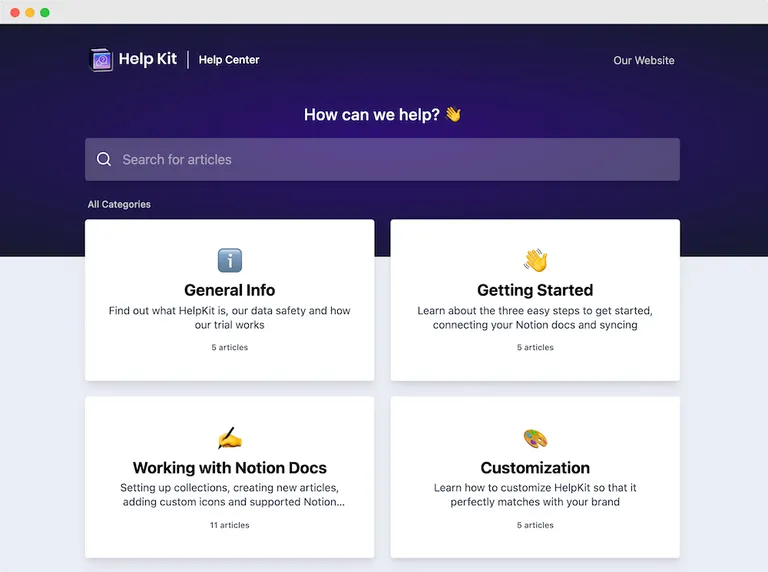
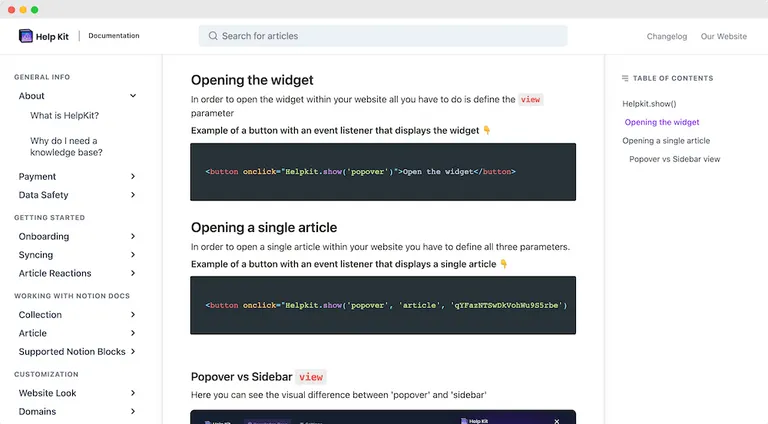
HelpKit comes in two layouts:
Help Center
Create a professional self-service help center with Notion that will help your
customers find answers to to their questions in no time.
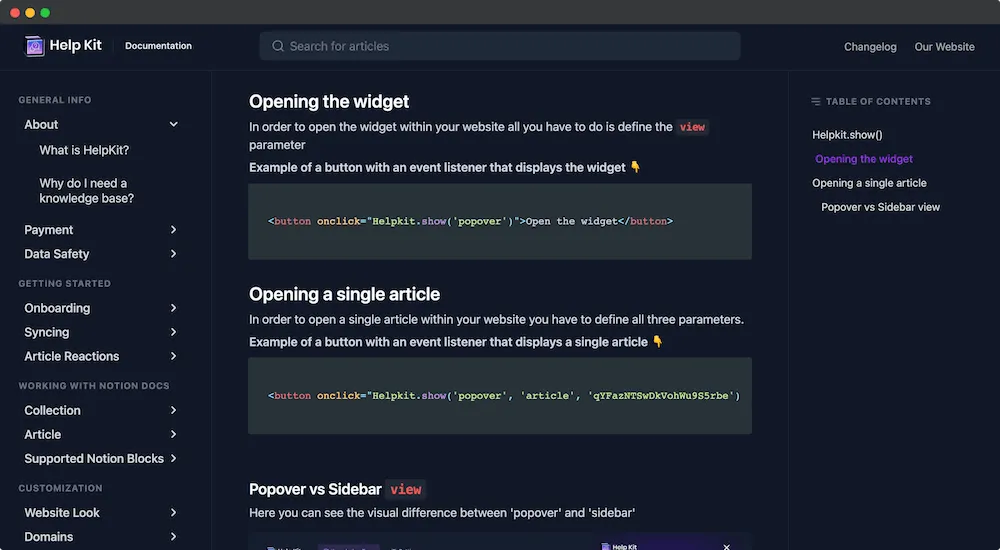
Documentation
Create world-class product documentations, API docs or an internal employee wiki while never leaving Notion.
Showcase
Check out our happy customers
who are using
HelpKit
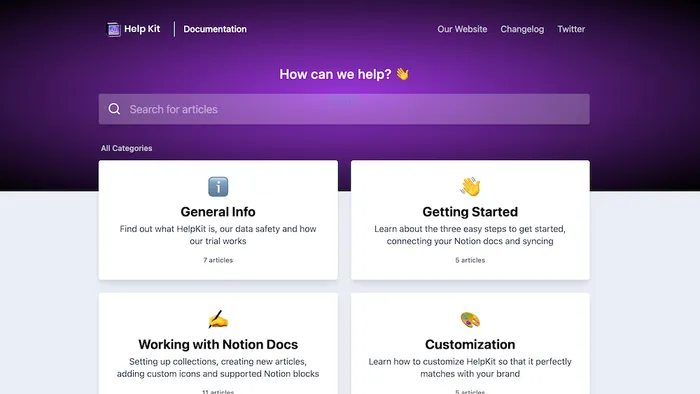 \
\
support.helpkit.so\
\
\
Help Center 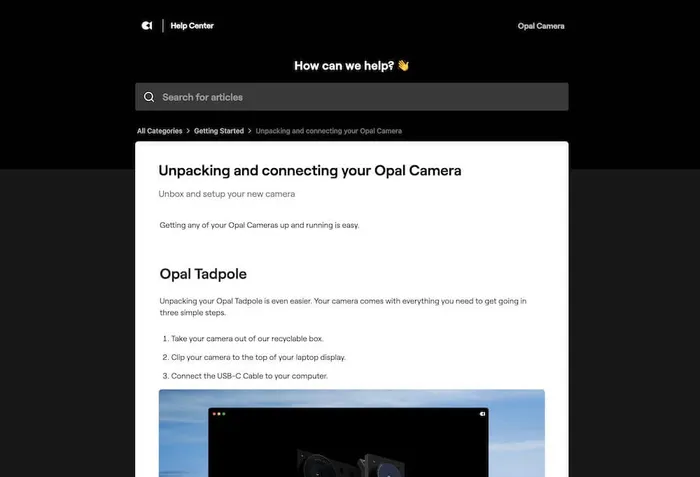 \
\
support.opalcamera.com\
\
\
Help Center 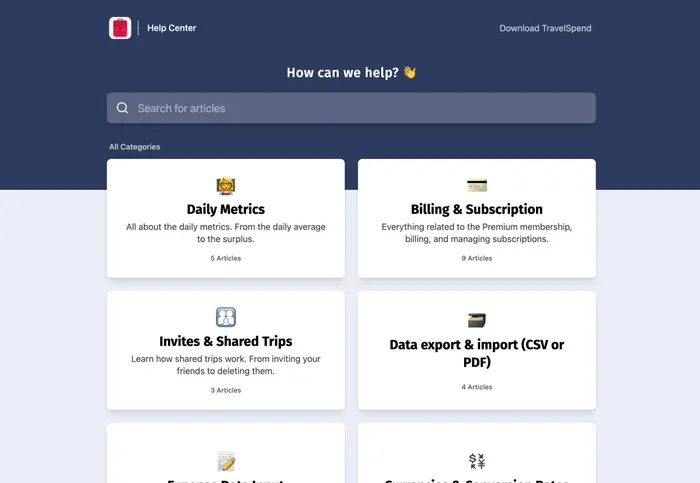 \
\
help.travel-spend.com\
\
\
Help Center 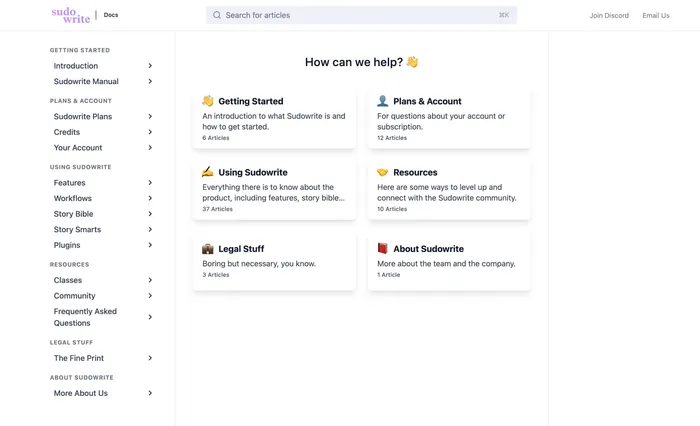 \
\
docs.sudowrite.com\
\
\
Documentation 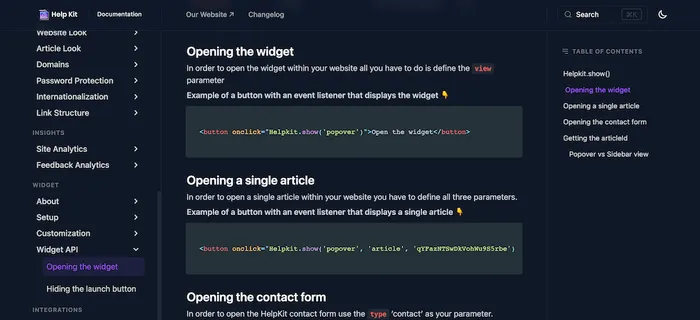 \
\
docs.helpkit.so\
\
\
Documentation 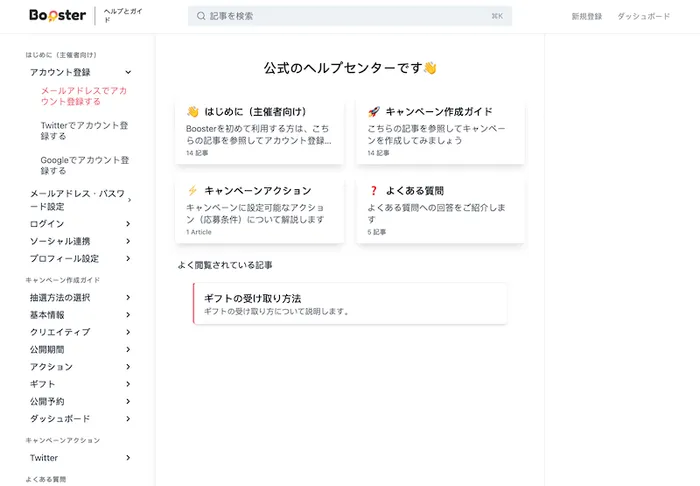 \
\
help.booster.me\
\
\
Documentation 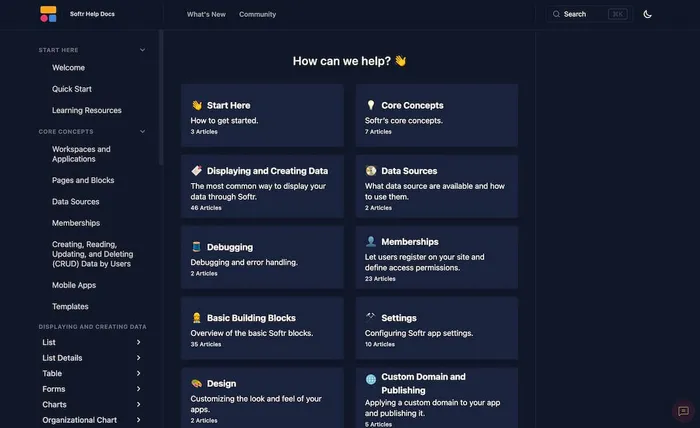 \
\
docs.softr.io\
\
\
Documentation 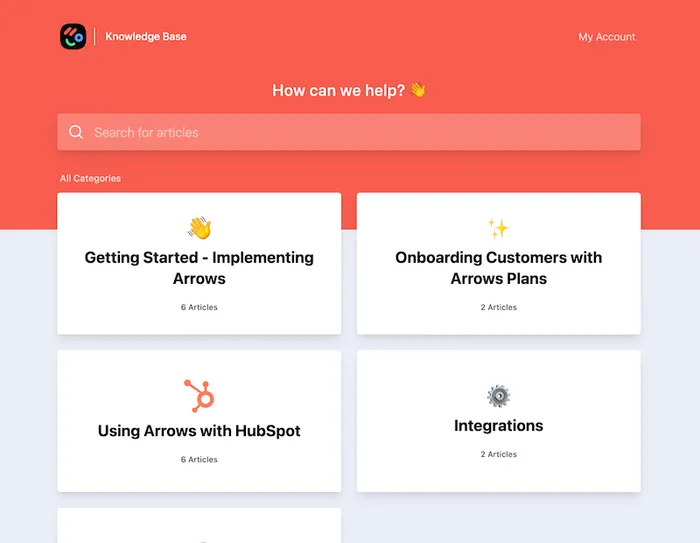 \
\
help.arrows.to\
\
\
Help Center
You are using HelpKit and want to get listed here? Shoot us an email 🫡
Free 7 day trial. No credit card required.
How Does It Work?
Building a help center with HelpKit and Notion is super simple and fast.
Notion to Help Center in minutes– not days →↓
Watch the 60sec instruction video
HelpKit has been designed with you and your
customers in mind. We take care of all the nitty gritty
details so you can focus all your brain juice on creating amazing
help articles in
Notion.
1
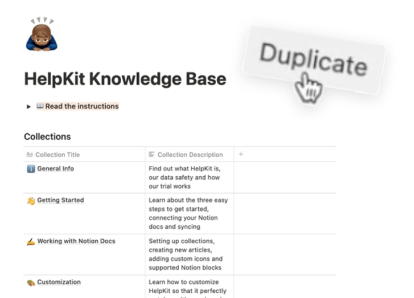
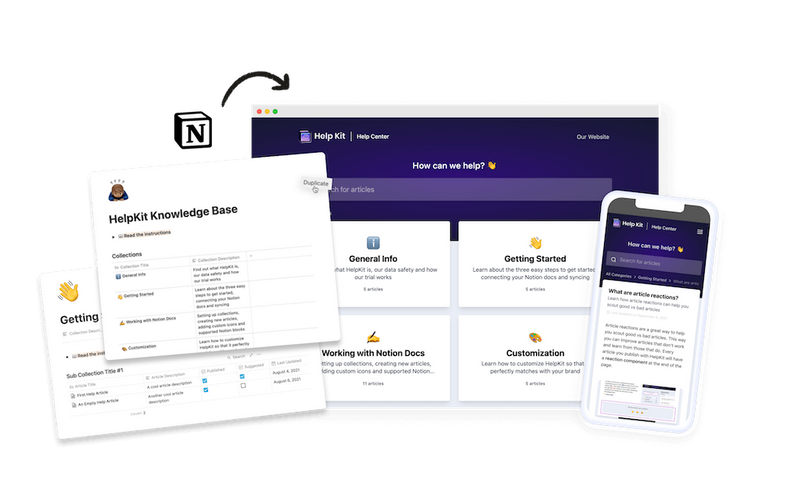
Duplicate our template
Duplicate our free best practice Notion template to your own
workspace and start writing your help articles.
2
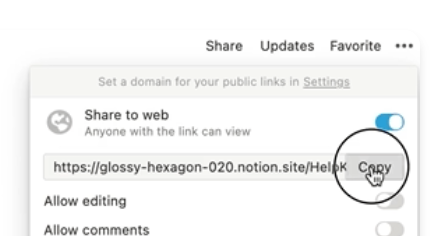
Make your page public
Next, make your root Notion page public and paste the URL into
HelpKit's dashboard.
3
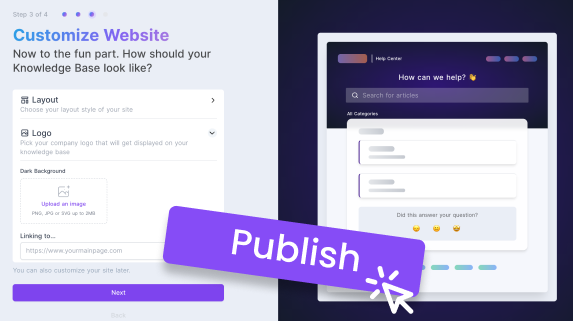
Customize and publish
Finally, preview your knowledge base and add custom branding. Then
share it with your customers.


"With Helpkit we literally went from 0 to fully functional knowledge-base in 1 hour! The best thing about Helpkit is it allows my non-technical co-founder to do 95% of the work and manage our knowledge-base. We signed up because of how beautiful and well-designed the product is!"
Testimonial from Dan Kelly, CEO at Adjust Square.
Everything you need to run a professional knowledge base
HelpKit comes with all the tools you need to run a professional knowledge base: Search engines can easily find your help articles, full-text search bar, article analytics, embeddable widget for your website and much more.
 Powered by Notion
Your content stays in Notion
Creating content, answering questions, and adding tutorial videos
has never been easier with Notion's amazing editor and block
types. No coding or technical skills necessary. Just sign up and
connect your Notion page to get started!
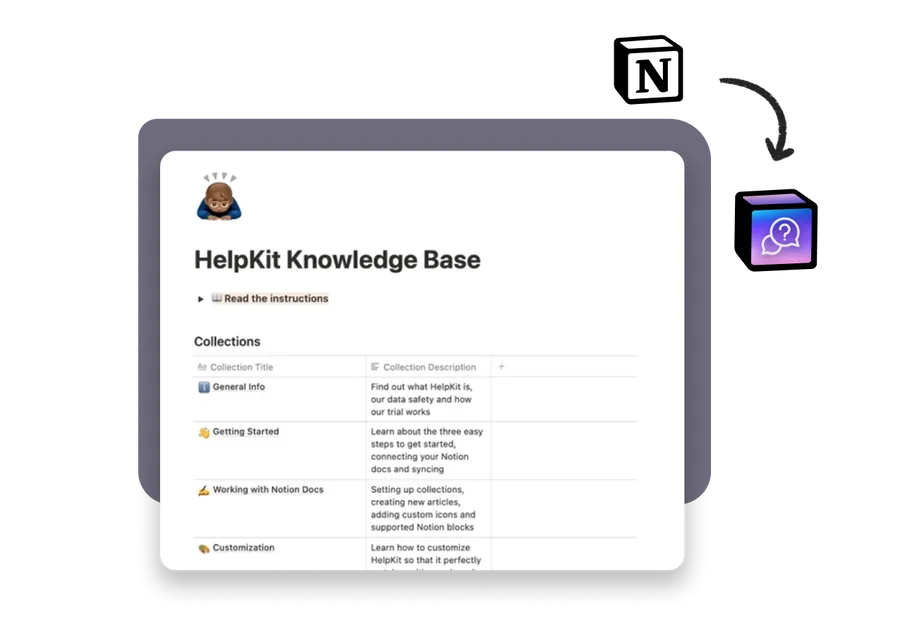
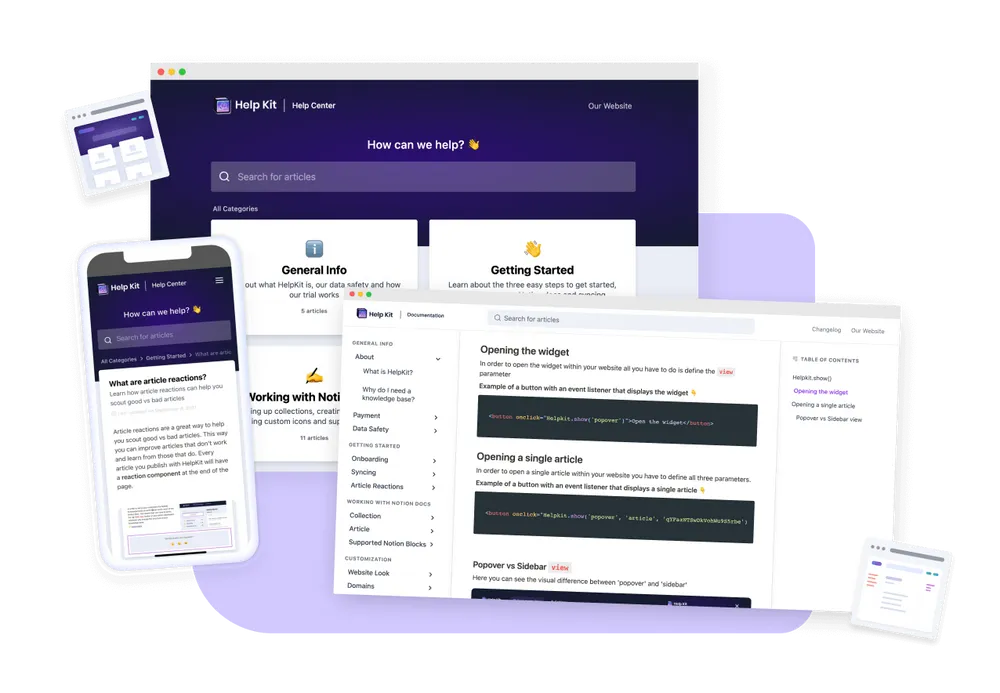
 Professional Look
Blow away customers by how great it looks
Your customers deserve a professional looking knowledge base.
Sure, you can publish your Notion page on its own but it might
come across as
unprofessional with the messy Notion url, distracting links
pointing to Notion and the lack of customizability.
We
went the extra mile, optimized HelpKit for all devices and
designed it so beautifully, that your customers will get
blown away.
 Custom Domain
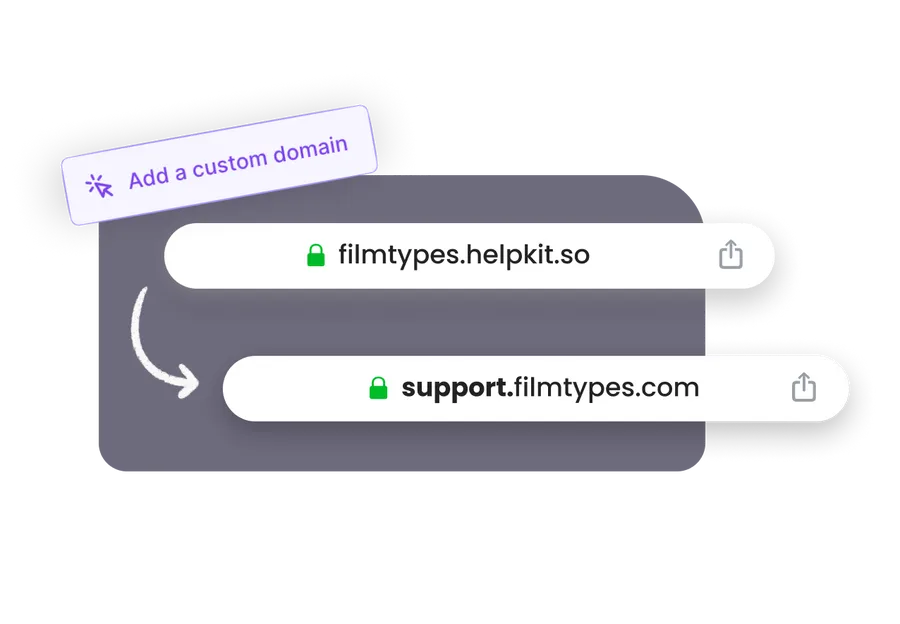
Connect your custom domain
We have chosen our name for a reason. We host your project on a
subdomain of our pretty helpkit.so domain such as
piedpiper.helpkit.so
Make it match your brand by connecting your own subdomain so that
it looks like
 Built-in Search
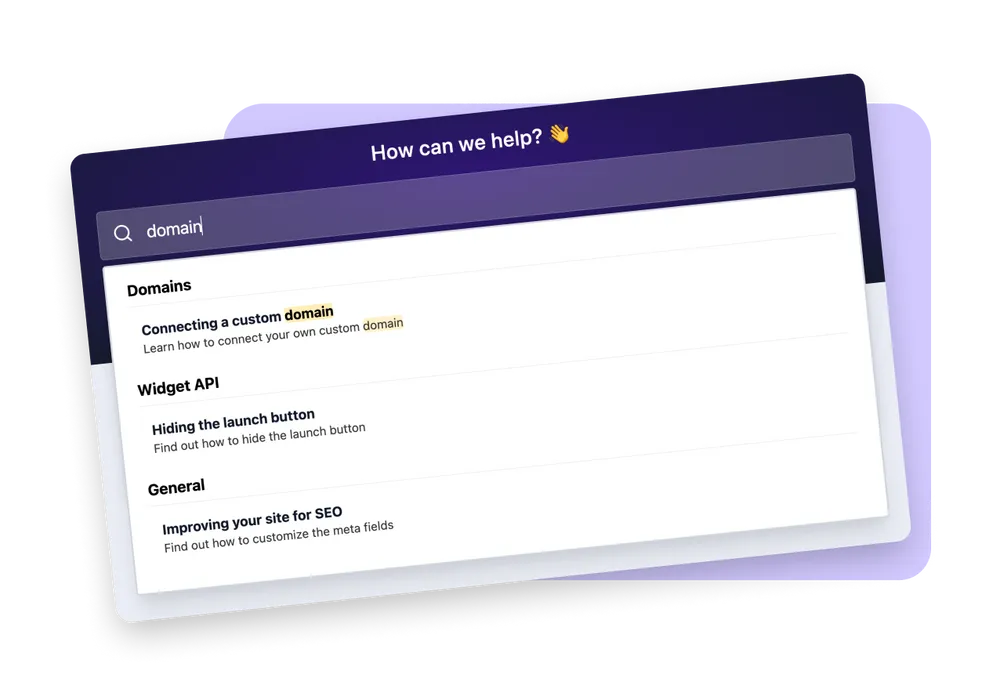
Help customers find what they need fast
Enhance your knowledge base with
full-text search that helps your users find exactly what they are
looking for. Want to offer an even easier way to search? Connect with HelpKit AI ↗️ to turn your help articles into a 24/7 AI chatbot.

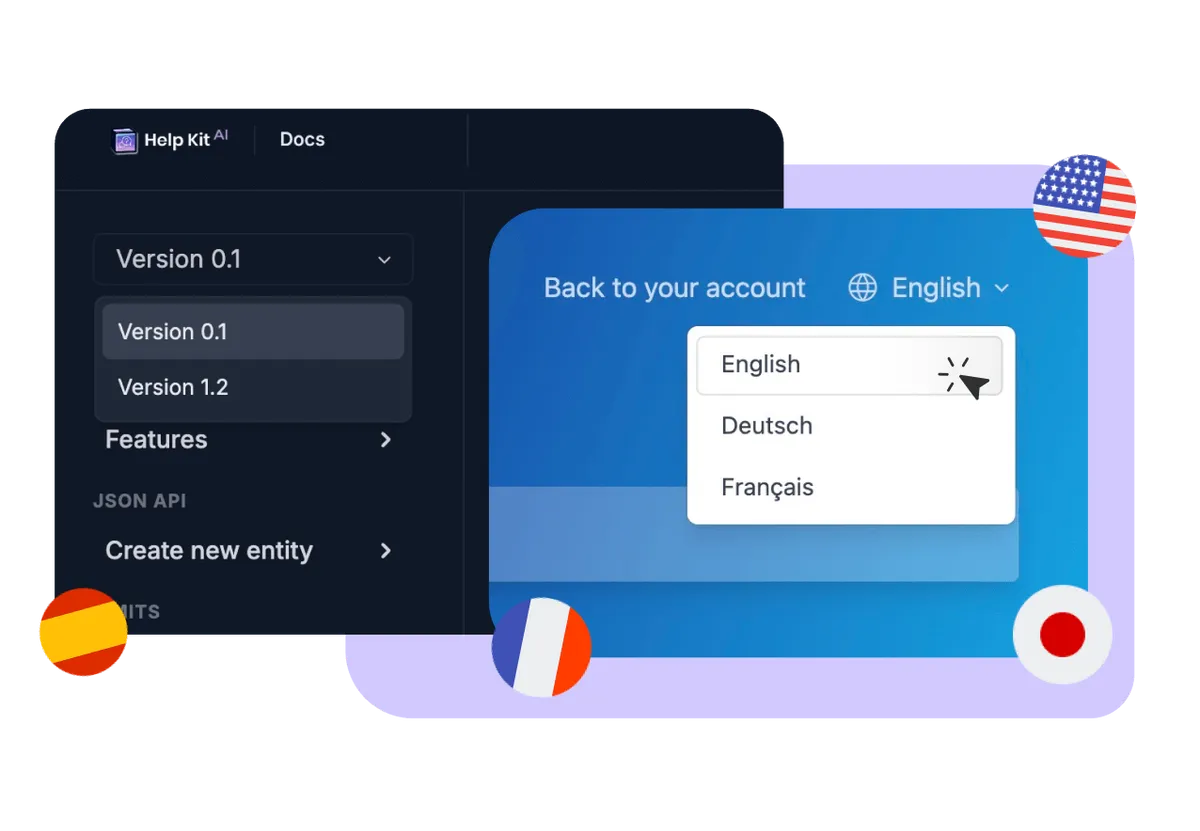
Present your knowledge base in multiple languages
Create localized versions of your knowledge base for different countries or maintain separate versions of your product documentation. Serve multiple versions via subpaths such as
support.piedpiper.com /fr or
support.piedpiper.com /v1
 Analytics Insights
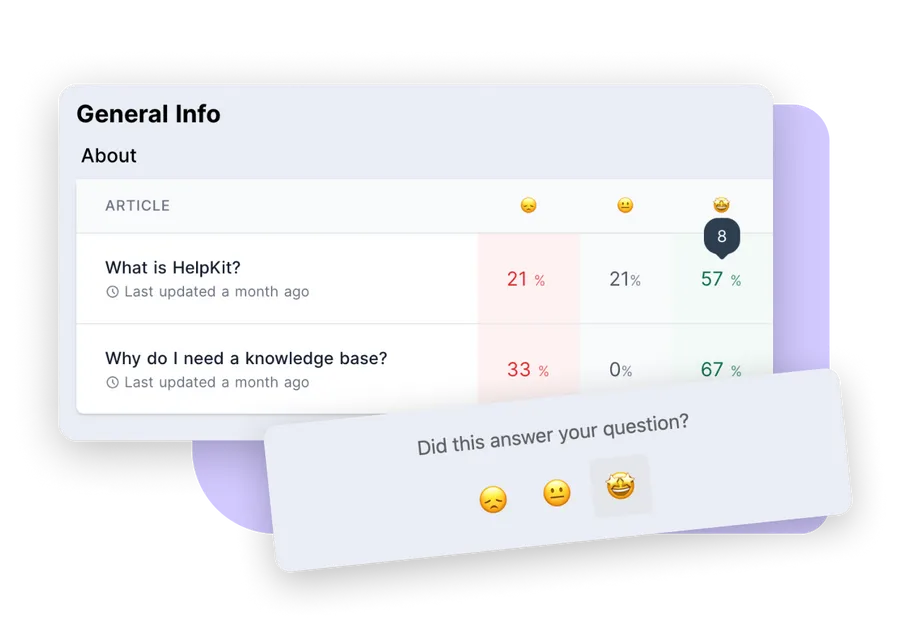
Optimize your help articles
Article reactions and search intents are a great way to get insight on how well help articles are performing. This way you can improve articles that don't
work and learn from the ones that that do.
 SEO
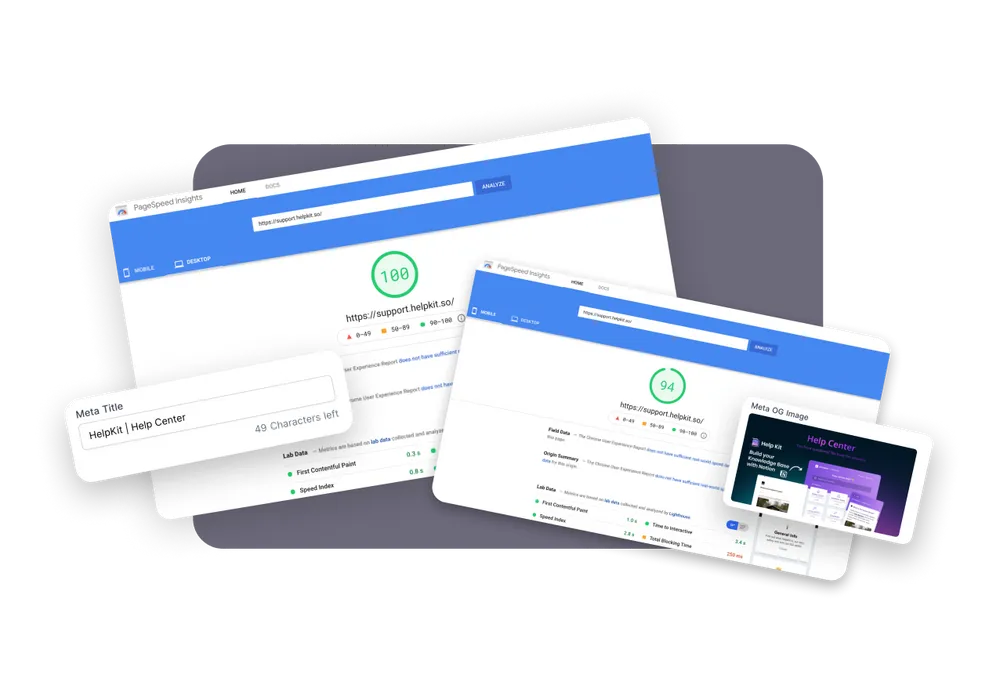
Search engines love to display your articles
We cache your Notion data to serve your customers the fastest knowledge base on
earth and keep your site up even when Notion is down. Another
amazing side benefit: Google, Bing and other search engines
love
to rank our fast websites.
To maximize your SEO appearance HelpKit allows you to
customize all your meta tags.
 Gated Content
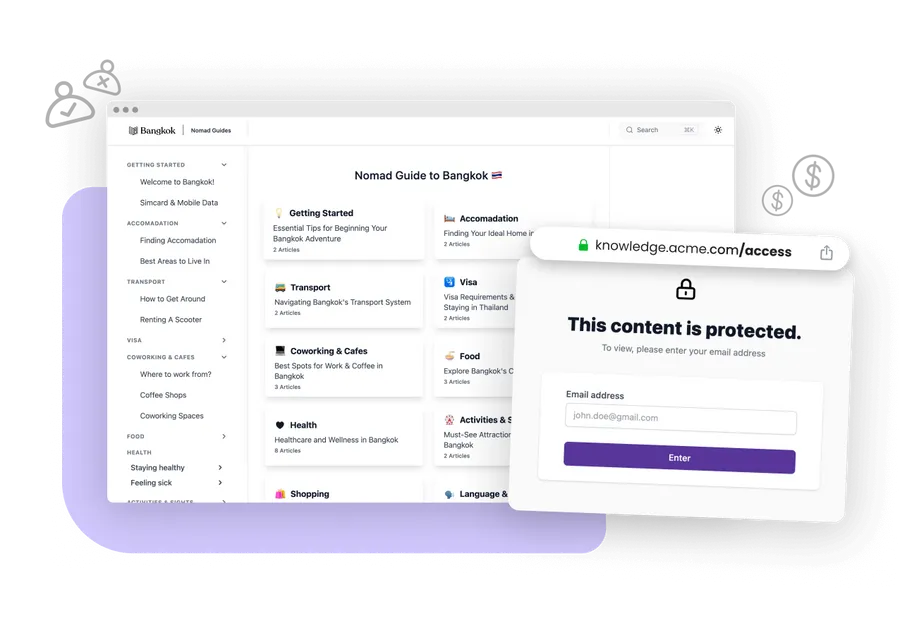
Protect access to your knowledge base
HelpKit is perfect for gating your Notion content. Start earning
money by selling access to your knowledge, create internal
content for your employees only, you name it. Protect via
password, email list and more.
 Integrations
Integrate flawlessly with the systems you rely on
HelpKit integrates with the tools you already use. Connect to Slack for notifications, embed your live chat widget from Intercom, Hubspot, Crisp and more. Need your app connected to HelpKit? We got you covered.

Create your knowledge base now →
Free 7-day trial
No credit card required
24/7 support
Testimonials
Join Hundreds Of Happy Customers
See what others say about us on the world wide web 🥰

Rylan Blowers
@rylan_blowers

We use Helpkit and it has been such a step up from other support tools we've used in the past. It is so much easier to create articles in the place we already live, which is Notion.
Sep 13, 2023

Brad Mitchler
@brad_mitchler
This is the easiest way to make a professional docs site for your product, especially if you already use Notion. In the past I've used many other solutions and spent probably 10x the hours in order to get it set up.
Sep 13, 2023

Kim H
@kimmmberly
We've love using HelpKit for the Arrows Knowledge Base. Couldn't find anything out there that was as easy to get started with and use!
Aug 24, 2022

Charlie

In the case anyone needs docs-as-a-service for their SaaS company, try @HelpkitHQ - hooks straight into your Notion, have a help guide up in minutes 🚀 Great product, easy to setup, and absolutely fantastic support from @sobedominik.
6
Jan 14, 2023

James Ivings
Saturday ship! 🚢 #buildinpublic
We moved all our help docs to @HelpkitHQ 📕
It looks so much better 😍 and is functionally much better too, read on for a little rundown 👇
before after


43
Nov 11, 2022

Thomas Frank
@tomfrankly
I freaking love HelpKit. We use it to host and share all the support articles for my paid Notion templates, and it's a perfect complement to our active support community.
If anyone's curious, here's how we use it:
Support articles intended for customer-viewing are placed into our Public HelpKit template in our Notion workspace.
We also place those article in synced blocks, allowing us to embed them inside our internal support database.
There, we also create technical reference material that's only meant for my team to see.
Aug 24, 2022

Valentin
Just went from nothing to a fully featured help center for Findymail in a matter of hours 😯
Courtesy of Helpkit from the awesome @sobedominik 😍
Knowing the sheer existence of those awesome indie products feels like a cheatcode sometimes ngl!

13
Nov 7, 2022

Sophie Aldebert
@sophie_aldebert
HelpKit is a hidden gem! We were looking to build a Support Hub but didn’t have the time or capacity to fully build it. As we work a lot with Notion, HelpKit was the perfect software for our Support Hub - it was set up in such a short time thanks to Dom’s work! He’s so reactive and helpful. Can’t recommend more! (the customization and other integrations are a must as well)
Aug 24, 2022

Fred Cutler
@fredcutler
I use HelpKit for Prograds.com and for the WeVu Coaching Marketplace. Two separate SaaS; that's how much I love HelpKit.
Dom is amazing for customer support and feedback.
👉 Check out Prograds support at support.prograds.com
Aug 24, 2022

Josef Büttgen
@josefbuettgen
HelpKit AI will 10x if not 100x your customers productivity from what HelpKit has already been doing for them already. No need to browse the help center anymore. Just chat. Super inspiring!
Sep 13, 2023

Tobias Whetton
@twhetton
If you use Notion for documentation, wiki or help center, it's a no-brainer to use HelpKit AI as your customer support chat bot. It's also a lot more cost-effective than other AI solutions! Such a great implementation @sobedominik, congrats on the launch! 🎉
Sep 13, 2023

Philip Rawlinson
@philip_rawlinson
HelpKit is a fantastic product that's been thoughtfully designed to make it both straightforward to setup and intuitive for your users to access. Support from Dom is fast and helpful and his desire to continually improve HelpKit shines through. Well worth setting up a trial to see how well it can work for your website.
Aug 24, 2022

Easlo
@heyeaslo
If you already use Notion as your knowledge base using HelpKit AI to chat with your help articles is really helpful!
Sep 13, 2023

Dagobert Renouf
@dagorenouf
Simplest and most elegant Notion based help center I've seen.
Aug 24, 2022

Johnny Makes ⚡️
@johnny_makes
HelpKit AI is a genuinely useful application of AI, and the care and attention to detail in the product is easy to see - love seeing the evolution of HelpKit 🔥
Sep 13, 2023
Show more Testimonials ↓
About HelpKit
I want you to deal with less support and make your knowledge base work for you

Hey 👋
I’m Dominik, the founder of
HelpKit.
There are already a couple of knowledge base softwares out there to
help you improve your customer support. And while most of them are
certainly doing a good job,
are they actually making use of the best content management system
in the world?
I have been using Notion for a few years now. It's an
amazing tool for storing and organizing all of my company's knowledge
and documentation. After a while, I realized that I need something
that I can expose to my customers. I didn't want to leave Notion.
Furthermore, it should feel similiar to tools such as Intercom or
Zendesk.
Since I couldn't find the right solution –
I built HelpKit. Sure, you can publish your Notion
page on its own but it might come across as unprofessional. The messy
Notion url, distracting links pointing to Notion and the lack of
customizability are just a few disadvantages...
HelpKit is solving all of this. It is for businesses who need an
easy way to create a reliable knowledge base powered by Notion.
— Dominik Sobe, Founder

🛠️ Learn how HelpKit works
Let Dominik show you how easy it is to get started with
HelpKit and Notion. Let's create your first knowledge base in minutes.
Frequently asked questions
You have questions about HelpKit? 🤔 We have the answers. If you can't
find the answer you are looking for simply
reach out.
How can I build a help center with Notion using HelpKit?
With HelpKit, transforming your Notion documents into a fully
functional help center is straightforward. Our Notion to help
center no-code platform allows you to directly link your Notion
docs, customize the appearance, and publish a professional
self-service knowledge base that your customers can easily access.
Start by duplicating our best practice Notion template, make your
page public, and let HelpKit handle the rest.
Can HelpKit help me build a help desk with Notion?
Yes, HelpKit is designed to turn Notion into a powerful help desk
for your business. By leveraging Notion's collaborative features
and our seamless integration, you can create, manage, and update
your Notion help desk without any coding required. Our widget also
enables customers to find answers quickly, directly on your
website.
What makes HelpKit the best choice to build a help center inside
Notion?
HelpKit excels at creating a help center inside Notion due to its
easy integration, fast setup, and no-code requirement. Our
solution enhances your Notion docs with professional layouts, SEO
optimization, and a customizable domain to ensure your knowledge
base stands out and is easily found by search engines.
How does transitioning from Notion to a help center work with
HelpKit?
Transitioning from Notion to a help center is seamless with
HelpKit. Just connect your Notion page to HelpKit, customize your
settings, and your documentation will be ready to go live. Our
platform ensures your content remains in Notion while providing a
professional front end for your users.
Can I create a help center inside Notion without coding skills?
Yes, with HelpKit, you can create a help center inside Notion
without any coding skills. Our user-friendly platform makes it
simple to turn your Notion docs into a professional knowledge
base, complete with custom branding and your own domain. Notion to
help desk has never been easier!
Where can I find a Notion help center template?
HelpKit provides a
free best practice Notion template
you can duplicate into your workspace to kickstart your help
center or documentation site. This template is optimized for use
with HelpKit, ensuring a smooth transition from Notion docs to a
public-facing knowledge base.
Free Course
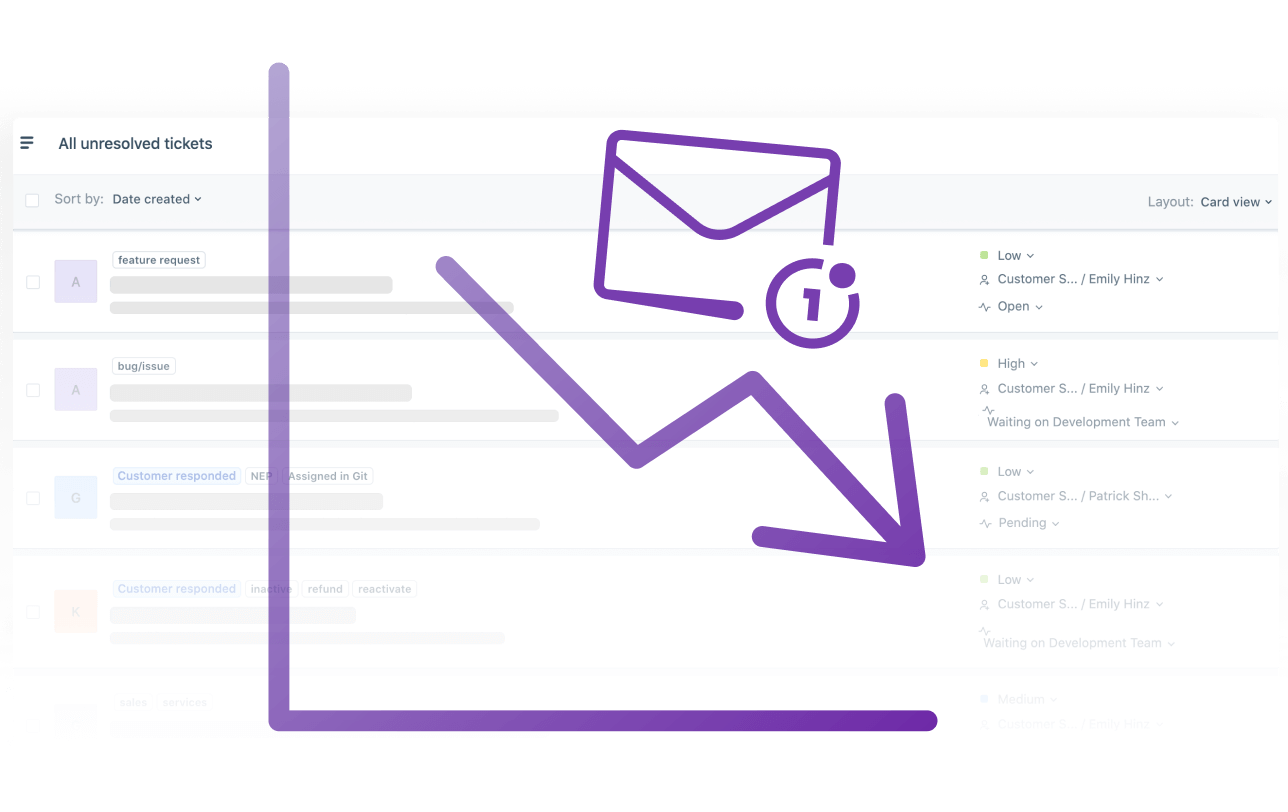
How to Reduce Your Support Tickets
By Half
Get our free 3-step email guide with proven strategies that
successful companies use to reduce their customer support load by
up to 50%. Learn how to:
Create an effective knowledge base and write great help
articles
Use customer search data effectively
Improve your help center with feedback
 Ready to turn your
Notion pages into a
professional
Help Center?|
Join 1000+ happy customers reducing their
support ticket load and getting customers to their
answers quickly.
Email
Sign up free →
Or continue with
Sign up with
Google
Free 7-day trial
No credit card required
24/7 support
Help