

详细内容
ImgLarger Online - AI, Editor Tools and Converters
Create stunning images online for free. Boost your image editing efficiency by 10x with advanced AI, powerful editing tools, and seamless converters.
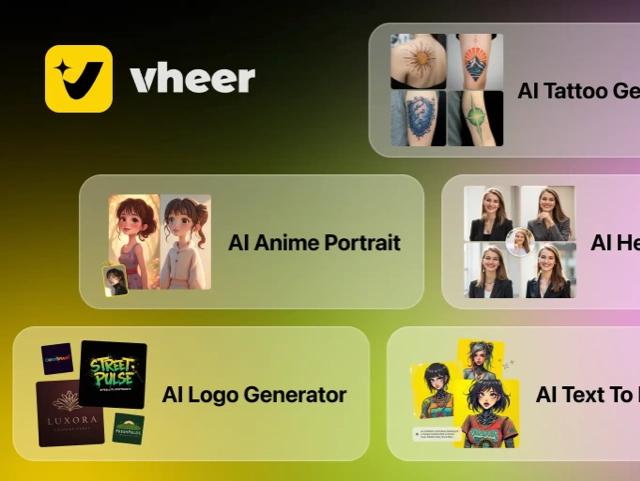
AI Image Generation
Generate stunning images, tattoos, portraits, logo and more.
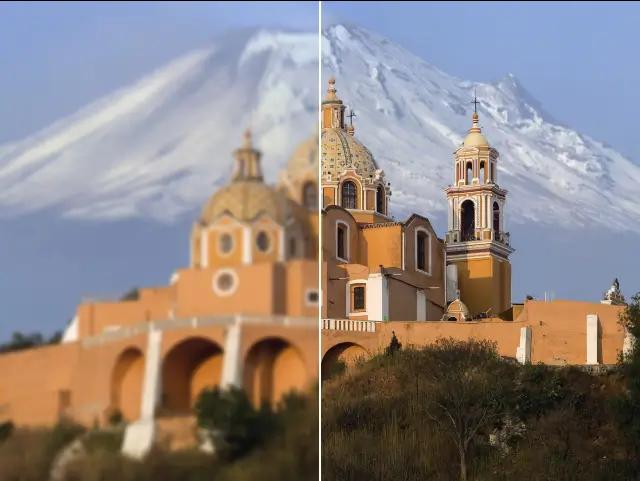
AI Image Upscaler
Upscale images for higher resolution.
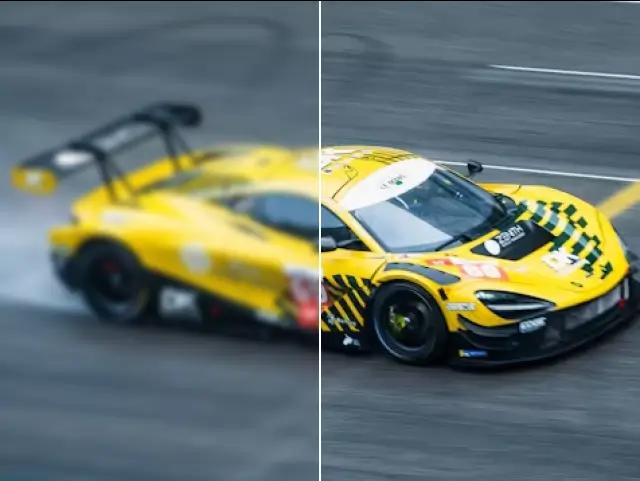
AI Image Enhancer
Enhance image clarity, quality, contrast and brightness.
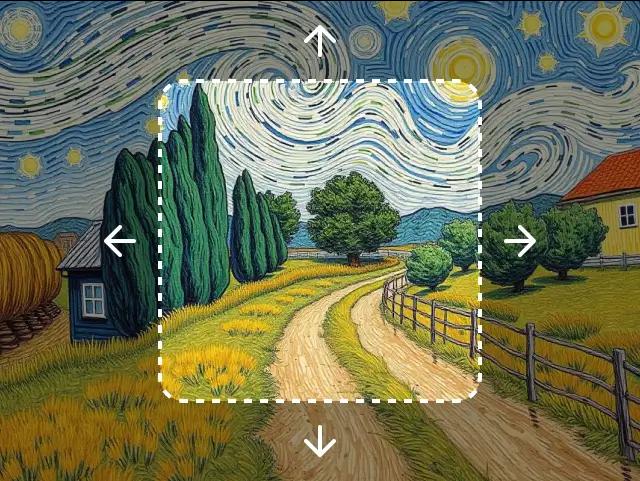
AI Uncrop
Extend the borders of cropped images.
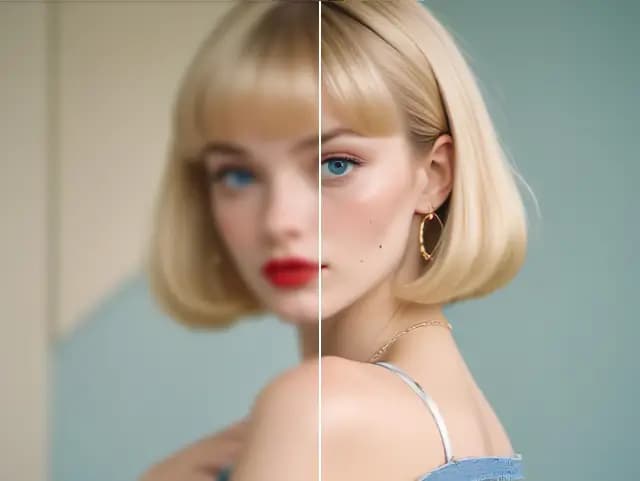
AI Image Enlarger
Enlarge images without losing quality.
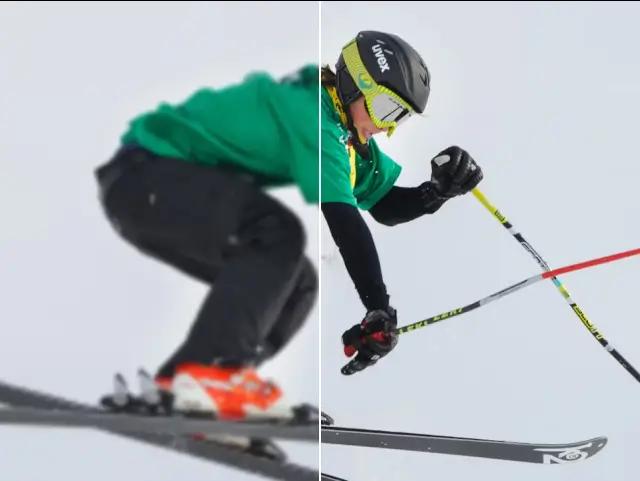
AI Image Sharpener
Sharpen blurred images instantly.
More Image Editor Features
Traditional image editing tools - all online and free. No account or credit card required.
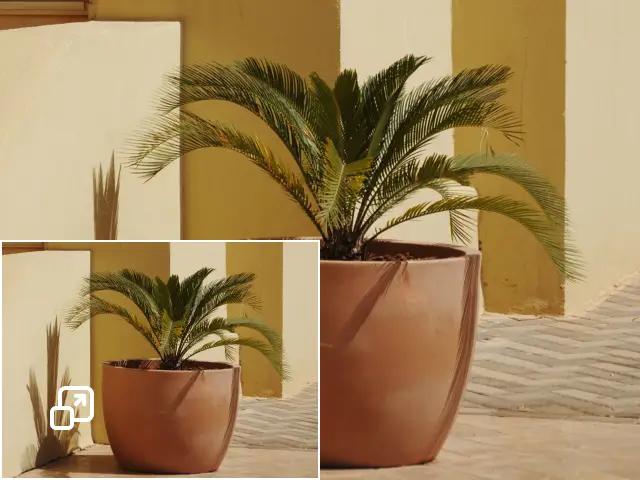
Resize Image
Resize images to your preferred dimensions.
Resize Image Batch
Resize images hundreds of images at once.
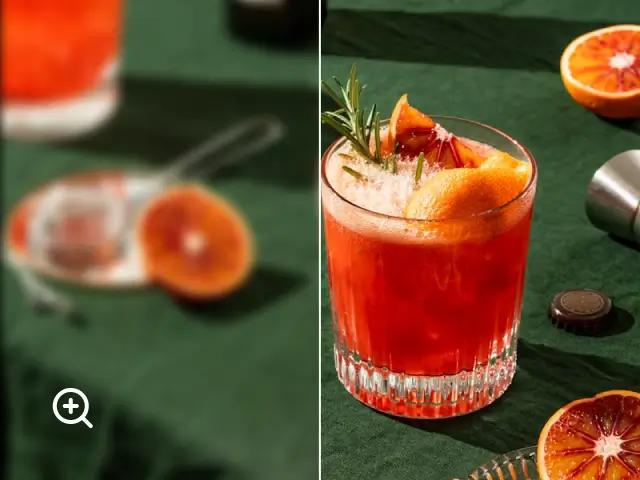
Enlarge Image
Increase image size using fast Canva algorithm. Fast and free.
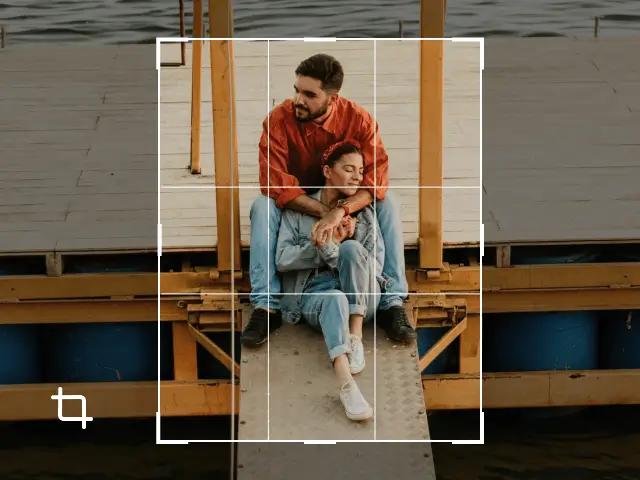
Crop Image
Crop images to your desired size.
Rotate Image
Rotate images in any direction.
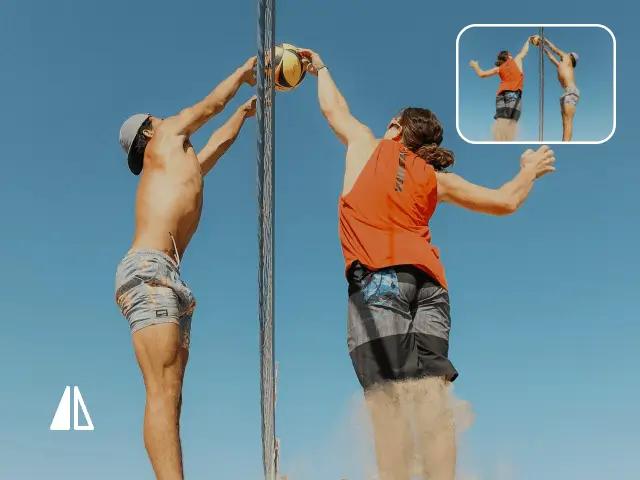
Flip Image
Flip images horizontally or vertically.
Image Converters Online
Convert your images to different formats, no uploading required. No account and credits required.

 \
 \
 \
Your Go-to AI Editor to Enhance, Edit, and Convert Images Online
Imglarger is your all-in-one tool to improve your photos. With AI tools, you can enlarge images, remove noise, or restore old photos. Its editing toolkit lets you crop, resize, and adjust images online, while the converter makes format changes easy. Whether you want to enhance, edit, or convert photos, Imglarger has you covered.
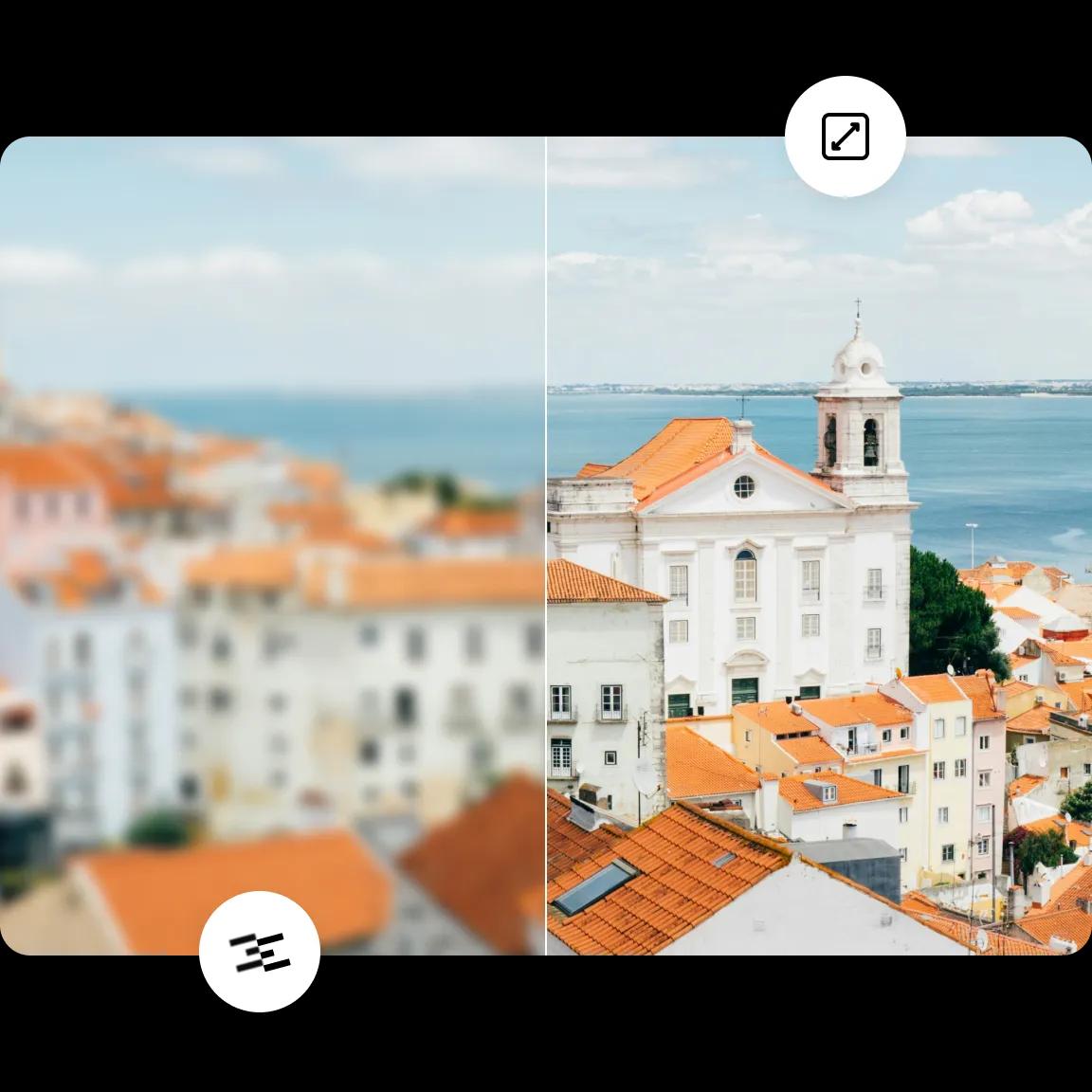
Enhance and Enlarge Images without Losing Quality
Imglarger is a powerful photo enhancer that can enlarge image size without losing quality. With it, you can upscale an image by 200%, 400%, and 800% with one click automatically. Powered by artificial intelligence, it can remove blur and improve clarity while resizing images.
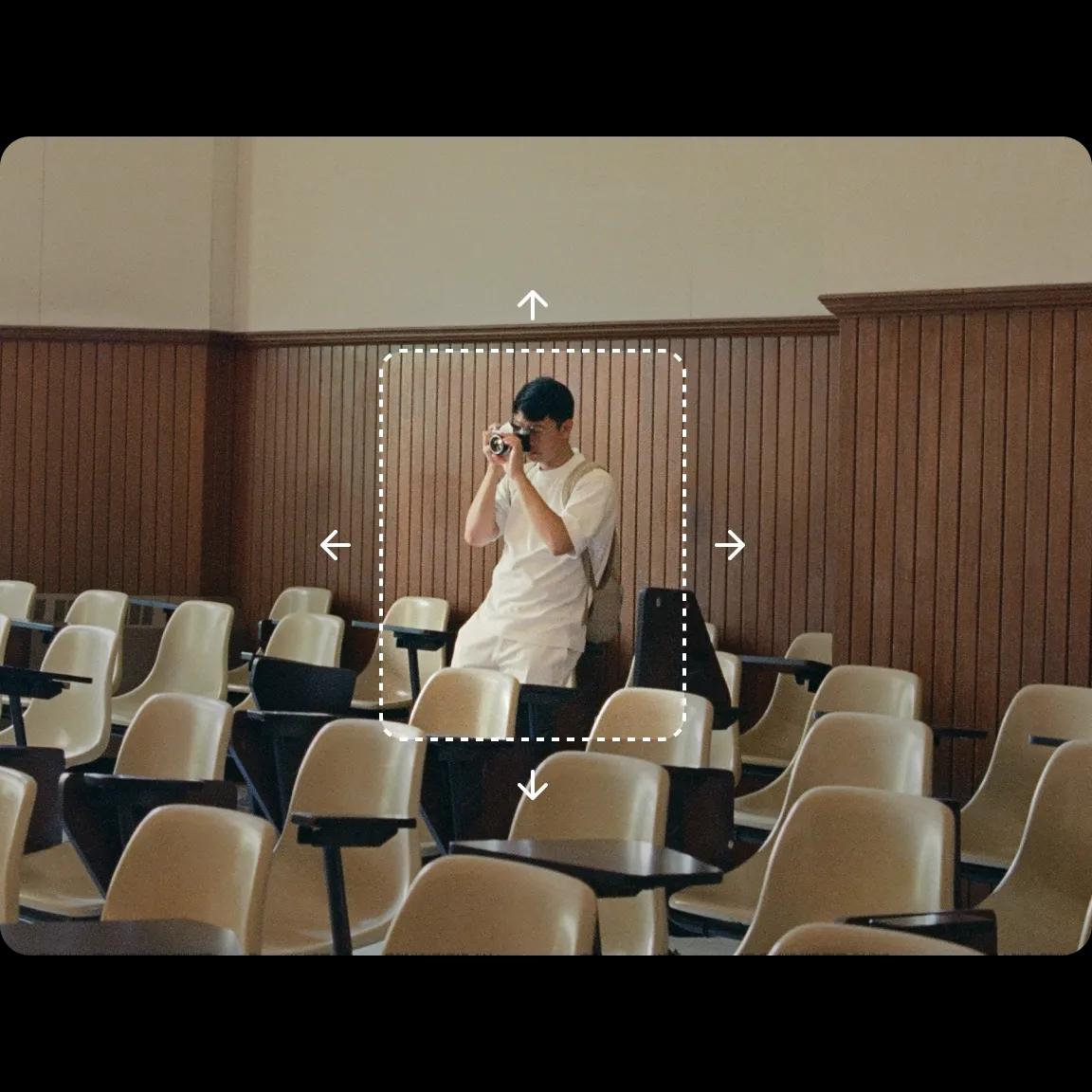
Expand Images for Better Visuals with AI Uncrop Tool
This tool resizes and expands your images, revealing their full potential. Say goodbye to awkward crops and hello to stunning, complete photos. With Imglarger's AI Uncrop, you can easily extend portraits, landscapes, and artwork for eye-catching, professional posts.
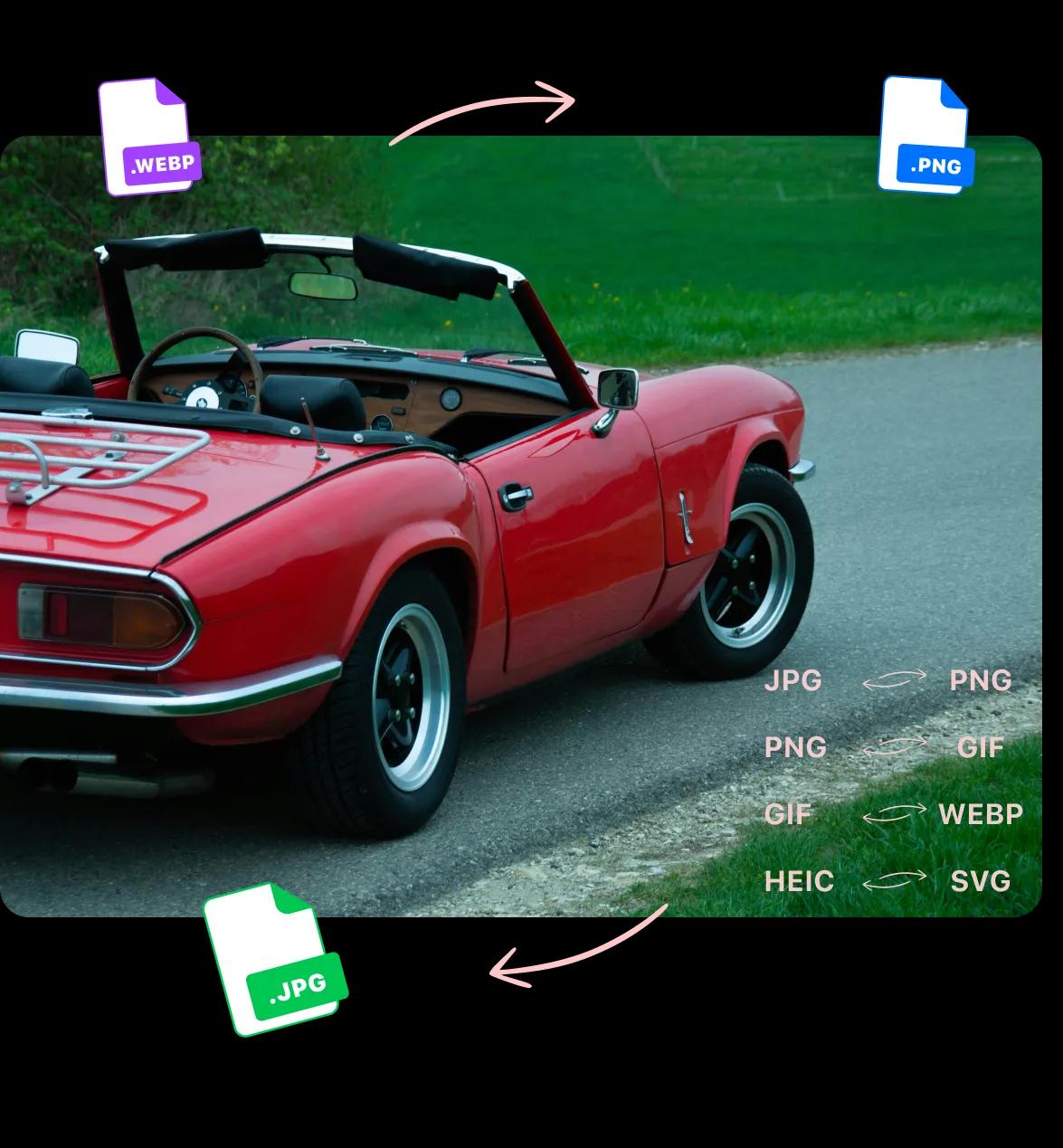
Simplify Your Workflow with Our Online Image Converter
Tired of struggling with incompatible image formats that slow down your workflow? Our Image Converter is designed to eliminate this frustration by offering seamless conversion across various formats, including JPG, PNG, WEBP, and more.
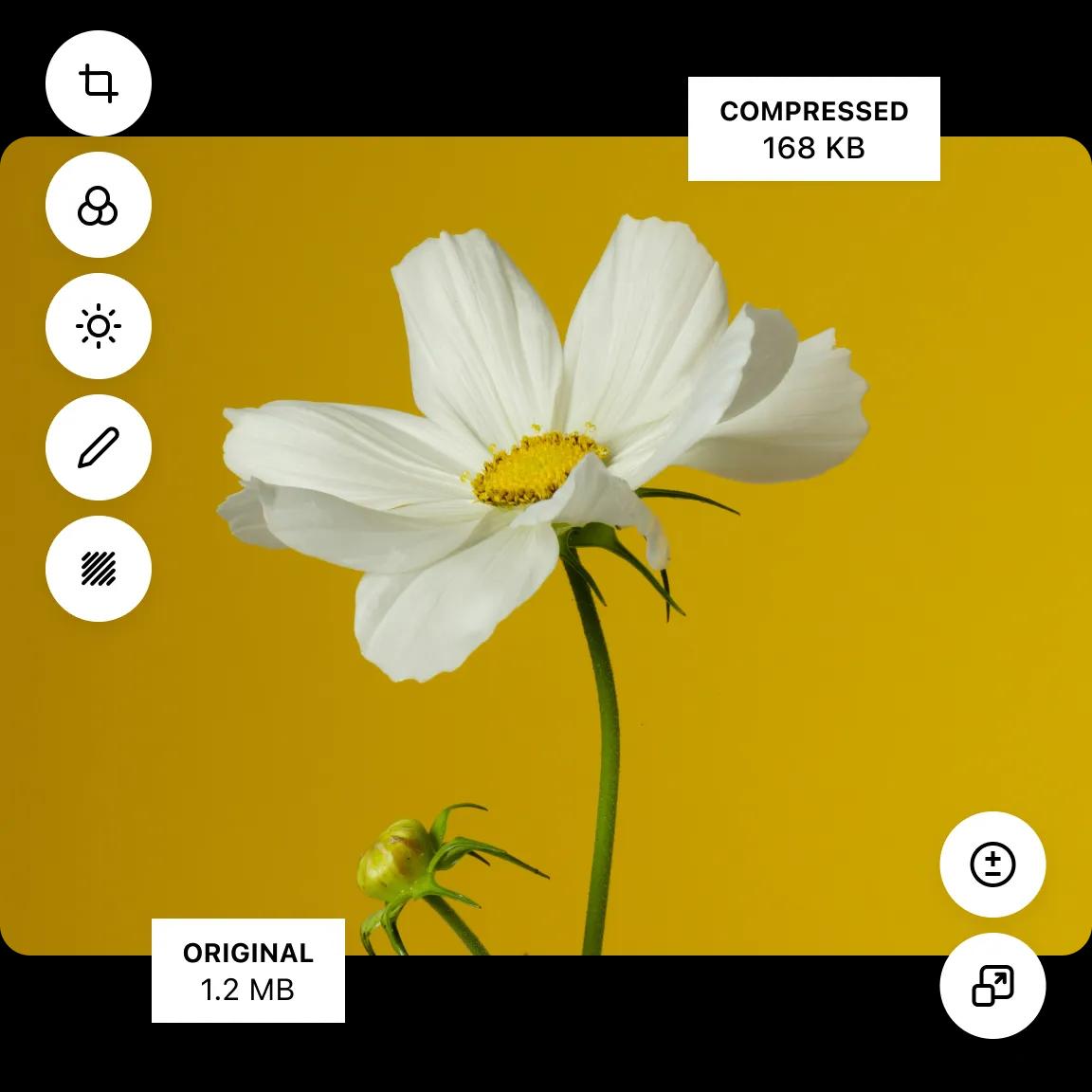
Apply Quick and Precise Edits to Any Image in Seconds
Want to further edit your image to make it look more stunning? Imglarger offers a full suite of editing tools to help you enhance photo quality like a pro. You can achieve precise results in seconds if you make the picture blurry, compress the image, adjust the Gamma, change the contrast, or add some text.
Automatic and Fast
Quick photo enhancer that automatically improves image quality in seconds with AI-powered upscaling.
Best Quality
Enhance images up to 8k resolution with advanced algorithms, ensuring top-notch quality.
Online Image Converter
Easily convert images to PNG, JPEG, WebP, and more. No installation, 100% free.
Data Safe Guarantee
Your images are safe. All files are deleted automatically after 24 hours post-processing.
Batch Processing
Enhance multiple images simultaneously for fast, bulk photo processing without delay.
Photo Editor
Edit images by cropping, adjusting brightness, contrast, clarity, exposure, and applying filters.
Testimonials
Learn the feedback from the users who are using our online image enhancer to fix pixelated, blurry, and low-quality photos instantly.
AI Image Enlarger promises that its upscaling technology produces high-quality results that preserve the quality of the source image.AI Image Enlarger improves the quality of images that you enlarge. The quality of output certainly improves when you use the service
Martin Brinkmann
AI Image Enlarger allows you to scale images up to 800% and enhance photos without losing quality, which is especially useful for photographers and graphic designers.
Eva Williams
Wonderful AI Image Enlarger online tool. Enlarge your images without losing quality, based on their SRCNN structure and optimized hardware. Super fast.
Nancystinson
In simple terms, it details the tiny part of images in high resolution, so yes.; it is a good project
Laurent Amaechi Jude
Upscale and enhance your small and low-definition images/photos easier than ever! With AI Image Enlarger software you can Easy to upscale and enhance your small and LD images.
Nick H.
Imglarger, basically known as AI Image Enlarger is the best online tool powered by AI (Artificial Intelligence) that helps you in scaling your images without losing its quality.
SARMAD NADEEM
AI Image Enlarger aims to fix the issues which plague other similar tools, such as a blurry photo, slow and inefficient algorithms, limited support etc. It’s not platform specific – instead, you can use it on Windows, Mac, iOS and Android
Christian
We can call Al Image Enlarger one of the best services for increasing the resolution of images. If you need to upscale numerous photos, consider a paid subscription.
Даша
Download AI Enlarger - Ứng dụng chỉnh sửa, cải thiện chất lượng ảnh. Phóng to các bức ảnh gốc và ảnh anime của người dùng lên 200%, 400% hoặc 800% mà không làm giảm chất lượng.
Nguyễn Trường Giang
Frequency Asked Questions
Get Answers to Your Questions About Imglarger
- What is the difference between Image Enlarger and AI Image Upscaler?
Image enlarger and image upscaler use different algorithmic models to improve image quality. The former can enhance standard photos with sharp details, while the latter works best on anime and cartoon images with smoother results.
- What can we do with AI Image Enlarger?
Imglarger is an AI photo enhancer to improve the overall quality of your photos. With it, you can enlarge images up to 8k, sharpen blurry parts, reduce noises and artifacts, retouch faces, remove image backgrounds, upscale anime pics, and more. Additionally, it offers advanced image editing features and can convert images between various formats, making it a versatile tool for all your photo enhancement needs.
- How does Imglarger maintain the quality of enlarged Images?
AI Image Enlarger makes use of cutting-edge AI algorithms to preserve the quality of enlarged photographs. The programme analyzes the content intelligently and preserves the original image's overall sharpness, clarity, and tiny details.
- Can I customize the level of image upscaling?
No, you can't adjust the degree of image upscaling. Currently, imglarger offers you three options to upscale your images. Free members can upscale images up to 2x and 4x. And only premium users can additionally resize images up to 8k.
- What is the maximum image size supported by AI Enlarger?
Paid users can upload photos with a maximum size of 4000*4000 for image enlargement, but free users can only use files with a maximum size of 1200*1200 for enlargement. For Bg removal or other functions, there are different restrictions.
- How to remove noise from an Image?
To remove noise from an image, select the AI Image Denoiser tool and upload the image that you want to optimize. Click the 'Start' button to start the process of noise reduction by imglarger. Your image will be cleaner and crisper after a few seconds.
- Why use AI Face Retouch to touch up your face?
From selfies to portraits and beyond, imglarger's AI Face Retouch tool will have you looking your best. It can make your blurry portraits clear and enhance your natural beauty by sharpening details, reducing noises, and correcting colors.
- What image formats does this photo enlarger support?
Imglarger supports the most popular image formats, including jpg and png. After registration, you can upload the image to this site for photo enhancement. Once done, feel free to save the resulting image on your computer without watermarks.
- Can I remove backgrounds from photos with Imglarger?
Yes, you can use imglarger to remove bg from an image. To achieve the goal, go to AI Tools > AI BG Remover. Then upload the image and click 'Start' to start the work. The original background will be removed without leaving any trace.
- Is it possible to enhance photo quality on my iPhone?
Yes, it is possible. Go to download imglarger's app PhotoAI on your iPhone. It is a photo editor with 10 functions to increase image resolution. With it, you can enlarge an image, upscale anime pic, enhance color and contrast, cartoon your face, and more.