

详细内容
Close main menu
Integrations Resources Pricing
Language
🇺🇸English▼
Professional Presentations in seconds with AI PPT Maker
Never start from a blank slide again. MagicSlides is what 2025 Powerpoint should have been. Simple & by Chat. Just Ask & Done.
Supported files:
URLPDFImagesWordPPTVideoAudio
Choose Template & settings
13.3k PPTs created in last 30 days.


\
\
4.9· 1,475 ratings · 1M+ installs· 1,475 ratings \
\
5.0· 66 likes · 9.1k users· 66 likes \
\
4.4· 4 reviews· 4 reviews
Presentations made by MagicSlides App
1/13
1/13
1/12
Checkout Presentation Templates
Get Started in 3 Simple Steps
Get Started in 3 Simple Steps
1. Choose Your Input
Start with any format - topic, text, YouTube URL, PDF, Word doc, or web URL. Simply paste or upload your source material.
2. Customize Your Presentation
Select from 100+ professional templates, choose your language, and set slide count. AI generates content in seconds.
3. Edit & Download
Review your AI-generated presentation, make edits with our intuitive editor, and download in PPT or PDF format.
Create Presentation with AI in seconds
with MagicSlides.app webapp create presentation from Topic, Text, Youtube Video, PDF, Docx and more in seconds.
media loading
Error NaN
PlayPause
en0:00
en0:00
PlayPause10
Seek backward
10
10
Seek forward
10
0:04 / 0:16
MuteUnmute
Quality1x
Playback rate
Audio
Captions
start airplaystop airplay
Start castingStop casting
Enter picture in picture modeExit picture in picture mode
Enter fullscreen modeExit fullscreen mode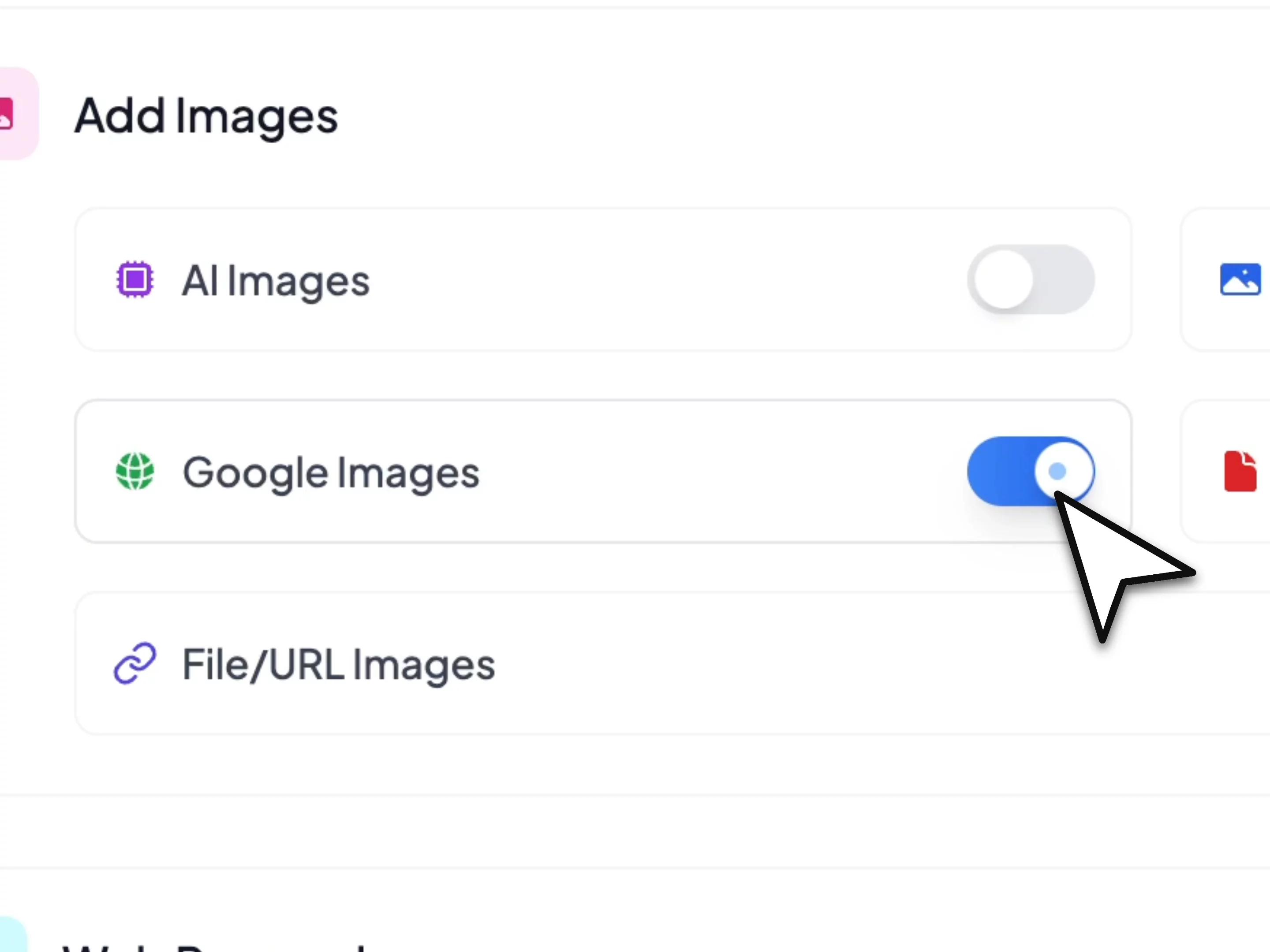
- Type/Paste the Content you want to generate the PPT.
- MagicSlides AI processes it instantly.
- Results, just in the span of a few seconds!
media loading
Error NaN
PlayPause
en0:00
en0:00
PlayPause10
Seek backward
10
10
Seek forward
10
0:04 / 0:16
MuteUnmute
Quality1x
Playback rate
Audio
Captions
start airplaystop airplay
Start castingStop casting
Enter picture in picture modeExit picture in picture mode
Enter fullscreen modeExit fullscreen mode
- Type/Paste the desired topic.
- MagicSlides AI generates PPT based on your choices.
- Professional, Pleasing slides right away!
media loading
Error NaN
PlayPause
en0:00
en0:00
PlayPause10
Seek backward
10
10
Seek forward
10
0:04 / 0:14
MuteUnmute
Quality1x
Playback rate
Audio
Captions
start airplaystop airplay
Start castingStop casting
Enter picture in picture modeExit picture in picture mode
Enter fullscreen modeExit fullscreen mode
- Type/Paste your pitch content.
- MagicSlides AI instantly designs pitch decks.
- Professional and investor-ready, with no waiting!
media loading
Error NaN
PlayPause
en0:00
en0:00
PlayPause10
Seek backward
10
10
Seek forward
10
0:04 / 0:16
MuteUnmute
Quality1x
Playback rate
Audio
Captions
start airplaystop airplay
Start castingStop casting
Enter picture in picture modeExit picture in picture mode
Enter fullscreen modeExit fullscreen mode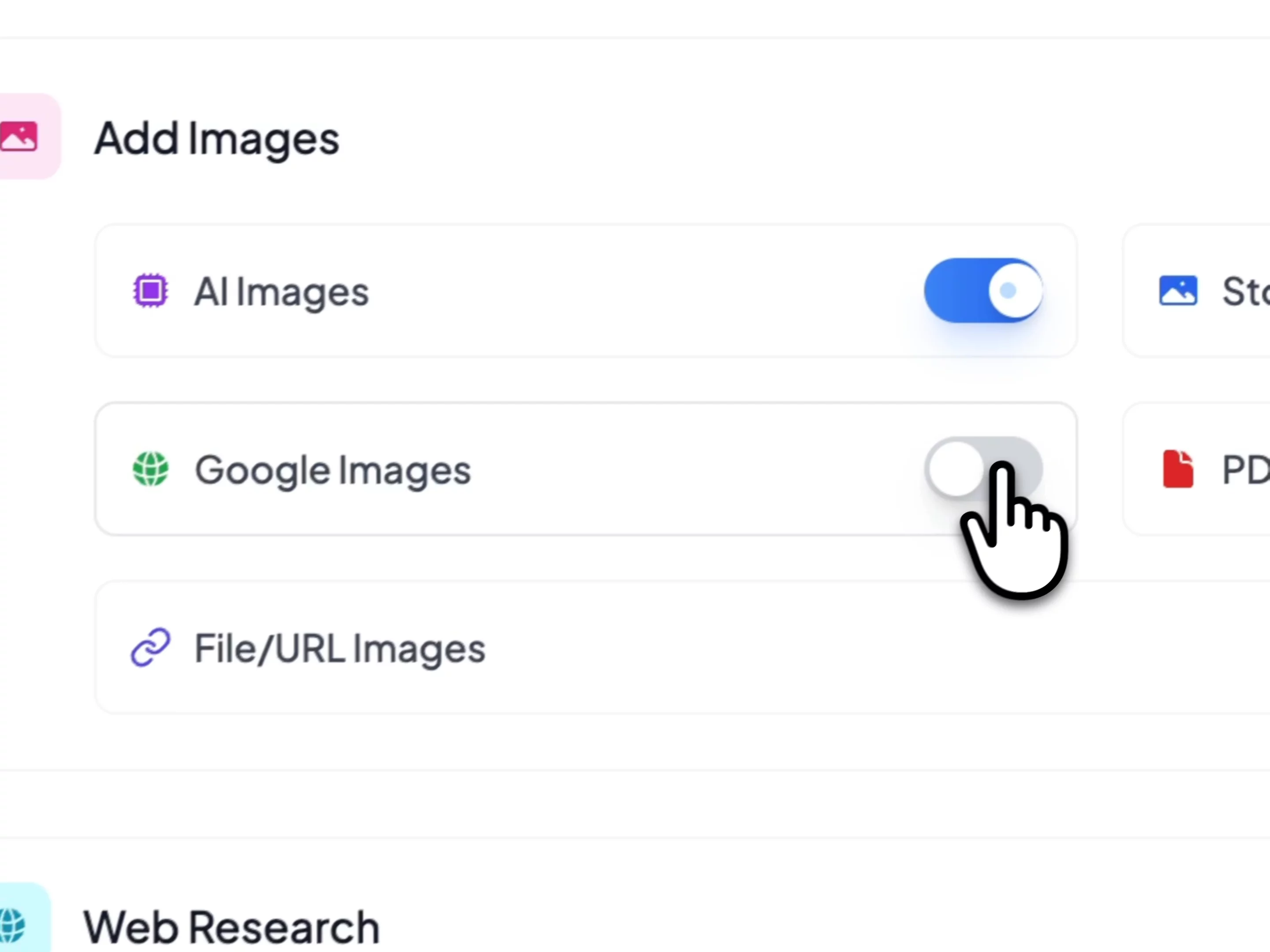
- Copy and paste any YouTube video link.
- MagicSlides AI converts it into a polished PPT.
- Get your desired PPT on the count of 3!
media loading
Error NaN
PlayPause
en0:00
en0:00
PlayPause10
Seek backward
10
10
Seek forward
10
0:04 / 0:20
MuteUnmute
Quality1x
Playback rate
Audio
Captions
start airplaystop airplay
Start castingStop casting
Enter picture in picture modeExit picture in picture mode
Enter fullscreen modeExit fullscreen mode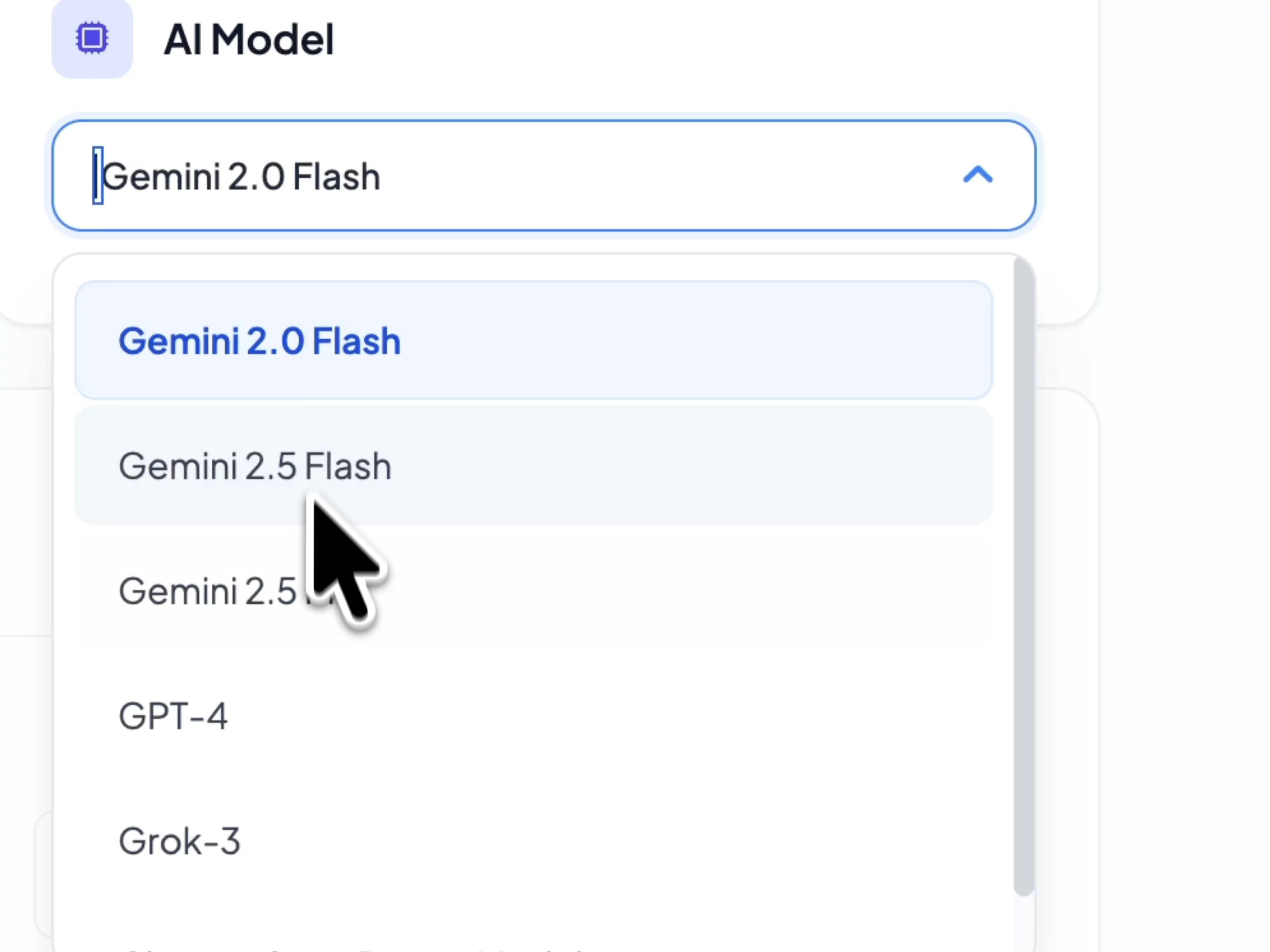
- Copy and paste any URL.
- MagicSlides AI turns them into professional slides.
- Ready to go with your perfect presentations!
media loading
Error NaN
PlayPause
en0:00
en0:00
PlayPause10
Seek backward
10
10
Seek forward
10
0:04 / 0:15
MuteUnmute
Quality1x
Playback rate
Audio
Captions
start airplaystop airplay
Start castingStop casting
Enter picture in picture modeExit picture in picture mode
Enter fullscreen modeExit fullscreen mode
- Click and upload any PDF document.
- MagicSlides AI generates them into a presentation.
- Now you have your stunning slides!
media loading
Error NaN
PlayPause
en0:00
en0:00
PlayPause10
Seek backward
10
10
Seek forward
10
0:04 / 0:16
MuteUnmute
Quality1x
Playback rate
Audio
Captions
start airplaystop airplay
Start castingStop casting
Enter picture in picture modeExit picture in picture mode
Enter fullscreen modeExit fullscreen mode
- Click and upload any Word document.
- MagicSlides AI converts it to a Presentation.
- There you have your polished PPT in an instant!
media loading
Error NaN
PlayPause
en0:00
en0:00
PlayPause10
Seek backward
10
10
Seek forward
10
0:04 / 0:15
MuteUnmute
Quality1x
Playback rate
Audio
Captions
start airplaystop airplay
Start castingStop casting
Enter picture in picture modeExit picture in picture mode
Enter fullscreen modeExit fullscreen mode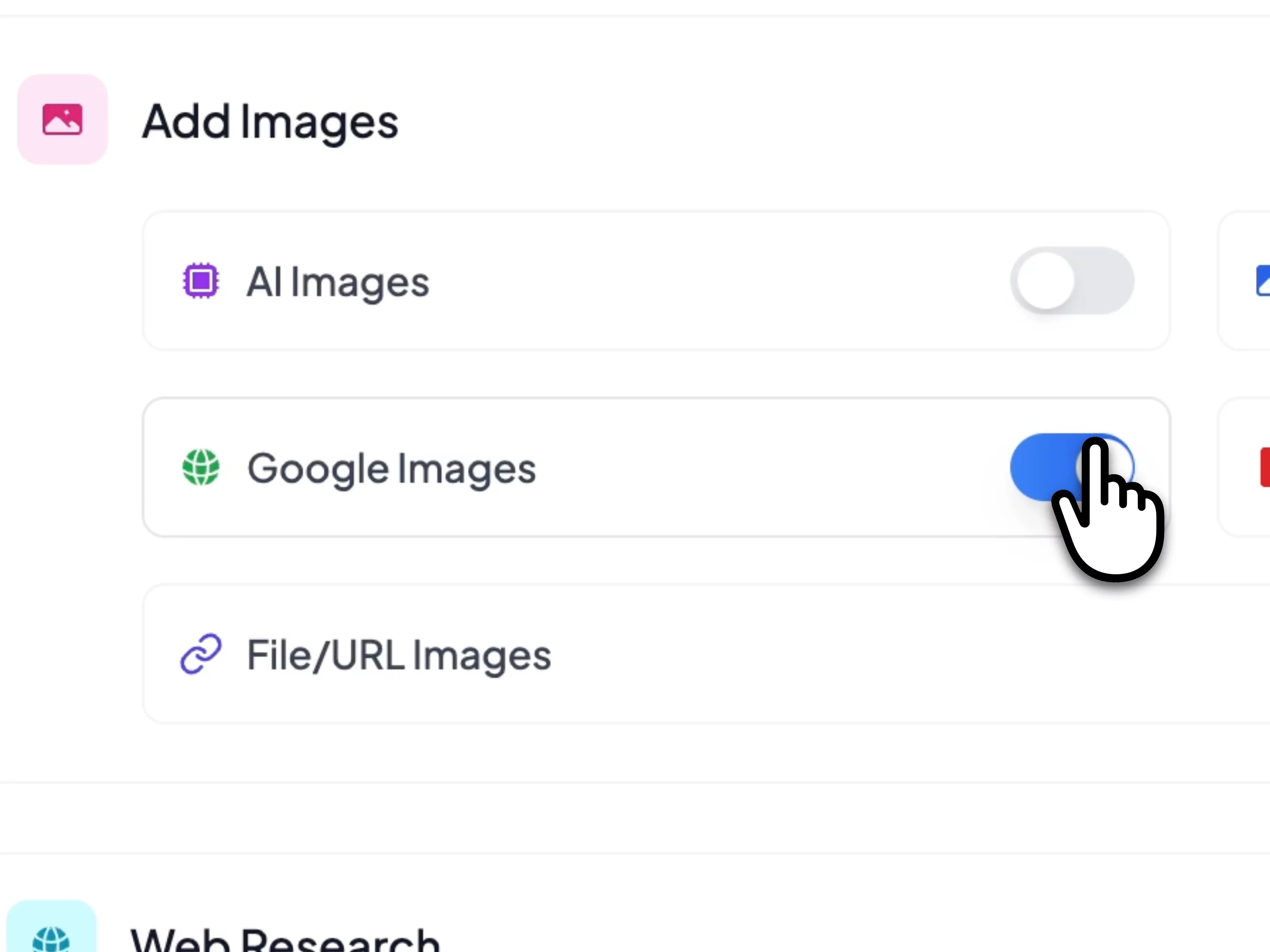
- Click and upload any images.
- MagicSlides AI converts it into a Presentation.
- Your Images turned PPT in a click!
Solve Your Presentation Challenges
From last-minute deadlines to language barriers, see how MagicSlides helps professionals overcome real presentation problems.
Last-Minute Client Presentations
"I have a client meeting in 30 minutes and need a professional presentation from this 20-page research document."
How MagicSlides helps:
Upload your PDF and get a polished presentation in under 2 minutes. Our AI extracts key points, creates logical slide flow, and applies professional design - saving you hours of manual work.
International Team Presentations
"Our team spans 5 countries. I need to create presentations that work for everyone, regardless of language."
How MagicSlides helps:
Create AI Presentations in 100+ languages. Input content in any language and get culturally appropriate, professional slides that resonate with global audiences.
Training Content from Videos
"I need to create training slides from our CEO's hour-long YouTube presentation, but don't have time to watch and transcribe everything."
How MagicSlides helps:
Paste the YouTube URL and get structured training slides with key points, timestamps, and actionable takeaways. Perfect for onboarding materials or sharing insights company-wide.
Consistent Brand Presentations
"Our sales team creates dozens of presentations monthly, but they all look different and unprofessional."
How MagicSlides helps:
Use our professional templates and AI-powered design to ensure every presentation maintains consistent branding, layout, and quality - regardless of who creates it.
Generate Any Slide Layout with AI
From pros & cons to timelines, create any slide design you need. Just describe what you want, and AI generates it instantly.
media loading
Error NaN
PlayPause
en0:00
en0:00
PlayPause10
Seek backward
10
10
Seek forward
10
0:00 / 1:09
MuteUnmute
Quality1x
Playback rate
Audio
Captions
start airplaystop airplay
Start castingStop casting
Enter picture in picture modeExit picture in picture mode
Enter fullscreen modeExit fullscreen mode
Need a Pros and Cons slide for presentation? just Enter topic your slide is ready in seconds.

Bullet Point + Image Slide with AI
Need a Image slide with bulletpoints for presentation? just Enter topic your slide is ready in seconds.

Need a list slide for presentation? just Enter topic your slide is ready in seconds.

Need a metrics slide for presentation? just Enter topic your slide is ready in seconds.

Need a three column slide for presentation? just Enter topic your slide is ready in seconds.

Need a timeline slide for presentation? just Enter topic your slide is ready in seconds.

Need a swot analysis slide for presentation? just Enter topic your slide is ready in seconds.
Create Presentations in 136+ Languages
MagicSlides supports over 136 languages, making it easy to create professional presentations in your native language or any language you need.
Popular Languages
🇺🇸English
🇪🇸Spanish
🇫🇷French
🇩🇪German
🇨🇳Chinese
🇯🇵Japanese
🇰🇷Korean
🇮🇳Hindi
🇧🇷Portuguese
🇷🇺Russian
🇮🇹Italian
🇦🇷Arabic
Join 500,000+ Professionals Worldwide
See what our customers have to say about their experience with MagicSlides
Mux Player
media loading
Error NaN
PlayPause
en0:00
en0:00
PlayPause10
Seek backward
10
10Seek forward
10
0:00 / 8:03MuteUnmute
Quality1x
Playback rate
Audio
Captions
start airplaystop airplay
Start castingStop casting
Enter picture in picture modeExit picture in picture mode
Enter fullscreen modeExit fullscreen mode

The best thing about Magic Slides tool is that it can generate its own data using AI and the user can also feed the custom data if required. All of the images and data are automatically pasted in corrected formatting and alignment. Users can also customize the slides later if required.
Easy to implement not so much of confusion, just paste the text and presentation will get ready within the minutes, contains different fonts, themes, layouts which makes presentation looks really good.
Magic Slides tool is very helpful in creating the presentations, inserting the images and the data with proper alignment, it is very easy to implement on your data. The customer support is really good, it has various connecting options.
Very much helpful tool. We can create professional presentation in just few minutes. We can create our ppt by just selecting any topic, or pdf to pot..Or youtube to ppt.. and this too in very much creative and professional manner. Easy to use interface.
Must have extension if you make videos or share screenshots 😍 This is what I was missing for many years, it was a pain to take a screenshot and then blur the parts I do not want others to see. Such a simple, nice idea but extremely useful. Highly recommend taking at least one code.
What a great tool!! Using simple text, it generates in less than 2 minutes, full blown ppt complete with text and relevant images!
Support is awesome too - bot might need a bit of AI help to get better, but personal assistance is top notch!
What Our Users Are Saying
Real testimonials from professionals who use MagicSlides to create amazing presentations

· Follow
10. MagicSlides / @_magicslides
Crea diapositivas de presentación con IA en segundos en más de 100 idiomas
¡Deja que el ordenador haga el trabajo duro y elabore las presentaciones por ti!
2:59 AM · Nov 13, 2023 Twitter for Websites, Ads Information and Privacy
Copy link

· Follow
5. MagicSlides: Sunum hazırlamak isteyenlerin yardımına yetişen AI
Yapay zekayı kullanarak saniyeler içinde fikirlerinizi profesyonel sunumlara dönüştüren bu uygulama hayat kurtarıcı olabilir.
11:44 AM · Nov 6, 2023 Twitter for Websites, Ads Information and Privacy
Copy link

· Follow
3. MagicSlides - @_magicslides
• AI ile 100+ dilde sunum slaytı oluşturabilirsiniz.
• zorlu sunum görevlerinizi AI halletsin, siz de geri kalan düzenlemeleri halledin.
1:42 PM · Nov 2, 2023 Twitter for Websites, Ads Information and Privacy
Copy link

· Follow
Used your image as inspiration and asked MagicSlides AI Chat to create a presentation.
11:36 PM · Jun 30, 2025 Twitter for Websites, Ads Information and Privacy
Copy link

· Follow
6. MagicSlides: Sunum hazırlamak isteyenlerin yardımına yetişen AI
Yapay zekayı kullanarak saniyeler içinde fikirlerinizi profesyonel sunumlara dönüştüren bu uygulama hayat kurtarıcı olabilir.
12:39 PM · Aug 2, 2023 Twitter for Websites, Ads Information and Privacy
Copy link

· Follow
1. MagicSlides
A Google Slide add-on that uses AI to quickly and easily create presentation slides from any piece of text.
9:47 AM · Nov 19, 2023 Twitter for Websites, Ads Information and Privacy
Copy link
View More Testimonials →
Common Questions from Our Users
Real answers to help you succeed with AI-powered presentations
Will this actually save me time on presentation deadlines?
Yes! Users report saving 3-5 hours per presentation. Instead of starting from scratch, you'll have a professional foundation in minutes that you can customize and refine.
Can I trust the AI to understand complex topics?
Our AI excels at extracting key insights from technical documents, research papers, and industry content. It structures information logically and highlights the most important points for your audience.
Will my presentations look professional enough for clients?
Absolutely. Our templates are designed by professionals and used by companies worldwide for client presentations, sales pitches, and board meetings. You'll get consistent, polished results every time.
What if I need to present in multiple languages?
Perfect for international teams. Create presentations in 100+ languages with culturally appropriate content and formatting. No more awkward translations or cultural misunderstandings.
How do I share this with my team without everyone needing accounts?
Export to PowerPoint, PDF, or Google Slides and share normally. Your team doesn't need MagicSlides accounts - they work with the familiar tools they already use.
What if I'm not tech-savvy?
It's designed for everyone. Just upload your content or paste text - no technical skills needed. The AI handles all the complex design and formatting decisions for you.
What languages does MagicSlides support?
MagicSlides supports 100+ languages including English, Spanish, French, German, Chinese, Japanese, Arabic, Hindi, and many more. You can create presentations in your preferred language with culturally appropriate content.
How does MagicSlides work?
Simply input your content (text, topic, PDF, YouTube URL, etc.), choose your template and settings, and our AI generates a professional presentation in seconds. You can then edit and download in PowerPoint or PDF format.
Is MagicSlides free to use?
Yes! MagicSlides offers a free plan that allows you to create presentations with basic features. We also offer premium plans with advanced templates, unlimited downloads, and priority support.
Can I get help if I have issues?
Absolutely! Our support team is here to help. You can contact us anytime, and we'll assist you with any questions or technical issues you might have.
Still have questions?
Our support team is ready to help you get started with MagicSlides
What's new on MagicSlides
See the latest articles, tutorials, and insights about AI presentation tools, development guides, and industry trends.
Easy Presentation Topics: 100+ Ideas \
\
Discover 100+ easy presentation topics across various categories to inspire your next presentation. Perfect for students, professionals, and educators.\
\
Read more Your Topics, Multiple Stories: Writing Slides \
\
Learn how to transform your topics into compelling stories and create engaging slides that captivate your audience from start to finish.\
\
Read more Gamma AI PPT vs MagicSlides: AI Presentation Tools \
\
Compare Gamma AI and MagicSlides to discover which AI presentation tool is best for your needs. Detailed feature comparison and analysis.\
\
Read more
Integrate with your favorite tools
Generate presentations with the tools you use already, no learning curve
MagicSlides in Google Slides
1M+
4.8(1,438+)
Create and manage your presentations directly in Google Slides. Access AI-powered features within your familiar environment.
Get Started Guide Install Addon

MagicSlides in Chrome
100+
4.85
Access MagicSlides directly from your Chrome browser. Create presentations quickly from any webpage with our convenient browser extension.
Get Started Guide Add to Chrome

MagicSlides in Figma
5.5k+
18
Transform your Figma designs into beautiful presentations with one click. Maintain your brand consistency.
Get Started Guide Install Plugin

MagicSlides in ChatGPT
10k+conversations
Generate presentations directly within ChatGPT. Leverage AI to create compelling presentations instantly.

MagicSlides in Telegram
100k+
10k+
Generate presentations on the go using our Telegram bot. Share and collaborate instantly with your team.

MagicSlides in Zapier
4000+integrations
Automate your presentation workflow. Connect MagicSlides with 4000+ apps and create custom automation.
Create Stunning Presentations with AI in Seconds ✨
Transform any topic, text, YouTube video, PDF or URL into beautiful presentations instantly with MagicSlides AI.
Try MagicSlides AI Presentation Maker

StripeM-Inner
Questions? Chat with us!Support is away
Chat with IAG Tech
Search