

详细内容


Powerful link previews in your browser
Peek at links without leaving your current page — stop multiplying hundreds of tabs
Trusted by 10,000+ users around the world
...I previously would have to open each link and this completely shortened the process - saving me tons of time.

Zane Myers
Tired of having too many tabs open?
We've all been there. Millions of tabs open, losing focus, and getting lost in the sea of information. MaxFocus is here to help you stay focused and organized

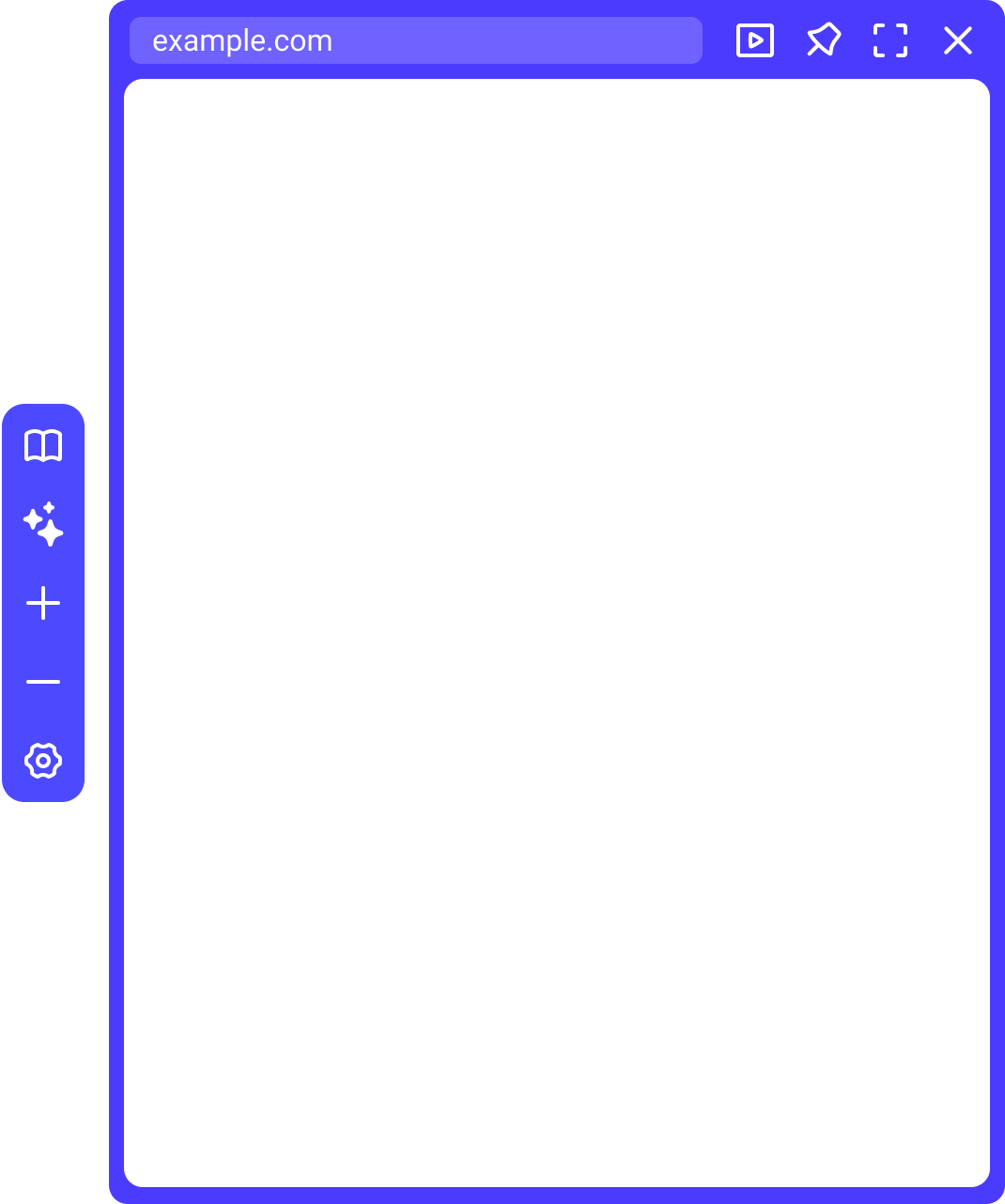
Preview links
See before you go
Hover, click, or use shortcuts to preview links instantly. Stay on the page while you check out articles, videos, and more
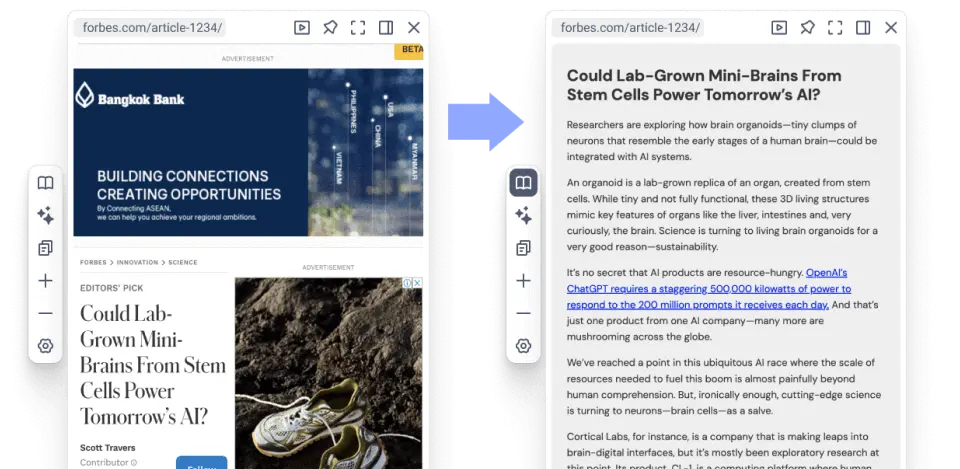
Reader mode
Stay focused
Convert webpages into a clean, ad-free format for distraction-free reading.
Video mode
Just video, nothing else
Watch videos in preview mode with sidebars and distractions removed. Just the content, nothing else

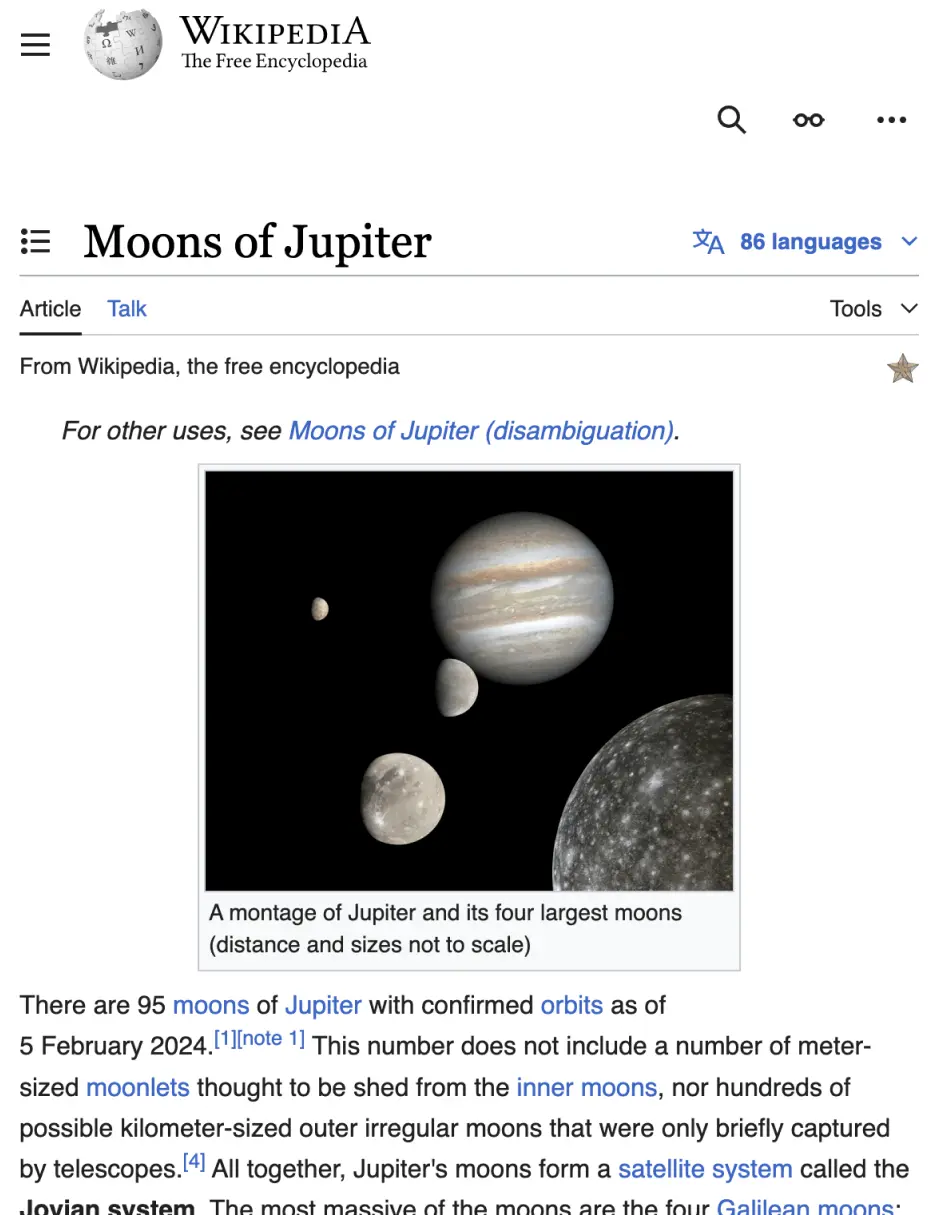
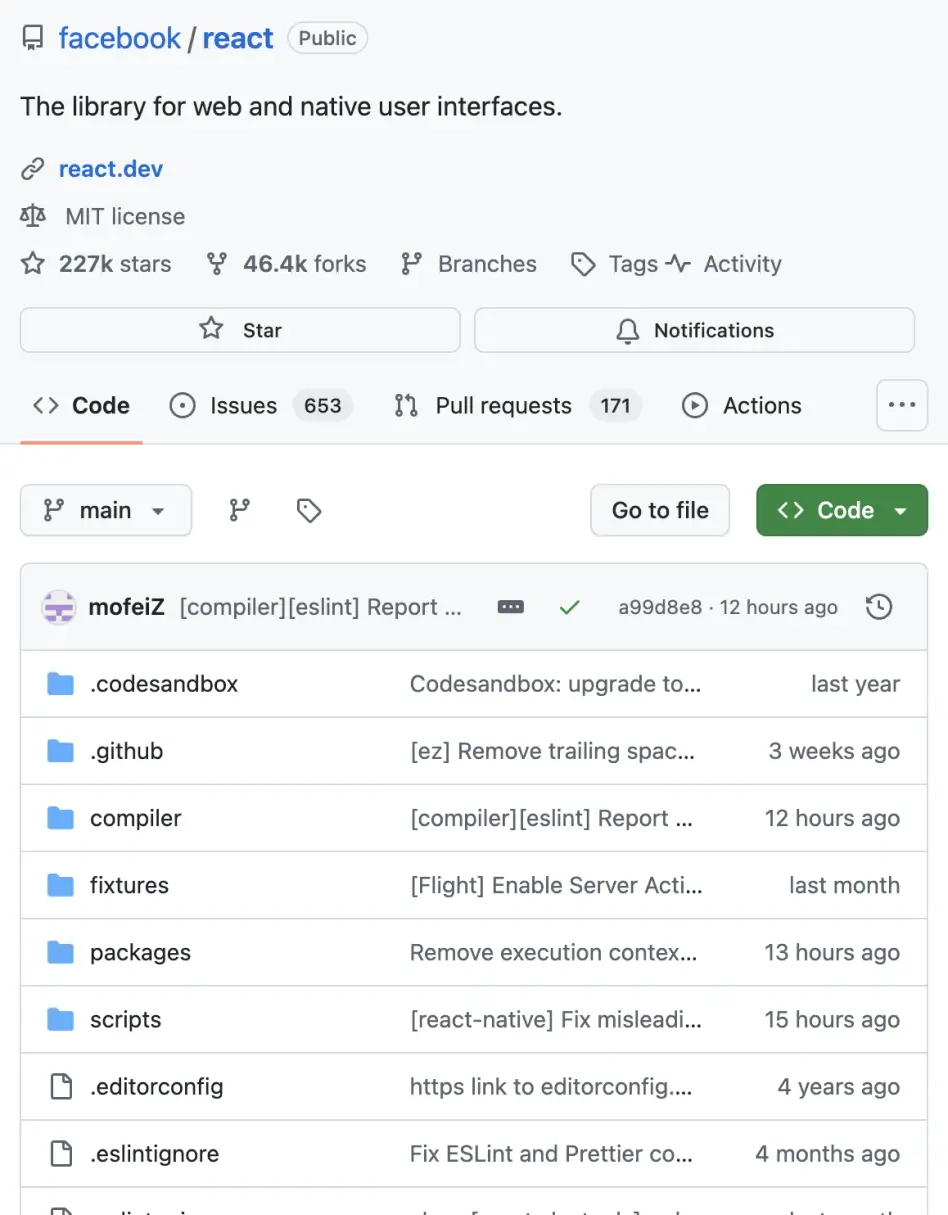
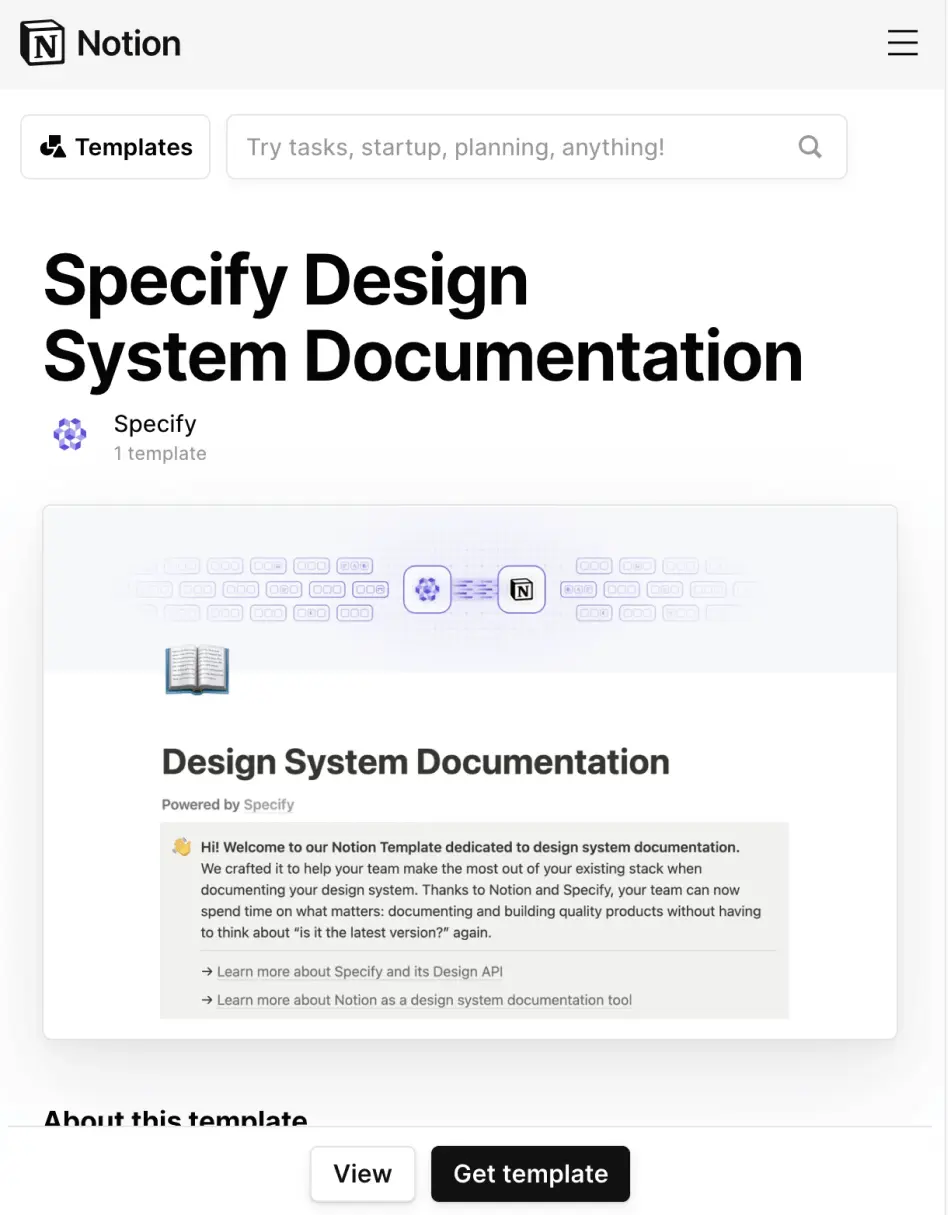
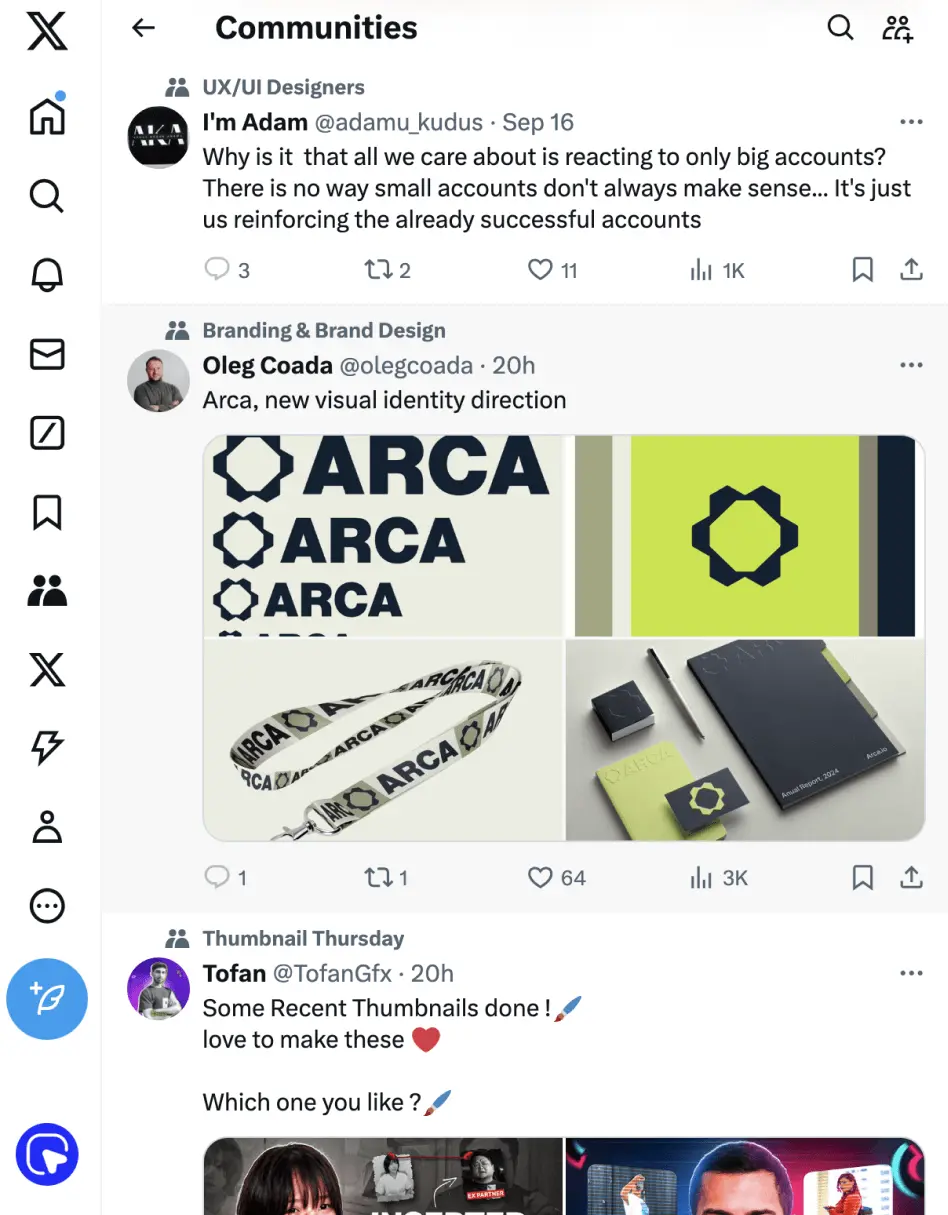
Works on your favorite websites
MaxFocus is compatible with most websites, providing link previews, AI support, and more across various platforms



Customization
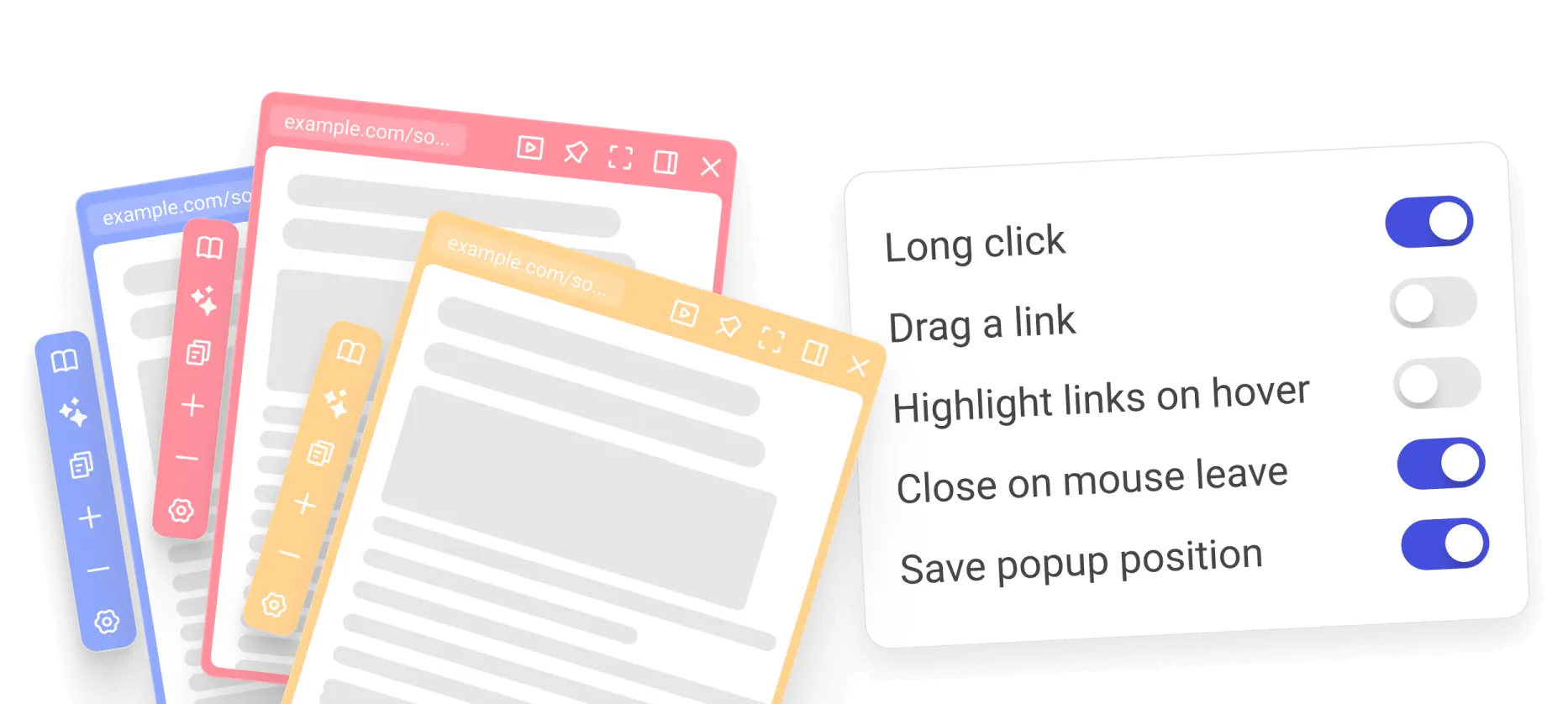
Customize everything
Choose how you want to open previews, how they behave, and what they look like
...Being able to adjust the preview settings to suit my workflow is a fantastic feature that many other similar tools lack.
Filip Karlsson
MaxFocus AI
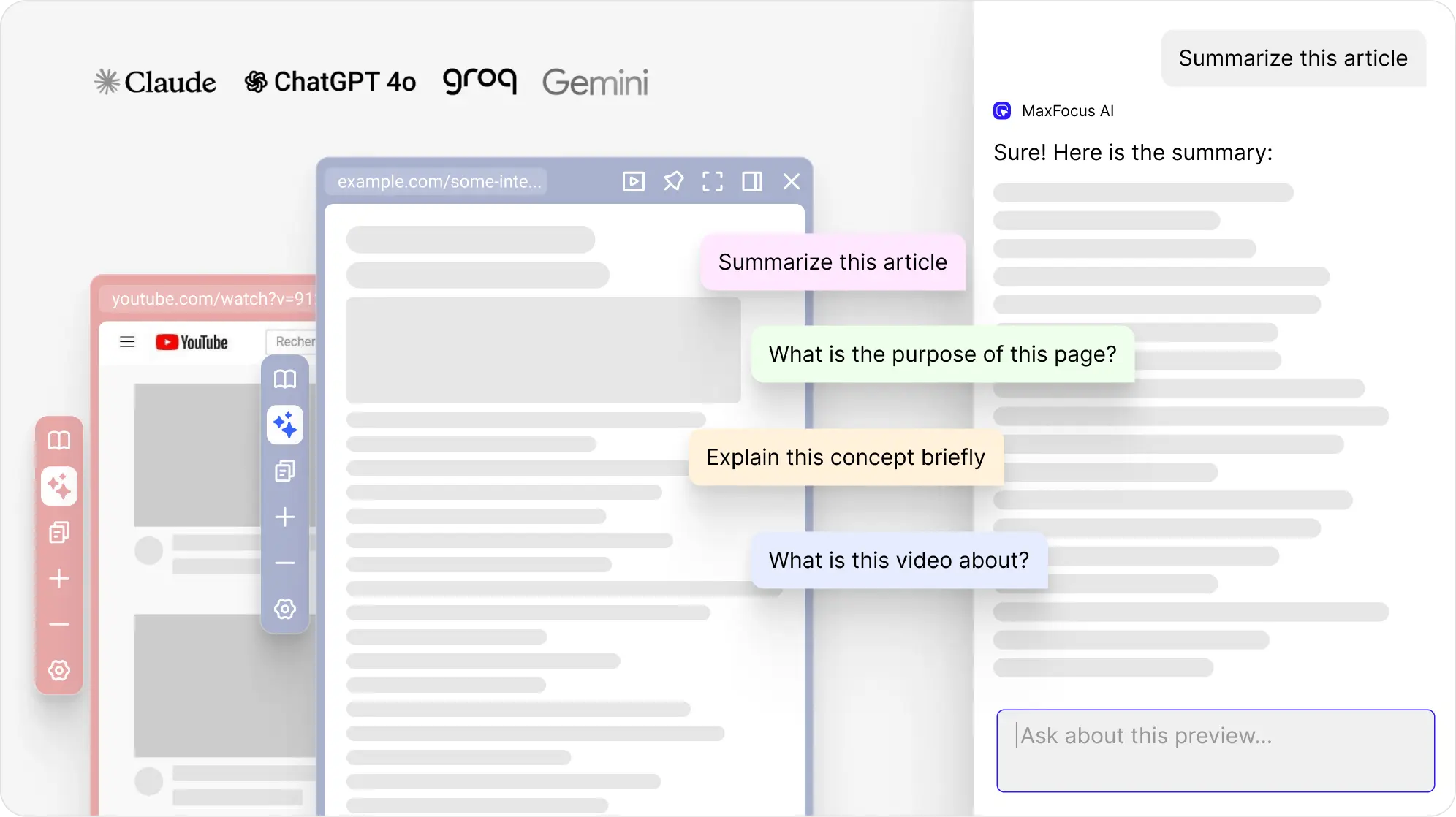
Dive deeper into the subject
Get answers or summaries directly on the page you’re viewing. The AI Assistant is always there to help you dive deeper into the content.
Security
Secure browsing with confidence
Explore the web with the assurance that your privacy is protected at every turn with us. We prioritize your security with robust features designed to maintain your digital autonomy
We don't track you
We don't track your browsing history. Your data is yours
Absolute privacy
We don't store any personal data. Your sessions remain private
Blocks trackers
Our extension stops trackers cold. Protect your online footprint
Testimonials
What our users say
Don't just take our word for it. Here's what our users have to say


Olukayode Aladejebi
«This is a very useful tool and expands on Chrome's capabilities. For a long time I have wanted a tool like this that can allow me to preview links in Chrome. This tool is useful as well as beautiful.»


JoJo
«This is the product I've been searching for!
I no longer have to get lost in countless useless Chrome web pages, which make my computer cluttered and
slow.»

Michon van Vilsteren
«...It reminds me a bit of the ARC feature with AI, just much more flexible and more
customisation. Really fair pricing as well i would say for such a good tool»
Farooq Pathan
«I can't say enough good things about this extension! It's incredibly helpful and
intuitive. The design is elegant and clean, making it a pleasure to use. A special shoutout to the developers
for their quick responses and dedication to improving the user experience...»

Zane Myers
«Outstanding job with this extension. I prospect using google sheets with each potential prospect having a link to a website and linkedin. I previously would have to open each link and this completely shortened the process - saving me tons of time.»
L.B.
«I have a disability and this extension is improving my navigation speed a bit and
removes unnecessary clicks, from the process. It's awesome. The devs where fast, when I had a bit of a problem
and the settings are easy and have a lot of option to change and configure what you don't like. Great
job!»

user 18099050
«I only created this account to tell you that I love this extension... THANK
YOU!!!»

Miodo
«Looks great and feels fantastic ! great job !»
Trapper6556
«Well, I suppose it’s a great tool for the peasants to use. Us, upper class iPhone
folks have had this feature for years.
Just kidding, it’s a great feature for desktops. Well done 👌✅🌟»
gajira67
«amazing feature I was missing from Arc»

Jim Friedlander
«Fantastic. Thank you. Seems to work well in Vivaldi too...»
duongnt61
«I'm a big browser user. This is truly a great utility. Thank you!»
A Very Bad Lady Kitten
«Very useful, looks good and it's surprisingly not janky at all! Works as well as a
built-in browser feature, really
Also has just one small page of (good) options&settings accessible by just clicking on the add-on icon.
Which I thought was a plus--»
Compatibility
Supported browsers
Use MaxFocus on your favorite browser
 Edge
 Brave
FAQ
Frequently Asked Questions
What is MaxFocus: Link Preview extension?
It's like the link preview on iOS Safari or the Arc pinned websites preview, but it works in other browsers as an extension. Scroll through your feed faster, save time and don't get lost in multiple tabs.
How does MaxFocus work?
Just long click or hover over a link on any webpage, and MaxFocus will show you a preview of the content behind the link. Adjust settings to change the size, duration, and other preview options.
What browsers does MaxFocus: Link Preview extension work on?
MaxFocus works on all major desktop browsers, including Chrome, Firefox, Edge, Vivaldi and Brave.
Which websites does MaxFocus work on?
MaxFocus works on all websites, including social media platforms, news websites, blogs, and more. You can use it on any webpage that has links.
Is it safe to use MaxFocus?
Yes, MaxFocus is safe to use. We do not collect any personal information from our users. Your privacy and security are our top priorities.
Blog
There's more to discover
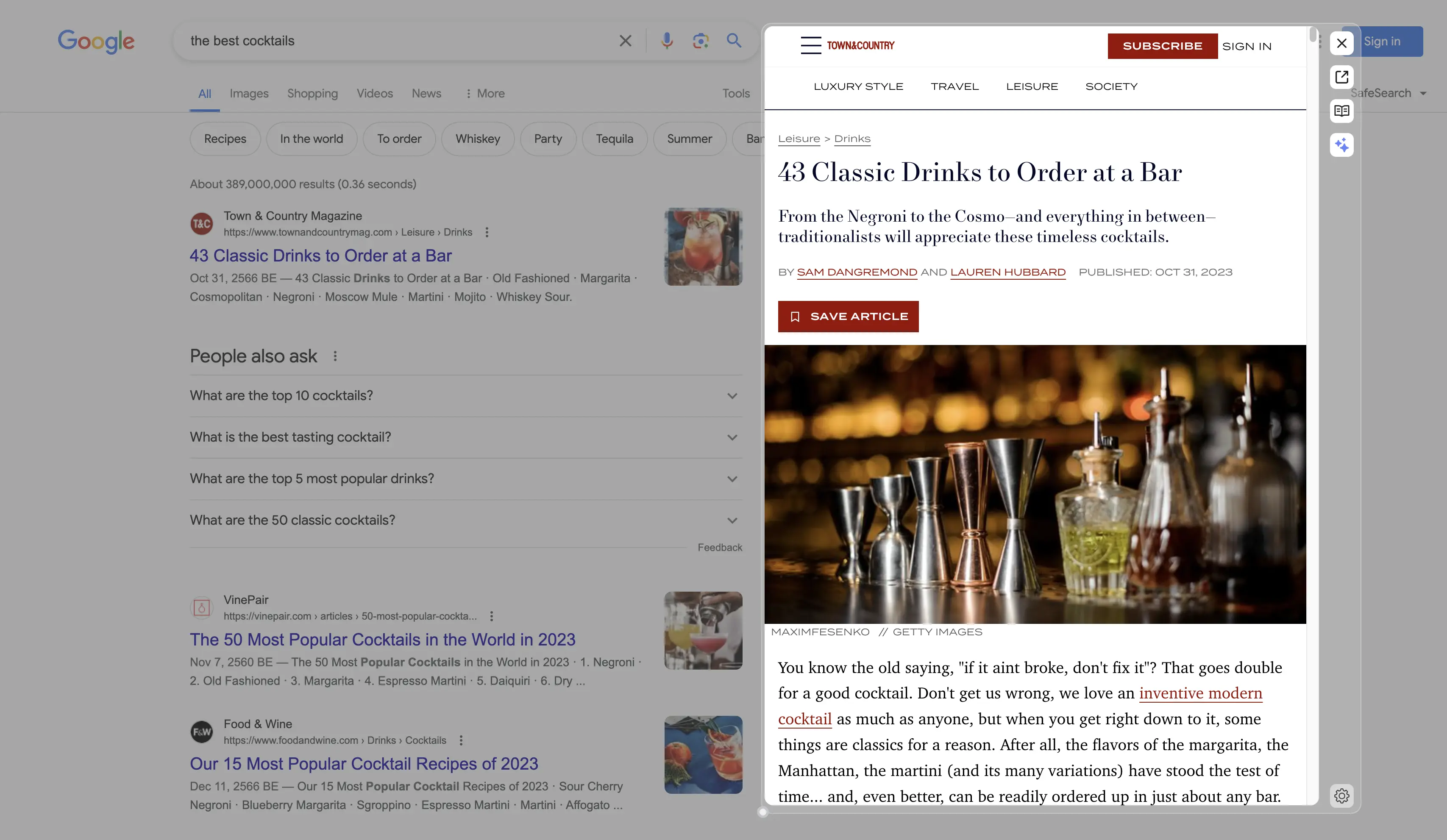 \
\
Preview links in Google Search with MaxFocus\
\
\
Get a preview of any link in Google Search with a single click. Search faster and stay focused on browsing\
\
\
2024-05-29 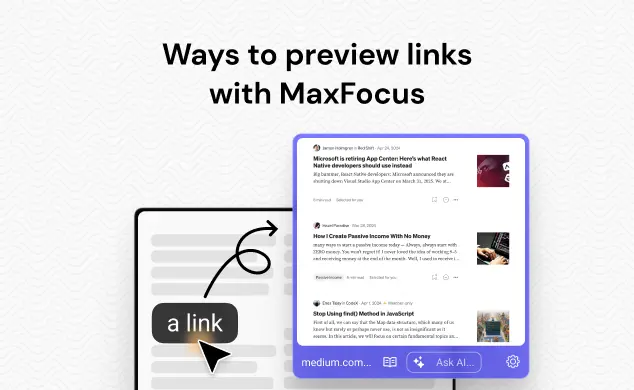 \
\
Ways to preview links in the MaxFocus: Link Preview extension\
\
\
The MaxFocus: Link Preview extension offers several convenient ways to open links and preview them. In this article, we'll guide you through each method.\
\
\
2024-05-29 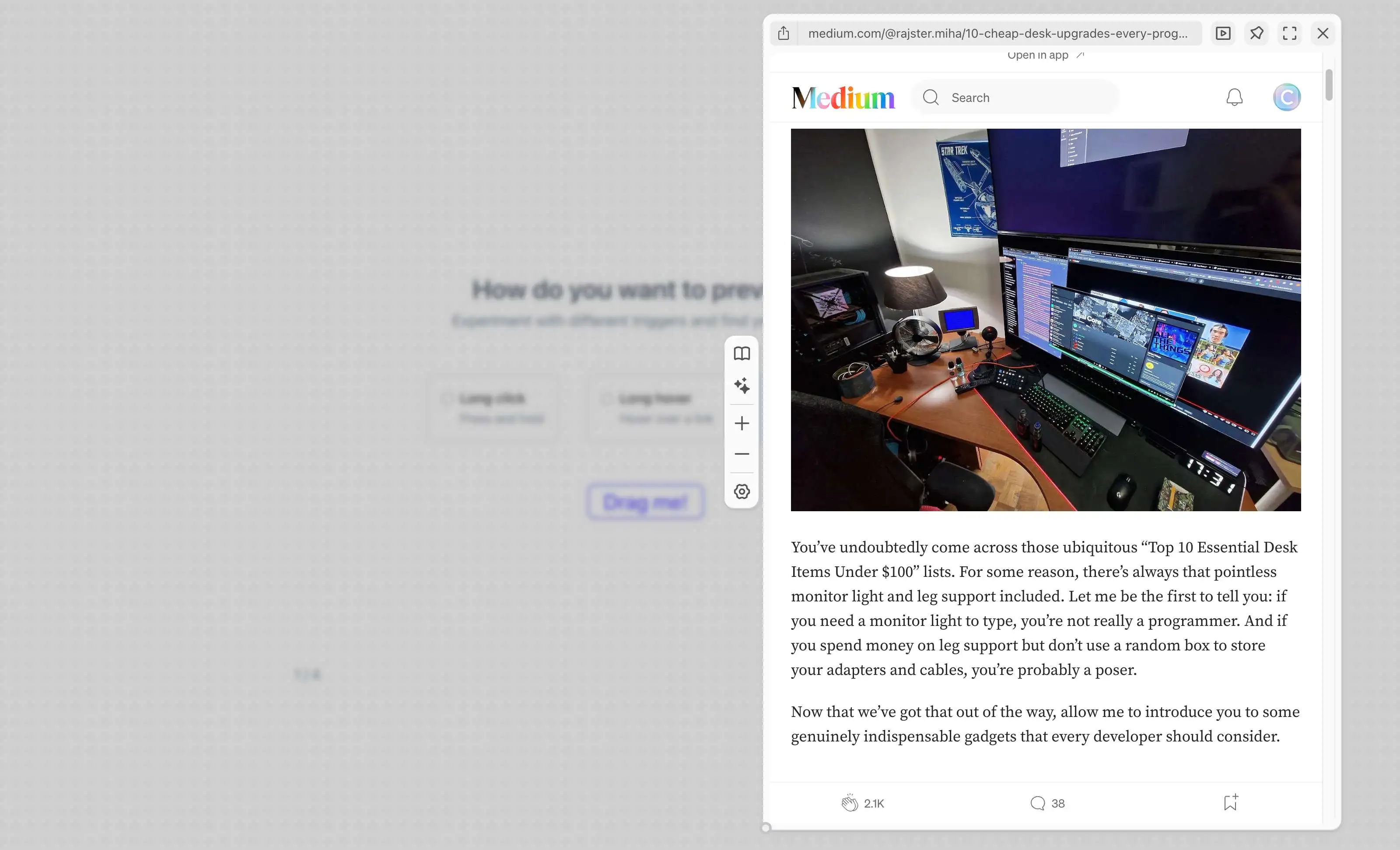 \
\
Improving browsing experience with link previews\
\
\
This article will explain how link previews can save time and boost productivity for frequent browsers. We'll discuss their benefits and share real examples to make your browsing better.\
\
\
2024-07-03
AI-powered
Browse the web faster and easier
Save time searching and spend more time reading. Try MaxFocus today!