

详细内容


Turn Meetings into Mind Maps & Summaries Securely
Transform conversations into organized, visual notes for both in-person and online meetings


0123456789.0123456789
trusted by
012345678901234567890123456789,012345678901234567890123456789+ users




Download on the
App Store

Get it on
Google Play
Try in browser Demo video
How it works
Seamlessly integrate AI note-taking into any meeting

In-person

Zoom
Google Meet
Google Meet
Microsoft Teams
Upload Recording
Upload Recording
1
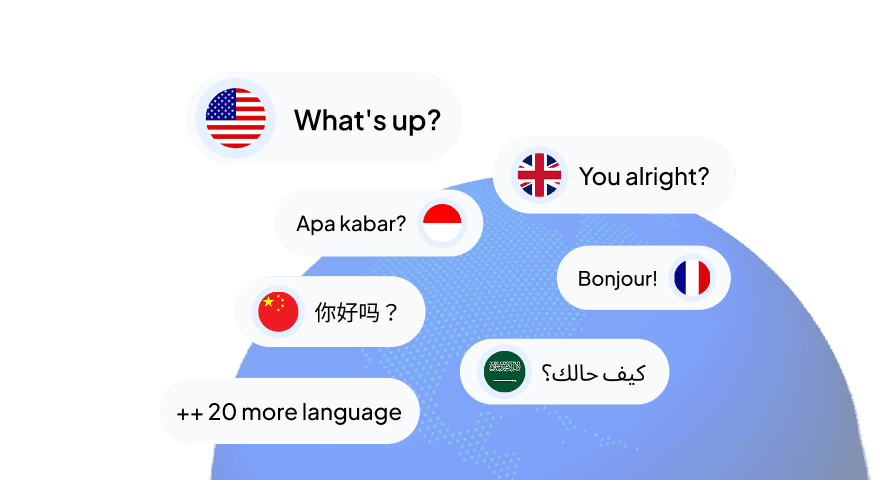
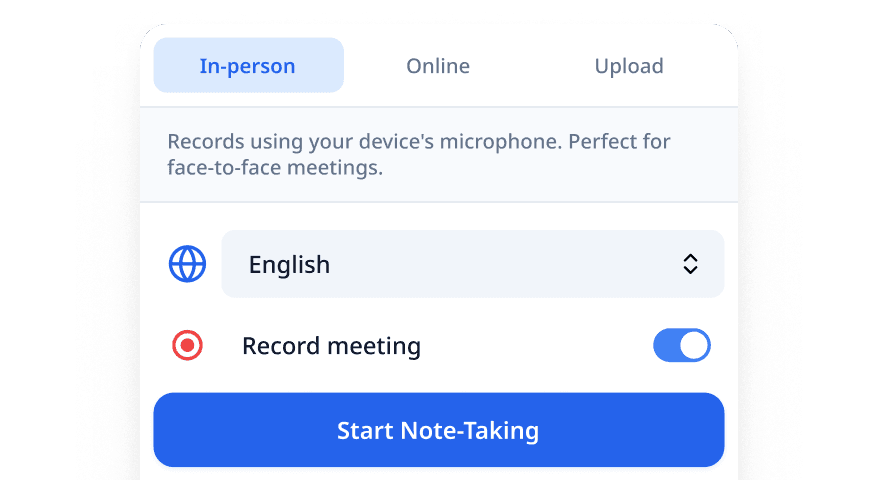
Choose your language
Select from 30+ languages for accurate transcription and notes
2
Start note-taking
Begin your meeting and let AI automatically capture everything
3
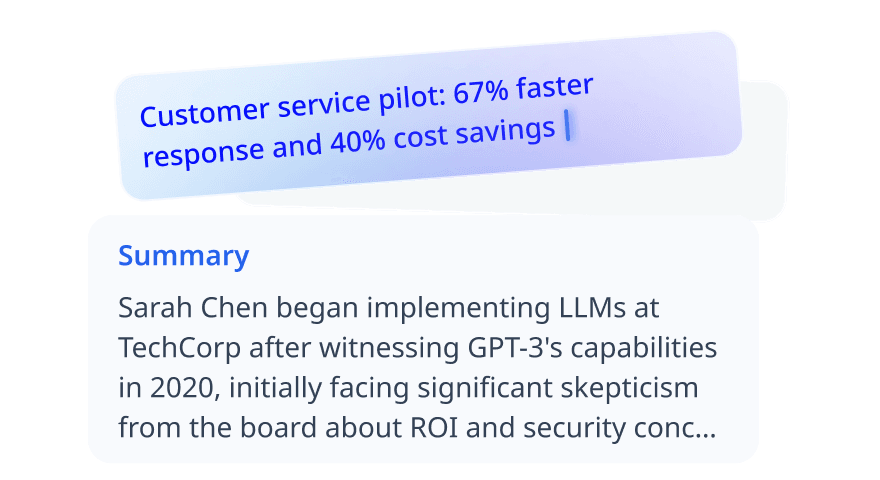
Get Visual Note and Summary
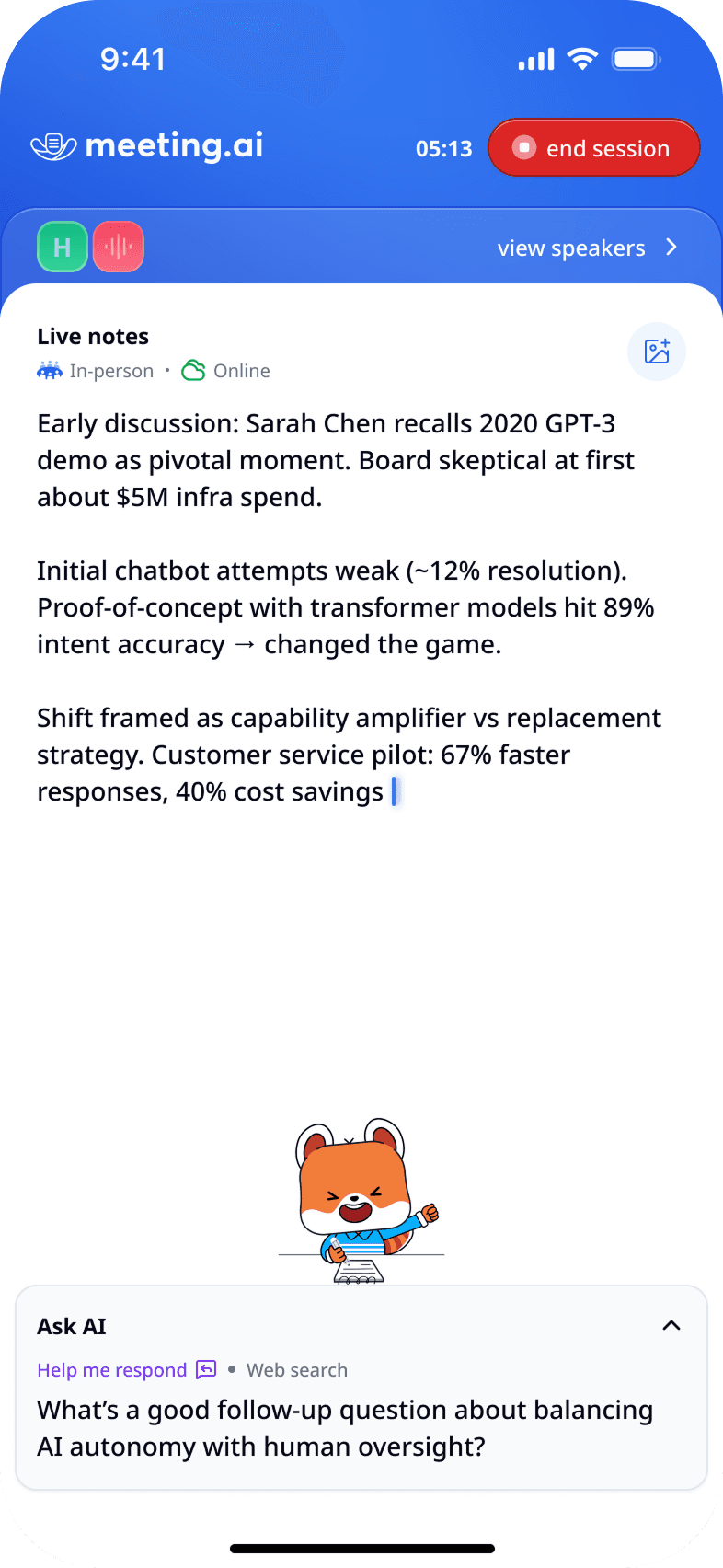
Receive real-time transcripts and AI-generated summaries
4
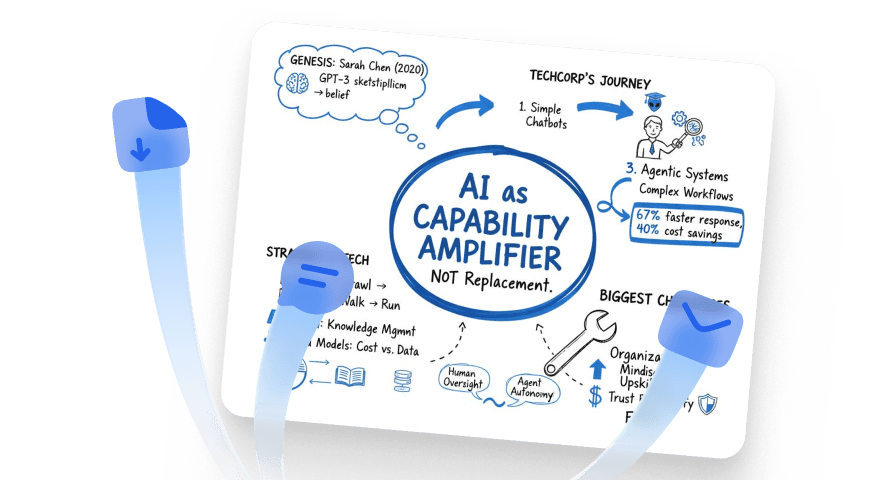
Share the insight
Share the visual and written notes to other meeting participants with a single click
FAQ
Frequently Asked Questions
What is Meeting.ai?
Meeting.ai is your AI-powered meeting assistant that automatically takes notes so you can focus on the conversation. We creates live transcripts, identifies speakers, generates summaries, and even produces visual diagrams to make your meetings more productive and memorable.
How does Meeting.ai take notes?
Meeting.ai generates real-time transcripts for:
- In-person meetings to capture face-to-face discussions
- Online meetings via Zoom, Google Meet, and Microsoft Teams integrations
- Uploaded files such as lectures, voice notes, or video recordings
We support over 30 languages including English, Spanish, Portuguese, Indonesian, Malay, Japanese, Korean, French, German, and more.
What is Visual Note?
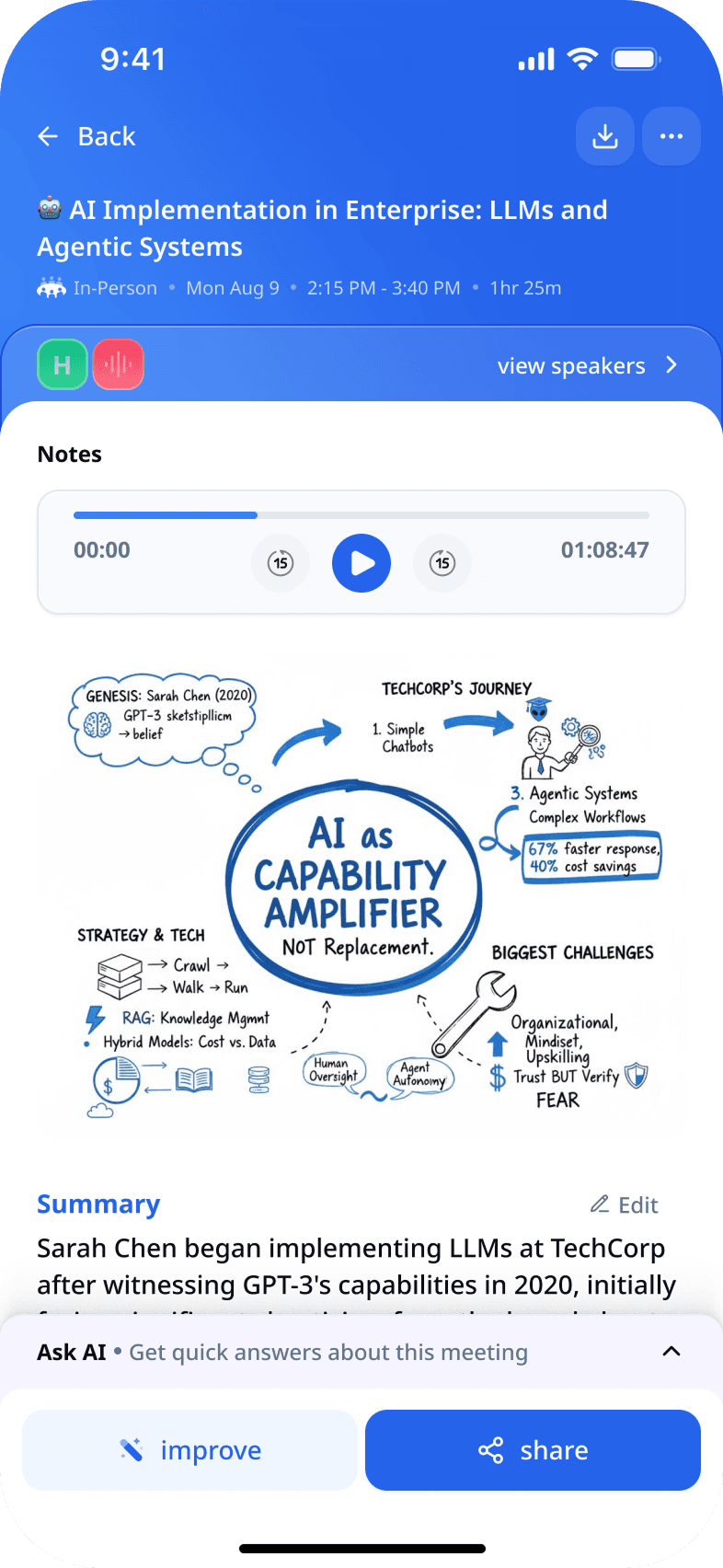
After every meeting, Meeting.ai creates a one-page graphical summary (infographic, mind map, or flow diagram) with catchy taglines. Research shows visuals can boost memory retention by up to 65%, compared to just 10% with plain text.
What is "Ask AI" feature?
Ask AI turns static transcripts into interactive documents. You can:
- Fact-check statements against online sources
- Generate summaries and action-item lists instantly
- Translate notes into any language
- Get clear explanations for acronyms and technical terms
Can Meeting.ai recognize who's speaking?
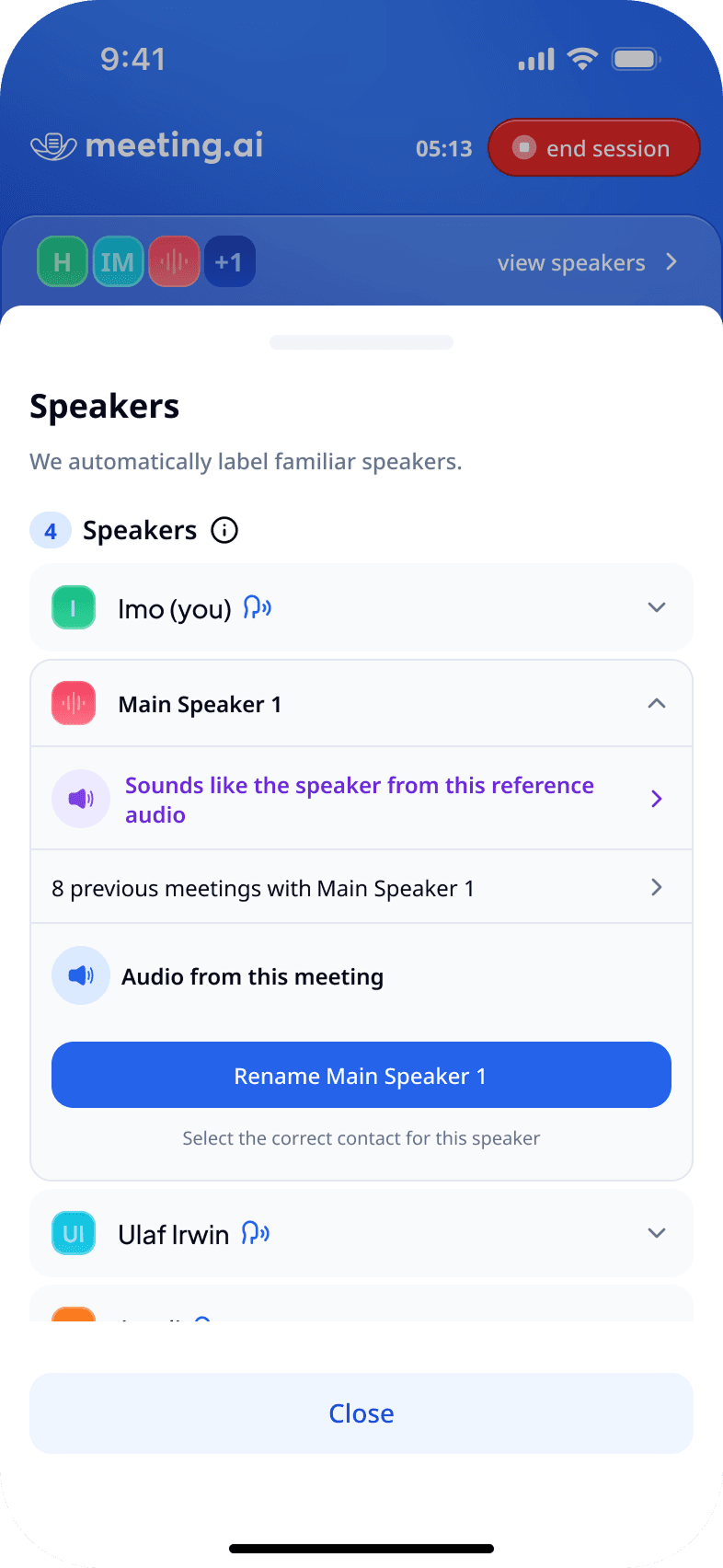
Yes. With Voice Match, Meeting.ai learns unique voice patterns. After you label speakers once, it automatically recognizes and tags them in future meetings—making your notes more context-rich.
How secure is my meeting data?
- Hosted in certified data centers with strict security protocols
- Working towards ISO 27001, SOC 2 Type 2, and GDPR compliance
- Your data is never used for model training
- Every meeting is secured with a PIN by default
Your data belongs to you—always.
Who uses Meeting.ai?
Professionals and individuals across industries:
- Teams running project planning, daily stand-ups, or training sessions
- Consultants, lawyers, and doctors in client meetings
- Content creators analyzing interviews or talk shows
- Individuals recording personal memos or brainstorming sessions
Where can I access Meeting.ai?
Meeting.ai is available on web and mobile, with seamless data synchronization between devices.

Our users
300K+ downloads and counting!
4.8
Here's what our 500,000+ users love about Meeting.ai
Super easy to use during sales calls. The summary picks up all the important stuff n I don't have to write anything down 👍
Betz_Yeseniat
My go to apps at work. Comprehensive transcript with summary key points in multiple languages. Save my time a lot!
Brinamadi
This apps really help for recording and automatically transform sound to text. It also works for Bahasa Indonesia.
I.Yusfida
game changer for meetings finally I can actually focus on talking to ppl instead of typing notes!! The summaries are suprisingly good
Golddman Shawna
My new meeting buddy cant imagine going back to manual notes now lol.
clegg_arredondox

Get Meeting.ai
Available on all your favorite devices. Start capturing conversations in seconds.
 Get the app Try in browser
 Get the app
We use cookies
We use cookies to ensure you get the best experience on our website. For more information on how we use cookies, please see our cookie policy.
By clicking "Accept", you agree to our use of cookies.
Privacy policy · Terms & conditions · Cookie policy
Preferences
DeclineAccept