

详细内容
Turn photos into notes with AITurn yourphotosinto notes with AI
Transform any content into well-structured notes instantly. Export to your favorite apps like Notion, Obsidian, and Google Docs.
 \
 \
Works seamlessly with your favorite apps


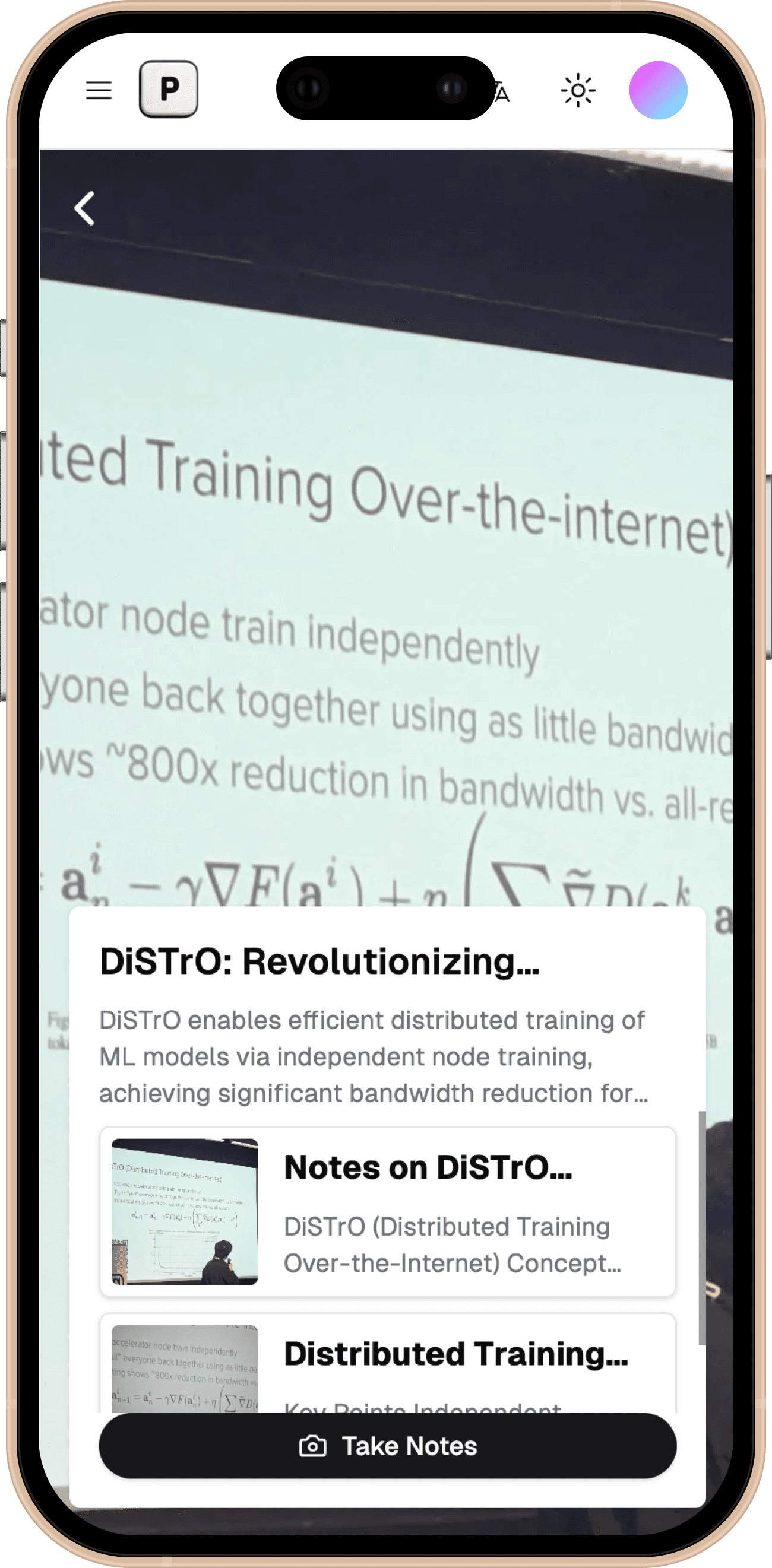
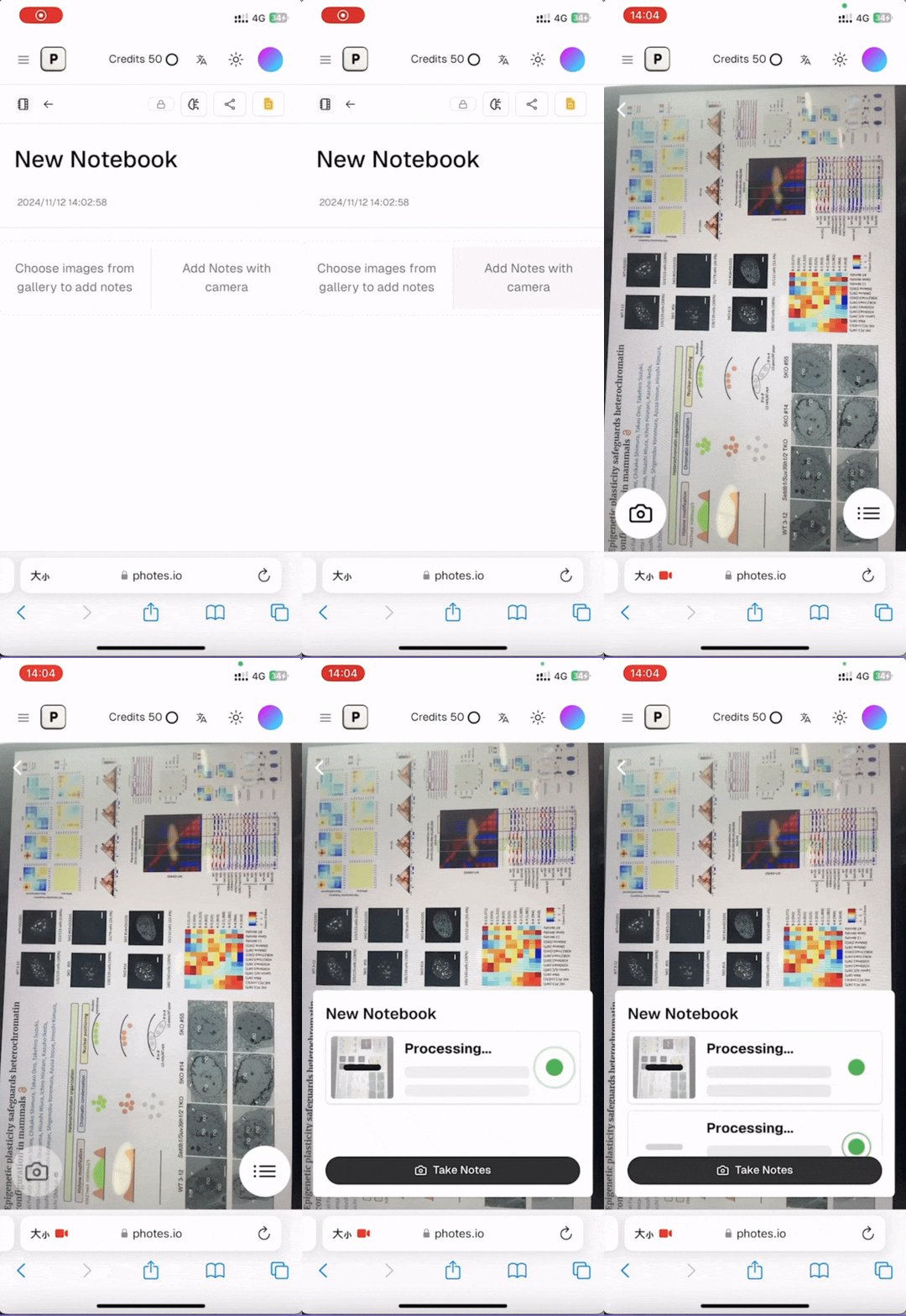
Turn Photos into Notes
Snap a photo and get an organized text note in seconds.
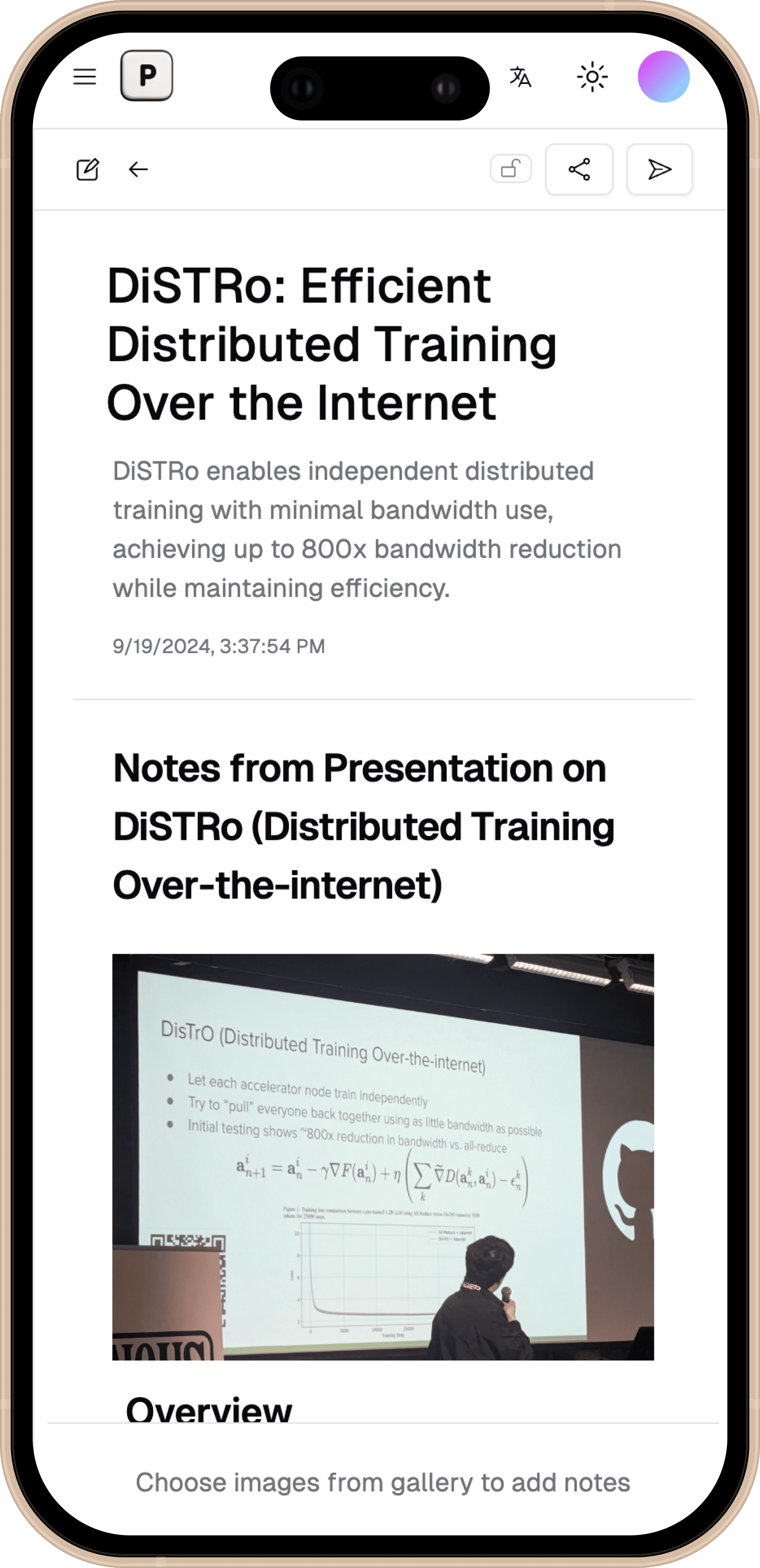
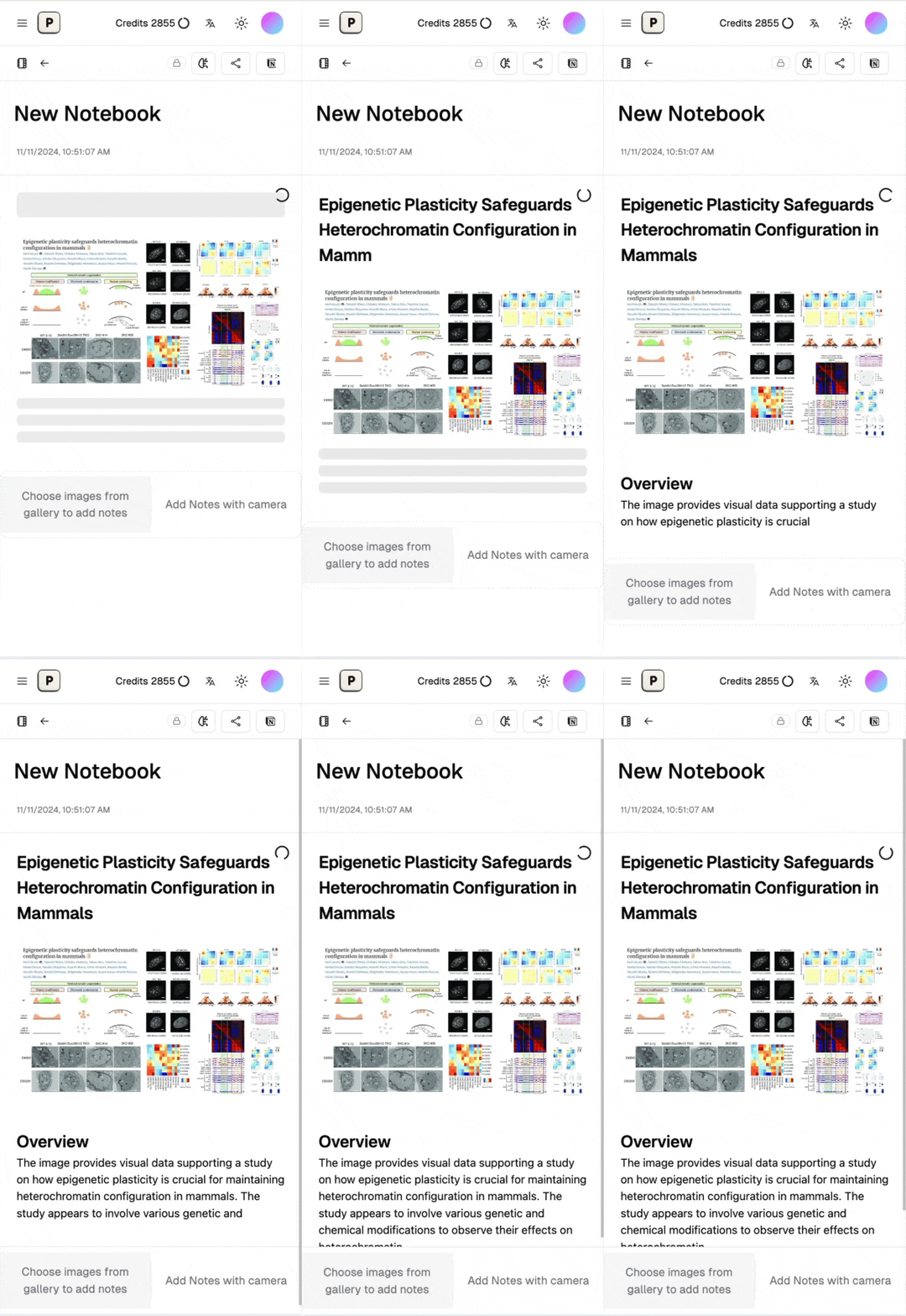
AI-Powered Note Enhancement
Our AI helps you create more comprehensive notes from your inputs.
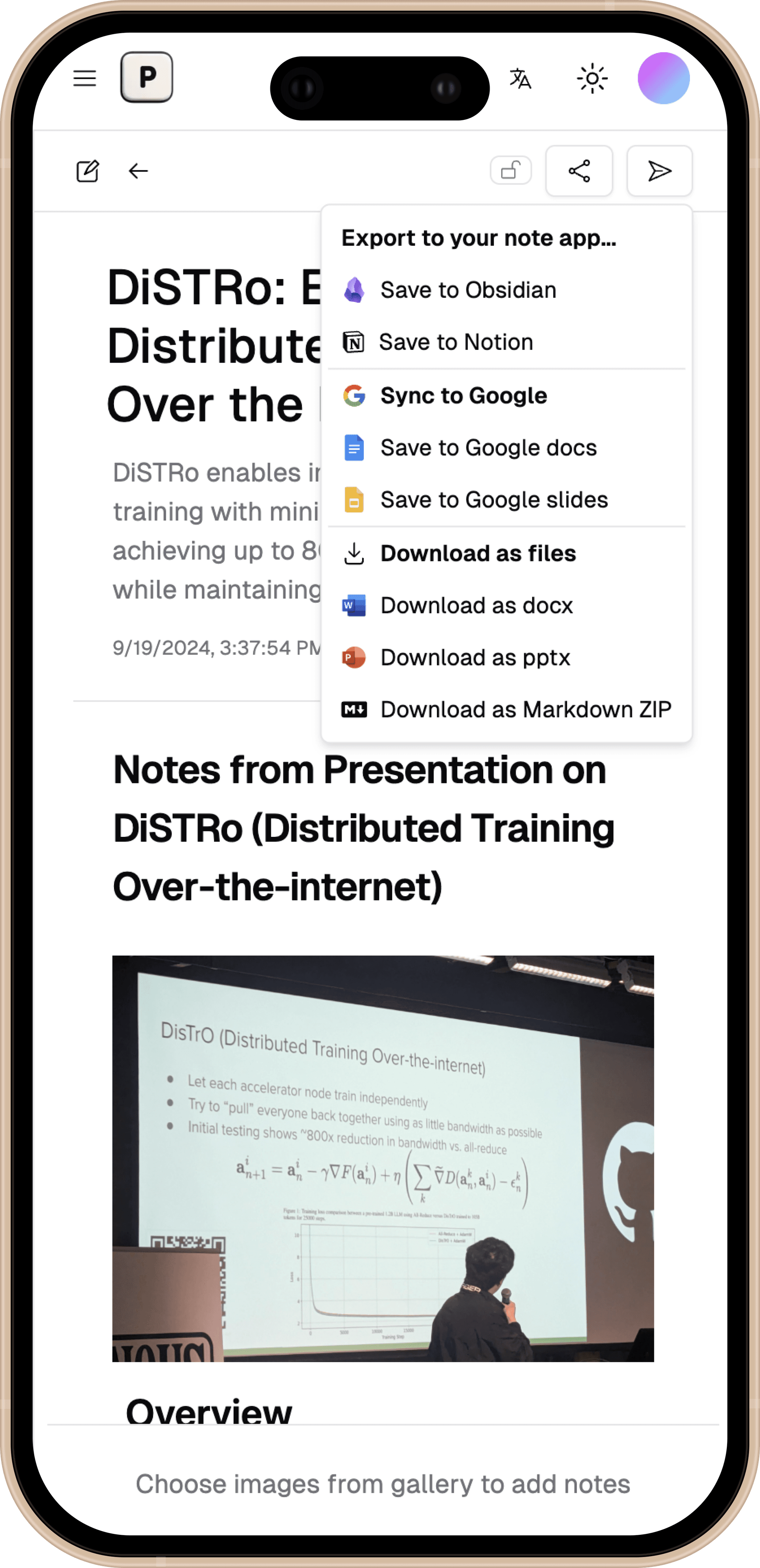
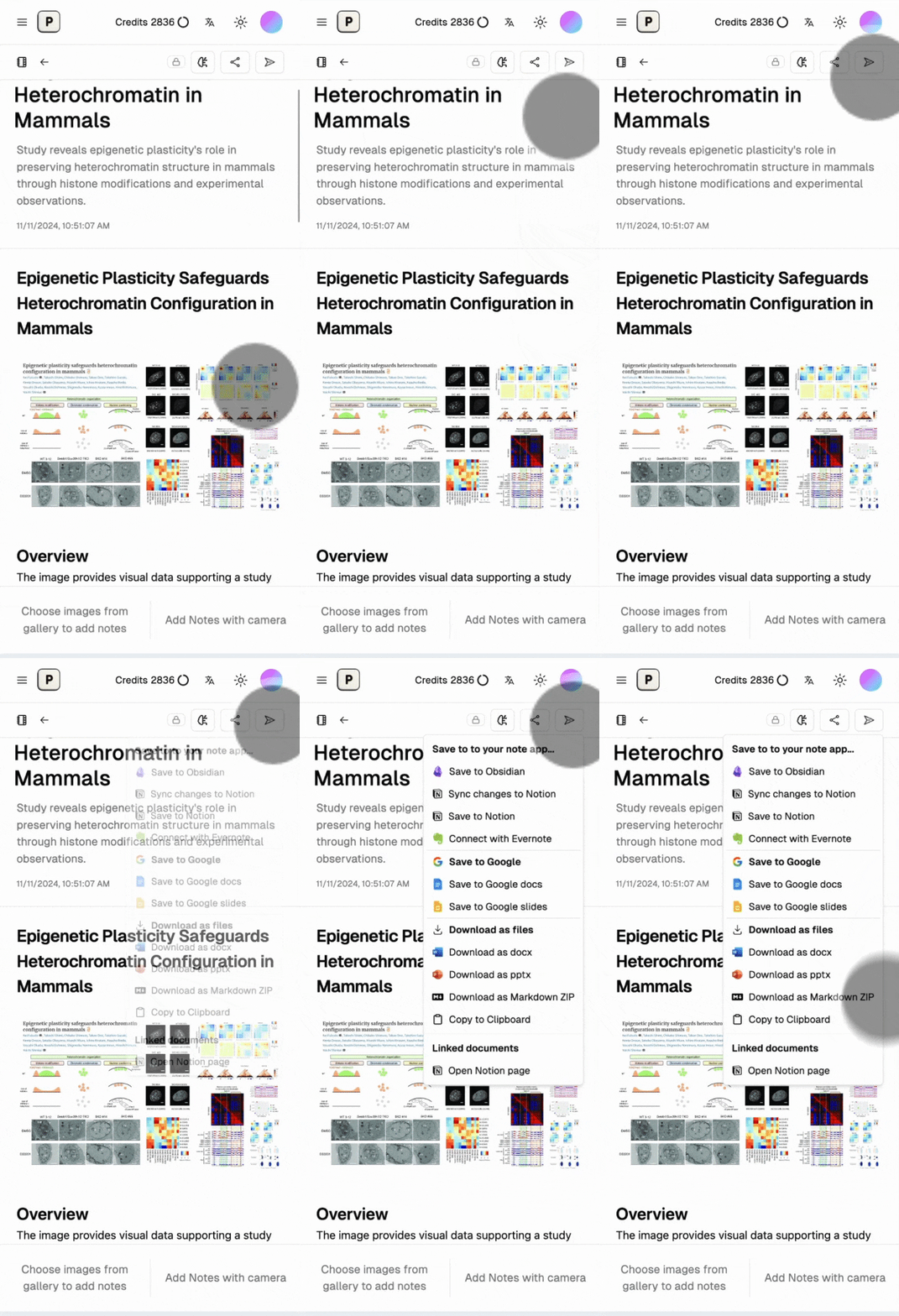
Export to Your Favorite Apps
Send your notes to other apps with just a few taps.
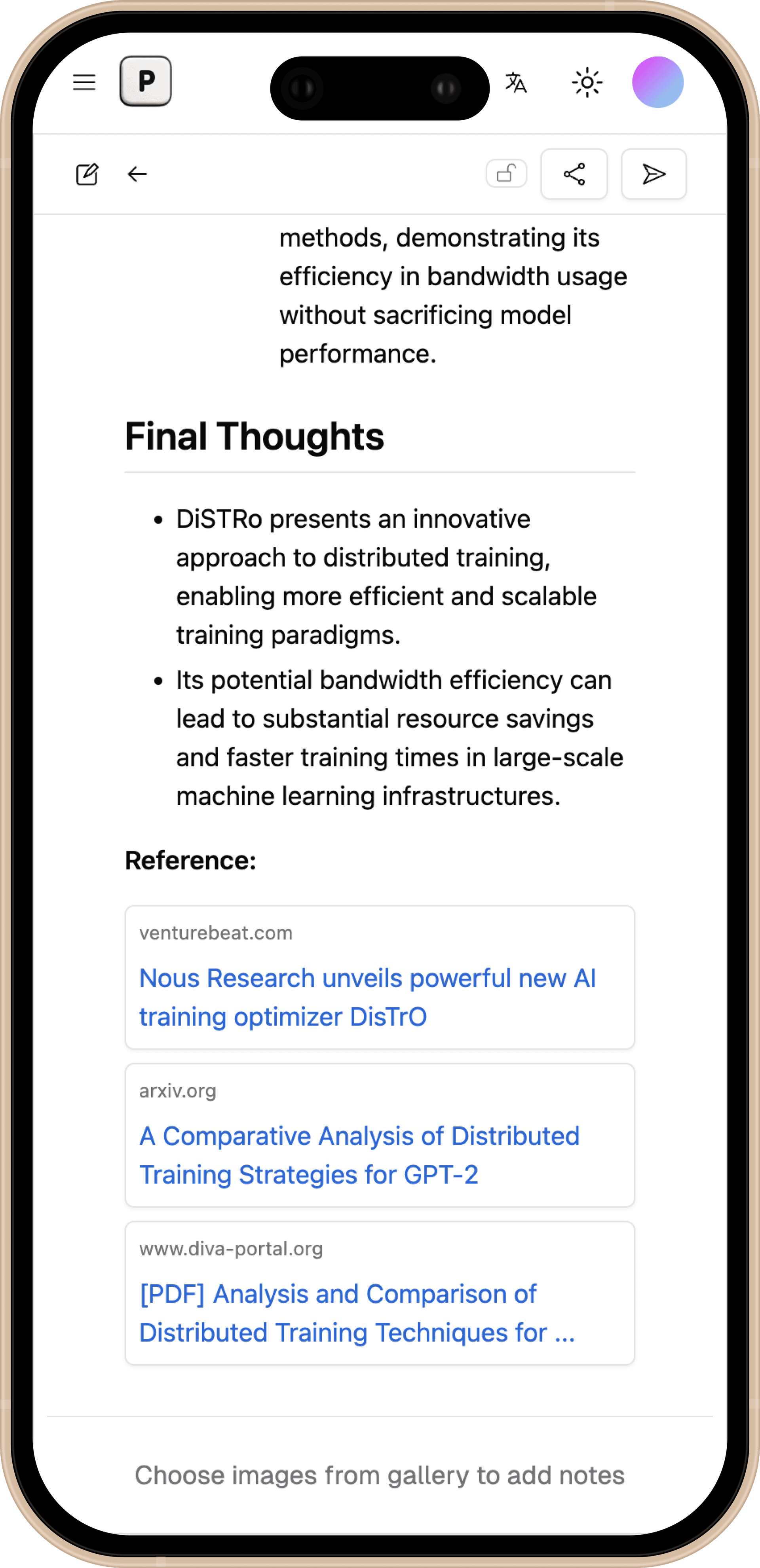
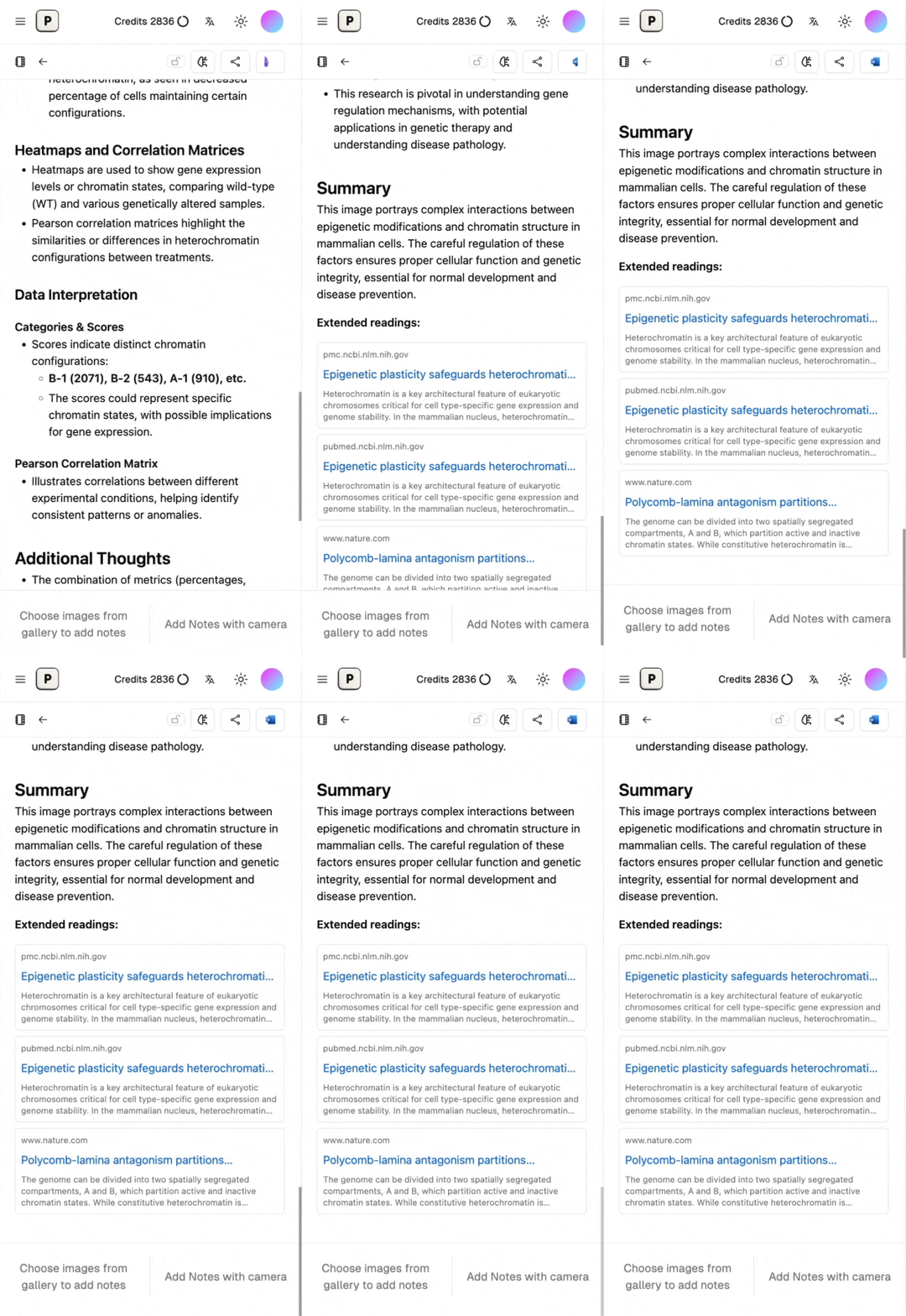
Get More from Your Readings
AI will also find external readings and summaries to enhance your notes.
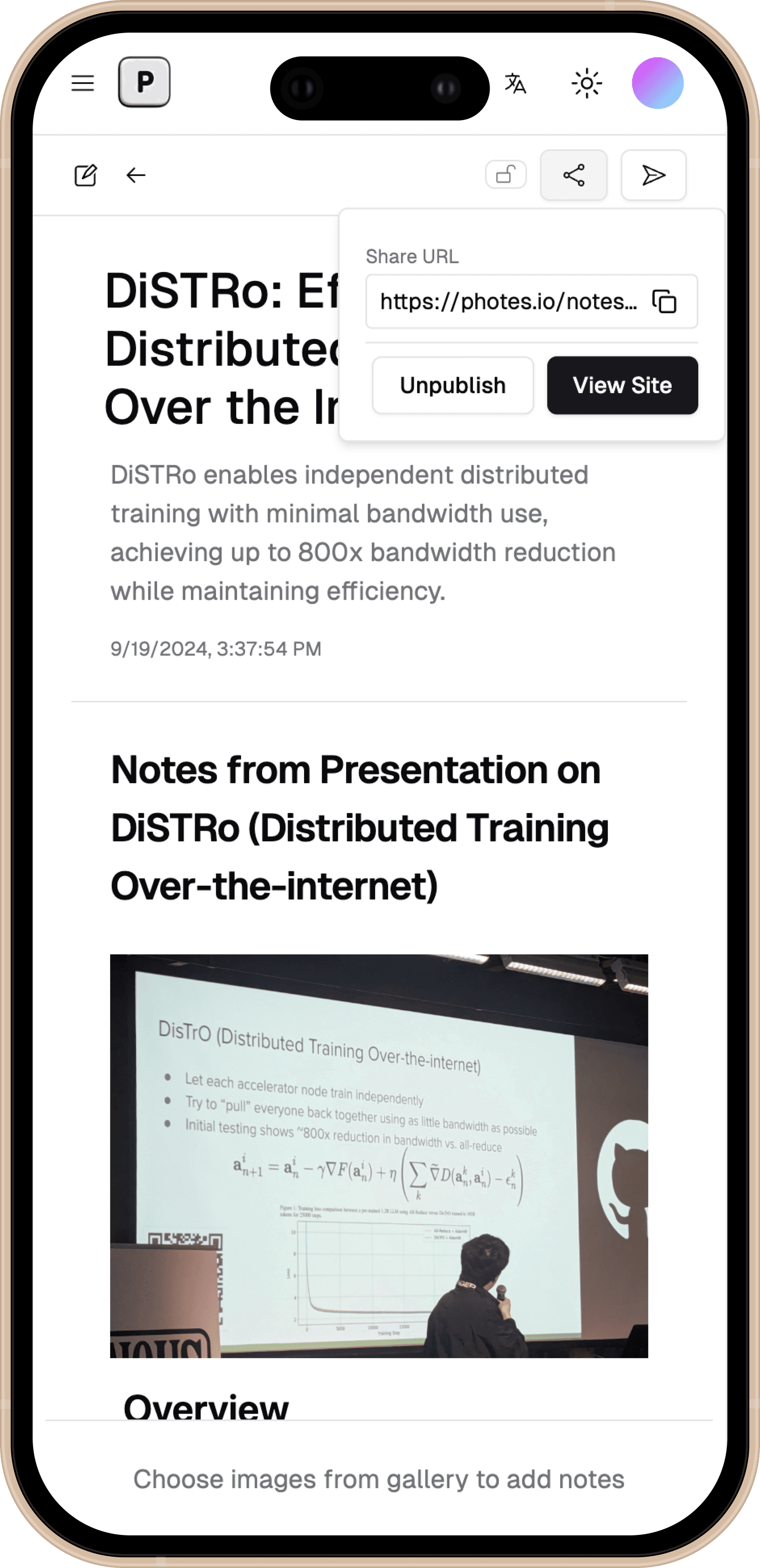
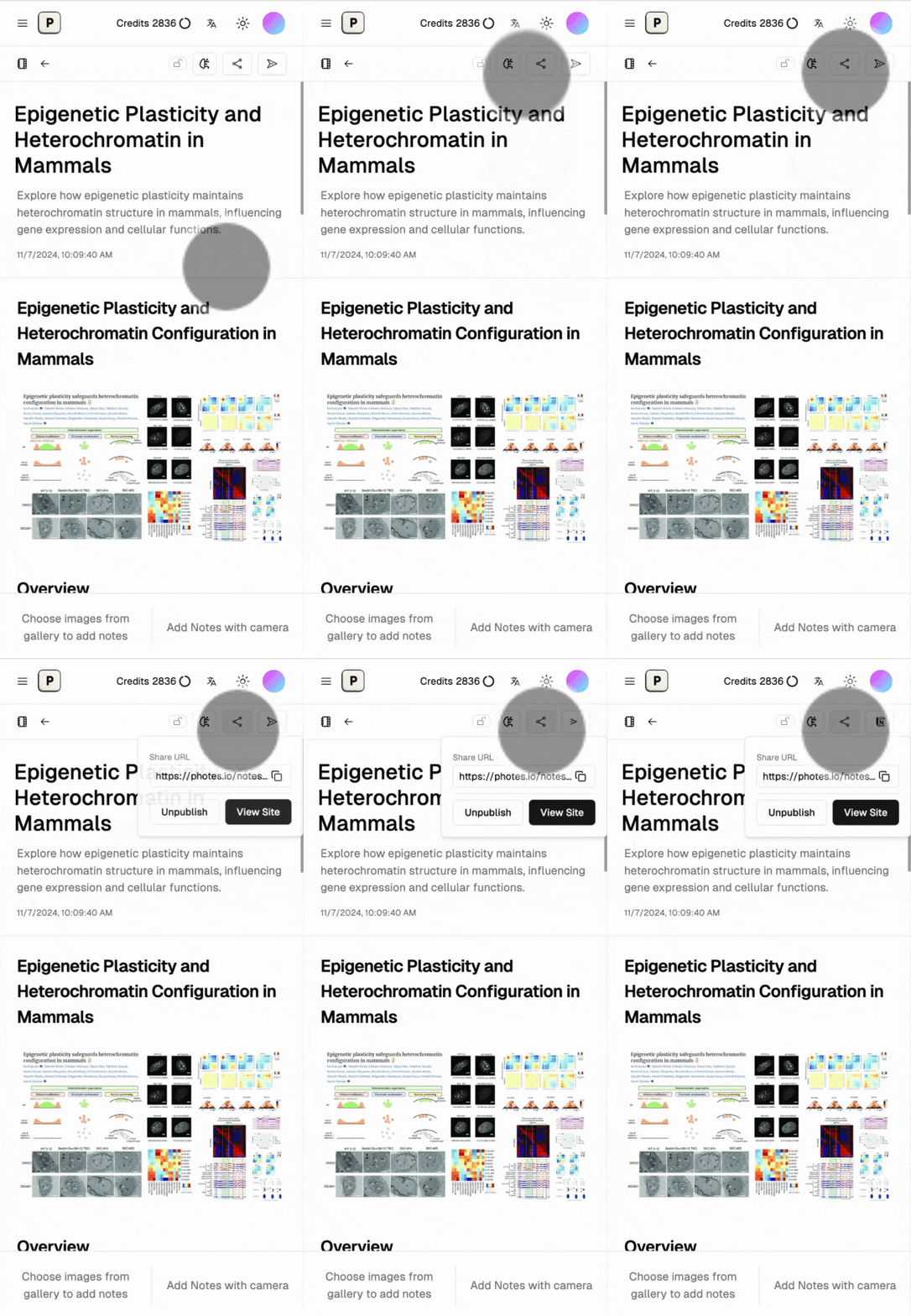
Share and Collaborate
Share your notes and work together with others in real-time.
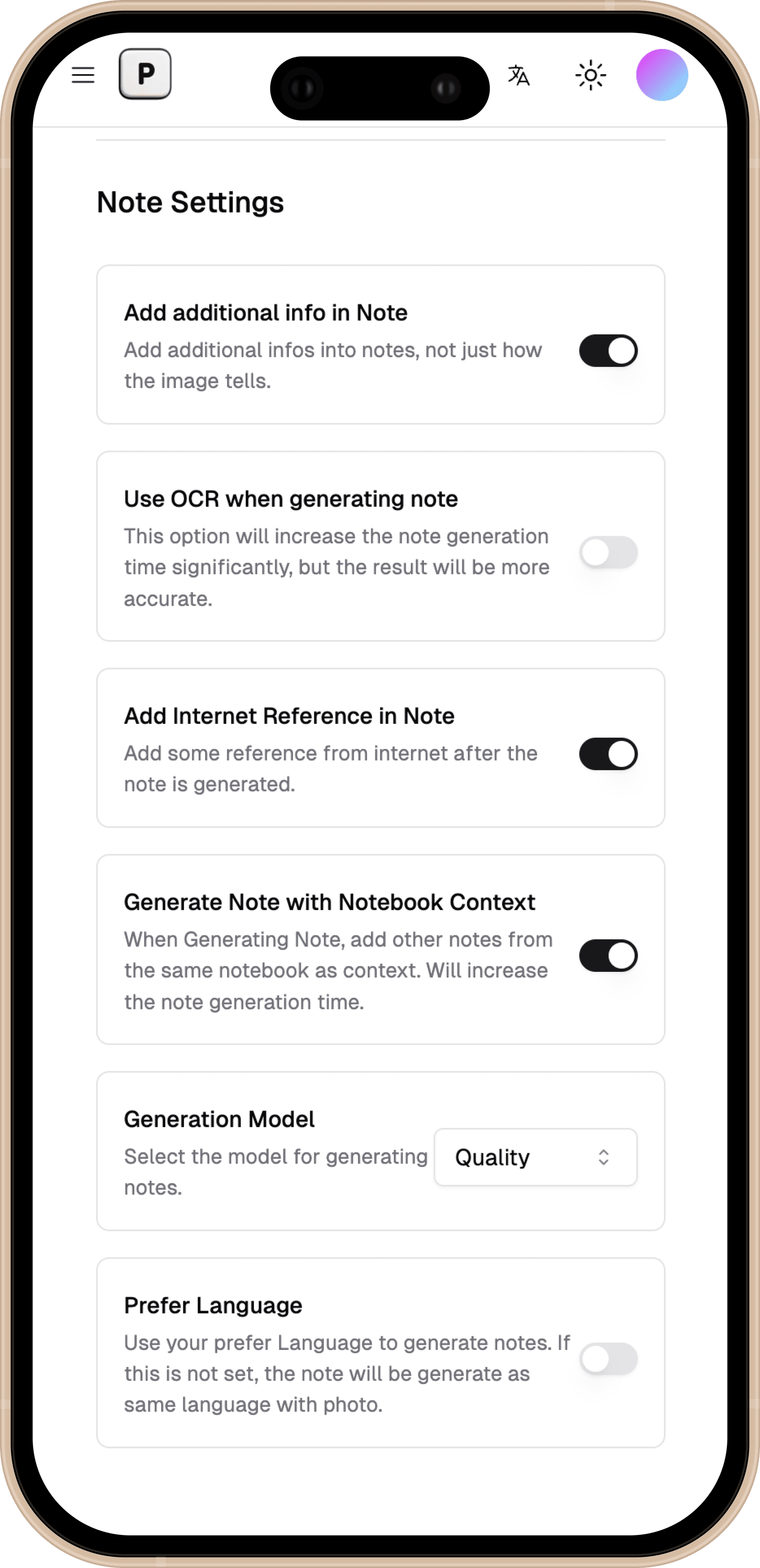
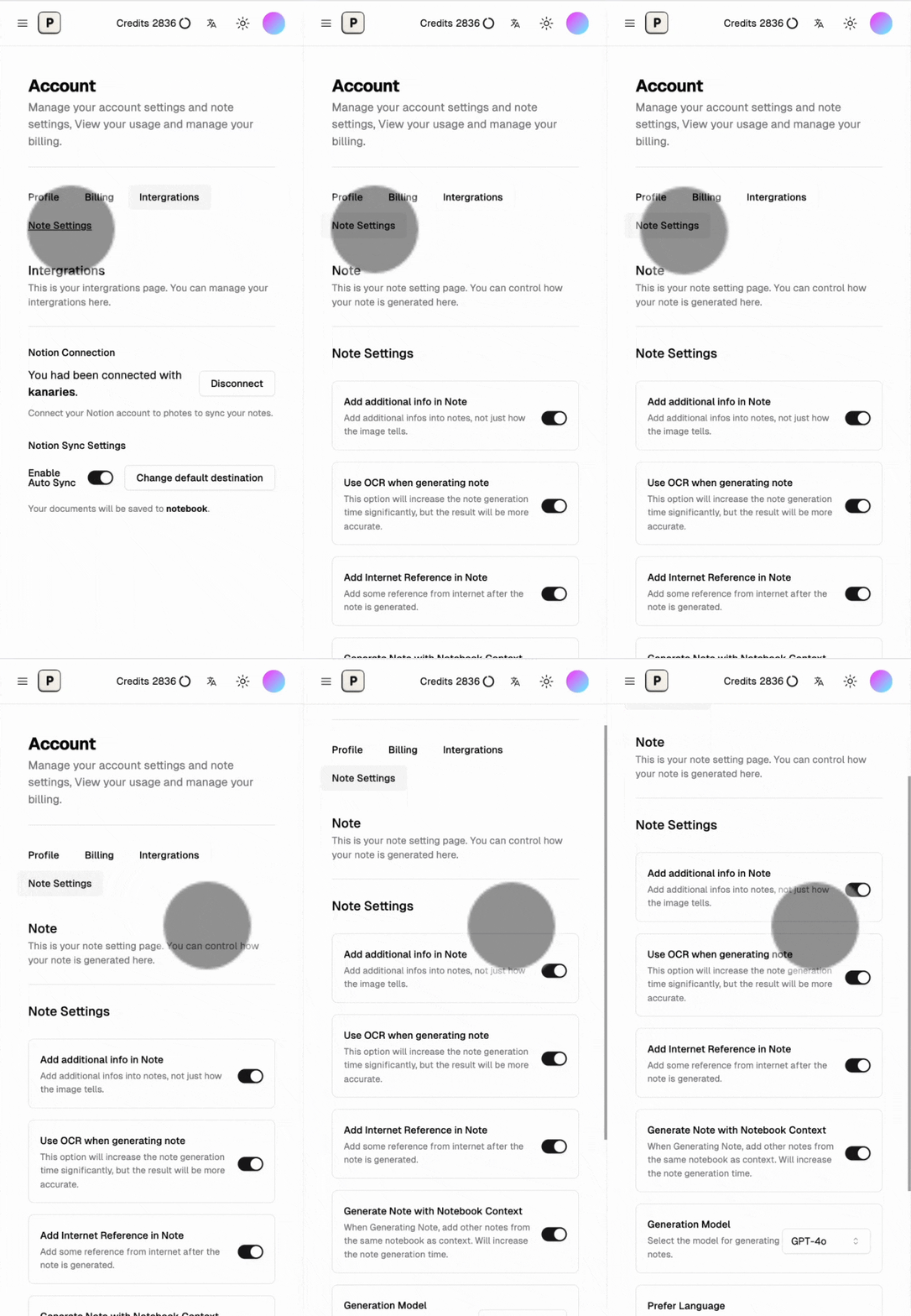
Customize Your Experience
Adjust settings to match your workflow and preferences.
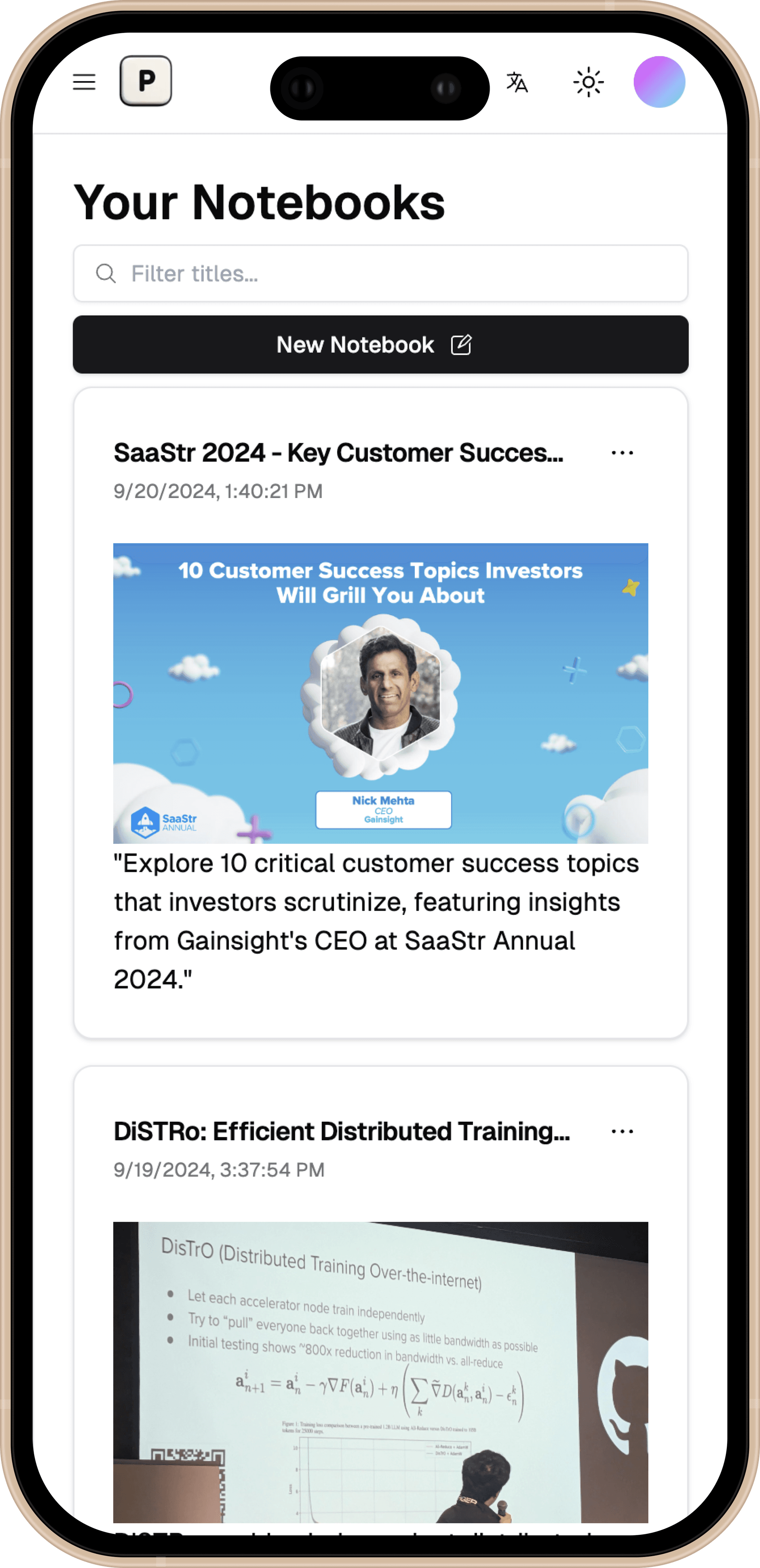
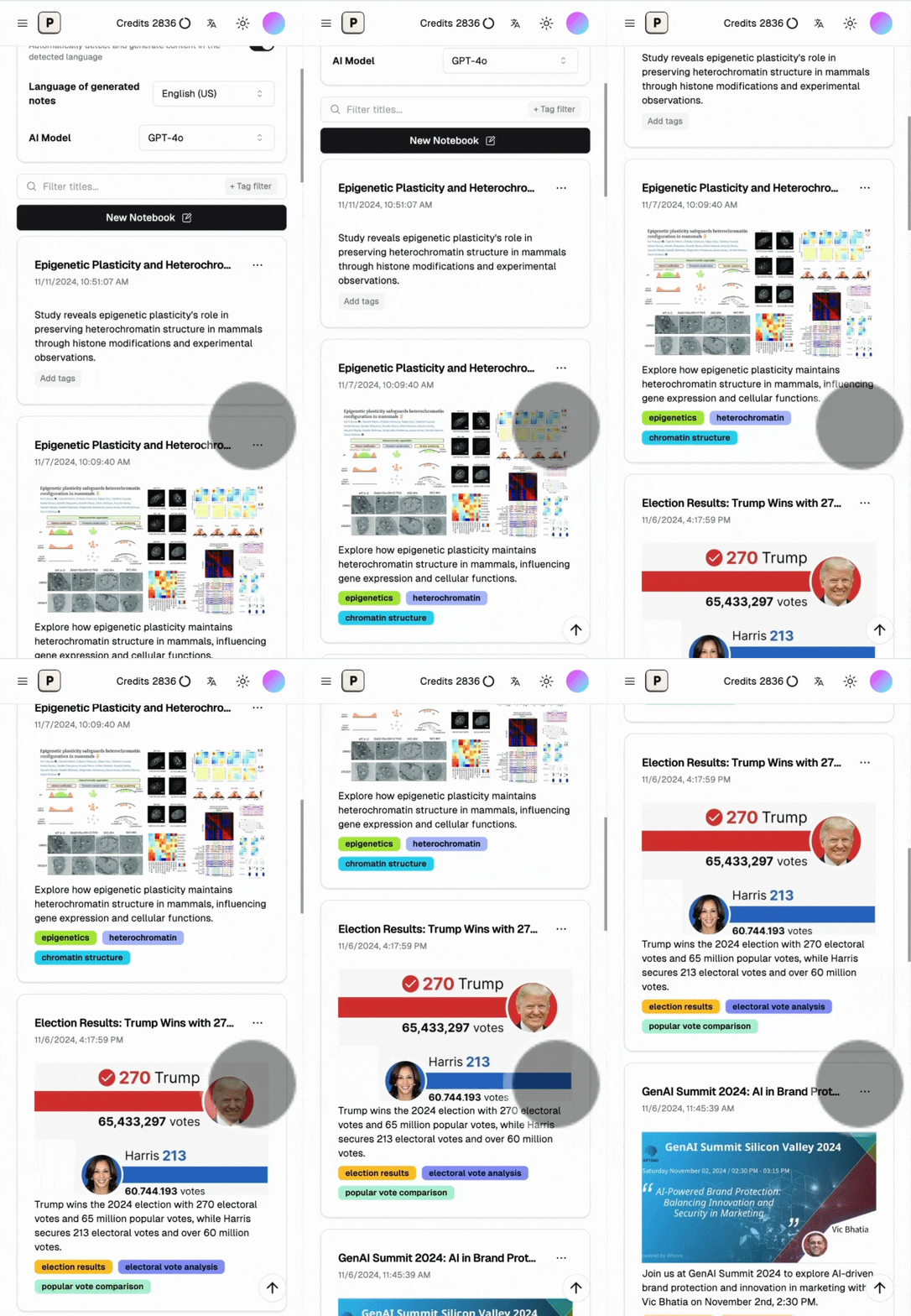
Browse Notes Like Social Media
Scroll through your notes as easily as checking your social media feed.
See the turotial video
Learn how to use Pixno to turn photos into notes with AI.
Pixno App screenshot
Stream
Play Video
0:00 / 0:17
Play
Currently unmuted. Volume set to 100 percent. Click to mute.
SettingsEnable Picture in PictureEnable Fullscreen
Previous slideNext slide
Turn Your Phone into a Smart Notepad
Pixno transforms your smartphone into an AI-powered note-taking tool. Capture, organize, and enhance your ideas—all from your pocket.
Turn Photos into Notes
Snap a photo and get an organized text note in seconds.
AI-Powered Note Enhancement
Our AI helps you create more comprehensive notes from your inputs.
Export to Your Favorite Apps
Send your notes to other apps with just a few taps.
Get More from Your Readings
AI will also find external readings and summaries to enhance your notes.
Share and Collaborate
Share your notes and work together with others in real-time.
Customize Your Experience
Adjust settings to match your workflow and preferences.
Browse Notes Like Social Media
Scroll through your notes as easily as checking your social media feed.
Previous slideNext slide
Your AI note taking app for all cases
Turn lecture recordings (mp3), PDFs, and images into clear, concise notes with translations, summaries, and AI-powered Q&A.
Textbook to notes instantly
Convert your textbook into study notes and ask our AI TA anything about the content.

Audio to notes
Upload audio recordings and Pixno AI will automatically create organized notes for you.

Slides to notes
Capture photos of slides and let Pixno AI transform them into comprehensive text notes.

Images to knowledge
Instantly transform images into notes from slides, meetups, classes, and beyond.
AI-Powered Text Extraction
With the help of GPT-4 Vision GPT-4o, Pixno goes beyond simple OCR (Optical Character Recognition), which is able to understand the context and content of your images and generate well-structured note.

Overall Recognition
Pixno can understand all kinds of information in your pictures, including text, chart like Venn or statistical graph.

Integration with Popular Note-Taking Apps
You could export your notes to Notion, Microsoft Word, Google Docs, or any other note-taking app you prefer.
Export to other note-taking apps
Extended Reference from Web
Pixno can enhance the credibility of generated notes by referencing relevant articles. It also expands your content through web searches.
Add references to the generated notes
Seamless Multi-Device Sync
Pixno can ensures your notes are always up-to-date, no matter where you are. Whether you're switching between your phone, tablet, or desktop, our real-time synchronization keeps your content consistent and accessible. Start a note on one device and pick up right where you left off on another—effortlessly and without interruptions.
Seamless synchronization between devices
Explore more articles to elevate your notes
Learn how to use AI to enhance your note-taking and productivity.
Aug 29, 2024 Tutorial
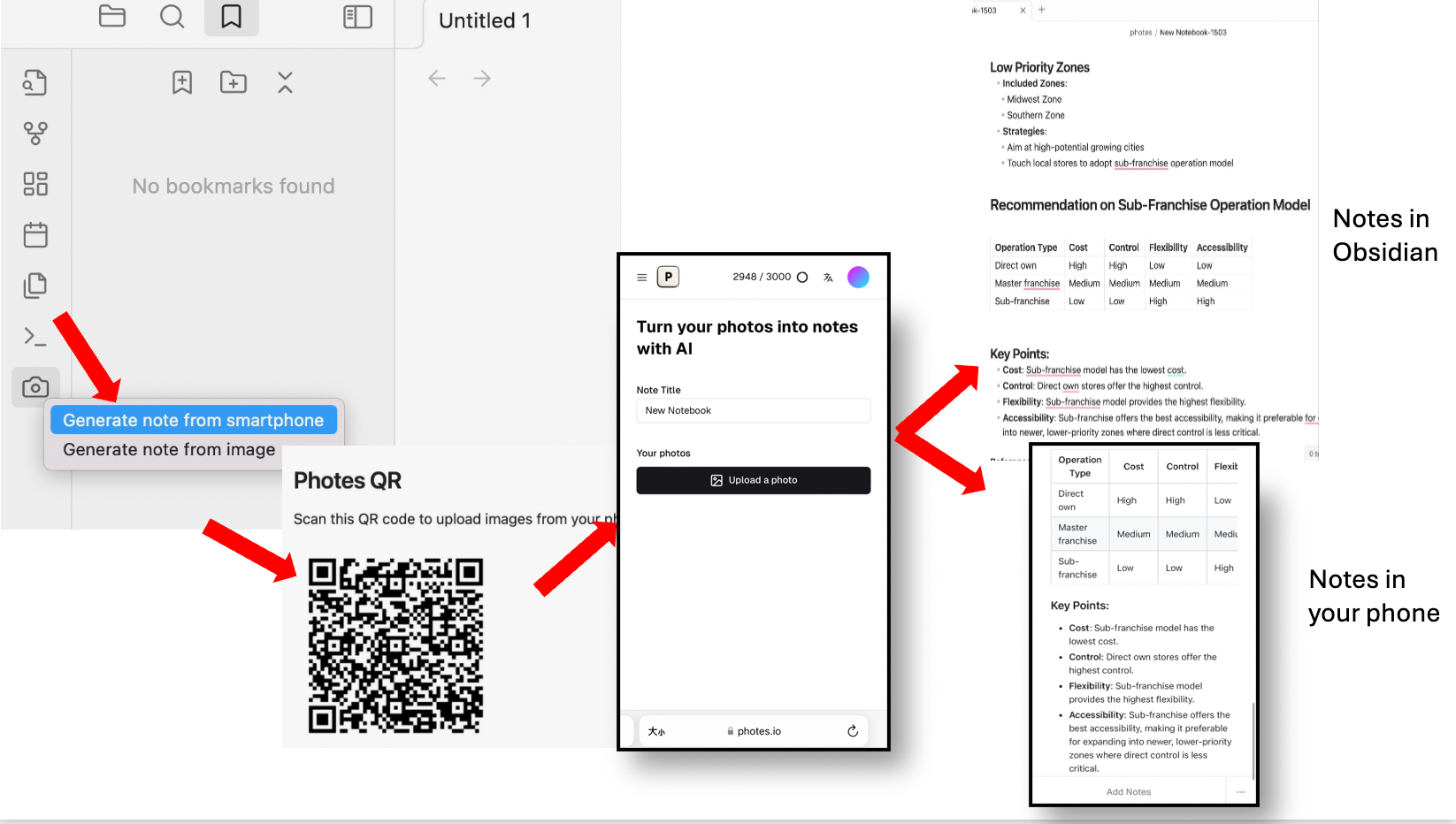
How to Turn Images into Text Notes in Obsidian with Pixno(Photes.io) Plugin?
Learn how to convert images into text notes in Obsidian using the Pixno(Photes.io) plugin. Enhance your note-taking and organization with this powerful tool.

Official
Aug 23, 2024 Tutorial
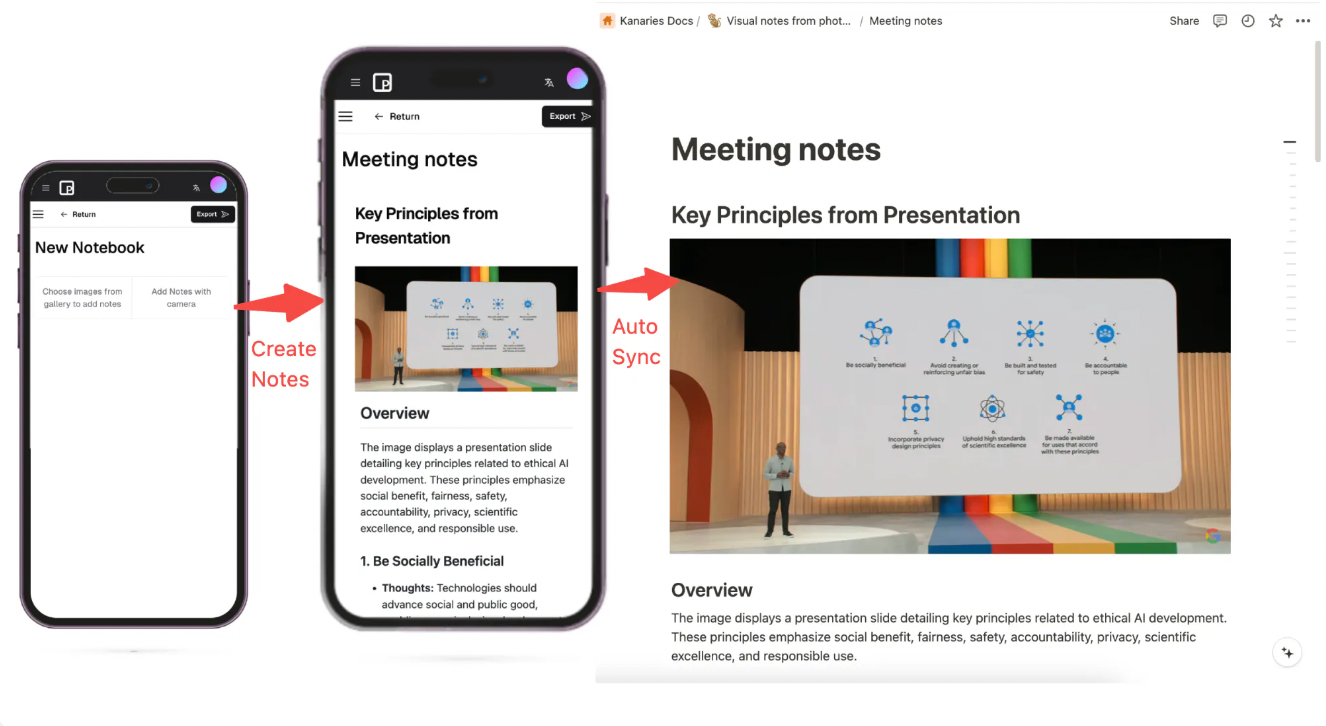
How to Turn Image to Text Using Pixno?
Learn how to convert images into text using Pixno. Enhance your document processing with this efficient tool.
Official
Aug 16, 2024 Tutorial
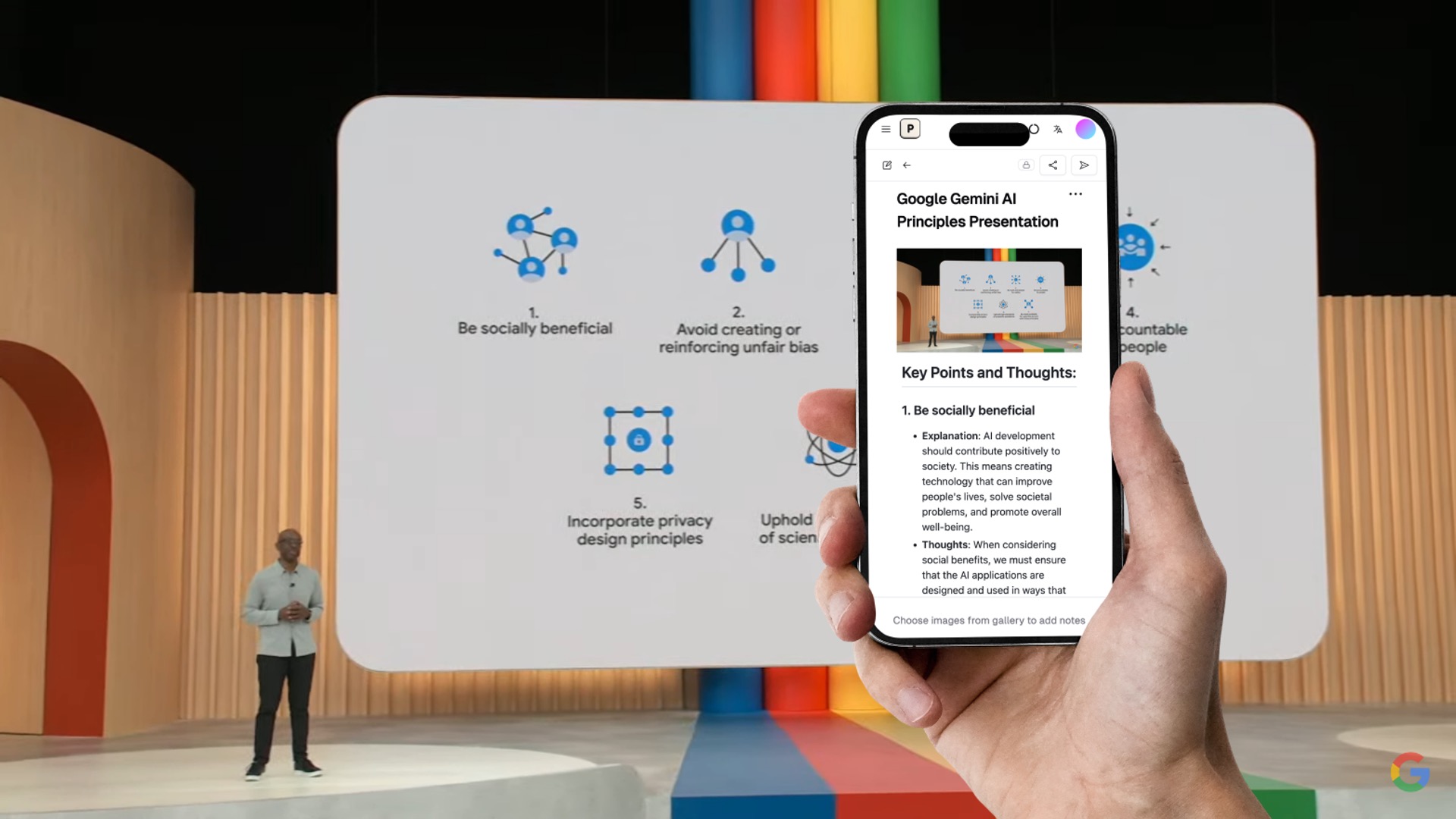
The Best AI Note-Taking Apps in 2024
Discover the best AI note-taking apps in 2024 that can help you organize and summarize your study materials and manage personal tasks efficiently.
Official
Frequently Asked Questions
What are the advantages of Pixno?
Does my notes sync automatically between my phone and laptop?
Can I turn my photos into text notes for free?
How to export my notes to Obsidian?
How to make my notes private?
What are the pricing plans?
What is the relation between Pixno and Photes.io?
Ready to turn your photos into knowledge?
Click the button below and turn your photos into well-structured notes with Pixno!