

详细内容


AI Background Generator for Professional Product Photos
Create high-quality realistic product photos in just a few clicks.





Used bydozens of e-commerce businessownersjust like you
Say GOODBYE to traditional product photography and no more
PROPS
BACKDROP SETTING
RETOUCHING
BIG EXPENSES
Creating Studio-Quality Product Photos, with Just a Few Clicks.
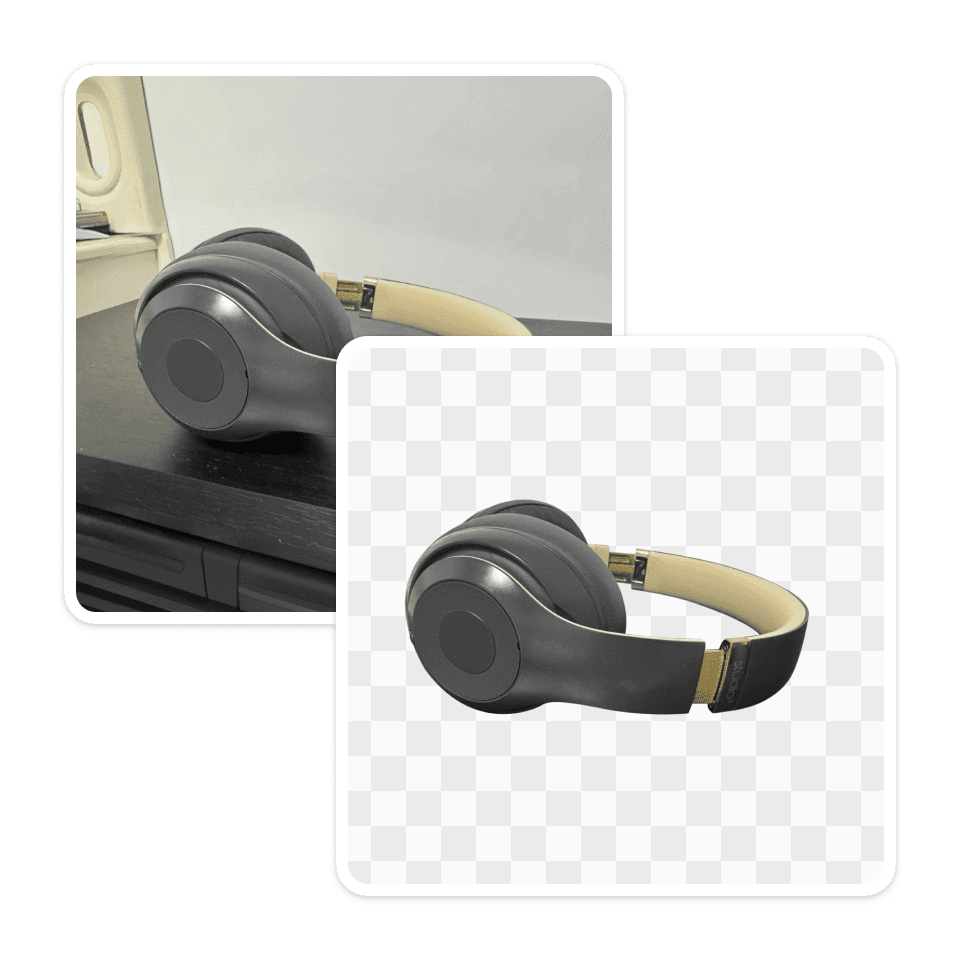
01
Upload a Product Image
Pixyer will automatically remove the background
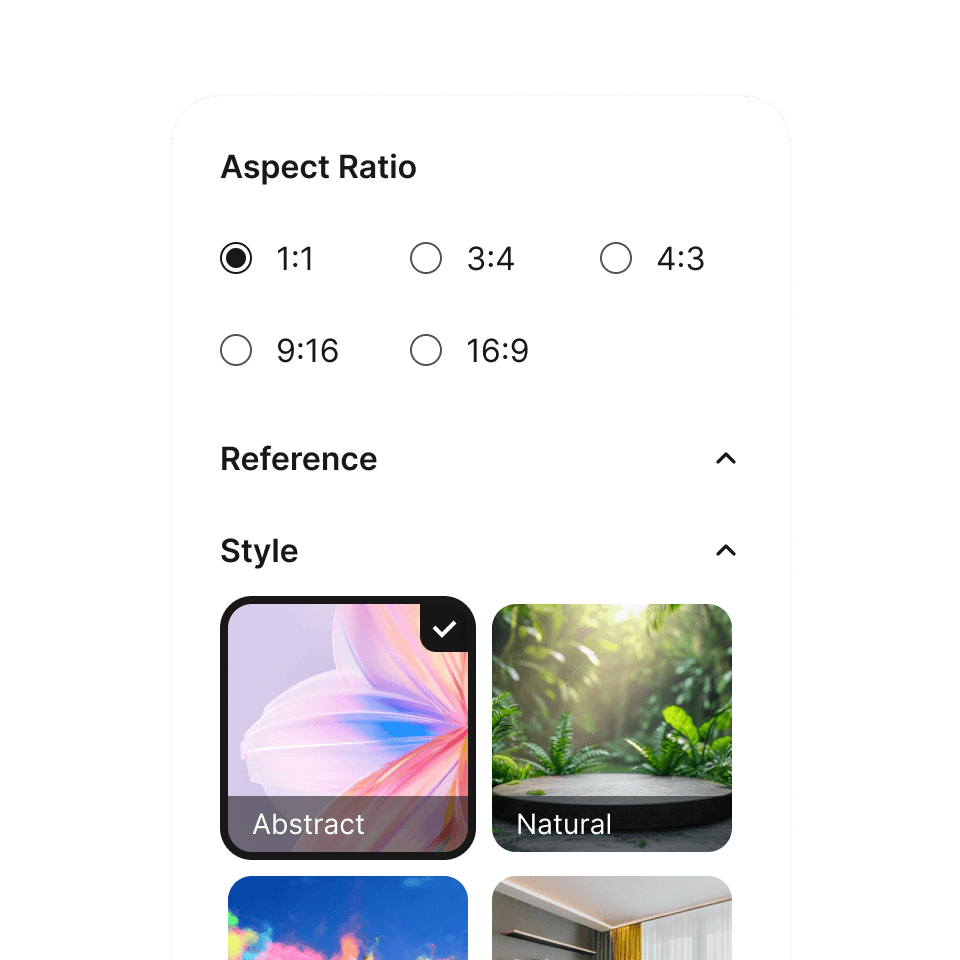
02
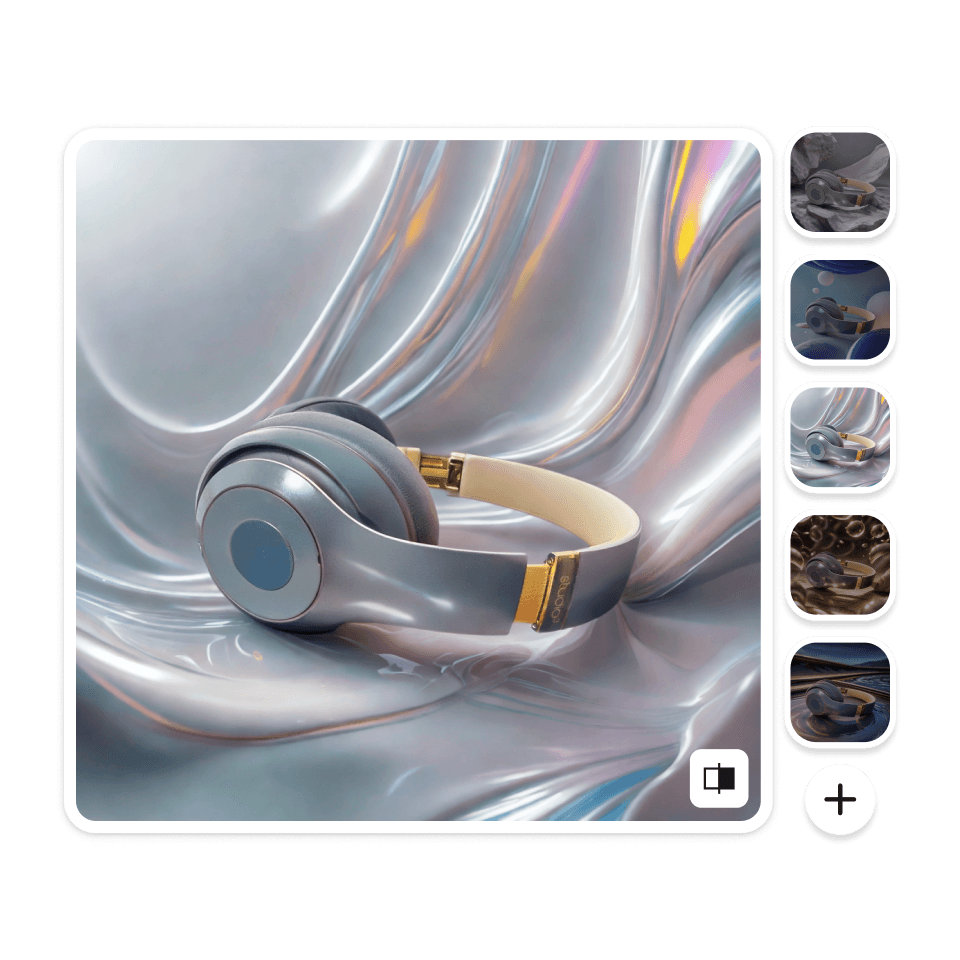
Choose Photo Style
Select a background style that best matches your product.
03
Generate and Download
High-quality AI product photos in just a few seconds.
Create your product photoshoots,
with AI magic
Drag & drop your product photos into Pixyer and bring them to studio quality with AI.


E-commerce
Social media
Cozy
Preview
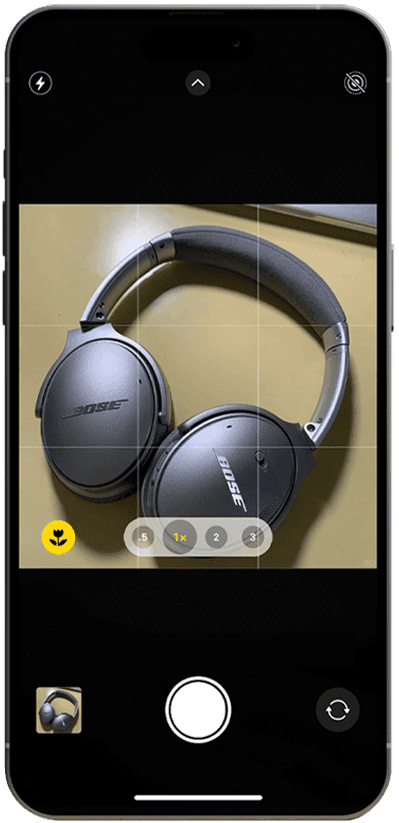
Simplify the process
Shoot Like a Pro with AI
Upload a simple snapshot. Get high-definition, professional product photos with perfectly matched AI backgrounds instantly — no advanced prompts needed.
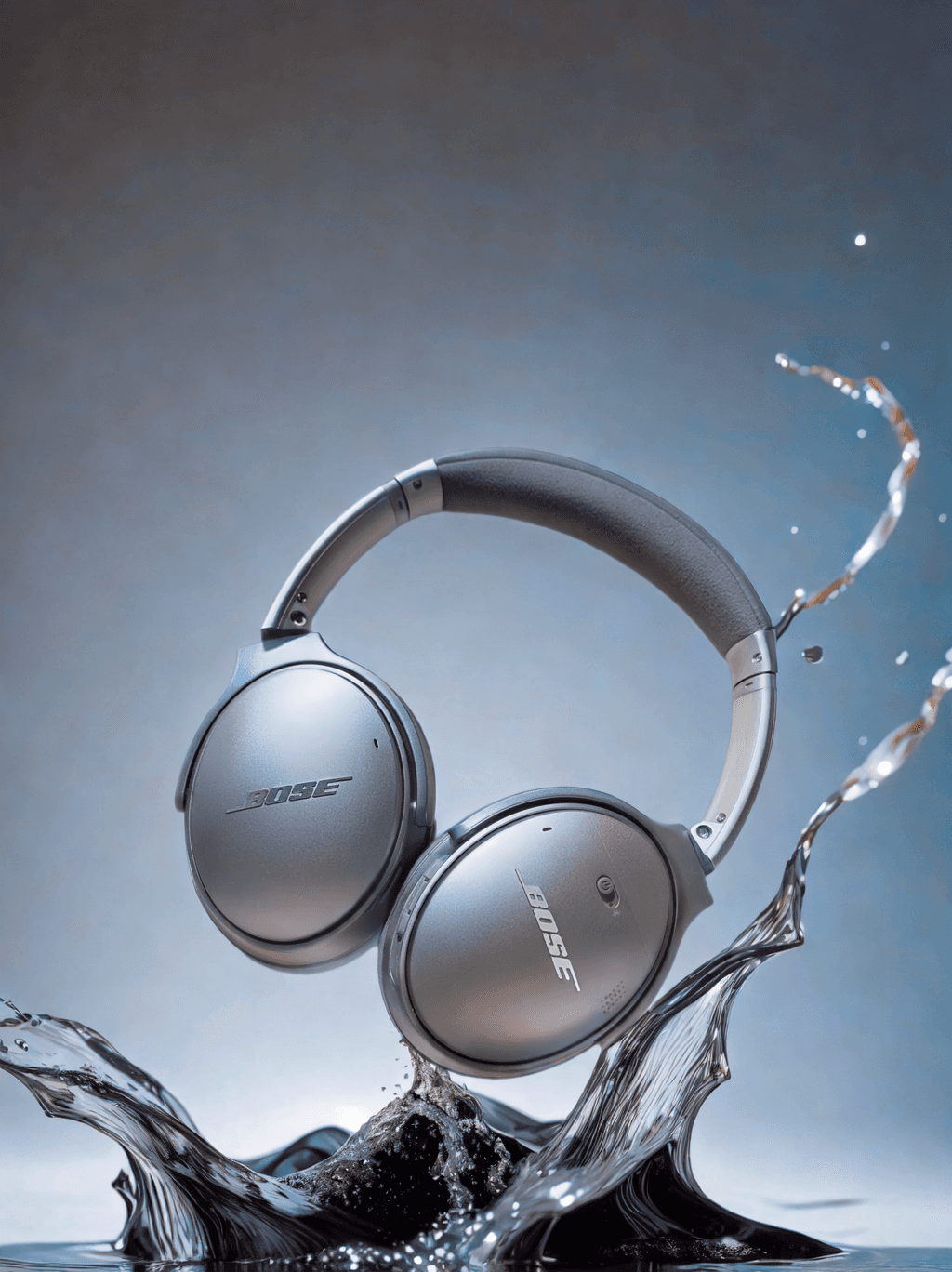
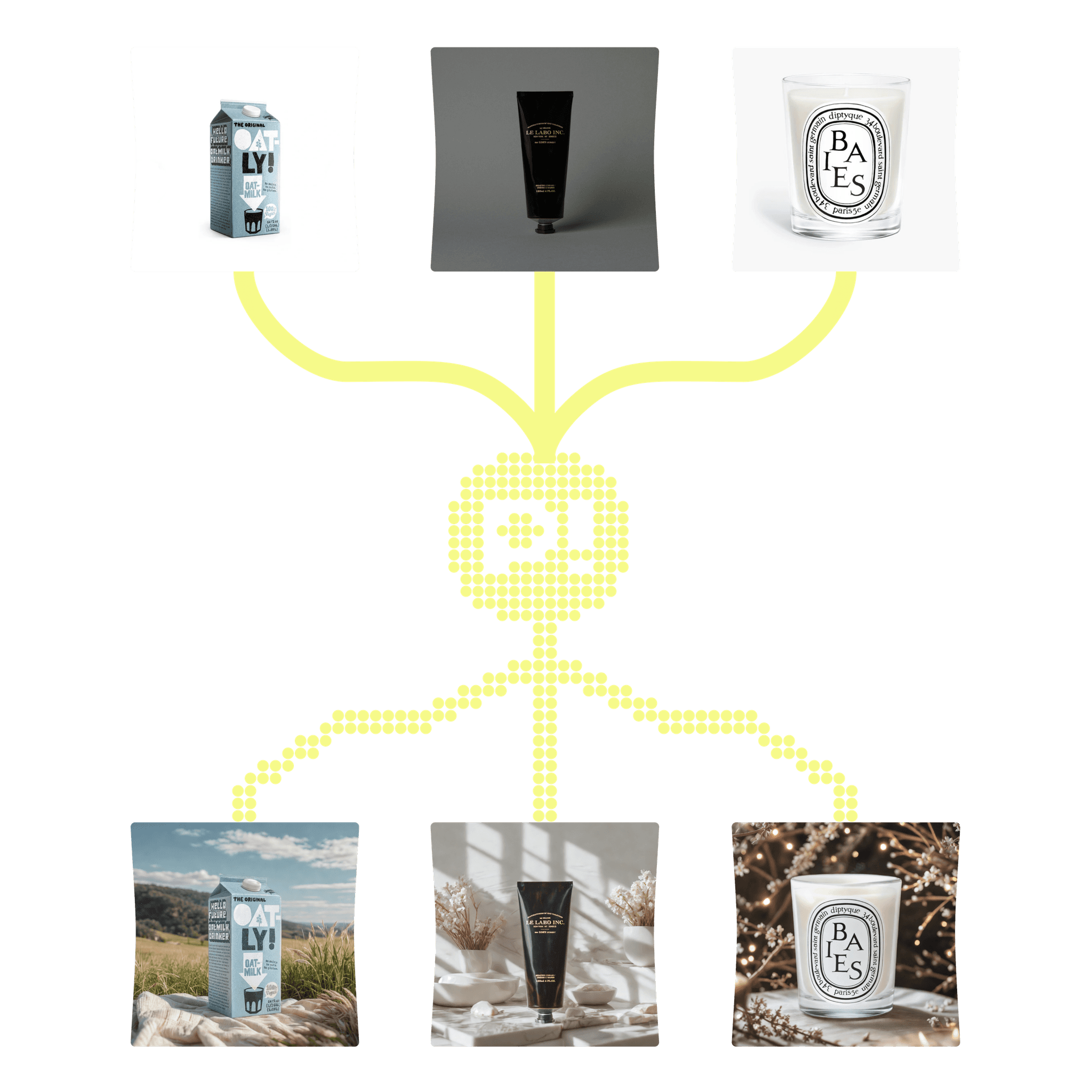
Learning from the Best Sellers
Create Product Photos that Sell
+
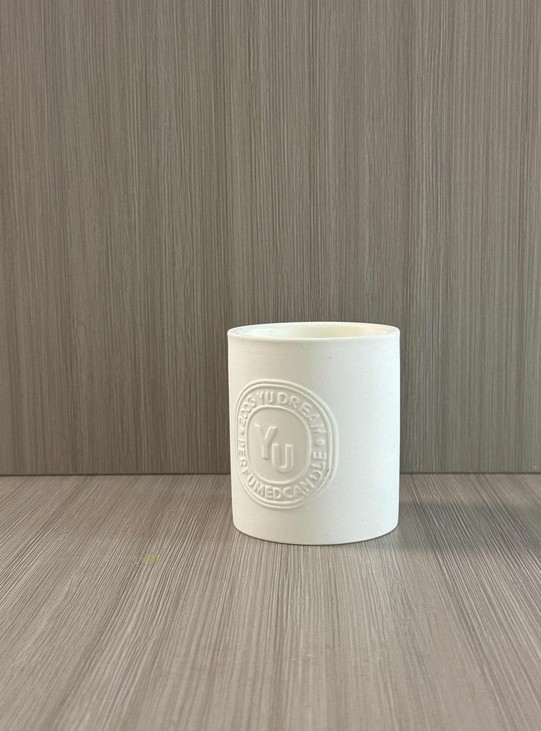
Origin
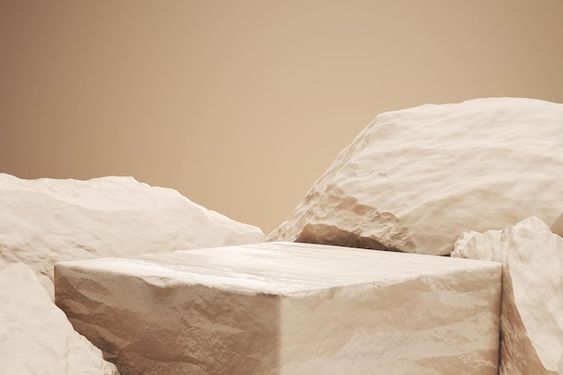
Reference
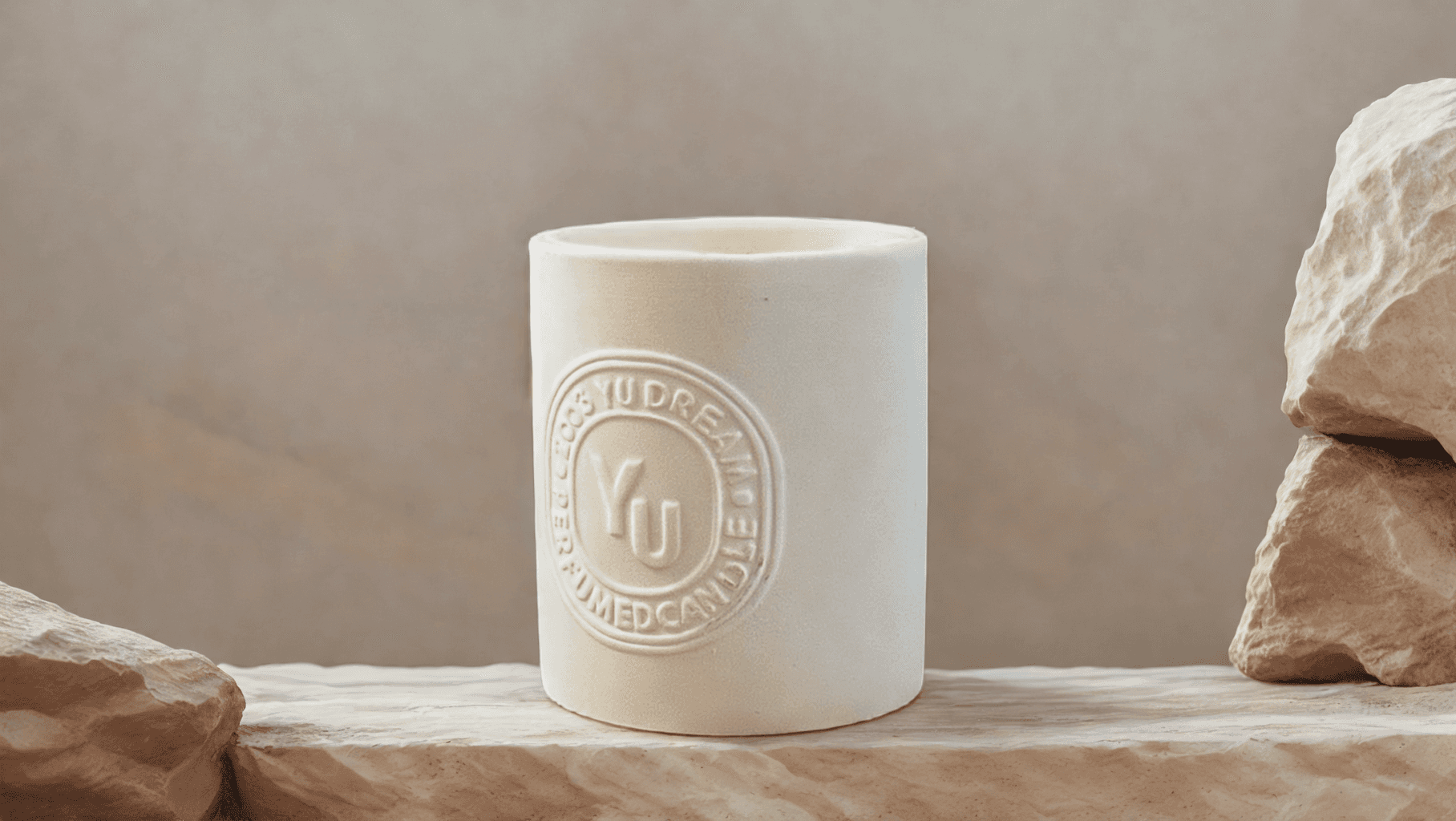
Generate by Pixyer
Use the reference image feature to create photos aligned with best-sellers. Tailor each image to what works, creating e-commerce visuals that boost sales.
Perfect Fit for Every Channel
Get the Right Size for All Your Platforms
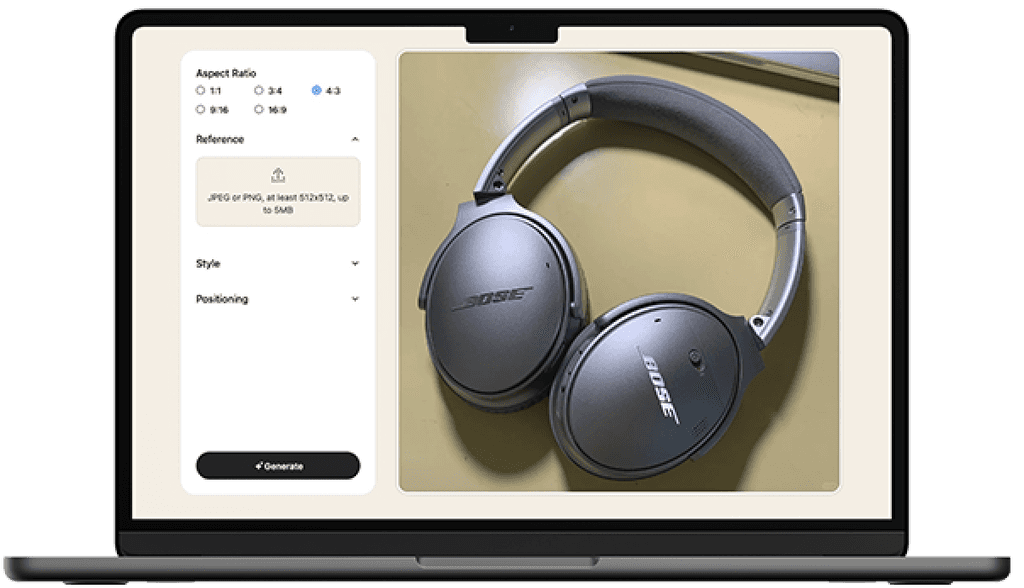
From marketplace listing photos, social media content, website imagery, email banners to traditional print—get all sizes ready from one upload.
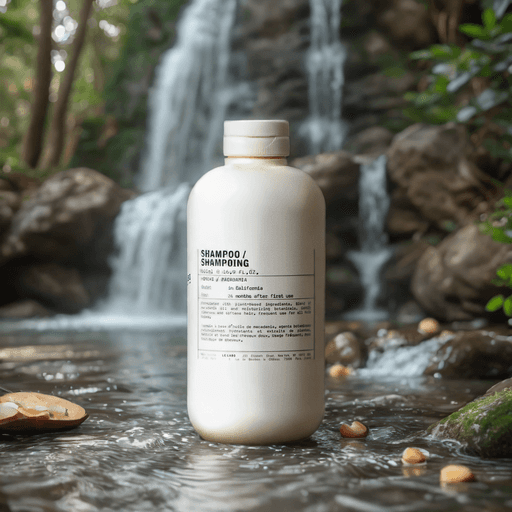
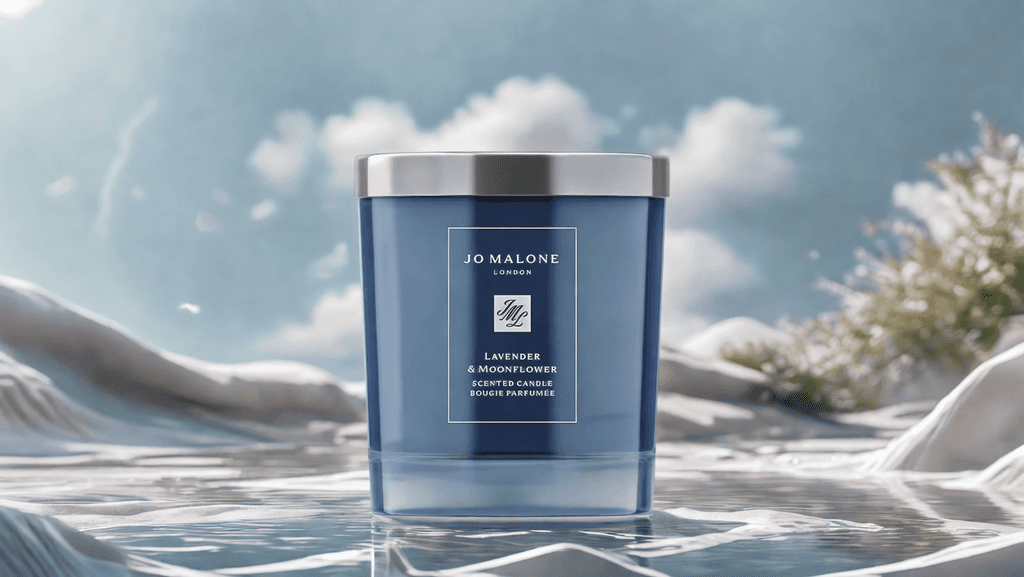






3
+
Photoshoot Inspirations
Electronics
Furniture
Beauty
Toys & Games
Health & Wellness


Food & Drinks
Sports & Outdoor
Houseware
Jewelry
Endless creative product photoshoot ideas and background inspiration for your product visuals.
Scale your Business,
with Pixyer API
Automate high-quality, AI-generated product photos and effortlessly scale your business with API for bulk image generation, streamlining your workflow.


"\
\
Fast Accurate Simple No prompt\
\
"\
\
From\
\
Pixyer:AIBackgroundGeneratorBornforProductPhotos

Easy to Generate

Customized Backgrounds
?
Frequently asked questions
Need help with something? Here are our most frequently asked questions.
<
1
>
How do I create a product photoshoot with Pixyer?
<
2
>
Can I generate product photos for free?
<
3
>
How many images can I generate at a time?
<
4
>
How do credits work in Pixyer?
<
5
>
What kind of photos should I upload to Pixyer?

GetanyProductPhotosyouLike in3Seconds
Influencer Program
Are you an influencer? Apply for extra free credits to enhance your Pixyer experience!
Feel free to use these credits without any obligation—no need to promote Pixyer unless it truly impresses you. If you love it, a shoutout would be amazing, but we’d appreciate any feedback either way.
Interest? Send us an email or message on X to connect!

Special Thanks to Our Amazing Supporters




Subscribe to our newsletter and stay tuned for our new features
© 2024 Pixyer. All rights reserved.
Al! images are generated by Pixyer AI.
-
Shoots
-
AI Magic
-

-
for
-
Studio-Quality
-

-
Photo
-

-
Shoots
-
AI Magic
-

-
for
-

-
Studio-Quality
-
Photo
-

-
Shoots
-
AI Magic
-
-
for
-
Studio-Quality
-
-
Photo
-
-
Shoots
-
AI Magic
-
-
for
-
-
Studio-Quality
-
Photo
-
-
Shoots
-
AI Magic
-
-
for
-
Studio-Quality
-
-
Photo
-
-
Shoots
-
AI Magic
-
-
for
-
-
Studio-Quality
-
Photo
-
-
for
-
Studio-Quality
-
-
Photo
-
-
Shoots
-
AI Magic
-
-
for
-
-
Studio-Quality
-
Photo
-
-
Shoots
-
AI Magic
-
-
for
-
Studio-Quality
-
-
Photo
-
-
Shoots
-
AI Magic
-
-
for
-
-
Studio-Quality
-
Photo
-
-
Shoots
-
AI Magic
-
-
for
-
Studio-Quality
-
-
Photo
-
-
Shoots
-
AI Magic
-
-
for
-
-
Studio-Quality
-
Photo
-
-
Shoots
-
AI Magic
-
-
Photo
-
-
Shoots
-
AI Magic
-
-
for
-
-
Studio-Quality
-
Photo
-
-
Shoots
-
AI Magic
-
-
for
-
Studio-Quality
-
-
Photo
-
-
Shoots
-
AI Magic
-
-
for
-
-
Studio-Quality
-
Photo
-
-
Shoots
-
AI Magic
-
-
for
-
Studio-Quality
-
-
Photo
-
-
Shoots
-
AI Magic
-
-
for
-
-
Studio-Quality
-
Photo
-
-
Shoots
-
AI Magic
-
-
for
-
Studio-Quality
-
Tierlify