

详细内容

All Free Tools
All Free Tools
Edit Your Images
Resource
Blog Category
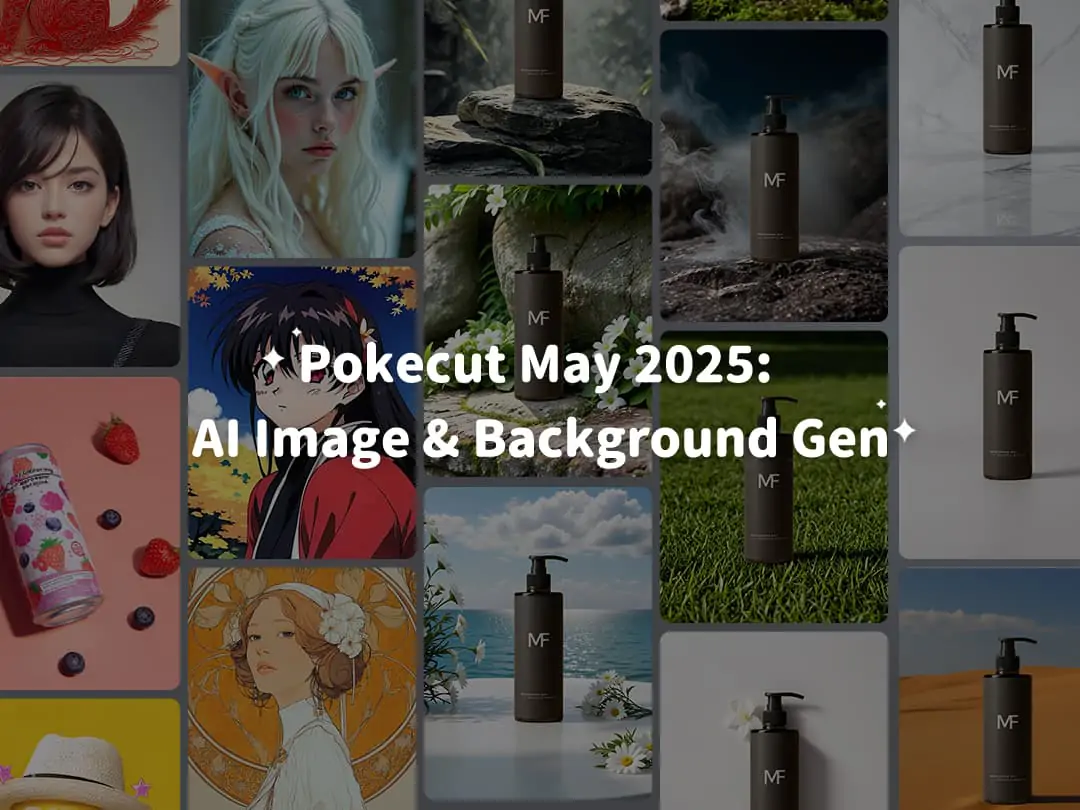 Pokecut May 2025 AI Tech
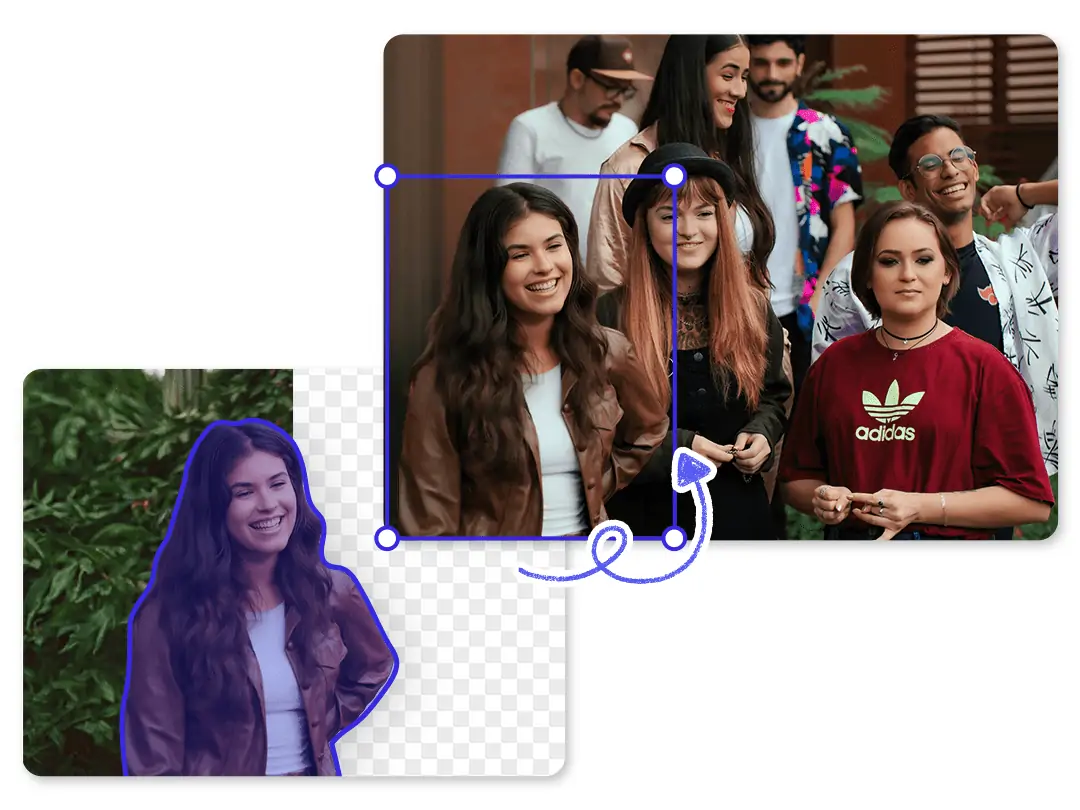 How to Add a Person to a Photo?
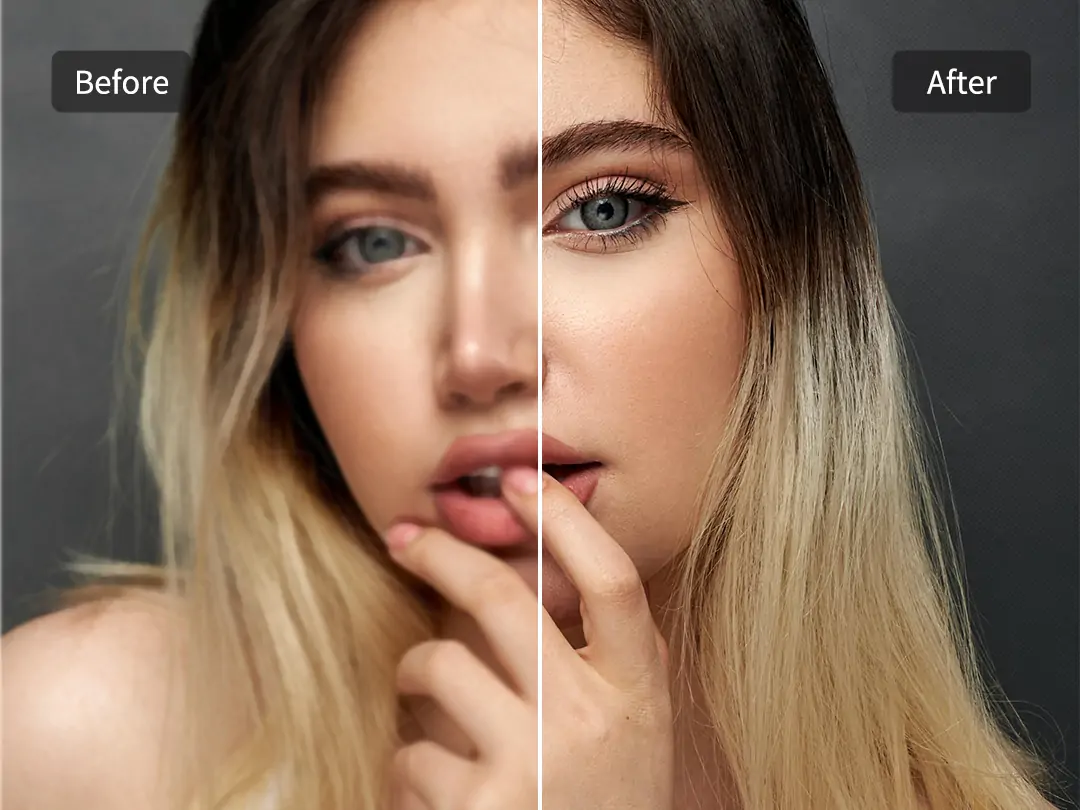 The 5 Best AI Image Upscalers: Upscaling Photo to 4k
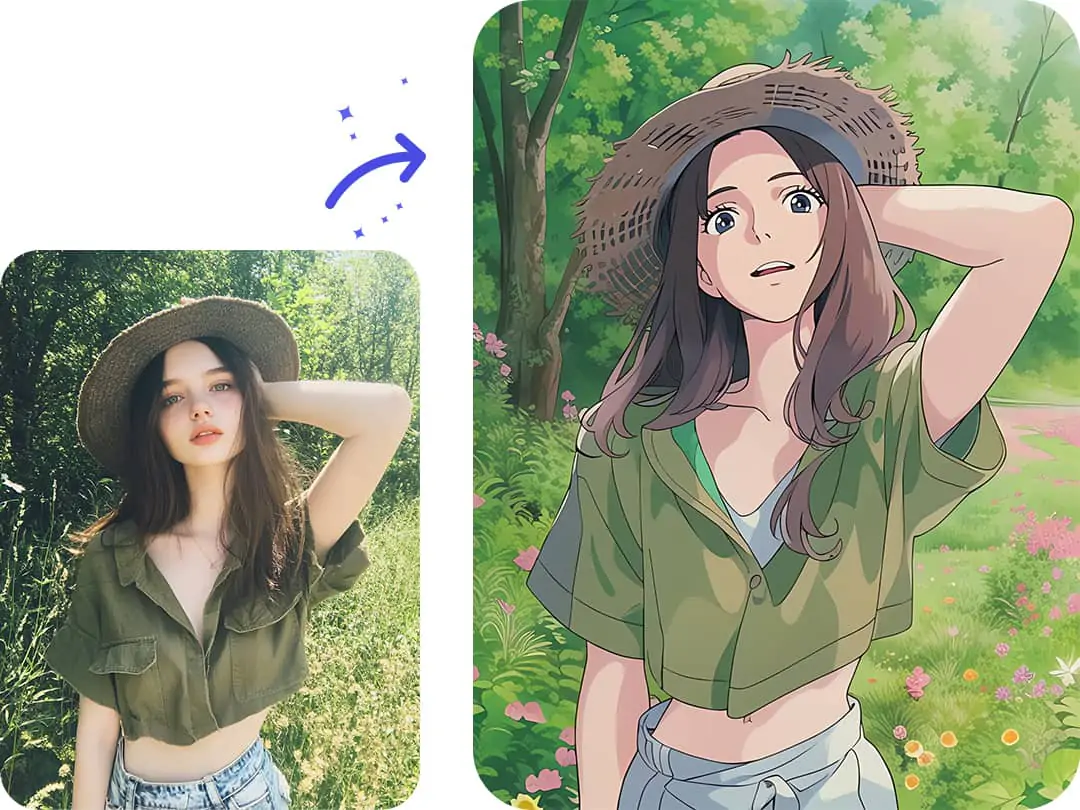 How to Create Studio Ghibli AI Art?
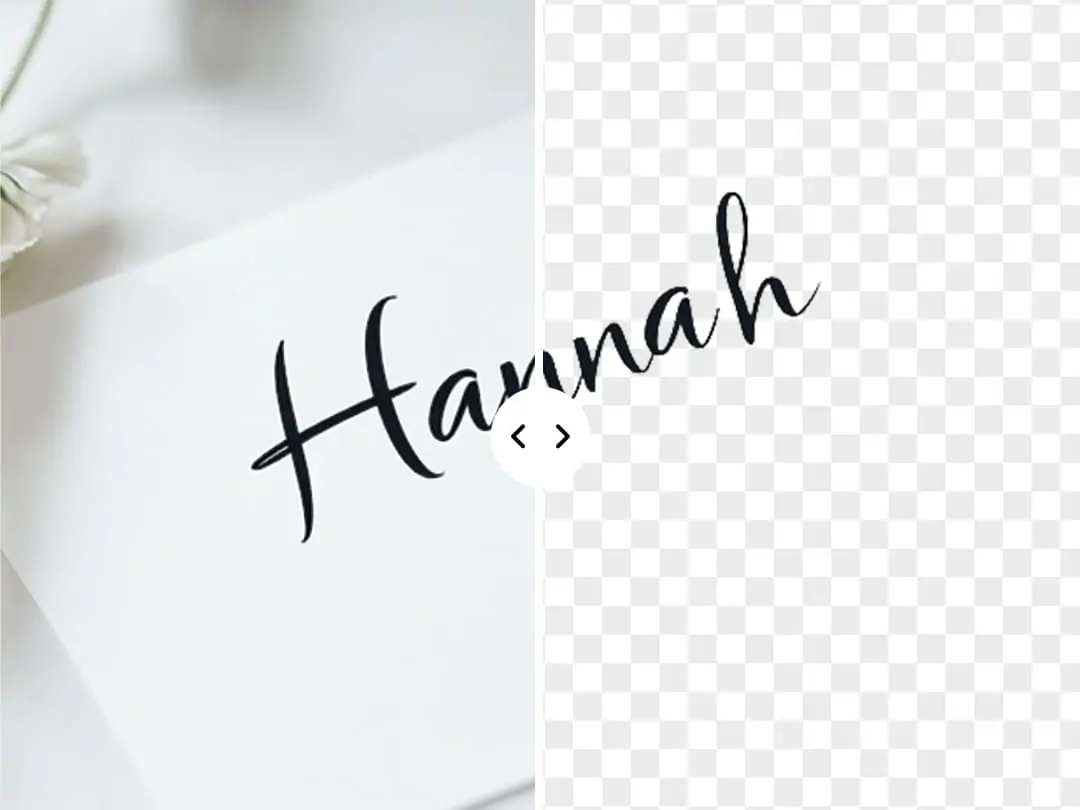 How to extract signature from image?
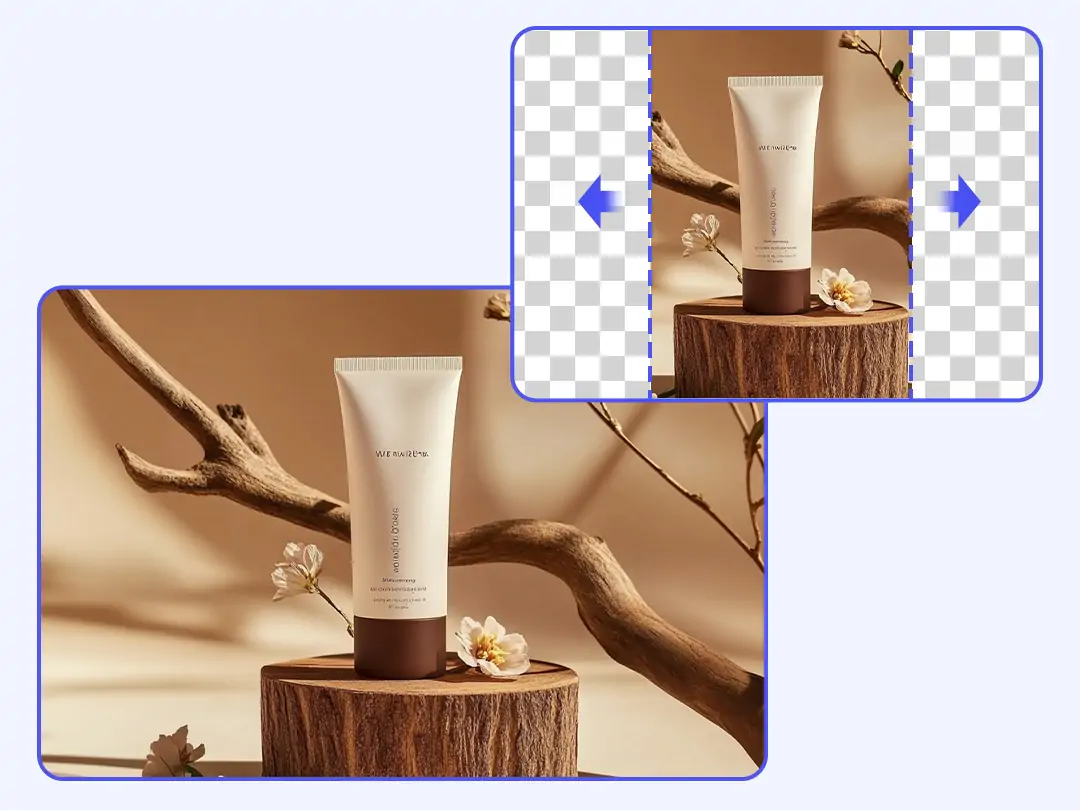 Top 5 Free AI Tools to Uncrop Images in 2025(DeepSeek's Picks)
Templates
 White Background for product photography
 Green Background for product photography
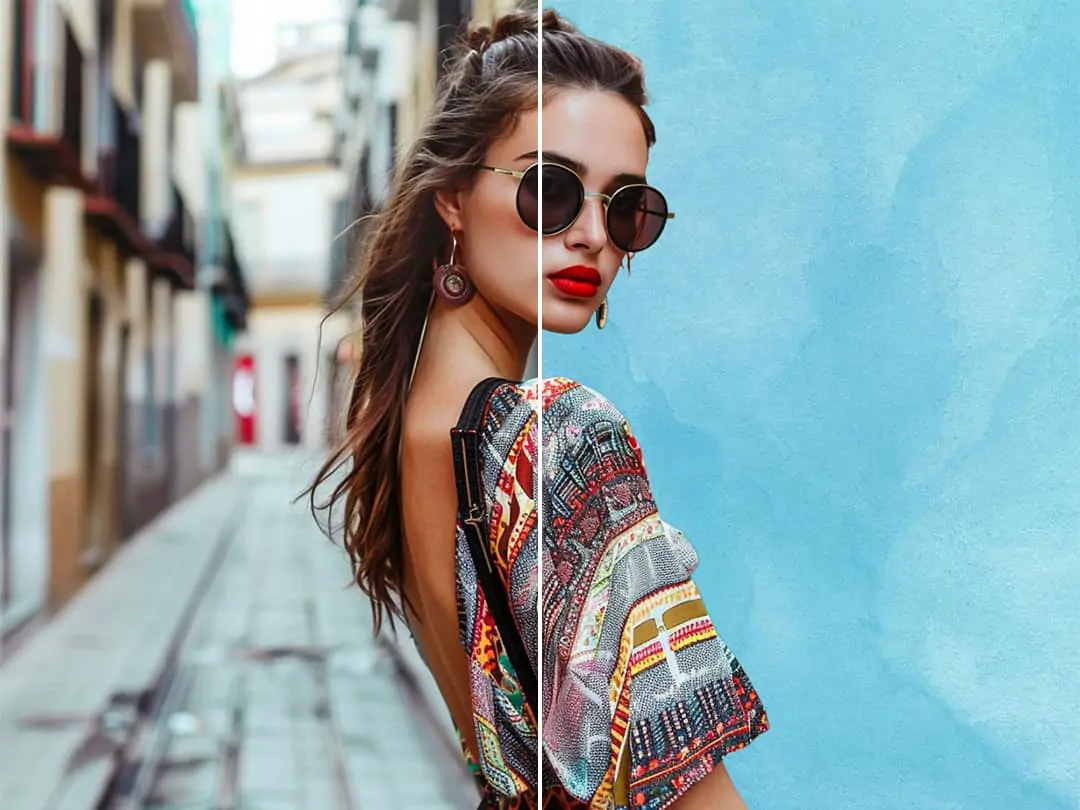 Create Your Photography with Blue Background
Help


 Exit

Unlock all features for just $1
Start with $1
then $6.99/month
23
:
59
:
57

AI Photo Editor & Generator
Transform ordinary images into stunning masterpieces effortlessly with our our AI-powered editor. Online & No sign-up required


Item 1 of 3
AI Photo Editor
AI Image Generator
 Upload Image
or drop a file here
CTRL+V to paste image or URL
Supported formats: JPEG, JPG, PNG, WebP, BMP
By uploading an image or URL you agree to our Terms of Use and Privacy Policy


Drop image anywhere


Image URL:
CancelConfirm
0%
Skip background removal
Explore More Free Features

- AI Background Remover\

- AI Background Changer\

- AI Photo Enhancer\

- Magic Eraser\

- AI Image Extender\

- ID Photo Maker\

- Photo Collage Maker\

- Batch Photo Edit\

- Image to Image AI\

- AI Replace\

- AI Background\

- AI Image Generator\

- AI Background Remover\
- AI Background Changer\
- AI Photo Enhancer\
- Magic Eraser\
- AI Image Extender\
- ID Photo Maker\
- Photo Collage Maker\
- Batch Photo Edit\
- Image to Image AI\
- AI Replace\
- AI Background\
- AI Image Generator\
Item 1 of 12

Explore the Best Free Photo Editor & Generator
 1M+
Users Worldwide
 50+
AI Tools
 100M+
Photos Processed
 # 2\
Explore Our AI Effects
Remove Text from PictureA free tool to remove text from photo. Erase Captions and Handwritten
Free HD Pic ConverterA photo to HD photo converter to create hd image, up to 4K
Add a Person to a PhotoSeamlessly add people to group or landscape pictures for free
AI Beard RemoverRemove beard from photo for free to get a clean appearance instantly
AI Signature ExtractorEffortlessly create transparent signature png for electronic signing
AI Sticker RemoverRemove sticker from photo online to restore your images
Speech Bubble MakerGive your photo a voice by adding a speech bubble to it
Photo RestorationThe online AI Photo Restoration function supports restoring old photos
Remove Tattoo from PhotoUse AI tattoo removal to make natural and clear skin photo
Remove Text from PictureA free tool to remove text from photo. Erase Captions and Handwritten
Free HD Pic ConverterA photo to HD photo converter to create hd image, up to 4K
Add a Person to a PhotoSeamlessly add people to group or landscape pictures for free

AI Beard RemoverRemove beard from photo for free to get a clean appearance instantly

AI Signature ExtractorEffortlessly create transparent signature png for electronic signing
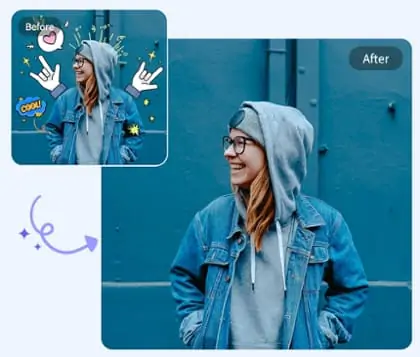
AI Sticker RemoverRemove sticker from photo online to restore your images

Speech Bubble MakerGive your photo a voice by adding a speech bubble to it
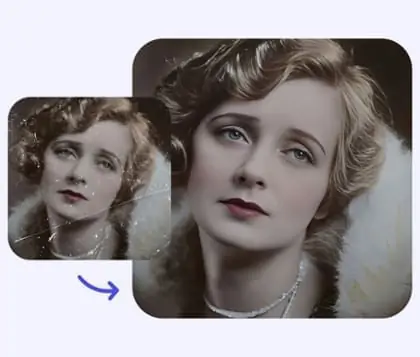
Photo RestorationThe online AI Photo Restoration function supports restoring old photos
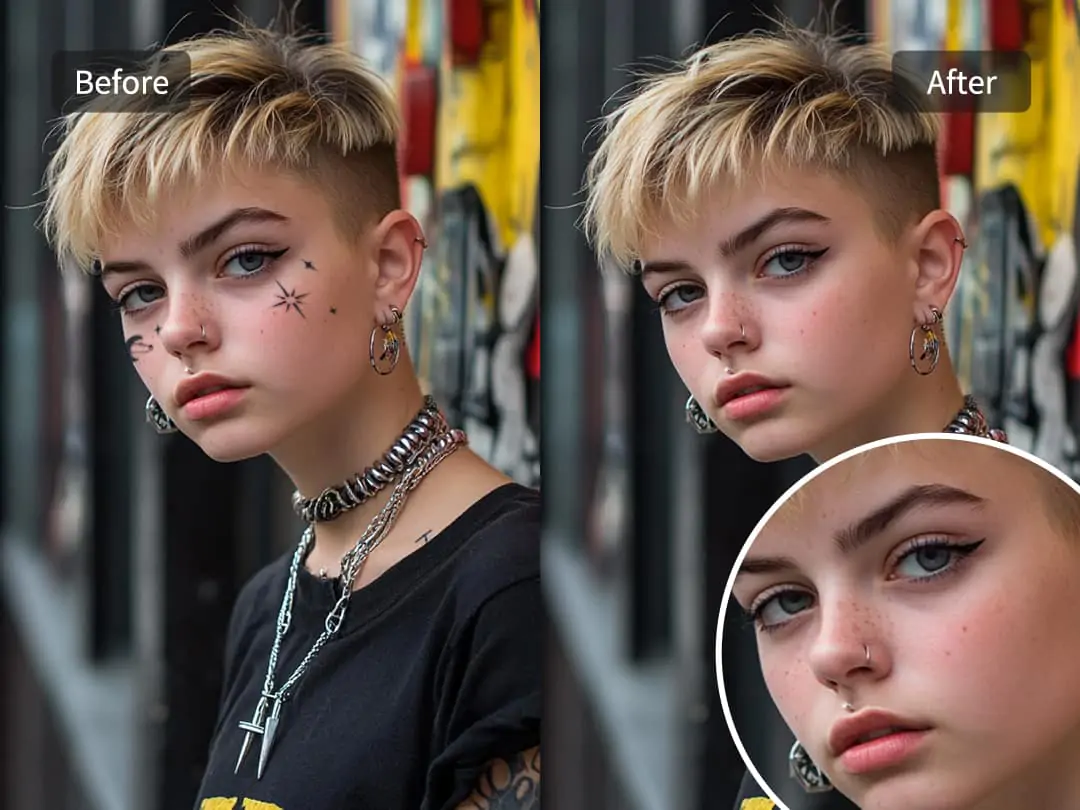
Remove Tattoo from PhotoUse AI tattoo removal to make natural and clear skin photo
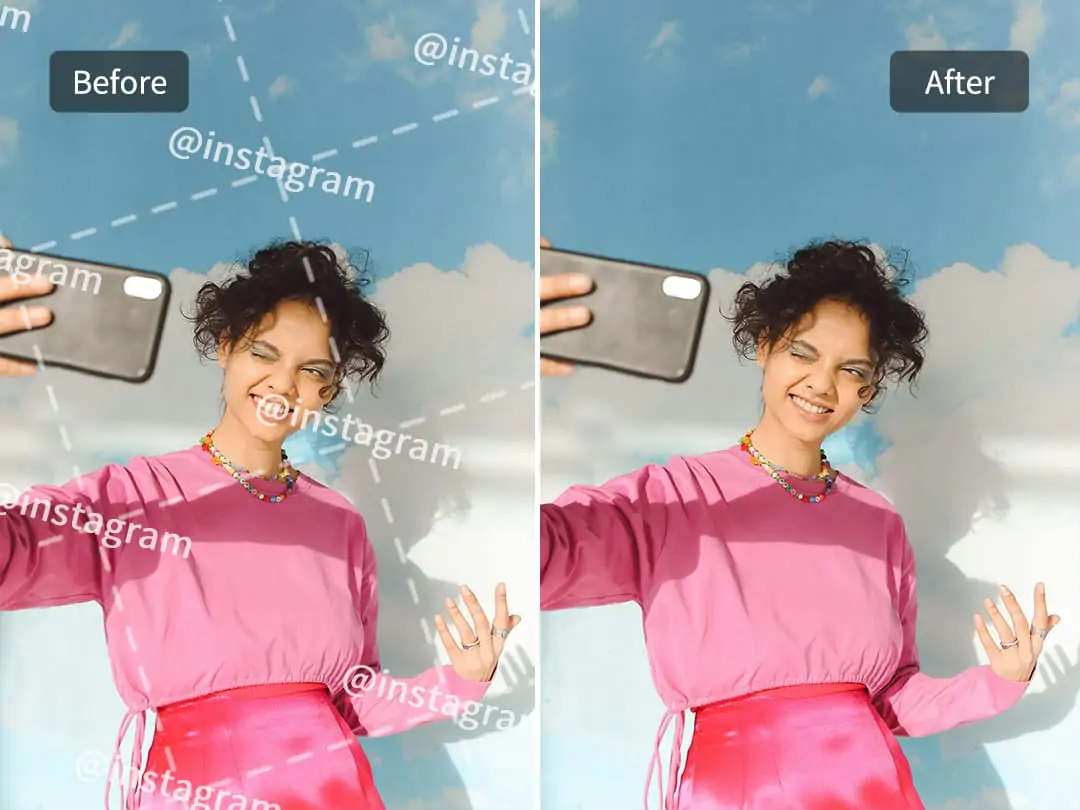
AI Watermark RemoverRemove watermark from photo online to restore your images
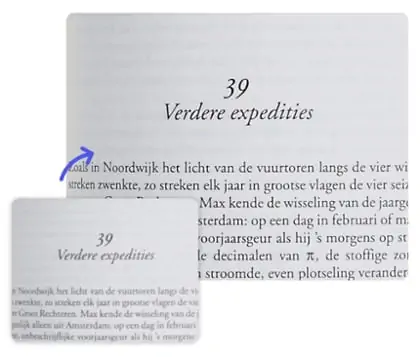
AI Imgae Text EnhancerA easy tool to enhance text in image for free with just one click
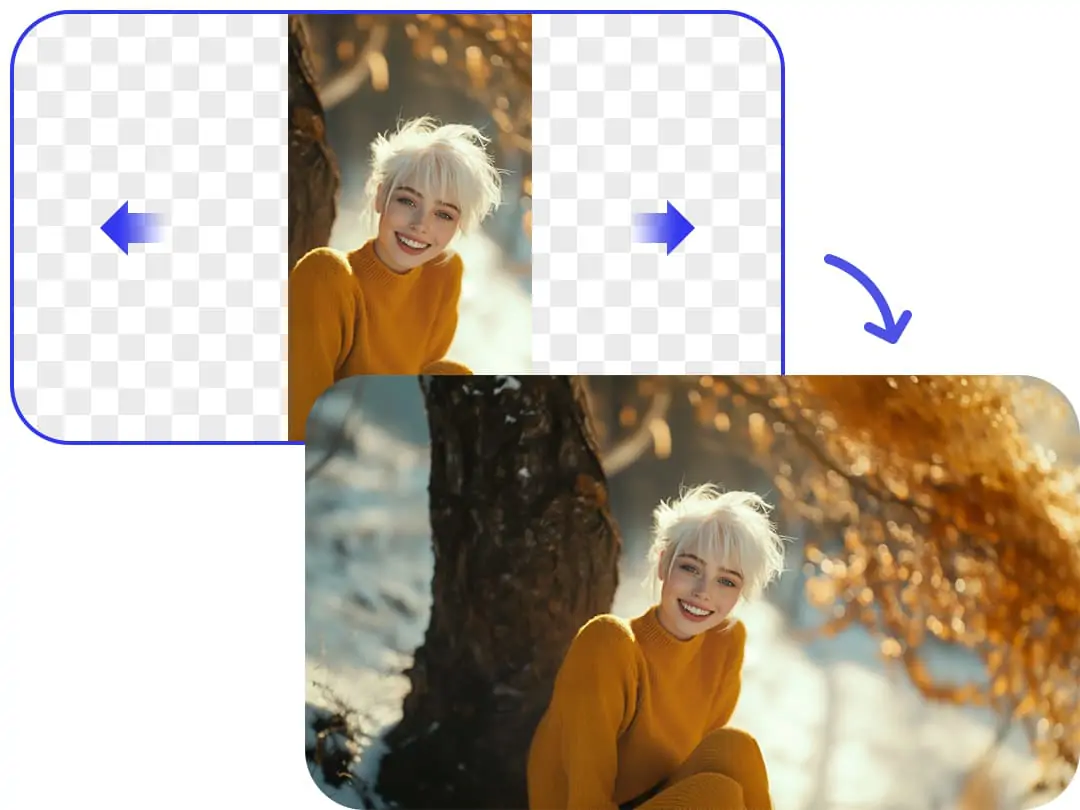
AI Landscape To Portrait ConverterUse AI uncrop to convert picture between portrait and landscape

Remove Shadow from PhotoAn online shadow remover. Easily remove shadow for free

Logo cut outExtract logo from image to create a transparent logo

Change Passport to Blue BckgroundOne click to change the passport photo background to blue color
Zoom Out PictureZoom out on a picture with AI for better visual effects.
Change Background ColorChange the background to a solid color, such as white, blue, red, etc.
Remove Glare from PhotoAn AI tool to remove glare and reflection from photo, free and online
AI Watermark RemoverRemove watermark from photo online to restore your images
AI Imgae Text EnhancerA easy tool to enhance text in image for free with just one click
AI Landscape To Portrait ConverterUse AI uncrop to convert picture between portrait and landscape
Remove Shadow from PhotoAn online shadow remover. Easily remove shadow for free
Logo cut outExtract logo from image to create a transparent logo
Change Passport to Blue BckgroundOne click to change the passport photo background to blue color
Zoom Out PictureZoom out on a picture with AI for better visual effects.
Change Background ColorChange the background to a solid color, such as white, blue, red, etc.
Remove Glare from PhotoAn AI tool to remove glare and reflection from photo, free and online
Explore Pokecut AI use cases

Create Professional Product Photos to Increase E-commerce Sales
Struggling to create professional product photos quickly? Pokecut makes it easy. Remove backgrounds in seconds with Pokecut's smart tool. Choose from 1000+ ready-made templates or generate a unique AI background. Save time, cut costs, and boost sales without photo editing skills needed.
Try AI Background

Online AI Image Generator for Any Scene
Go beyond a basic AI image generator, Pokecut uses advanced models like Stable Diffusion 1.5, SDXL, and Flux, powered by WebUI and ComfyUI. Generate any style you need, from realistic product photos and AI artwork to logos, text images, posters, and illustrations. This powerful photo editor and generator is ideal for everyone, from casual users to pro designers.
Try AI Image Generator

Item 1 of 4
AI Photo Editor for Elevating Portrait Photos
Pokecut offer a range of AI photo editing tools specifically for portraits. First, use the Magic Eraser to remove photobombers from your travel photos and enjoy a clean, crisp portrait. Second, if you didn't get the composition right, the AI Image Expander can extend your photos to turn a half-body shot into a full-body portrait. Third, worried about losing quality after editing? Pokecut's AI Photo Enhancer converts your images to HD, enhancing detail and clarity. Discover more tools that await you!
Try AI Portrait Picture Editor

Item 1 of 4
All-in-One Photo Editor & Image Generator
Pokecut offers many other impressive online tools:
1. Photo Enhancer for multi-scene: Pokecut has specialized AI models for portraits, products, anime, text, night scenes, and more.
2. Versatile AI ID Photo feature: Automatically remove backgrounds and switch to ID photo size. It supports passport photos, visa photos, and nearly all ID photo sizes from around the world.
3. AI blur background function: Easily create cool motion blur background photos.
4. Pokecut also offers over 1000 stickers, text, and templates, helping you create photos perfect for social media sharing.
Try 1000+ Templates
People love Pokecut
I've been using Pokecut for my product photos, and the improvement is incredible! The background removal feature is fast, allowing me to showcase my products in a clean and professional background. This AI-powered tool has really elevated my sales.It's absolutely a game-changer for anyone in e-commerce. Highly recommend it!


Emily Johnson
Amazon E-commerce Seller
I'm an AI tech enthusiast and I love exploring new AI tools, so I found Pokecut. Background remover is fast and efficient, and the improvement in image quality is immediate. The background changing options are creative and varied. It's exciting to see such a powerful tool available for free, AI technology is complex, but Pokecut makes it easy to use!

Lucas Oliveira
AI Technology Enthusiast
As a professional designer, I am always looking for tools that can enhance my workflow and make me more efficient. Pokecut is absolutely what I want! The image upscaler takes my designs to the next level, and I no longer worry about my materials being blurry and making the design look bad. This is a free AI tool that is definitely a must-have in my toolkit!

Sofia Müller
Professional Image Designer
Explore Pokecut App in Anywhere,Anytime

AI Background - Pokecut StudioRemove Background & AI Design
 \
\
Download on the\
\
App Store  \
\
GET IT ON\
\
Google Play
-

AI Remove
Background -

Professional
AI Background -

AI Product
Retouch -

1000+
Templates -
Auto Detect &
Remove Objects -
Batch Edit
100 Photos -
AI Features for
Multiple Needs -
Passport Photo
-
Unique Art Fonts
-
Relight
in One Click
Item 1 of 10
Frequently Asked Questions
What is Pokecut?
Pokecut is a free online photo editing tool, also provides AI image generation function. Pokecut is committed to helping users turn ordinary pictures into professional and aesthetic pictures with just a few clicks. We provide advanced and popular features like AI background remover, magic eraser, photo enhancer, AI background changer, etc. It is very suitable for ordinary people, designers, e-commerce sellers and other users.
Is Pokecut free?
Yes, Pokecut is free to use. You receive five free daily credits to try out basic features, such as photo enhancement and background removal. However, usage is limited. To unlock more edits, higher resolution, and full feature access, you can go to the online store to subscribe to the Pro plan.
Can I use Pokecut without signing up?
Yes you can. Pokecut can be used directly without signing up or login.
Can I use Pokecut's AI photo editor for commercial use?
Yes, you can. Pokecut allows you to use the images generated by Pokecut's AI Image Editor and AI Image Generator for commercial purposes. But please note that if the image contains design resources not provided by Pokecut, the relevant commercial copyright is not managed by Pokecut. For more information, please refer to our Terms of Use.
How can I contact Pokecut's support?
If you have a refund request, please contact us by support@pokecut.com.
POKECUTLanguage: English 
AI Tools for Free
Help
Company
 \
\
Download on the\
\
App Store

 \

 \

 \

 \

 \

 \
Copyright © 2025 Pokecut All Rights Reserved.

Feedback
If you have any questions or suggestions, please contact us at support@pokecut.com or join our Discord, where helpful suggestions may receive rewards!
