详细内容
Launch multi-channel sequences (email + LinkedIn) in Salesforge with unlimited LinkedIn Senders & mailboxes
$4.5 to $3.5 per mailbox per month
Cold Email Mailboxes Built for Deliverability - Not Daily Use
Get
real
Google Workspace
&
Microsoft 365
mailboxes
engineered
for cold
outreach,
configured
automatically,
and ready
to send
in 30 minutes.
No loopholes.
No EDU tricks.
No fragile infrastructure.
Mailforge email captureInfraforge email captureWarmforge email captureSalesforge email capturePrimeforge email capture
Thank you! Your submission has been received!
Oops! Something went wrong while submitting the form.
You can also
or
Book a demo
Book demo
Google Workspace
MS365
Automated DNS Set Up
US IP Addresses

Mailbox Profile Pics + GIFs
API
Ready In 30 Mins
1K+ Community








A Modern Email Infrastructure Designed for Cold Outreach
Most mailboxes were never built for cold email. Primeforge is. Provision fully compliant Google Workspace & Microsoft 365 mailboxes - optimized specifically for cold outreach workflows, safety limits, and reliable inbox placement.
Better Deliverability from Day One
Send from the same ESPs your prospects use. ESP-matching increases inbox placement and reduces spam-folder risk.
Ready for Scale
Whether you’re a solo SDR, an agency running 300+ mailboxes, or powering an AI SDR pipeline - Primeforge gives you predictable, stable infrastructure.
Pre-Warmed Mailboxes
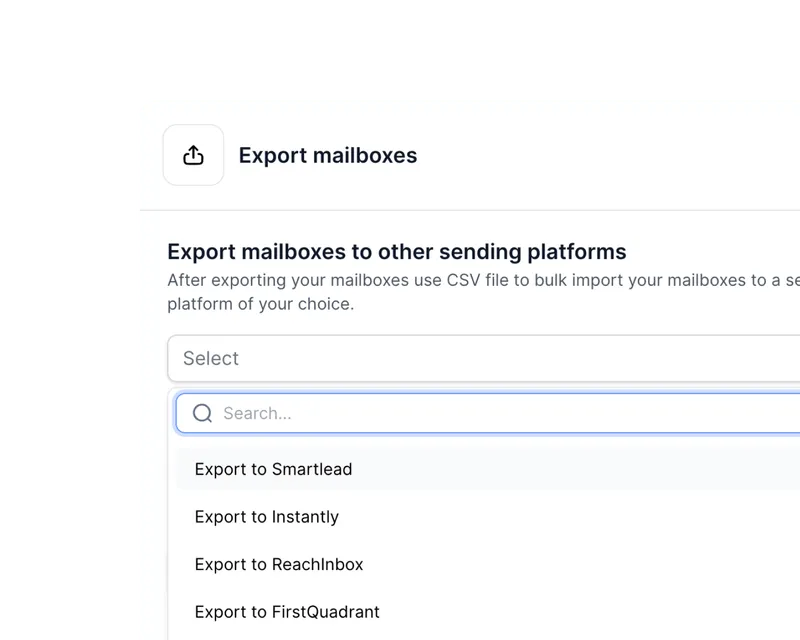
Add your new domains & mailboxes to Salesforge or any other sending software - no complex transfers or integrations needed.
Works With Every Outreach Tool
Connect to Salesforge or any platform instantly. No migrations, no complex bridging, no manual DNS hell.
Why Primeforge Beats “Regular” Google & Microsoft Accounts
Running cold email from native, non-optimized Google/MS accounts leads to slow setup, blocked mailboxes, and unpredictable deliverability. Primeforge solves that:
Pricing per Mailbox per Month
$4.5
$8.40
46% savings!
$6
25% savings!
Set Up Time
30 mins
24h+
24h+
Full Domain & Mailbox Ownership
Automated Account & Profile Pic Set Up
Automated DNS Set Up
Optimized for Cold Email
Easy Bulk Management
Easily Connect Mailboxes to Sending Software
Case Studies
Real Teams, Real Results
Primeforge powers cold email pipelines at scale - from fast-growing startups to multi-client agencies running hundreds of domains. Here are a few examples of what teams achieve when they switch to reliable, compliant Google/MS mailboxes:
How\
\
 \
\
Runs\
\
Multi-Domain\
\
Cold\
\
Outreach\
\
With\
\
The\
\
Forge Stack\
\
View Case Study How\
\
 \
\
Scaled\
\
Agency\
\
Operations\
\
with\
\
the\
\
Forge\
\
Stack\
\
View Case Study How\
\
 \
\
Scaled\
\
Global\
\
Outreach\
\
with\
\
the\
\
Forge\
\
Stack\
\
View Case Study\
\
 How\
\
 \
\
Achieved\
\
6 Months\
\
of Perfect\
\
Deliverability\
\
with\
\
Primeforge\
\
 \
\
View Case Study
Built for Sales Teams, Agencies & AI SDR Workflows
Primeforge removes the fragility of cheap EDU accounts, loophole-based setups, or reseller panels with questionable compliance. You get:
Clean US-based IPs
Legitimate Google/MS mailboxes
Automated DNS with industry best practices
Pre-warmed mailboxes ready to send safely
Good-standing domains
Stable performance for high-volume or AI-driven sending
Key Features
Key Features That Actually Matter for Cold Outreach
Primeforge makes setting up Google and Microsoft mailboxes easy, but it makes managing them at scale even easier. You can now leverage the brand-name deliverability without wasting time on worrying about individual mailboxes.
Free Automated Set Up Bulk DNS Updates Multiple Workspaces Any Sending Software Mailbox Profile Pics / GIFs US IP Addresses
Free Automated Set Up
For each mailbox you buy with Primeforge, we take care of setting up DMARC, SPF, DKIM and custom domain tracking, following industry best practices.

Bulk DNS Updates
Update multiple domains’ DNS records in just a few clicks, within the Primeforge app.

Multiple Workspaces
Stay organized by creating workspaces for each of your projects and easily move domains and mailboxes between them.

Works With Any Sending Software
You can use Primeforge mailboxes with any sending software like Salesforge.
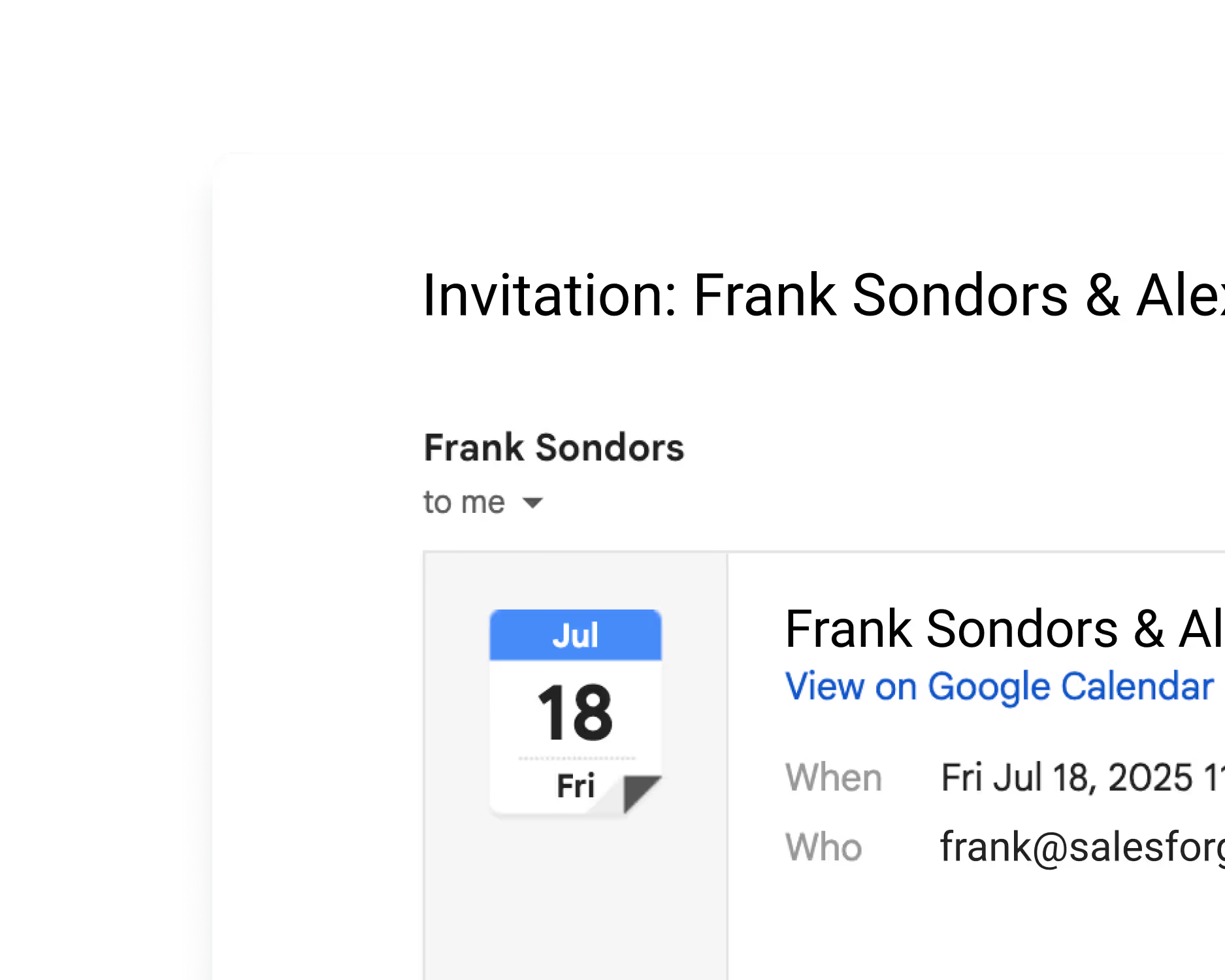
Mailbox Profile Pics / GIFs
With Google Workspace and MS365 you can instantly set-up profile pictures & GIFs at scale for each mailbox to stand out from the crowd and gain visibility in your prospects’ mailboxes.
US IP Addresses
All your domains and mailboxes come with US-based IP addresses.

The Reviews Are In
Why Agencies and High-Volume Senders Stick With Primeforge
Infrastructure is the single biggest weakness in most cold email setups. Teams that switch to Primeforge see immediate stability, cleaner delivery paths, and far fewer infrastructure-related surprises.
"Smart, stable, and flexible — exactly what we needed."
"We use Primeforge together with Warmforge for Rippla’s outreach. Our Gmail accounts are created in Primeforge and warmed up in Warmforge, then connected to Kommo and in-house automation scripts — and they just run smoothly.
We send both CRM follow-ups (for leads who didn’t finish onboarding) and separate campaigns to new businesses using our own Python script and Google Sheet.
Integration is simple, deliverability is very high, and support is flexible and responsive when we need help. For us, Primeforge became a reliable hub for automated communication at scale."
Yuri L.
CTO
"Effortless Cold Email Setup, But Needs More Transparency"
"It is the technical backgrouWhat stands out is how hands-off the setup is. Primeforge takes care of all the technical deliverability details — SPF, DKIM, DMARC, domain warm-up, and DNS records — without me needing to touch anything. The mailboxes come pre-configured with US-based IPs, which gives a strong deliverability baseline right out of the gate. It’s basically “cold email infrastructure as a service,” which saves a ton of time compared to managing dozens of inboxes manually. I also like that they let you add profile pictures to the mailboxes — it’s a small detail, but it makes outreach emails look more legitimate and personal.nd which makes.”
Dominique W.
"Say Goodbye to Email Setup Headaches"
"I love how easy it is to add new domains and mailboxes, and the workspace feature keeps everything organized. Using US-based IP addresses seems to help my emails get delivered, and the ESP Matching is a nice touch - it feels like my messages are more likely to be seen."
Verified User in Consulting
Why Primeforge Is the Safer, More Reliable Choice for Cold Outreach
Primeforge gives you fully owned, compliant Google/MS mailboxes optimized for cold outreach - while SMTP setups kill deliverability and reseller models introduce dependency and variable quality.
Mailbox Resellers
Mailbox Type
Real
Workspace
&
MS365
Google/MS mailboxes resold in bulk
Cold Email Deliverability
High
Variable
IP Reputation
US-based, stable IPs
Mixed (can degrade over time)
Pre-Warmed Mailboxes
Sometimes
DNS Setup(SPF/DKIM/DMARC)
Fully automated
Automated or semi-automated
Block / Ban Risk
Very Low
Low–Medium
Ownership
Cold email teams, agencies, AI SDRs
Partial (you rent mailboxes)
Best For
Cold email teams, agencies, AI SDRs
Scaling cold email without owning infra
Explore Options
Email Infrastructure for Every Need
As part of the Forge Stack, we offer 3 different infrastructure solutions. Primeforge with Google and Microsoft mailboxes, Mailforge with shared email infrastructure and Infraforge with private email infrastructure.
Primeforge
Ideal if your prospects use Google Workspace or MS365 - using ESP Matching (sending from the same mailbox provider as your recipient uses) you can boost deliverability and make sure you land in their primary inbox.
Mailforge
Email infrastructure with a shared IP setup, perfect for when you’re just starting out or anticipating a large number of spam complaints.
Infraforge
Our most advanced, private email infrastructure made for heavy-hitters. With multi-IP provisioning and API, Infraforge is perfect for those needing customization and control at scale.
Explore the Benefits
Email Infrastructure for Every Need
As part of the Forge Ecosystem, we offer 3 different infrastructure solutions. Primeforge with Google and Microsoft mailboxes, Mailforge with shared email infrastructure and Infraforge with private email infrastructure.
Our Recommendation?
Mix & Match
Our recommendation? Combine Primeforge with either Mailforge or Infraforge for best deliverability. The most successful companies use 2 or more ESPs to diversify and reduce the risk of infrastructure burn. By doing so, you can ensure you will always have a mailbox corresponding to your prospect’s which increases the chances of landing where you’re supposed to be - in the primary!

Personalized Outbound Strategy
Get The Right Outbound Strategy In Minutes
Enter your email to get a custom plan & stack recommendation for your business
It's being carefully crafted by AI
Please check your mailbox in 5 minutes
Something went wrong. Please try again
Every Aspect of Successful Outreach, Covered
Easily automate your human team’s work and blend in AI Agents to maximize sales pipeline coverage.

Step 1

Step 2

Step 3

Step 4

Step 5

Step 6

Step 7
Without the Forge
Find the leads
Enrich the contacts
Set up domains
Set up DKIM,
DMARC, SPF records
Create mailboxes
Boost deliverability
Monitor domain reputation
Maximize your mailbox Heat Score™
Verify emails
Set up sequences
Monitor replies
Optimize performance
Reply to emails
Manage all mailboxes
Book meetings and calls
Pipeline
Close the Deal
With the Forge


 \
 \
Integrated with CRMs

 \
\
Agent Frank\
\
Hire Agent Frank\
\
 \
\
With Agent Frank
Frequently Asked Questions
If we don’t answer your question below, please contact us via chat
What is Primeforge, and how does it compare to other tools?
Primeforge is a cold email infrastructure tool that allows you to set up domains and mailboxes specifically for cold outreach at scale. Those are specifically Google Workspace and MS365 mailboxes with US IP addresses. As most prospects use those two providers for their emails, this means you can increase your email deliverability by sending from the same providers.
What mailboxes does Primeforge offer?
Primeforge offers Google Workspace and MS365 mailboxes with US IP addresses.
What’s the difference between Primeforge, Mailforge and Infraforge?
Primeforge, Mailforge, and Infraforge each serve different cold email infrastructure needs. Primeforge provides high-quality Google Workspace and Microsoft 365 mailboxes with US-based IP addresses, enabling users to send emails from the same providers most prospects use - maximizing deliverability and inbox placement at scale. Mailforge offers shared cold email infrastructure with automated DNS setup, making it a fast and cost-effective solution for getting started, though with limited control. Infraforge, on the other hand, delivers fully private infrastructure with advanced features such as multi-IP provisioning, custom domain configurations, dedicated IPs, and whitelabel options, ideal for teams or agencies requiring maximum scalability, control, and branding flexibility.
Is there a free trial?
Primeforge is an email infrastructure tool - you need to purchase domains and mailboxes to use it. Unfortunately, this means that we don’t offer a free trial, however, you are free to explore the app without any domains and mailboxes after signing up.
Does Primeforge have automatic DNS set up for my domains?
Yes, Primeforge offers automatic setup of all the technical parameters such as DKIM, DMARC and SPF in accordance with industry best practices. If you have any questions about the technical setup, you can search our Helpdesk for the information you need, or reach out to us directly via the chat in the bottom right corner.
What’s included in my subscription?
Our subscription prices include both the automated DNS setup and ongoing hosting and maintenance of your mailboxes and domains.
How many domains & mailboxes do I need?
That depends on the specifics of your sequences. We recommend using our handy calculator that takes into account how many emails you will be sending to each contact and how many contacts you want to process each month. You can find this calculator above, on this website or within the Primeforge app.
What Is The Tenant Setup In Microsoft 365?
In Microsoft 365, a tenant is a dedicated instance of Microsoft’s cloud services. In Primeforge we have 1 tenant per domain.
Ask Me Anything
Every Thursday at 10:00 AM ET (16:00 CET) connect with a Product Expert to discover the Forge and get all your questions answered.