
详细内容
Free Online Image Background Removal
Click or drag here to upload images
Click the image below to quickly try online background removal


Product Features
Removebg is a 100% free background removal tool, supports removing backgrounds from images of people, products, animals, cars, and logos, etc.
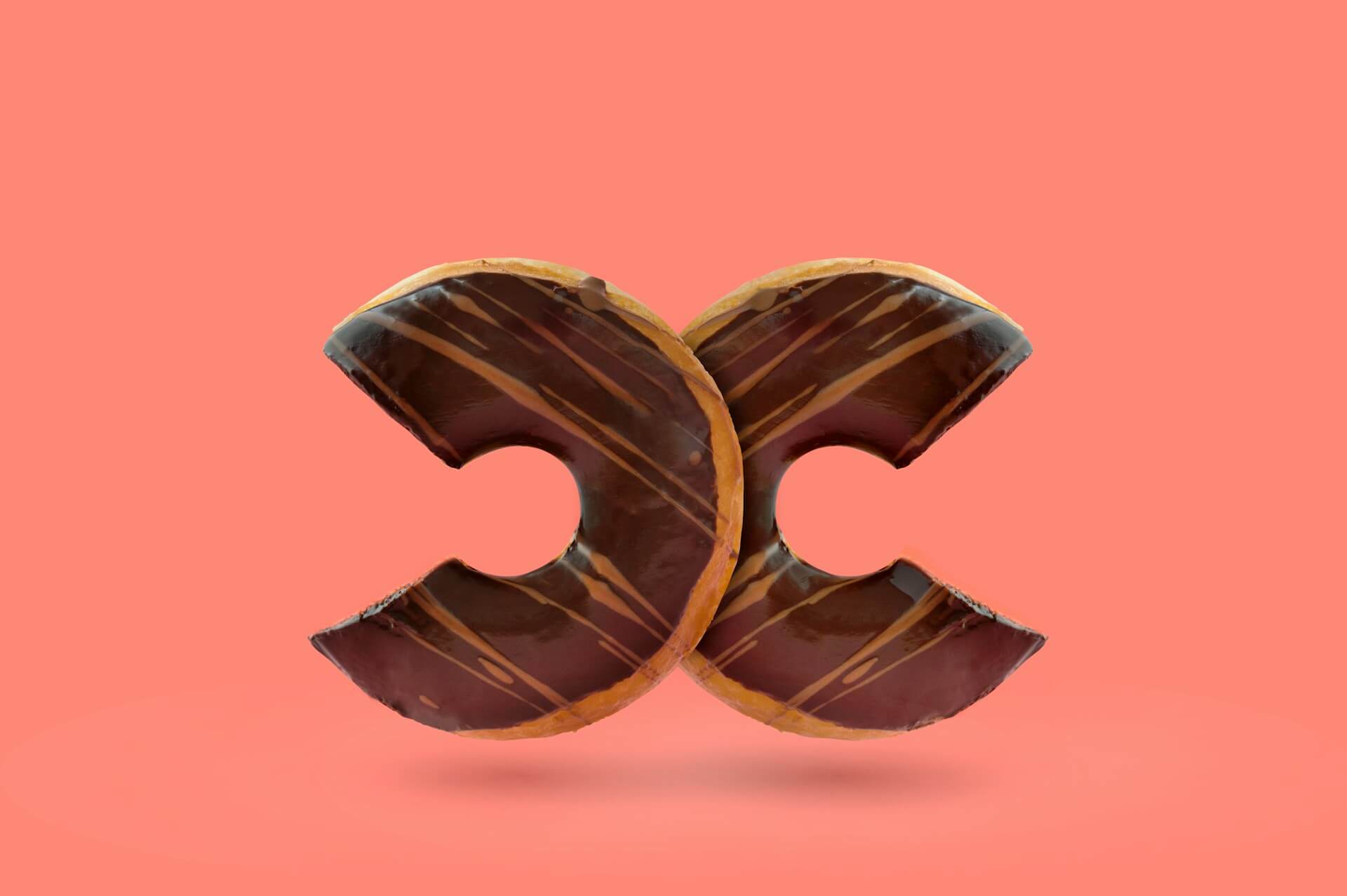
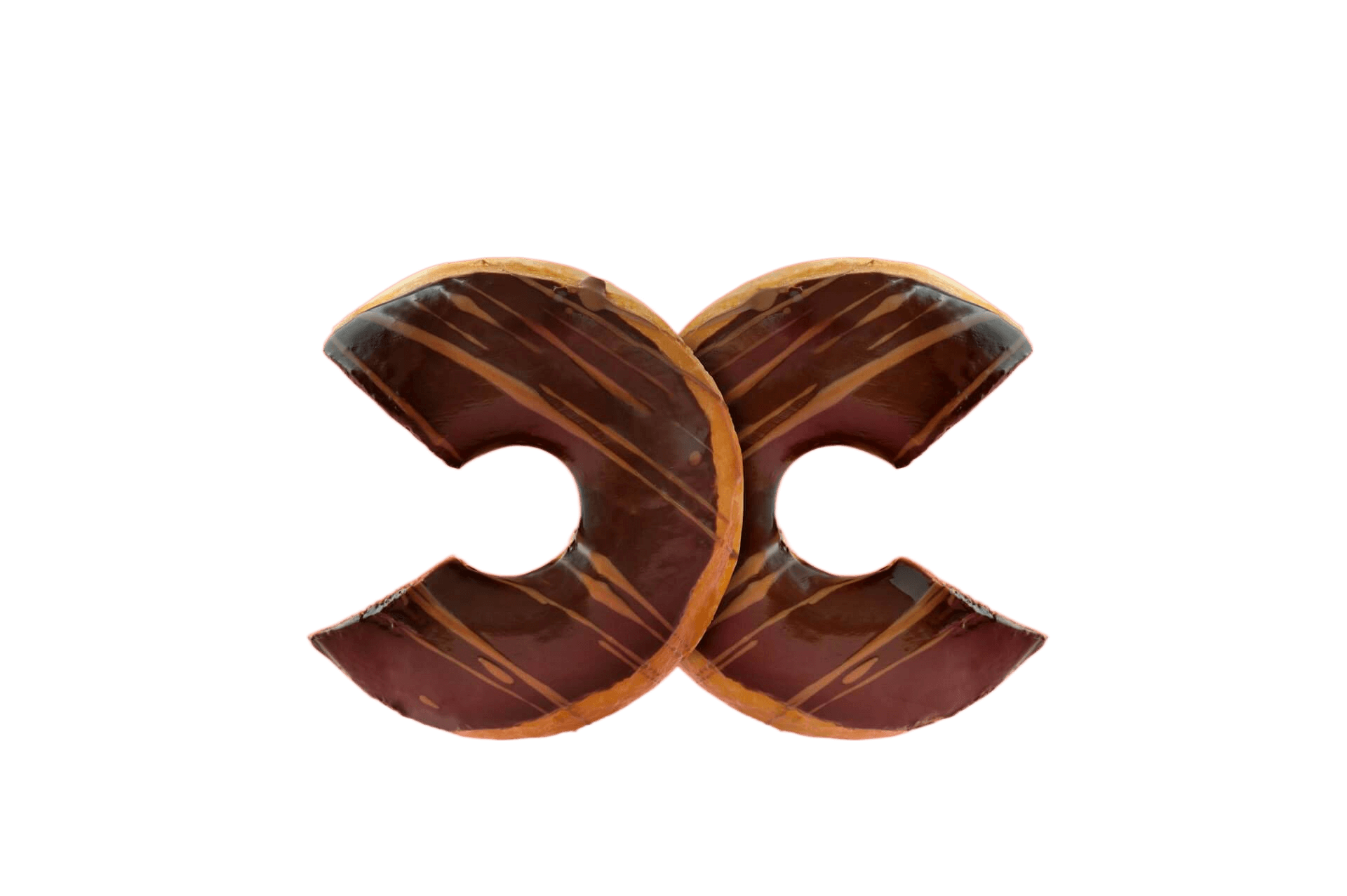
Remove Product Image Background
Remove Product Image Background to enhance product presentation, boosting visual appeal and increasing sales conversion.


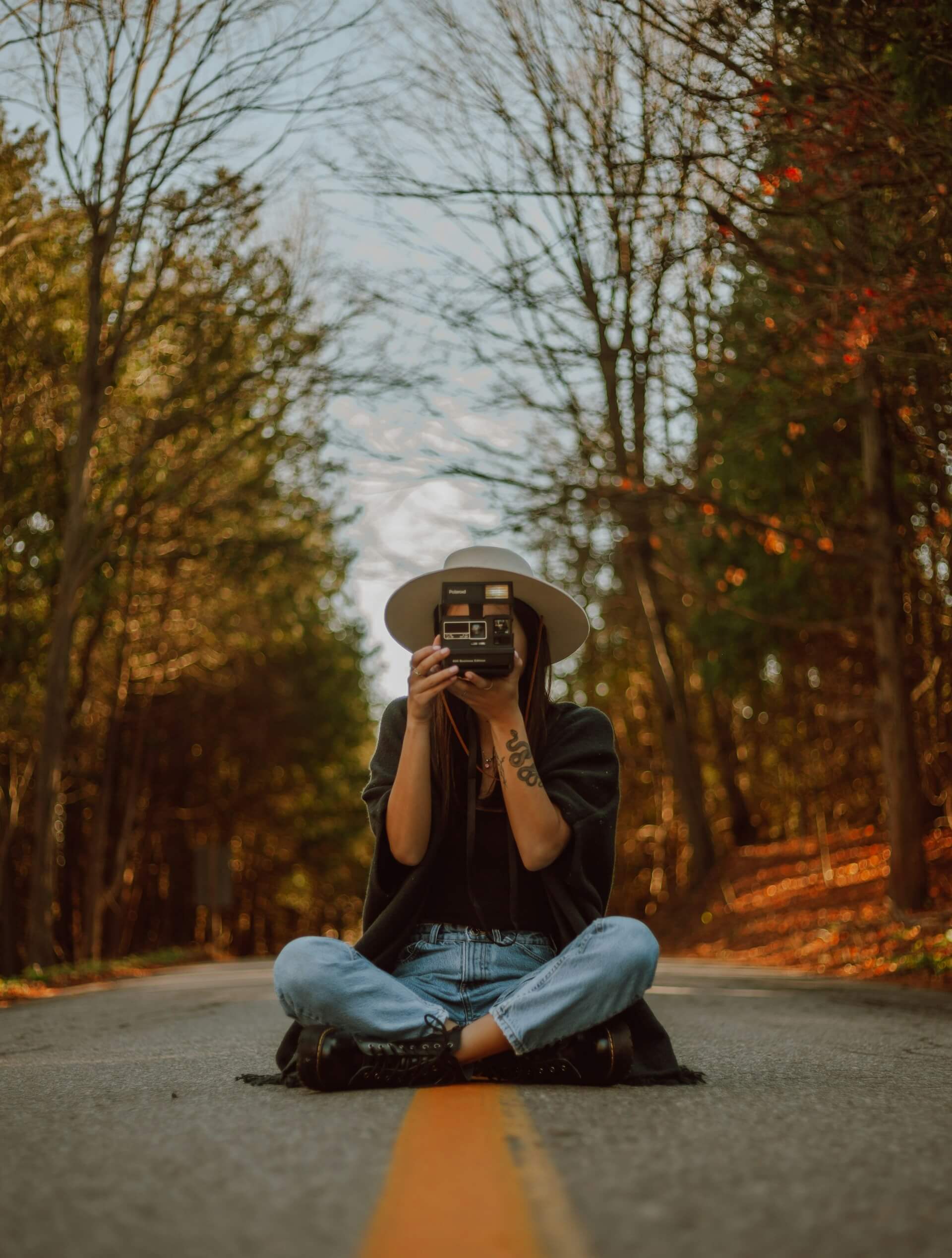
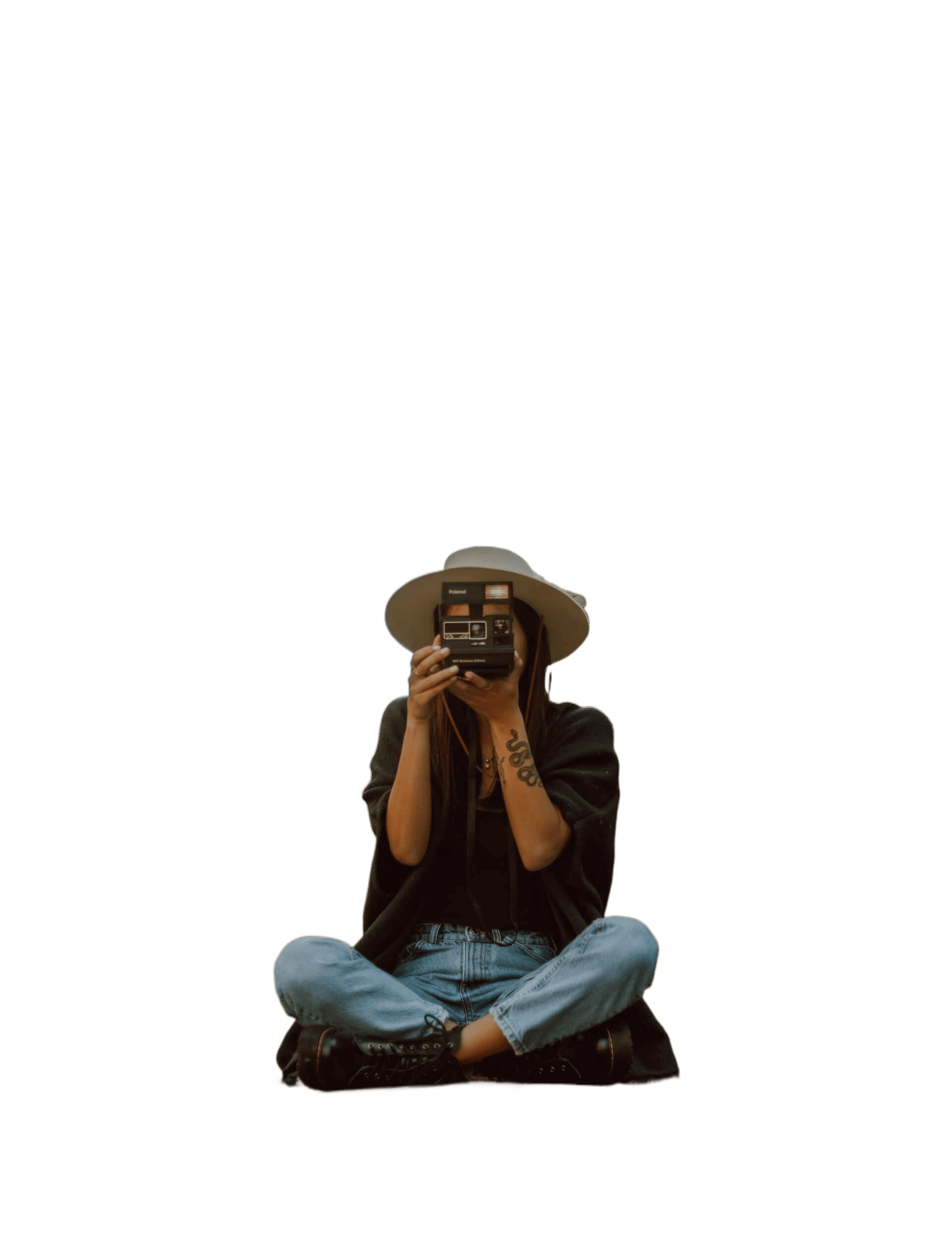
Remove Photo Image Background
Quickly transform your photos with Removebg's cutting-edge technology. Ideal for eCommerce shots, social media graphics or personal memories. Obtain flawless, background-free images with just a click!






Remove Logo Image Background
Eliminate unwanted elements with Removebg's feature to clear logo image background. Ideal for creating professional marketing materials or enhancing branding visuals. Create a sleek, logo-centered design in no time!
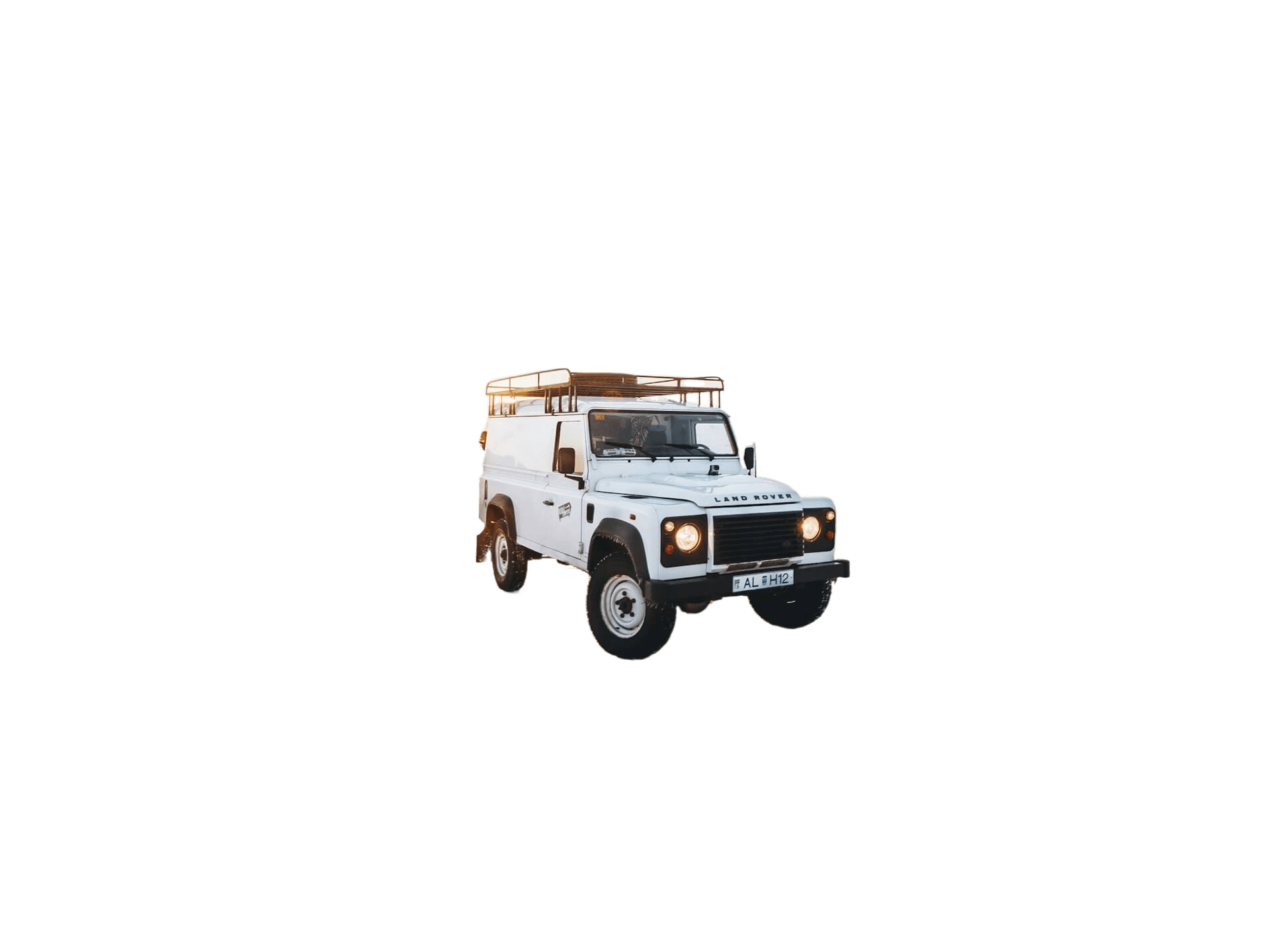
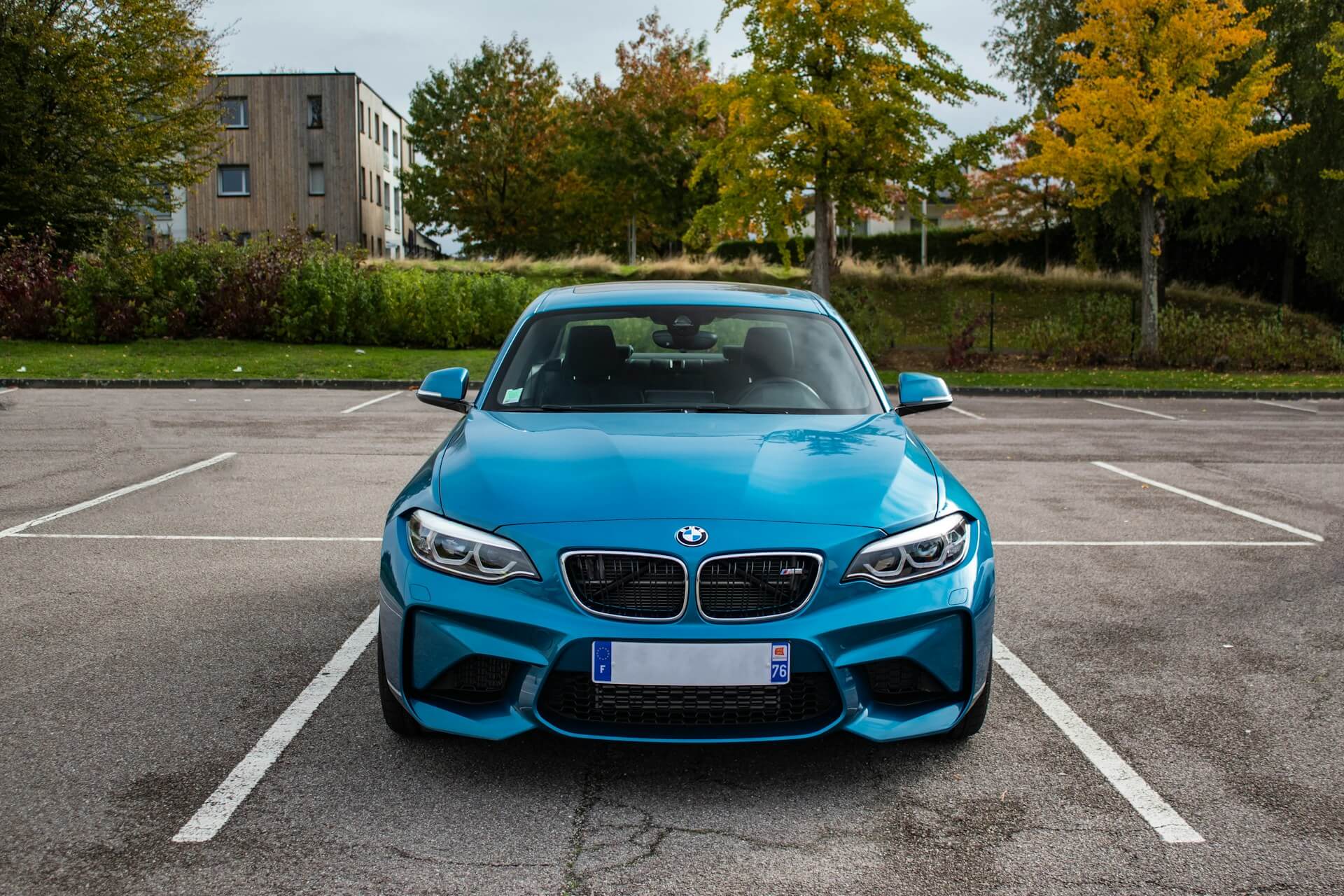
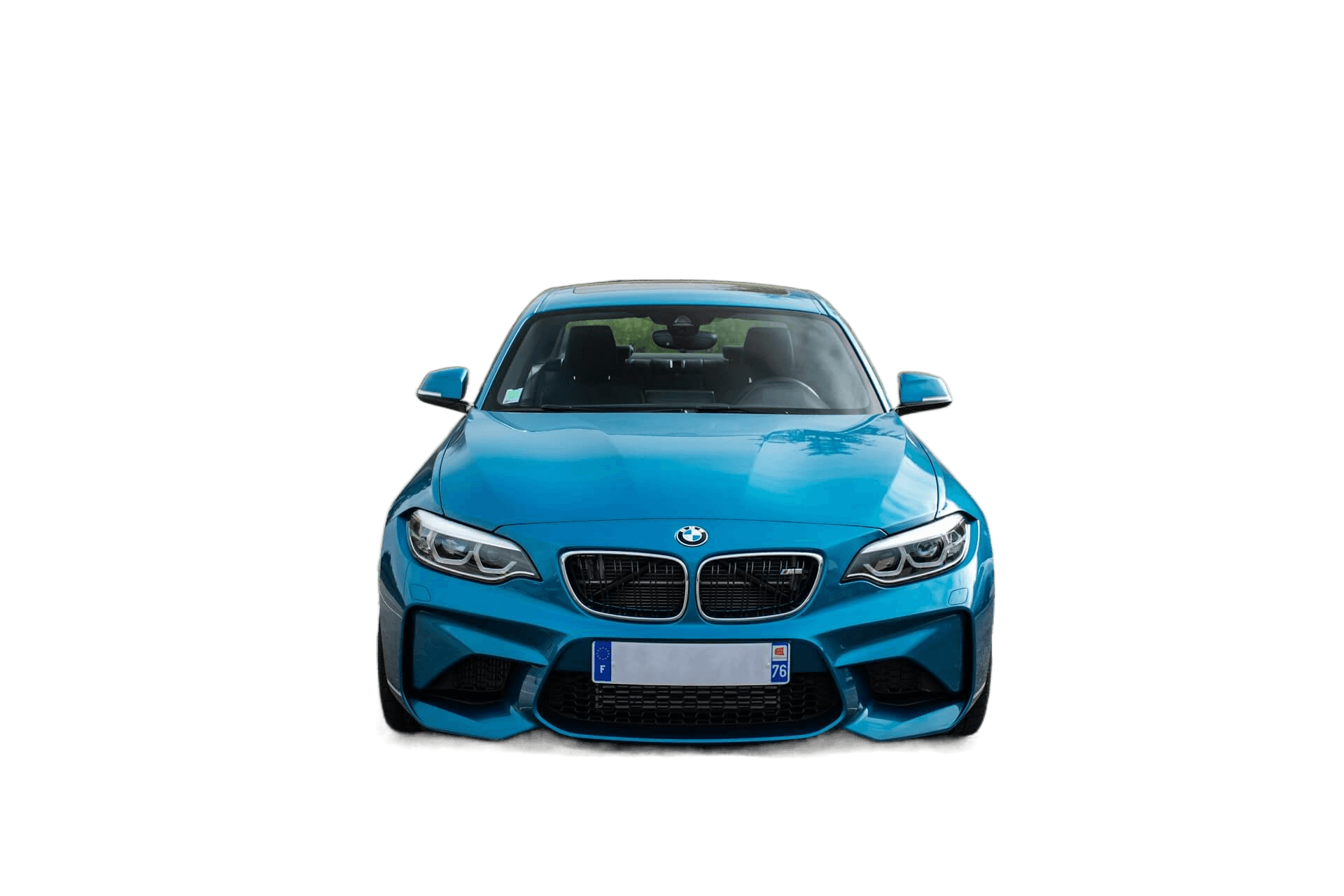
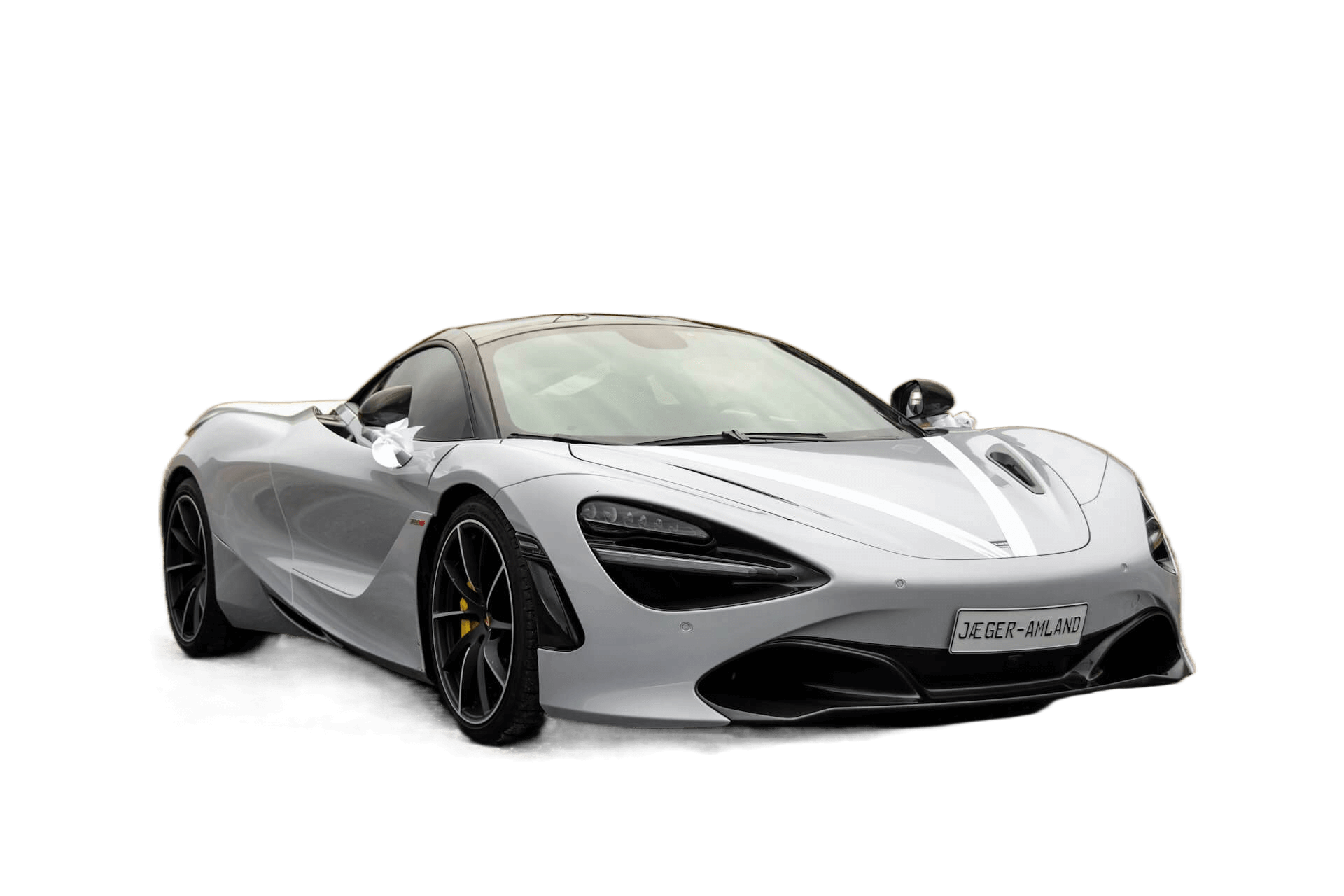
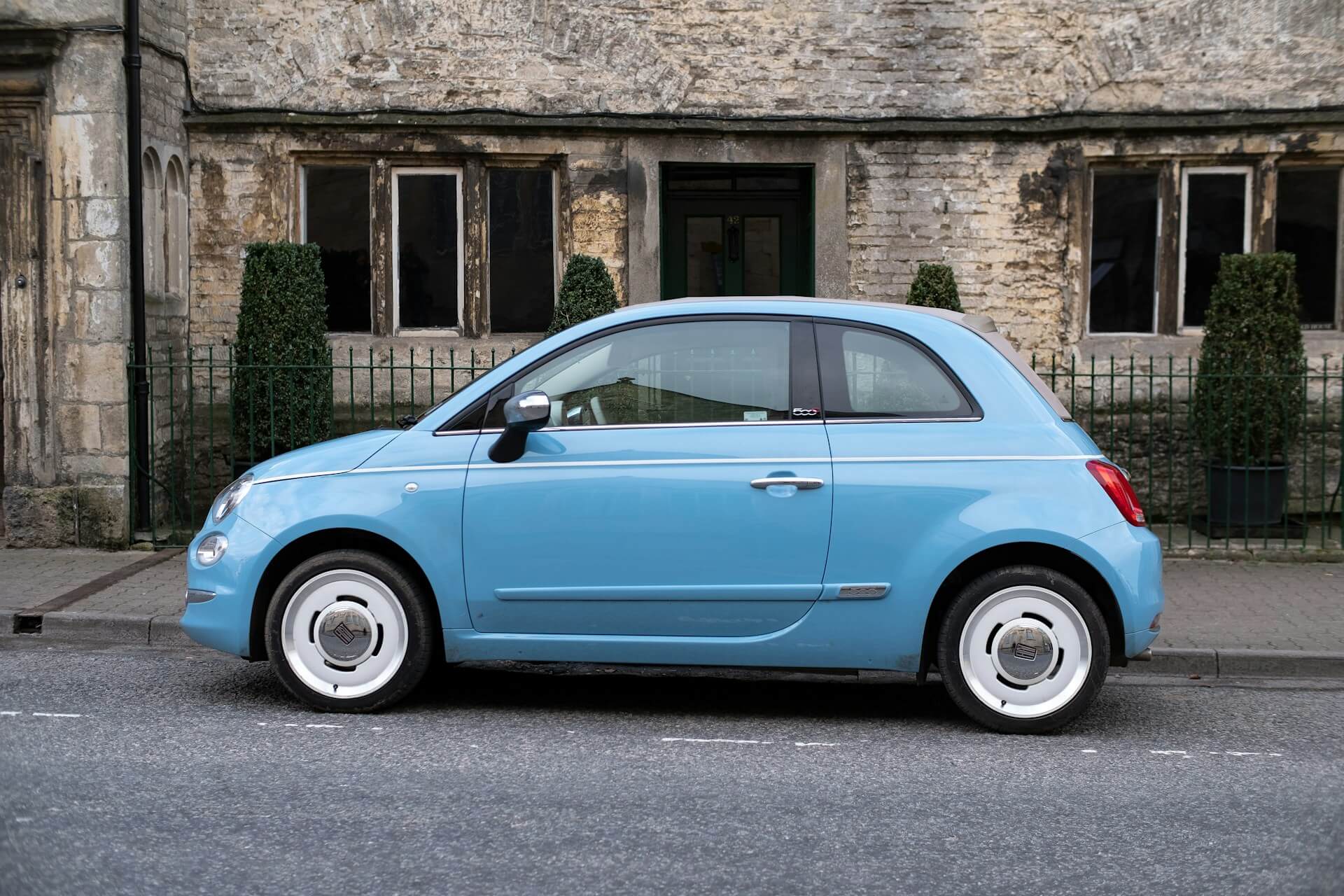
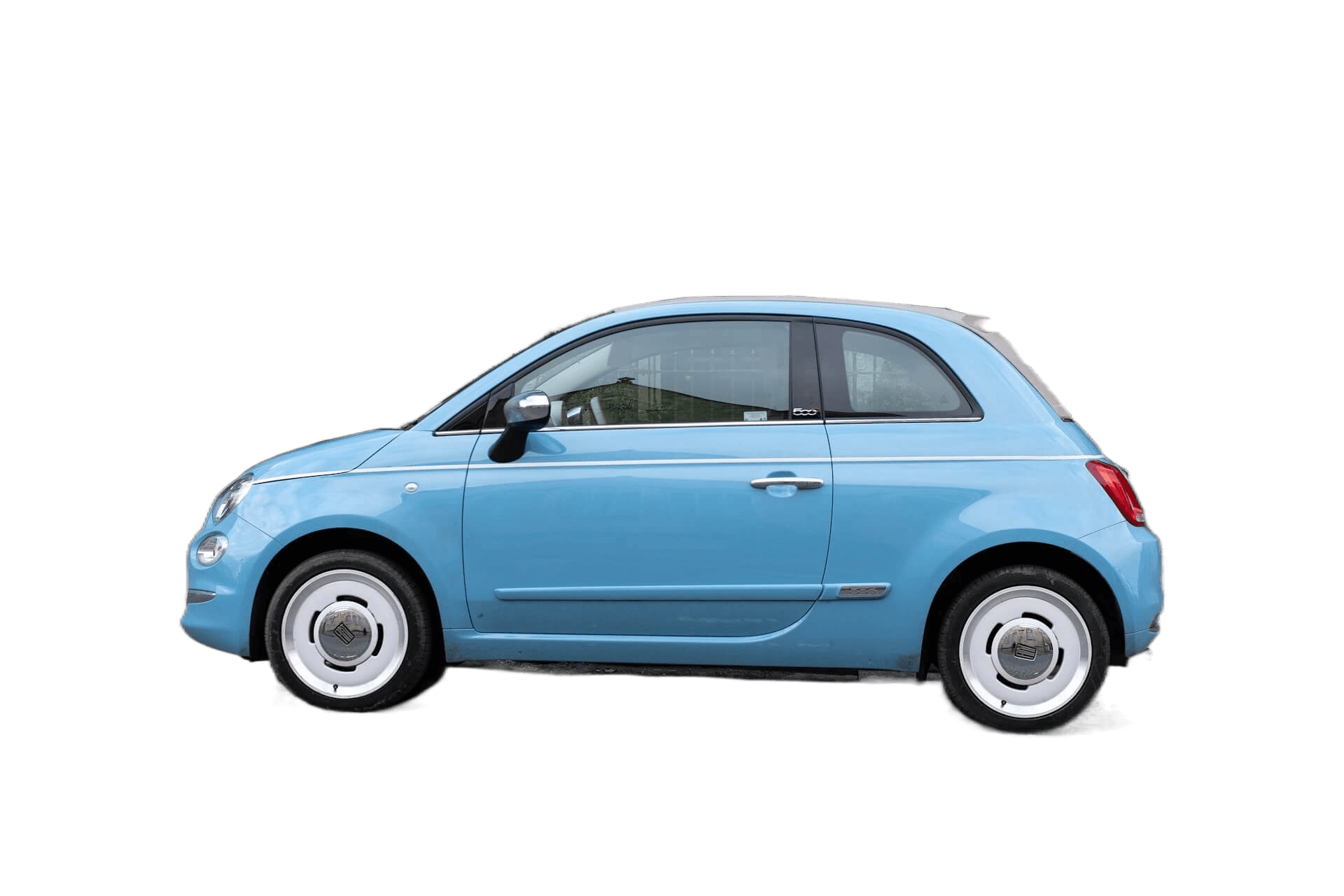
Remove Car Image Background
Unleash the real potential of car images with Removebg. Ideal for automotive selling, advertising or showcasing. Achieve clean, vibrant, car-focused pictures free from distracting backgrounds.


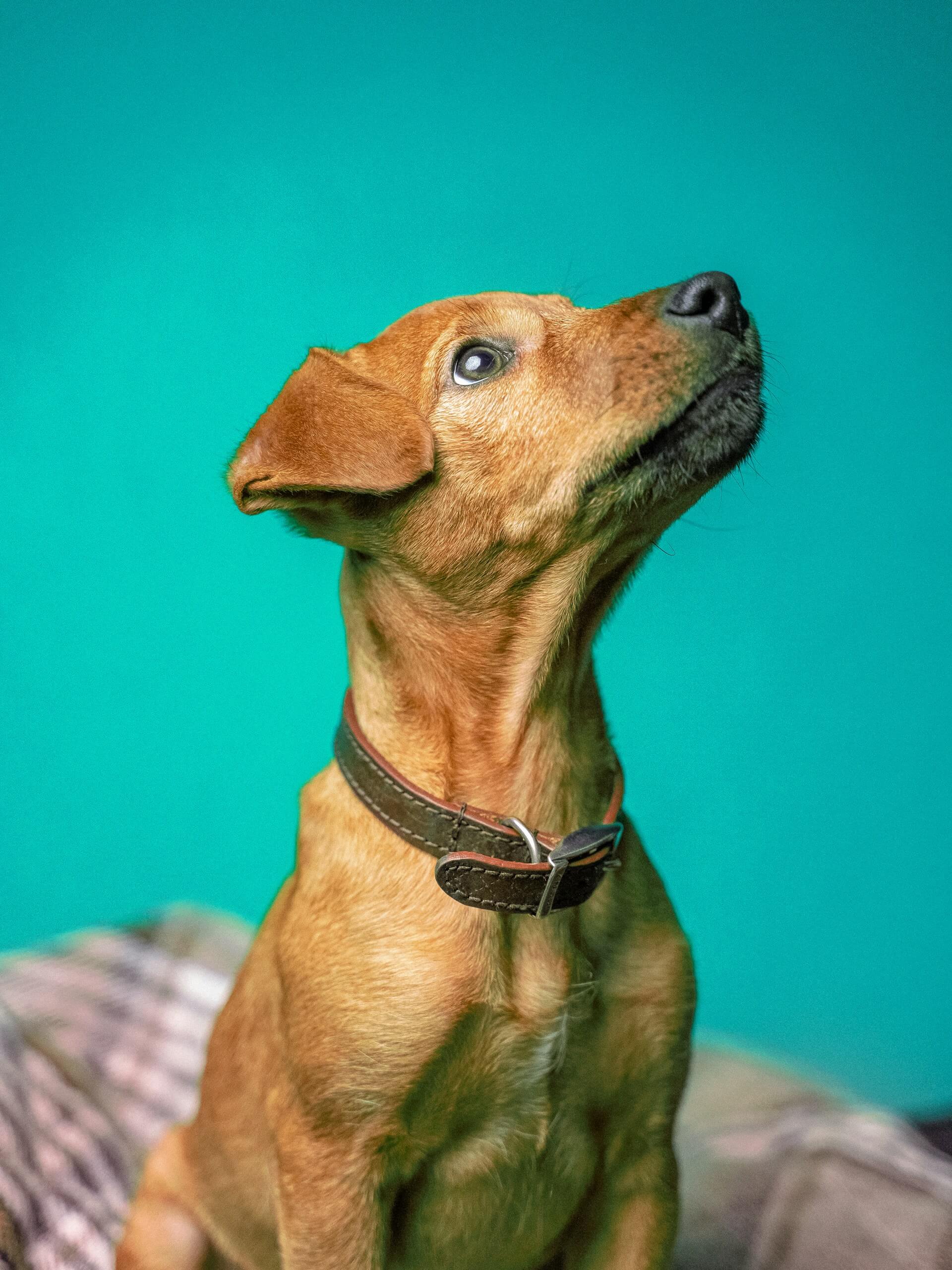
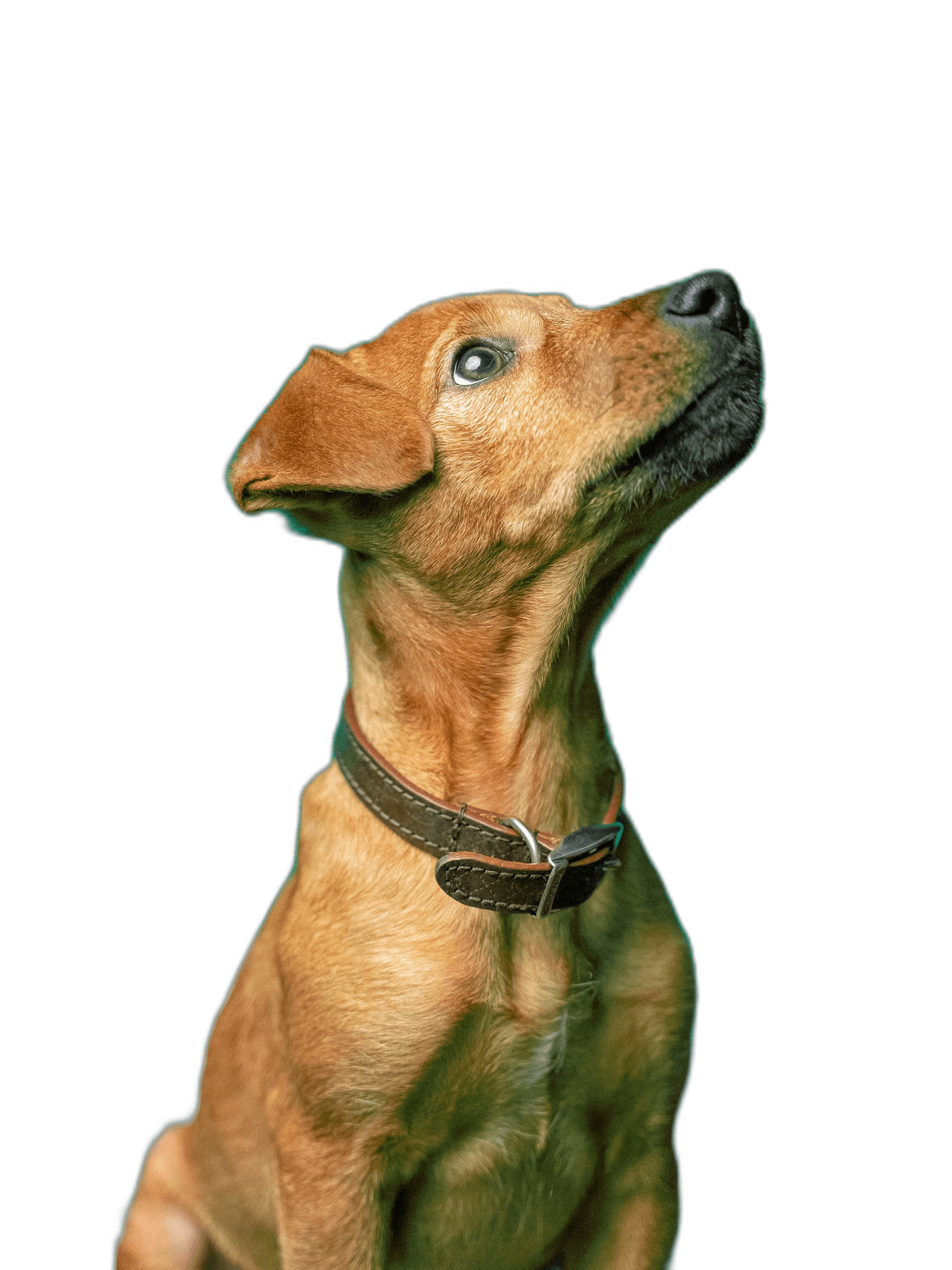
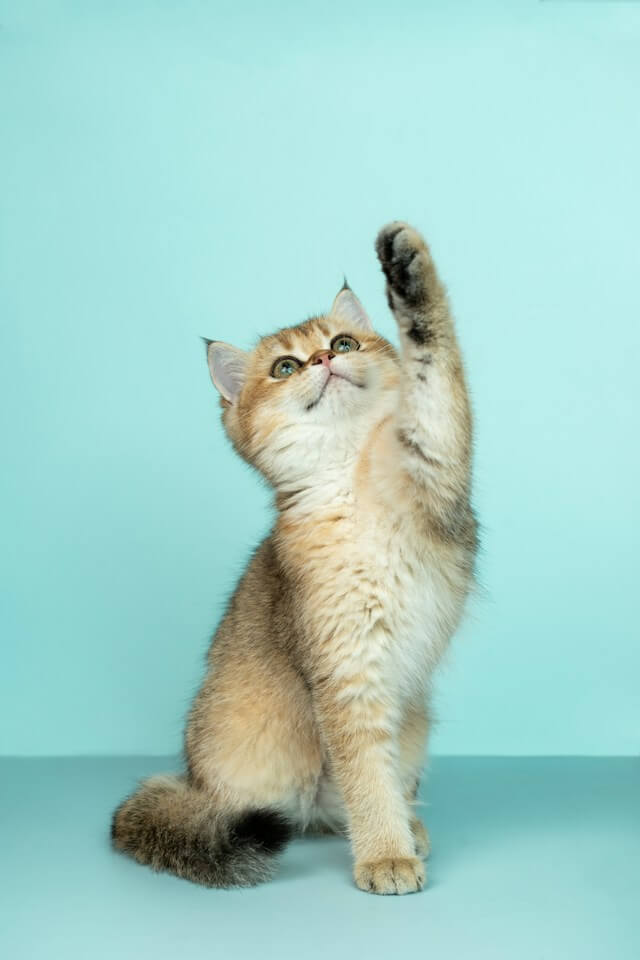
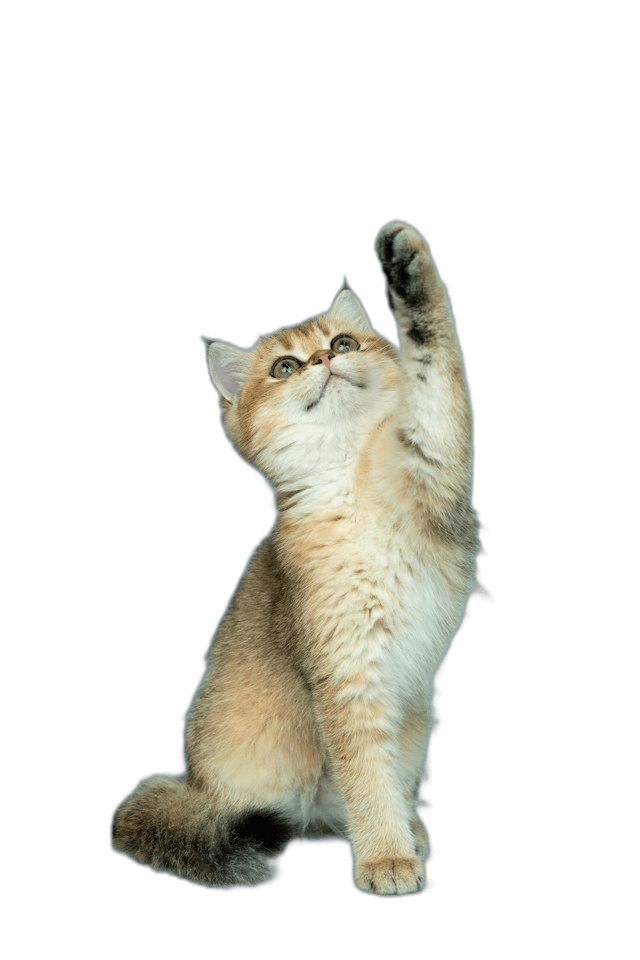
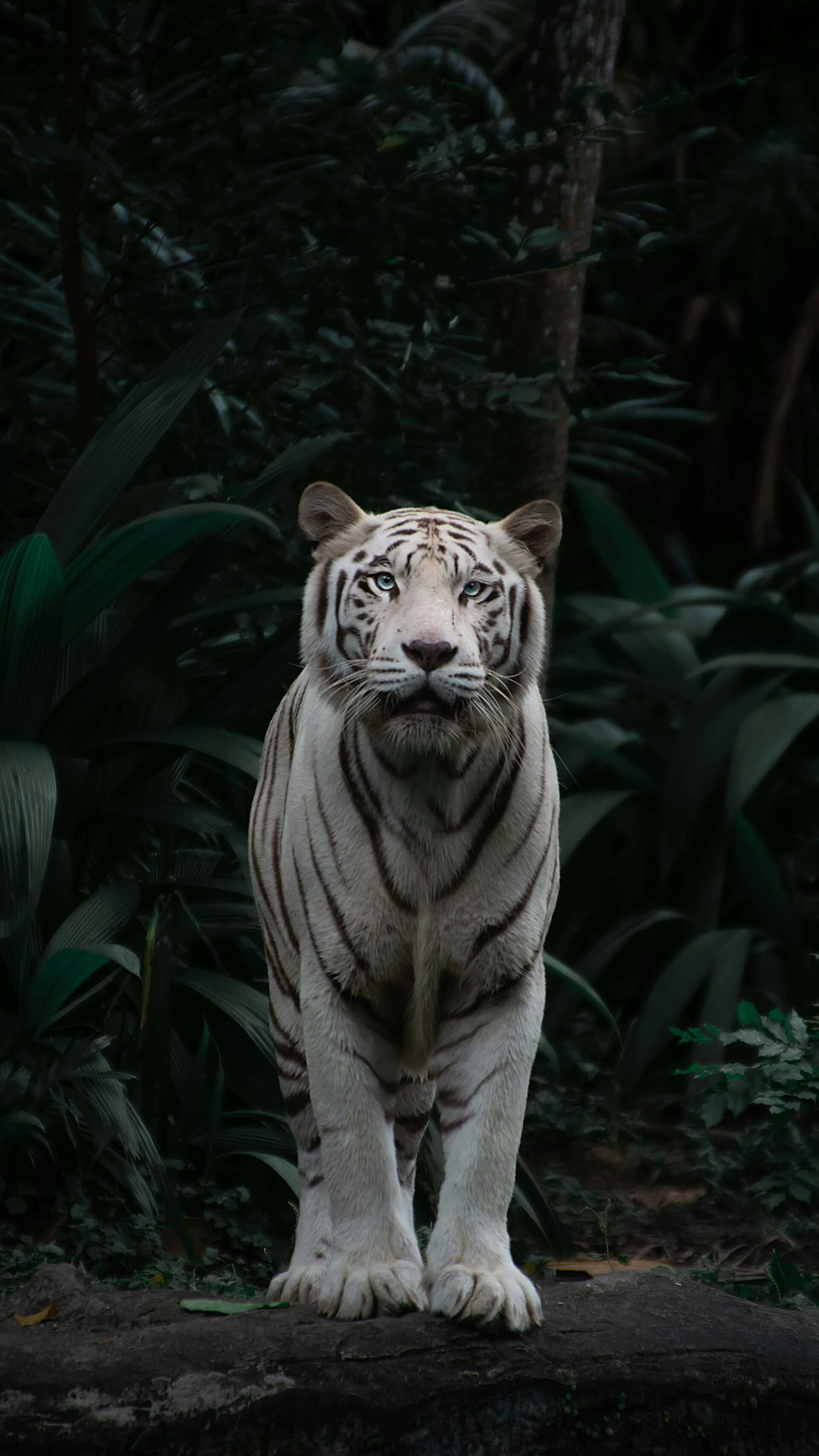
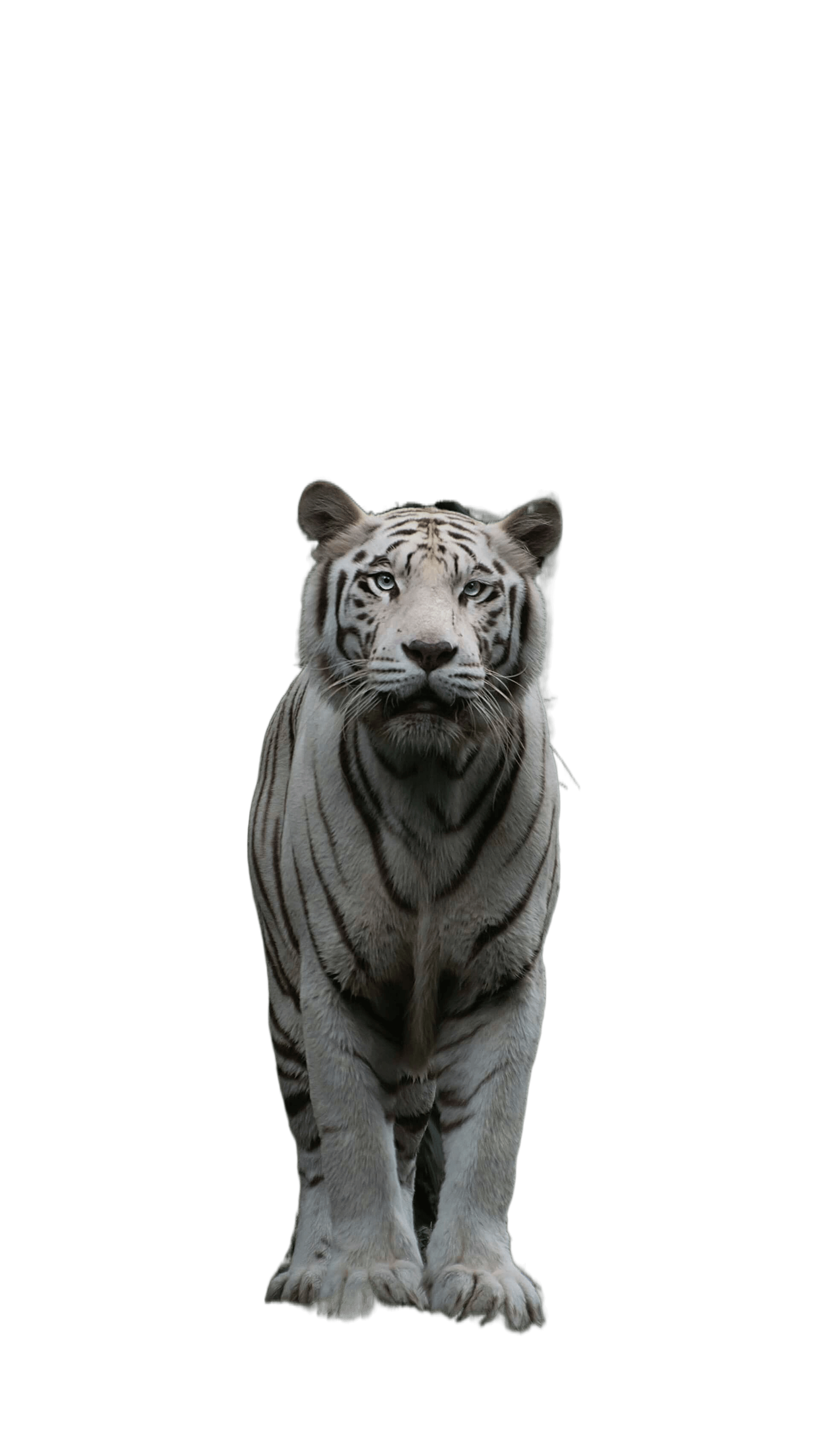
Remove Animal Image Background
Eliminate backgrounds from animal images for stunning visuals, ideal for various creative projects and marketing materials.


Use Cases
Explore how Removebg simplifies your workflow across various fields by instantly removing image backgrounds. Discover its diverse applications in your professional and personal life.
E-commerce Product Photography \
\
Easily create consistent and professional product images by removing backgrounds in seconds. Ideal for online stores looking to enhance their visual appeal and improve customer engagement. Graphic Design \
\
Simplify your design process by using Removebg to quickly isolate subjects. Perfect for creating marketing materials, banners, and social media graphics with transparent backgrounds. Social Media Content Creation \
\
Elevate your social media posts with eye-catching visuals by removing distracting backgrounds. Removebg helps content creators produce polished images that stand out in crowded feeds. Photography Post-Processing \
\
Streamline your photo editing by automatically removing backgrounds. Ideal for portrait photographers who need to deliver high-quality, polished images quickly. Marketing and Advertising \
\
Quickly remove backgrounds to create striking visual ads that capture attention. Removebg ensures your marketing materials have a clean, professional look that drives results. Personal Use \
\
Need to remove the background from an image for personal projects? Whether it's for a presentation, gift, or personal website, Removebg offers an easy and efficient solution.
Diverse Target Audience
For E-commerce Professionals
For e-commerce sellers, Removebg is the ideal tool for optimizing product images. By automatically removing backgrounds, sellers can effortlessly create visually consistent and professional-looking product photos, enhancing brand image and boosting conversion rates.
For Digital Marketers
Digital marketers can leverage Removebg to quickly produce ad creatives and social media content without distracting backgrounds. This not only improves workflow efficiency but also ensures that each visual asset captures the target audience's attention effectively.
For Graphic Designers
Graphic designers use Removebg to easily isolate the main subject of their images, drastically reducing the need for manual editing. This allows them to focus more on creative design, producing visually striking work for advertisements, posters, and multimedia projects.
For Software Developers
For software developers, Removebg offers powerful API integration, enabling them to seamlessly incorporate automatic background removal into their applications. This enhances user experience and adds valuable functionality to their software solutions.
For Photographers
Photographers can streamline their post-processing workflow with Removebg by quickly removing image backgrounds. This saves time and effort while ensuring that the final photos meet professional standards with minimal manual editing.
For General Users
Whether for personal projects, presentations, or social media content, Removebg provides an easy-to-use solution for anyone looking to enhance their images. It allows everyday users to remove backgrounds effortlessly, resulting in clean, professional visuals without needing advanced editing skills.
How to Use Removebg
Open Removebg.one
Open your browser and go to Removebg Upload
Upload your image
Click the upload button to choose your own image, and after a few seconds, the background removal will be done automatically.
Modify background or secondary editing
This step is optional. you can either proceed with the download directly or perform additional editing on the cutout results to remove any blemished pixels, and you can also change the background to any color.
Download and share
Click the download button to save the cutout result to your local computer.
Removebg FAQ
How to use Removebg?
Visit https://removebg.one in your browser to use Removebg for background removal.
Can I use Removebg without registering?
Of course.
Removebg can be used online for free?
Of course, our background removal service is completely free, but to keep the service running, we’ve included ads. Thank you for your understanding and support!
What types of image files does Removebg support?
Removebg supports PNG, JPG, JPEG, and WEBP image file formats.
Are there any image size or dimension limitations with Removebg?
The maximum width and height cannot exceed 6400px, and the maximum size cannot exceed 10MB.
How is the quality of background removal ensured by Removebg?
After removing the background with Removebg, you can perform secondary edits on the cutout results to eliminate any imperfections.
How long does it take for Removebg to process an image?
Typically, it takes around 8 seconds to complete, but during peak times, it may take around 28 seconds.
Does Removebg support batch processing?
Currently, batch processing is not supported.
On what devices can I use Removebg?
Removebg is supported on both Windows and macOS systems. We have also adapted it for mobile devices, so as long as your phone has a browser, you can enjoy the free background removal service by visiting our website.
In what scenarios can I use Removebg?
You can use Removebg in scenarios such as product showcasing, personal photo editing, advertising design, social media profile creation, and creative design.