

详细内容

Make AI your expert customer support agent
It's like having ChatGPT specifically for your product. Instantly answer your visitors' questions with a personalized chatbot trained on your website content.
- Personalized onboarding help
- Friendly pricing as you scale
- 95+ languages supported
- 7-day free trial
- Cancel anytime
Start a free trial Book a demo
SiteGPT Assistant
Trusted by these leading companies




Imagine what you could do if you had an expert chatbot answering questions 24/7
Before
Fickle, one-size-fits-all chatbots that do more harm than good
- Generic GPT tools don't answer based on your training data
- Custom-built bots are finicky and difficult to maintain
- Customer support staff takes 3+ months to train
- Bogged down with support tickets
After
An automated resource that super charges your support team
-
Provide 24/7/365 quality customer support with instant responses
-
Automate answering the vast majority of support tickets
-
Make your current support team twice as productive
-
Free up time to work on higher-level tasks
You're three easy steps away from your own personalized AI support chatbot
1
Sync training data
Enter your URL for SiteGPT to scan, or upload files, or drop in raw text content.
2
Install on your site
Embed a chatbot on as many sites as you want — your marketing site, in-app, help center… wherever.
3
Learn and refine
Use real chat history to improve your chatbot by providing feedback that allows it to improve with every interaction.
Personalized Chatbot
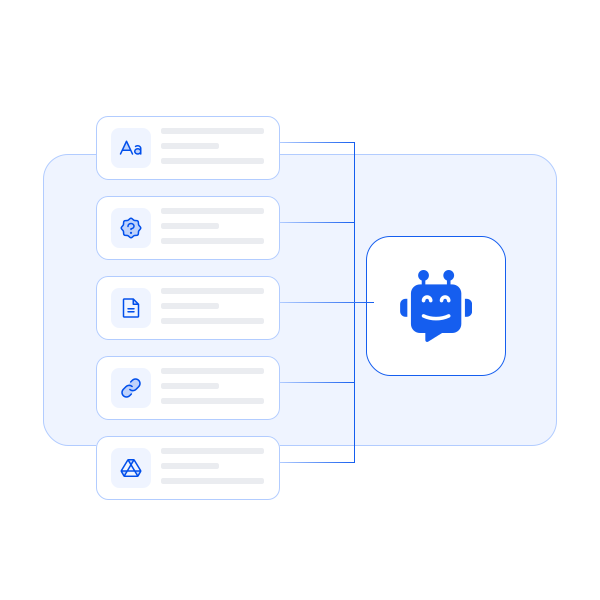
Build a custom chatbot trained on your own content
Ever wanted to clone yourself to answer customer queries? Now you can! Train your chatbot with your content and let it echo your brand's voice. Who knew a chatbot could be your digital doppelgänger?
Quick Prompts
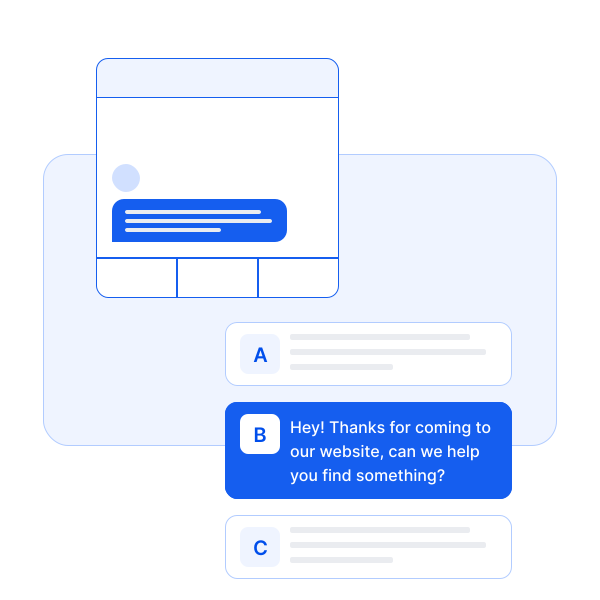
Help users start conversations with quick prompts
Give users a digital icebreaker to kick things off. Include frequently asked questions or questions you wish more users would ask to get value out of your product or service.
Email Summaries
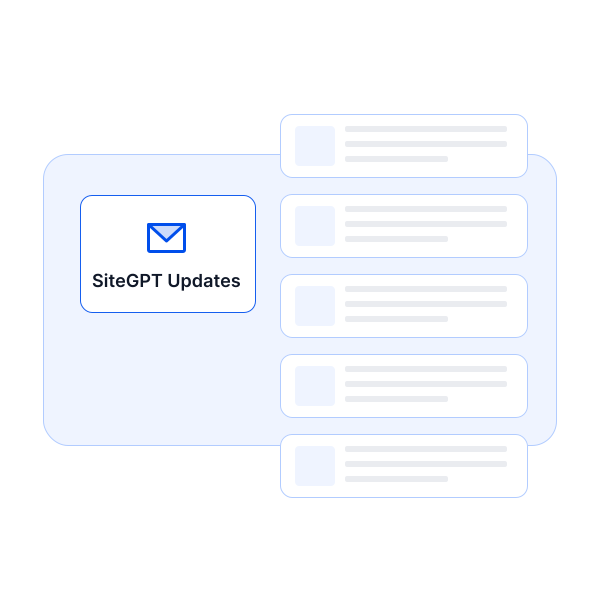
Stay up to date with daily email summaries
Keep a pulse on chatbot interactions with daily summaries delivered to your inbox. Upload more training data where needed, track the chatbot's performance, and gain insights into user behavior.
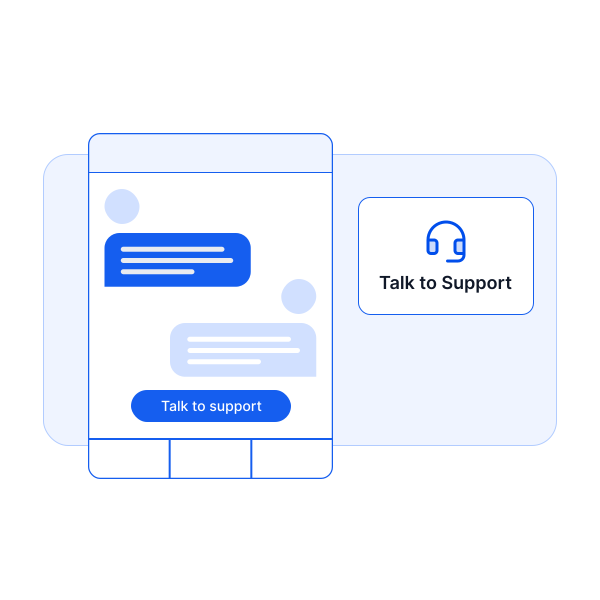
Escalate to Human
Escalate to a human when necessary
While AI can handle a vast majority of inquiries, some conversations require human touch. Users can seamlessly transition the conversation to a live agent at the push of a button. This hybrid approach ensures that users always receive the best possible assistance.
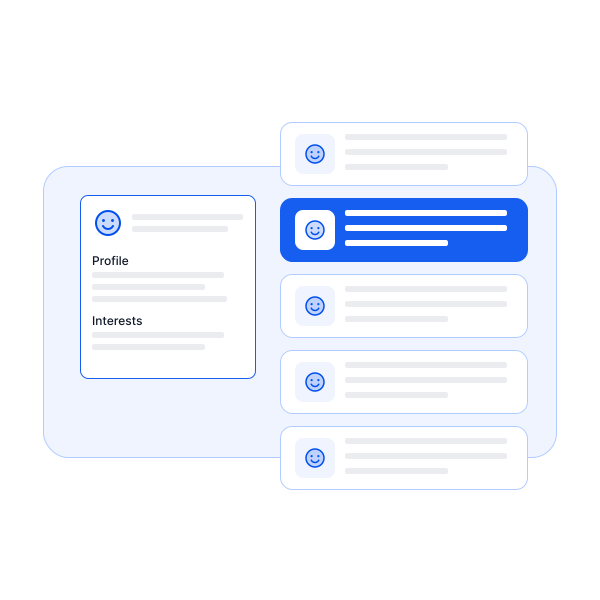
Collect Leads
Generate leads to follow up with later
Don't just answer questions, seize opportunities. Our chatbot captures interested visitors' details, allowing you to build a list of potential leads.
Functions
Turn natural language commands into in-app actions
Functions allows users to automate tasks just by interacting with your chatbot. Your chatbot can listen, understand, and interact with other systems based on chat interactions.
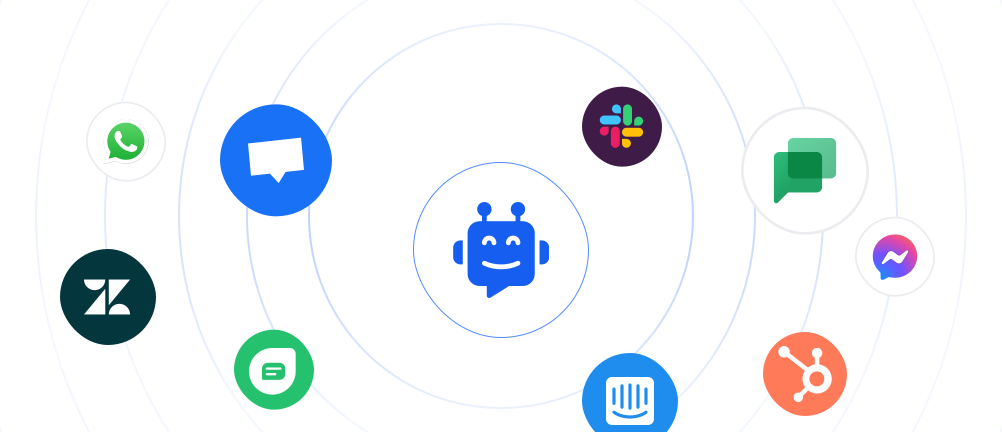
Supercharge your chatbot
Direct integrations with your favorite tools
With native integrations into platforms like Crisp, Intercom, and Zendesk, our chatbot becomes an extended arm of your existing toolkit.
Live demo
See for yourself.
Ask the SiteGPT chatbot a question about itself.
SiteGPT Assistant
Customer testimonials
Don't just take our word for it

“We've got the bot dialled in - we're using GPT-4, have an avenue for escalations to Zendesk, and so far I have no complaints.”
Brent Burrows II
Vice President – Retail & Sales at CBS Bahamas
FAQs
Have a different question and can't find the answer you're looking for? Reach out to our support team by sending us an email and we'll get back to you as soon as we can.
Can I add text content to train the chatbot if I don't have web pages to scrape or files to upload?Ask
Yes, you're able to enter raw text content as training data.
Do you have a plan for agencies to offer chatbots to their clients?Ask
Yes, please contact us by sending us an email for more information.
Is there a demo that I can try?Ask
Yes, you can go to sitegpt.ai/demo and try out the demo. The demo bot you see on sitegpt.ai/demo is trained on the sitegpt.ai website content itself. So you can ask any questions related to SiteGPT website in that demo bot and it will answer it. You can also sign up for a 7-day free trial and try out everything on your own data.
What type of content can we use to train the chatbot?Ask
You can use any type of content to train the chatbot. The more content you provide, the better the chatbot will be able to answer the questions.
Do you retrain the chatbot automatically when the website content changes?Ask
Yes! SiteGPT now supports automatic syncing of your content. Depending on your plan, you can set up automatic syncing on a monthly, weekly, or daily basis to keep your chatbot's knowledge up to date. You can also manually retrain/resync your chatbot anytime from the dashboard.
Can I upload files to train the chatbot?Ask
Yes. You can upload CSV/TXT/PDF/DOCX/PPTX/MD or any other text based files to train the chatbot. Each file is converted to pages based on its content (2,500 cleaned characters = 1 page). The page limits vary based on your plan.
Some of my files are larger than 10 MB. What do I do?Ask
Please contact us on bhanu@sitegpt.ai. We can figure out a way for you to upload those files.
How do I add the chatbot to my website?Ask
Each chatbot gets its own unique url, you can embed the chatbot on your own site via the embed code we provide. You can even directly link to the chatbot from your site.
How do I train the chatbot?Ask
You can train the chatbot by adding a website link, a sitemap link, YouTube videos/playlists/channels, a Zendesk Help Center Link, a Gitbook link. You can just enter a URL and the chatbot will be trained on all the content present on that URL. You can also upload CSV/TXT/PDF/DOCX/PPTX/MD or any other text based files to train the chatbots.
How long does the training take?Ask
It depends on the amount of content you are training. But usually, it should be done within a few minutes.
How can we contact you?Ask
You can reach out to us at bhanu@sitegpt.ai.
Ready to take SiteGPT for a spin?
Find out if a personalized AI support chatbot is a good fit for you in just a few hours.
Start a free trial Book a demo
- Personalized onboarding help
- Friendly pricing as you scale
- 95+ languages supported
- 7-day free trial
- Cancel anytime
SiteGPT Assistant
 Open Chat