

详细内容



Trusted by 10k+ happy users
★4.8/5
AI Video Agent for Instructors
Auto Edit videos and podcasts into masterpieces. Generate YouTube Shorts, Instagram Reels & TikToks from Prompts in minutes with AI.
Get Started Free
2:49
Watch Demo
⚡
Lightning Fast
Edit videos in minutes, not hours
🎯
AI-Powered
Advanced algorithms for perfect edits
💎
Premium Quality
Professional results every time
New Feature
AI Auto Editor
Transform long-form videos into engaging short clips automatically with AI Auto Editor. This intelligent tool analyzes content, identifies key moments, and creates perfectly timed edits with professional transitions and captions—all without manual editing.
Automatically identify and extract key moments
Add captions, transitions, and effects
Perfect for content repurposing and social media
Save hours of manual editing time
AI Auto Editor
Analyzing video content...
00:0000:3001:0001:3002:00
Intro
Main Point 1
Main Point 2
Conclusion
AI Suggestion
Trim the first 5 seconds for faster intro
AI Suggestion
Add captions for better engagement
AI Suggestion
Add crossfade transitions between cuts
Auto-editing in progress...
Processing
Auto-editing video...
PPT To Video
NEW
Convert presentations to engaging videos automatically
AI B-Roll Generator
NEW
Auto-generate relevant B-roll footage from your script
New Feature
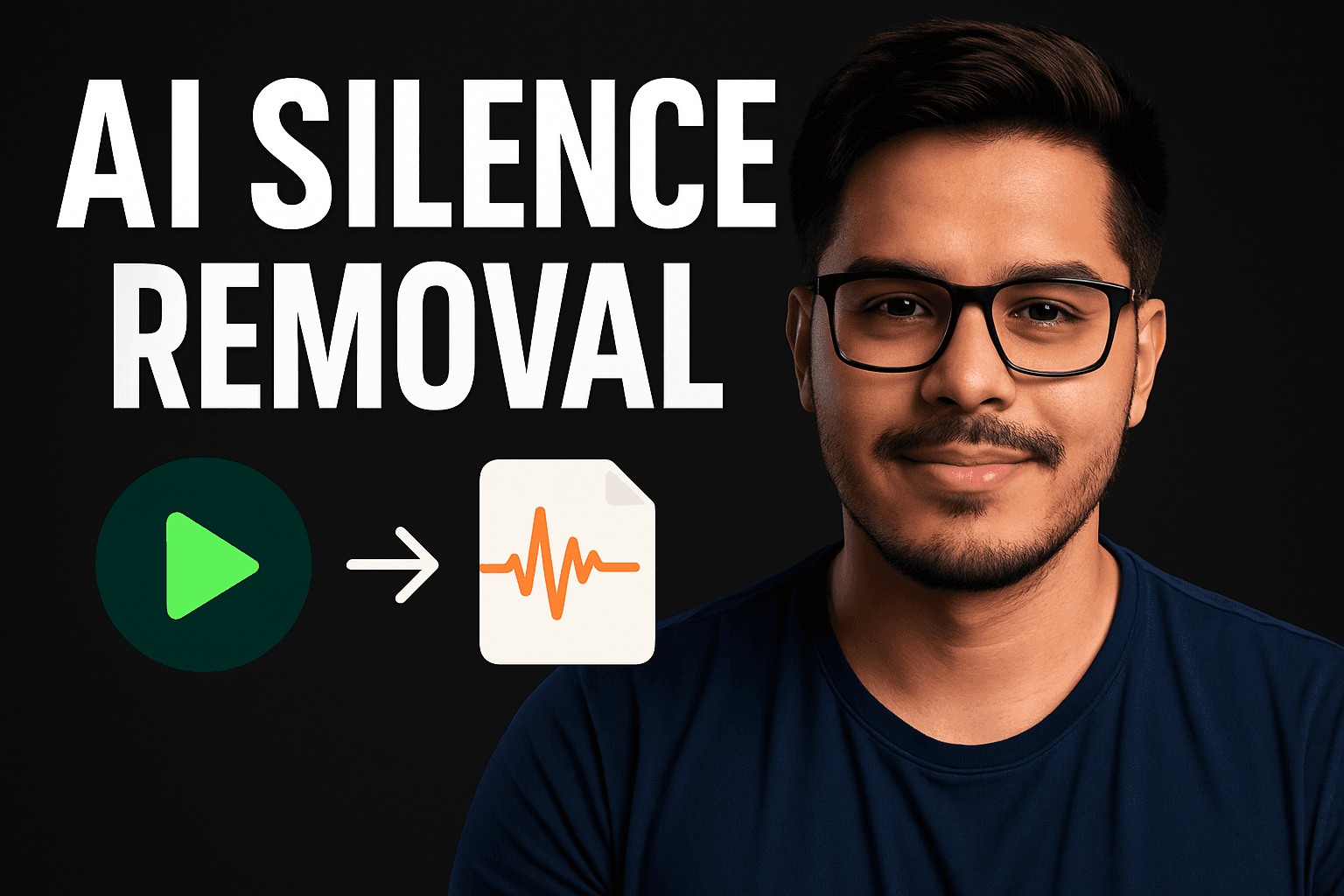
AI Silence Remover
Streamline your videos by automatically detecting and removing silent gaps with AI Silence Remover. Perfect for podcasts, interviews, tutorials, and presentations, this tool creates professional, engaging content by eliminating awkward pauses and dead air.
Detect and remove silent gaps with precision
Preserve natural speech patterns and timing
Reduce video length without losing content
Ideal for podcasts, tutorials, and presentations
Detecting and removing silence...
Removed 45s of silence
New Feature
AI Shorts Generator
Turn Your Imagination into Short Videos with AI shorts Generator. This AI tool transforms text prompts into short videos, ideal for creating ads, educational content, and customer support materials, offering a quick, engaging, and easily customizable solution for visual content generation.
Transform text prompts into dynamic videos
Perfect for social media, ads, and education
Customize style, length, and transitions
Export in multiple formats and resolutions
00:24 / 01:30
New Feature
AI Video Dubber
Effortlessly dub your videos into multiple languages with AI Video Dubber. This intelligent tool uses advanced voice synthesis and lip-syncing to create natural, localized voiceovers—perfect for creators, educators, and businesses looking to expand their reach across global audiences.
Dub videos in 20+ languages instantly
Realistic AI voices with emotion & clarity
Accurate lip-syncing and voice timing
Ideal for YouTube, tutorials, and marketing
"Voice dubbing in progress..."
00:12 / 02:05
New Feature
AI Video Background Remover
Remove backgrounds from your videos with just one click using AI Video Background Remover. Whether you're creating professional content, social media clips, or product showcases, this tool delivers clean, high-quality results without green screens or manual editing.
One-click background removal for any video
No green screen or complex setup required
Perfect for reels, product videos, and presentations
Supports HD exports and transparent backgrounds
Removing background...
New Feature
PPT to Video Converter
Convert your PowerPoint presentations into engaging videos with the PPT to Video Converter. This tool adds smooth transitions, animations, and voiceovers to bring your static slides to life—ideal for webinars, tutorials, pitches, and online courses.
Convert PPT slides into professional videos
Add animations, transitions, and voiceovers
Perfect for education, business, and marketing
Export in various formats including MP4 & Full HD
Converting PPT to Video
01:12 / 05:00
New Feature
AI Background Noise Remover
Clean up your audio with crystal clarity using the AI Background Noise Remover. Instantly remove hums, echoes, and distracting sounds from voiceovers, interviews, podcasts, and video content—no audio editing experience required.
Remove background noise in seconds
Enhance voice clarity for all recordings
Perfect for podcasts, videos, and remote calls
Supports multiple file formats and high-quality exports
Cleaning background noise...
Reducing hums, clicks, static...
Pricing
Simple, transparent pricing
Choose the plan that's right for your creative needs
Monthly
Yearly
Free Forever
Perfect for getting started and exploring the platform.
$0/ mo
10 Credits
Max Video Length: 5 Minutes
No access to bulk features
Watermarked Videos
Hobbyist
For creators who want to take their content to the next level.
$9/ mo
$15Save 40%
100 Credits
Access to bulk features
Access to all features
Upto 200 minutes of video processing
Priority Support from Maker
Watermark Free Videos
Full 1080p Videos
MOST POPULAR
Creator
Our most popular plan for serious content creators.
$19/ mo
$30Save 37%
250 Credits
Access to all features
Access to bulk features
Up to 500 minutes of video processing
Priority Support from Maker
Watermark Free Videos
Full 1080p Videos
Pro
For professional creators with demanding requirements.
$49/ mo
$60Save 18%
1000 Credits
Access to all features
Access to bulk features
Up to 2000 minutes of video processing
Voice Cloning Support
Priority Support from Maker
Watermark Free Videos
Full 1080p Videos
Enterprise
Need a custom plan?
Contact us for custom integrations, high-volume processing, or specific requirements for your organization.
Frequently Asked Questions
Find answers to the most common questions about our platform
What is Snapy AI Video Agent?
Snapy AI Video Agent is an advanced AI-powered tool that automatically edits your videos and converts podcasts into professional-looking content for YouTube, Instagram Reels, and TikTok. Using artificial intelligence, it transforms raw footage into engaging social media-ready videos with just a few prompts.
How does the AI video editing work?
Our AI analyzes your raw video or audio content, identifies key moments, adds appropriate transitions, generates captions, and optimizes the format for different social media platforms. You simply upload your content, provide some basic guidance through prompts, and our AI handles the rest of the editing process.
Do I need technical expertise to use Snapy AI?
Not at all! Snapy AI is designed to be user-friendly with an intuitive interface. You don't need any video editing experience or technical knowledge. Just upload your content, describe what you want, and the AI will handle the technical aspects of video creation.
What file formats are supported for upload?
Snapy AI supports most common video and audio formats including MP4, MOV, AVI, MP3, WAV, and more. The maximum file size for the standard plan is 2GB per upload, while premium plans support larger file sizes.
How long does it take to process a video?
Processing time depends on several factors including the length of your original content, complexity of edits requested, and current system load. Typically, short videos (under 10 minutes) are processed within 5-15 minutes. Longer content may take 30-60 minutes or more.
Can I customize the style of my videos?
Absolutely! You can specify your preferred style, tone, transitions, effects, and more through our prompt system. You can also create and save templates for consistent branding across all your content.
What social media platforms are supported?
Snapy AI optimizes content for YouTube (including Shorts), Instagram (Reels and regular posts), TikTok, Twitter/X, LinkedIn, and Facebook. Each platform has different optimal dimensions and durations, which our AI automatically adjusts for.
Is there a limit to how many videos I can create?
Free accounts can create up to 3 videos per month with a maximum length of 3 minutes each. Our paid plans offer various tiers with increased limits. The Professional plan includes unlimited videos up to 30 minutes in length, while the Enterprise plan has no restrictions.
Can Snapy AI add captions to my videos?
Yes! Automatic captioning is included with all plans. Our AI generates accurate captions and can even translate them into multiple languages. The captions are fully customizable in terms of style, size, and positioning.
How accurate is the AI in understanding my instructions?
Our AI has been trained on millions of videos and can understand natural language instructions very well. For best results, we recommend being specific about what you want. You can always provide feedback and adjust if the first result isn't exactly what you envisioned.
Load More
Showing 10 of 20 questions
Premium Video Creation
Create pro videos in minutes
Transform your content with our advanced video processing tools. High-quality, watermark-free videos with up to 1080p resolution. Get 10 free credits today.
Fast Processing
1080p Quality
Bulk Features
No credit card required
Cancel anytime
24/7 support