

详细内容

What is your email? (Please use a work email)How did you find out about Sourcetable?Why do you want to use Sourcetable?Submit
Schedule a Demo
The AI Spreadsheet
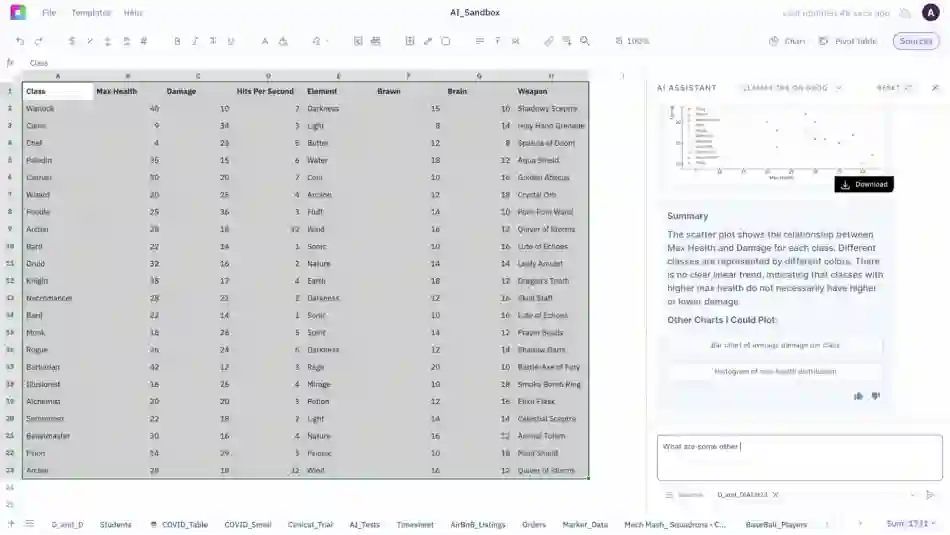
Analyze data and complete tasks in seconds with Sourcetable's Excel & data analyst
Get Started for free
Your browser does not support the video tag.
Get Started for free










Excel + ChatGPT + Python =
The last spreadsheet you'll ever need.
Get Insights
Ask questions in plain English, generate charts instantly, use Python for custom logic, and tap into built-in research tools for deeper insights.
 Hugging Face
 Llama
 Claude
 Sourcetable
 OpenAI
*LLM’s are not trained on your data
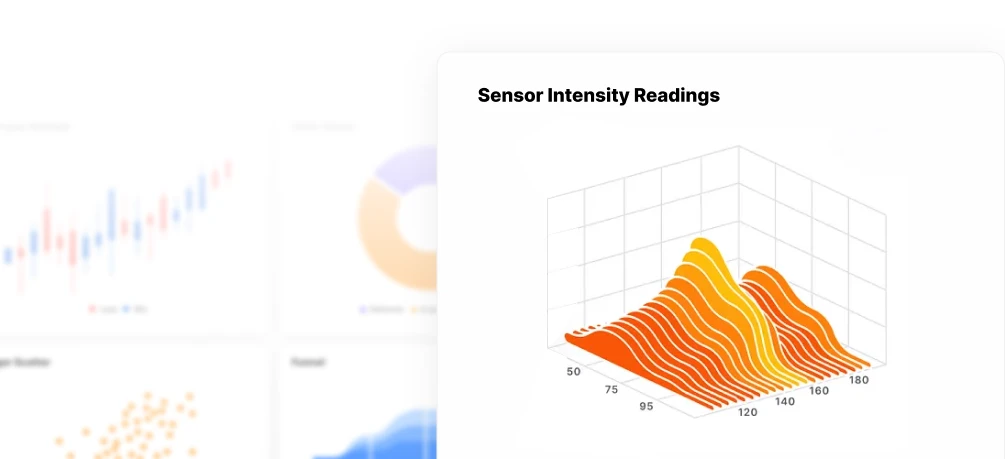
Visualizations
Turn data into charts & graphs instantly. Sourcetable helps you explore trends, uncover patterns, and present insights, automatically or on your terms.
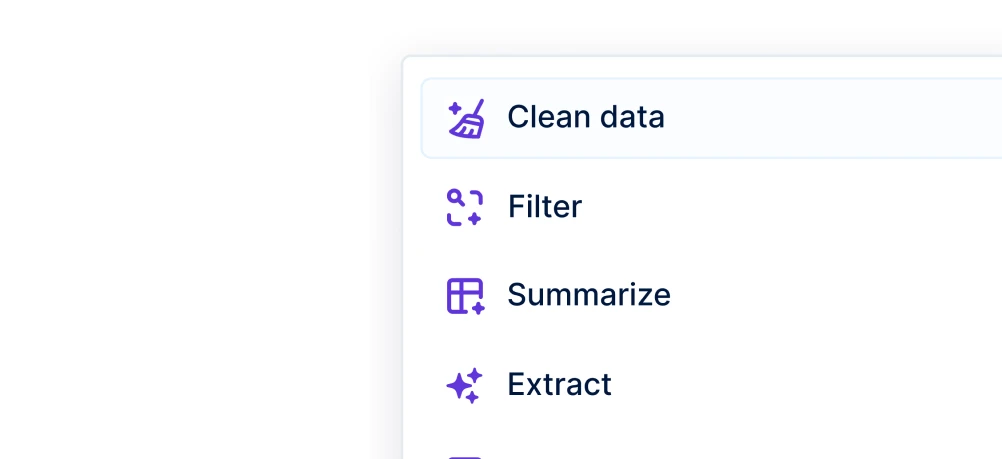
Manipulate Data
Clean, shape, and structure data with AI, formulas, or code. Sourcetable helps you go from raw input to ready-to-use datasets in seconds.
Data Science
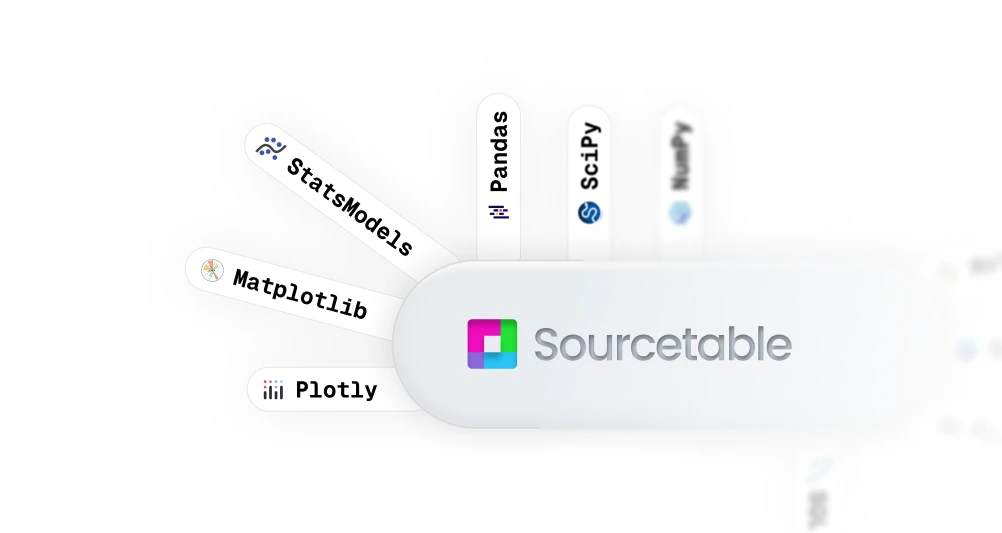
Sourcetable fuses AI smarts with Python’s full analytical power, so you can clean, query, model, and visualize data without switching tools or writing a single line of code. It’s everything you need, right where you need it.
Superagents
New Feature • New Feature • New Feature • New Feature •New Feature • New Feature • New Feature • New Feature •
Connect to any:
Database ⋆ API ⋆ MCP


∞


Your job, 10x easier
Sourcetable helps you get the most out of your data. It's a personal assistant for all your data needs.
-
Finance
Build financial models and analyze market data. Get instant insights for investment decisions and financial reporting.

-
Data Science
Clean datasets and run statistical analysis. Perfect for data scientists working with complex data structures.

-
Business
Transform business metrics into actionable insights. Make data-driven decisions faster and with confidence.

-
Scientific Research
Process experimental data and analyze research results. Generate visualizations and uncover patterns in your findings.

-
Marketing
Analyze campaign performance and customer behavior. Optimize your marketing strategy using data-driven recommendations.

-
Education
Grade assignments and analyze student performance. Create teaching materials and track academic progress effortlessly.

What else can Sourcetable do?
It can fix formulas.Chart your data.Summarize insights.Write SQL.Clean spreadsheets.Analyze giant CSVs.Build dashboards.Automate reports.Crawl the web.Create workflows.Generate templates.Talk to your data.Write formulas for you.Speed up your tasks.
 Formula writer
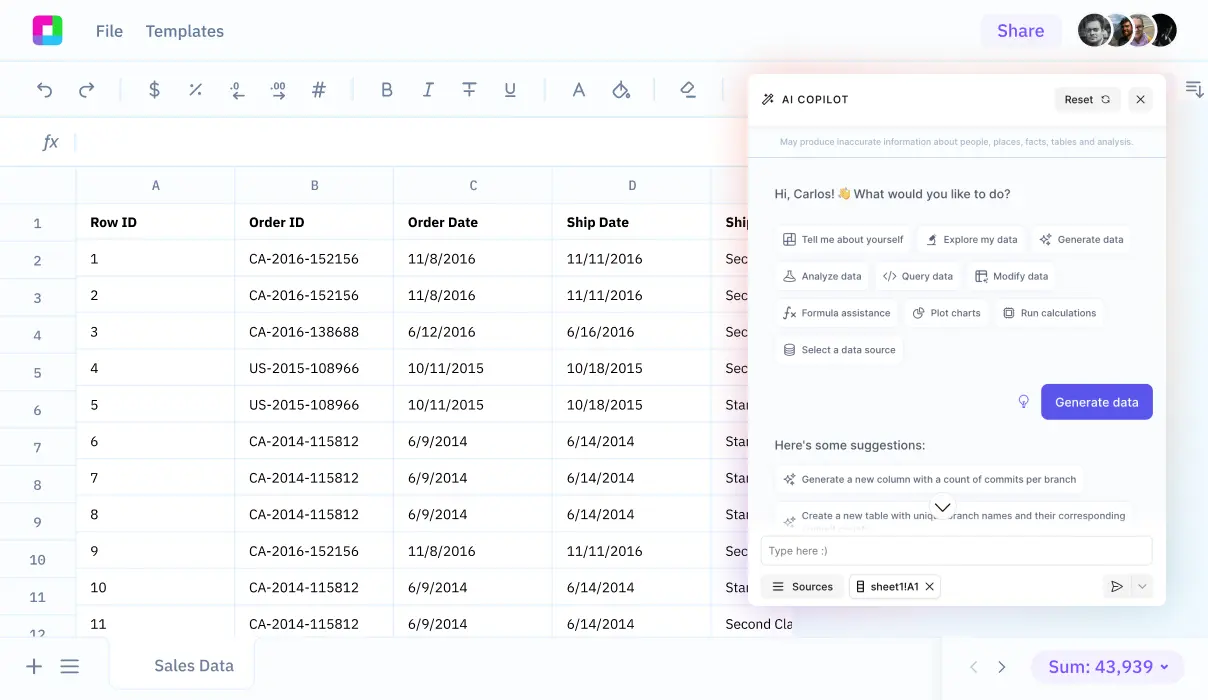
Skip the syntax, describe what you want and get the right formula every time.
Your browser does not support the video tag.
 .com “The spreadsheet for the next billion users — both human and AI. ”
Frequently Asked Questions
If you question is not covered here, you can contact our team.
How do I analyze data?
To analyze spreadsheet data, just upload a file and start asking questions. Sourcetable's AI can answer questions and do work for you. You can also take manual control, leveraging all the formulas and features you expect from Excel, Google Sheets or Python.
What data sources are supported?
We currently support a variety of data file formats including spreadsheets (.xls, .xlsx, .csv), tabular data (.tsv), JSON, and database data (MySQL, PostgreSQL, MongoDB). We also support application data and most plain text data.
What data science tools are available?
Sourcetable's AI analyzes and cleans data without you having to write code. Use Python, SQL, NumPy, Pandas, SciPy, Scikit-learn, StatsModels, Matplotlib, Plotly, and Seaborn.
Can I analyze spreadsheets with multiple tabs?
Yes! Sourcetable's AI makes intelligent decisions on what spreadsheet data is being referred to in the chat. This is helpful for tasks like cross-tab VLOOKUPs. If you prefer more control, you can also refer to specific tabs by name.
Can I generate data visualizations?
Yes! It's very easy to generate clean-looking data visualizations using Sourcetable. Simply prompt the AI to create a chart or graph. All visualizations are downloadable and can be exported as interactive embeds.
What is the maximum file size?
Sourcetable supports files up to 10GB in size. Larger file limits are available upon request. For best AI performance on large datasets, make use of pivots and summaries.
Is this free?
Yes! Sourcetable's spreadsheet is free to use, just like Google Sheets. AI features have usage limits. Users can upgrade to the Pro plan for more credits.
Is there a discount for students, professors, or teachers?
Students and faculty receive a 50% discount on the Pro and Max plans. Email support@sourcetable.com to get your discount.
Is Sourcetable programmable?
Yes. Regular spreadsheet users have full A1 formula-style referencing at their disposal. Advanced users can make use of Sourcetable's SQL editor and GUI, or ask our AI to write Python code for you.

Sourcetable
Experience the future of spreadsheets
Sign Up
Drop CSV

Your browser does not support the video tag.