

详细内容

Capture, analyze, act. Build the ultimate program for customer feedback.
Survey and listen to your customers across every channel, automatically identify key themes, and rally teams around feedback — all in Survicate’s platform.

Customer Surveys

Insights Hub

Feedback Analytics

Automated Flows


Trusted by 2000+
digital businesses






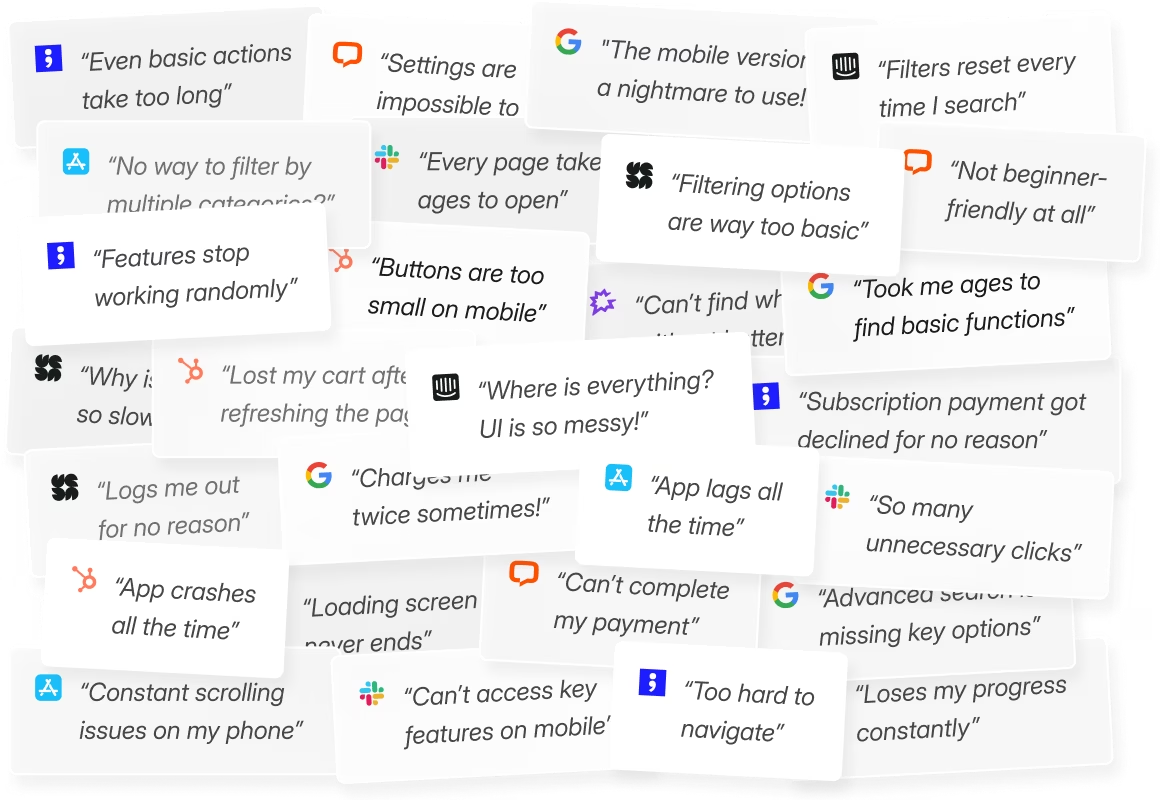
Go from feedback noise…
-
Crushed by multiple feedback sources
-
Can’t see the scale of user issues
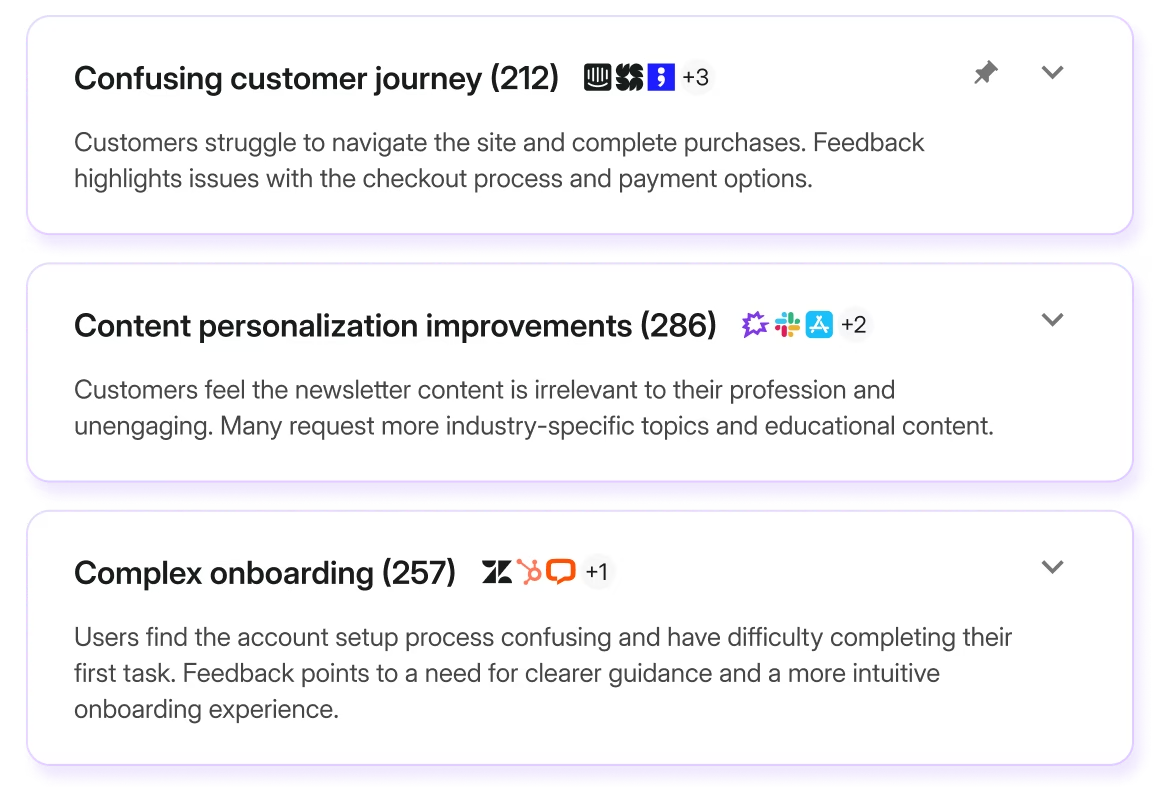
…to feedback knowledge
-
One feedback platform that surveys every channel
-
One that unifies all feedback sources into insights
Survicate: one platform to turn feedback into impact

Collect
“We had more than 1000 answers in one day using Survicate's NPS surveys.”


Analyze
“It's easy to quickly analyze users' answers. I also enjoy how Survicate puts survey results into graphics.”


Act
“Our feature validation became two times faster, now we can reach out to customers even in one week and get feedback.”

Step 1
Ask everywhere, learn everything

Source feedback with multi-channel surveys
Add surveys to emails, websites, and apps to collect feedback at every touchpoint.

Let trends surface from all the feedback
Automatically analyze feedback from your surveys, support tickets, call recordings, reviews and more.

Step 2
Turn raw feedback into key themes automatically
Analyze feedback, break down survey results, and build custom dashboards to track insights and make faster decisions.
Step 3
Act instantly, build feedback loops
Sync zero-party survey data with all your tools. Trigger campaigns, enrich CRM profiles, collaborate, inform the right teams, instantly.


“The time savings and the ability to automate responses [with Survicate] have made a huge difference to our workflow, and the feedback we gather helps drive our business decisions.”

Chris Eamer
Operations Manager at Wahi
Features for deeper feedback

Automatic Enrichment
Add CRM and product data to survey responses and instantly segment key users, uncover customer insights, and prioritize improvements.

Auto-Generated Topics
Watch as feedback is auto-sorted into topics like user experience, technical issues, and more... so you can discover key patterns.

Precise Targeting
Create segments and custom surveys to ask the right people the right questions, ensuring high-quality responses and valuable insights.

AI-Powered Research Chatbot
Ask a question, and Survicate’s AI instantly summarizes feedback from all sources, helping you make faster, data-driven decisions.
How teams turn feedback into alignment

CX Teams
Track satisfaction, analyze loyalty trends, and evaluate the customer journey to identify pain points and areas to improve.


Marketing Teams
Personalize content, boost conversions, and conduct market research to optimize marketing strategy.


Product Teams
Collect contextual product feedback to guide the roadmap, and gather user feedback to optimize the UX.

Send the survey data to all your tools with 1-click native integrations

 \
ActiveCampaign\
\
Launch powerful automations based on survey responses\
\


 \
Amplitude\
\
Send survey responses as events to Amplitude\
\

 \
Drip\
\
Save survey responses as contact properties, tags and events in Drip\
\
 \
FullStory\
\
Watch session recordings associated with the corresponding survey responses\
\

 \
Google Analytics\
\
Combine data from Google Analytics with survey responses\
\

 \
Google Sheets\
\
Send survey responses in real-time to a specific spreadsheet\
\

 \
Hubspot\
\
Trigger HubSpot workflows based on survey responses\
\

 \
Intercom\
\
Send survey responses to Intercom contacts\
\

 \
Klaviyo\
\
Update Klaviyo contacts with survey responses\
\
 \
Mailchimp\
\
Grow your Mailchimp list with surveys\
\

 \
Marketo\
\
Send website and email surveys responses to Marketo\
\

 \
Microsoft Teams\
\
Get instant Microsoft Teams alerts about new survey responses\
\

 \
Mixpanel\
\
Send survey responses as user events to Mixpanel\
\

 \
Optimizely\
\
Enhance quantitative data with feedback from website visitors\
\

 \
Productboard\
\
Send survey responses as notes to Productboard\
\

 \
Salesforce\
\
Trigger Salesforce workflows based on survey responses\
\

 \
Segment\
\
Send survey answers to your Segment destinations and warehouses\
\

 \
Slack\
\
Get instant Slack alerts about new survey responses\
\

 \
Smartlook\
\
Connect survey responses with web sessions in Smartlook\
\

 \
Tag Manager\
\
Easily install Survicate Tracking Code on your website\
\

 \
UXCam\
\
Combine survey responses with behavioral data from UXCam\
\

 \
Woopra\
\
Enrich customer profiles in Woopra with survey responses\
\

 \
Zapier\
\
Trigger workflows based on survey responses in 2 000+ apps\
\
 \
Zendesk\
\
Create or update Zendesk tickets with survey responses\
\


“Survicate integration capabilities are great and that’s a big part of the appeal. And the platform itself is very innovative and it’s so easy to set up surveys.”

William Geldart
Marketing Manager at BPS World
Reliable insights, bulletproof security
Whether you're collecting feedback from millions of users or integrating across your tech stack, you can rely on Survicate to protect your data and deliver authentic, actionable insights.
PII Protection
Collect only what’s necessary and secure everything. You control what PII is stored, accessed, and shared.
Safe AI
Every insight generated is backed by real, verifiable pieces of customer feedback. Your data is never used to train AI models.

Protected data storage
All data is stored in secure environments and shared only through verified, encrypted third-party integrations.






Survicate has your (feed)back
-
human live chat support, no bots
-
97% satisfaction rate
-
2 minutes first response

FAQs
How can Survicate be used as an all-in-one customer feedback software?


What makes Survicate a top customer feedback platform?
Can Survicate automate survey distribution as part of a customer feedback program?
How does Survicate help businesses implement an effective customer feedback program?
How does Survicate help manage customer feedback effectively?
How does Survicate support workflow automation in customer feedback management?
What workflow automation features does Survicate offer?
Can Survicate integrate with other tools to enable automated workflows?
Can I monitor feedback on a custom dashboard in Survicate?
What metrics can I track using Survicate’s custom dashboard?
Can I use Survicate for omnichannel customer feedback collection?
Can I automate customer feedback collection with Survicate?
Does Survicate offer sentiment analysis for customer feedback?
How do I create a customer feedback survey with Survicate?
How can I track customer feedback with Survicate?
See more questions
Hide some questions
