

详细内容


Cloud Computer
Team Workspace
Application Streaming
- Remote Desktop with Flexible Performances
 \
\ \
\ \
\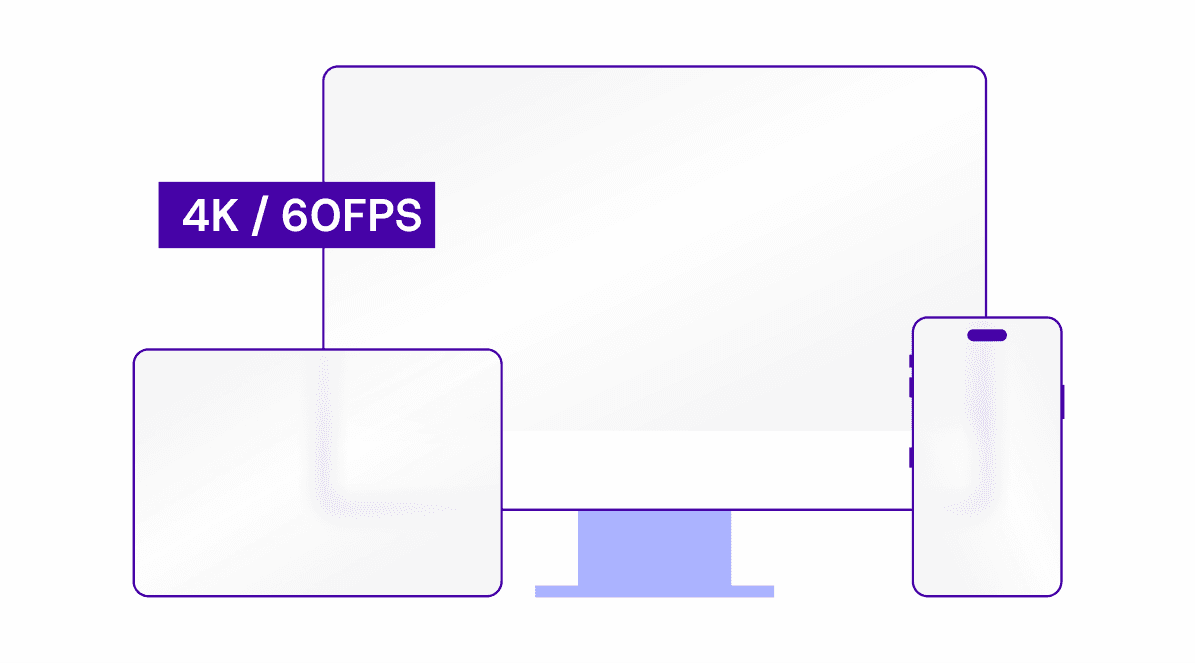
High Quality & Low Latency Streaming
Vagon Interactive Streaming Protocol provides up to 4K & 60FPS streaming with full-color support and brings zero latency experience with auto-adjusted streaming configurations.
RTX Enabled NVIDIA GPUs
As an official NVIDIA partner, Vagon makes the latest generation hardware accessible for all. Run your personal remote desktop with various performance alternatives with a single click.
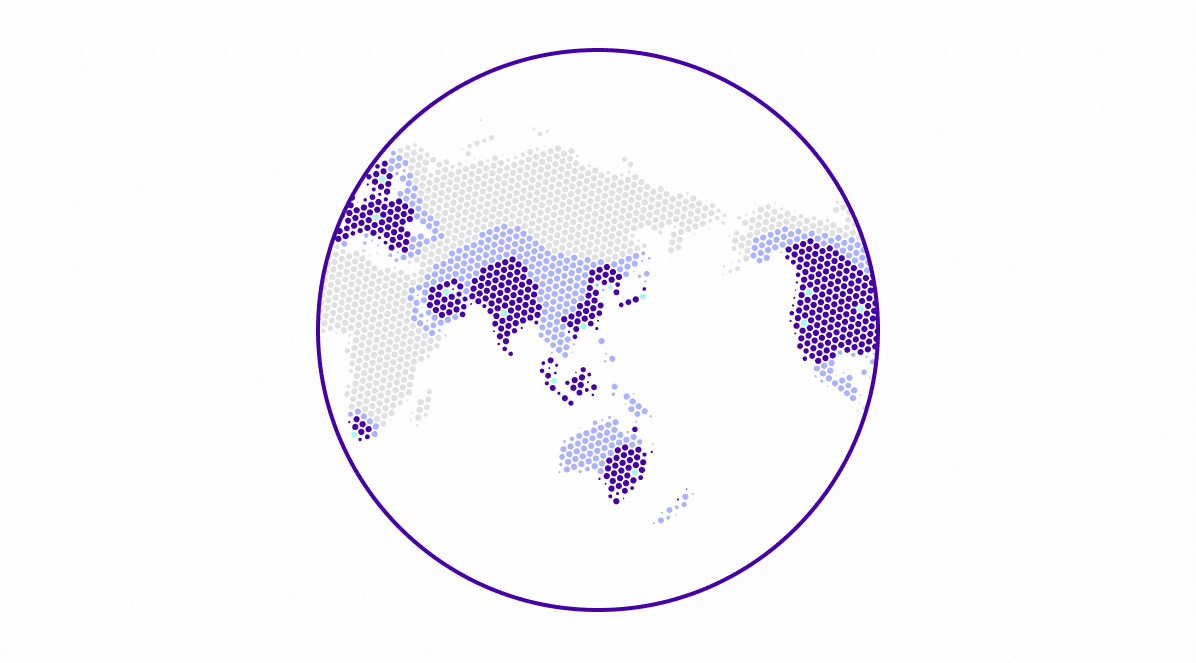
Worldwide Coverage
Enjoy mobility with zero-latency performance from our 23+ data centers worldwide. No need to carry a professional workstation anymore. Go anywhere in the world, stay connected.

Encrypted Connection & Isolated Environments
Every Vagon computer is an isolated virtual machine and connection to your computer is encrypted and secured. Your data is under your control.

Use Any Device as a Workstation
A professional workstation in your pocket? Just an internet connection, and you're all set. Vagon desktop apps let you run your computer on any device.
VAGON cloud computer
Remote Desktop for Creatives, Gamers & Engineers
Run graphic-intensive apps with latest generation hardware, step up your workflow with enhanced features.
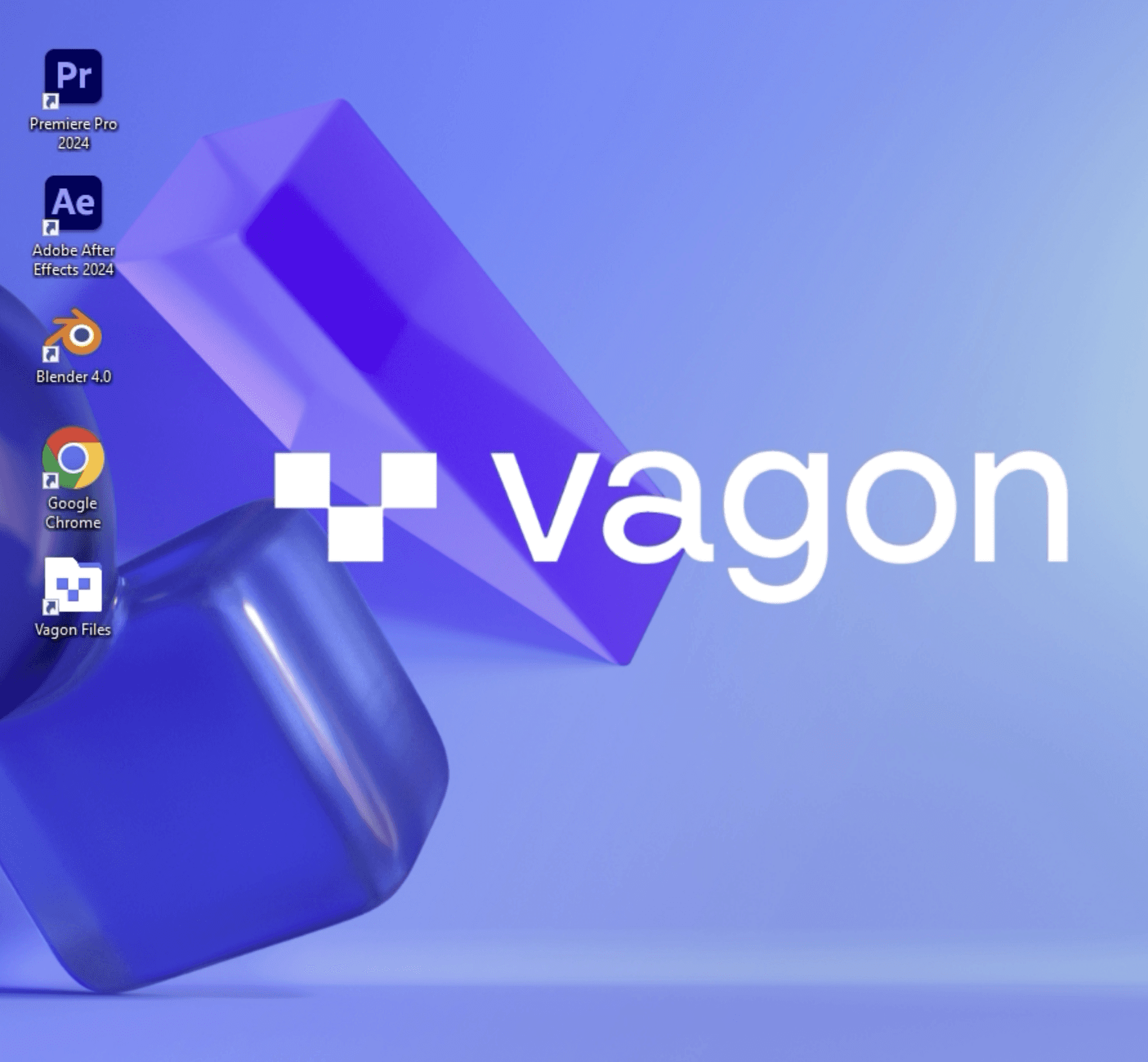
Personal remote desktop just for you, and your creative needs
Vagon Cloud Computer makes remote desktop experiences accessible for everyone with 4K resolution and 60 FPS streaming experience.
✓ Secure, isolated and personal workspace
✓ Ability to configure computer hardware on the go
✓ Mobile & tablet device support, connect from any device

Clinton Jones
CG/VFX Artist
“Seamless integration with your computer. If you can't afford a professional workstation, or want to supplement your current rig, Vagon is the best option I can think of.”

Hamid Hassanzade
Architect
“Vagon provides a boost to your computer at home to run Autodesk, Adobe, and other graphics software faster. It is more likely that Vagon will reduce workstation investments.”

Grant Abbitt
3D Modeling Artist
“Let's say you have something like a tablet or a Chromebook and you can work on a computer through your browser that's much more powerful.”
VAGON teams
Secure Virtual Workstations for Teams
Manage team computers effortlessly and work remotely as a team without any performance limits.
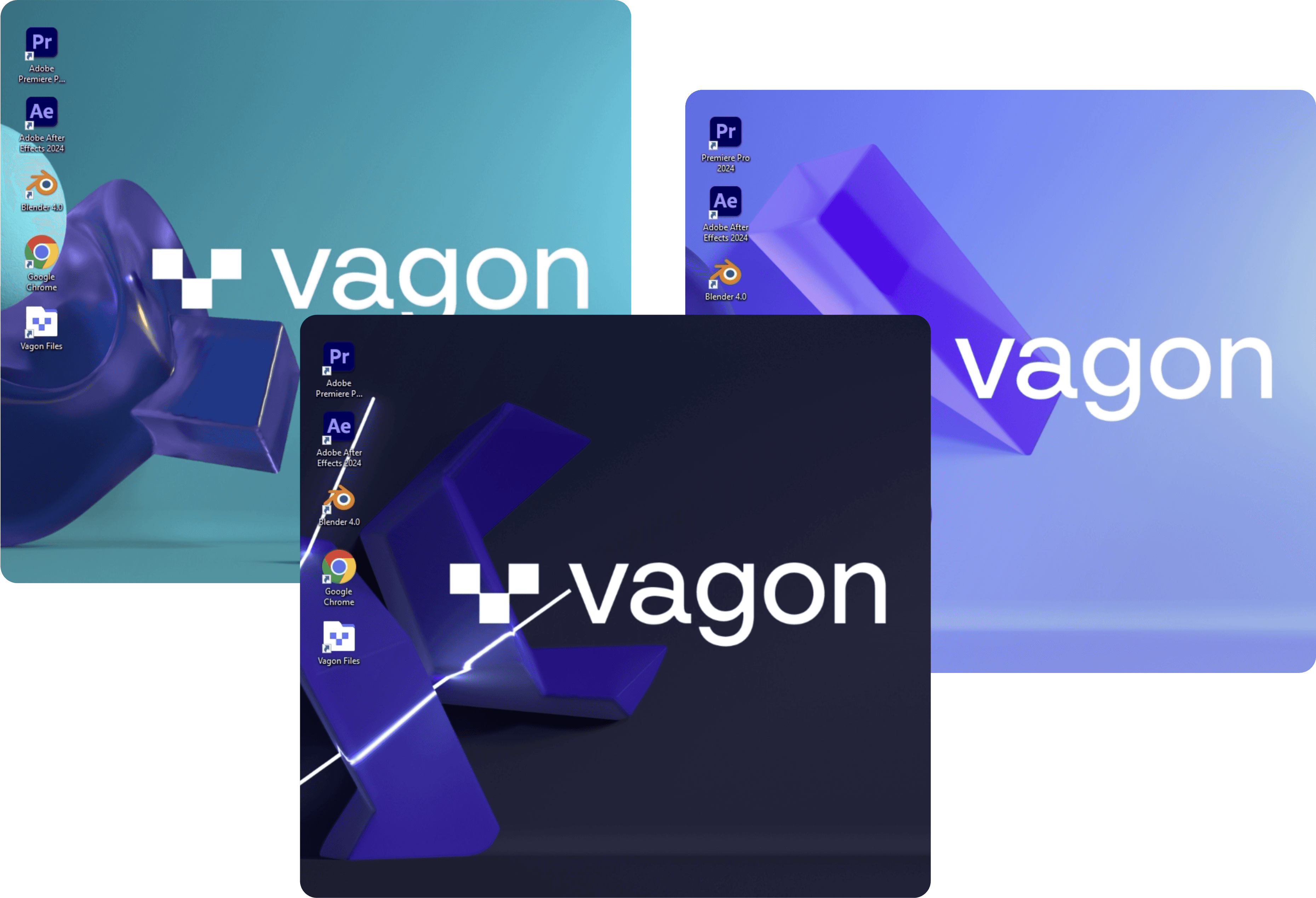
Join forces, spark ideas and share workflows with your team
Welcome to the new headquarters of your team — create multiple computers, and manage access and permissions.
✓ Secure, and isolated virtual cloud computers
✓ Interchangeable computer ownership between members
✓ Tailored computer templates and monthly usage plans
VAGON streams
Scalable Application & Pixel Streaming
Interactively stream applications globally, and make applications accessible from anywhere.
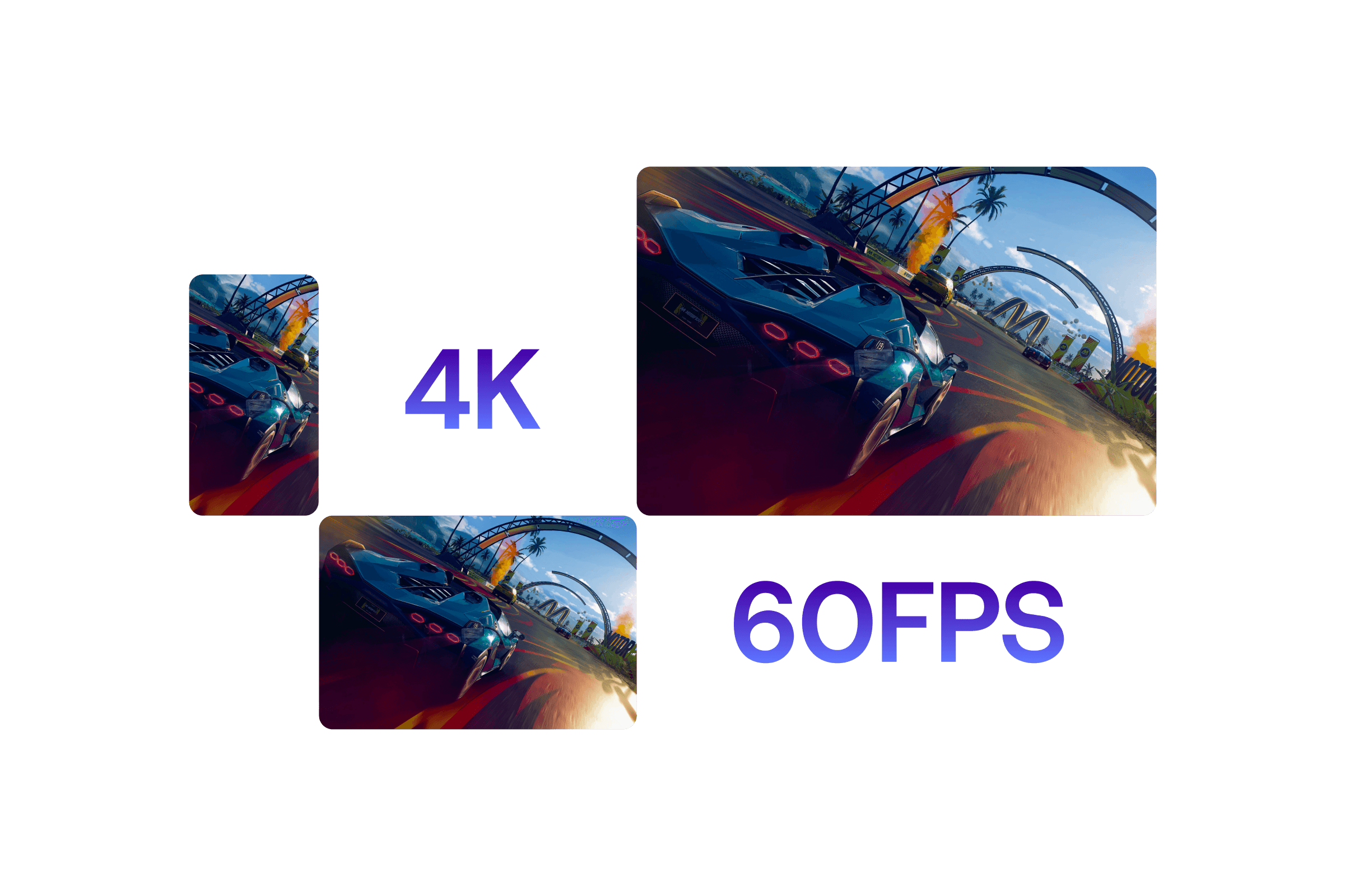
Run applications on any device with 4K & 60FPS streaming quality
Upload applications, create unique experiences in minutes and instantly start sharing 3D experiences with zero-latency.
✓ No-code easy implementation, automated load management
✓ High availability with 20+ data centers worldwide
✓ Unlimited concurrent user capacity with next-gen GPUs
Ready to focus on your creativity?
Vagon gives you the ability to create & render projects, collaborate, and stream applications with the power of the best hardware.

Vagon Blog
 \
\
\
Reduce Rendering Times in Premiere Pro\
\
tristyn  \
\
\
How to Render Faster in Blender 3D\
\
katharina  \
\
\
How to Make My PC Faster: 13 Simple Tips to Try\
\
tristyn  \
\
\
Tips for Faster Rendering in After Effects\
\
charlie
Run heavy applications on any device with
your personal computer on the cloud.
San Francisco, California
|
Solutions
Vagon Computer
Vagon Teams
Vagon Streams
Unity Verified Streaming Solution
Use Cases
Sales & Marketing Professionals
Resources
Vagon Blog
Best Marketplaces for Unreal Engine Assets and Plugins in 2025 Best GPUs for SketchUp 2025: Top Picks for Modeling, V-Ray, Enscape and Real Time Workflows How to Use Blender for 3D Printing: A Practical Guide for 2025 How to Change Units in AutoCAD: A Complete Guide for Accurate Scaling and Clean Drawings How to Fix “Scratch Disks Are Full” in Photoshop What’s New in Blender 5.0: Real Improvements That Actually Change Your Workflow How to Run AutoCAD on macOS: The Best Ways to Use AutoCAD on a Mac How to Export from SolidWorks to Twinmotion How to Run Enscape on macOS: The Real Guide for Mac Users