

详细内容
Login
Limited time 35% Off for First-Day User!
Home
Get 30 credits free Feedback
 \
\
\
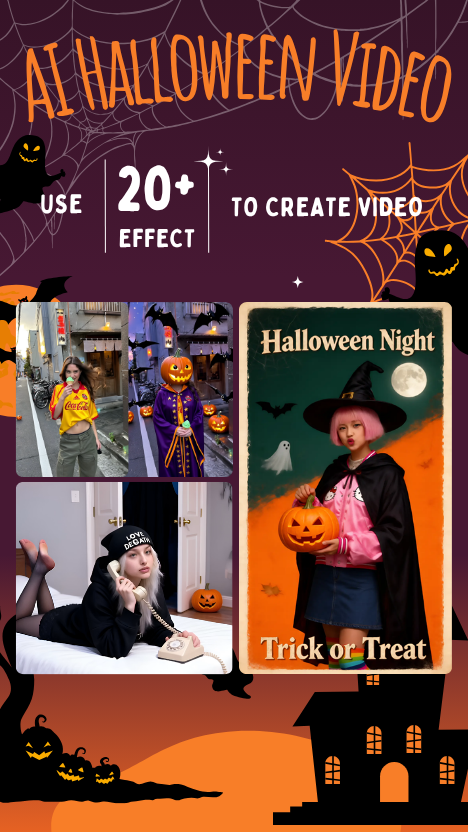
Halloween AIHot\
\
Generate Halloween videos with AI.
 \
\
\
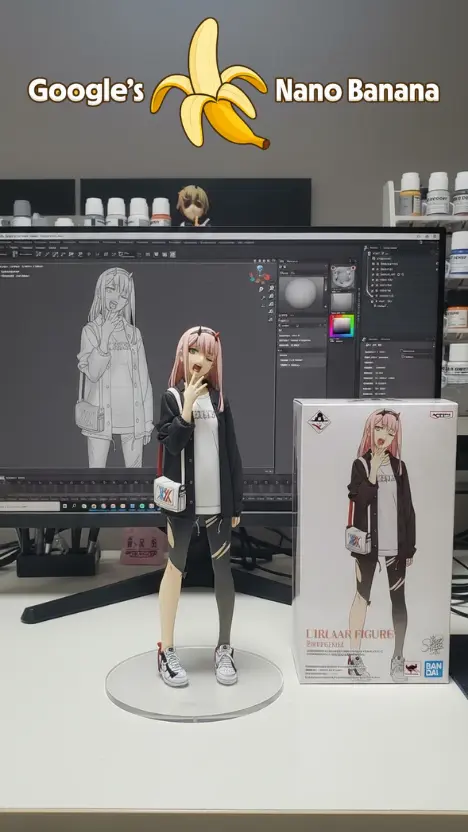
Nano Banana\
\
Edit images with natural language within 10s.
 \
\
\
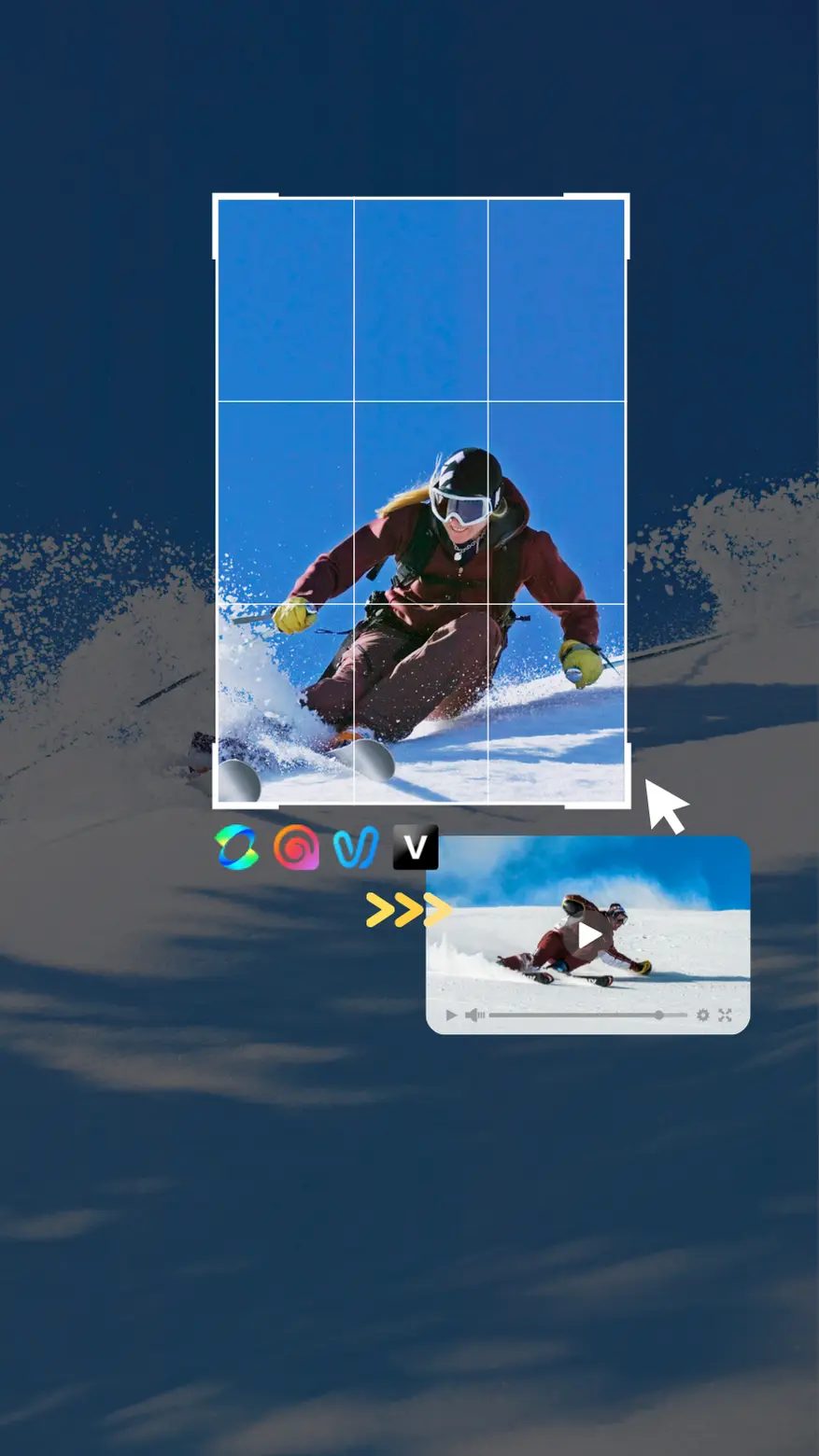
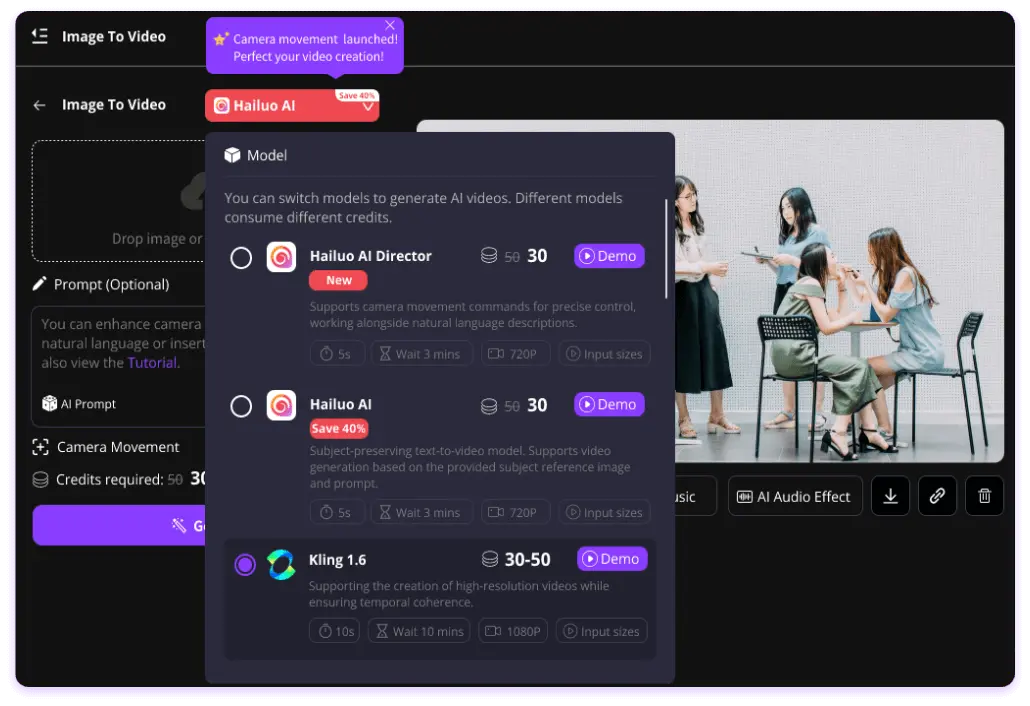
Image To Video\
\
Multi-models, fast speed.
 \
\
\
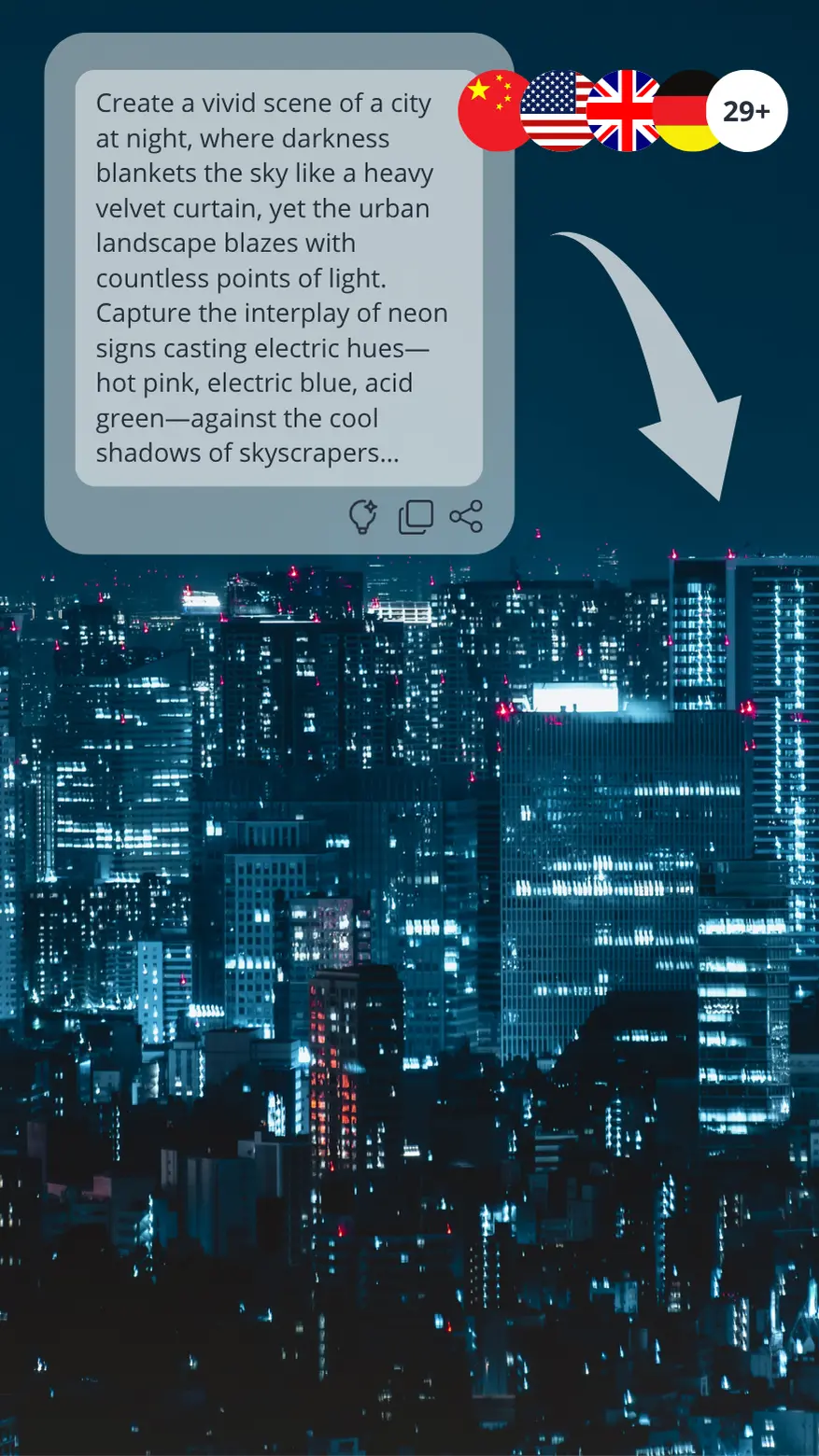
Text To Video\
\
Multi-models, ratios.
 \
\
\
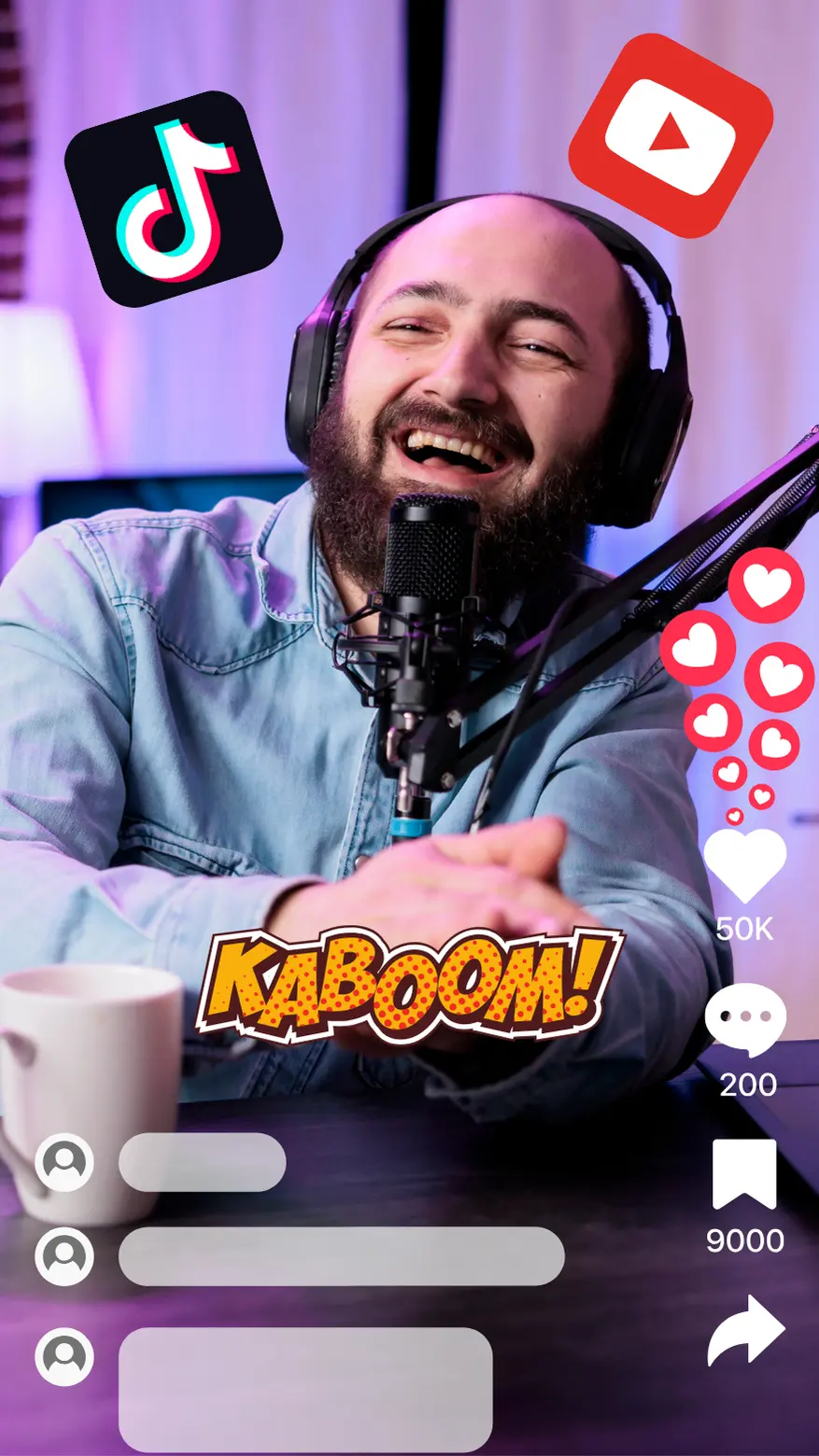
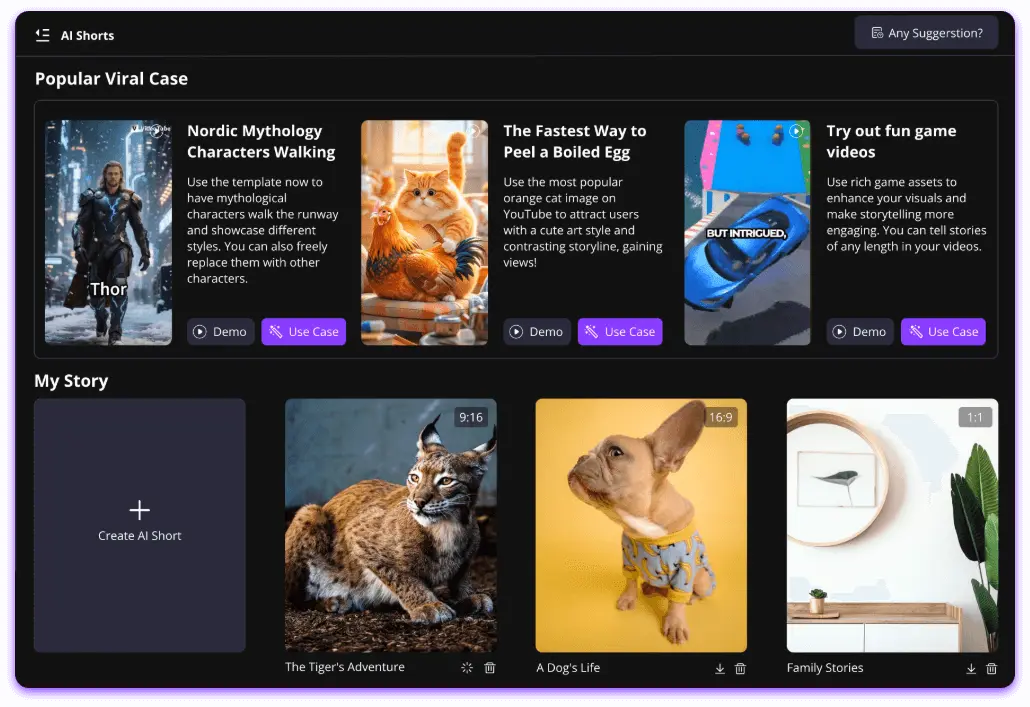
AI ShortsHot\
\
Viral templates, one-click.
 \
\
\
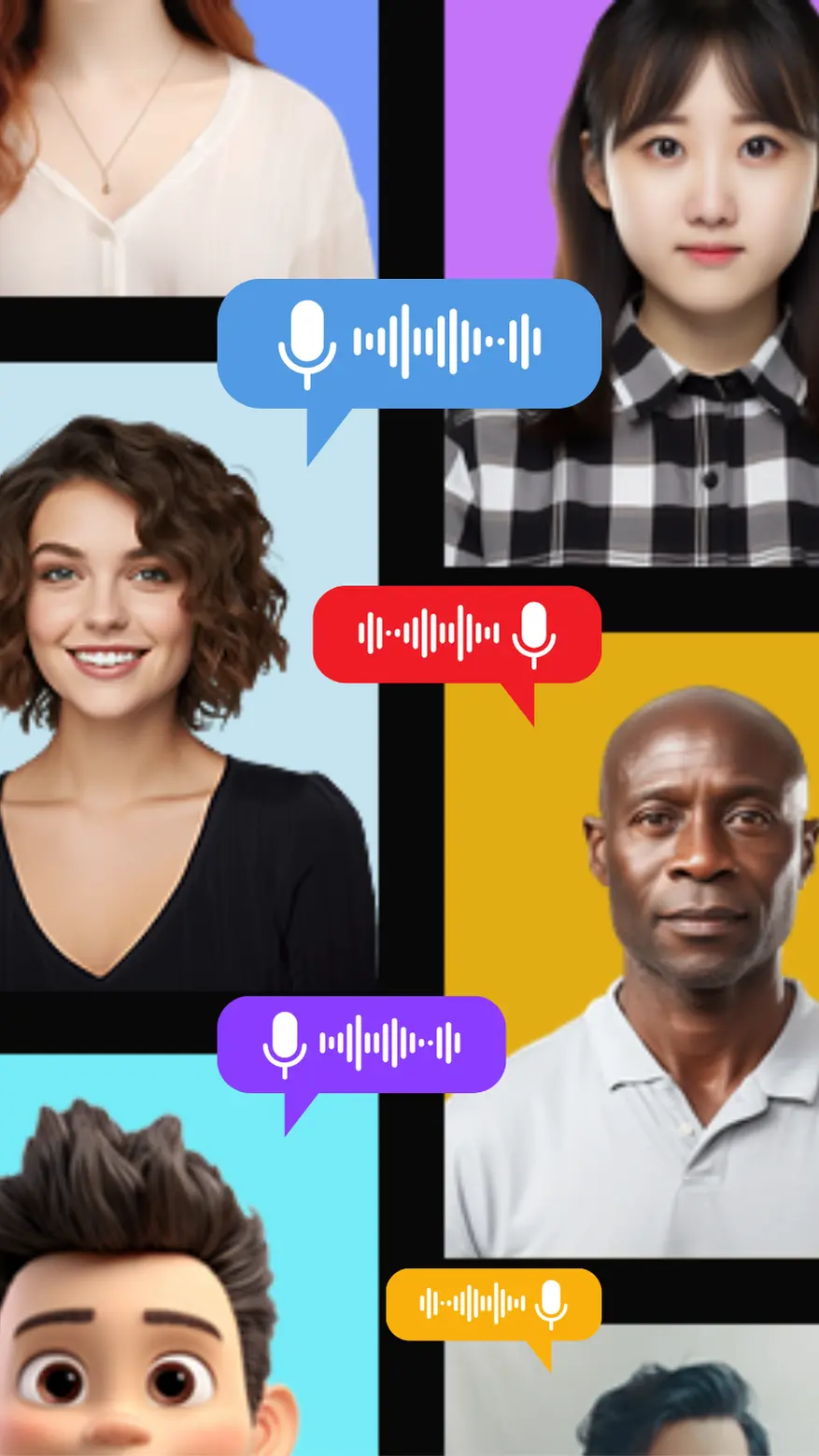
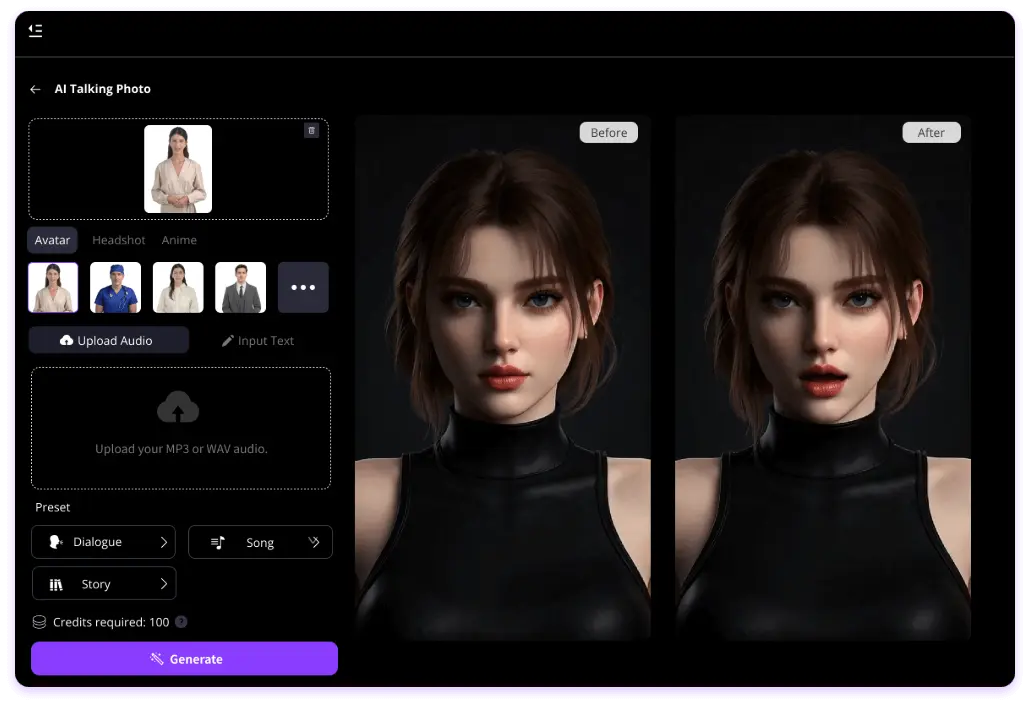
AI Avatar Talking\
\
Text to Speech, Lip-sync.
 \
\
\
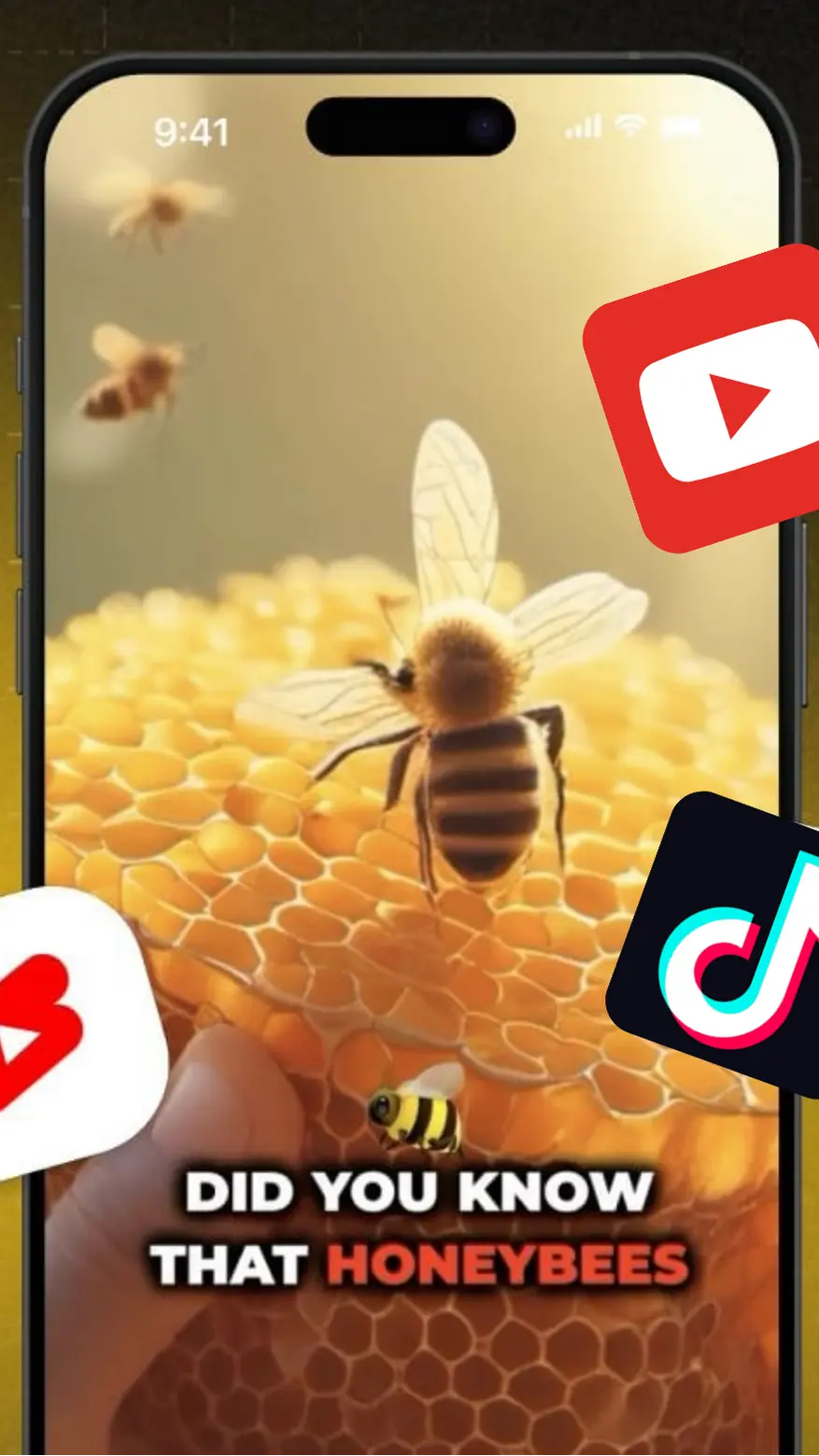
AI Faceless Video\
\
AI stories, faceless templates.
Newest Video Effects
More AI Tools
Create AI videos with one click using these tools.
 \
\
\
Baby Podcast\
\
Create AI baby podcast! More styles & voices.
 \
\
\
AI Image\
\
Supports ratios and styles, generated in 10s!
 \
\
\
AI Music\
\
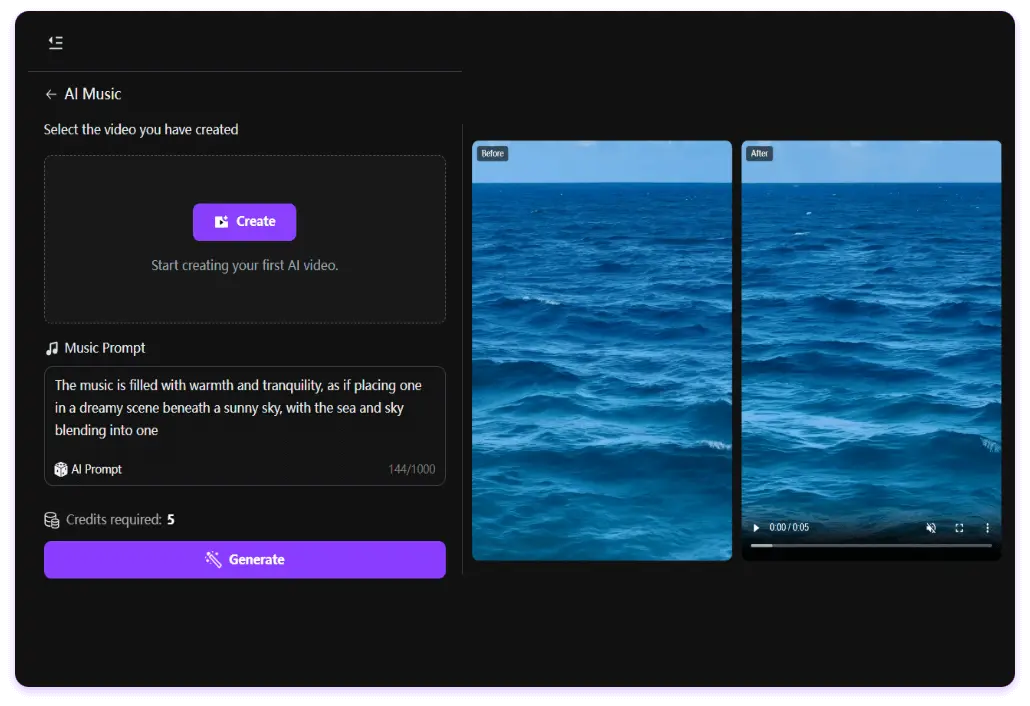
Use AI to add sound & music to videos.
 \
\
\
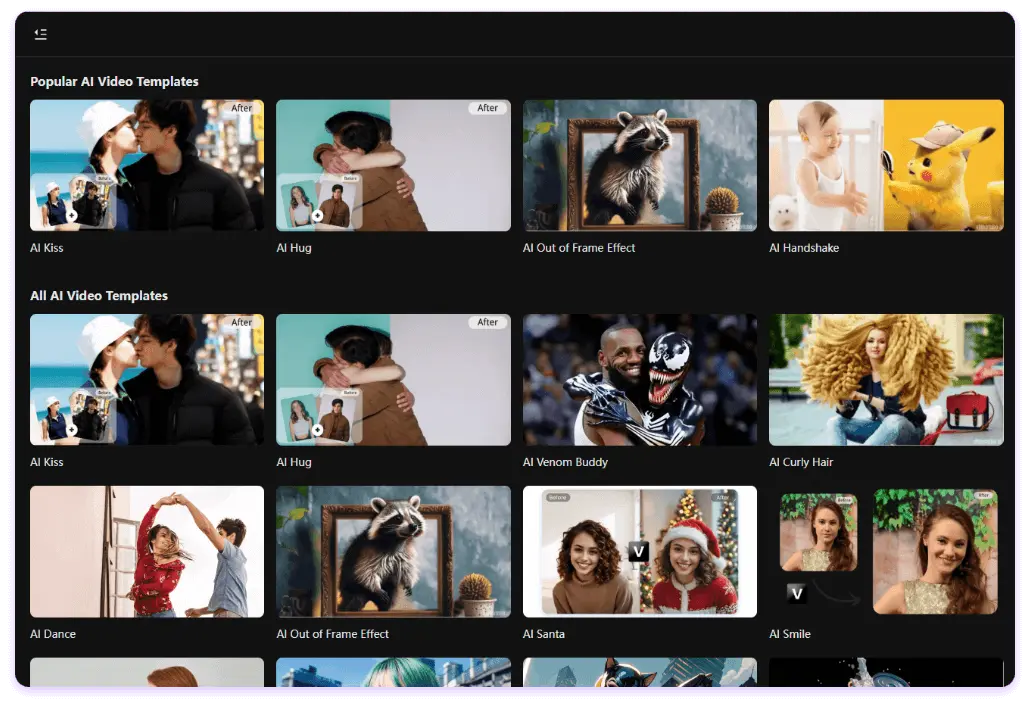
AI Kiss\
\
Natural and realistic kissing effects.
 \
\
\
AI Hug\
\
Take a hug with anyone.
 \
\
\
AI Squish Effect\
\
Freely pinch anything.
More than Video Tool
AI Shorts
AI Faceless
AI Generator
Video Effects
Talking Photo
Music Video
 Try Free Now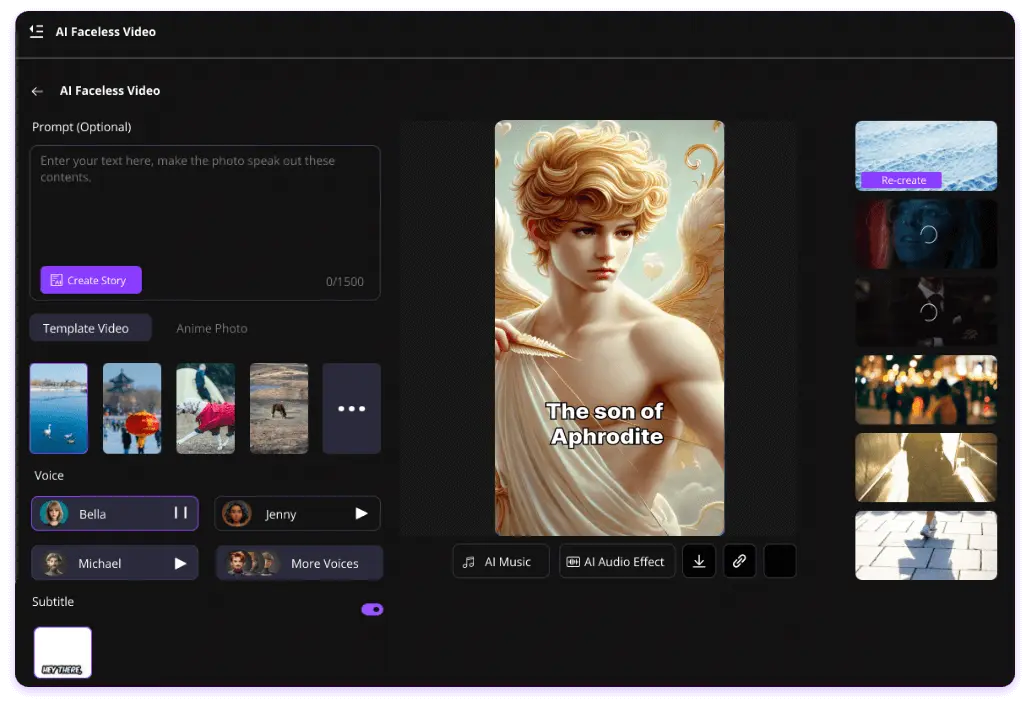
Designed for You
Shorts Creators
VideoTube helps shorts creators quickly make high-quality, engaging videos, saving editing time and attracting more followers on platforms like TikTok and YouTube.
E-commerce Sellers
For e-commerce sellers, VideoTube simplifies creating product videos, boosting customer engagement and sales without the need for filming or complex editing.
Animation Studio
Animation studios can use VideoTube's AI tools to quickly generate animated content, speed up production, customize scenes, and streamline storyboarding.
Visual Expert
Visual experts can create engaging videos and infographics, simplifying concept visualization and conveying ideas effectively.
Teacher
Teachers can create educational videos, turning lesson content into engaging visual materials to enhance the student learning experience.
Real Stories Of VideoTube

Sarah Williams
Shorts Creator
As a short video creator, VideoTube helps me easily create high-quality videos for TikTok and YouTube. With just a few clicks, I can finish the AI Shorts quickly. The results are always professional and attract more followers.

Mike Johnson
Media Manager
VideoTube's video effects are amazing! It offers a wide range of popular AI effects tools, like AI kiss, AI muscle effects. Everything is very intuitive and fast—no need to rely on expensive software to make your videos look great.

Laura Smith
Entrepreneur
As an e-commerce seller, I rely on VideoTube to quickly create product videos. I don't even need a filming team to make promotional videos. It's has boosted my sales!

John Miller
Content Creator
Using VideoTube's AI Faceless Video feature has been a game-changer for my content creation. I love being able to create engaging and professional faceless videos. It fits my creative style perfectly, and it's incredibly simple to use. No more complicated setups!

Jessica Lee
Influencer
Talking Photo is my favorite features on VideoTube. I upload a photo, and within seconds, it comes to life with realistic lip-syncing and voice. This tool is perfect for adding a personal touch to my content and making it more dynamic.

James Anderson
Director
VideoTube's AI Generator has been a huge help in optimizing my workflow. As an animation studio, it helps us quickly generate videos and AI animations based on storyboards, speeding up the production process. It has definitely increased our productivity and creativity.

Emily Davis
Blogger & Influencer
VideoTube's Image to Video Generator has made video creation so much easier for me. I just need to input text or images, and the AI automatically generates a beautiful video. This tool is perfect for anyone who wants to quickly create videos.

David Green
Musician
I've been using VideoTube to create my music videos. It allows me to easily combine music, visuals, and effects to make videos. The tool saves me a lot of time and lets me focus on creativity.

Sarah Miller
School Teacher
As a teacher, I've found VideoTube to be an invaluable tool for creating educational videos. I can quickly turn lesson plans into engaging videos that capture students' attention and enhance their learning experience!
One-click AI Shorts, no editing needed!
All users can enjoy these discounts
Starter

New users get free credits upon registration!
Sign in daily to earn credits and coupons!
 Try Free Now
$29.9 $36.9
20% off
1100 Credits Up to 110 videos
$0.027 / Credits
Up to 5 tasks in queue
All AI Video Features & Models
$9.9 $13.9
300 Credits Up to 30 videos
$0.033 / Credits
Up to 3 tasks in queue
All AI Video Features & Models
Frequently Asked Questions
If you're still unsure about how VideoTube works or have specific concerns, don't worry! We've got answers to the most common questions right here.
What is VideoTube?
VideoTube is a powerful AI video generation platform that allows users to create AI videos with one click. You can add sound effects, subtitles, and other elements by inputting text or photos to create video content. VideoTube is suitable for a wide range of needs, from social media videos and creative videos to advertisement production.
How do I generate videos using VideoTube?
Simply upload text, images, or other materials, and VideoTube will automatically generate a personalized video. You can also adjust video details like subtitles, music, and images , or use tools such as AI Shorts , AI Faceless , and AI Talking Photo based on your needs.
What video formats does VideoTube support?
VideoTube primarily supports MP4 video format, which meets the usage requirements for various platforms.
How do I create AI short videos on VideoTube?
Creating AI shorts on VideoTube is very simple. You can choose a AI templates or create a new story, input text, or let the AI write the text for you. Then, generate your character sheets and storyboard, which you can freely edit to ensure the story aligns with the direction you want.
Can the generated AI videos be downloaded?
Yes. allows you to download videos after they are generated. You can download both watermark and watermark-free versions.
What languages does VideoTube support?
VideoTube supports multiple languages: you can choose the input language, and the AI will automatically generate the video based on your selection, with support for multi-language subtitles. You can use them in AI Faceless Video or AI Talking Photo.
How do I download the generated video to my device?
The generated video will be saved to your VideoTube My Creatives. You can use our many AI tools and download it or share it on social media platforms like YouTube, Instagram, and others.
Is VideoTube suitable for business scenarios?
Yes. VideoTube is perfect for businesses to use in marketing, advertising, product presentations, and more. Tiktok AI Video Generator or AI YouTube Shorts Generator helps companies easily create high-quality video content to boost brand visibility.
How is the quality of AI-generated videos?
The videos generated by VideoTube feature high-definition quality and smooth animation effects. Whether for advertising or creative AI Shorts, they meet professional-level standards.
How do I get started with VideoTube?
Simply Sign in a VideoTube account, and use image to video to create videos. The platform provides an easy-to-use interface, so even beginners can quickly get started.
What should I do if I encounter issues while using the service?
Join the VideoTube Discord Community , to discuss this tool and ask questions. Also direct message us on Twitter, or send us an email at videotubeservice@gmail.com.
A2A