

详细内容
Make it Real
A new way to design for the real world.
Trusted by World-Class Brands














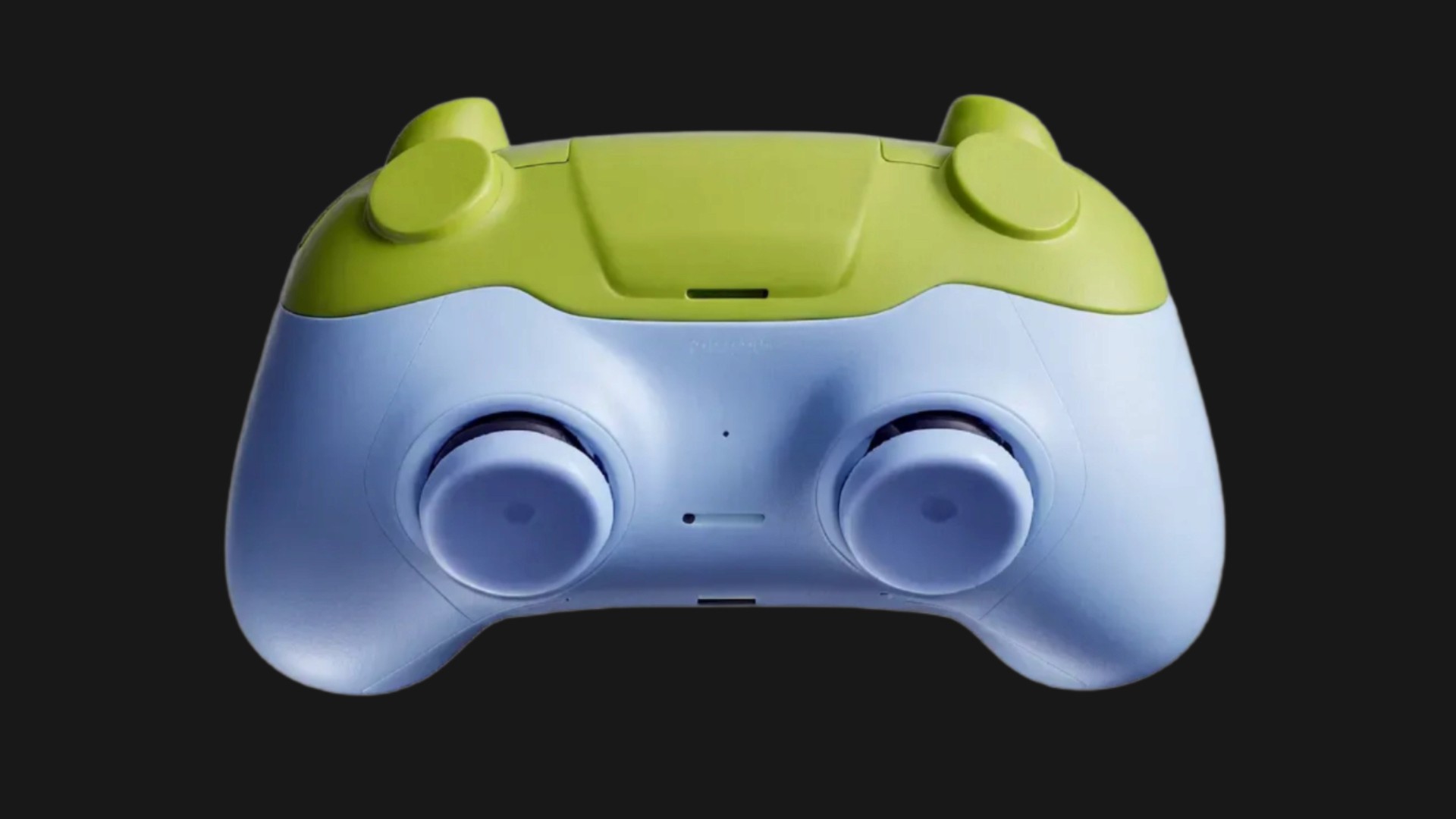
Image 1




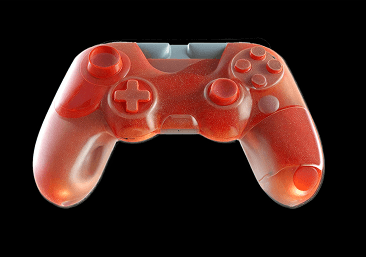

Sketch
It All Starts With the Sketch
Your first lines carry the soul of the idea.
Add clarity
Render
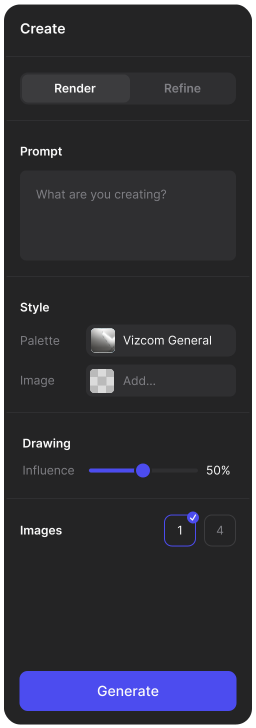
Prompt and render your design with one of the default styles, or with your own Palette.
3D
Model
Generate a 3D model of your rendering to view your idea from a new angle. Export the model to view in AR or to 3D print.
Sketch
Render
Model
Built for Design Teams
Stay aligned, move faster, and build together.
From Concept to Completion
Vizcom empowers designers to tell cohesive stories about their ideas through detailed visualizations.
Concept Art
Automotive Design
Industrial Design

-
Sketch

-
Render
-
Animation
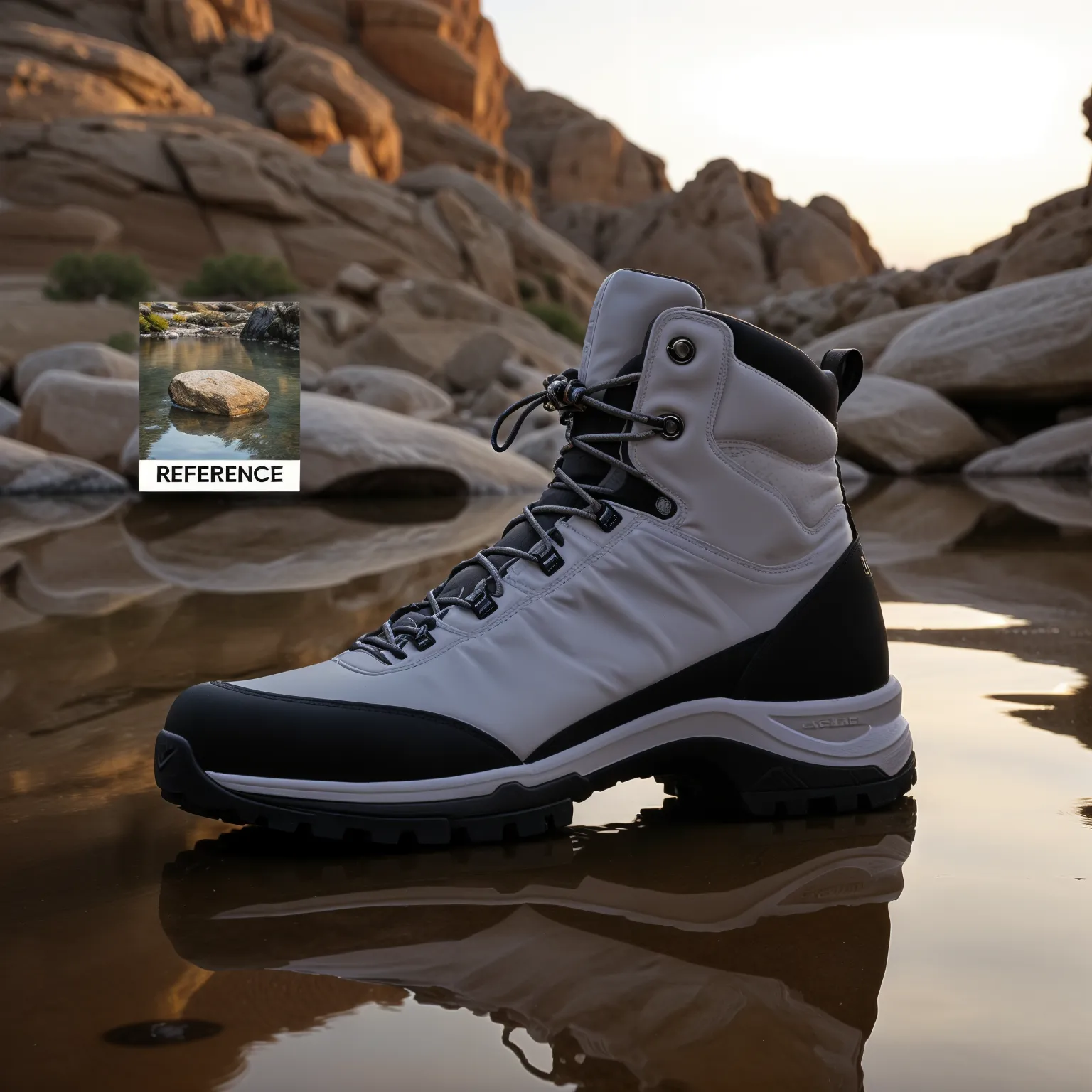
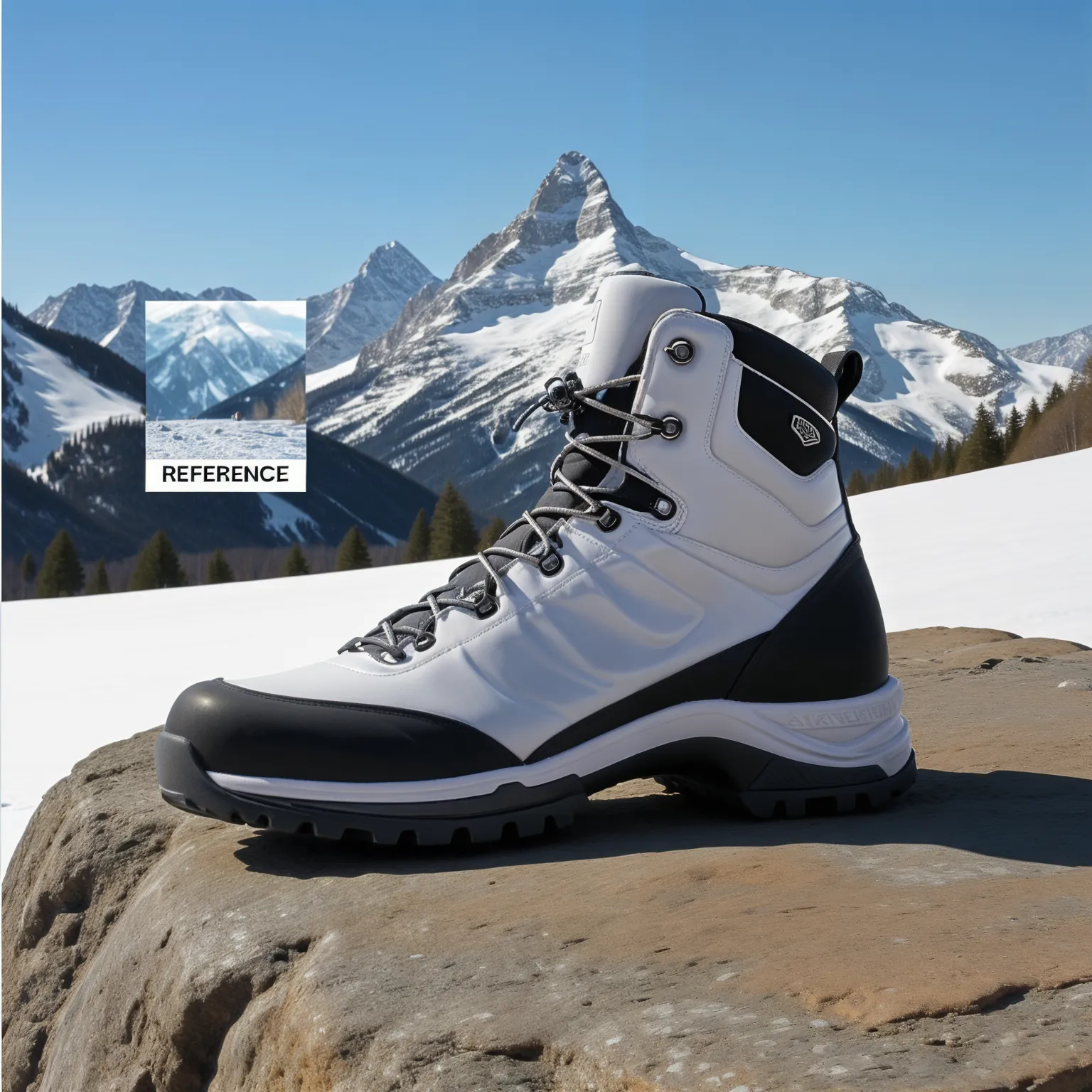
Your Design, In Context
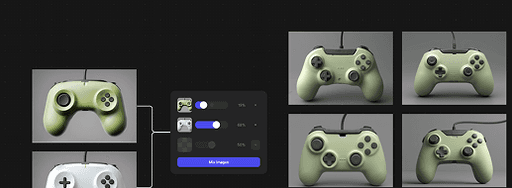
Environment reference allows you to place your idea in a realistic scene.

Explore every variation
Find the one that moves your idea forward.
Instant Feedback
New concepts as fast as you can draw
Live Render reacts to your strokes in real time.
Speak with Emotion
Communicate how your product feels
Extract materials from anything — a leaf, a sidewalk, a croissant and apply them directly to your sketch or model.
-
Ideas In Motion\
\
Animate in Vizcom\
\
A simple way to show how your concept moves.\
\

-
3D Generation\
\
Sketch to 3D\
\
See your designs in multiple dimensions. -
Ideas In Motion\
\
Animate in Vizcom\
\
A simple way to show how your concept moves.\
\
-
3D Generation\
\
Sketch to 3D\
\
See your designs in multiple dimensions. -
Ideas In Motion\
\
Animate in Vizcom\
\
A simple way to show how your concept moves.\
\
-
3D Generation\
\
Sketch to 3D\
\
See your designs in multiple dimensions. -
Ideas In Motion\
\
Animate in Vizcom\
\
A simple way to show how your concept moves.\
\
-
3D Generation\
\
Sketch to 3D\
\
See your designs in multiple dimensions. -
Ideas In Motion\
\
Animate in Vizcom\
\
A simple way to show how your concept moves.\
\
-
3D Generation\
\
Sketch to 3D\
\
See your designs in multiple dimensions.

Across sectors, always in your corner.








FAQ
Can I use Vizcom for free?
Yes of course! Our Starter plan is completely free, no credit card required. You’ll get access to unlimited files, one team, two editors, and unlimited viewers. This is a great plan to explore Vizcom with.
What payment methods can I use?
We accept all major credit and debit cards.
What roles are there and which are paid?
Admins (paid) – can edit files, manage workspace settings, billing, teams, and invite members. Editors (paid) – can edit files but not manage settings, billing, or teams. Viewers (free) – can only view files in read-only mode.
How does team billing work?
Team billing is handled centrally by the Admin. All paid seats, whether Admins or Editors, are included in a single invoice under the same billing cycle, while Viewers remain free and do not affect the cost.
Can I change my subscription from monthly to yearly?
Yes, you can. An Admin can update the plan in the billing settings, and the switch will take effect on the next billing cycle at the annual rate.
Do I own the content I produce in Vizcom?
Yes, you own everything you create in Vizcom. For free users, while Vizcom may use generated images to improve its services, it does not claim ownership of your designs, concepts, or original ideas—you keep full rights to them. For paid users, your images and designs remain entirely private and are only used to deliver the service. Every design, concept, and image you create or upload is fully yours and kept confidential.
Does Vizcom use my data to train Al models?
Vizcom does not use your data to train AI models if you’re on a paid plan. Everything you create stays private and is only used to provide the service. Free users may have their generated images included to help improve Vizcom’s services, but even then, Vizcom does not claim ownership of your designs, concepts, or original ideas—you retain full rights.
Follow us
Animate your concept in Vizcom to communicate context and interaction of your idea.
" height="48px" id="EdZTjKguo" width="48px"/></g></svg>)" height="33.75938000000001px" id="ujBB7ZoOi" transform="translate(0 7.116)" width="48px"/></svg>)" height="47.9906px" id="TCJVeQeEk" width="47.9719px"/><path d="M 12.328 0 C 5.522 0 0 5.522 0 12.328 C 0 19.134 5.522 24.656 12.328 24.656 C 19.134 24.656 24.656 19.134 24.656 12.328 C 24.656 5.522 19.134 0 12.328 0 Z M 12.328 20.325 C 7.913 20.325 4.331 16.744 4.331 12.328 C 4.331 7.913 7.913 4.331 12.328 4.331 C 16.744 4.331 20.325 7.913 20.325 12.328 C 20.325 16.744 16.744 20.325 12.328 20.325 Z" fill="rgb(255, 255, 255)" height="24.6562px" id="PiOUiNngS" transform="translate(11.672 11.672)" width="24.6562px"/><path d="M 5.756 2.878 C 5.756 4.472 4.462 5.756 2.878 5.756 C 1.284 5.756 0 4.463 0 2.878 C 0 1.284 1.294 0 2.878 0 C 4.462 0 5.756 1.294 5.756 2.878 Z" fill="rgb(255, 255, 255)" height="5.75625px" id="ohOOTAaNQ" transform="translate(33.938 8.306)" width="5.7562px"/></g></svg>)" height="39.7719px" id="x0uFs64uL" transform="translate(2 3.808)" width="44px"/></svg>)" height="36.586549952151536px" id="bP6e9mivX" transform="translate(0 5.278)" width="47.99999468333146px"/></svg>)
