

详细内容
NEW — Expressions display form data in fields
Open-Source Form Framework for Vue
Vueform is a comprehensive form framework for Vue that makes form development a breeze.
npm
create vueform@latest

Used by companies worldwide


Drag and drop
form builder
Build forms at extreme speed or integrate it into your project to allow users creating dynamic forms without technical knowledge. Based on Vueform.
Free on localhost during development. No credit card.
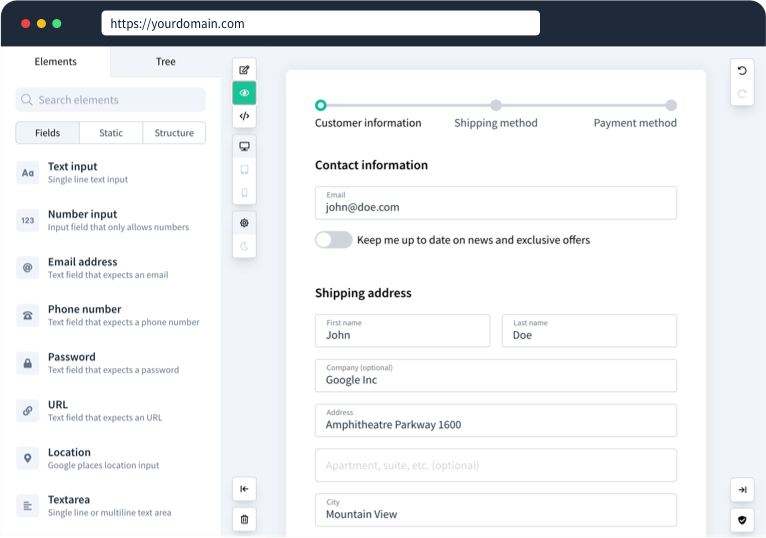
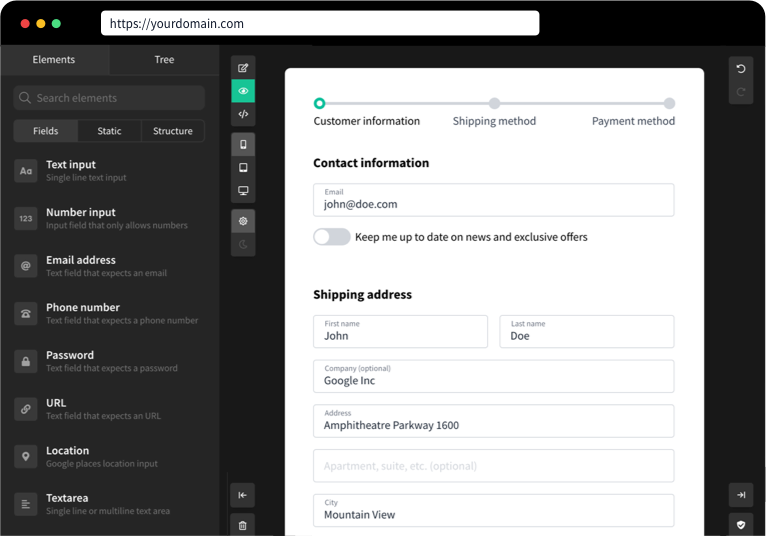
An advanced tool for developing forms in Vue.js
Vueform supercharges and standardizes the entire form building process and takes care of everything from rendering to validation and processing.
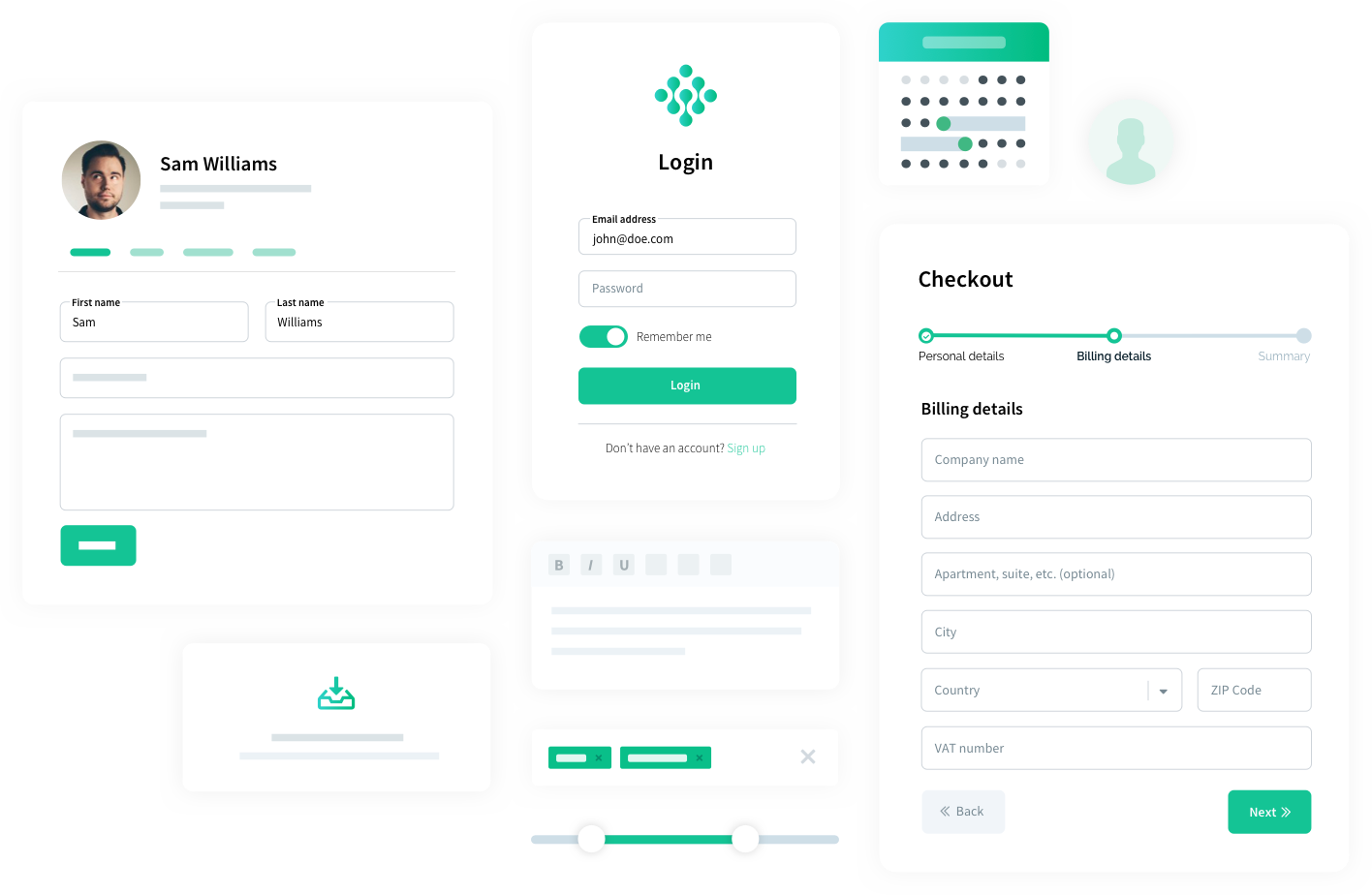
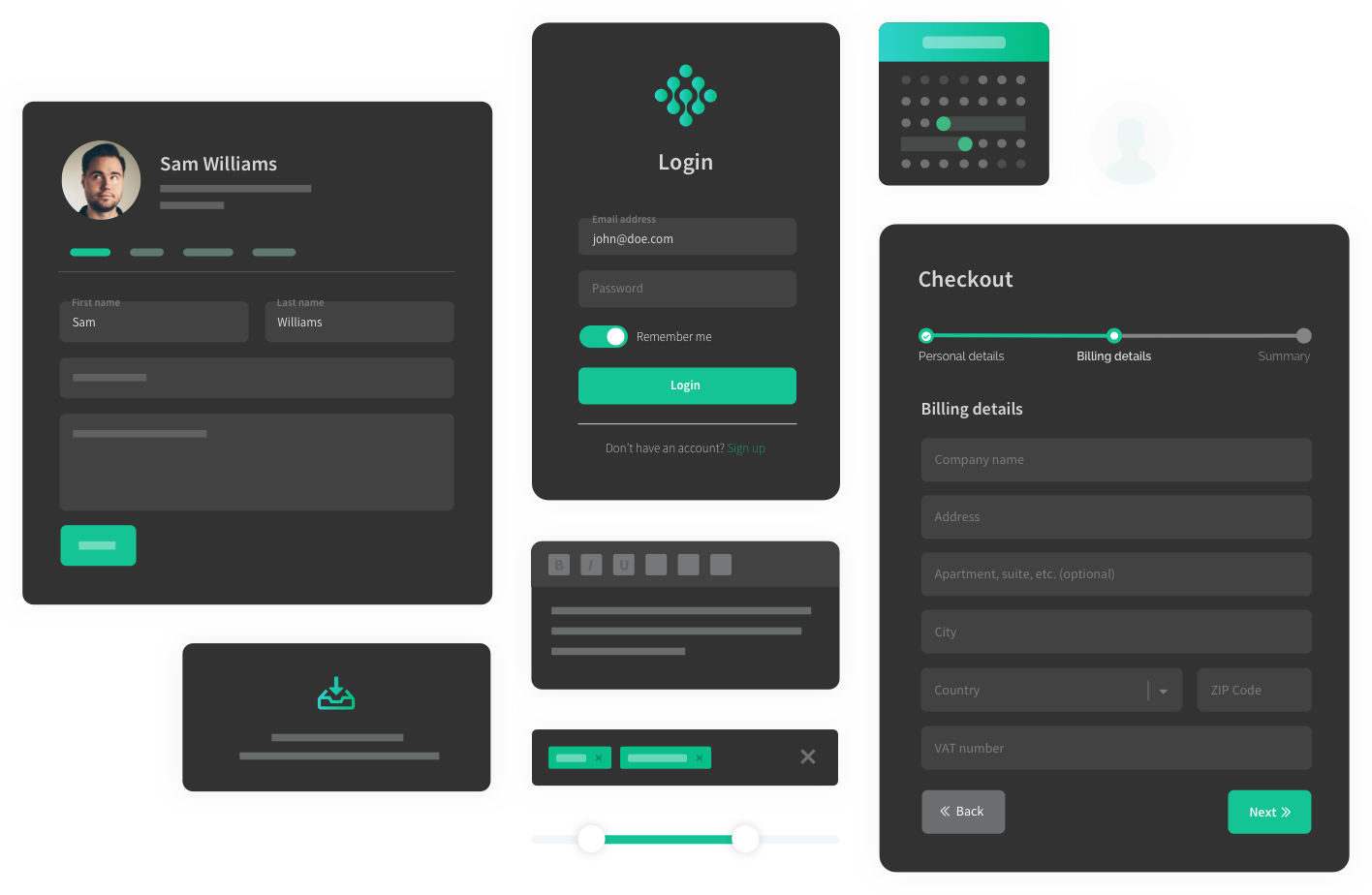
Advanced elements
All the elements you need at your fingertips
File uploads? Date pickers? Tagging or slider? We've got you covered! No more need to hunt for elements on Github and trying to make them work. With Vueform you get everything out of the box that can be easily customized.
TailwindVueCLI
- Bootstrap
- Bulma
- Nuxt
- Laravel
Tailwind, VueCLI
$450.00
$450.00 - $550.00
JanuaryFebruaryMarchAprilMayJuneJulyAugustSeptemberOctoberNovemberDecember
SunMonTueWedThuFriSat
301234567891011121314151617181920212223242526272829303112345678910
Receive notifications
Upload files


Form
Data
vue
<template>
  <Vueform>
    <TagsElement name="tags"
      :search="true"
      :items="['Tailwind', 'Bootstrap', 'Bulma', '...']"
    />
    <SliderElement name="slider"
      :max="1000"
      :merge="100"
      :format="{ prefix: '$', decimals: 2 }"
    />
    <PhoneElement name="phone"
      allow-incomplete
    />
    <DatesElement name="dates"
      mode="range"
    />
    <ToggleElement name="toggle">
      Receive notifications
    </ToggleElement>
    <MultifileElement name="multifile"
      view="image"
      :file="{ softRemove: true }"
    />
  </Vueform>
</template>
{
  "tags": [\
    "Tailwind",\
    "VueCLI"\
  ],
  "slider": [\
    450,\
    550\
  ],
  "phone": "+1234",
  "dates": [\
    "2025-11-30",\
    "2025-12-07"\
  ],
  "toggle": true,
  "multifile": [\
    "images/image3.webp",\
    "images/image2.webp",\
    "images/image1.webp"\
  ]
}
Nested elements
Handle nested data structures with ease
Creating nested data structures in forms can be cumbersome. Vueform provides elements that can handle infinite nesting which guarantees you will be able to handle even the most complex use cases.
Work history
Address
Skills used
TaxationDriving
- Administrative
- Nursing
- Investments
- Fashion
- Healthcare
- Analytical skills
- Sales
- Catering
- Translation
- Photography
- Graphic Design
- Pharmaceutical
- HR
- Writing skills
- Legal
- Management
- Marketing
- Mathematic
- Engineering
- Technical
- Art
- Teaching
- Online Marketing
- Grant Writing
- Finance
- Financial Analysis
- Market Research
- Presenting
- Project management
- Event Planning
- Social Media
- Accounting
- Consulting
- Telecommunications
- Recruiting
- Journalism
- Customer Support
- Hospitality
- Video Editing
- Video
Taxation, Driving
JanuaryFebruaryMarchAprilMayJuneJulyAugustSeptemberOctoberNovemberDecember
SunMonTueWedThuFriSat
262728293031123456789101112131415161718192021222324252627282930123456
JanuaryFebruaryMarchAprilMayJuneJulyAugustSeptemberOctoberNovemberDecember
SunMonTueWedThuFriSat
262728293031123456789101112131415161718192021222324252627282930123456
Working here
+ Add
Form
Data
vue
<template>
  <Vueform>
    <h3>Work history</h3>
    <ListElement name="history">
      <template #default="{ index }">
        <ObjectElement :name="index" :replaceClasses="{ ElementLayout: { outerWrapper: 'flex-1 rounded-lg pt-8 px-4 pb-4 mb-4 shadow-box' } }">
          <TextElement name="name" placeholder="Company name" />
          <LocationElement name="address" placeholder="Address" />
          <TagsElement name="skills" placeholder="Skills used" :search="true" :items="[...]" />
          <DateElement name="from" placeholder="From" :columns="4" />
          <DateElement name="to" placeholder="To" :columns="4" :conditions="[['history.*.present', false]]" />
          <CheckboxElement name="present" :columns="4">
            Working here
          </CheckboxElement>
        </ObjectElement>
      </template>
    </ListElement>
  </Vueform>
</template>
{
  "history": [\
    {\
      "name": null,\
      "address": {\
        "country": "Turkey",\
        "country_code": "TR",\
        "state": null,\
        "state_code": null,\
        "city": "Bursa",\
        "zip": null,\
        "address": null,\
        "formatted_address": "Bursa, Turkey",\
        "lat": 40.1885281,\
        "lng": 29.0609636\
      },\
      "skills": [\
        "Taxation",\
        "Driving"\
      ],\
      "from": null,\
      "to": null,\
      "present": false\
    }\
  ]
}
Database support
Convert forms to JSON and JSON to forms
Everything in Vueform, including elements, validation rules or steps and be stored as a JSON string. This enables rendering dynamic forms and storing even complex forms in databases. With Vueform you can create your own form builder tool!
Learn different uses of Vueform
Survey
Please fill in this survey
Your name
Your age
Your gender
MaleFemaleX
How likely are you to recommend our services?
12345678910
1 means very unlikely, 10 means very likely
Submit
Form
Data
vue
<template>
  <Vueform v-bind="$data" />
</template>
<script>
export default {
  data: () => ({
    endpoint: '/submit/survey/489432',
    schema: {
      title: { type: 'static', content: `<div class='font-semibold text-2xl'>Survey</div><p class='text-gray-500 m-0'>Please fill in this survey</p>` },
      question1: { type: 'text', label: 'Your name' },
      question2: { type: 'text', label: 'Your age', columns: 6 },
      question3: { type: 'select', label: 'Your gender', items: ['Male', 'Female', 'X'], columns: 6 },
      question4: { type: 'select', label: 'How likely are you to recommend our services?', default: 10, items: [1,2,3,4,5,6,7,8,9,10], description: '1 means very unlikely, 10 means very likely' },
      button: { type: 'button', buttonLabel: 'Submit', submits: true, },
    }
  })
}
</script>
{
  "question1": null,
  "question2": null,
  "question3": null,
  "question4": 10
}
Easy validation
50+ built-in validation rules, ready to use
Vueform provides a nice set of built-in validation rules but you can create custom ones just as easily. Validators can watch each other's value, run asynchronously or even be tied to conditions.
The Text field is required.
Url
The Url format is invalid.
Date
JanuaryFebruaryMarchAprilMayJuneJulyAugustSeptemberOctoberNovemberDecember
SunMonTueWedThuFriSat
262728293031123456789101112131415161718192021222324252627282930123456
The Date must be a date after 2025-11-30.
Password
The Password confirmation does not match.
Password again
I accept the Terms of Use
The Terms must be accepted.
Form
Data
vue
<template>
  <Vueform>
    <TextElement name="text" placeholder="Text"
      rules="required"
    />
    <TextElement name="url" placeholder="Url"
      rules="url"
    />
    <TextElement name="email" placeholder="Email"
      rules="exists:users"
    />
    <DateElement name="date" placeholder="Date"
      rules="after:today"
    />
    <TextElement name="password" placeholder="Password"
      rules="confirmed"
    />
    <TextElement name="password_confirmation" placeholder="Password again"
    />
    <CheckboxElement name="terms"
      rules="accepted"
    >I accept the Terms of Use</CheckboxElement>
  </Vueform>
</template>
{
  "required": null,
  "url": "htp://vueform.com",
  "async": "john@doe.com",
  "after": "2025-11-30",
  "password": "vueform",
  "password_confirmation": "veuform",
  "accepted": false
}
Conditions
Conditional rendering
Using v-if to render certain elements conditionally is no magic. Handling that on a data level is a different thing. Vueform removes all the struggle of creating conditional forms so you can focus on the important parts.
Answer all questions!
Answer three very simple questions to see what's in the end.
First question:
YesNoDo you want the next field to appear?
Second question:
YesNoHow about the next one?
Third question:
YesNoAnd the next one...?
You've made it!
A mini meIron man suitStarfighterCongratulations! Choose your prize:
We're sorry :( You've almost made it.
Form
Data
vue
<template>
  <Vueform>
    <SelectElement name="question1" :items="['Yes', 'No']" placeholder="..."/>
    <SelectElement name="question2" :items="['Yes', 'No']" placeholder="..."
      :conditions="[['question1', 'Yes']]"
    />
    <SelectElement name="question3" :items="['Yes', 'No']" placeholder="..."
      :conditions="[['question2', 'Yes']]"
    />
    <SelectElement name="prize" :items="[...]" placeholder="..."
      :conditions="[['question3', 'Yes']]"
    />
    <StaticElement name="no_prize" :conditions="[\
      function(form$) {\
        return form$.data.question1 === 'No' ||\
              form$.data.question2 === 'No' ||\
              form$.data.question3 === 'No'\
      }\
    ]">We're sorry :( You've almost made it.</StaticElement>
  </Vueform>
</template>
{
  "question1": null
}
Form wizard
Break forms into steps
Everybody hates filling in long forms. They might not even get started if all they see is an endless list of fields. Vueform makes it easy to break forms into steps helping your users to have a more convenient experience when using your product.
Name
Bio
Password
PreviousNext
Form
Data
vue
<template>
  <Vueform>
    <template #empty>
      <FormSteps>
        <FormStep name="personal" :elements="['name', 'bio']"
        />Personal</FormStep>
        <FormStep name="account" :elements="['email', 'password']"
        />Account</FormStep>
        <FormStep name="social" :elements="['facebook', 'twitter']"
        />Social</FormStep>
      </FormSteps>
      <FormElements>
        <TextElement name="name" label="Name" />
        <TextareaElement name="bio" label="bio" rows="8" />
        <TextElement name="email" label="Email" />
        <TextElement input-type="password" name="password" label="Password" />
        <TextElement name="facebook" label="Facebook" />
        <TextElement name="twitter" label="Twitter" />
      </FormElements>
      <FormStepsControls />
    </template>
  </Vueform>
</template>
{
  "name": "John Doe",
  "bio": null,
  "email": null,
  "password": null,
  "facebook": null,
  "twitter": null
}
I18n support
Available in 19 languages, translate contents
It can be convenient for websites operating in multiple languages to translate different parts of the published content easily. Vueform supports this by providing translatable input fields that have multiple outputs in different languages.
Title
Content
BoldItalicStrikethroughLinkHeadingQuoteCodeBulletsNumbersDecrease LevelIncrease LevelAttach FilesUndoRedo
Form
Data
vue
<template>
  <Vueform multilingual>
    <TTextEelement
      name="title"
      label="Title"
    />
    <TEditorElement
      name="content"
      label="Content"
    />
  </Vueform>
</template>
{
  "title": {
    "en": null,
    "zh": null
  },
  "content": {
    "en": null,
    "zh": null
  }
}


Integrate Vueform into any existing (design) system
Vueform works with the most popular frameworks, including Tailwind CSS, Bootstrap or Material and even has different setup guides for Vite, Nuxt and Laravel.


Case Studies
Don't Take Our Word For It
Discover the stories and experiences shared by our clients who've leveraged the full potential of Vueform in their projects.
 \
Vueform\
\
Empowering Users to Create Unique Forms with an Easy-to-Use Interface  \
Vueform\
\
Streamlining Real Estate Operations with Vueform SDK  \
Vueform Builder\
\
Medical Software Development with Vueform Builder

"The extensibility surprised us. We have been able to create our custom components fairly easily. Vueform and the framework it provides lets us build things on top of it quite easily. Even if the requirement is quite different from the base component that we are working on."
— Saideep Talari, CTO, SenseHawk
Vueform is Open-Source
Ready to unlock
maximum productivity?
Get started in a few minutes.
npm
create vueform@latest


👋 Hire Vueform team for form customizations and development


Copyright © 2025 FormTools Ltd.
All rights reserved.
 Join our\

Learn
Legal & contact
Subscribe to our newsletter
Subscribe
We uses cookies for the best user experience
Allow all Allow essentials only
A2A