

详细内容

AI-Flow
Connect multiple AI models easily
AI-Flow is a platform for creating custom AI tools through asimple drag and drop interface. Run AI workflows in the app orintegrate them into your projects.
Automate Content Creation with AI
Your browser does not support the video tag.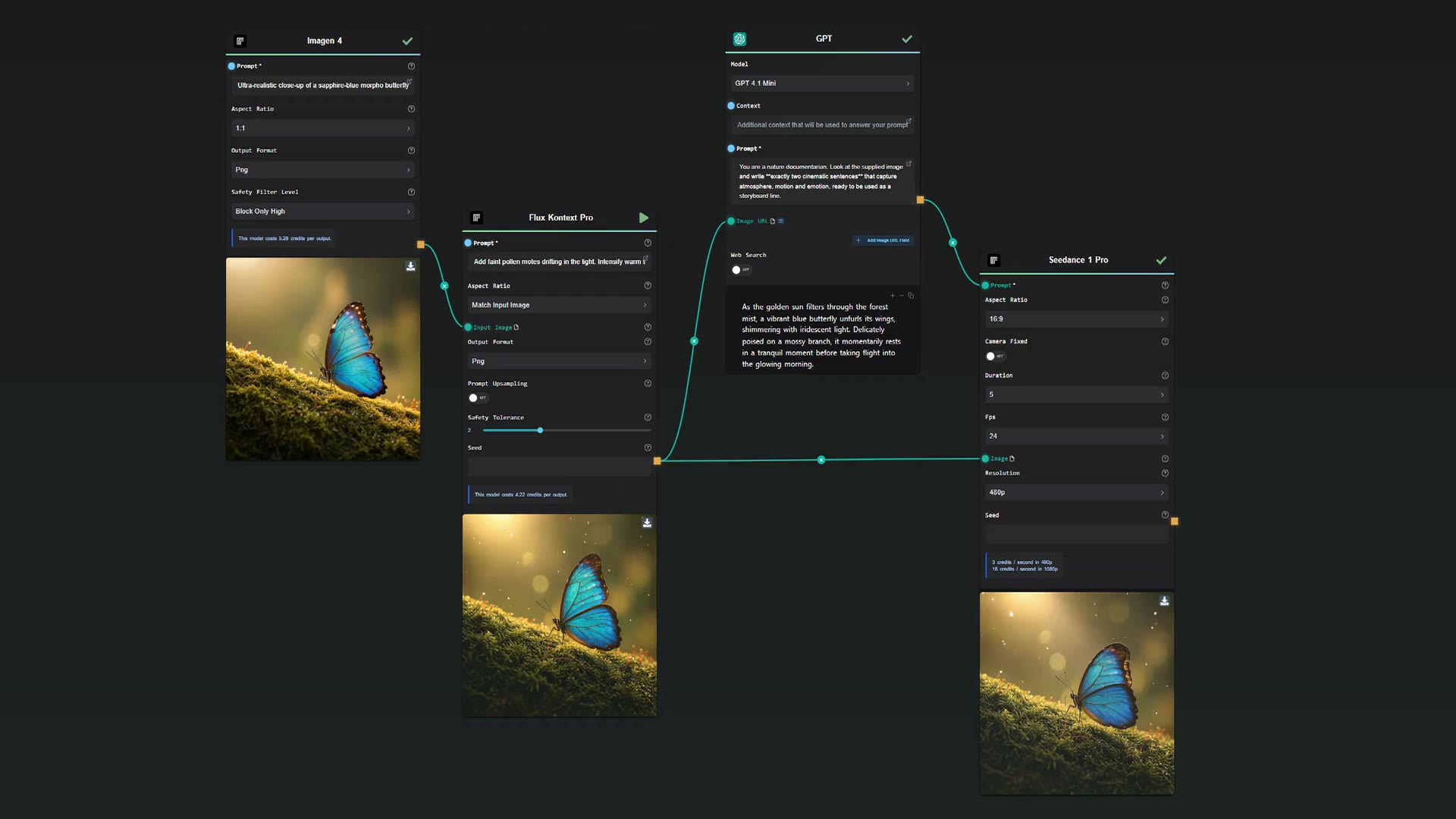


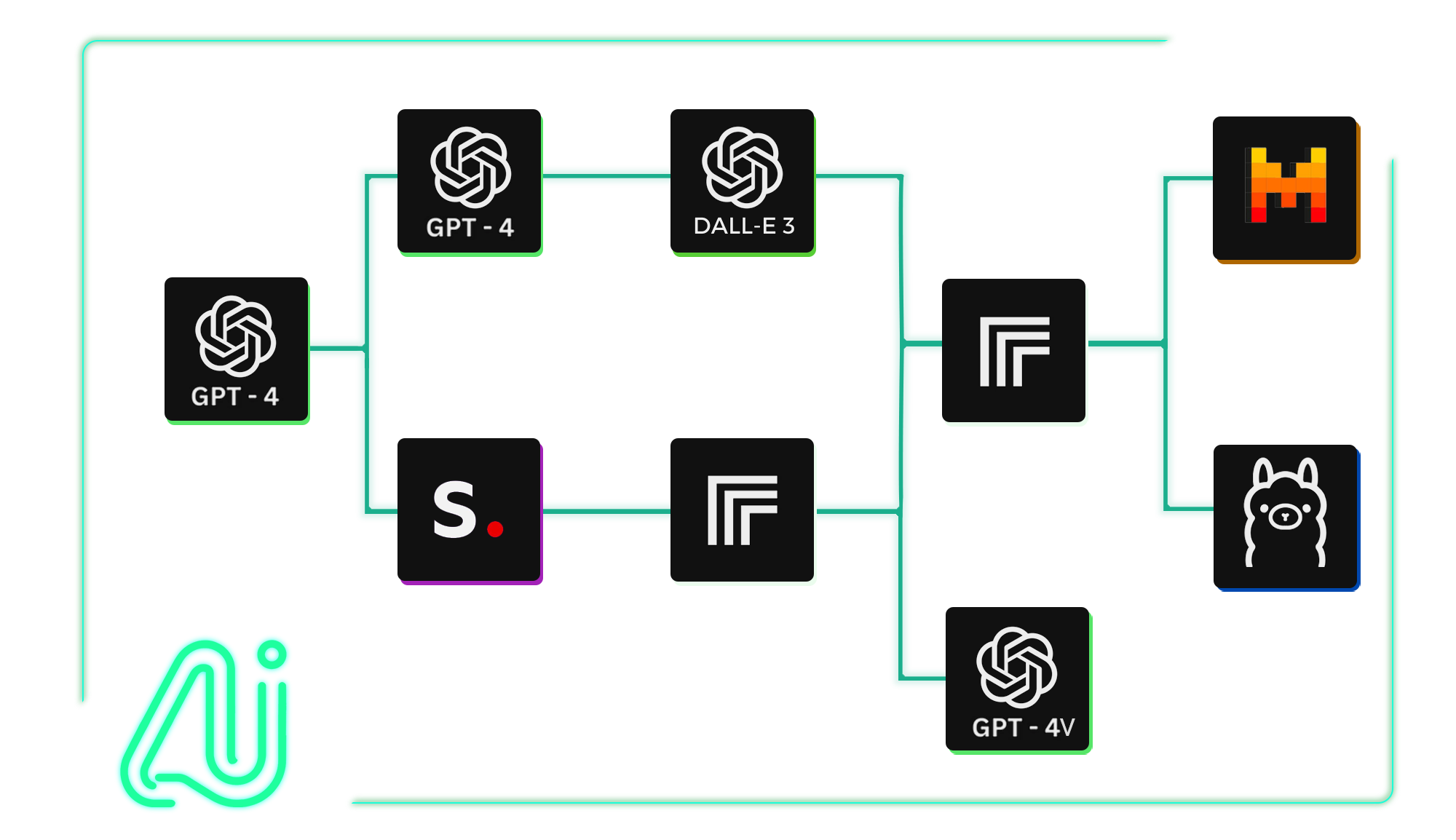
Integrate Multiple AI Models
Combine AI models from OpenAI, StabilityAI, Anthropic and Replicate for innovative outcomes.
10models available
- GPT-5
- GPT-4.1
- GPT Image 1
- Nano Banana
- Veo 3.1
- Imagen 4
- Seedream 4
- Flux.1 Kontext
- OpenAI o3
- OpenAI o3-pro
- Gemini
- FLUX.1.1 Pro
- Claude 4
- Lyria 2
- Face Swap
- GPT-5
- GPT-4.1
- GPT Image 1
- Nano Banana
- Veo 3.1
- Imagen 4
- Seedream 4
- Flux.1 Kontext
- OpenAI o3
- OpenAI o3-pro
- Gemini
- FLUX.1.1 Pro
- Claude 4
- Lyria 2
- Face Swap
Build Custom AI Tools Quickly
Save time by using our drag-and-drop interface to create AI tools in minutes without coding.
Your browser does not support the video tag.
Create Marketing Images & CopyScale Your WorkflowWrite & Illustrate StoriesAnalyze & Summarize Web Content
Tailored AI Solutions for Your Needs
Discover Artificial Intelligence solutions customizable to your specific requirements. Automate AI-powered story creation, generate batches of images, summarize YouTube content using AI, and more.
Select. Connect. Integrate.
Easily build and customize APIs for your AI workflows. Automate inputs and retrieve outputs via API requests or webhooks. Integrate your AI flows into your projects.
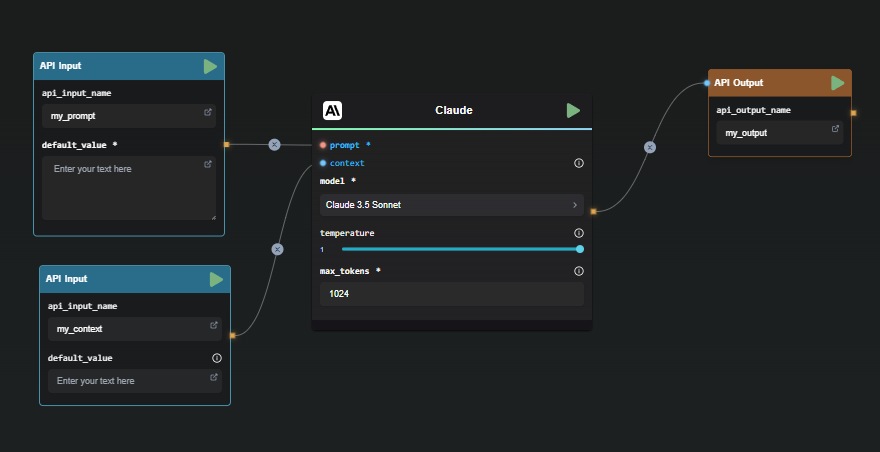
Your AI Toolbox
Stay up to date with the latest available AI models. Get started with ready-to-use templates.
Sora 2
Veo 3.1
Nano Banana
Seedream 4
Wan 2.2 T2v Fast
Edit images with words - FLUX.1 Kontext
GPT Image Generation
Google Imagen 4
Seedream 3
Seededit 3.0
Seedance 1 Pro
FLUX 1.1 Pro
GPT Image Edition
Portrait Series - FLUX.1 Kontext
Professional Headshot - FLUX.1 Kontext
Generate Music with Google Lyria 2
Community

· Follow
really like this one for it's simplicity of creating flows of multi-step processing spatially and the node for pulling in models from replicate.
8:23 PM · May 2, 2024 Twitter for Websites, Ads Information and Privacy
Copy link

· Follow
I've just discovered your tool and it's awesome. I'm a total noob when it comes to programming and installing things from GitHub, but I'll figure out how to run it locally or on a server
6:42 PM · Jan 12, 2024 Twitter for Websites, Ads Information and Privacy
Copy link

· Follow
Very cool, I'm a fan and I bought the $19 plan today. I love the responsiveness & the layoutof your app. I have a shopify and etsy print on demand business and my big goal is to try and automate the business from A to Z eventually. Thank you & looking forward to using AI-Flow
12:42 AM · Mar 30, 2024 Twitter for Websites, Ads Information and Privacy
Copy link
Frequently Asked Questions
How do I get started with AI-Flow?
To get started with AI-Flow, you can try the Cloud Version, which offers automatic updates and new features. If you prefer to run it locally, you can download the executables for Windows from the AI-Flow GitHub repository. Alternatively, you can use Docker-compose to set it up.
What are the advantages of using the Cloud Version of AI-Flow?
Using the Cloud Version of AI-Flow provides several benefits: automatic updates, access to exclusive features such as the API Builder, and a default access to all functionalities. It offers flexible pricing, allowing optional API key integration to use nodes at no extra cost for related API keys.
Can I use my API keys from AI providers like OpenAI, Replicate, and others on the Cloud Version without additional cost?
Yes, you can integrate your API keys with AI-Flow Cloud Version and use nodes at no extra cost. You'll only pay a small fee for platform resource usage.
Where is my data stored when using AI-Flow?
By default, your flow data is stored locally on your computer within the browser session. For long-term storage, you can save your data as a JSON file for future use and retrieval. If you're using the Cloud Version, you can choose to save flow in the cloud.
Can AI-Flow generate images?
Yes, AI-Flow supports image generation using models like DALL-E 3, Stable Diffusion 3, and other AI models available on Replicate such as FLUX.1.
Is AI-Flow free to use?
AI-Flow can be used for free if self-hosted with your own API keys.
Can I run AI-Flow locally?
Yes, AI-Flow can be run locally on your computer. However, you will need an internet connection to communicate with the AI APIs.