

详细内容
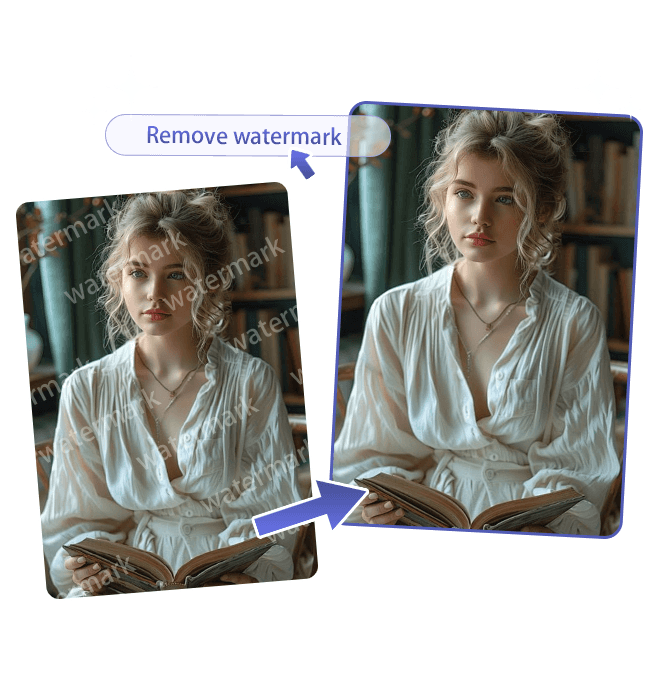
Auto RemovalManual Edit
For more precise results, use edit mode.
click to upload
drag an image (≤20M)
support formats: png/jpeg/webp/bmp
Remove watermarks from a photo in a snap
Need clean, watermark-free images or videos? Try our AI Watermark Remover! Powered by our advanced AI removal tool, it swiftly and precisely removes watermarks from photos and videos, no Photoshop skills needed, restoring your content to its original clarity.
Remove watermark from your photo now >>
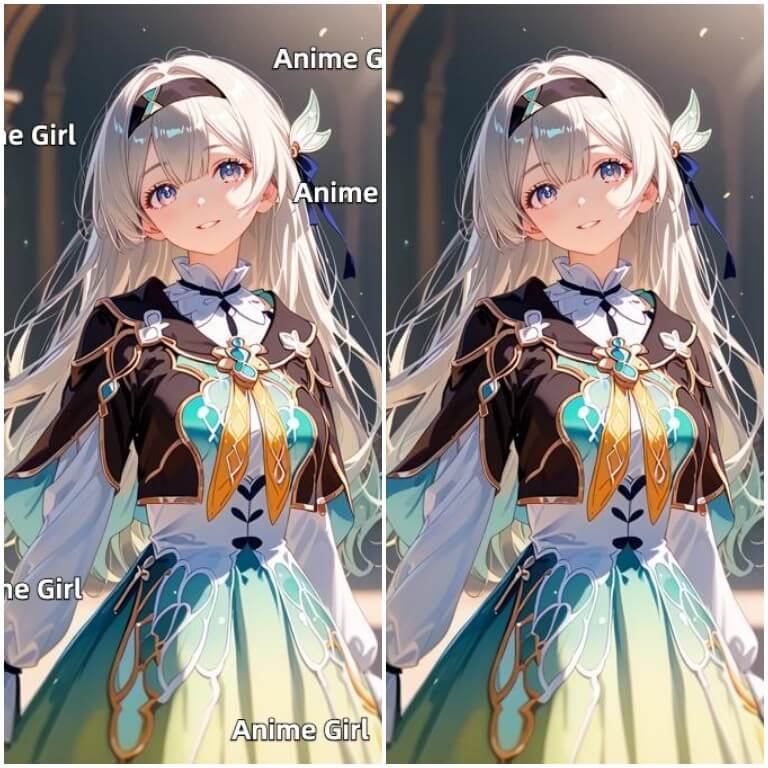
Easily specify the object to remove
With the powerful editing capabilities of our AI Watermark Remover, you can easily adjust the brush size to accurately highlight the object you want to remove, ensuring precise redrawing and seamless results.
Remove what you want instantly >>

Ultimate, 100% free, no watermark
Our watermark removal tool is completely free, and it won't add any new watermarks. Additionally, we prioritize protecting your privacy and do not store any data.

Want to remove watermarks from images instantly?
More than just a watermark removal tool
Our AI Watermark Remover not only quickly removes the watermark areas you mark but is also expected to launch smart removal (automatic text region detection), video watermark removal, and multi-platform video download features in the near future.
Batch watermark removal
You can upload multiple images and quickly perform batch removal. (Coming soon)
Video watermark remover
One-click smart removal of watermarks from videos, like TikTok and YouTube watermark-free videos.(Coming soon)
Smart watermark remover
Automatically detect text watermarks in photos using AI, enabling fast and precise watermark removal from the images.(Coming soon)
Multi-platform video downloader
Supports multi-platform video downloads, including TikTok, YouTube, and more.(Coming soon)
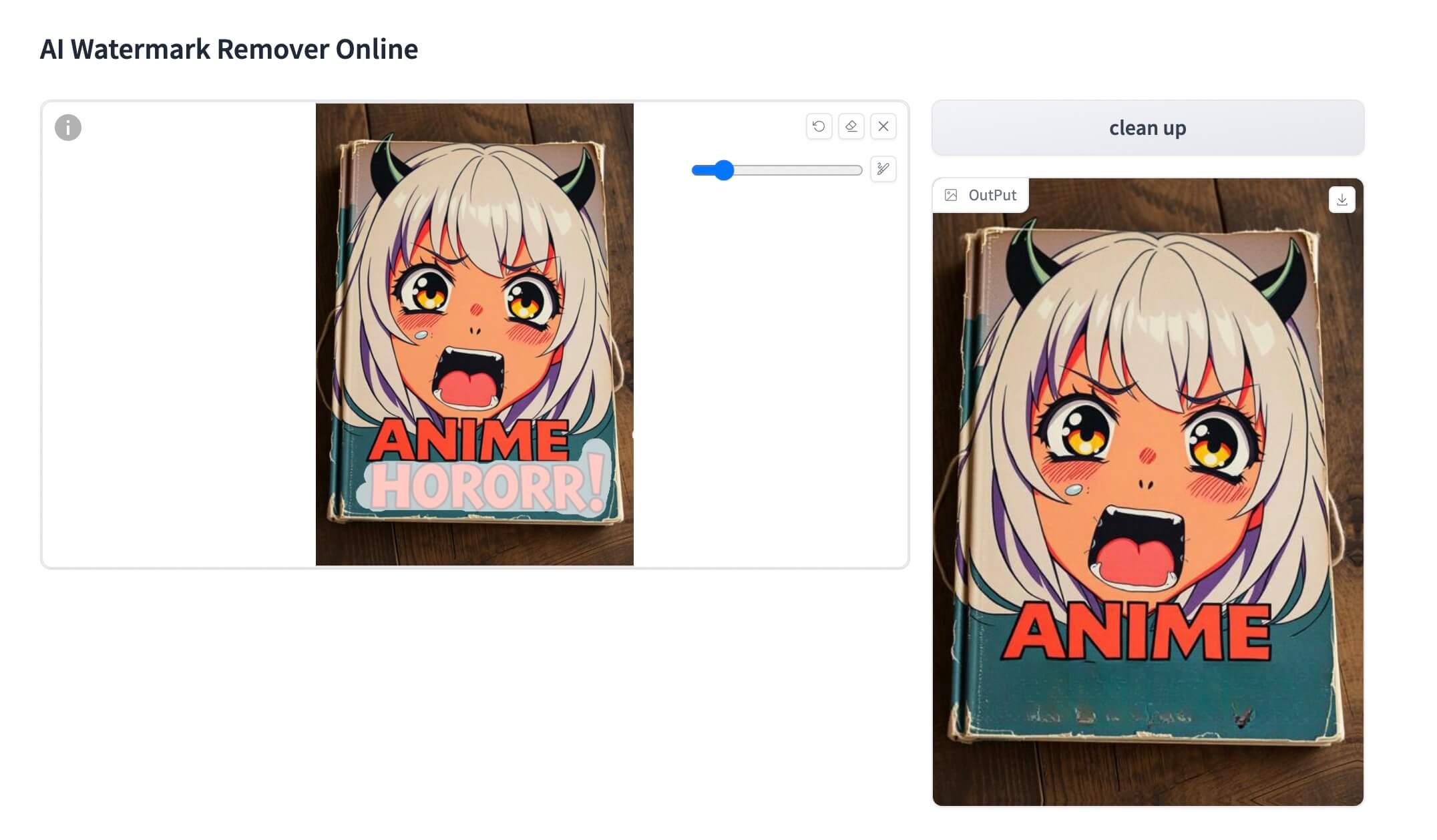
What is the AI Watermark Remover?
AI Watermark Remover is a powerful tool that uses artificial intelligence to quickly and accurately remove watermarks from photos and videos. It allows users to easily erase unwanted watermarks with just a few clicks, restoring the original content without requiring any advanced editing skills. Ideal for creating clean, high-quality media across various platforms.
How to use your watermark removal tool?
To use our watermark removal tool, simply upload your photo or video and use the brush tool to highlight the areas you want to remove. At this stage, you’ll need to manually mark the watermark or object you want to erase. Once highlighted, the AI will accurately remove the selected areas, giving you clean, watermark-free content.
When will Smart Mode and video watermark removal be available?
Smart Mode and video watermark removal are expected to be available within the next one to two weeks.
How to download photos or videos with watermarks removed?
You can save the image after watermark removal by clicking the download button or long-pressing the image.