

详细内容
By using Cleanvoice AI, you agree to our Cookie Policy
PreferencesReject Non-EssentialAccept All
Open main menu
Edit your podcast in  4 hours 10 mins. Automatically.
Remove background noise, filler words, long silence, and mouth sounds from your podcast using AI.
Without hitting pause button every 10-20 seconds.



Loved by 15,000+ podcasters
No podcast editing tutorials.
Try without sign-up. No credit card required.

Try without sign-up.
No credit card required.
Clean up your audio or video podcast, in a few clicks.
Be a podcaster, not an editor.
 Background Noise
 Filler Words
 Transcription & Summary
Click to experience the difference!
OriginalCleanvoice
Without sign-up. No credit card needed.


“I have a job to do, but I love podcasting too”.
Is that you?
Got a lot on your schedule and editing your podcast takes half of it?
Save 5x more time with Cleanvoice's AI podcast editing app.
Your browser does not support the video tag.
Background Noise Remover
Even if your podcast has honking vehicles, crying baby, barking dogs, or slamming doors. Auto-remove background noise.
No need to shoot it again.
Filler Words Remover in 20+ languages
Audio Enhancer(Studio Sound)
Remove Long Pauses / Deadair
Mouth Sounds and Breath Remover
Transcribe, summarize, and automate more things post-production
More than podcast cleaning. Without jumbling between tools.
Podcast Summary + Social Content
Generate podcast summary, without reading pages-long transcription and yawning.
Highlight key points with show notes and chapter markers. Boost your podcast with social content.
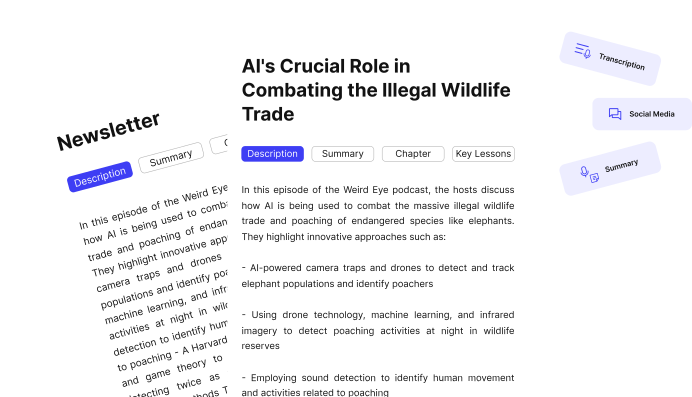
 Podcast Transcription
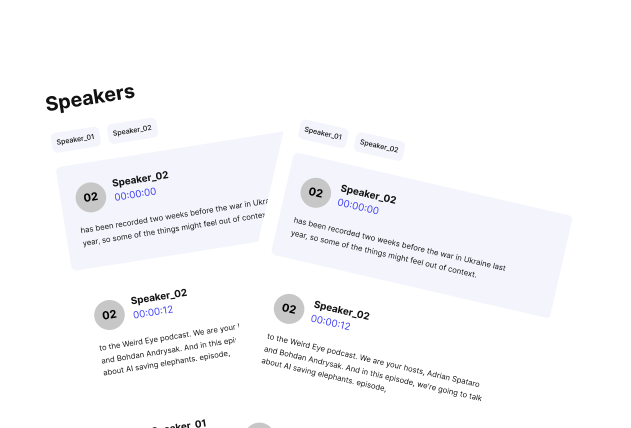
Going insane over transcribing podcast word-by-word?
Get error-free transcription in a click - no matter what your accent is. And download in multiple formats.
 Multitrack Editing
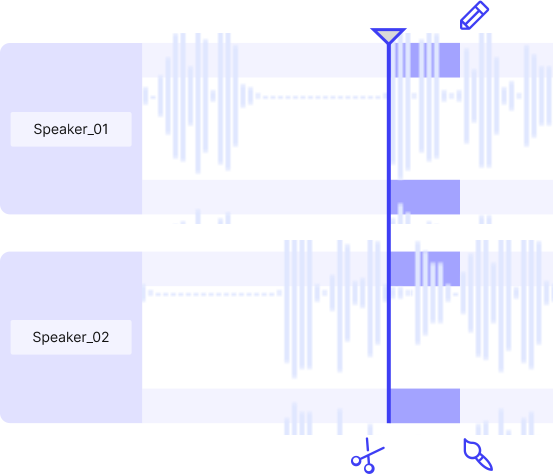
Got multiple guests in separate tracks?
Simultaneously edit these files with our audio editor. And sync them into a single, uninterrupted podcast. Save time.
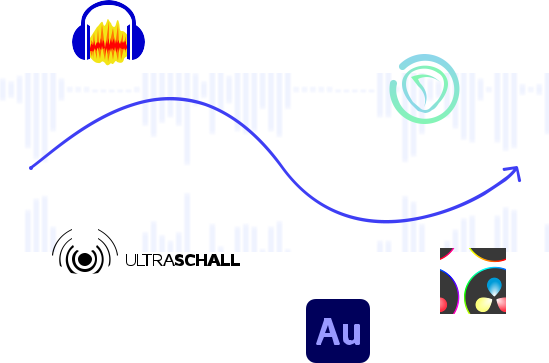
 Timeline Export
Export timelines of removed parts from your recording.
Take a reference for manual editing. Or customize it in your editor.
Edit Video or Audio. Easy as 1-2-3
No need to learn editing jargon or take days to understand UI.
Simple for even first-time users.

1
Drag and Drop Your Files
2
Sit Back and Let AI Do the Magic
3
Download Or Export Clean Files

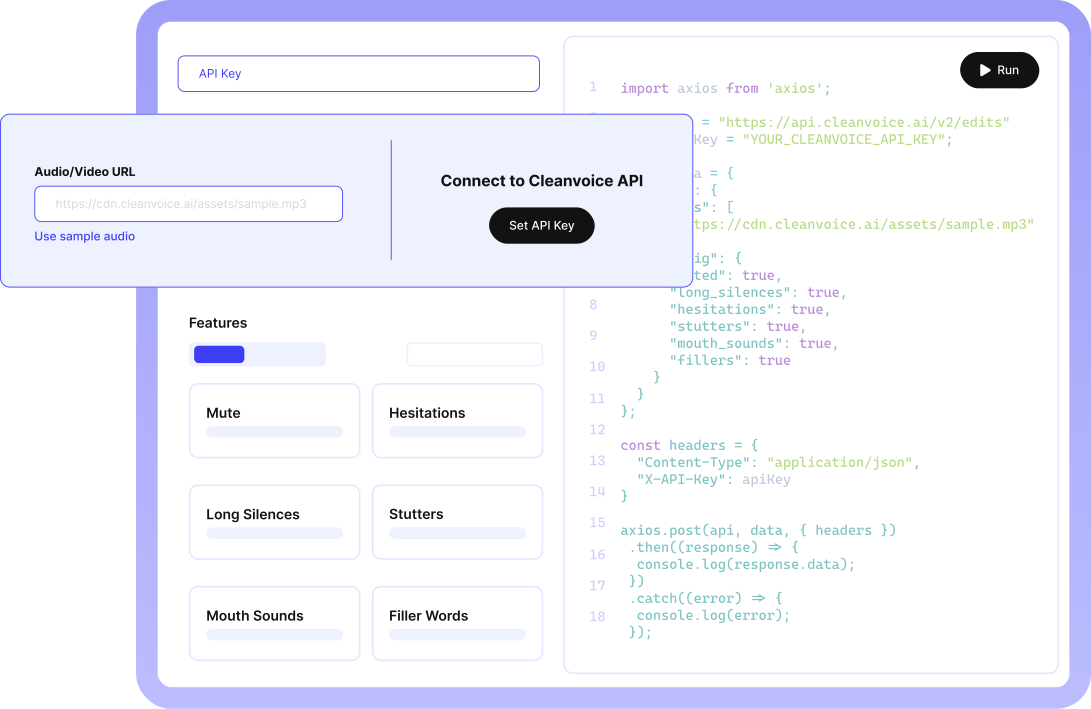
30+ brands use Cleanvoice’s API. Be the next.
Need to edit podcasts or videos at scale for your company or project?
Our API automates editing and minimizes your team’s efforts.
Senja Testimonials Widget - Senja

This no frills service is exactly what I was looking for to remove fillers and gaps. Customer support is responsive and helpful. I'm very happy to find this effective alternative and applaud the creator. I will certainly recommend this service to my friends.
- Deep in SD • Amateur Podcaster
What users have edited so far with our podcast editor
0
Seconds of Deadair Removed
0
Filler Words Removed
0
Mouth Sounds and Stutters Removed
Stories of why 15k+ podcasters love Cleanvoice's video and audio editor
FAQs
Who can use Cleanvoice?Can I try Cleanvoice for free?Do you provide any free credits initially?What formats do you support?Can I upload batch files?Does Cleanvoice also edits a voiceover?What type of noise can you remove?Can your audio editor improve the quality of my recording?Can I choose what edits I want to apply? What if I want to change the edits?Can I mute edits instead of removing them?Do I need to transcribe my audio or video first and then edit it based on the transcription?How long do you save my files?