

详细内容
Debug: User object: None

The Automatic Document Formatter
Format Plain Text into Polished Proposals, Reports & Documents in Seconds
Stop wasting billable hours on Word formatting. With Format Magic, simply choose a template, add your content, and click submit to create clean and professional documents!
Our AI document formatter creates beautifully designed business proposals, client reports, consultant deliverables, or résumés in seconds.
Format Plain Text
Got raw, unformatted text? Paste it directly from notes, emails, or any simple editor to style text automatically. Our tool intelligently converts your plain text into a beautifully structured document. Apply a professional layout and create a polished, print-ready PDF in just a few seconds.
Format and Reformat ChatGPT text/AI output
Transform the raw output from ChatGPT, Gemini, or any other AI into a polished, readable document. We make it easy to format AI-generated text, adding template styles to headings, lists, paragraphs and tables. Go from an unstructured text block to a professional, shareable document.
Reformat text, Word or PDF documents
Tired of fighting with inconsistent styles? Upload an existing Word (DOCX) or PDF to completely reformat your document instantly. Fix messy formatting and apply a clean, professional template without altering your content. It's the fastest way to refresh and modernize your existing files.
Format Magic saves you hours by intelligently applying templates and formatting to your documents. You focus on content, we handle the professional presentation.
Try for free right now!
1 Select a category
Documents
Résumés
Cover letters
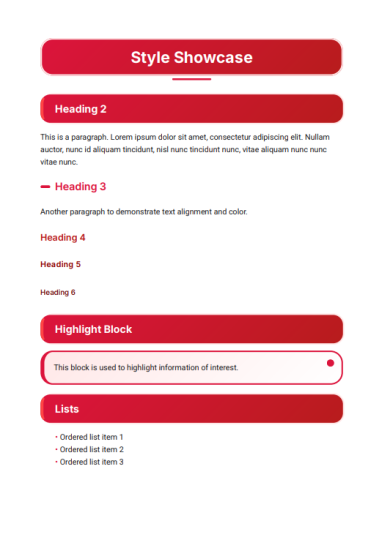
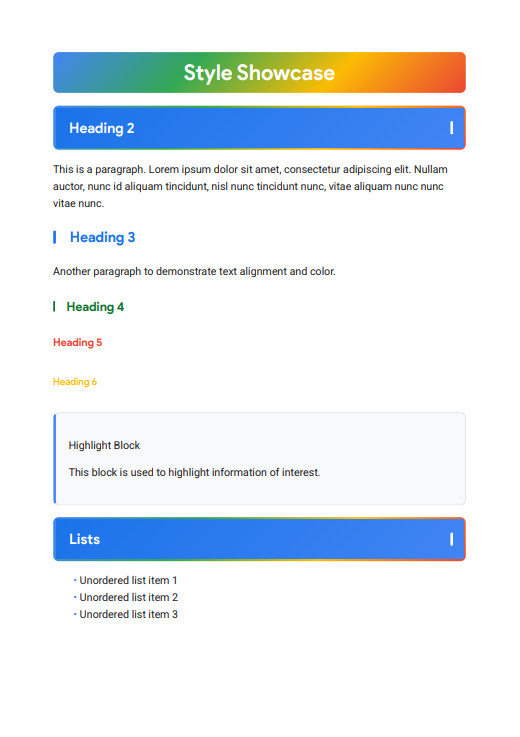
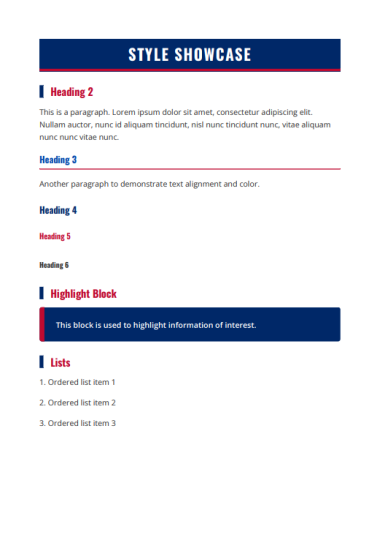
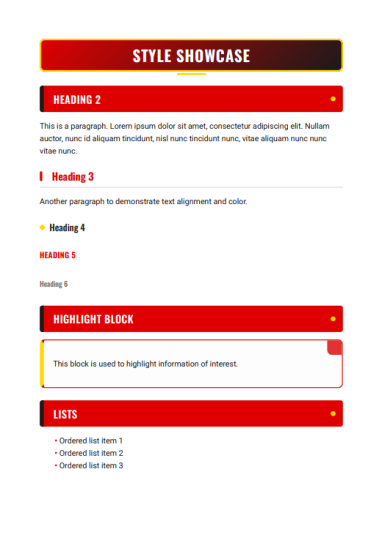
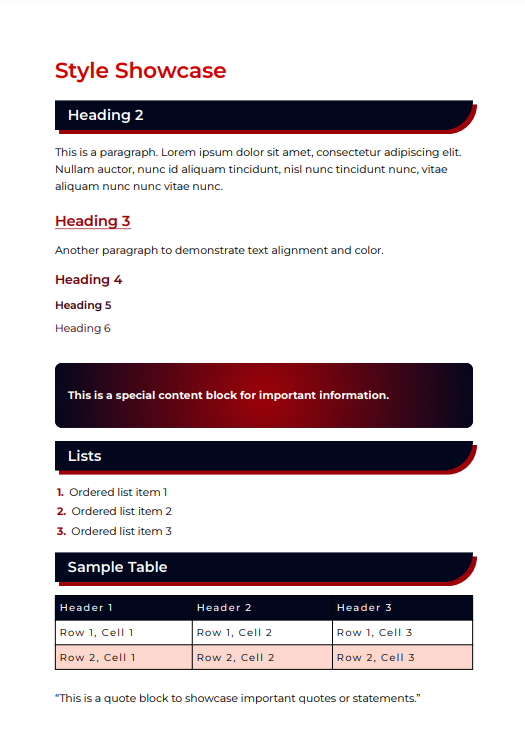
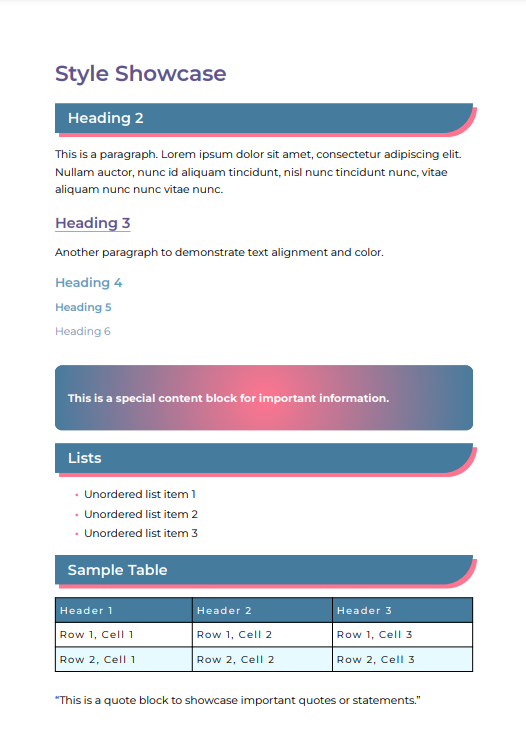
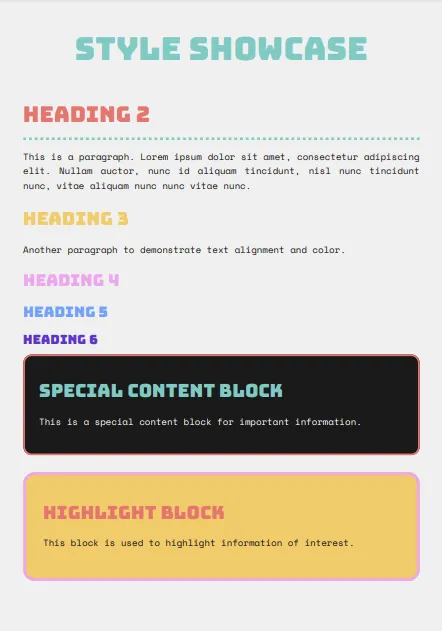
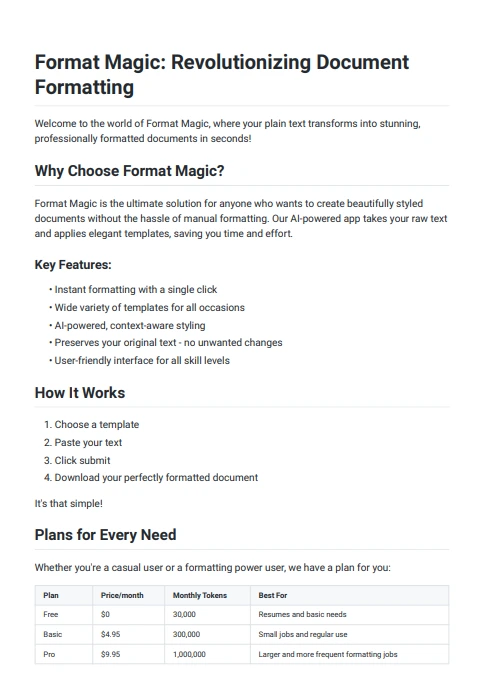
2Choose your template
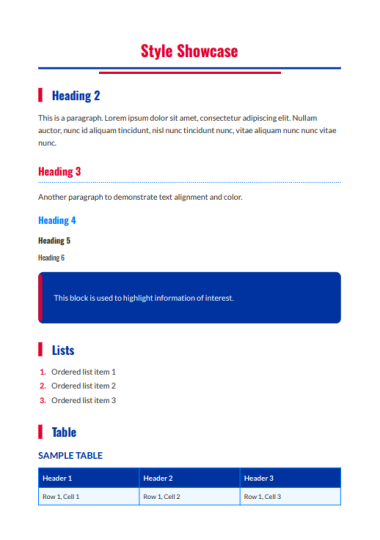
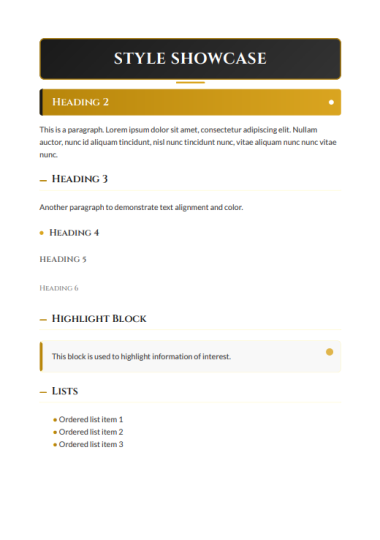
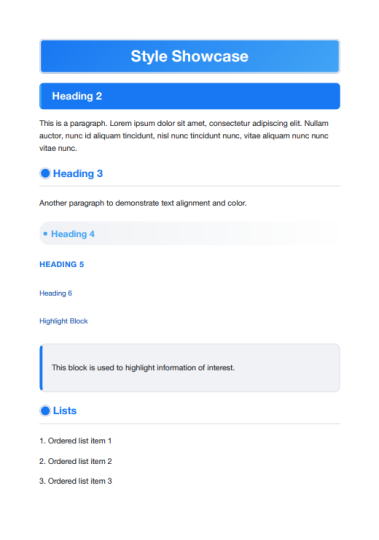
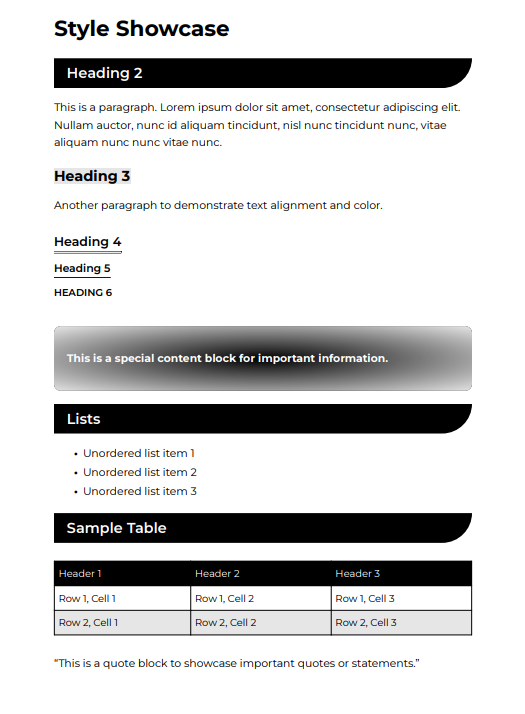
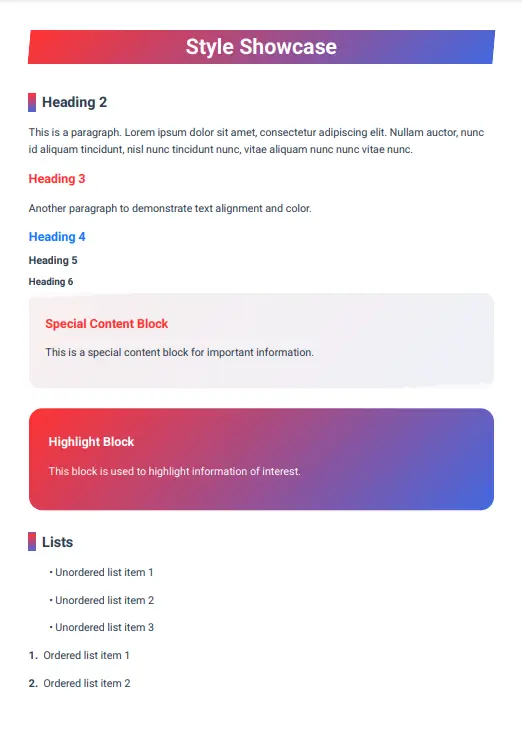
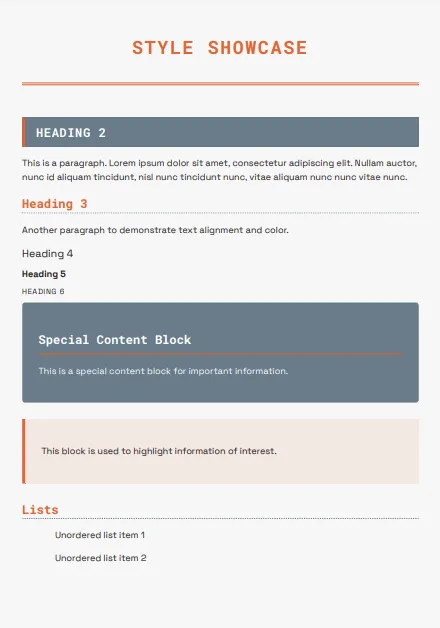
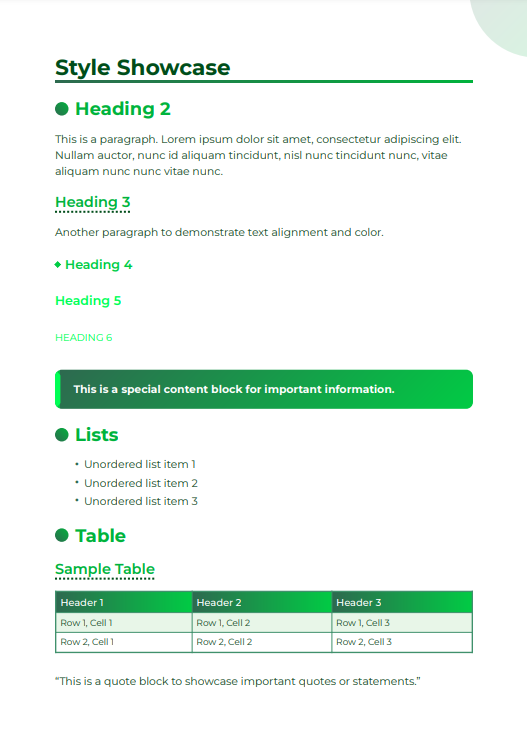

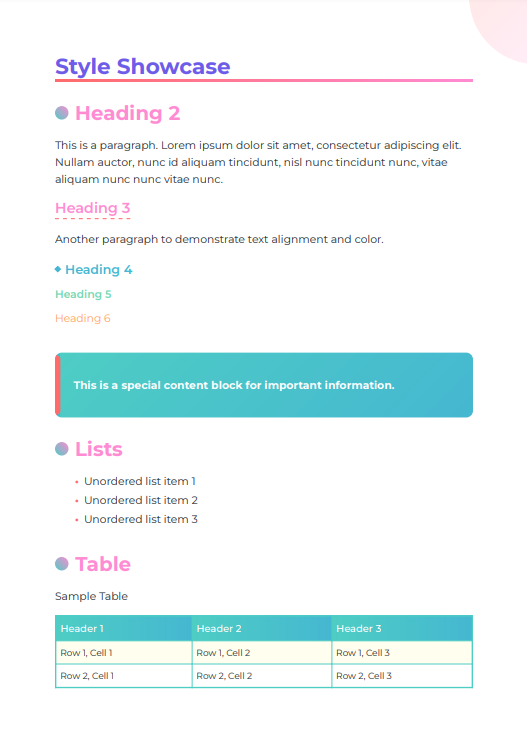

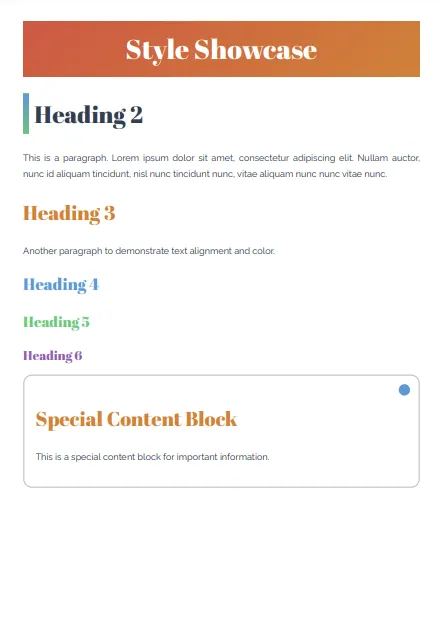

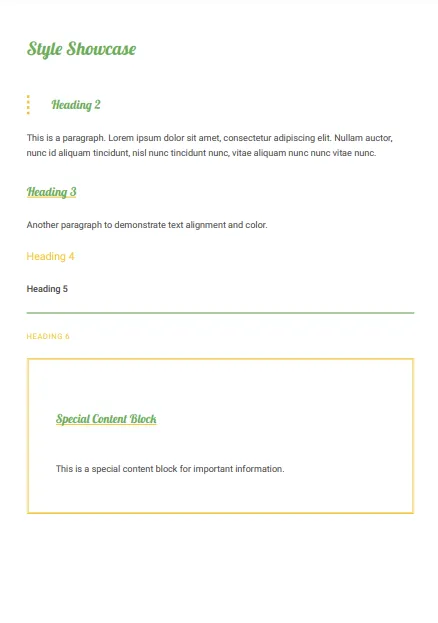
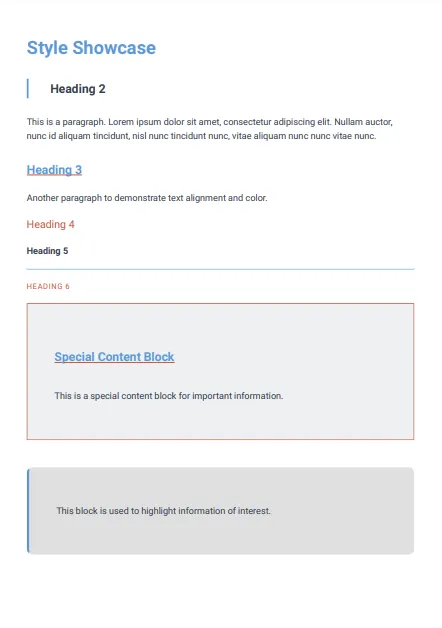
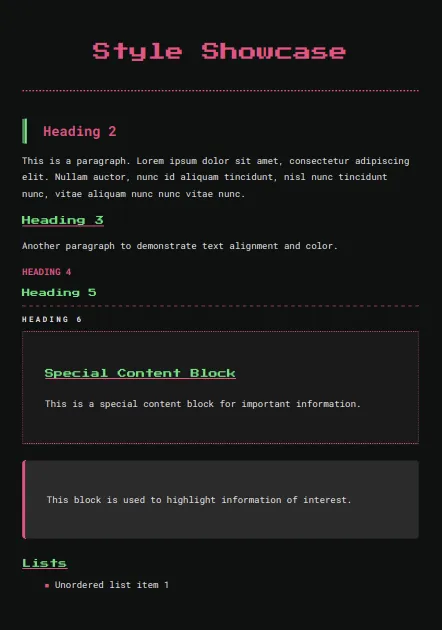
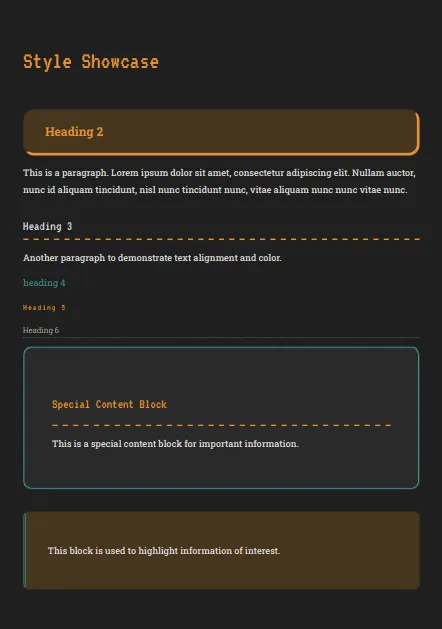
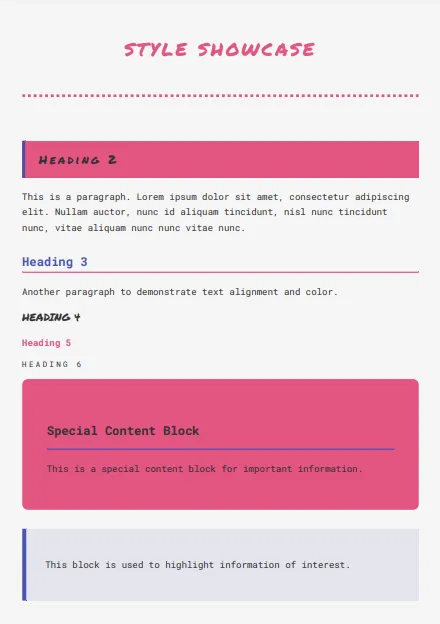
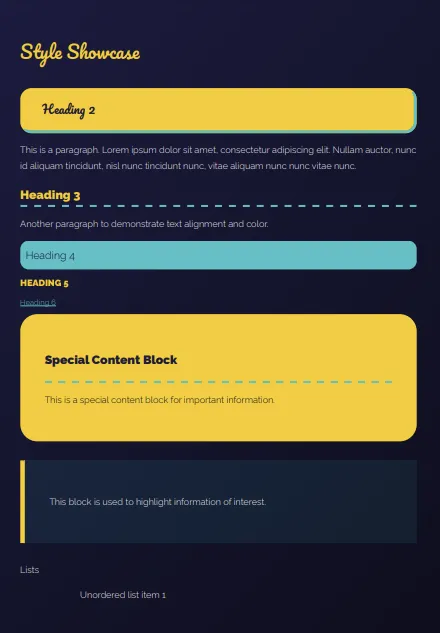
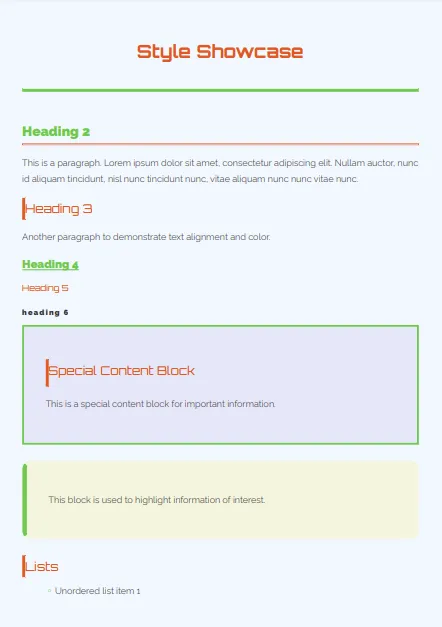
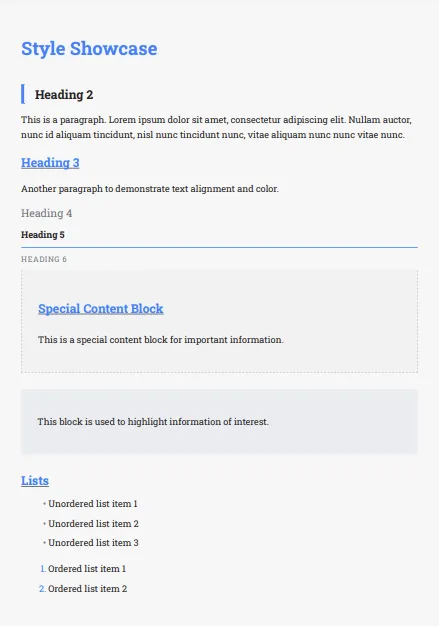
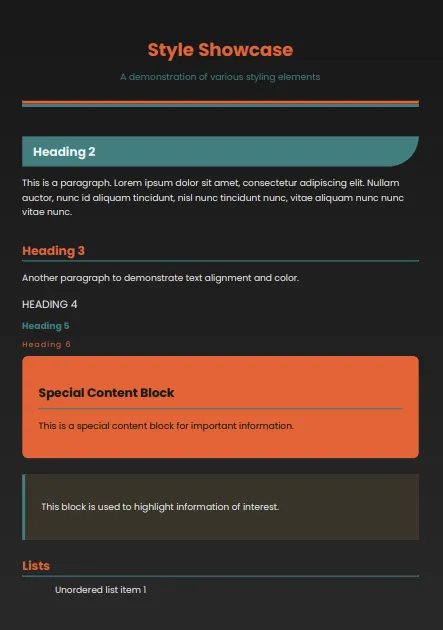
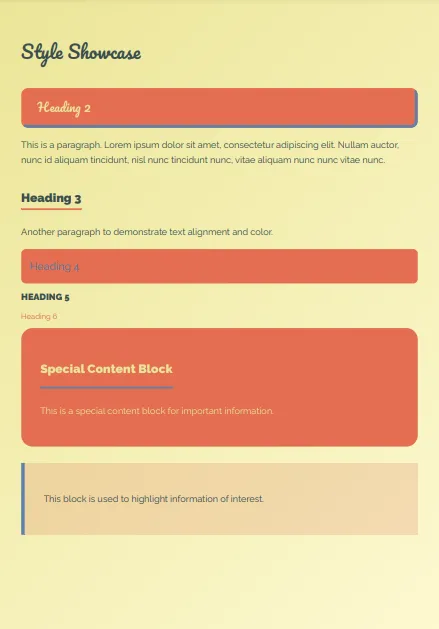
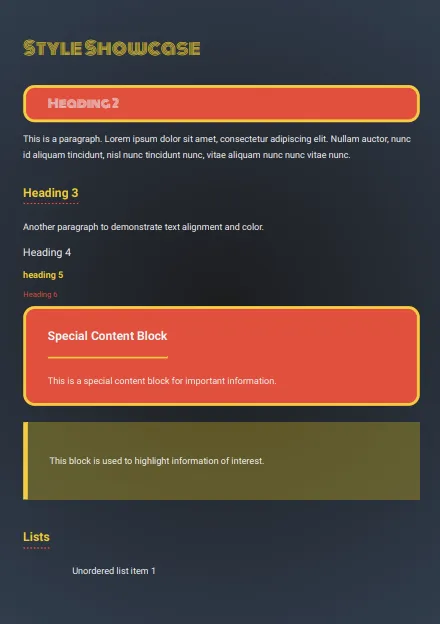
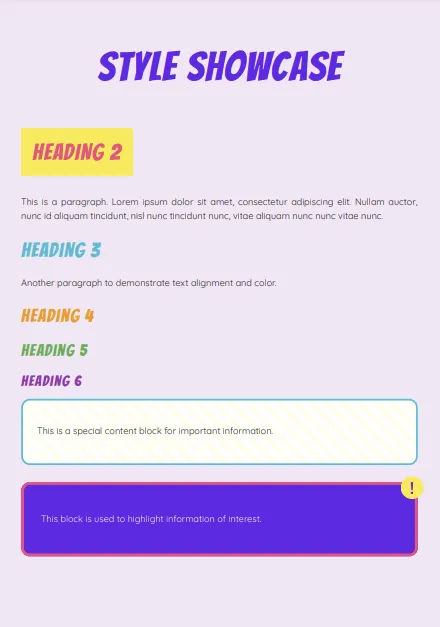
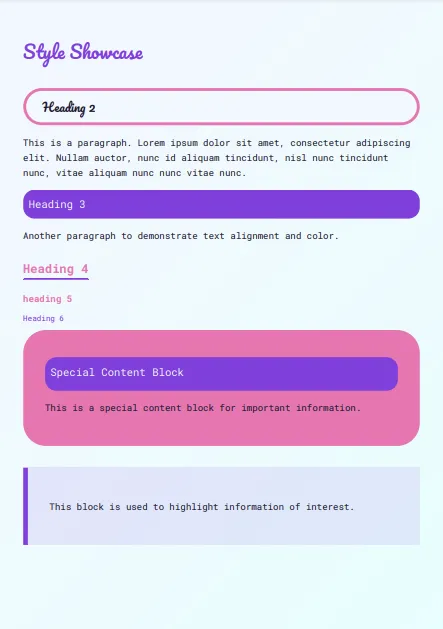
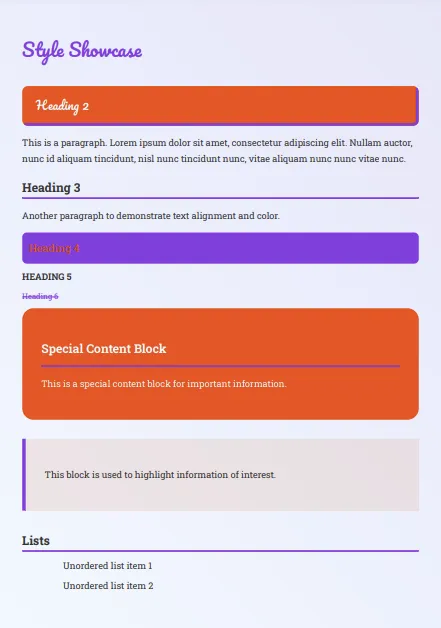
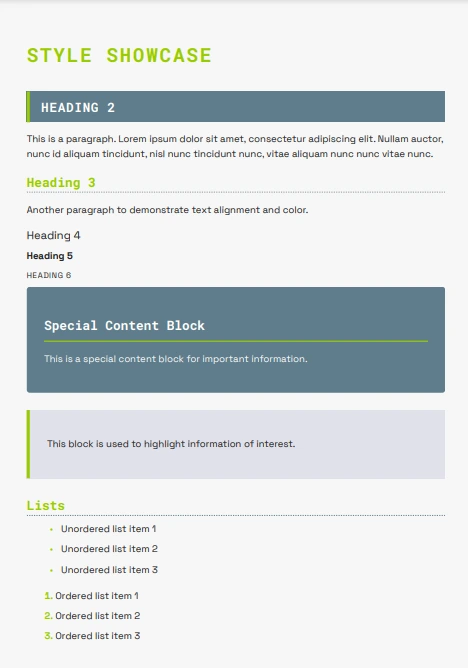
3Paste your text to be formatted, or upload a Word, PDF or text file:
Browse
Paste your text or drag & drop file here
Auto Image Extraction.
*Please register and log in to use this feature*
Images are automatically extracted from your docs and added to your library. Image placeholders are added to your extracted text and then replaced with the images during processing to appear in your final formatted document. (Note that headers and footers are not extracted currently)
Drop your file here
Token Dashboard
0 / 10,000 Tokens will be used(1 token = 1 character)
Tokens used this month
1,924,544
Monthly Token limit
5,000,000
Current tier:Premium
Formatting Options
Select before clicking Format Magic if needed
Add page numbers
Add Cover Page
Cover Page Text:
Generate Table of Contents (Requires Cover Page and Page Numbers)
Portrait Mode
Landscape Mode (Useful for wide tables. Can only be applied to whole document)
Page Size: Your default page size for documents is determined by your location (e.g., U.S. = Letter, Australia = A4). Use the Page Size dropdown in the output editor (below) to change the document size - your selection becomes your new default for future documents processed.
4Format Magic!
Click to Format Magic!
Starting...
Generating your PDF. Please wait...
Revise Output add Images or Change Template
Change Template:
Magically change your document design in seconds!
Select a template...
- Loading templates...
Revise Output: Check headings and make minor modifications before creating the PDF in the final step below.
<p style="text-align: center; margin: 20px auto; font-weight: bold;">
<span style="color: #ffffff; background-color: #180cc9; padding: 10px 15px; display: inline-block;">Your formatted text will appear here when processing has completed.<br><br>You can edit the output, or go straight to creating the PDF in the next step below once processing has finished.</span>
</p>
Update the shared document with this version
⚠️ Document content has been edited and differs from shared PDF
Create PDF and Save Document File
What Our Users Say
"You've Built Something Incredible"
“
I've spent years searching for a document formatting tool that actually delivers. Most of them promise a lot, but end up being clunky, confusing, and disappointing. Then I found Format Magic and everything changed.
From the moment I started using it, I knew this was different. The interface is clean, the process is intuitive, and the results? Pure magic. It does exactly what I've always wanted a document formatter to do - and then goes way beyond that. Features I never even thought to ask for have now become things I rely on daily. This tool hasn't just improved how I format documents, it's transformed how I create them.
And when I hit a snag and reached out, I got a response fast - real help from a real person who genuinely cared. That kind of support is rare, and it says everything about the kind of team behind this product.
I usually don't write reviews. But when you come across a company that nails the product, nails the support, and just gets it - you say something. So here it is: You've earned a lifetime customer. And if anyone out there is thinking about trying it, do it. You won't look back.
”
Verified Customer Review
Videos
Custom Document Template for Your Business
See how Format Magic's Custom Templates feature can instantly apply your corporate branding to any document. In this video we demonstrate a custom template with the Format Magic styles and colors being applied to an unformatted document.
We create your custom template for a one off fee of USD $99 per template for all new subscribers on the Premium Plan. Register for a custom template here.
3 min watchClick to watch tutorial

Automatically Format a 26 Page Document in 60 Seconds
In this demo we drag and drop a 26 page PDF document into the editor window and extract the text from it. We automatically format the document with a cover page and table of contents within 60 seconds.
3.5 min watchClick to watch tutorial

All Format Magic Plans Include
Format documents in seconds!
Edit output before PDF creation
Wide selection of templates
Switch between templates instantly
Cover pages & automated table of contents
Page numbering
Portrait/landscape modes
Text and image extraction from PDF and Word files
Save, load & share documents New!
Upload, store and insert images New!
Choose Your Plan
Usage is measured in tokens (1 token = 1 character of text), but we show approximate page counts below to make it easier to understand your limits.
{name}
$0/month
📄 ~35 pages of output per month
{tokens} tokens monthly limit
⚡ ~5 pages max per request
Max {max_tokens_per_request} tokens per request
Small watermark at bottom of pages
Perfect for internal requirements and basic document formatting.
No CC required.
Sign up with Email
{name}
USD $4.95/month
📄 ~130 pages of output per month
{tokens} tokens monthly limit
⚡ ~20 pages max per request
Max {max_tokens_per_request} tokens per request
✅ No page watermark
Ideal for freelancers and consultants needing polished client deliverables and proposals regularly.
Sign up with Email
Most Popular
{name}
USD $9.95/month
📄 ~400 pages of output per month
{tokens} tokens monthly limit
⚡ ~40 pages max per request
Max {max_tokens_per_request} tokens per request
✅ No page watermark
Best for micro businesses requiring consistent, professional output across all reports, proposals, and internal documents.
Sign up with Email
Best Value
{name}
USD $19.95/month
📄 ~1500 pages of output per month
{tokens} tokens monthly limit
⚡ ~80 pages max per request
Max {max_tokens_per_request} tokens per request
✅ No page watermark
For growing businesses and agencies with higher volume document creation and formatting requirements.
Sign up with Email
Free
$0/month
📄 ~35 pages of output per month
75,000 tokens monthly limit
⚡ ~5 pages max per request
Max 10,000 tokens per request
Small watermark at bottom of pages
Perfect for internal requirements and basic document formatting.
No CC required.
 Sign up with Email
Basic
USD $4.95/month
📄 ~130 pages of output per month
300,000 tokens monthly limit
⚡ ~20 pages max per request
Max 35,000 tokens per request
✅ No page watermark
Ideal for freelancers and consultants needing polished client deliverables and proposals regularly.
Sign up with Email
Most Popular
Pro
USD $9.95/month
📄 ~400 pages of output per month
1,000,000 tokens monthly limit
⚡ ~40 pages max per request
Max 75,000 tokens per request
✅ No page watermark
Best for micro businesses requiring consistent, professional output across all reports, proposals, and internal documents.
Sign up with Email
Best Value
Premium
USD $19.95/month
📄 ~1500 pages of output per month
5,000,000 tokens monthly limit
⚡ ~80 pages max per request
Max 150,000 tokens per request
✅ No page watermark
For growing businesses and agencies with higher volume document creation and formatting requirements.
Sign up with Email
Got an academic email address (.edu, .ac.*)? See our student and educator pricing here.
Frequently Asked Questions
What is Format Magic?
Format Magic streamlines the formatting process, allowing small business owners, consultants, and professionals to focus on their content rather than struggling with layout and design for proposals, reports, and other business communications. It allows users to input plain text and choose from a variety of templates to instantly create beautifully formatted documents. Unlike other AI formatting tools, Format Magic preserves your original text without altering grammar or content, ensuring that your message remains exactly as you intended. Whether you're creating resumes, business reports, student assignments, or any other type of document, Format Magic streamlines the formatting process, allowing you to focus on your content rather than struggling with layout and design.
Is Format Magic free to use?
Yes, Format Magic offers a free plan that allows users to experience the power of AI driven formatting without any cost - perfect for small businesses testing the waters. The free plan includes a monthly limit of 30,000 tokens and allows up to 17,000 tokens per request, which is sufficient for formatting approximately seven pages of text output. This free option is perfect for casual users or those who want to try out the service before committing to a paid plan. For users with more extensive formatting needs, we also offer paid plans with higher token limits and page outputs, starting at just $4.95 per month.
Will Format Magic change my text or correct grammar?
No, Format Magic is designed to respect your original content. Unlike many other AI-powered formatting tools, Format Magic does not alter your text, correct grammar, or change punctuation. Our tool focuses solely on applying the selected template and formatting to your text, ensuring that the output is exactly what you input. This feature is particularly valuable for users who want to maintain full control over their content or for those working with specialized text where automated corrections might be inappropriate. With Format Magic, you can be confident that your words remain your own, just beautifully formatted. **Note, while we endeavour for the AI to be 100% accurate it may correct spelling mistakes and other minor changes from time to time. We encourage you to always check the output.
What file formats does Format Magic support for input and output?
For input, you can upload a .txt, PDF or .docx file and the text will be extracted. Alternatively you can copy and paste your text into the text box. Your formatted document will be output as a PDF. If you need a MS Word version then you can open your PDF in Word and Word will give you the option to extract it as a Word document.
How many pages can I format at once?
The number of pages you can format at once depends on your subscription plan. We currently support up to approximately 80 pages per request in our Premium plan. Note that the output maximums may change or increase so please check the associated plan for the latest information. Remember, these are approximate page counts and may vary depending on the complexity of your content and chosen template.
How secure is my data when using Format Magic?
At Format Magic, we take data security very seriously. We understand that the documents you format may contain sensitive or confidential information. That's why we've implemented stringent security measures to protect your data. We use industry-standard encryption for all data transmission. The text you enter is processed and deleted from our servers within 24 hours. We use trusted AI services (OpenAI and Google Gemini) for processing, which also have robust security protocols in place. Your data's security is our top priority.
How can I contact customer support?
We strive to provide excellent customer support for all Format Magic users. The easiest way is to reach our customer support team is via our contact form here, where you can describe your issue or question in detail. We're committed to responding to all inquiries promptly, within 24 hours. We value your feedback and questions, as they help us continually improve Format Magic.
Can I cancel my subscription at any time?
Yes, you can cancel your subscription at any time with no questions asked. We believe in providing flexibility to our users and don't want to lock you into long-term commitments. If you decide to cancel, your subscription will remain active until the end of your current billing cycle, ensuring you get full value for your payment. You can manage your subscription easily from the subscription page. If you encounter any issues during the cancellation process, our customer support team is always ready to assist you. Remember, if you're on our free plan, there's no subscription to cancel – you can simply stop using the service at any time.
Can I include images in my documents?
You certainly can. You can upload images to your image library and then use the image placeholders in your text to insert the images into your document. You can also upload images directly to your document by dragging and dropping them into the text box. PDF or Word documents with images will extract the images to your image library, and the images will be added to your document as placeholders. When formatted, the placeholders will be replaced with the actual images.
I upgraded my subscription but my input and output token limits have not changed.
Please ensure you log out and back in again using the tab in the top right where your email address is to reset your token counts.
Do web links work in the outputted PDF document?
Yes, clickable web links will work in the outputted PDF but you need to ensure that your input format includes 'https://' at the beginning. i.e. https://formatmagic.ai or https://www.formatmagic.ai
How do I change the page size of my document?
You can change the page size when editing your document in the "Revise Output" section. Look for the page size dropdown in the editor toolbar that shows options like "Letter", "A4", "Legal", "A3", and "6×9" (book size). Simply click the dropdown and select your preferred page size. The page size you choose will be saved with your document. New documents automatically default to Letter size for US users and A4 for international users based on your location.
Can I customize the margins of my documentt?
Yes! You can customize margins for each page size individually. In the "Revise Output" editor, click the page size dropdown and select "⚙️ Customize Margins..." This opens a dialog where you can set custom top, right, bottom, and left margins (measured in inches). Each page size remembers its own margin settings. You can also reset margins back to optimized defaults at any time. This is perfect for adjusting margins for binding, printing requirements, or personal preferences.
Additional Options with Instructions
While in most cases Format Magic will work completely automatically, you may sometimes need more control over how some aspects of your text are formatted. You can try the below options.
Use trigger symbol to Provide Text Formatter Control
The AI text formatter has been trained to recognise commands related to formatting that precede this combination of characters !!!*!!!
Bold Text
!!!*!!! Make the below text bold.
The line of text/paragraph directly under this command will be formatted in bold.
Highlight Blocks
!!!*!!! Make the below text a highlight block.
The text/paragraph below this command will be formatted as a highlight block. Note that this highlight option only applies to document templates and not resume templates.
Change Page Background Color and Color Schemes
!!!*!!! Make the page background white.
You can add commands like this at the top of the text box, useful for if you like a template but need minor color changes to suit your style or for printing. You can also specify a particular color such as #ccffff (This will make the page a light blue) You can use this color picker to find the exact colors you need.
You can also try commands like this:
!!!*!!! Make H1 #009900, H2 #ff00ff, H3 ##0000ff
This command is telling the AI to make heading one green, heading two pink and heading three blue. This will usually be interpreted as a color scheme change and can give some interesting and useful results.
Cover Page and Table of Contents
Click the 'Add Cover Page & Table of Contents' selection box and type your desired cover page content in the text area that appears.
The 'Add Page Numbers' option will be automatically selected, as page numbers are required for the TOC.
The Table of Contents will be created from all H1 and H2 heading tags found in the output.
The table of contents itself will not be generated until the PDF is generated. If the Table of Contents is empty when created, check to see if you have any H1 or H2 headings. It will be empty if there are no headings to create it from.
We hope you find this useful and please get in touch if you have any questions or unexpected issues. We will continue to work to add new features and controls to perfect the output, but please remember, AI is not perfect, and to double check the output.
Featured on:
