

详细内容
Tune selfies and group photos with AI
Change gaze direction, nose shape, skin tone, age, hair style, and other facial features
Drop or paste image here
JPG, PNG, WEBP
Browse...
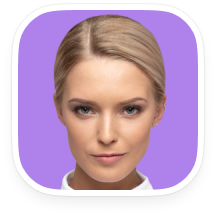
Look at bird
Change eyes direction by dragging a bird. It’s fun!
Yoga for healthy eyes
Yoga for healthy eyes
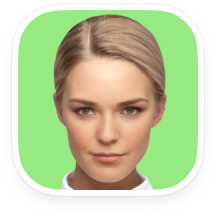
Anonymize me
Keep your identity private. Become invisible to face recognition systems
Great for Tinder
Great for Tinder
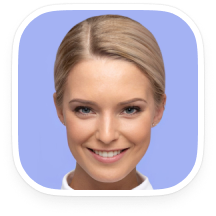
Gimme a smile
Set the required level of happiness
Grin like a pro
Grin like a pro
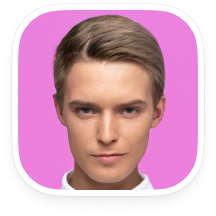
Change gender
Make your face appear more masculine or feminine
Just be yourself
Just be yourself
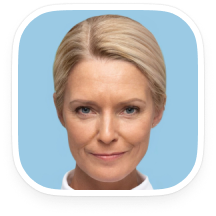
Change my age
Meet your future self or recapture your youth
Rewind or forward
Rewind or forward
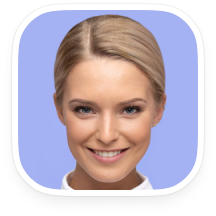
Tweak emotions
Change your facial expression to match any mood you want
Mood master
Mood master
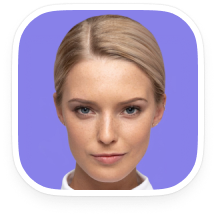
Adjust skin tone
Get that perfect skin tone you always wanted
Soon
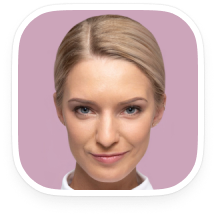
Make new nose
Play around with nose shapes
Soon
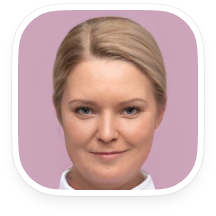
Reshape my face
Gain or lose weight instantly without diets
Soon
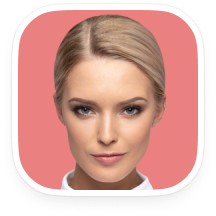
Add makeup
Apply eye shadows, eyeliner, lipstick without clumsy brushes
Soon
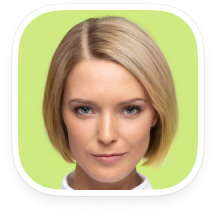
Try new hair styles
Alter your entire look with brand-new hair
Soon

Notify me about new features
Subscribe
Other face editing apps
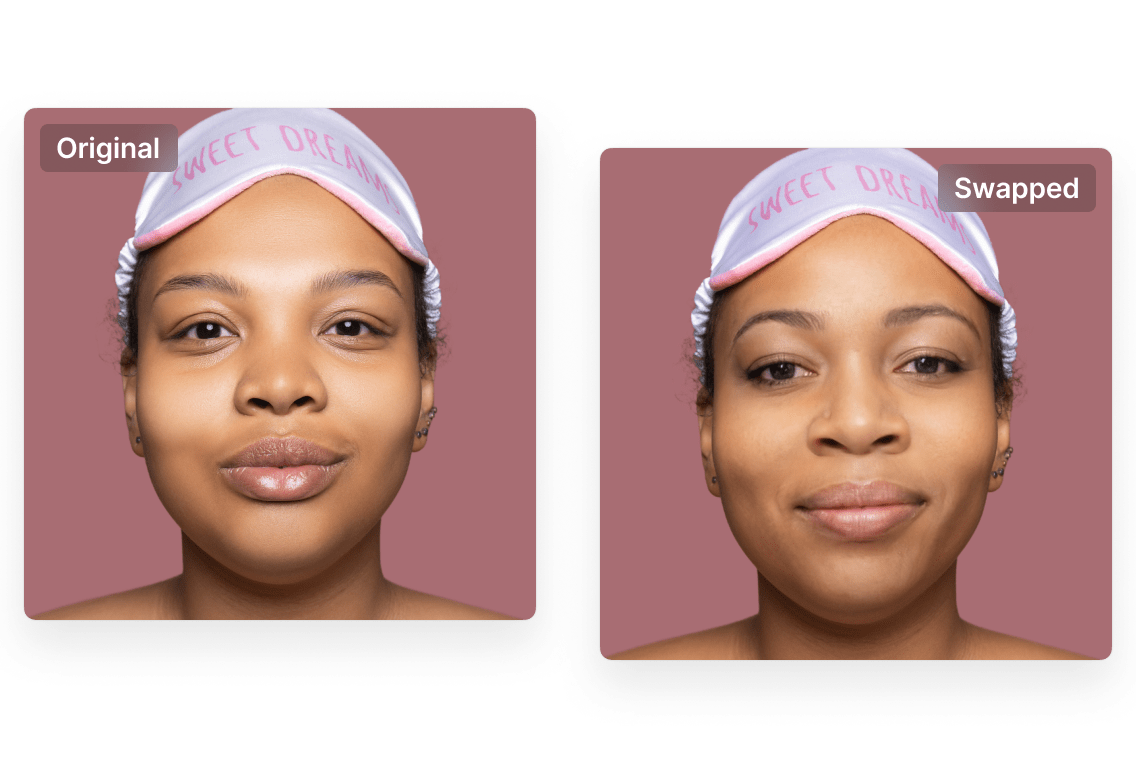
Make production-quality face swaps with AI
Forget about photo editors. The largest resolution for face swaps on the market.
More about Face Swapper →
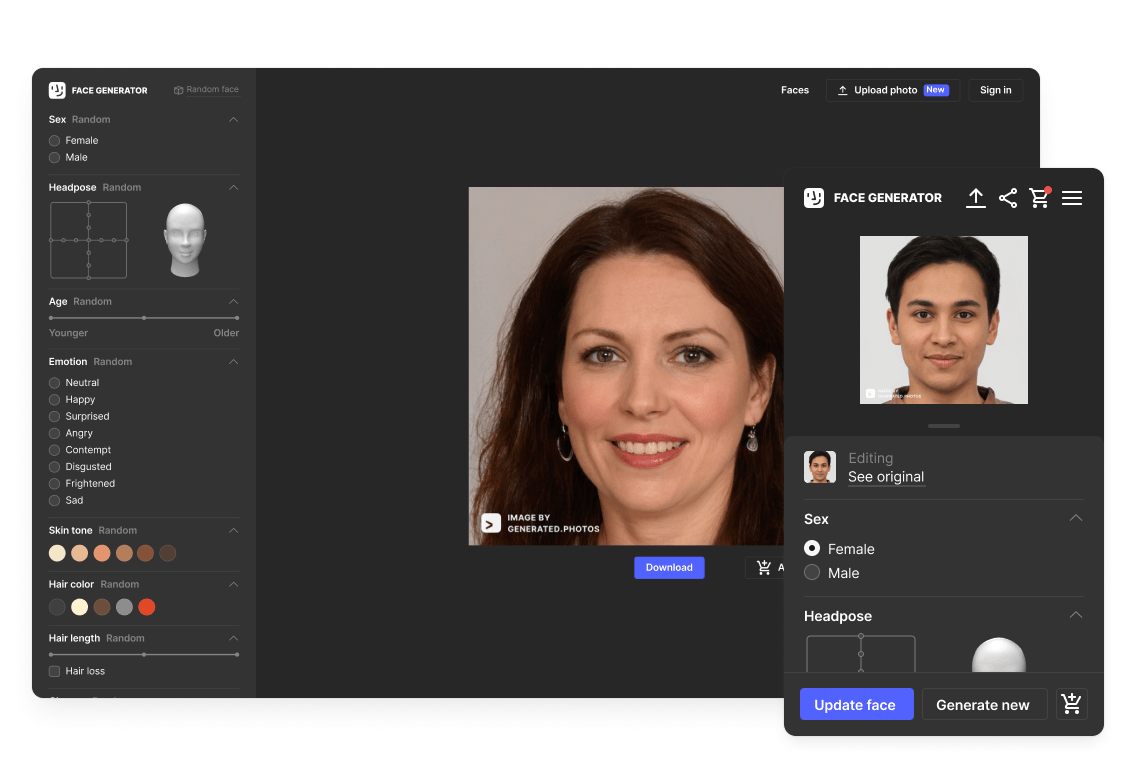
Create photorealistic headshots with Face Generator
The future is here. Create a unique person with your parameters in a few clicks.
More about Face Generator →
Frequently asked questions
How does it work?
HeyPhoto uses artificial intelligence to detect faces in photos and make changes depending on the selected tool. The service is intuitive and requires no special skills.
Do you store the images I upload? What about privacy?
We securely store the images you upload to let you quickly access them when needed. However, you are free to delete them at any time.
What images work best with HeyPhoto?
For better results, use quality photos with people directly facing the camera. However, slight rotation is also OK. You can modify photos of up to 5 MB with faces of up to 1024*1024 px in size. HeyPhoto returns images of the same size and quality as the source image.
Is HeyPhoto free to use?
Yep. HeyPhoto is free to use. However, in return we put a watermark on the resulting photos. You get a free service, we get a promotion. Win-win!