详细内容
 Pixelmator Pro 3.7
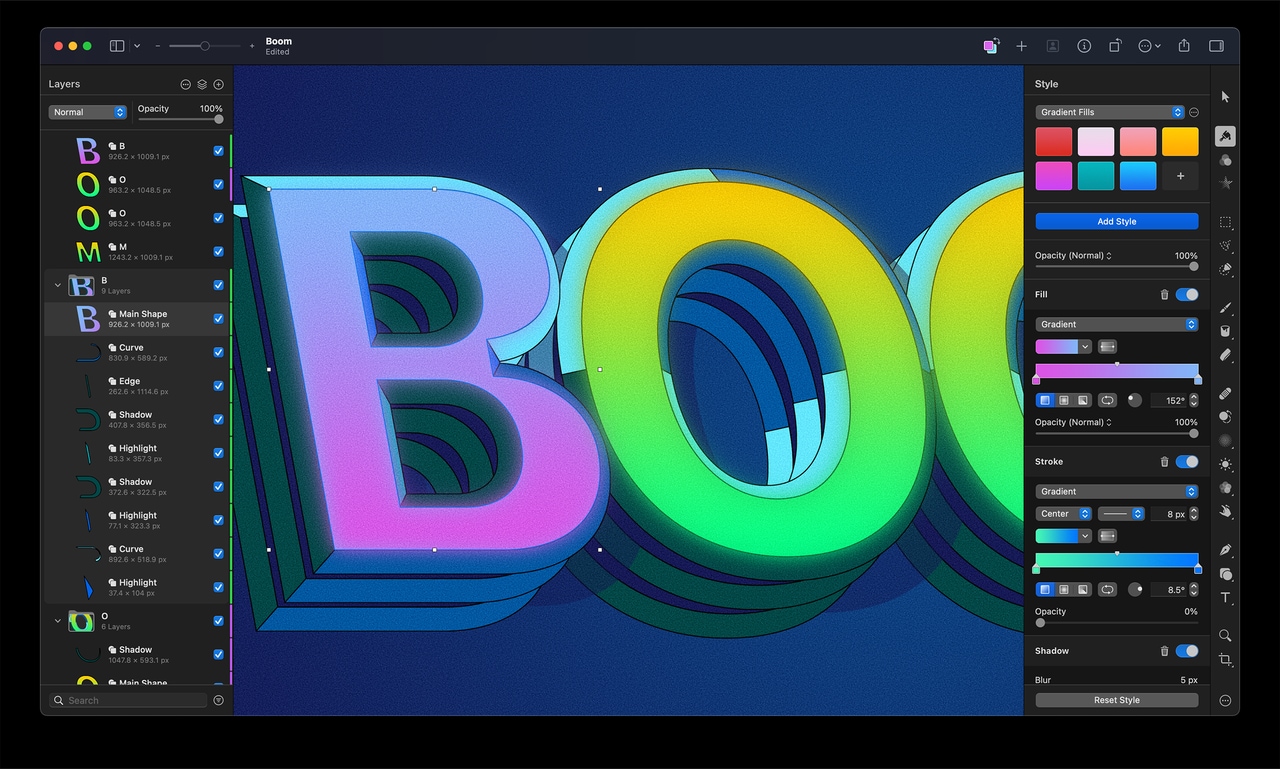


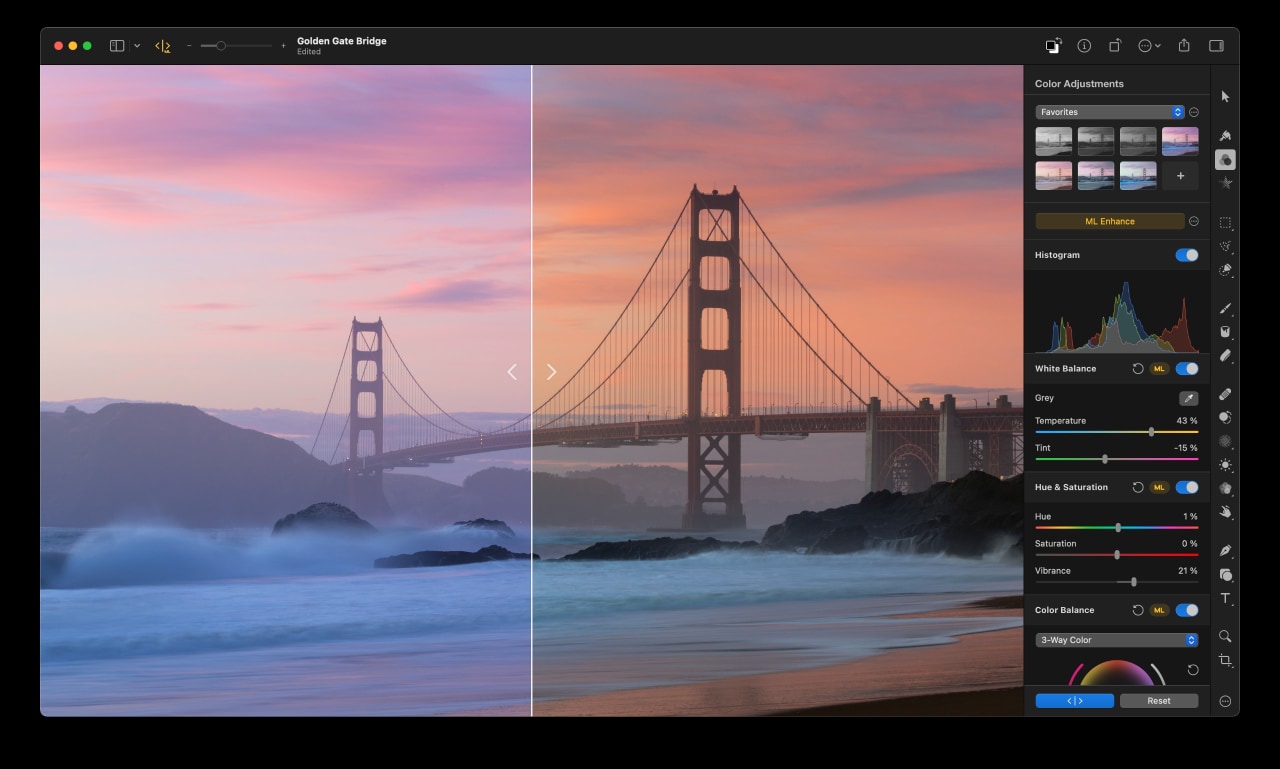

Edit the colors in your photos in any way you want.
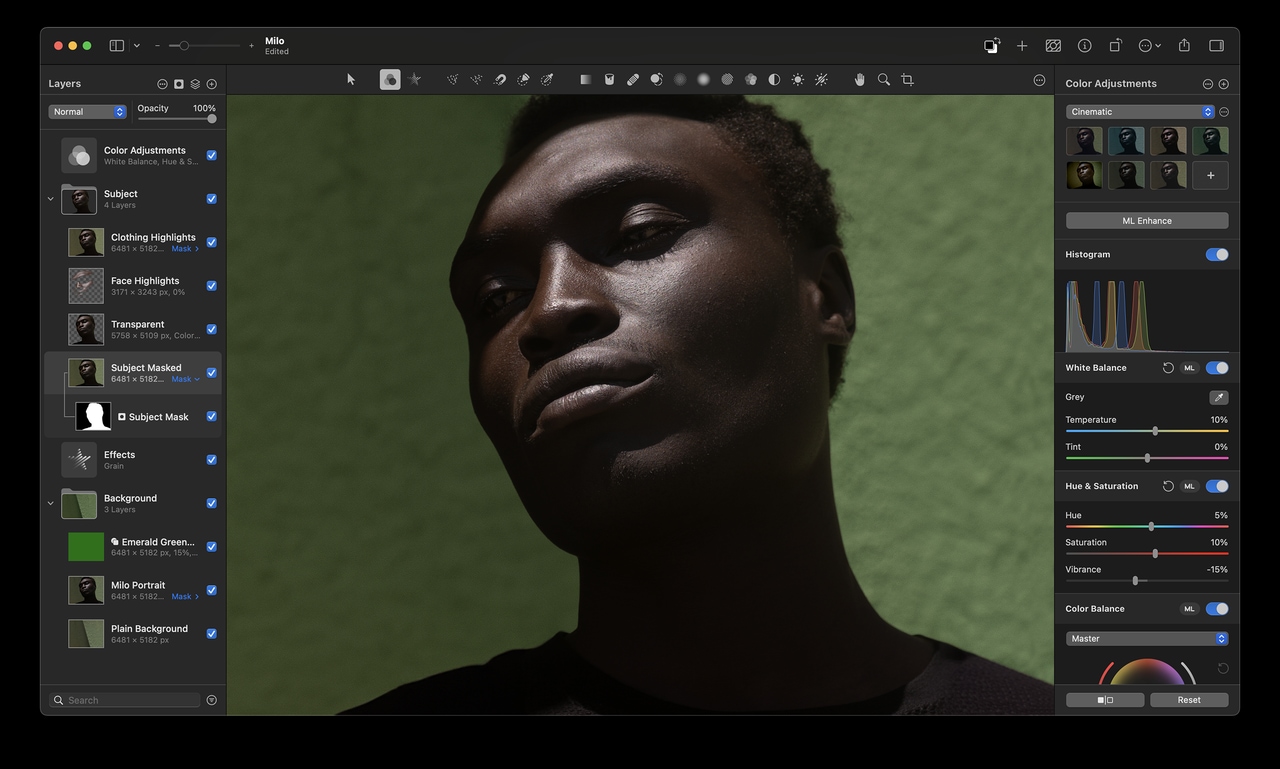
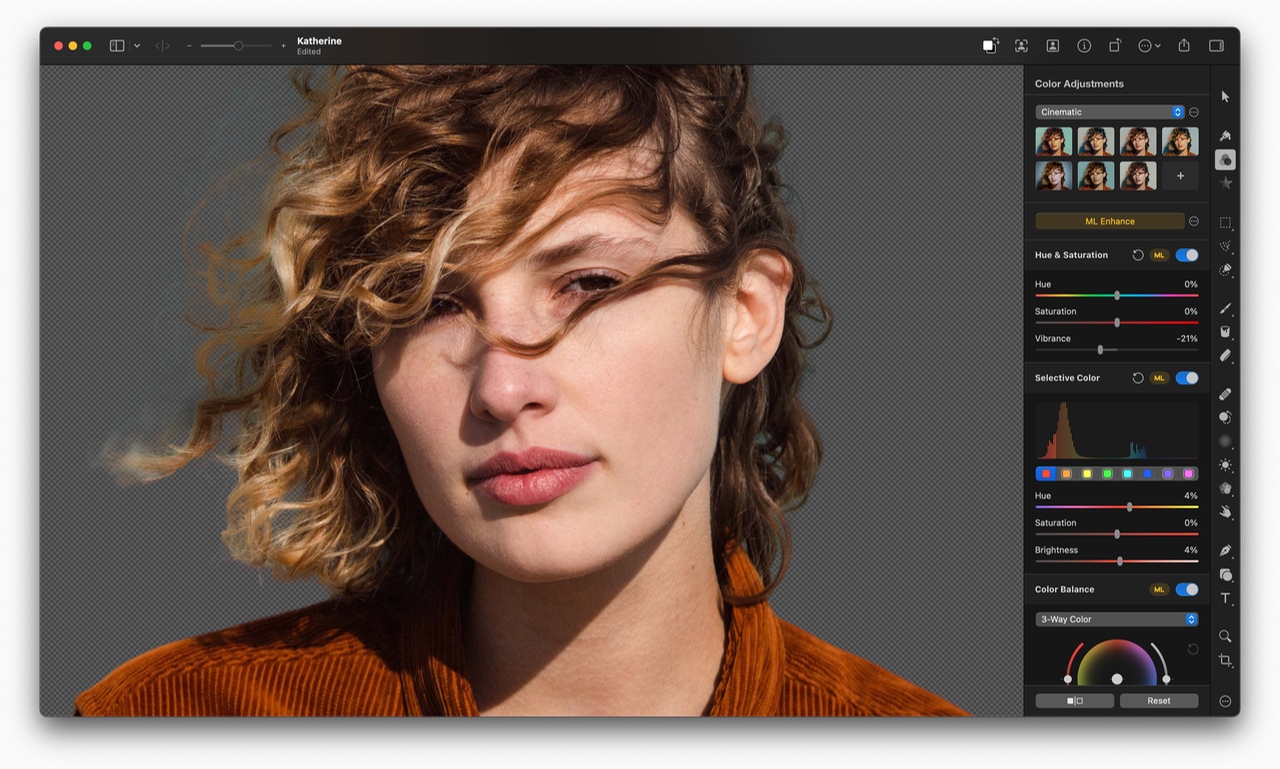
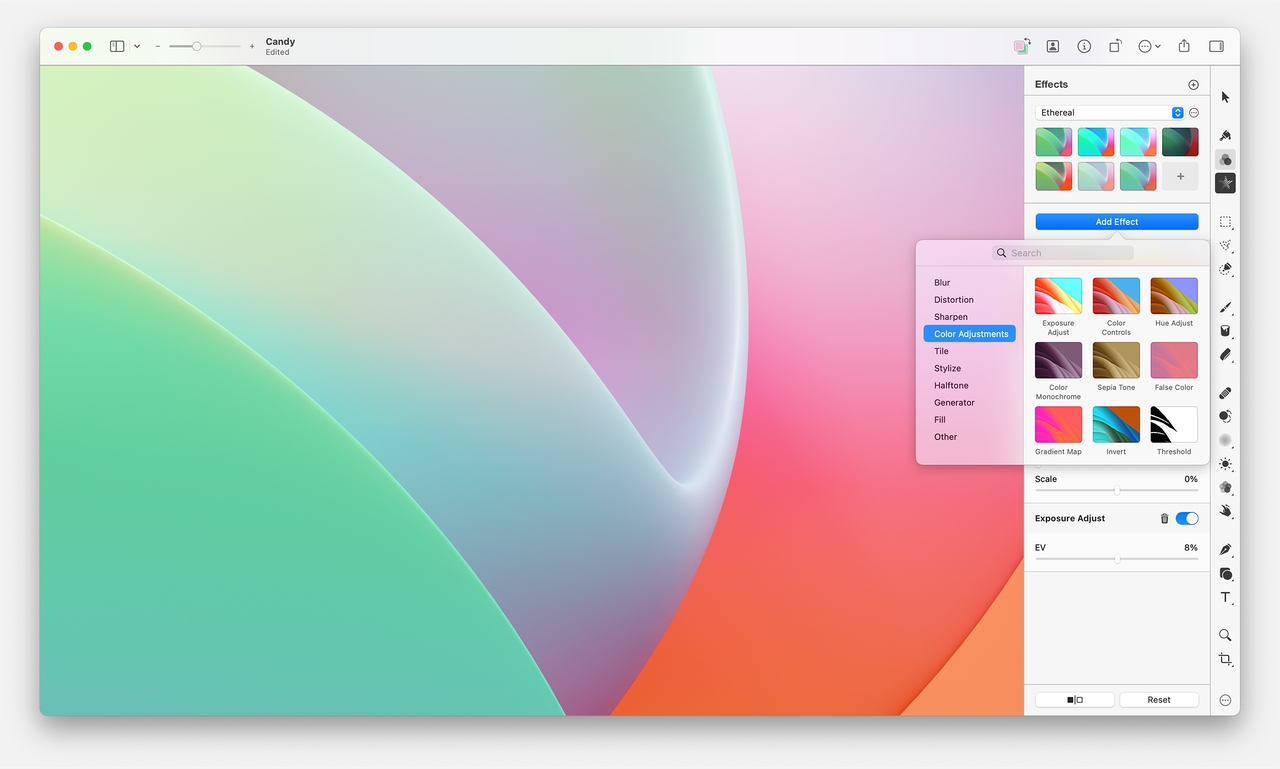
In Pixelmator Pro, you’ll find everything from essential color adjustments like brightness, contrast, and exposure to advanced tools like multi-channel curves and wheel-based color balance.

Enhance photos automagically.
Many of the most important adjustments can be applied automatically, using a machine learning algorithm trained on 20 million photos.

Perfect every detail.
Magically remove unwanted objects, clone parts of your photos, lighten or darken precise areas, and do much more. All by using simple brushstrokes to retouch just the areas you want. So all your shots look picture-perfect.

Effortless RAW editing.
Pixelmator Pro supports RAW photos from over 750 of the most popular digital cameras. What’s more, you can add RAW photos as RAW layers and edit directly without having to convert or preprocess them.
View supported RAW formats

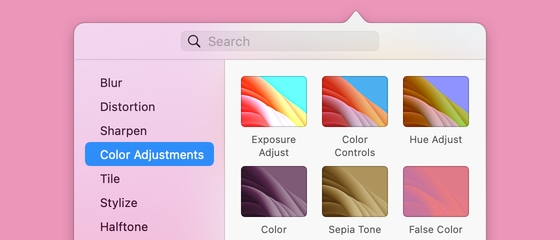
Make advanced color edits using color adjustments layers.
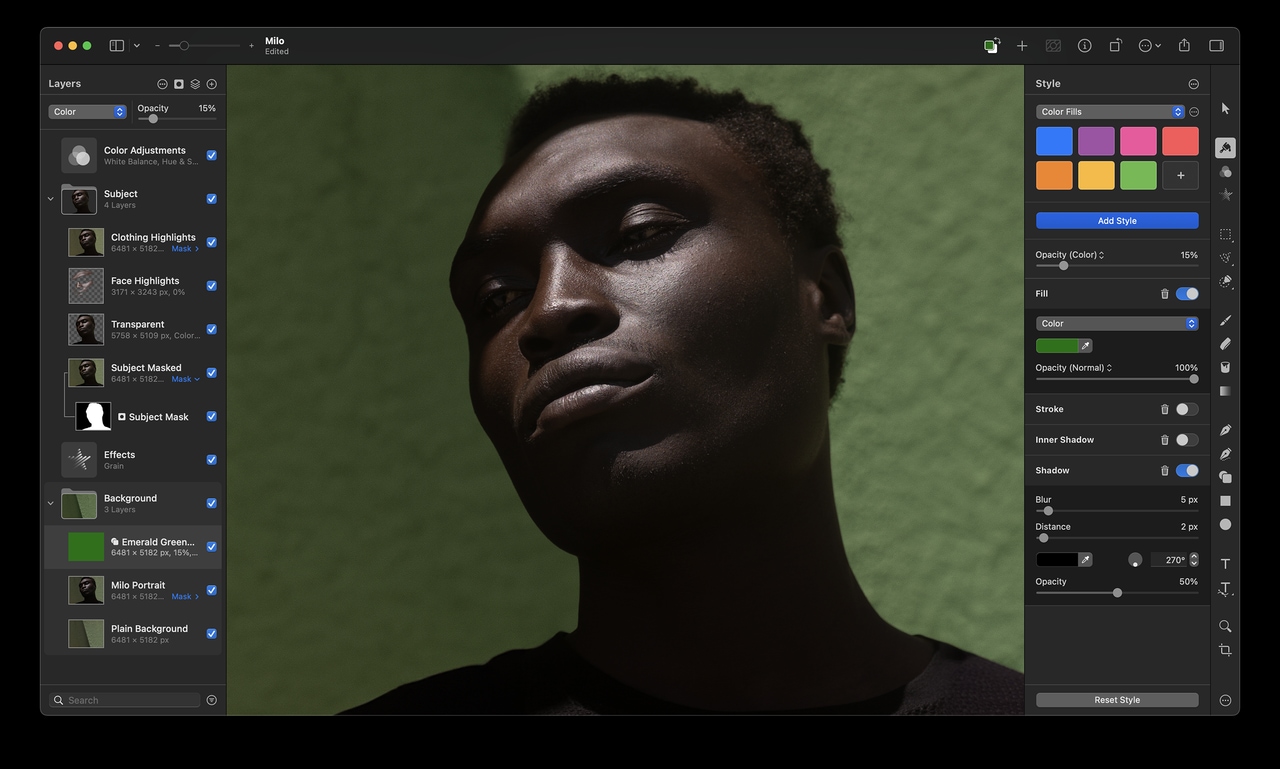
Use color adjustments layers to combine different color adjustments, selectively edit photos with incredible precision, and change the look entire layered compositions with ease.
See the full list of adjustments
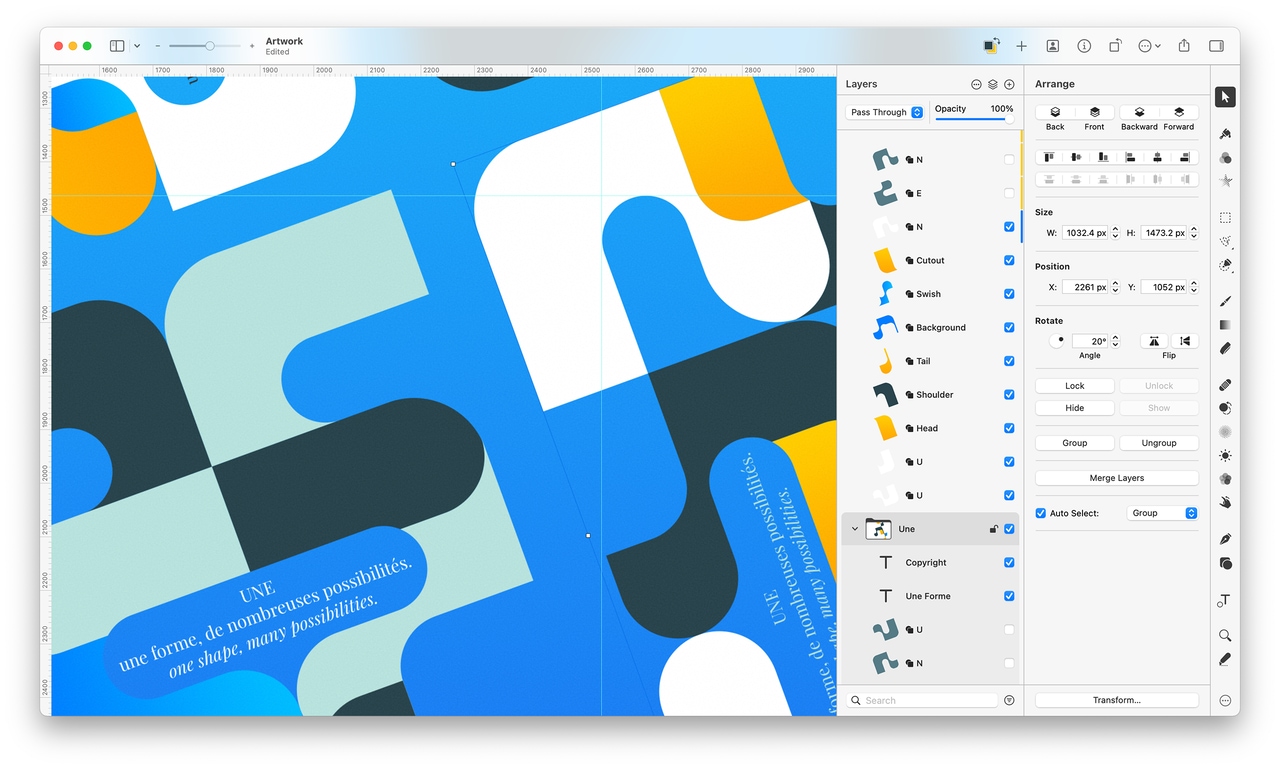
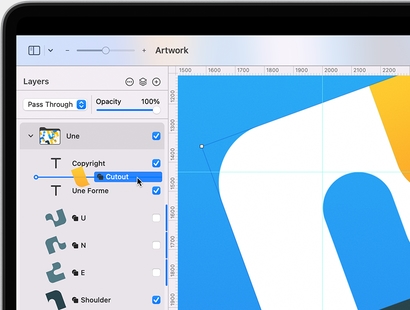

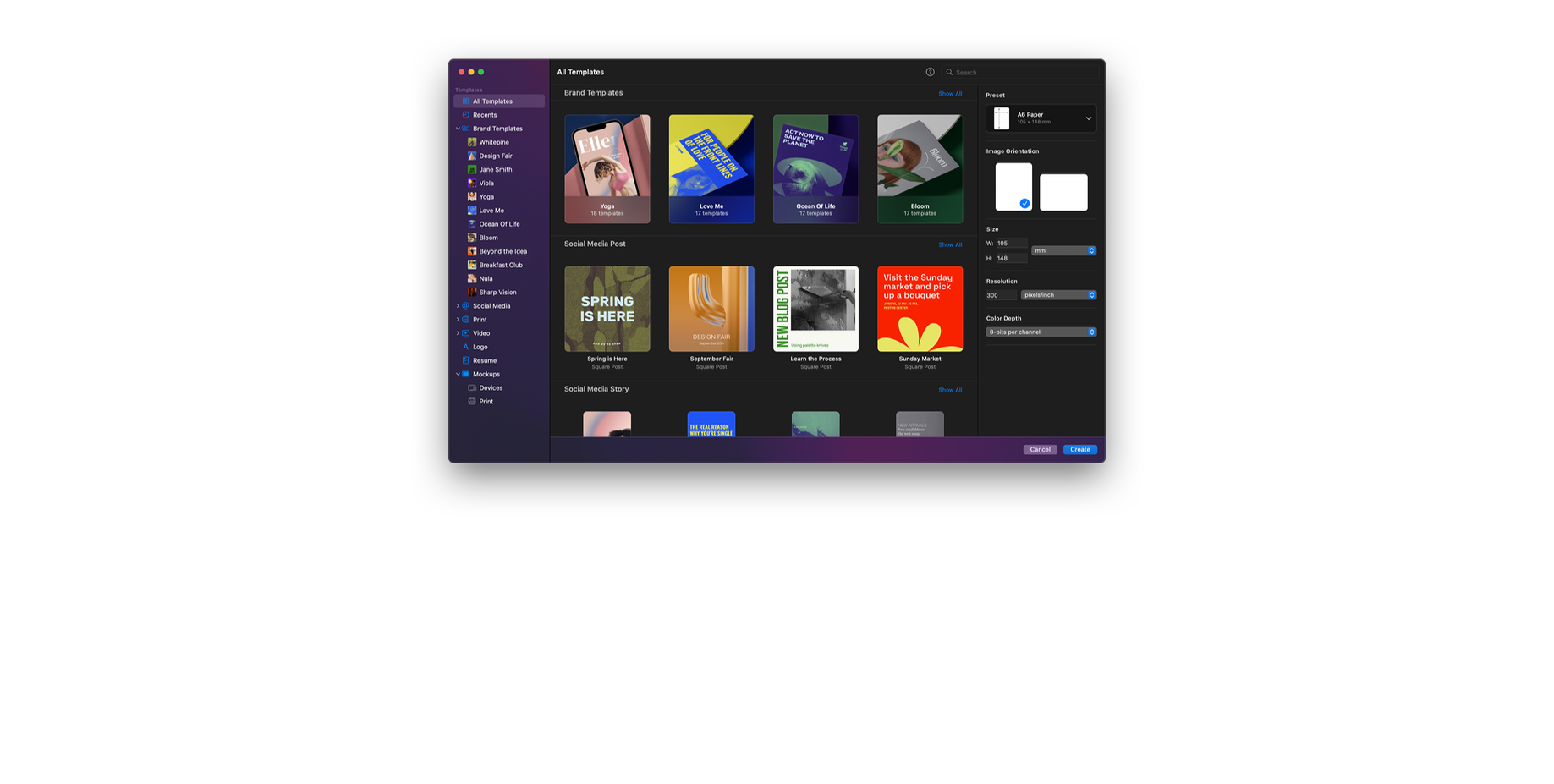
Create stunning designs like a pro – even if you’re a beginner.
Create eye‑catching designs with ease using stunning design templates and see them come to life in beautiful, fully‑customizable mockups.


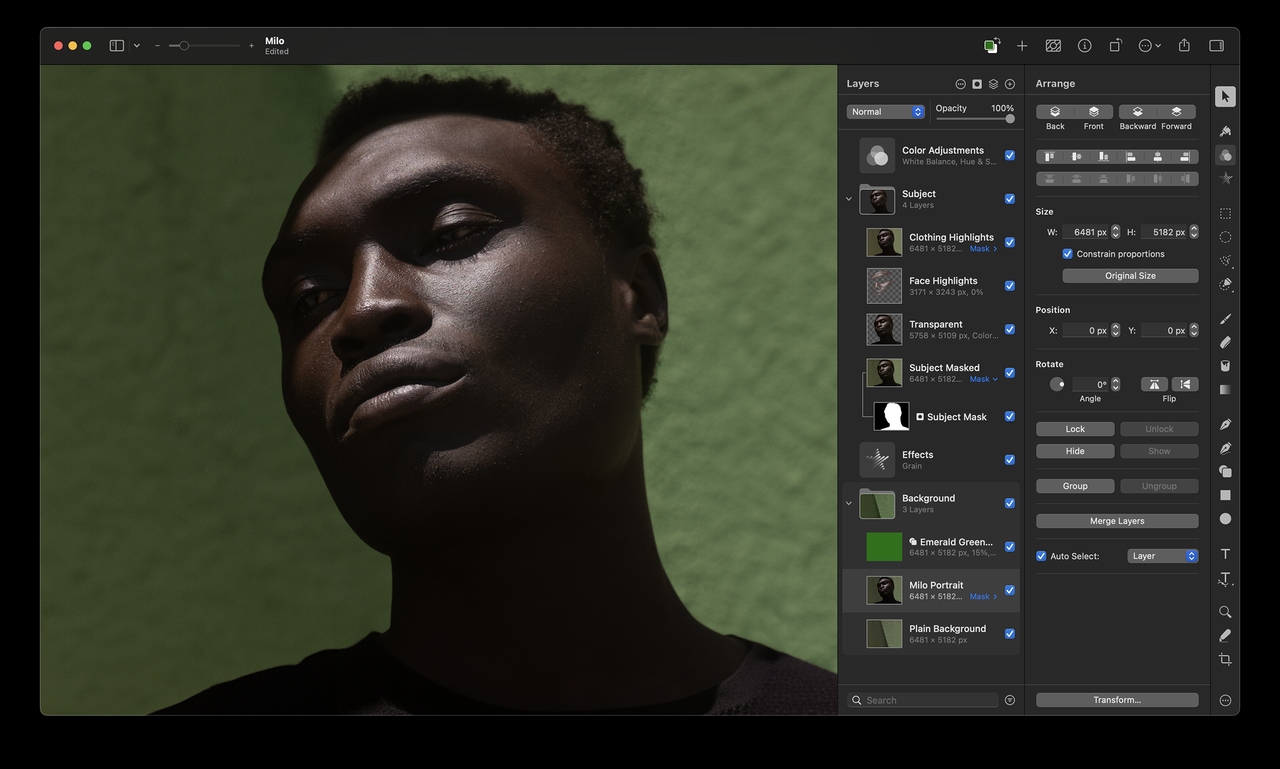
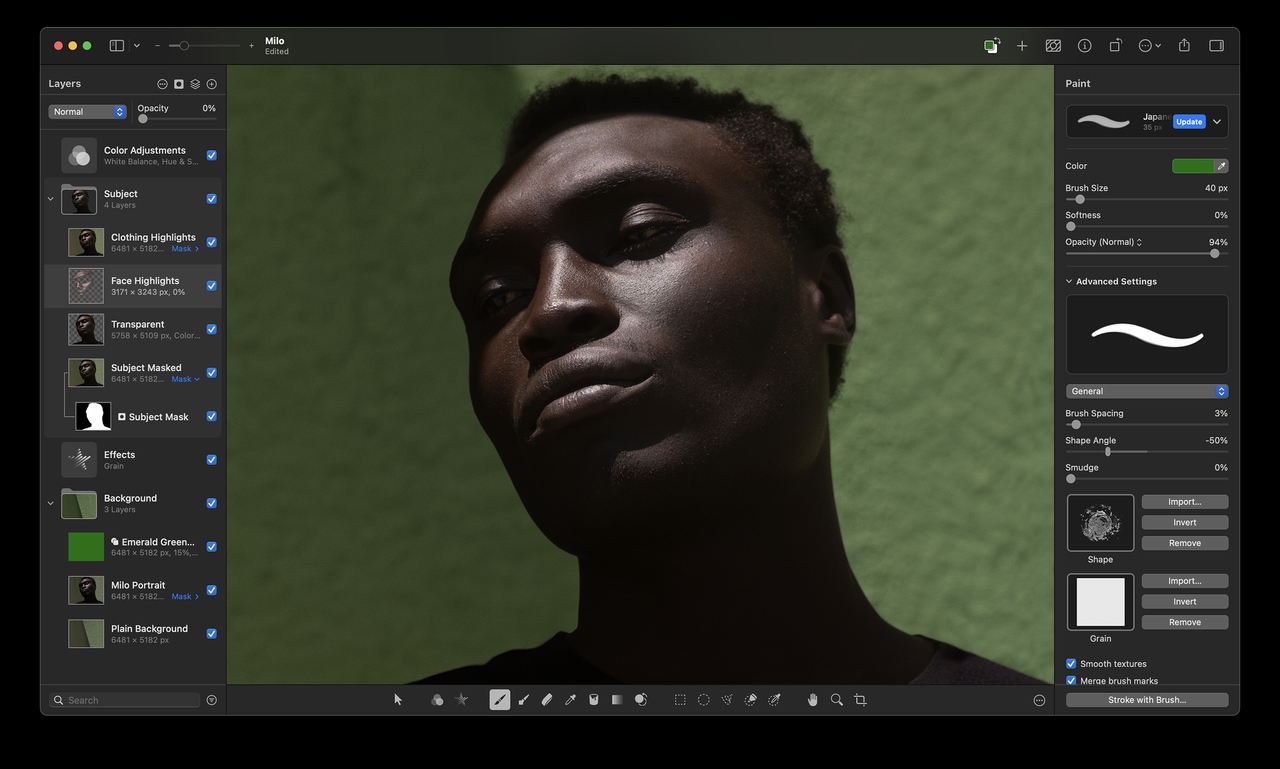
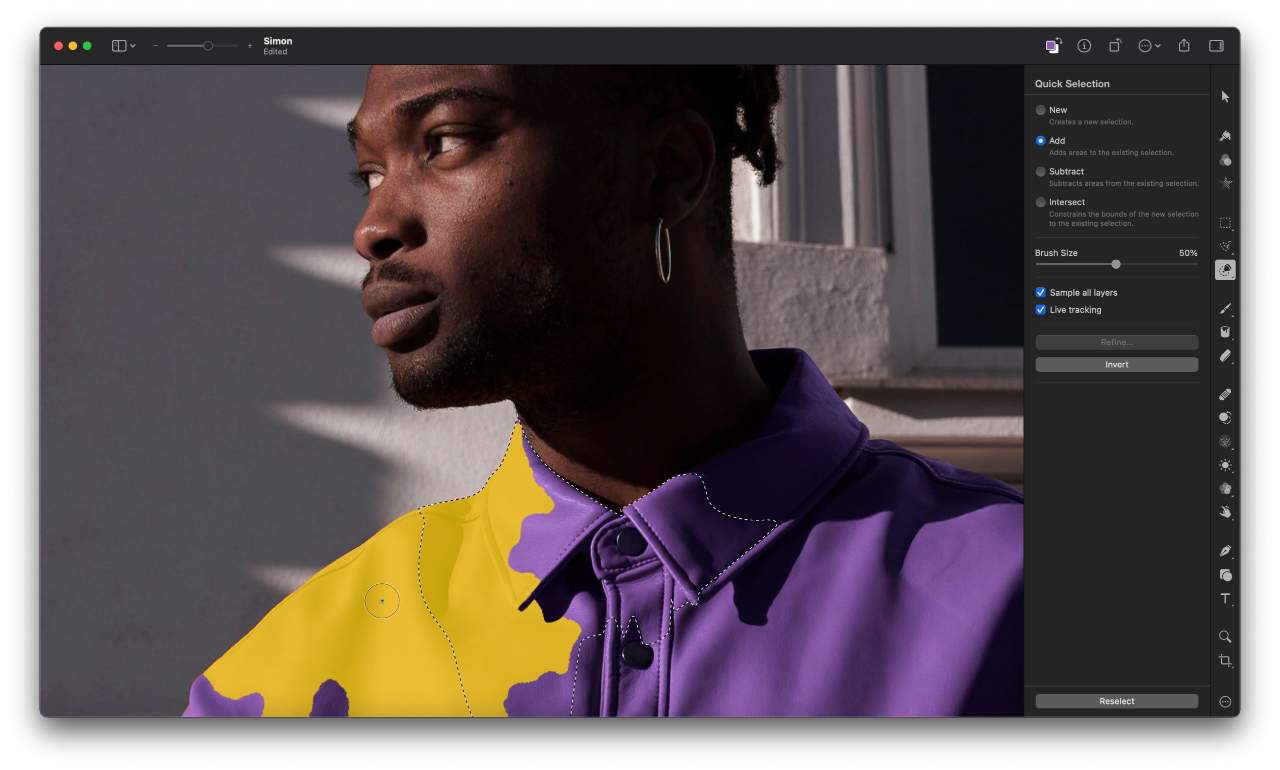
Thanks to its advanced algorithm, the Quick Selection tool lets you easily select even the most challenging objects and areas with just a few brushstrokes.
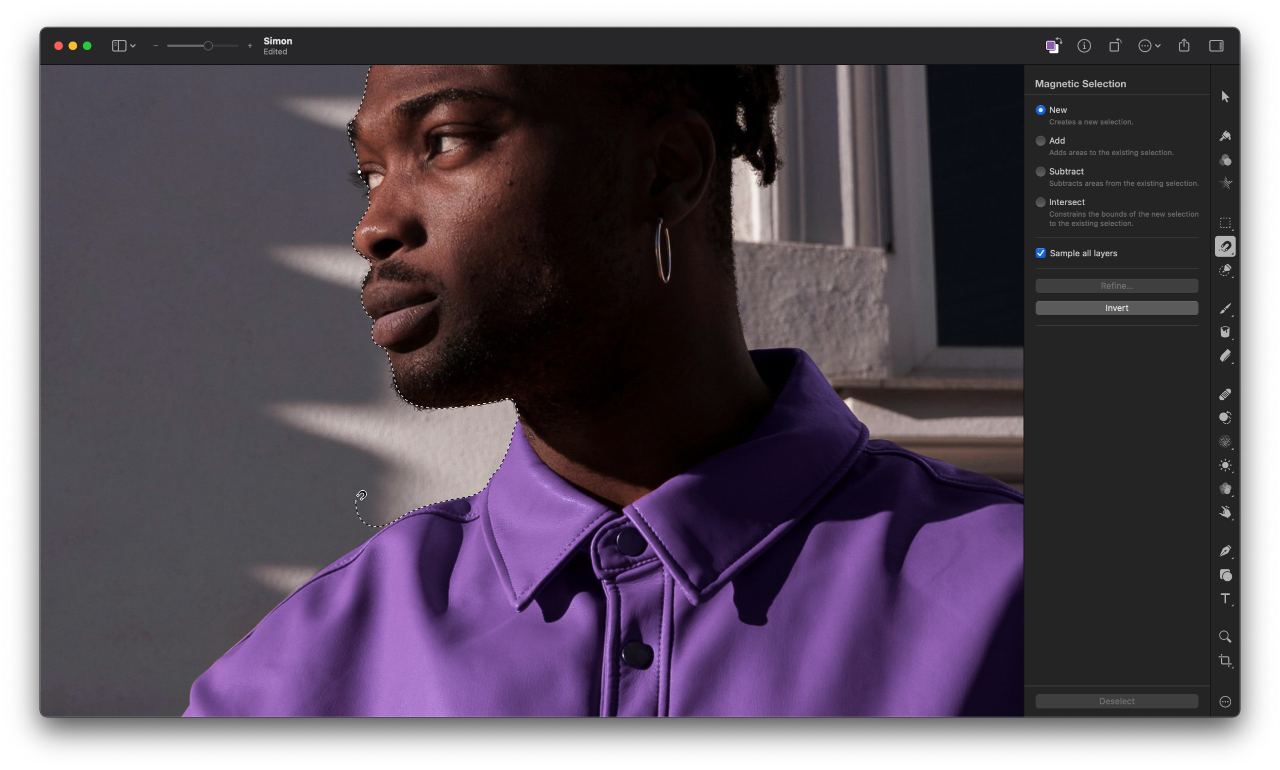
The Magnetic Selection Tool makes complex selections effortless. Simply trace the edges of any object and watch an accurate selection snap around it automatically.
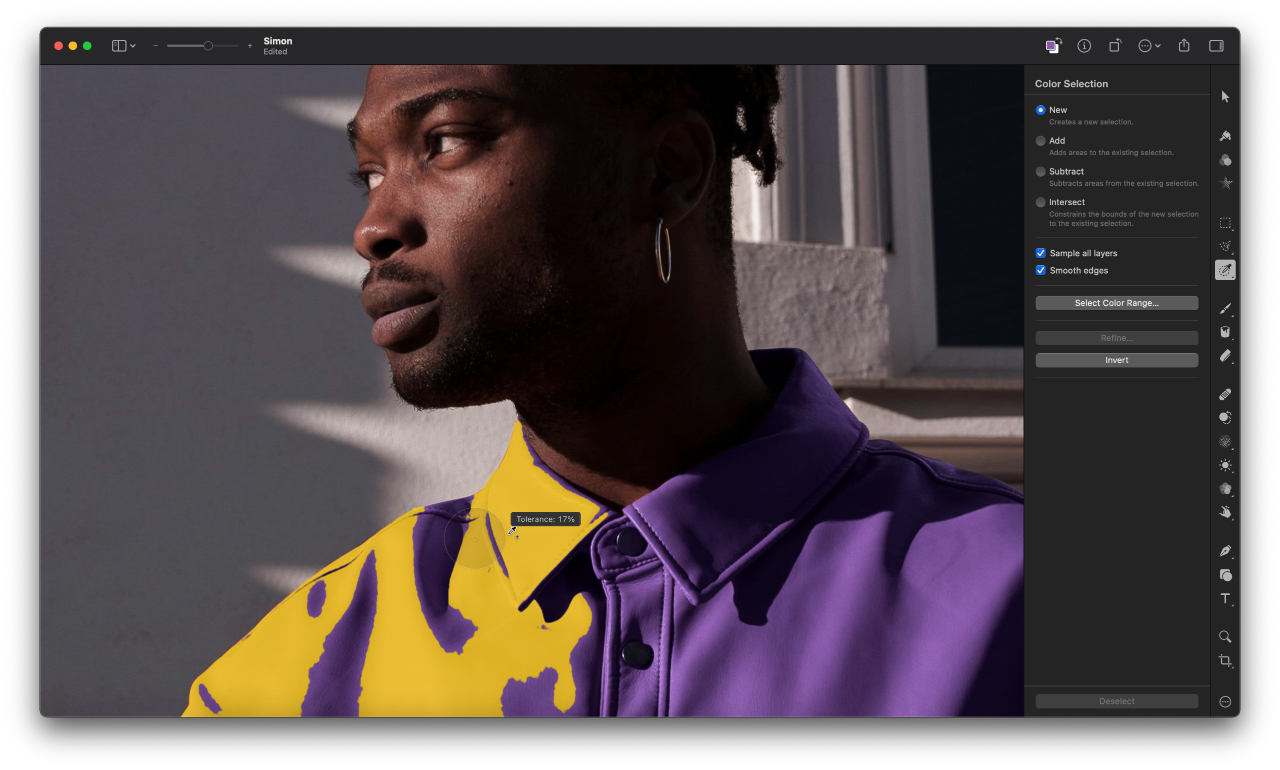
Use the Color Selection Tool to quickly and easily select similarly colored parts of your image.
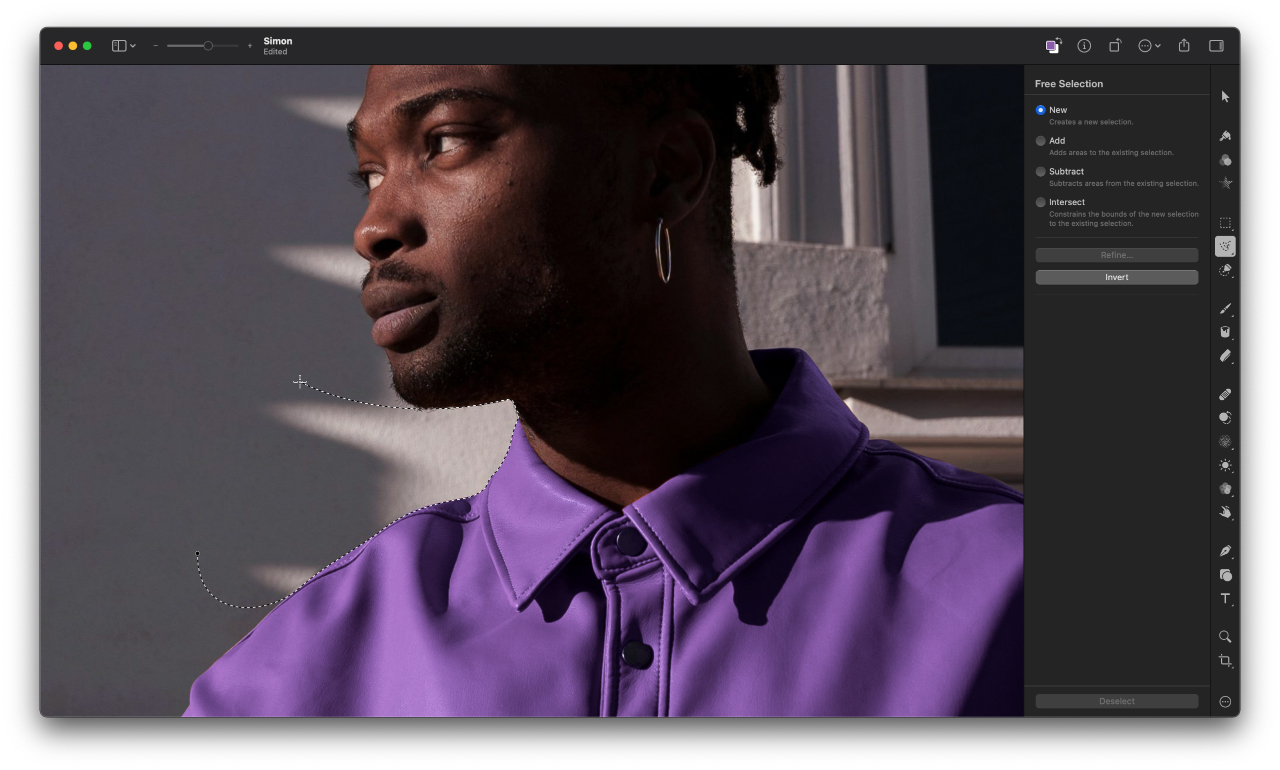
Make rectangular or rounded selections, select rows and columns, draw freehand selections, and more.



Optimize for Web

Soft Proofing

Color Management

PSD Files


Universal App

iCloud Drive

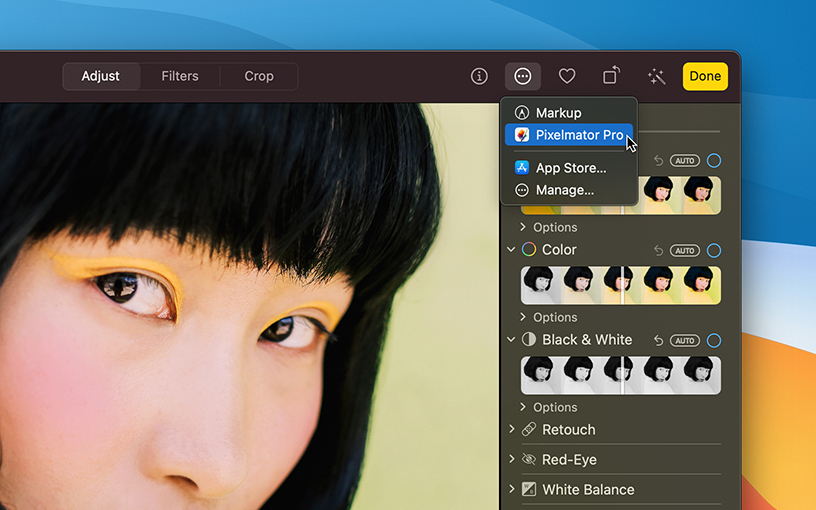
Photos Extension

Retina Display

Light and Dark Appearance

Universal Control

Sidecar

Apple Pencil

Shortcuts

AppleScript

Versions

FaceTime Camera

Apple Silicon
Pixelmator Pro runs natively on Mac devices powered by Apple silicon, taking full advantage of its incredible performance.

Metal
Using Metal, Pixelmator Pro harnesses the full graphics processing power of every Mac.

Core ML
The groundbreaking machine learning features in Pixelmator Pro are integrated using Core ML, which brings the best possible ML processing performance on Mac.

Built with Swift
Swift is a modern programming language built for efficiency, reliability, and top-notch performance.

Core Image
Core Image greatly speeds up processing images, enabling blazing fast, nondestructive editing.

SwiftUI
High-performance UI animations are powered by SwiftUI.