

详细内容
Built in Maryland USA. We value your privacy.
275,000+ art pictures created.
Trusted by 12,000+ customers.

- English
- Español (Spanish)
- Français (French)
- Deutsch (German)
- Italiano (Italian)
- 简体中文 (Chinese Simplified)
- 繁體中文 (Chinese Traditional)
- 日本語 (Japanese)
- 한국어 (Korean)
- Indonesia (Indonesian)
- Polski (Polish)
- Português (Portuguese)
- ﺎَﻠْﻋَﺮَﺒِﻳَّﺓُ (Arabic)


#1 Photo to Art App


Turn your photos into beautiful art!
Personalize your photos into beautiful oil paintings, dreamy watercolors, cute cartoons, cool sketches, elegant vector art, engaging coloring pages, vibrant pop art, vivid sculpture, funny caricature, and many more styles. Experience the enchanting magic of art with your own pictures. Powered by our state-of-the-art photo-to-art AI generator. Try it yourself.
Explore PortraitArt
- Oil Painting
- Watercolor
- Pencil Sketch
- Line Sketch
- Line Art
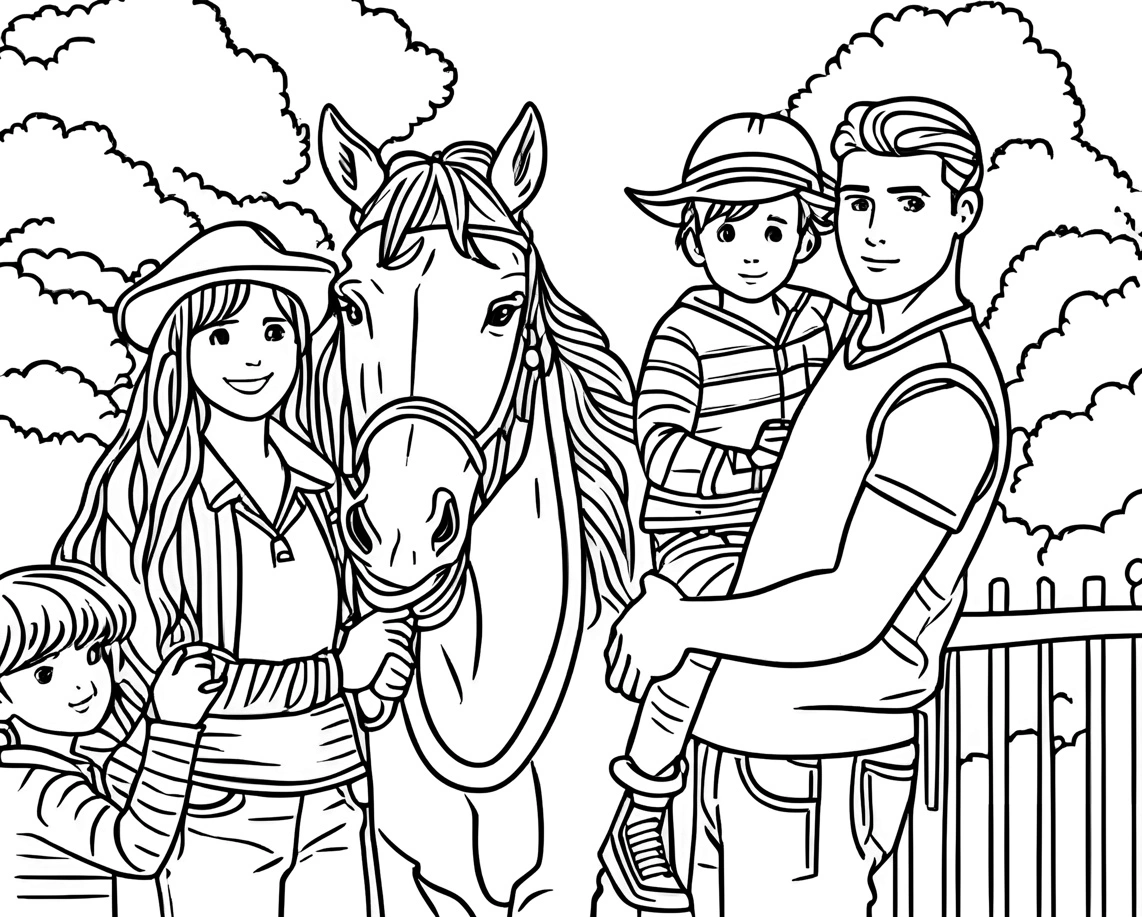
- Coloring Page
- Illustration
- Cartoon 3D
- Cartoon 2D
- Vintage
- Vibrant
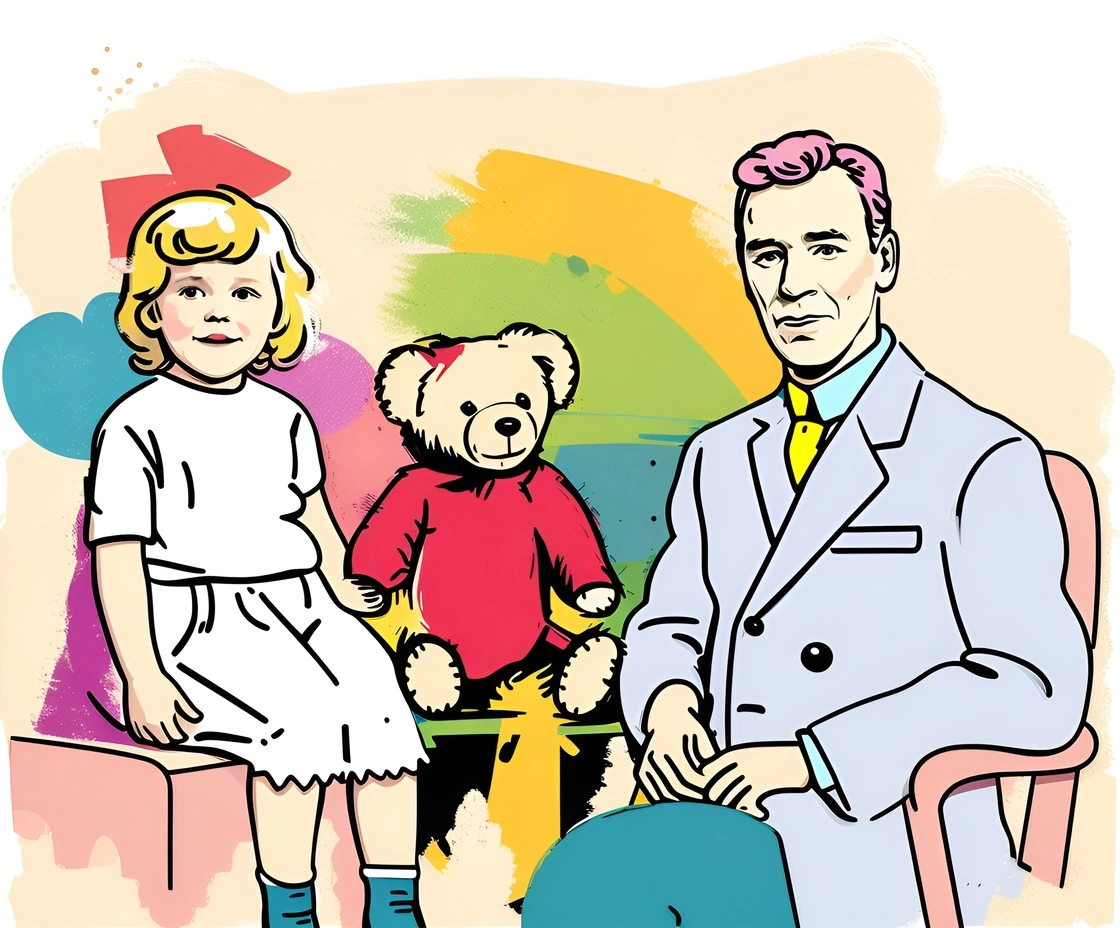
- Pop Art
- Chinese Ink
- Sculpture
- Caricature
- Portrait
- Family portrait
- Group portrait
- Wedding portrait
- Children portrait
- Sports portrait
- House portrait
- Pet portrait
- Car portrait
- Scenery art
- Valentine's day
- Mother's day
- Father's day
- Graduation
- Holiday season

Drop a photo here, or click to load one.
( We value your privacy. You have full control of your data.)
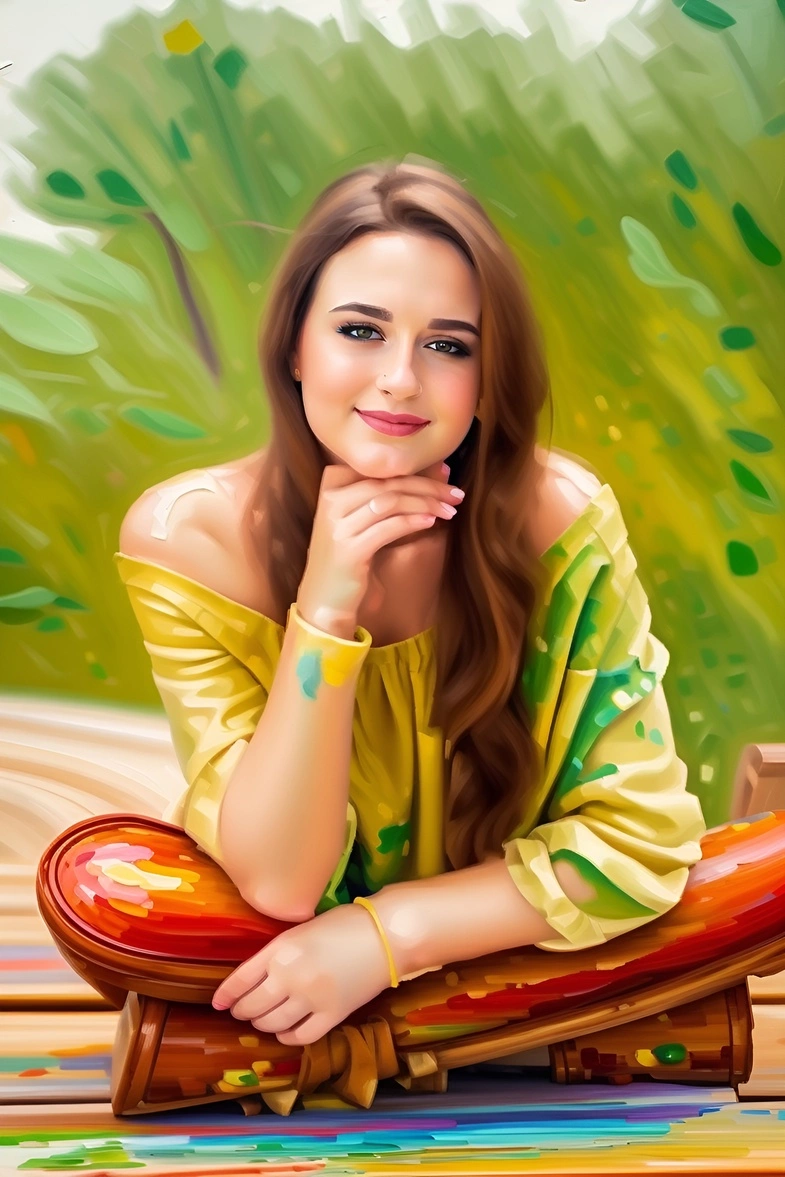
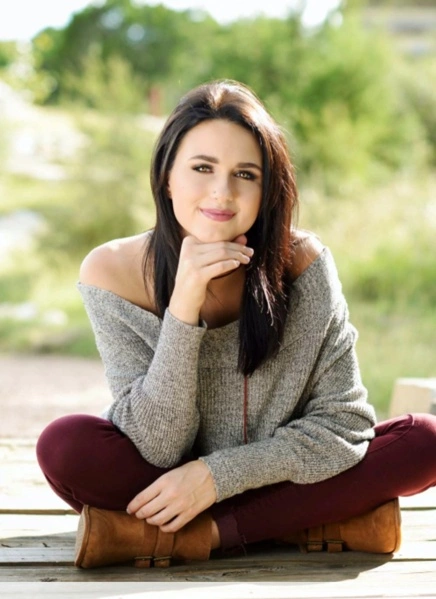
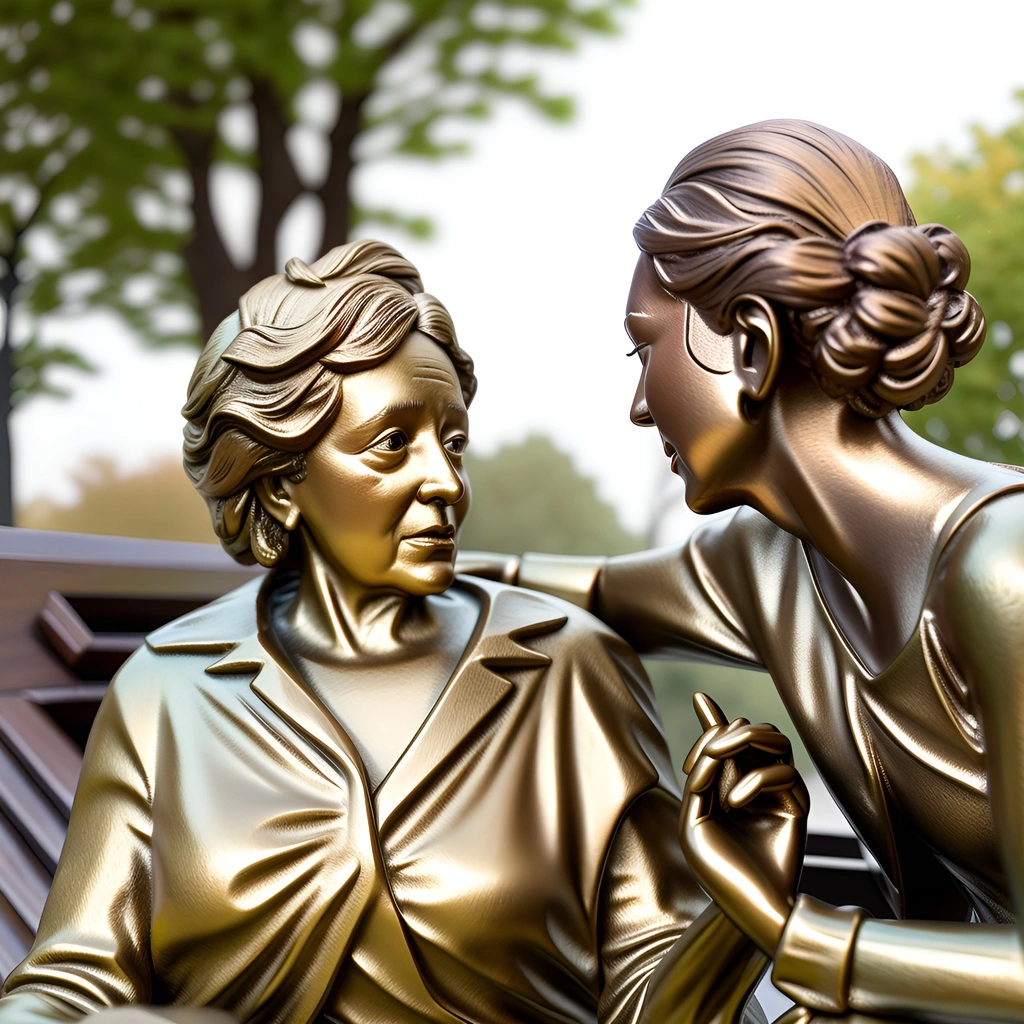
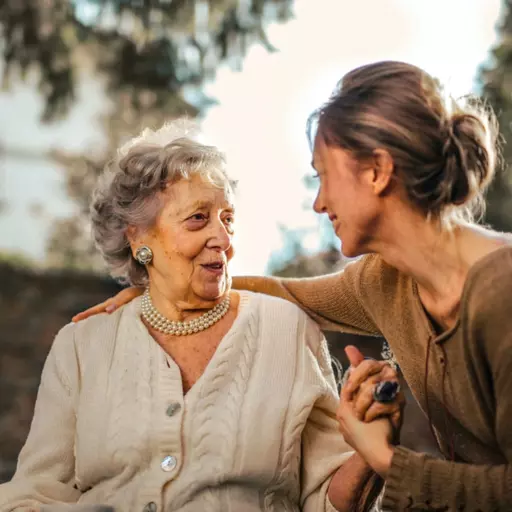




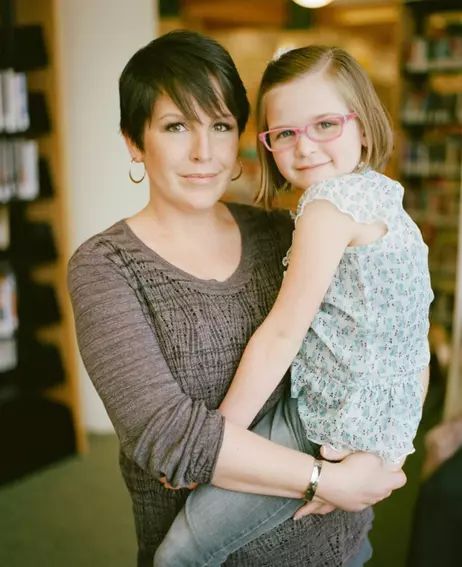


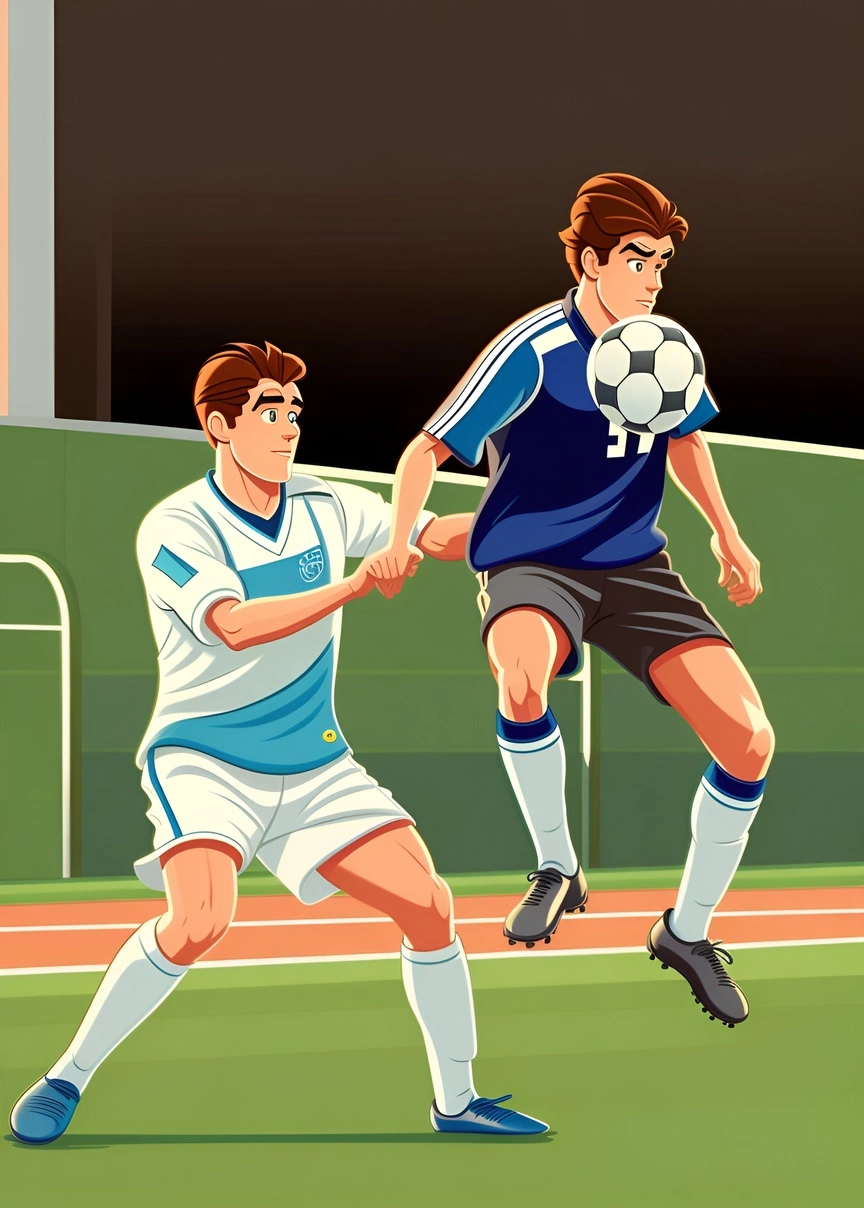
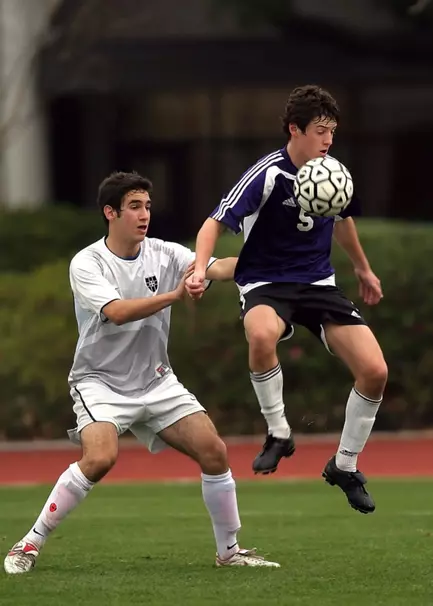


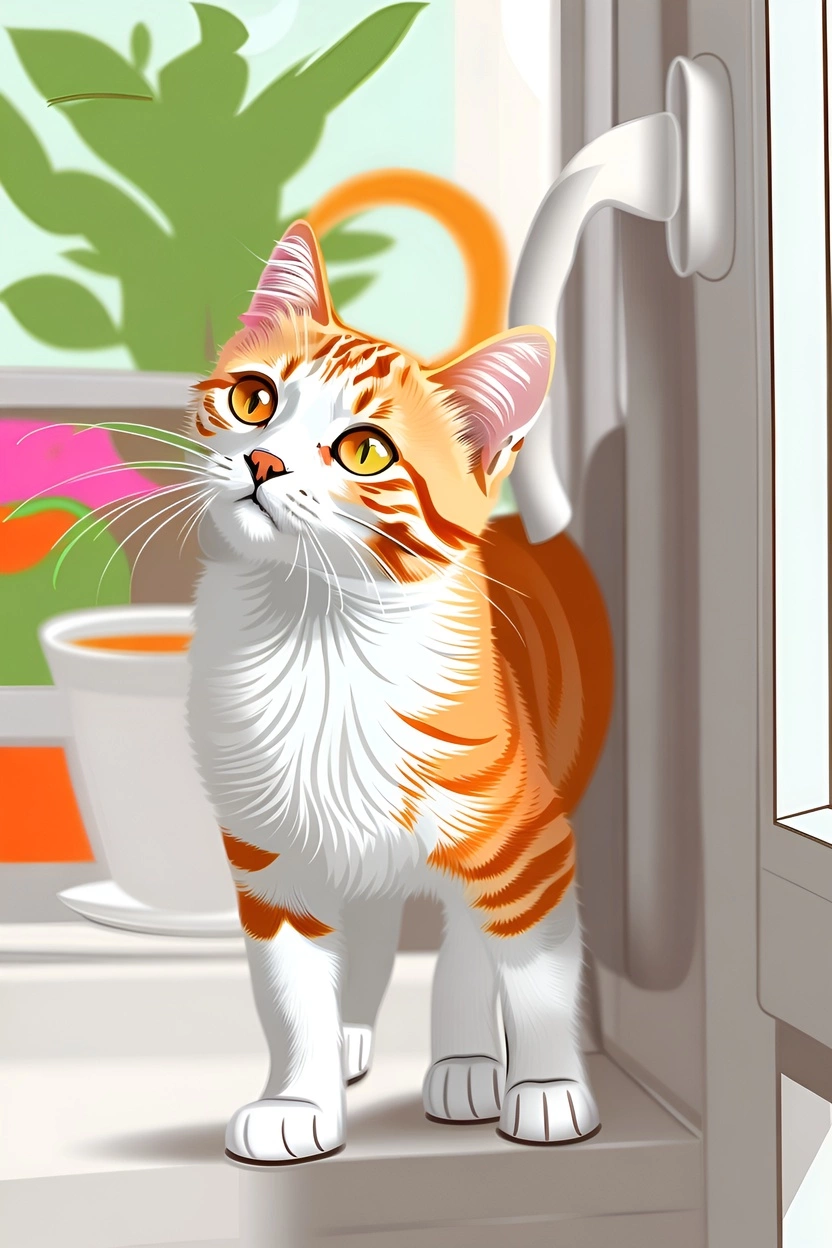
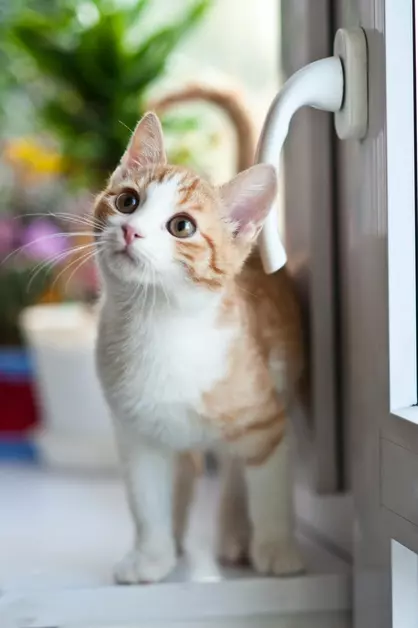


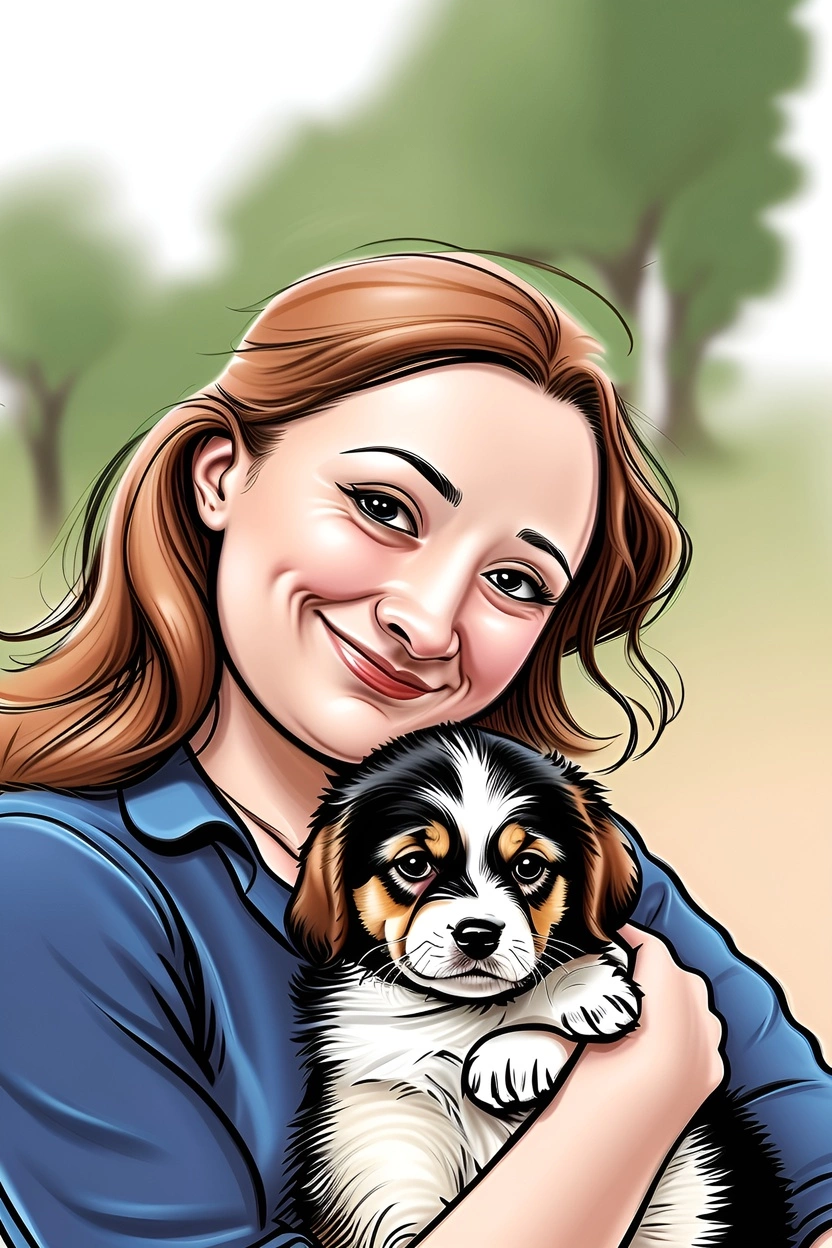
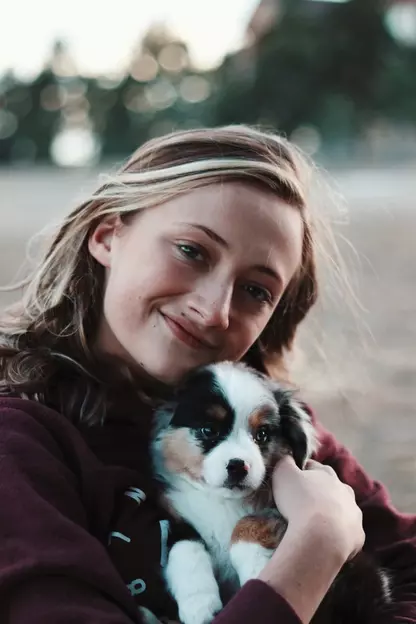


Drop a photo here, or click to load one.
( We value your privacy. You have full control of your data.)
Frequently Asked Questions
Does the app create a generic portrait painting, or is it customized based on my photo?
The PortraitArt app is designed to transform your photos into stunning works of art, including oil paintings and other artistic styles. Each piece is generated based on the photo you provide, using a process similar to how professional artists craft their work, powered by advanced generative AI technologies.
Does it work with group photos and other non-portrait photos?
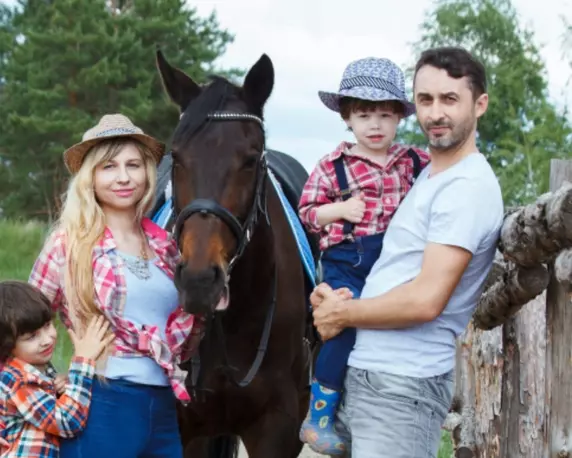
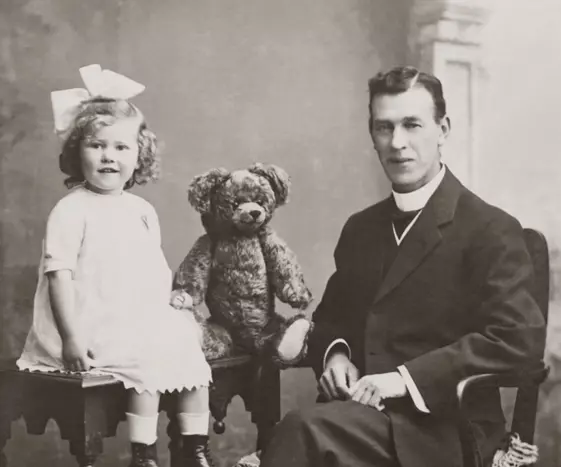
Yes! PortraitArt can transform a wide range of photos into artwork, including portraits, group photos, pet pictures, architectural images, and scenic landscapes. To achieve the best results, we recommend using high-resolution photos with good lighting and a clean, uncluttered background.
What is photo-to-art conversion? And how does PortraitArt do it?
Photo-to-art conversion is the process of transforming your photos into artwork that retains the content and composition of the original image while adding an artistic touch. This could include styles like oil painting, watercolor, or line drawing. Unlike generic prints found in stores, these pieces are highly personalized, making them ideal for wall décor or meaningful gifts.
Traditionally, such artwork required commissioning professional artists, often costing hundreds to thousands of dollars per piece. PortraitArt offers a similar experience at a fraction of the cost using our advanced photo-to-art AI generator, recreating the artistic process with precision and creativity.
What art styles can my photo be converted to?
PortraitArt offers more than 15 different art styles to choose from, including oil painting, watercolor, illustration, colored line art, pencil sketch, line sketch, 3D and 2D cartoons, pop art, caricature, coloring pages, sculpture, Chinese ink, and more.
How does PortraitArt handle my data?
Your data safety and privacy are our top priorities. All photos uploaded to PortraitArt are securely processed and used solely for creating your artwork. We do not store, share, or use your photos for any other purposes without your consent. Additionally, all data transmission is encrypted to protect your personal information. And you can choose to delete your data after creating and downloading your art pictures. For more details, please review our Privacy FAQ.
Can I see a preview before buying?
Yes! PortraitArt offers a free trial so you can try it out first.
Your photo will be rendered in 10+ different art styles. It will take a few minutes (or longer during peak hours) to finish. Once complete, a notification email will be sent to your mailbox.
Please type your email to receive results.
Start