

详细内容
Solutions
Tools Pricing Tutorials GitHub
Personalised AI images and videos
Make your creativity train unstoppable with consistent person, cartoon, and products
⚡Few click AI assisted LoRA training with Flux dev
🎨AI powered image editor. Inpaint with LoRA
Efficient image management and bulk generation
Training free character references
👥Create scene with multiple characters.
📚Create & share storybooks, animated
🪄Instruction based editing
★★★★★
5.0
10K+ models trained
1K+ users
One person team
Children's Storybooks
Fashion & Beauty
Professional Headshots
Blogging assets
AI influencers
Filmmaking
Videos
AI editor
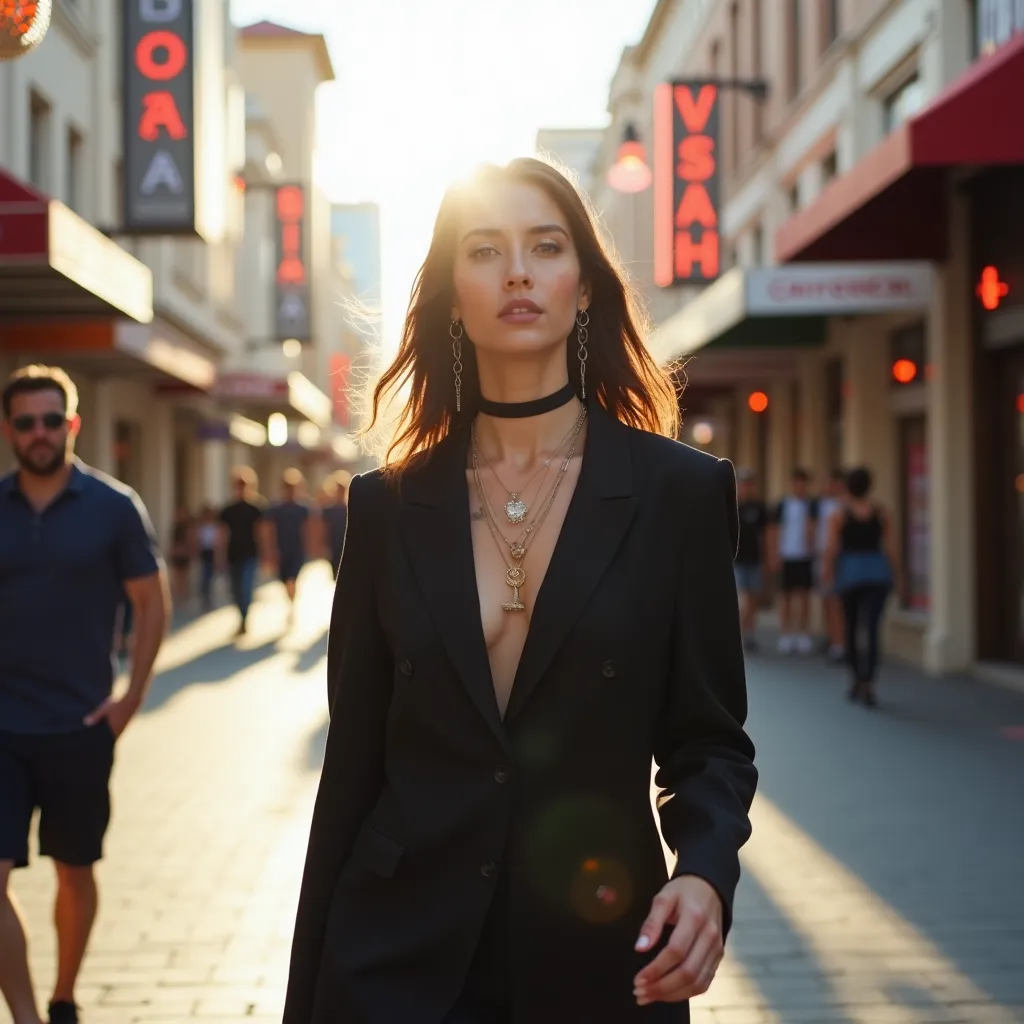
AI Generated
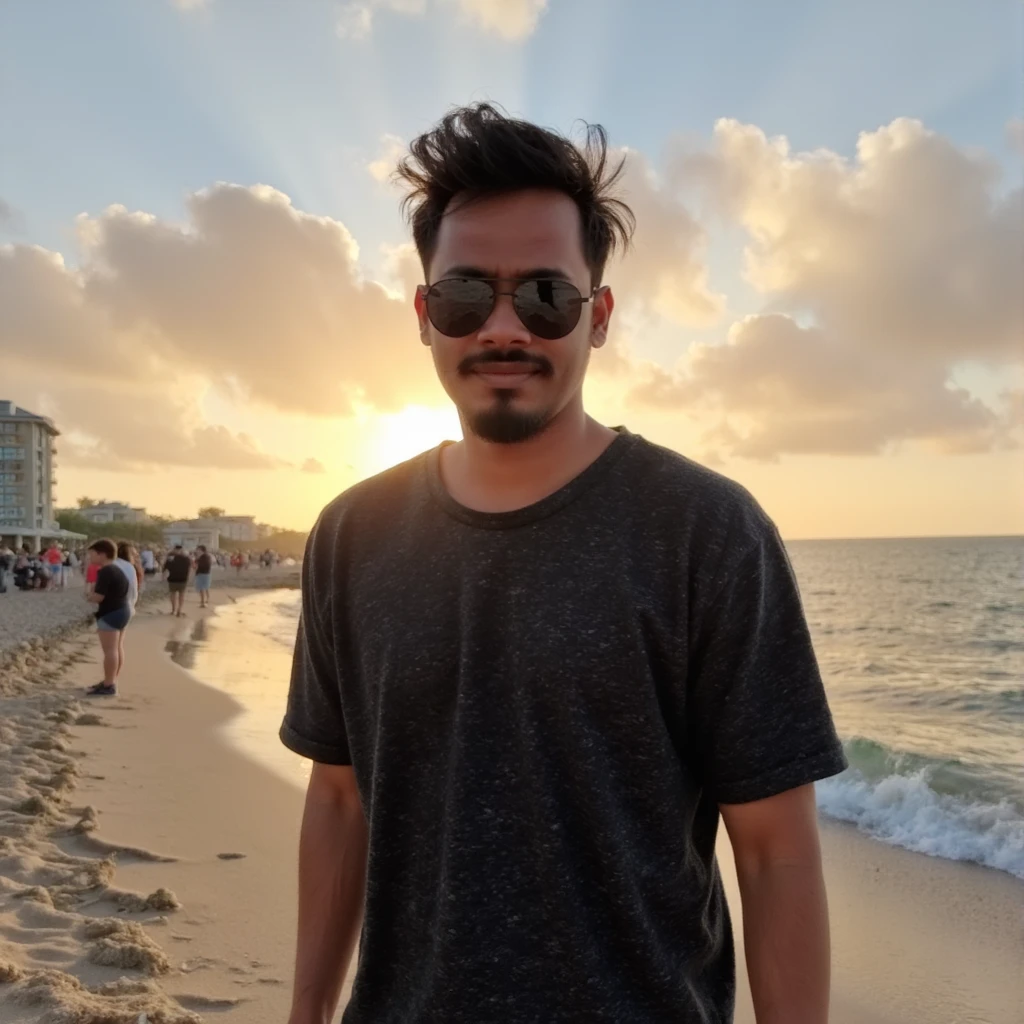
AI Generated

AI Generated
✨ Consistent Characters
Train once, generate infinite variations, storybooks, cartoons, and products.
★★★★★ Loved by 1,000+ creators and parents
🎨
Possibilities with TheFluxTrain
We offer two ways to achieve consistency: AI training and single-image reference—each with unique strengths. You can also combine both for enhanced results (coming soon). Use them to inpaint, generate, and more. All images can be animated with video models.
Training & Fine-tuning
Train custom AI models on any subject with just 3-9 images. Models can be downloaded and used in your local environment.

Person
Create a digital twin for portraits and full-body shots. Use it for professional headshots, photography, UGC, and more.
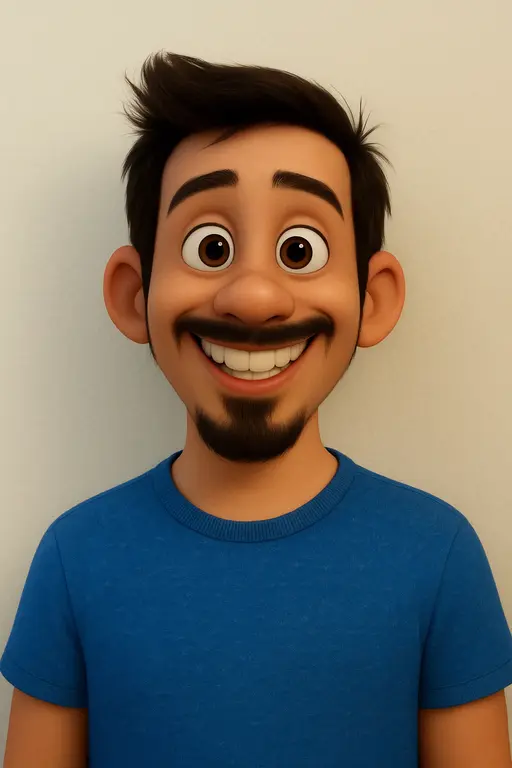
Cartoon
Create scenes with your cartoon characters. Use person LoRA to create cartoon of real people.
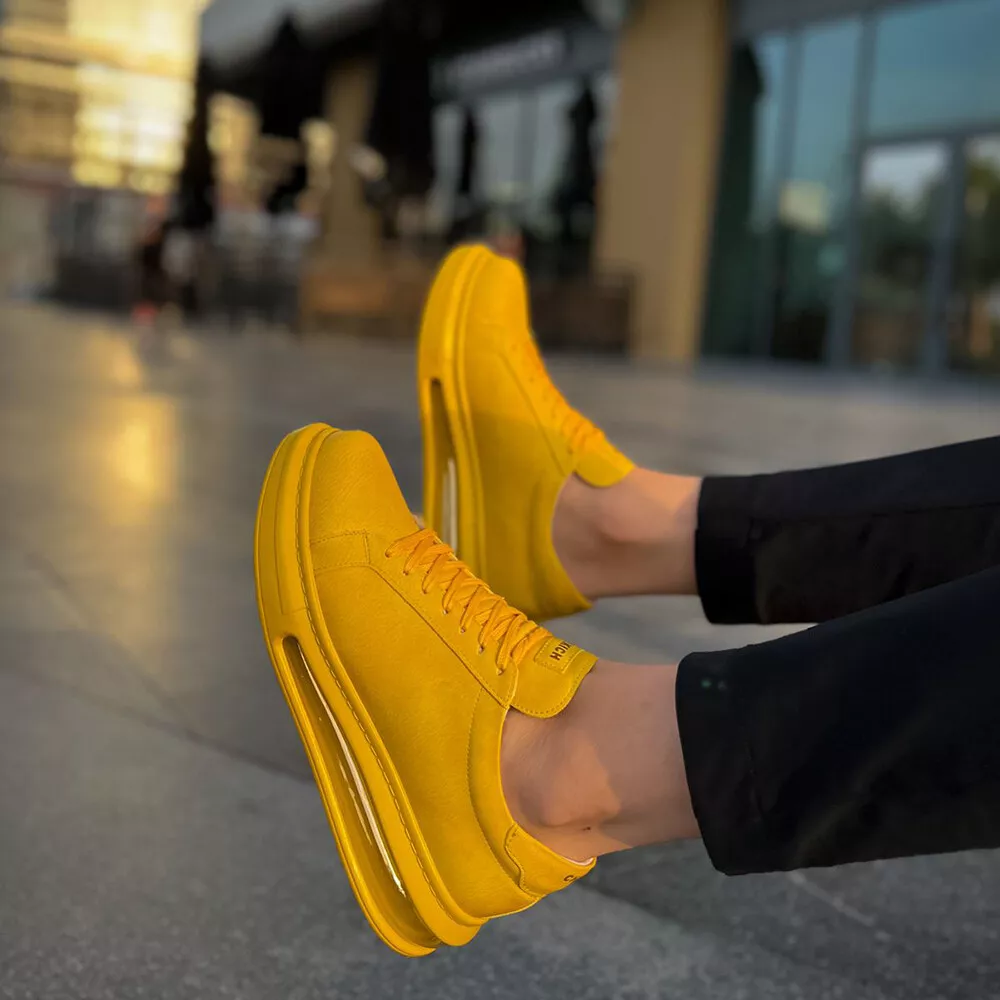
Product
Generate product variations and marketing materials
Training
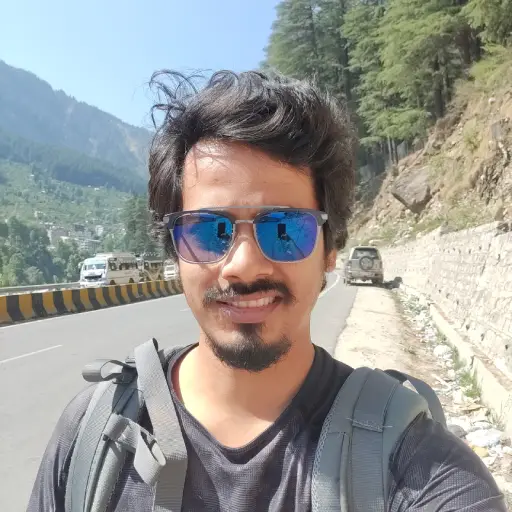 Training
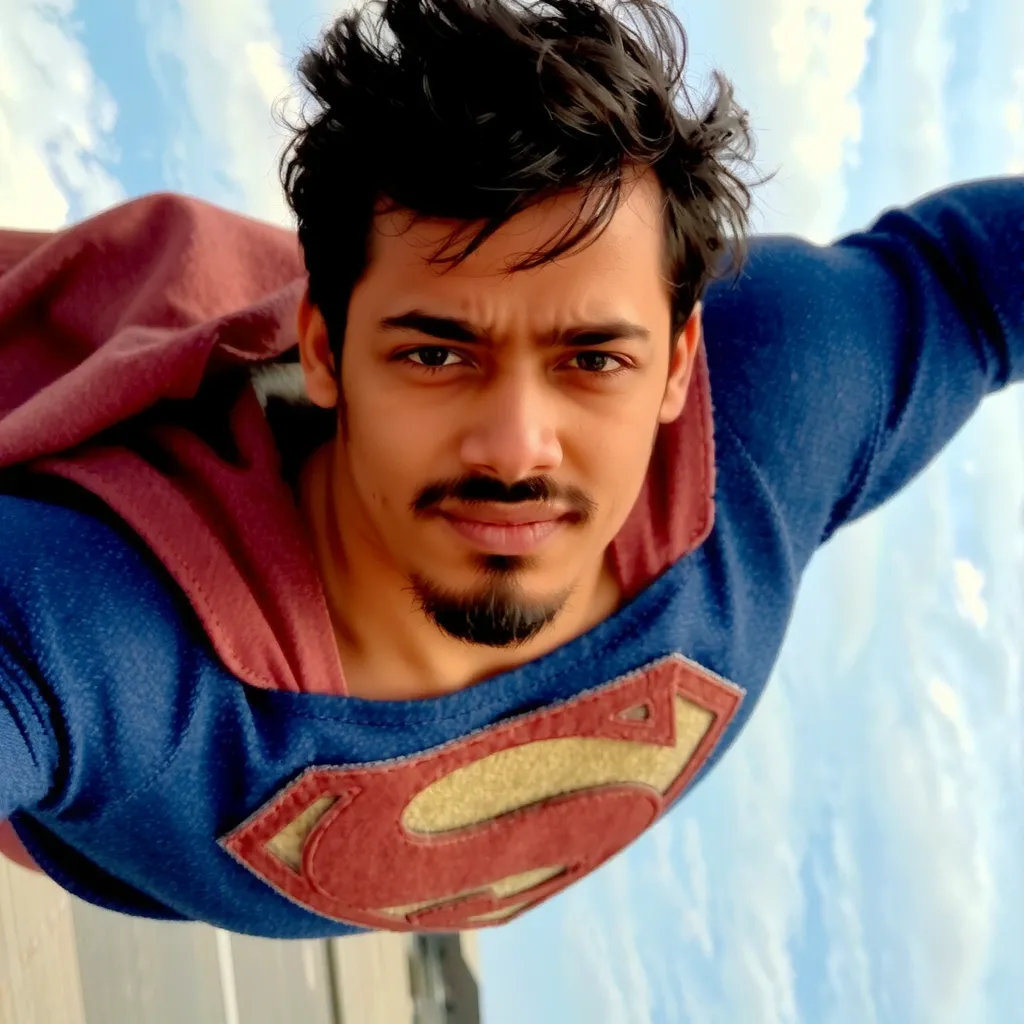 AI Generated
 Training
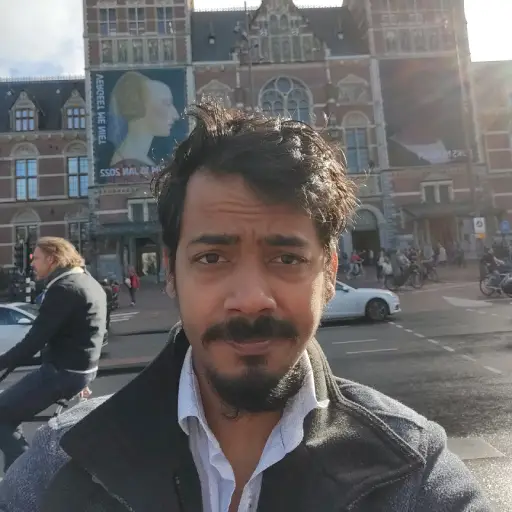 Training
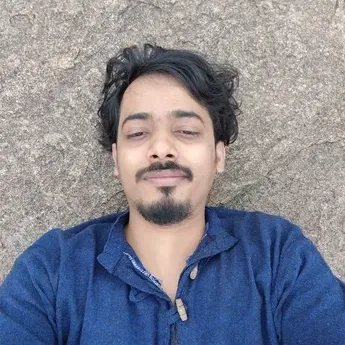 Training
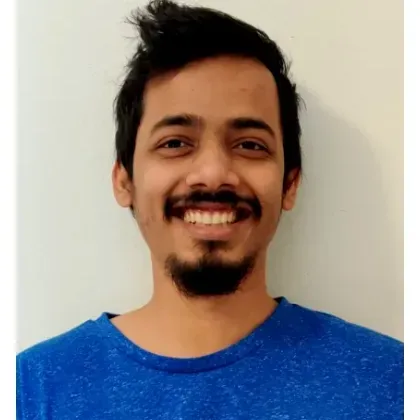 Training
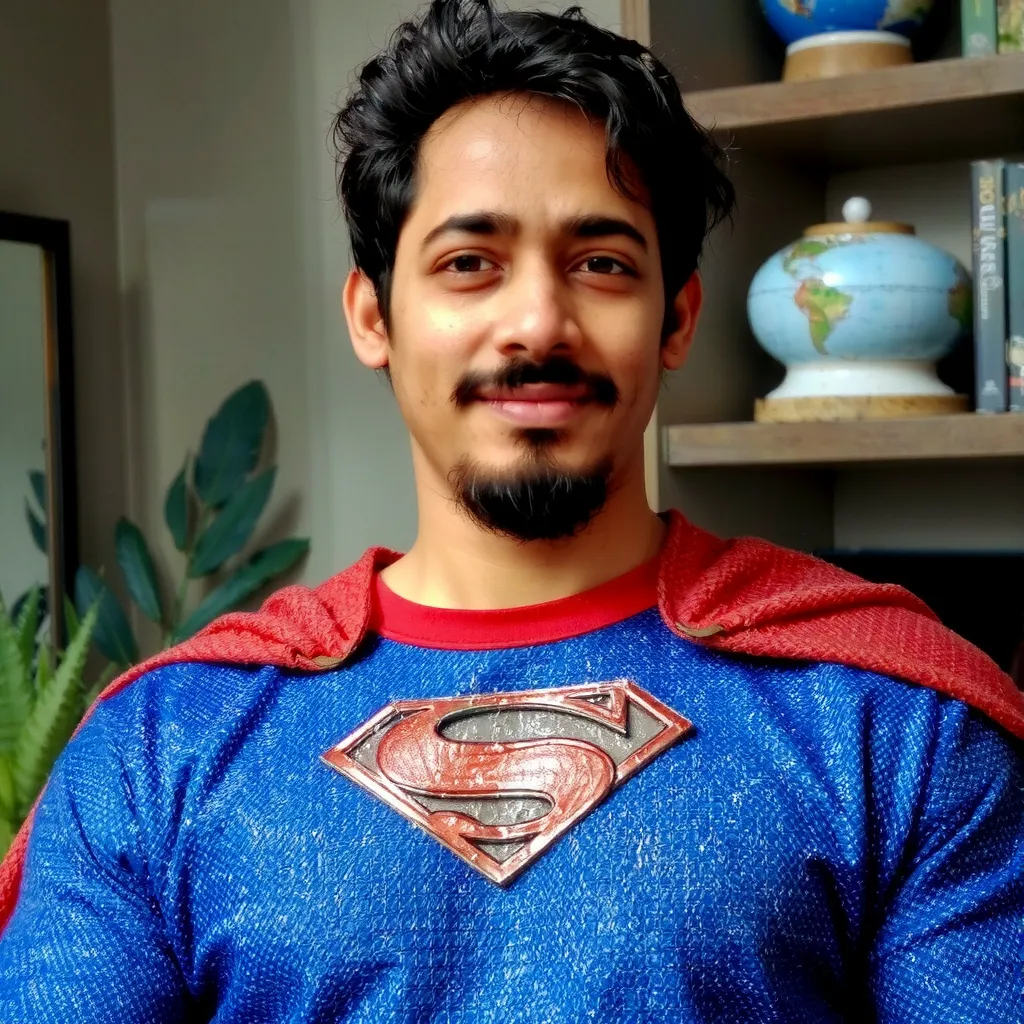 AI Generated
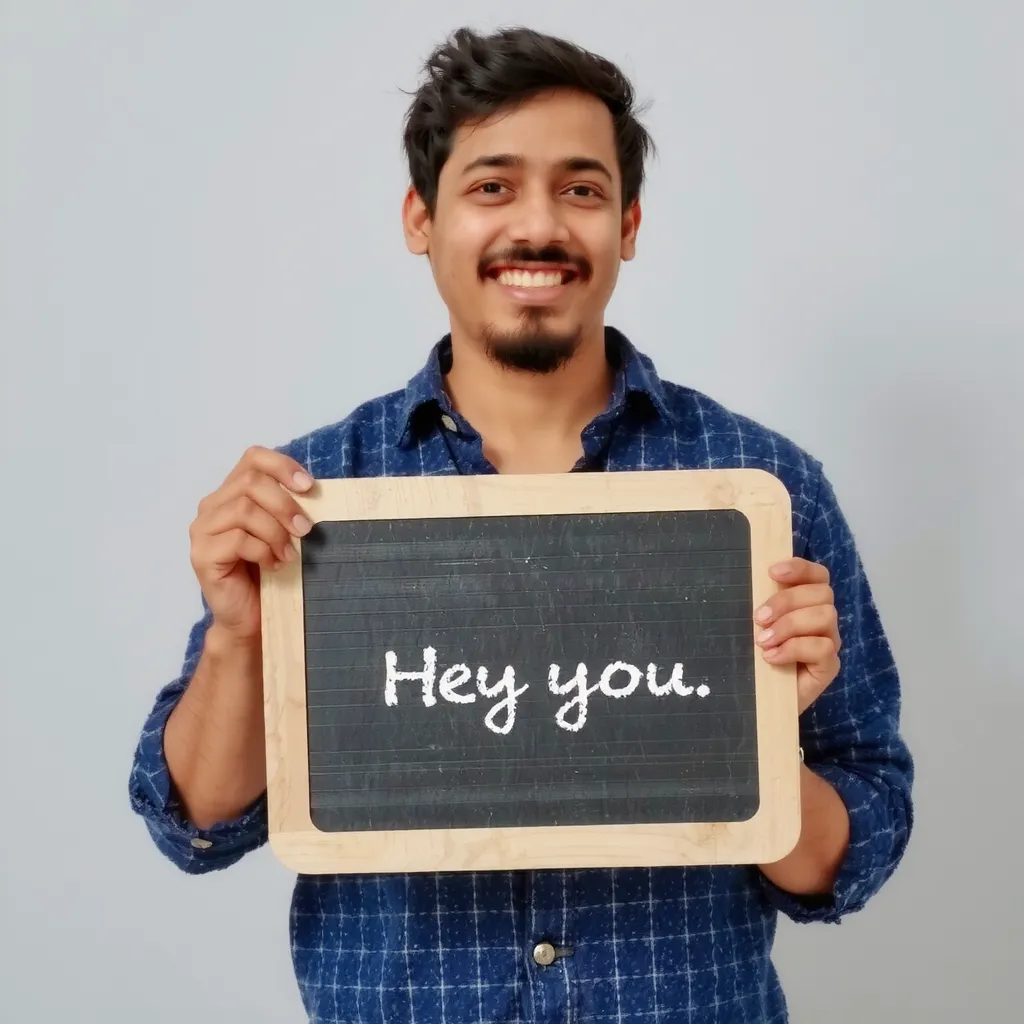 AI Generated
Reference-based Generation
Generate variations from one image—no training needed. Ideal for cartoons and products; real faces not yet supported.
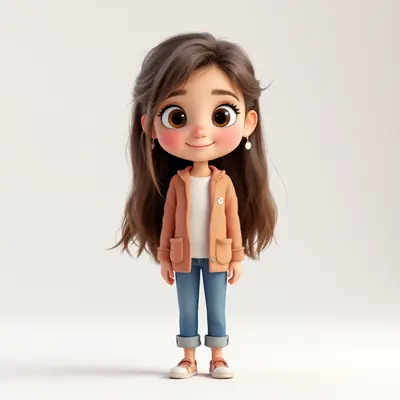
Cartoon
Characters in new scenes and pose
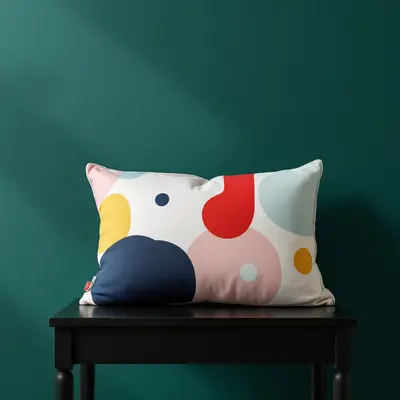
Product
Create product variations and mockups
Reference
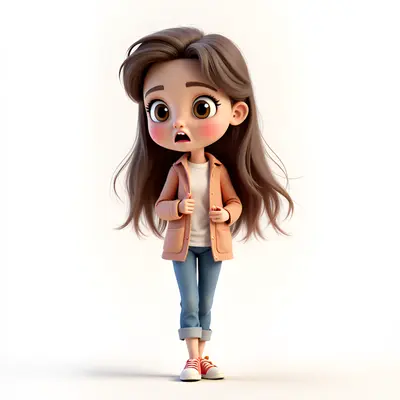 Generated
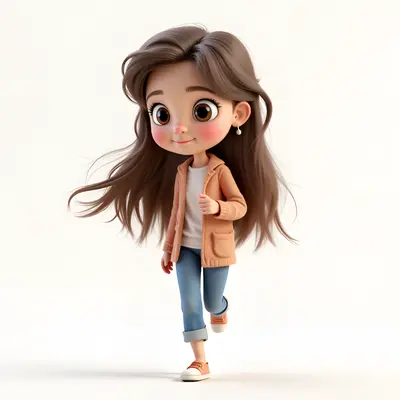 Generated
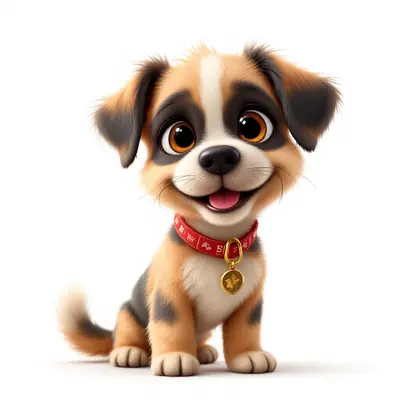 Reference
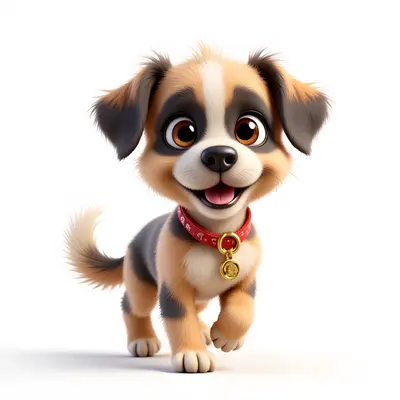 Generated
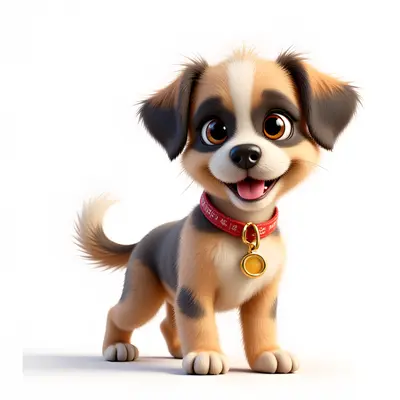 Generated
AI generation and editing
Edit images with AI using your LoRA and reference models.
LoRA inpainting
Use LoRA with an in-painting model. It works better than vanilla inpainting using T2I models hacks.
Folder Management
Separate your images based on projects and characters. Show everything or select specific folders to use in your current workspace.
Bulk Generation
Generate multiple images at once. Write the prompt yourself, or use a detailed prompt from chatGPT.
Bulk Editing
Edit multiple images at once. Apply the same kind of editing operation using an instruction model.
Inpainting
Usecases
Use the platform to create your own AI models to produce images of same person, product, or character in different settings, poses, and lighting conditions.
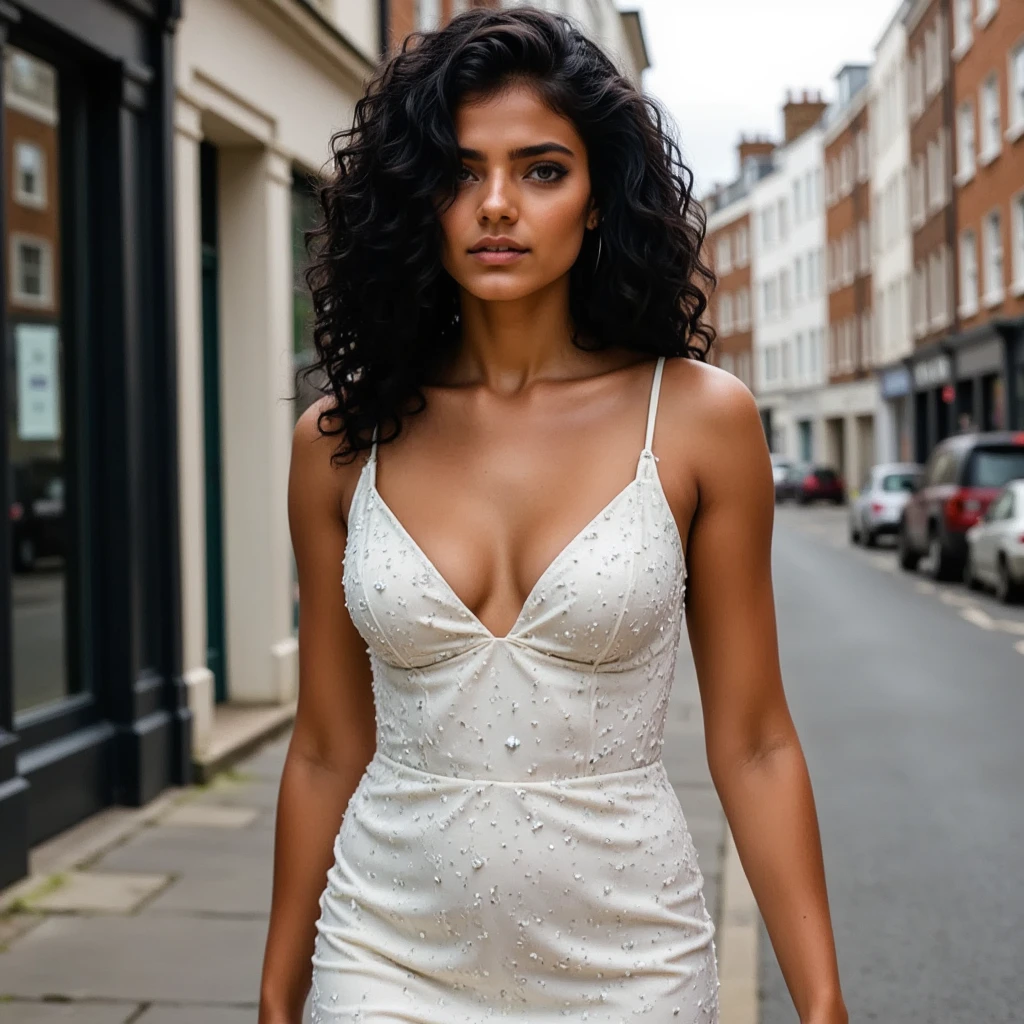
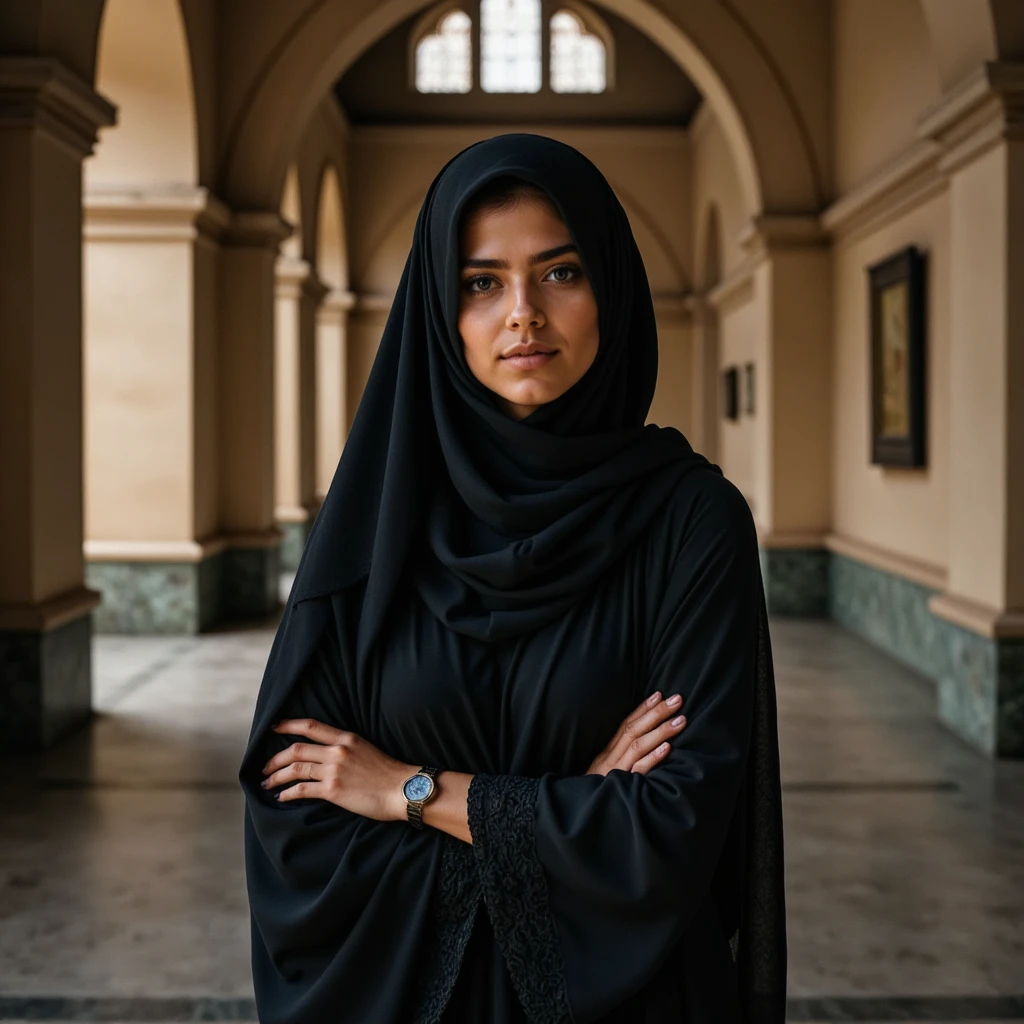
All AI generated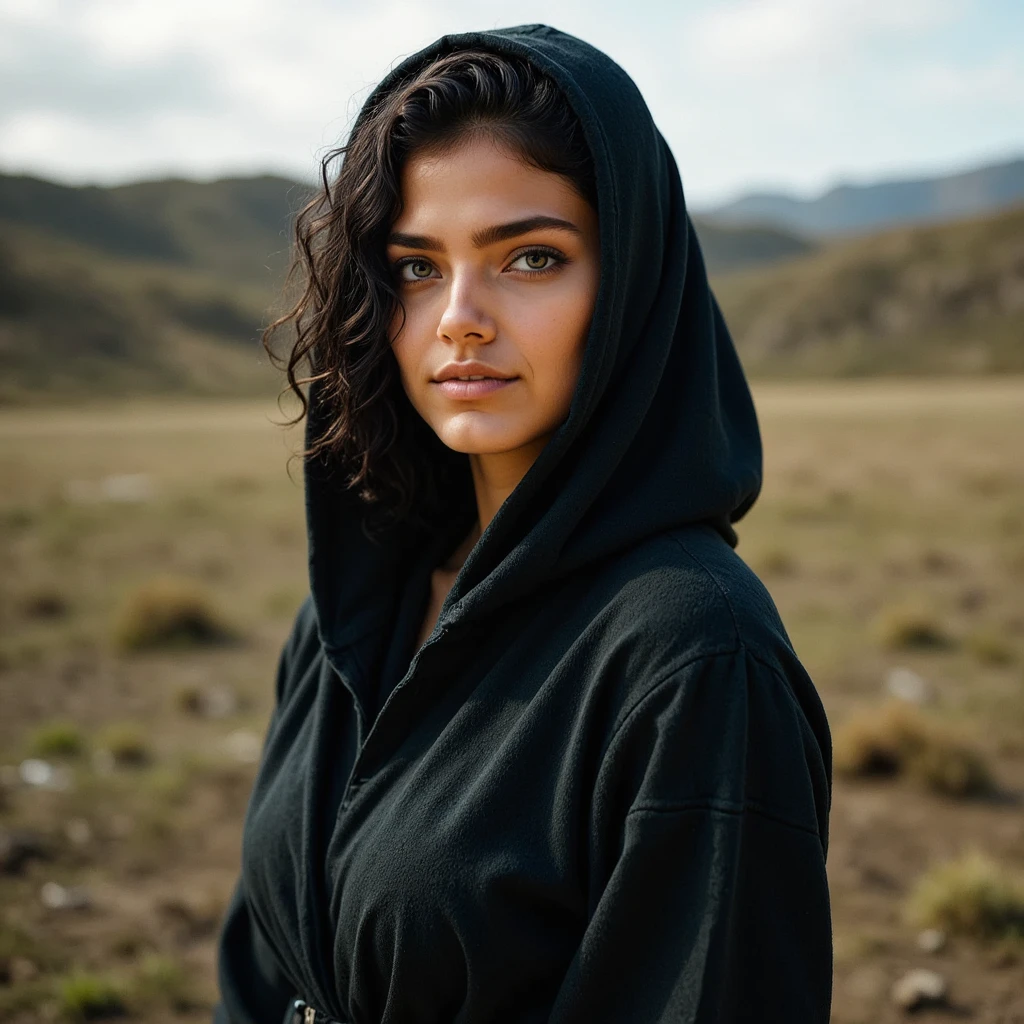
AI influencer
Craft your own human model that do not exist. Specify attributes like age, gender, hair color, ethnicity, and more. Then you can generate the images of same model in variety of settings. You can use the generated images to create a social media influencer, or use it in your business. Use image to video models to create reels.
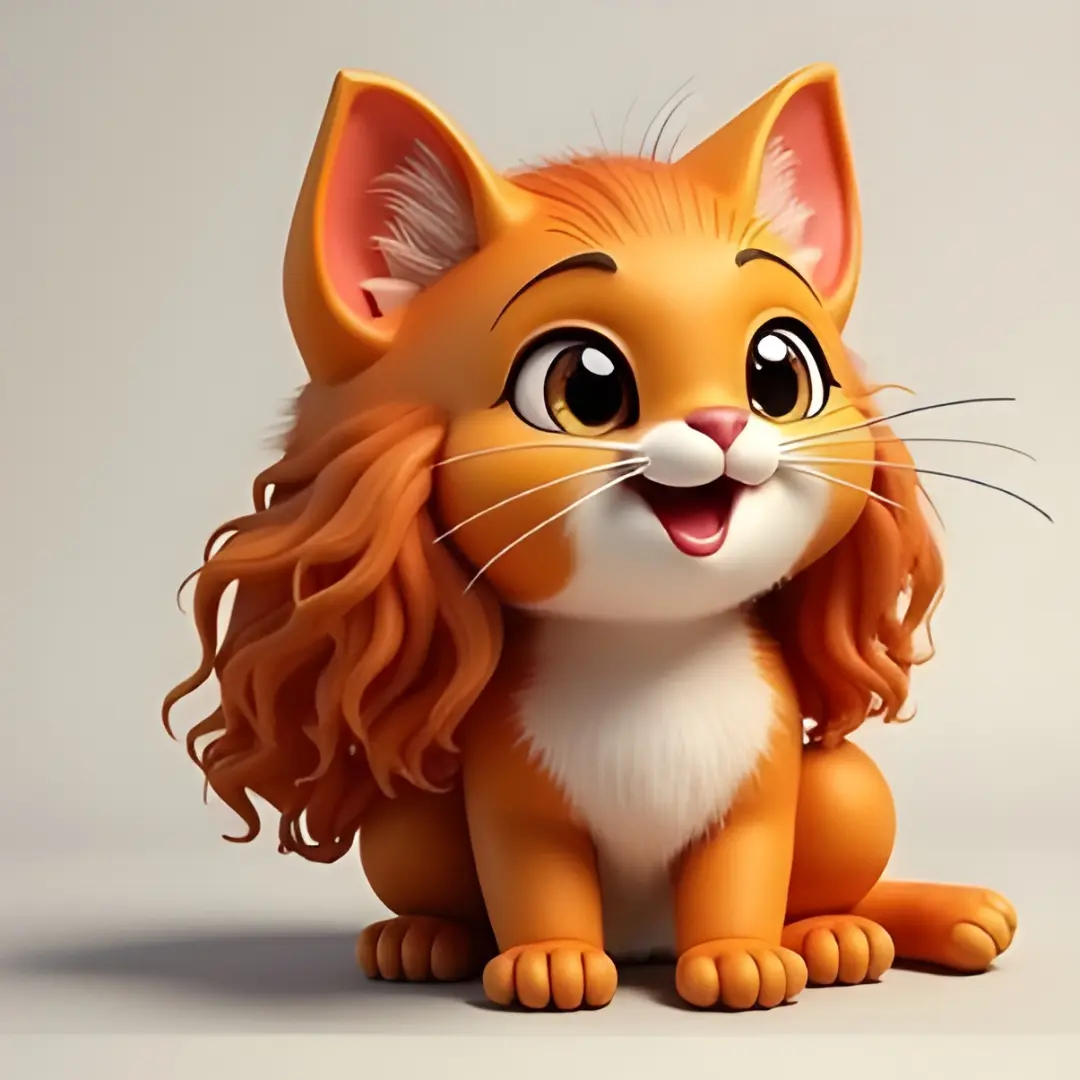
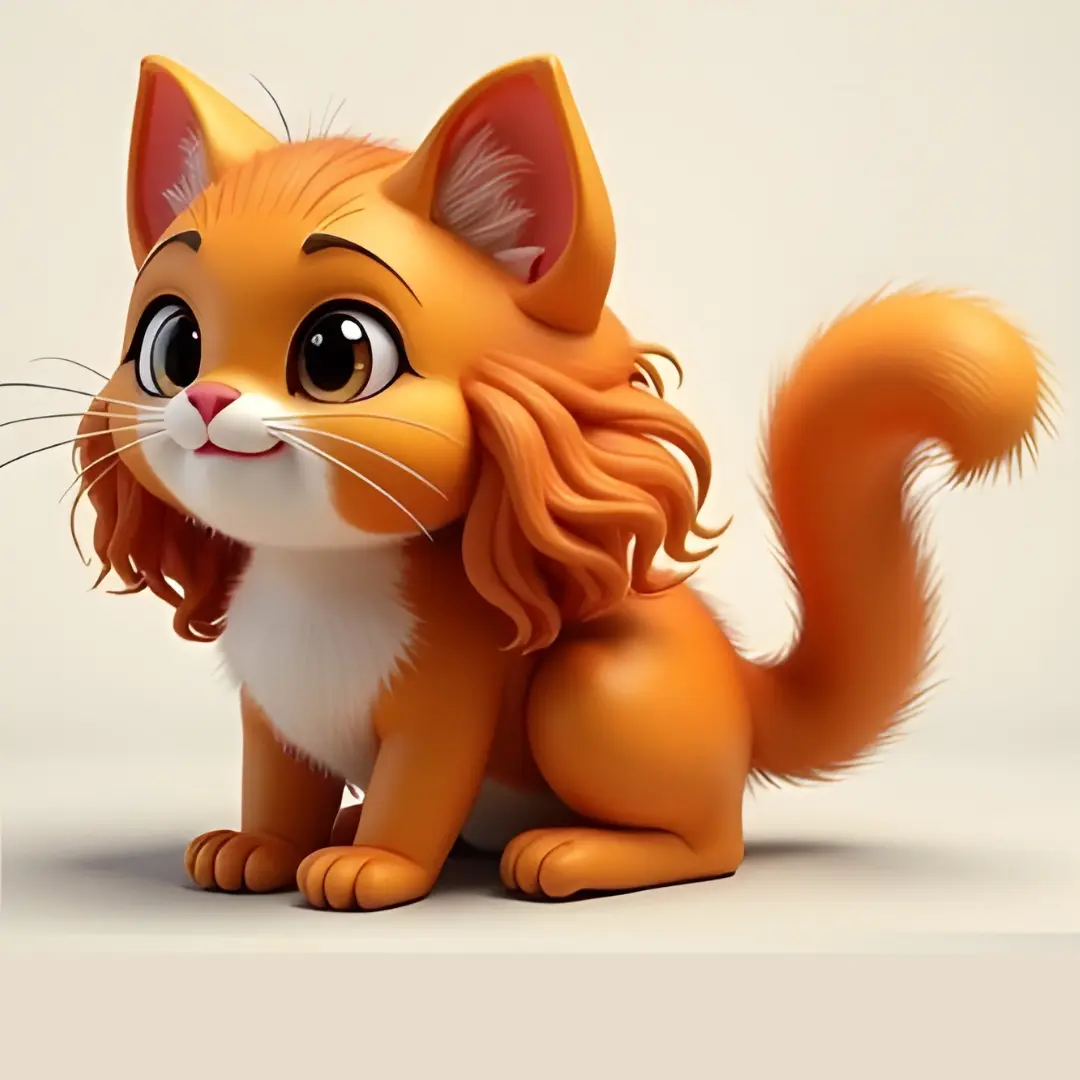
AI generated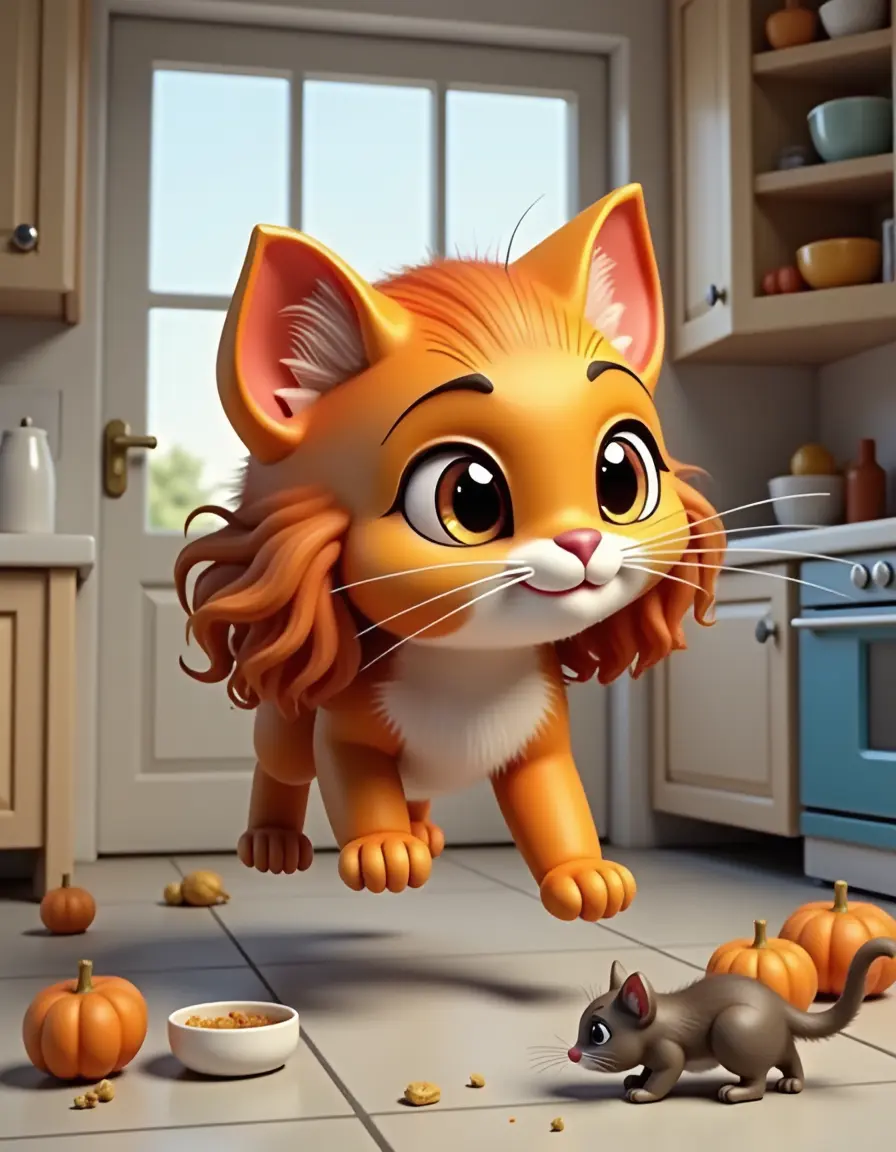
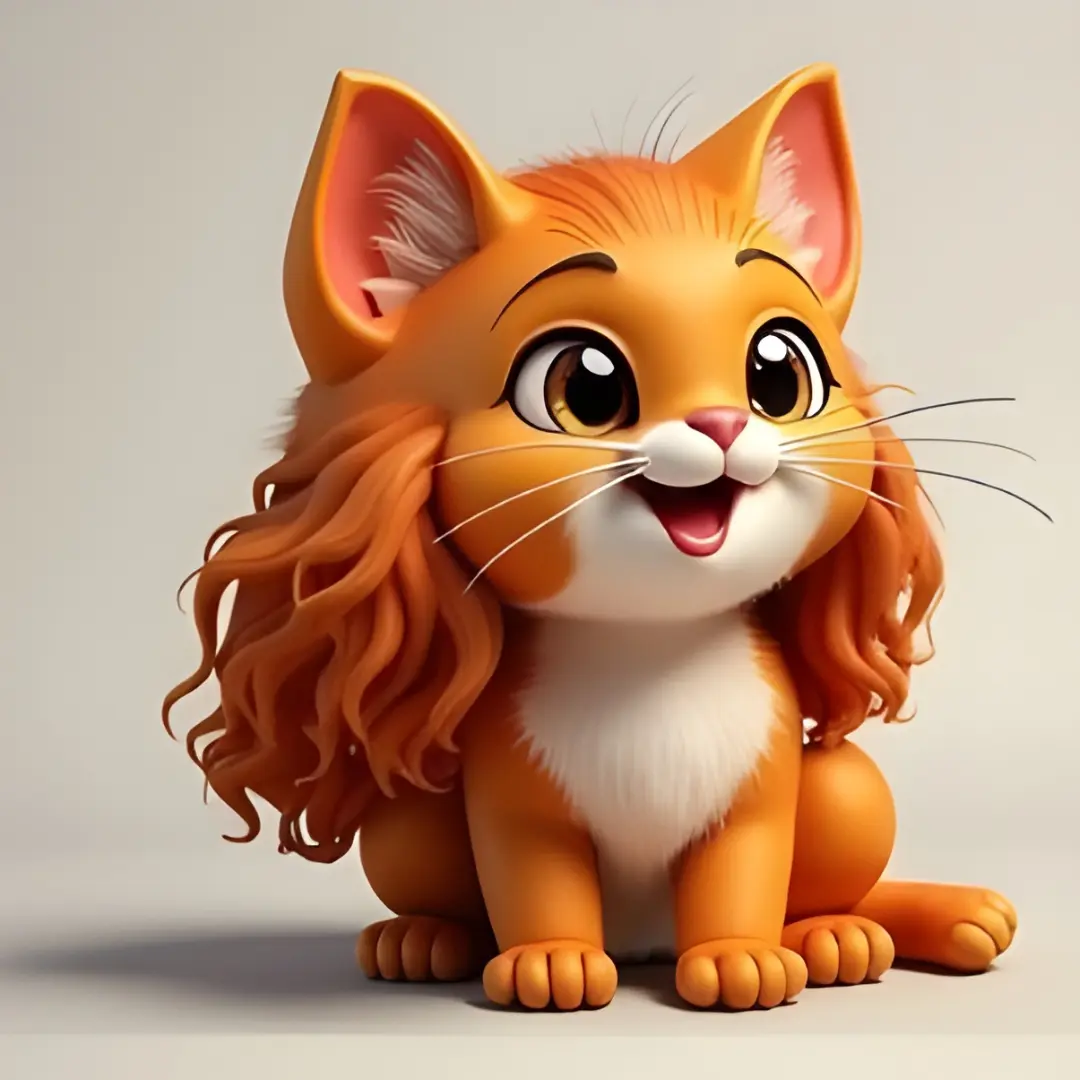
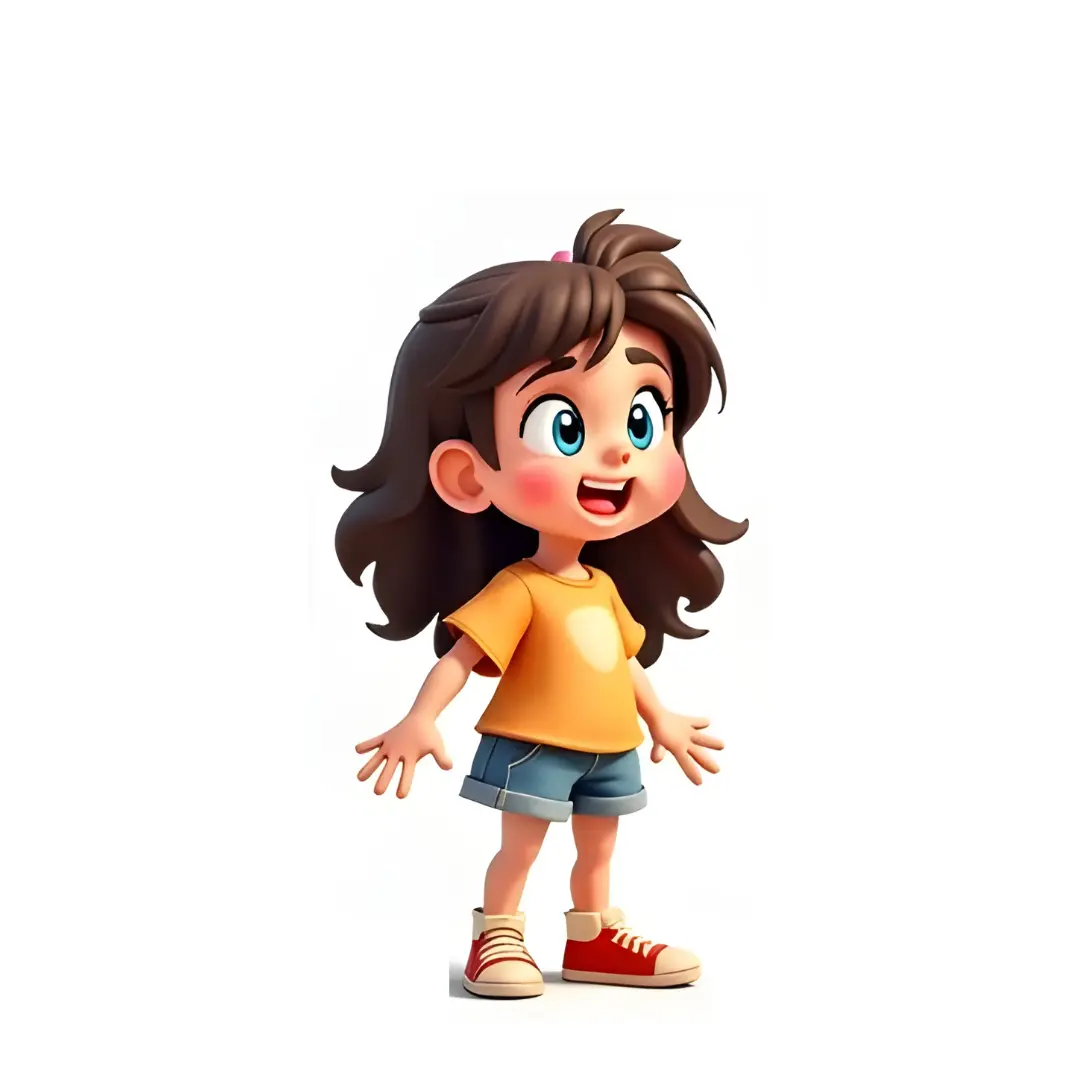
Cartoon character
Bring your cartoon character to life. Train a model on few images of the character. You can use the model to generate images of the character in variety of settings.
AI generated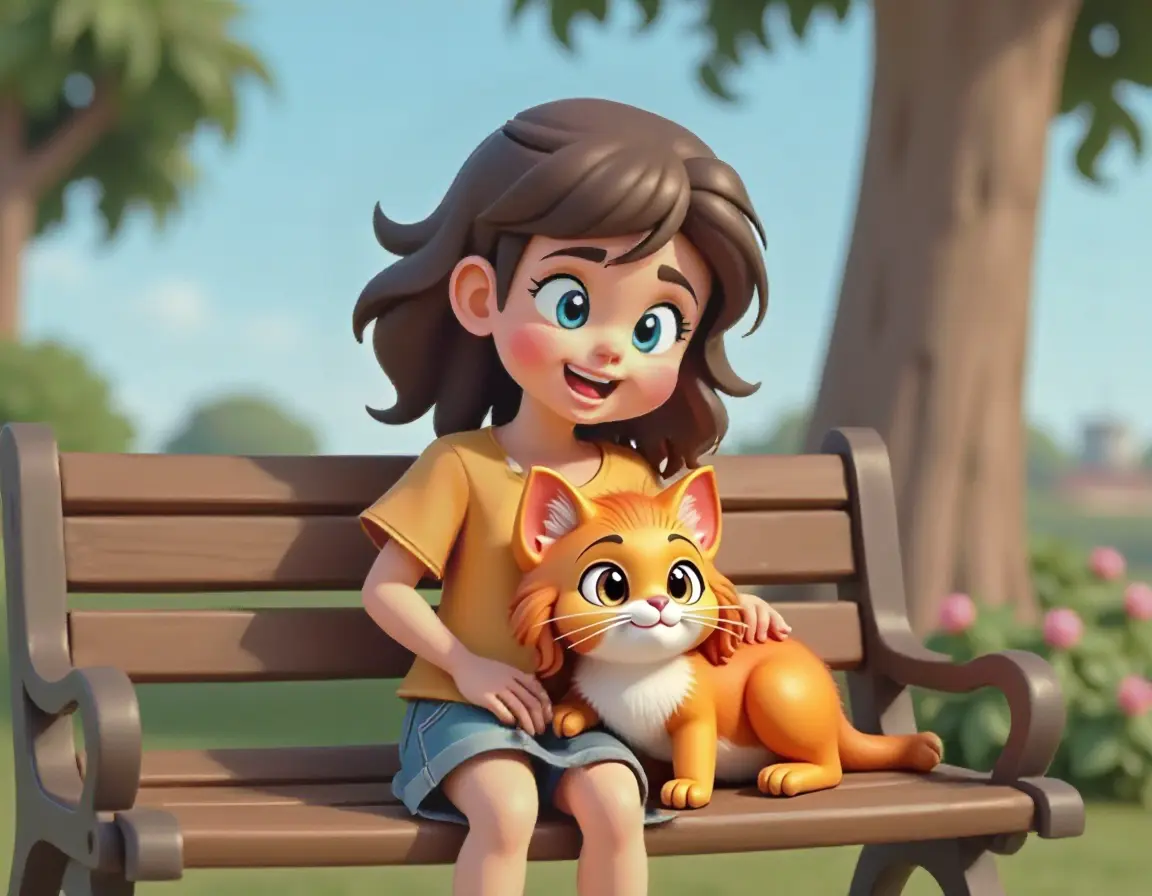
Multi cartoon character
Put multiple characters in the same image. Train a model on few images of each character. You can use the model to generate images of the characters together in variety of settings.
This is how you train
Its a three step process
Upload, label, and train.
Upload
Upload training images
Labeling
Auto-caption images using AI
Training
Train your model, then generate
Upload
You need only 3-9 images of the subject, depending on the complexity of the subject. You can upload images of the subject in different settings, poses, and lighting conditions. Include close-ups of the subject. For person, it works better if you inlcude few images focusing on the face and few images focusing on the body.
Labeling
Describe the images and give a unique name to your subject. This help AI to learn about the subject and generate images accordingly. For example, if you are training a model for a person, you can name the person as "XX23" and describe the images as "XX23 man in casual wear", "XX23 man in formal wear" etc. We have a tool to automate this process upto 80%.
Training
Use our training templates to train your models quickly, or use your own configuration. Once the model is trained, you can generate images of the subject in different settings, poses, and lighting conditions. You can use the generated images as profile pictures, in your business, or share it on social media.
This is how you create
Three ways to generate, edit and improve images
Prompt, Inpaint, and Image to Image
Prompt
Use prompts to generate images
Personalised inpainting/editing
Inpaint using the trained model
Personalised image to image
Generate images from images using your trained model
Bring your images to life
Create amazing videos from images
Cartoon from scratch
Craft your own cartoon from text
Prompt
Use our prompt templates to generate images quickly, or use your own prompt. You can generate images of the subject in different settings, poses, and lighting conditions. You can use the generated images as profile pictures, in your business, or share it on social media.
Personalised inpainting/editing
Use our inpainting tool to fix small errors and improve the generated images. You can inpaint the generated images to improve face resemblance, bad fingers, or any other errors. Usually, I use prompt with LoRA strength ~0.5 to create a base image with detailed environment, then inpaint to fix the errors.
Personalised image to image
Use our image to image feature to generate images from images using your trained model. It preserves a lot of features from the input image and generate images accordingly. You can use this feature to generate images of the subject in different settings, poses, and lighting conditions. Then edit the faces using inpainting tool to improve the resemblance.
Bring your images to life
Use our image to video feature to create amazing videos from images using your trained model. Use this feature to create various scene for the short films or reels. We use Klingai, we will integrate other models soon.
Cartoon from scratch
No cartoon character? No problem! Use our cartoon creation tool to create a cartoon character from scratch using text description. You can generate 8 images of the cartoon character in different settings, poses, and lighting conditions. Train a model using them
Testimonials
What our customers are saying.
TheFluxTrain has been a game changer for my work flow. Training character models is a breeze with its auto-captioning feature, and their unique editor lets me create multi-character scenes seamlessly. No other platform offers an editor like this. I highly recommend it!
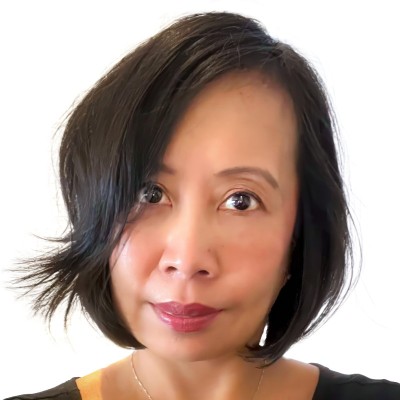
Karla Congson
CEO at Agentiiv
I Actually used it, and I like the ease of the training mode, and it's very great for consistency, support replied super fast! and I really look for upcoming features. Please try make the final results like super realistic so that I can use it for ai influencers. Lots of love from a fellow colleague.

Jan Höppner
Co-founder at Narrify AI
I used TheFluxTrain to create a professional headshots with our robot mockups. Training was very easy and the results were amazing. Very helpful for presentations and pitches.
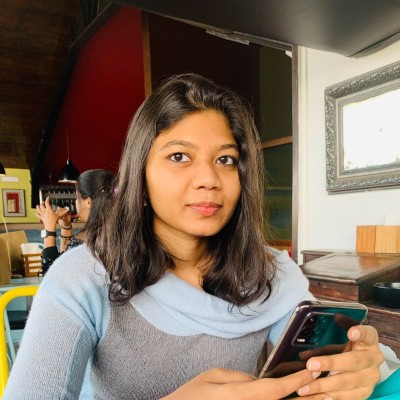
Sravani Chandramukhi
CEO at Yume Robotics
Social proof
How our users see us on Twitter
Your browser does not support the video tag. s***@gmail.com, Mar 14, 2025
Twitter Embed

·
Is it possible to create TWO CONSISTENT CHARACTERS across different scenes with AI?
Absolutely—you just need the right tools and prompts.
And you’ll find everything you need in this thread 


Copy link
Twitter Embed

·
An animated illustration of me and my twin boys. I used TheFluxTrain created by @saquiboye. It is a great tool as I can use my LoRA models when generating any illustrations. I can now write stories for my boys with children that look like them & a mom that looks like their mom! Show more

Copy link
Twitter Embed

·
Hi @saquiboye your tool (Thefluxtrain) is amazing.
See what I was able to do with it.

Copy link
Twitter Embed
·
Is it possible to create MULTIPLE CONSISTENT ANIMATED CHARACTERS with AI?
Absolutely! All you need are the right prompts and tools.
And I'm breaking it all down in this thread


Copy link
No recurring charges
💰 Pricing for early adopters
We have no subscription model as we don't want to lock you in the platform. Our pricing is simple. Just buy the credits and use them, they expire in 1 year. We strive to retain user based on the quality of the platform and not by locking them in. Training a models costs 2000+ credits, depending on training settings. Each generation costs 25 credits. Video generation cost 100 credits for 5 seconds.
Starter pass
$25
$15
- 5000 credits, 2-3 finetunes
- Valid for 1 year
- 1-2 AI influencer
- Auto caption
- Inpainting LoRA editor
- 48 hr support
Get Started
Pro pass
$45
$20
- 10000 credits, 4-5 finetunes
- Valid for 1 year
- 3-4 AI influencer
- Auto caption
- Inpainting LoRA editor
- Image to image
- AI video from image
- 24 hr support
Get Started
Advance pass
$90
$40
- 23000 credits, 10-11 finetunes
- Valid for 1 year
- 8-9 AI influencer
- Auto caption
- Inpainting LoRA editor
- Image to image
- AI video from image
- 24 hr support
Get Started
Super pass
$275
$125
- 75000 credits, 30+ finetunes
- Valid for 1 year
- Many AI models
- Auto caption
- Inpainting LoRA editor
- Image to image
- AI video from image
- 24 hr support
Get Started
Cosmo pass
$400
$200
- 125000 credits, 50+ finetunes
- Valid for 1 year
- Many AI models
- Auto caption
- Inpainting LoRA editor
- Image to image
- AI video from image
- 24 hr support
Get Started
Assisted services
Starts from $50+
- I will create character models
- Prepare data for Flux kontext training
- Train models for you
- I am creator of omini-kontext framework
- Domains- product, fashion, and more
- email- saquib@zust.ai
Endless love ❤️ on ProductHunt
🚀 What our customers are saying
Get started today
No credit card required
🙋 Frequently asked questions
Is this service free?
No you need to buy credits to use the platform.
How can I buy subscription?
Right now, there is no subscription model. You can buy credits that are valid for 1 year. We may introduce subscription model in the future.
How many photos do I need to train a model?
Usually 3-9 photos are enough to train a model, depending on the complexity of the subject.
How much does it cost to train a model?
Training a models costs 2000+ credits. Actual cost depends on training settings. After that, each generation costs 25 credits.
Do you offer refunds?
On case to case basis. Reach out to us at hey@saquib.sh
Do you offer support?
Yes. Reach out to us at hey@saquib.sh
Twitter Widget Iframe