

详细内容
Upscale and Enhance Your Images withUpsampler
The ultimate platform for imageupscaling and enhancement.Upscale your images toultra-high resolution, add new details, and improve textures.
Before
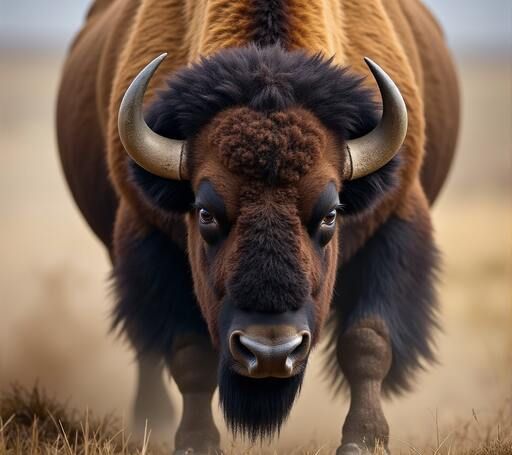
After
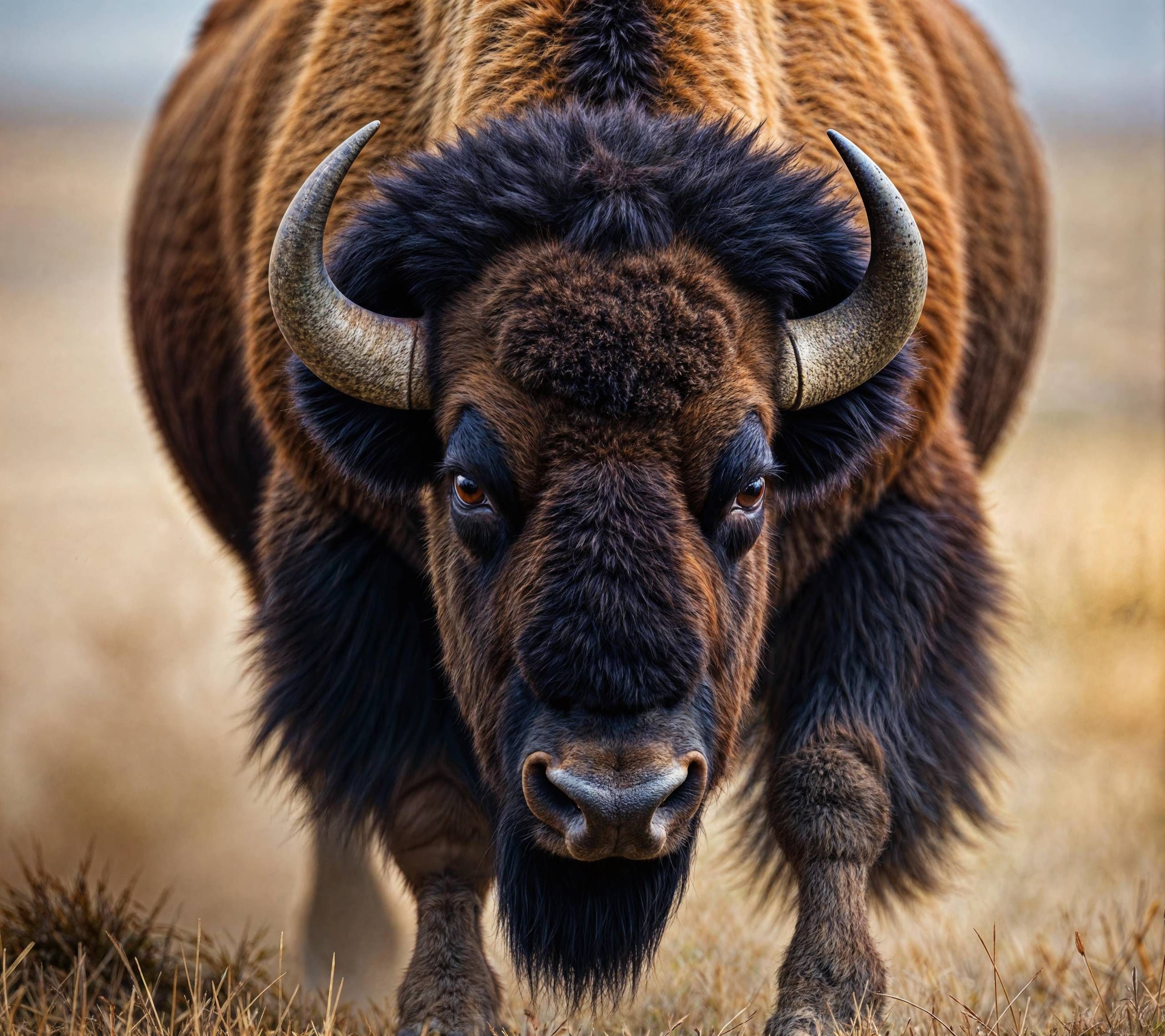
Enhance Images withSmart Upscale
Intelligently regenerates the image at a higher resolution. Works well for all types of images, including real photos, but is ideal for making AI-generated images more realistic and higher quality. Effective even for enhancing images with text, hands, small faces, intricate patterns, and other complex scenes.
Before
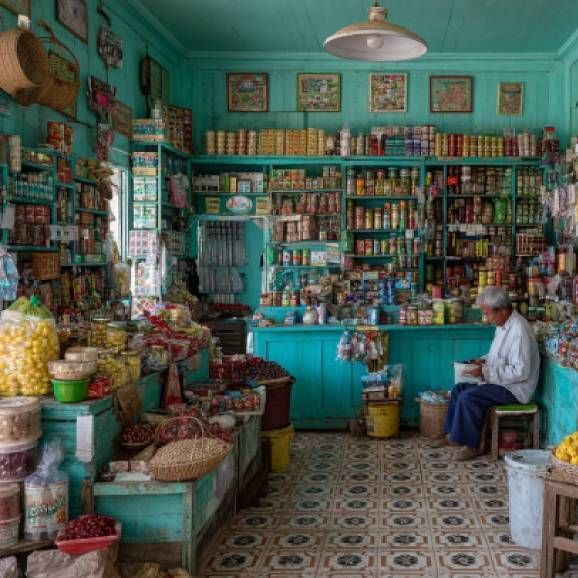
After
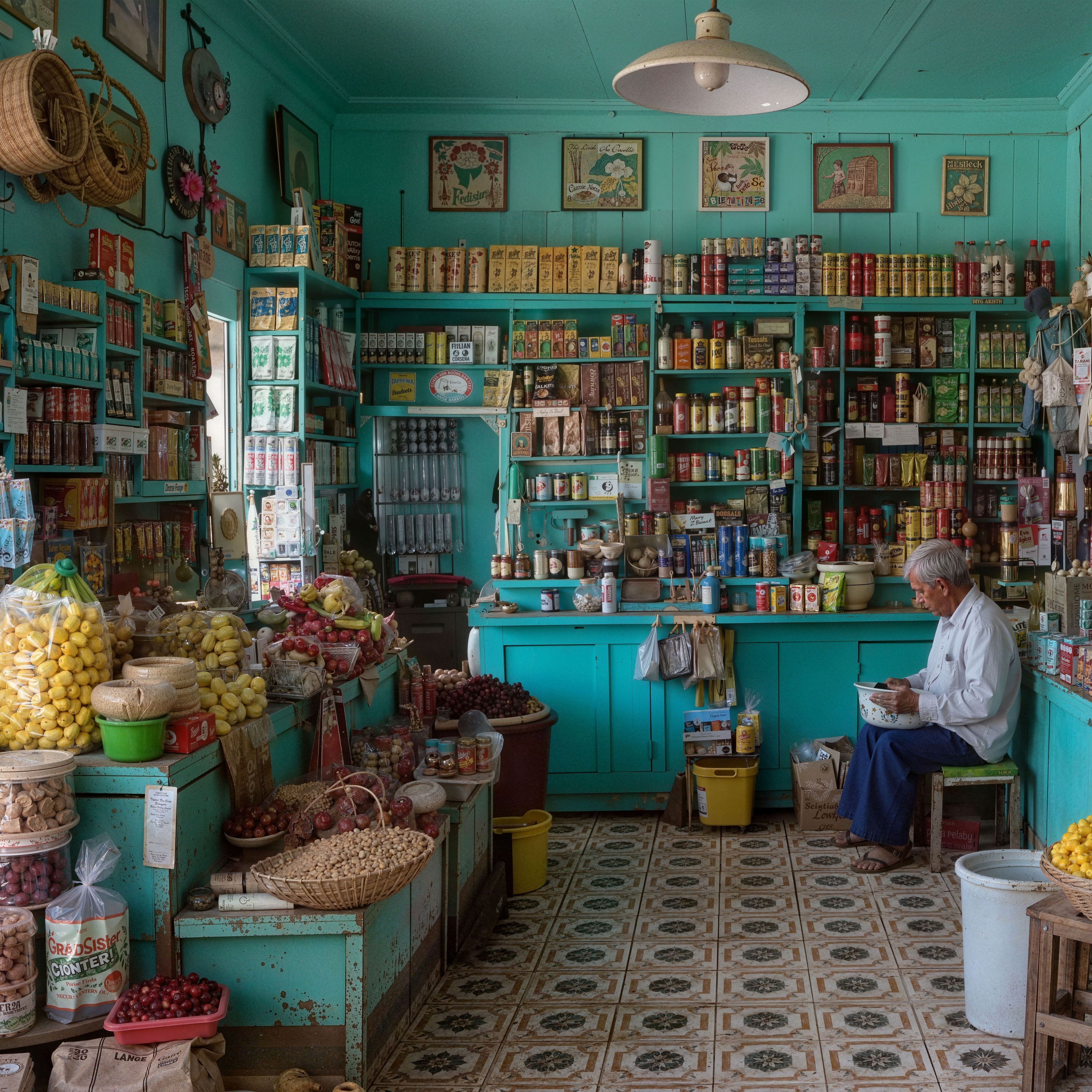
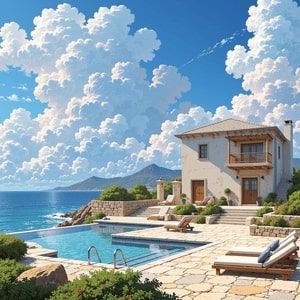
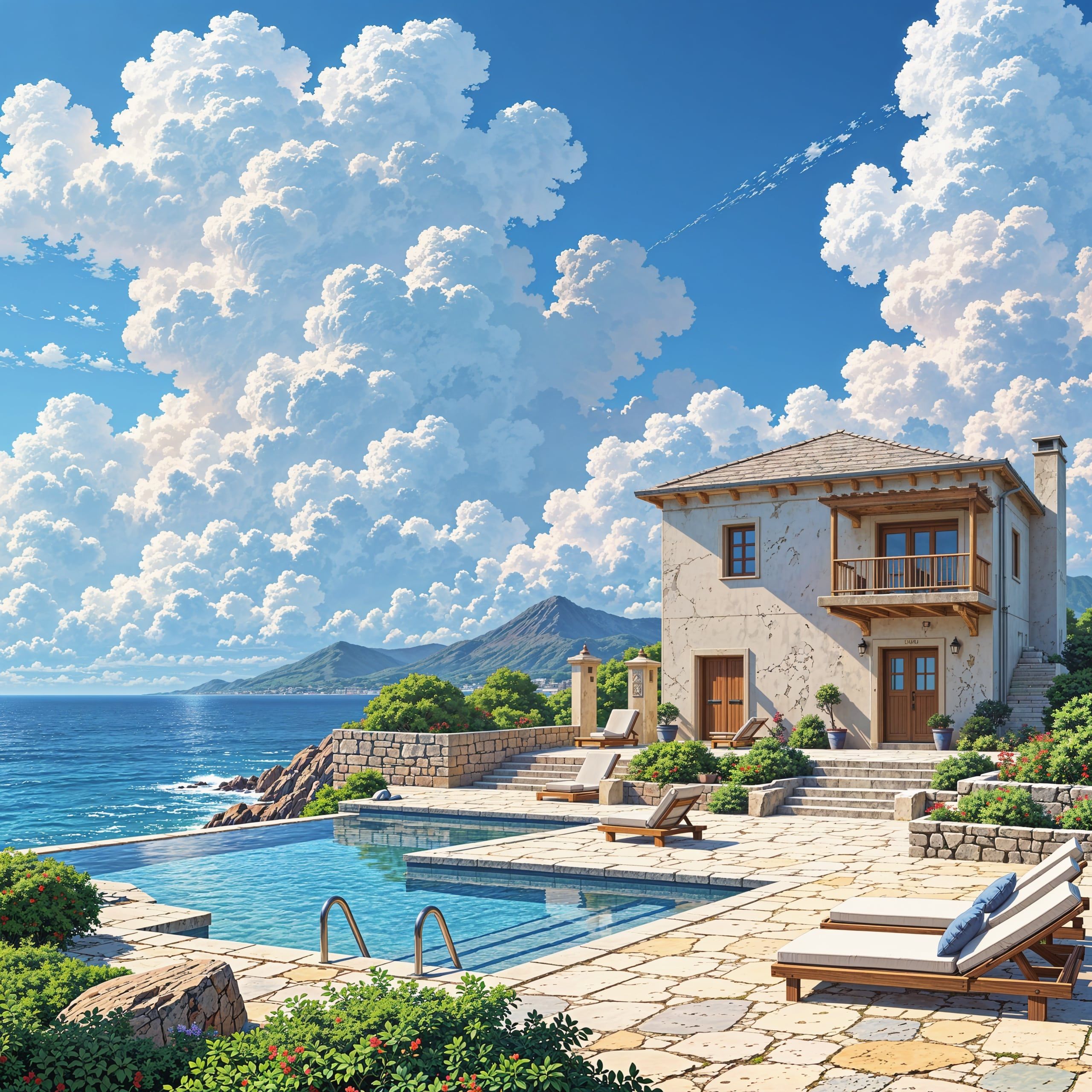
Add Details withDynamic Upscale
Enhances images by increasing the resolution and forcing new details. Dynamic Upscale achieves this while mostly preserving the original composition. It works best with AI-generated images.
Before
After
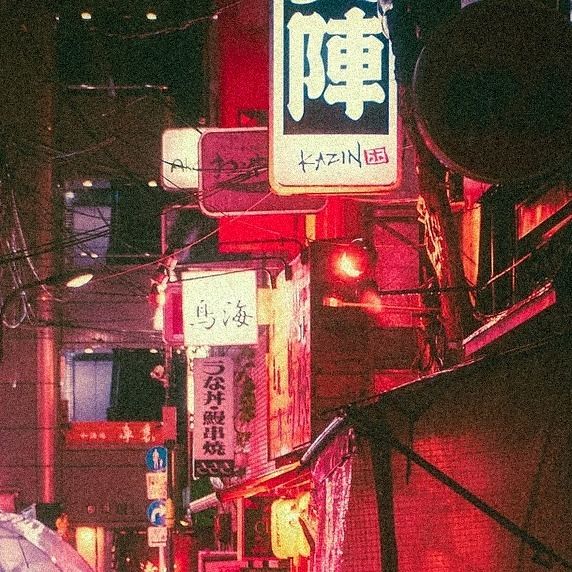
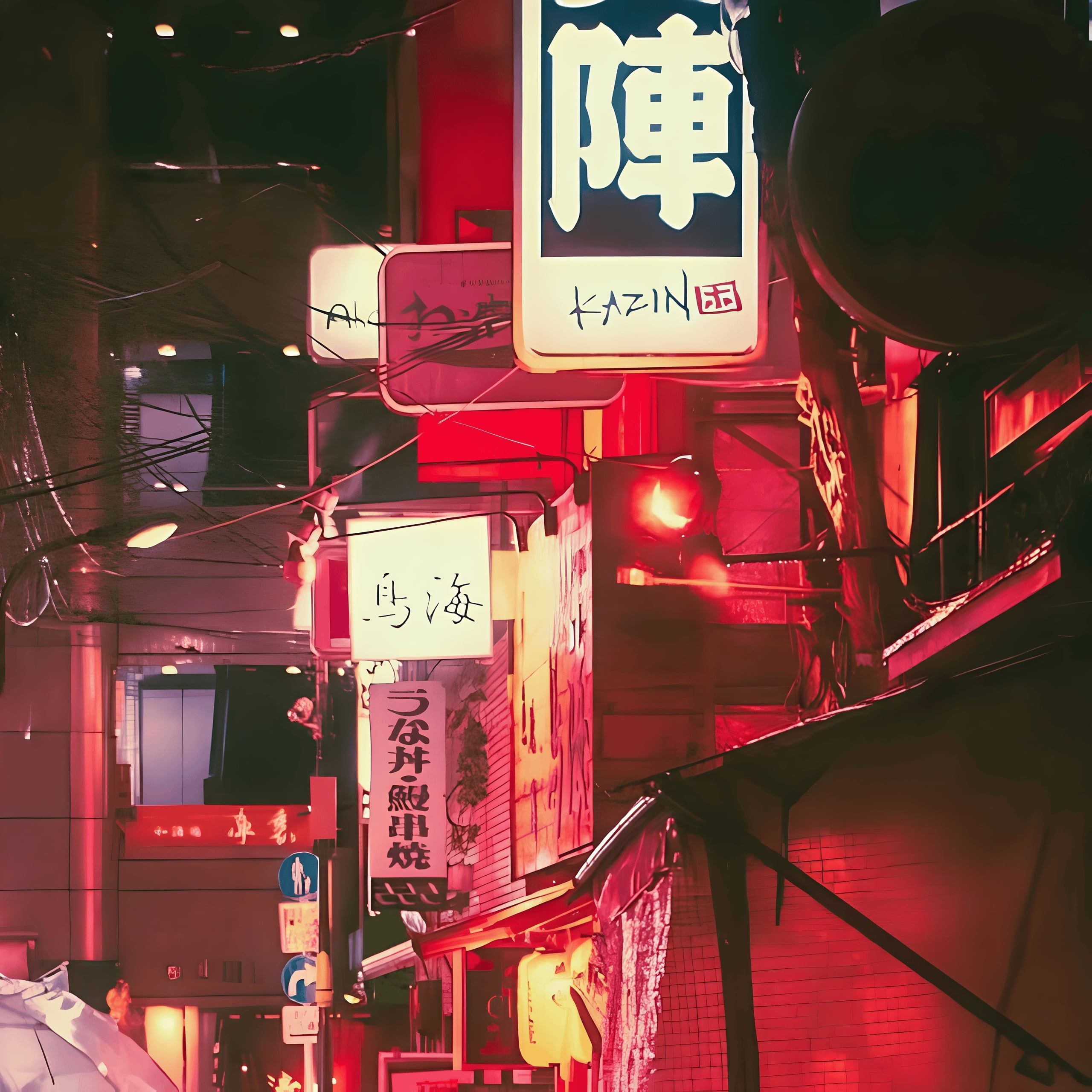
Content-Preserving Upscaling withPrecise Upscale
Upscales and sharpens images while faithfully preserving their original content. Reduces noise and compression artifacts. Great for upscaling non-AI content that requires accuracy, such as real photos, manga, anime, and more.
Before
After
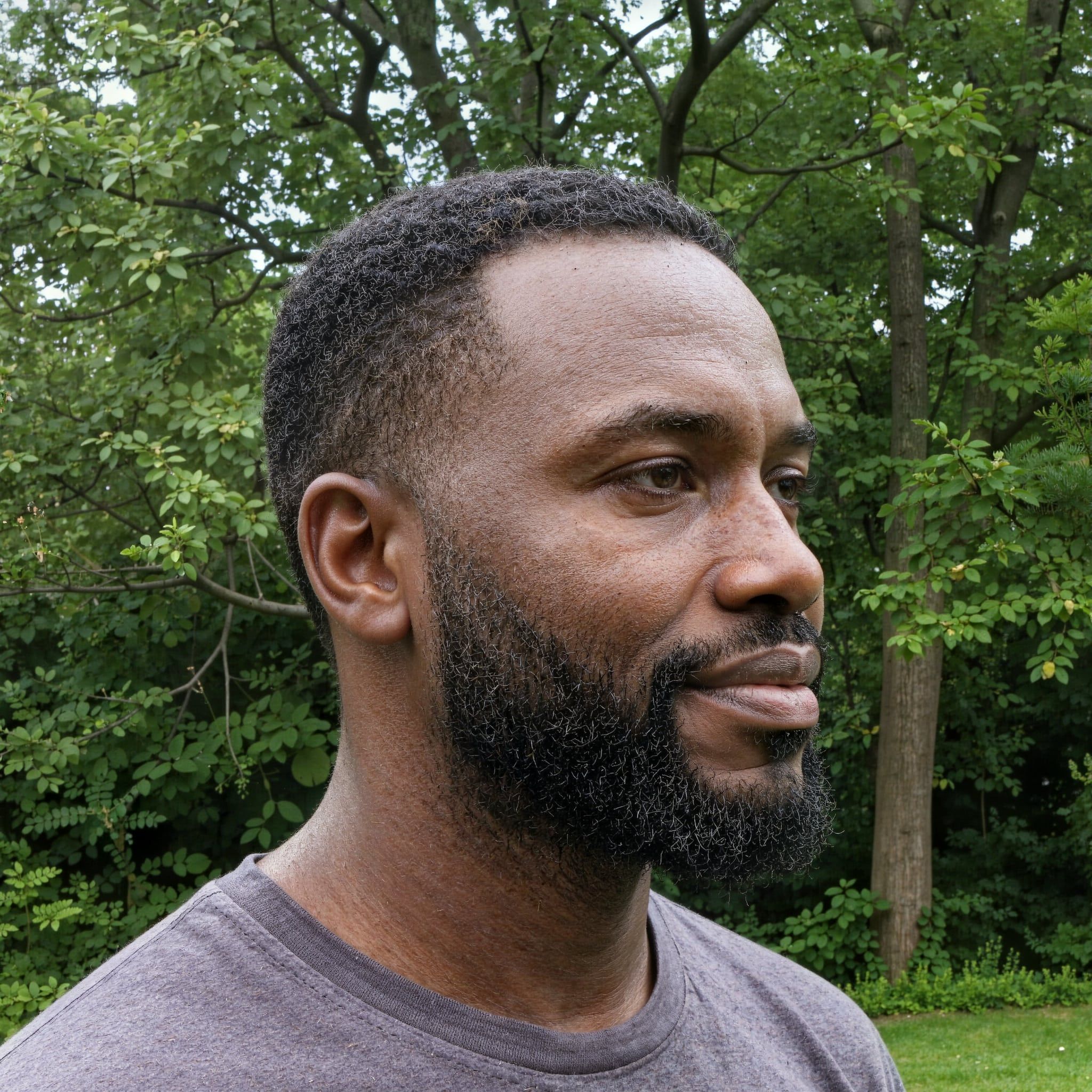
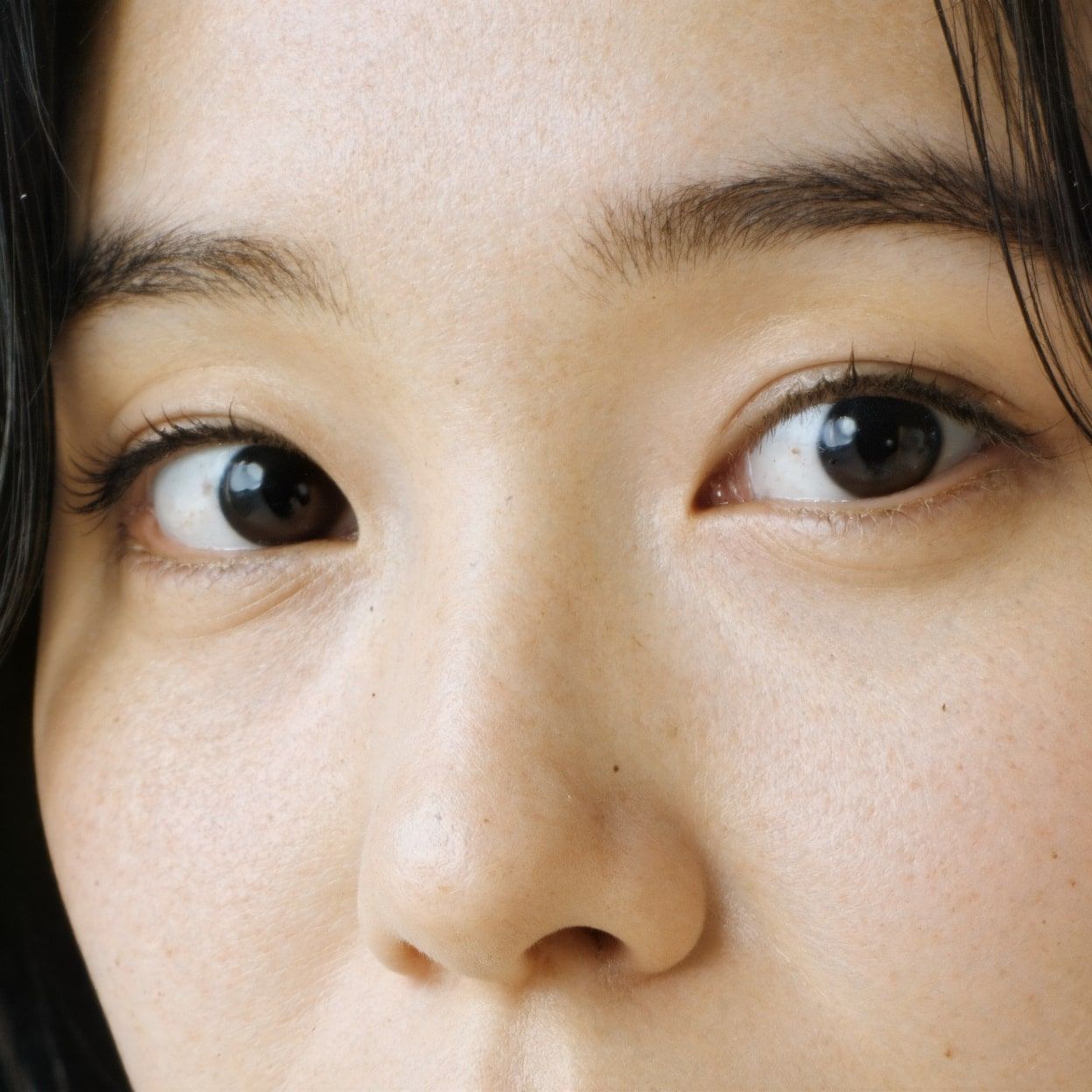
Portraits
Upscale Realistic Human Portraits
Enhance AI-generated portraits with Smart Upscale for improved skin texture, realistic features, and overall detail, like in the examples below. For real photos where preserving exact facial identity is crucial, Precise Upscale is the ideal choice.
Before
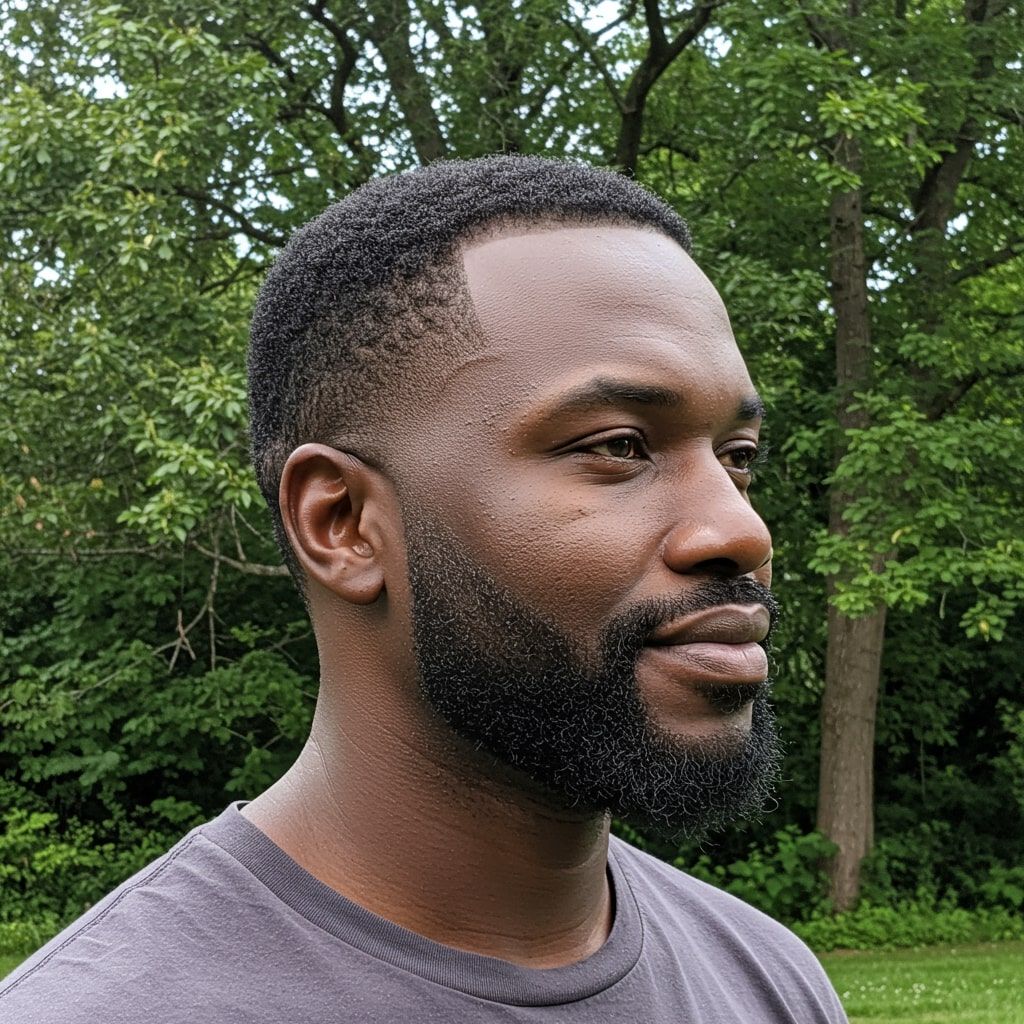
After
Before
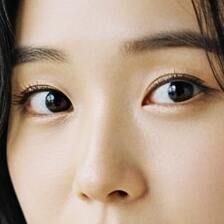
After
Architecture
Elevate Architectural Imagery
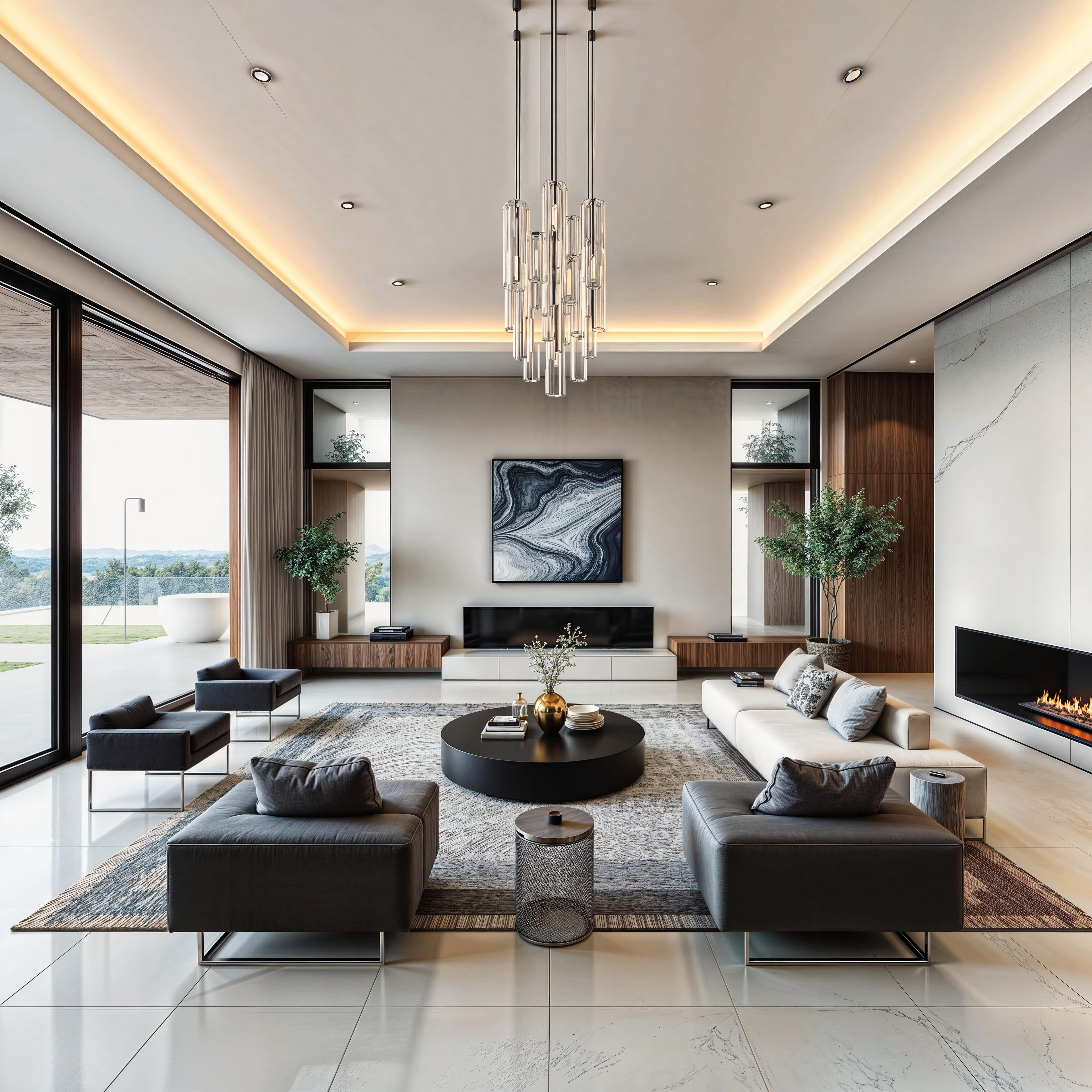
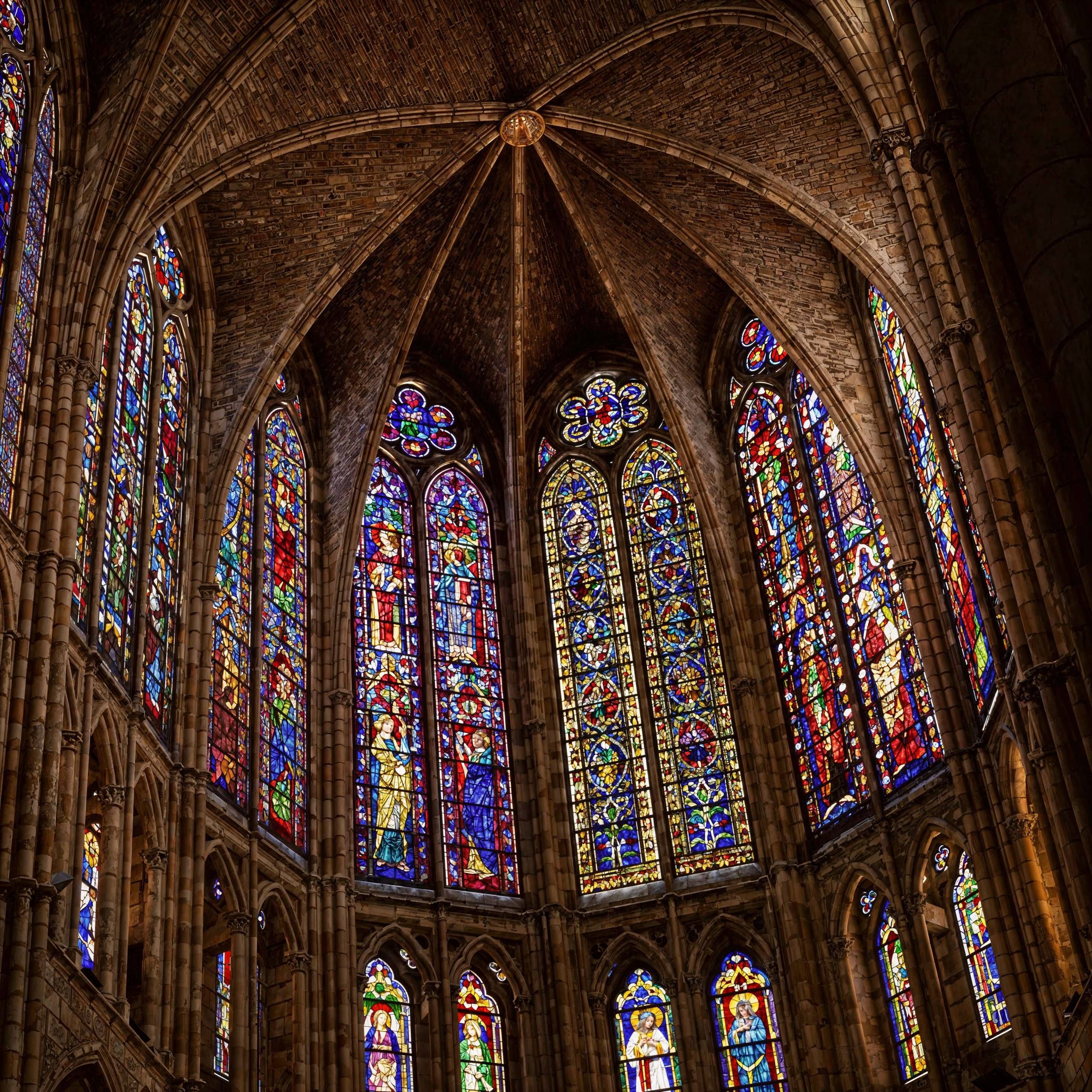
Bring architectural images, interior designs, exterior concepts, and 3D renders to life. Dynamic Upscale adds intricate details, as seen in the examples below, while Smart Upscale is great for enhancing realism, and Precise Upscale offers faithful upscaling and sharpening that preserves every original detail.
Before
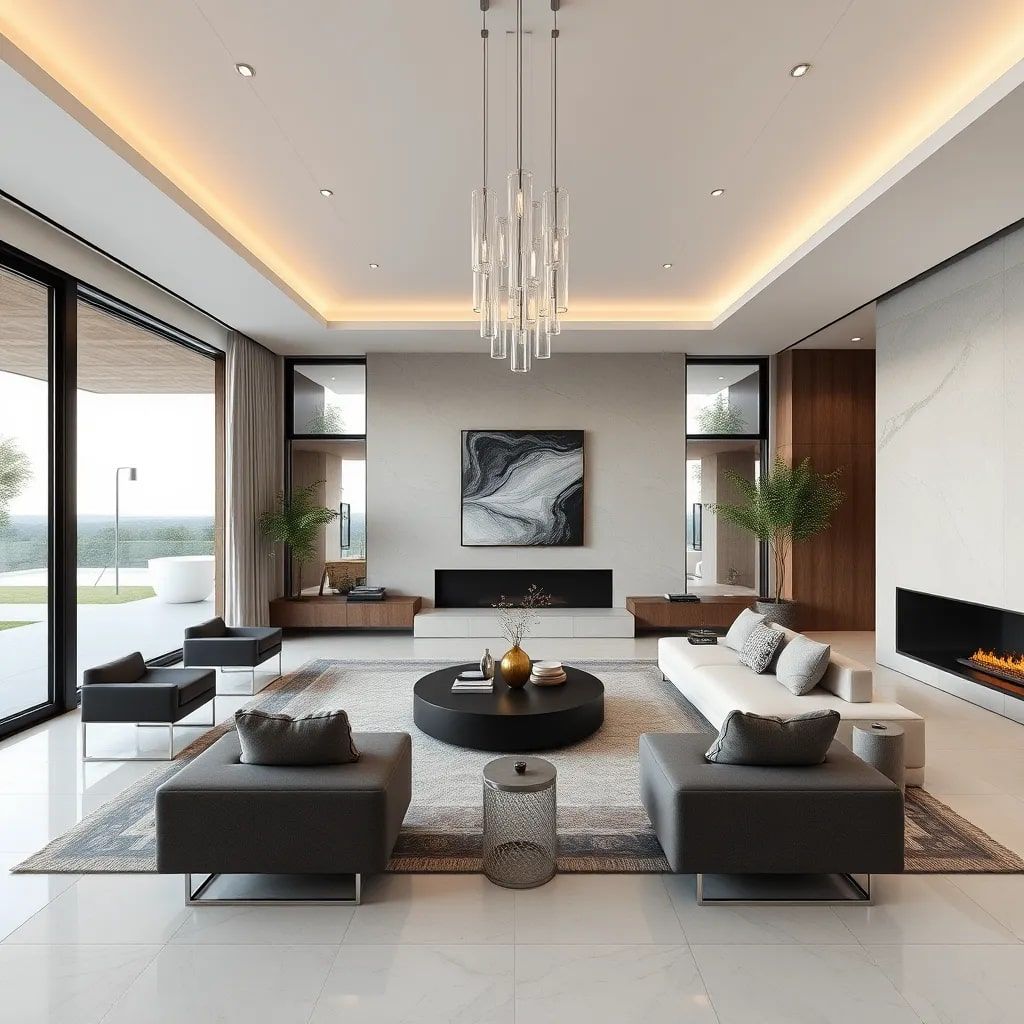
After
Before
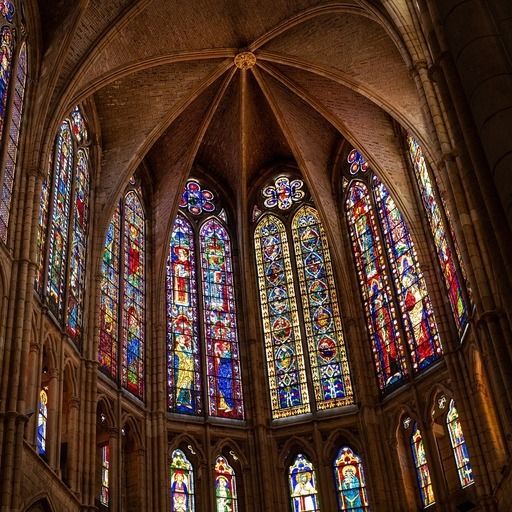
After
Anime & Digital Illustrations
Improve Anime Scenes and Digital Illustrations
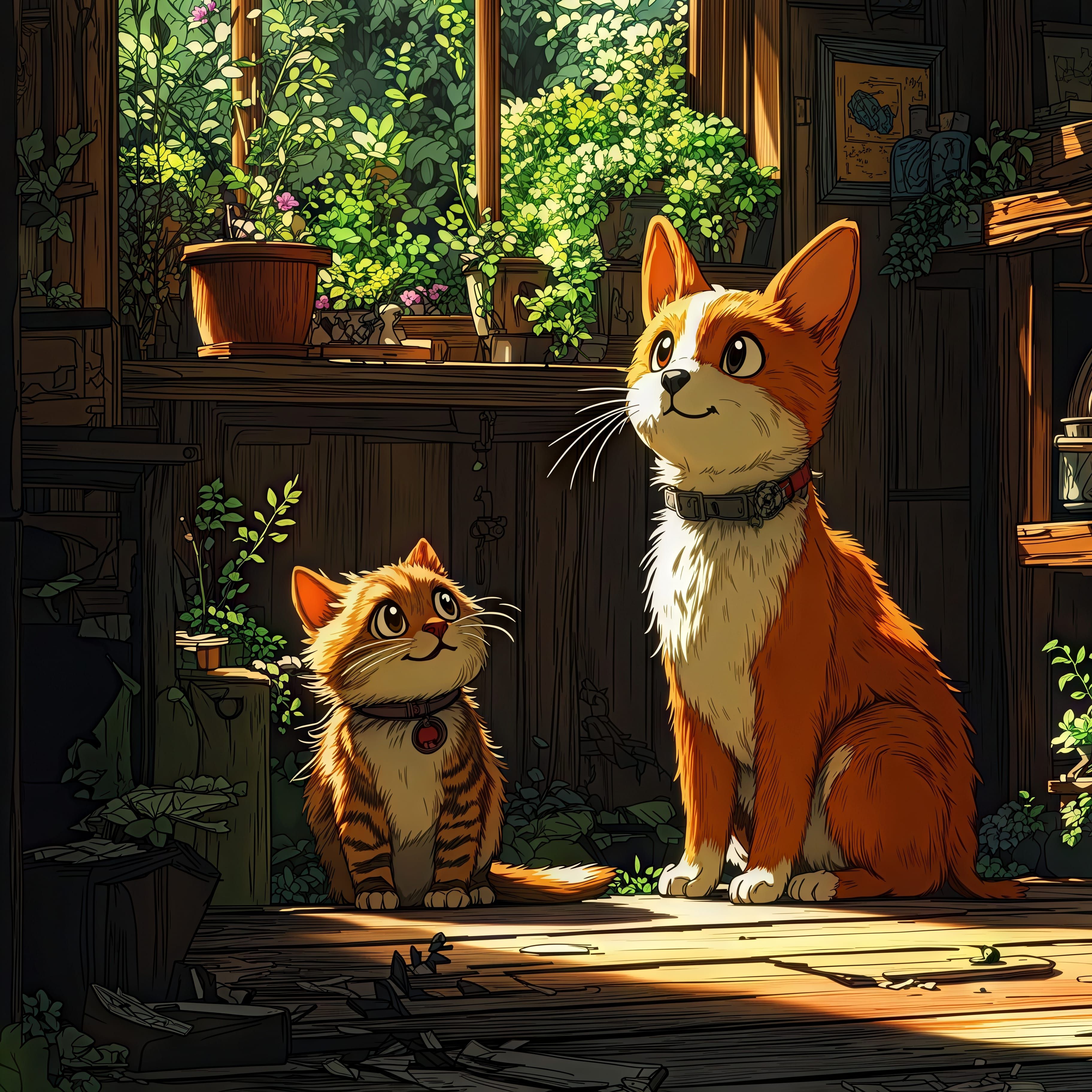
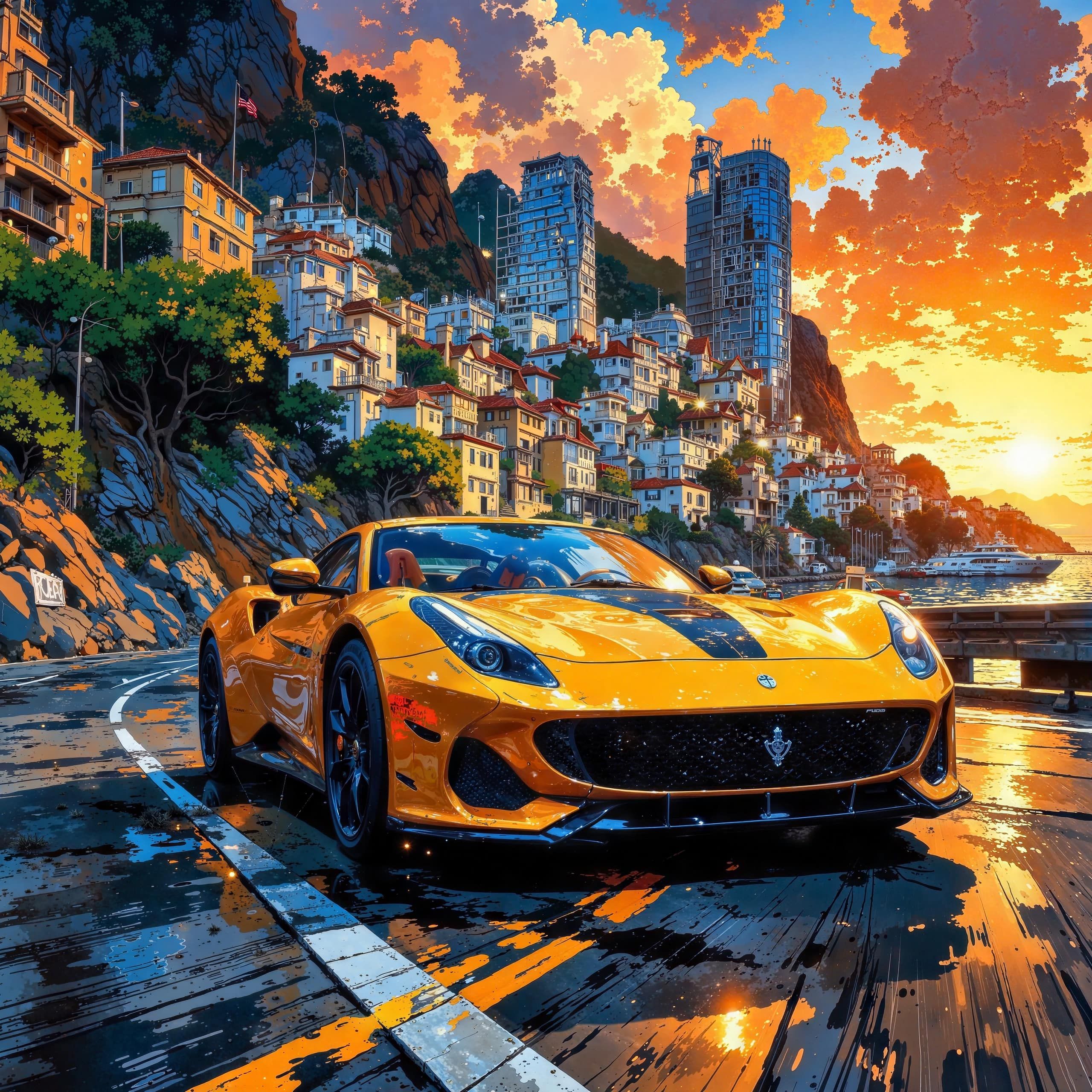
Dynamic Upscale is usually recommended for adding sharpness, new details, and vibrancy to digital illustrations. However, Smart Upscale is also effective, especially for complex anime scenes.
Before
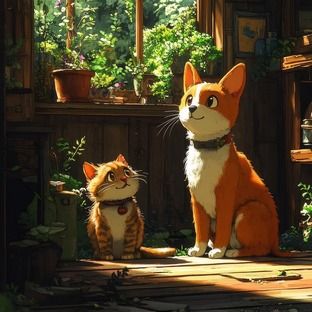
After
Before
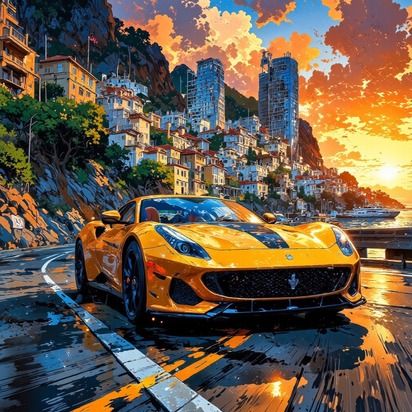
After
Game Assets
Upscale Game Assets & Graphics
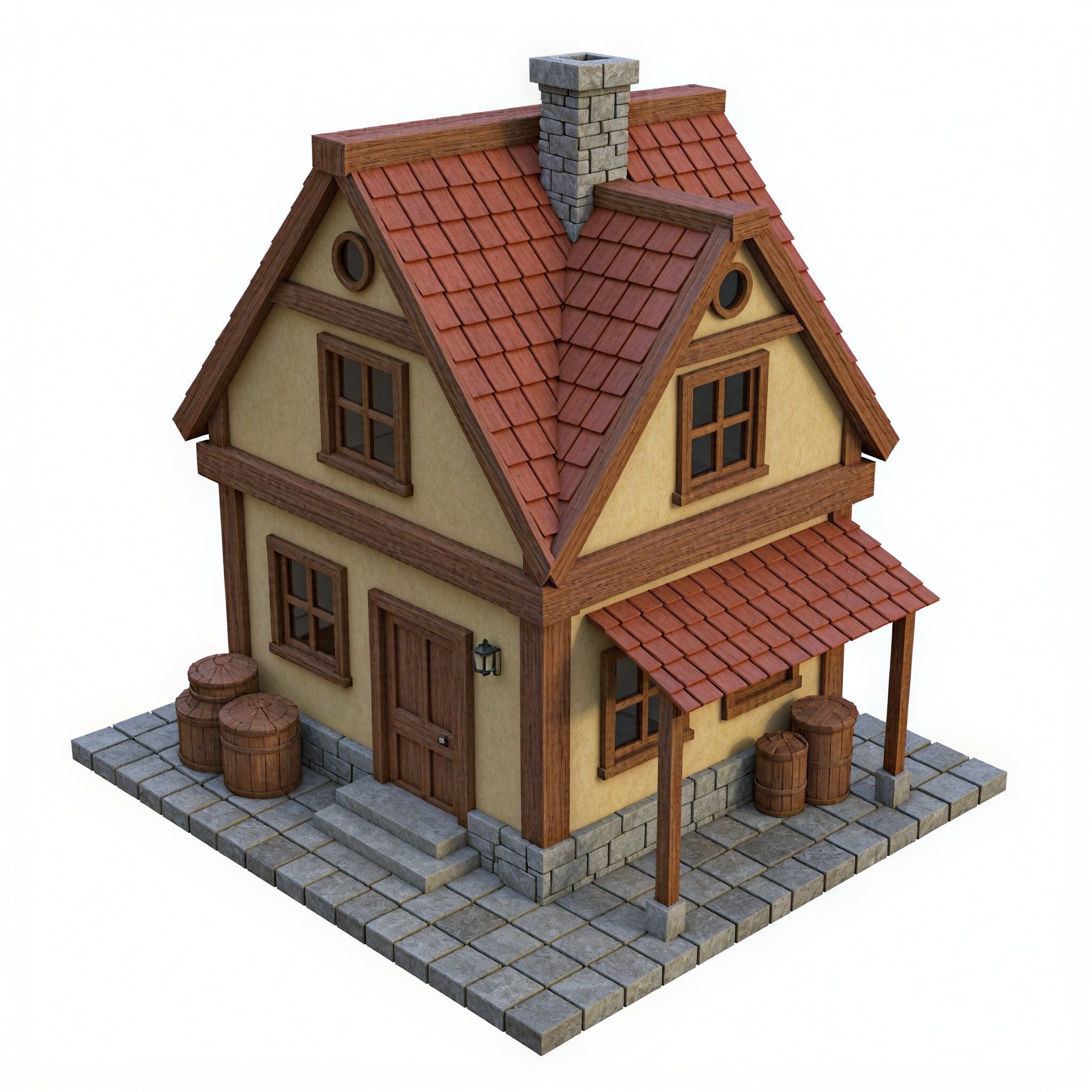
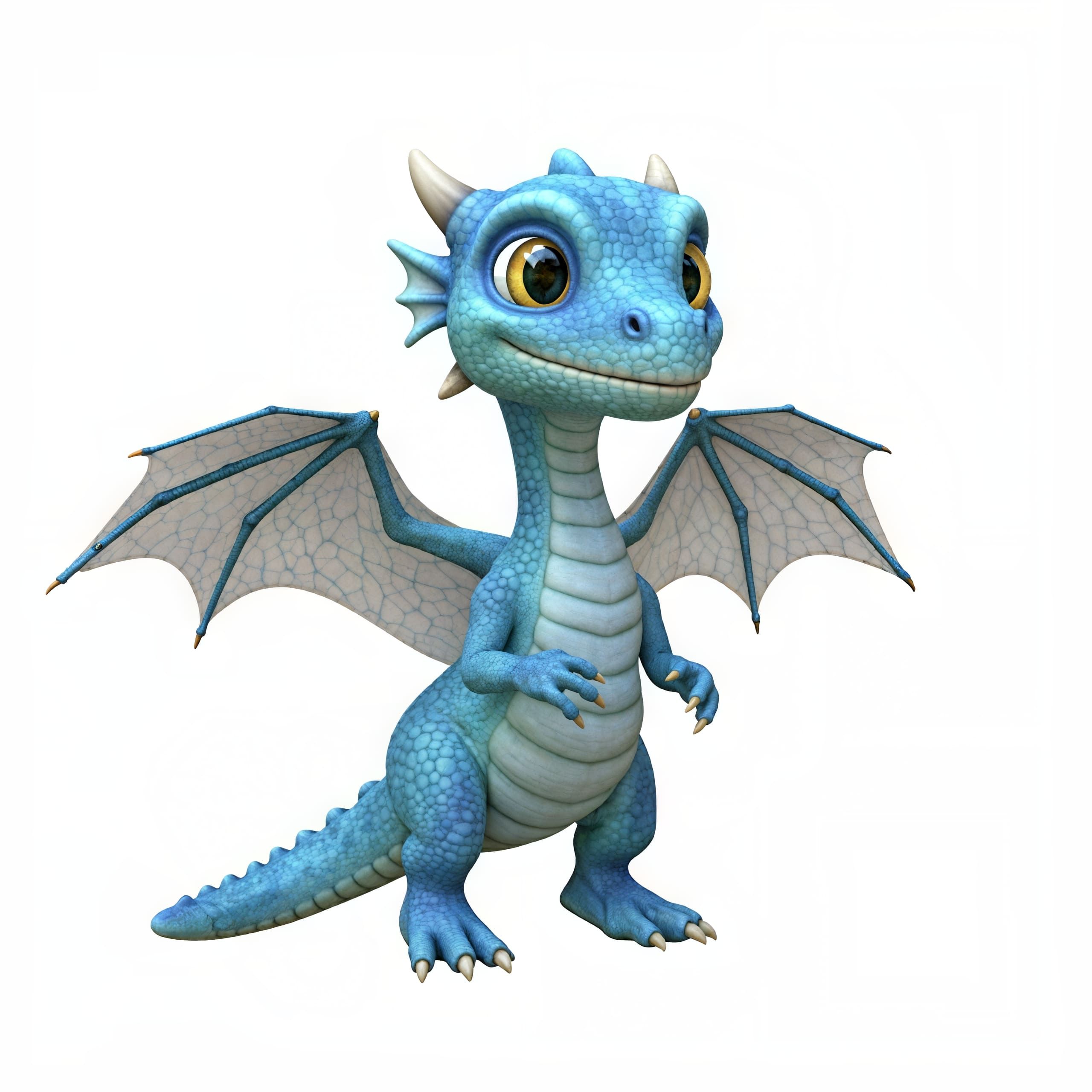
Dynamic Upscale sharpens the images and adds new details, just as shown in the examples below, while Smart Upscale is perfect for improving realism or refining intricate and complex asset designs.
Before
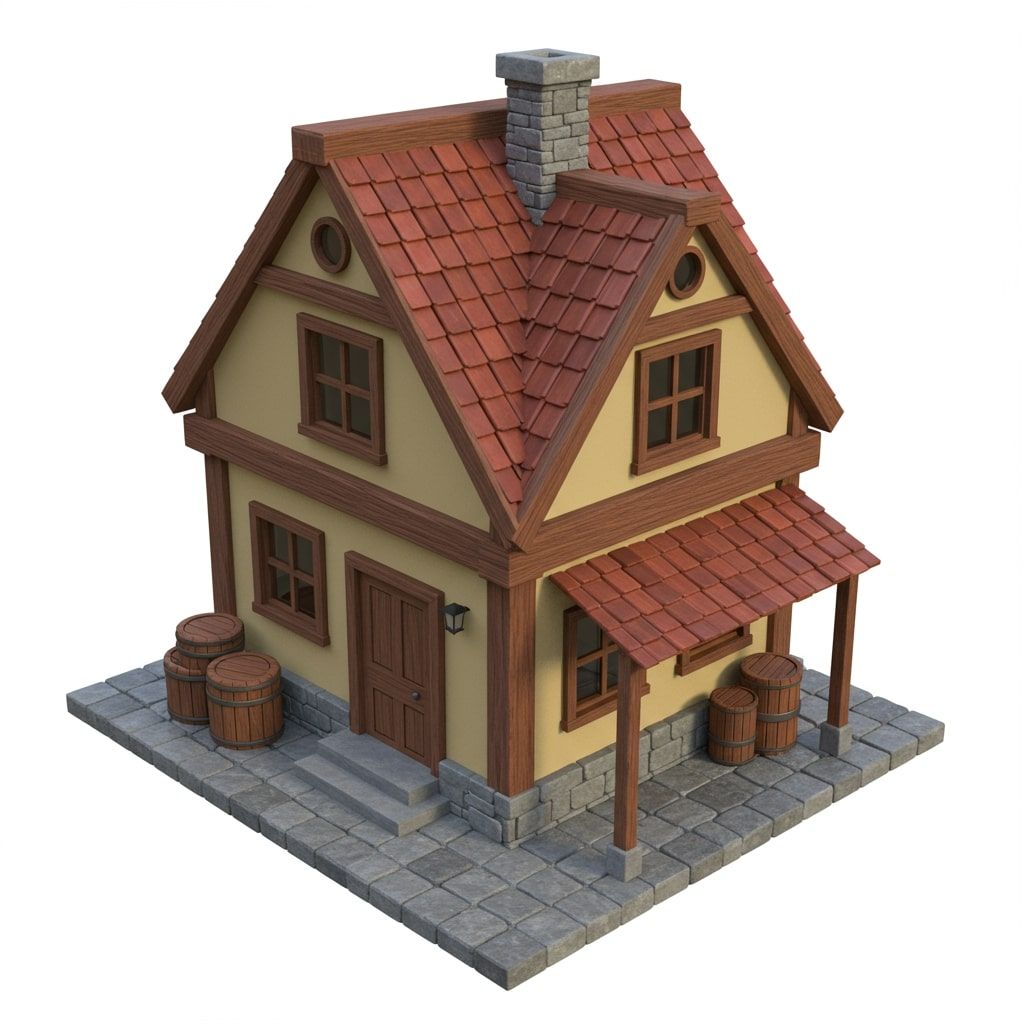
After
Before
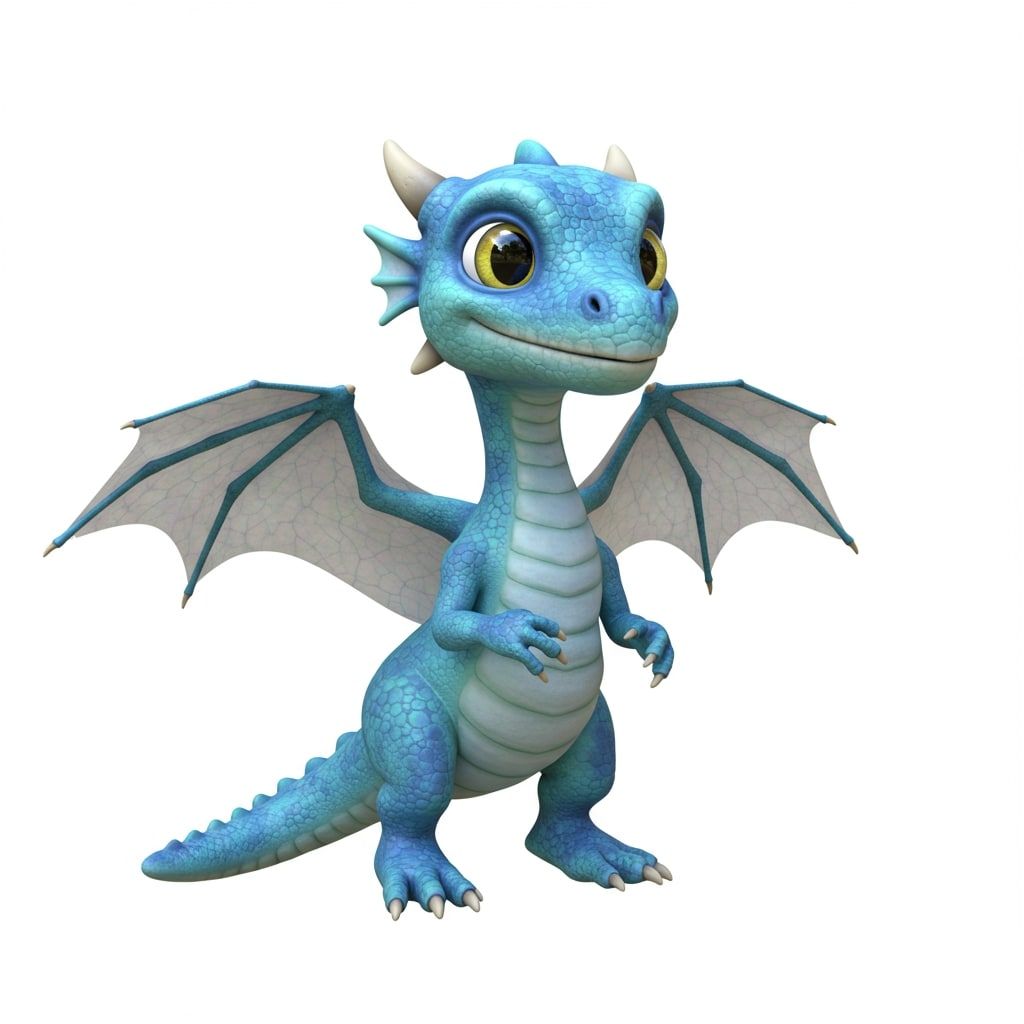
After
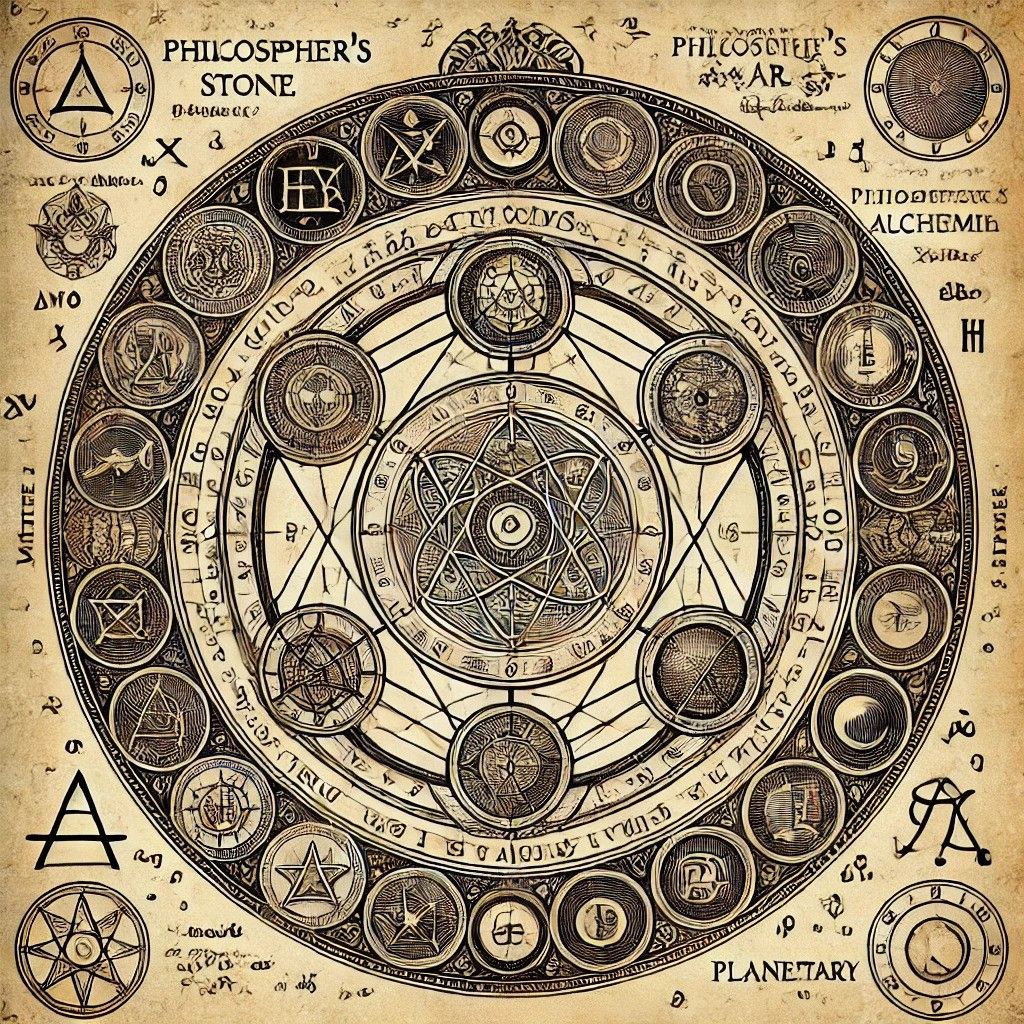
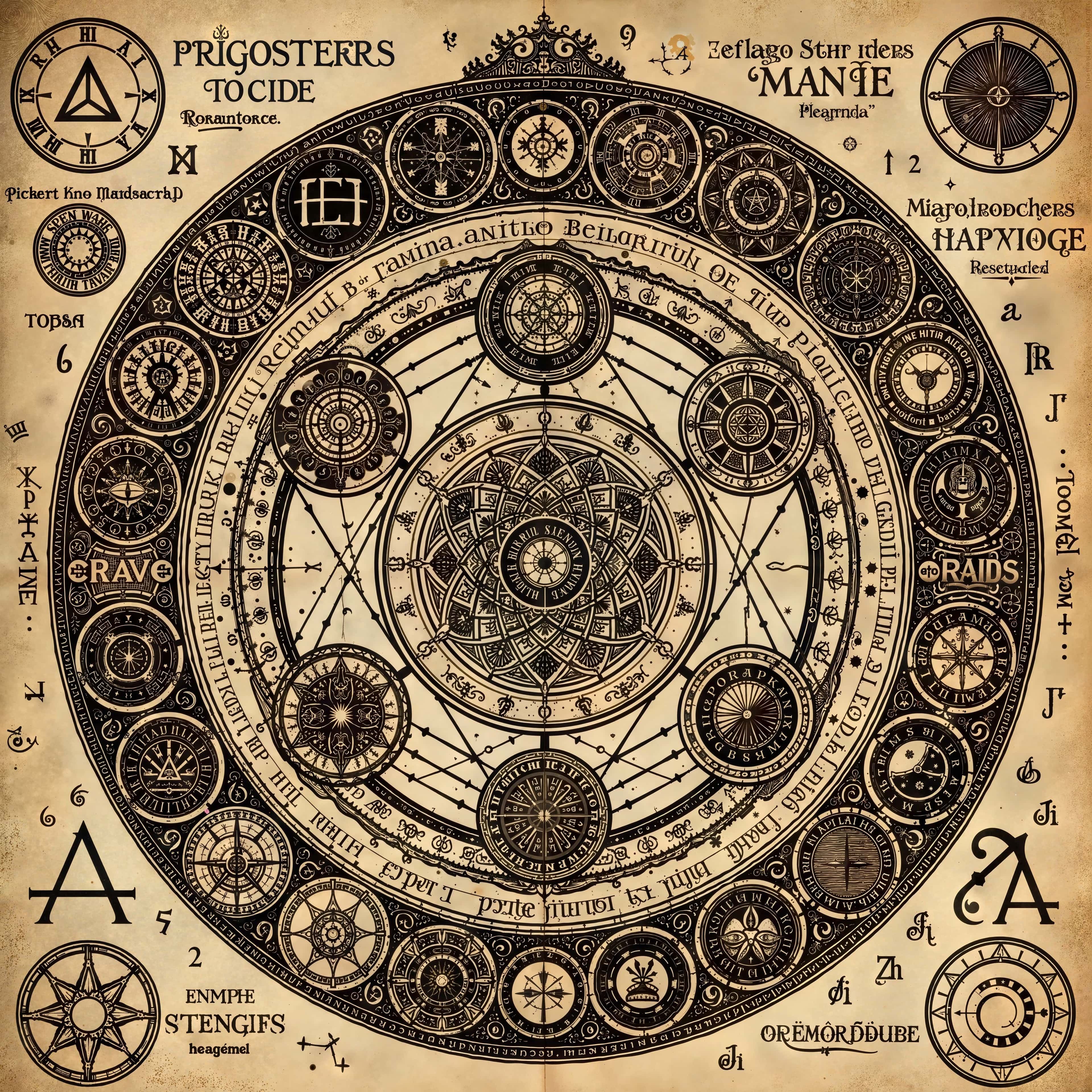
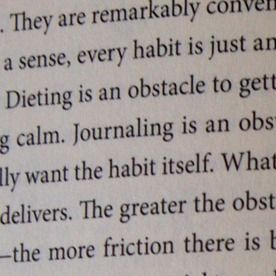
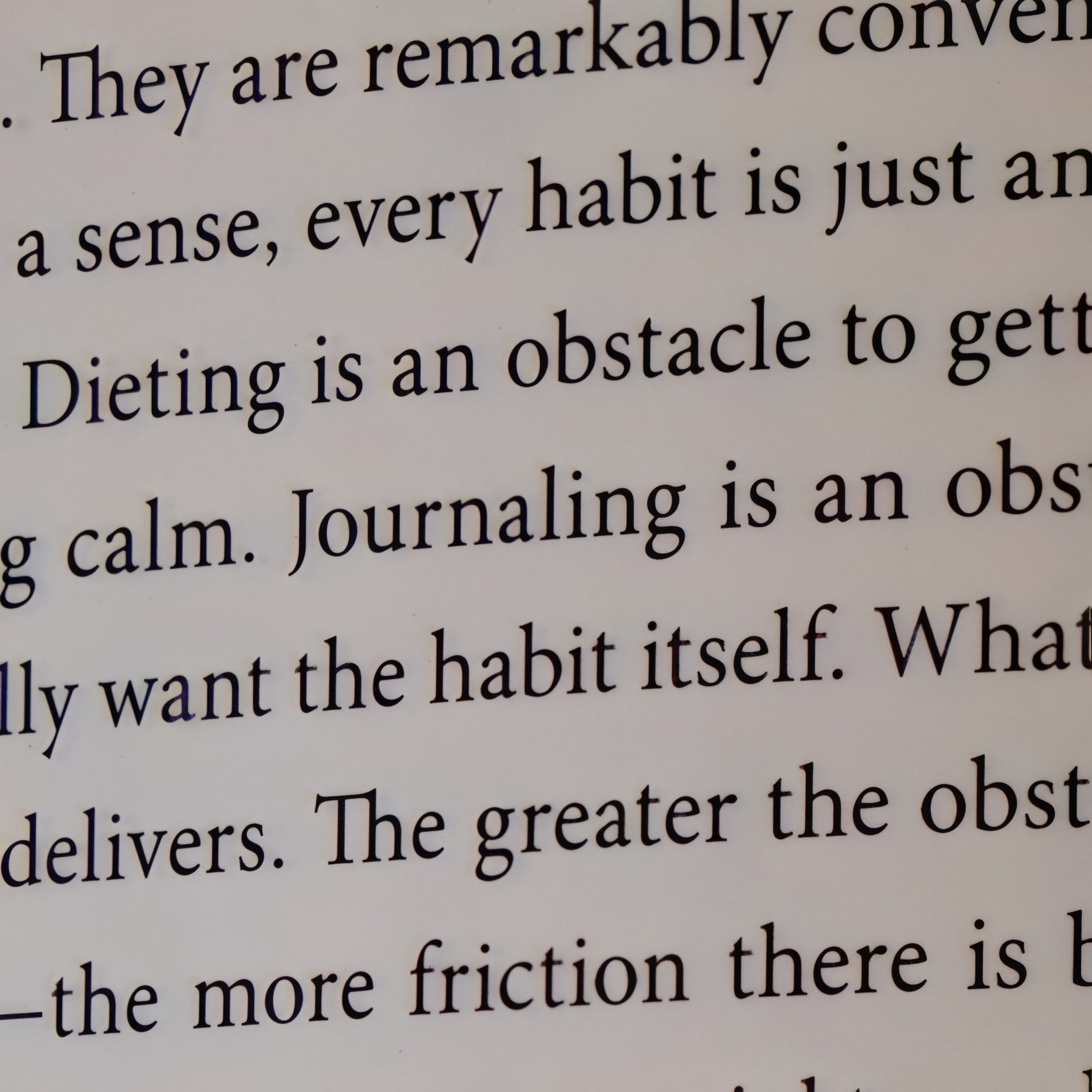
Text
Upscale Images Containing Text
Precise Upscale is recommended for optimal symbol preservation and legibility. For larger text or text where absolute accuracy is less critical, Dynamic and Smart Upscale at lower creativity levels are also viable options.
Before
After
Before
After
And More
Upscale Images Online with AI
Increase the resolution of your images to incredible levels and add
new details. Unlike traditional upscaling technology, Upsampler can
completely reimagine images, adding as much detail as you desire.
Additionally, you do not need to download anything since it works
online, regardless of your operating system and hardware.
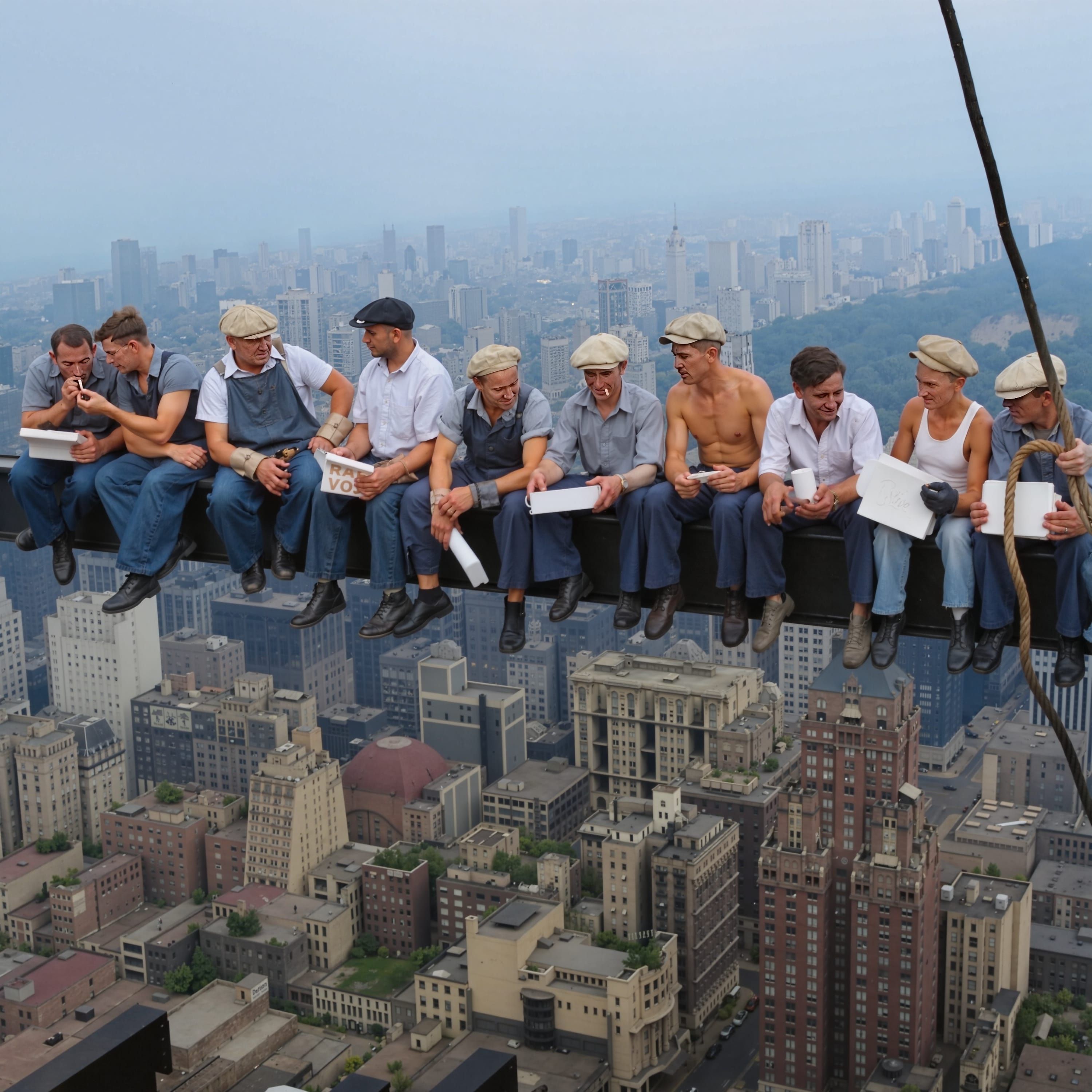
RestoreOld, Damaged, and Faded Images
Bring your old photos back to life. Automatically remove scratches, dust, fading, and other imperfections. Colorize your old images easily with AI.
Before
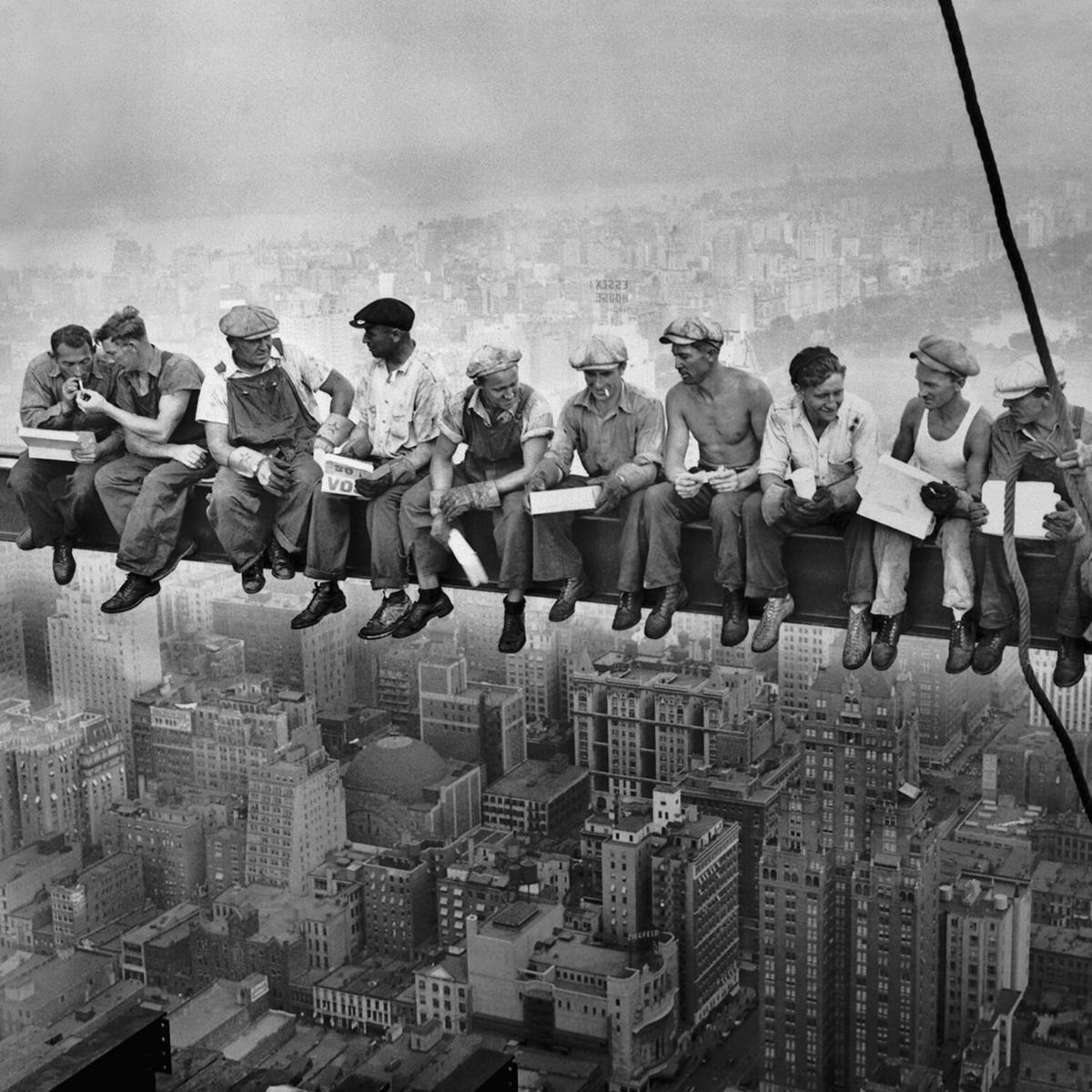
After
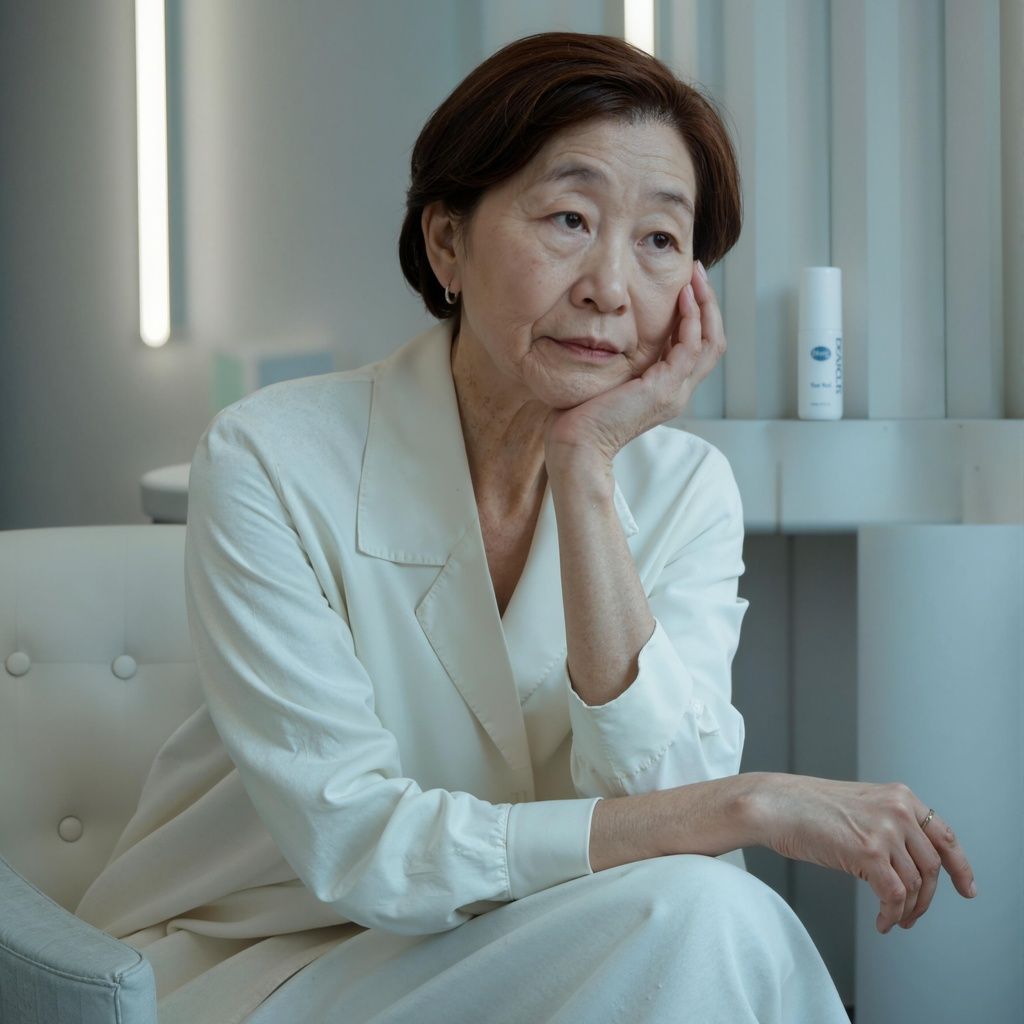
Generate Imageswith the World's Best AI Models
We integrate the most advanced AI models available, including Imagen and Nano Banana by Google, GPT-4o by OpenAI, Flux and Flux Kontext by Black Forest Labs, Recraft V3, Seedream, and Ideogram.
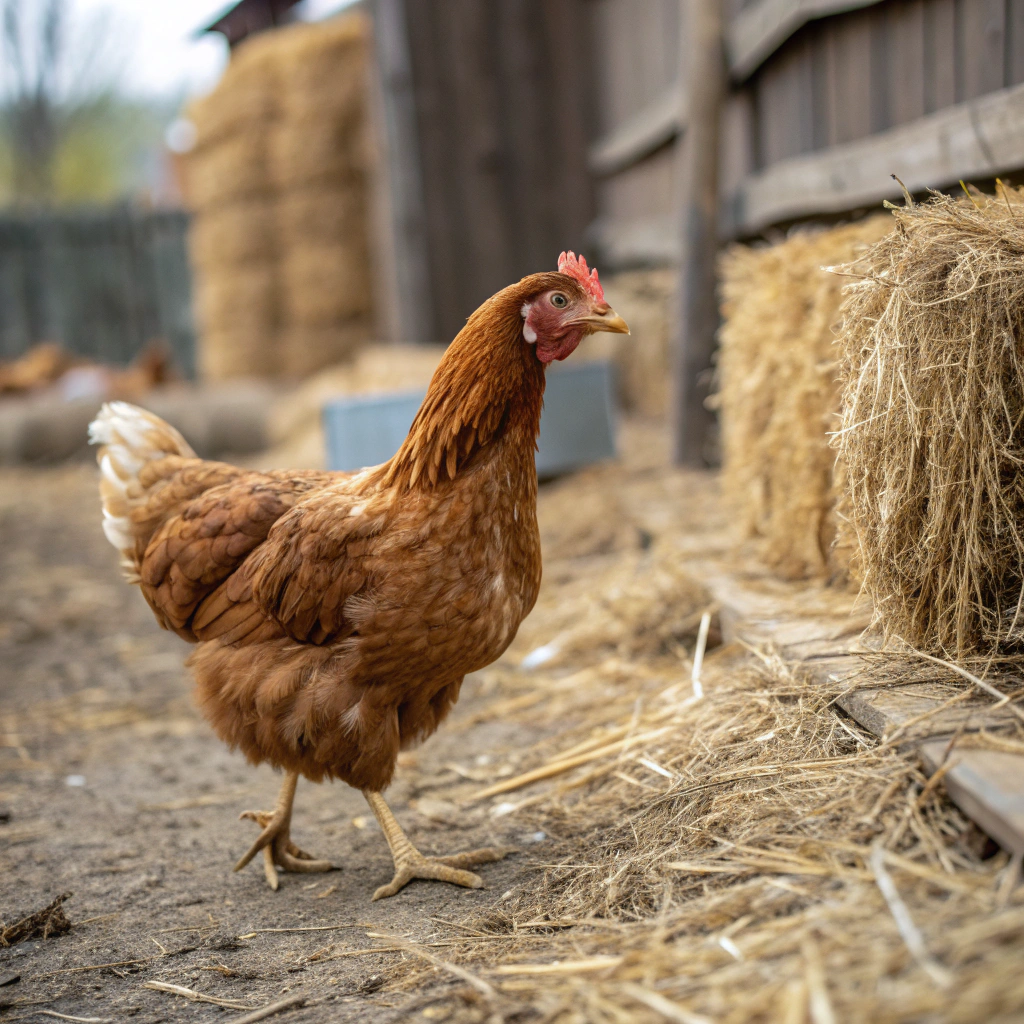
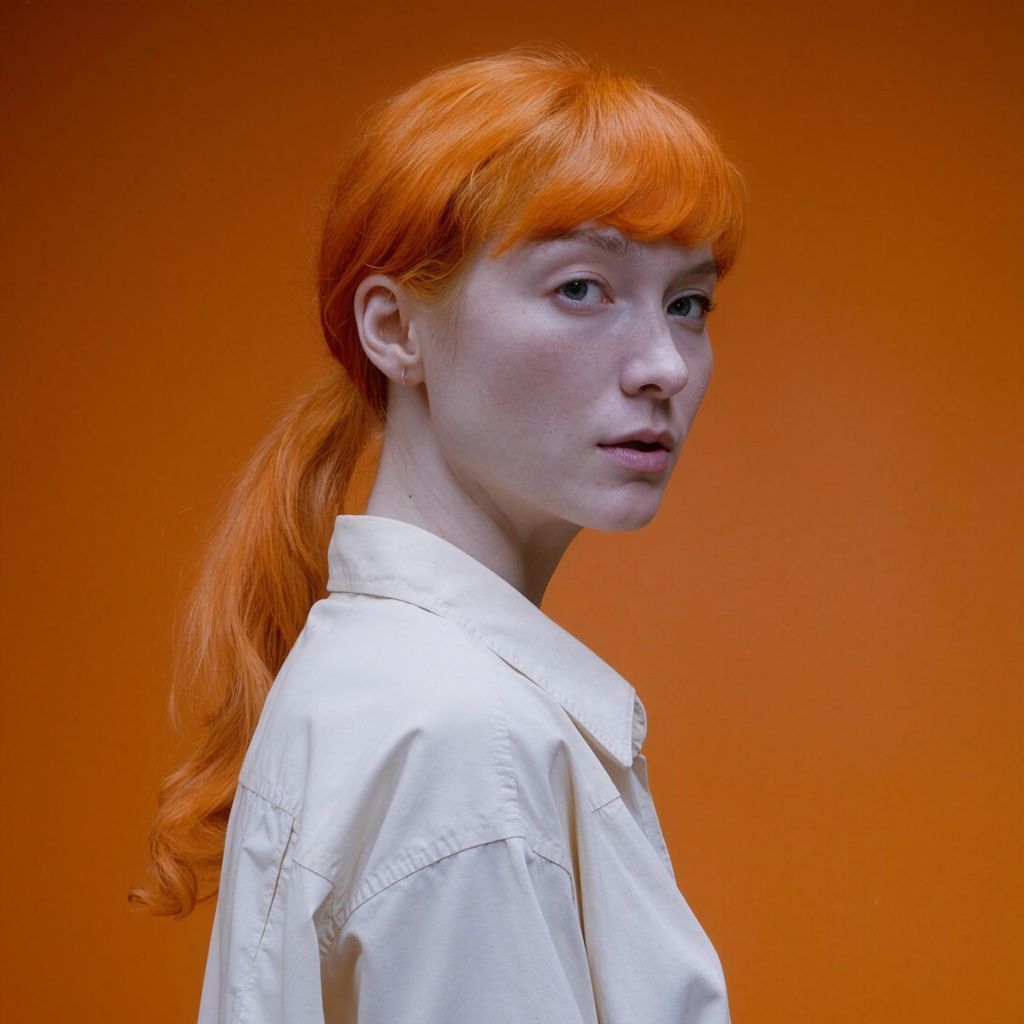
Modify Your Images withGenerative Fill
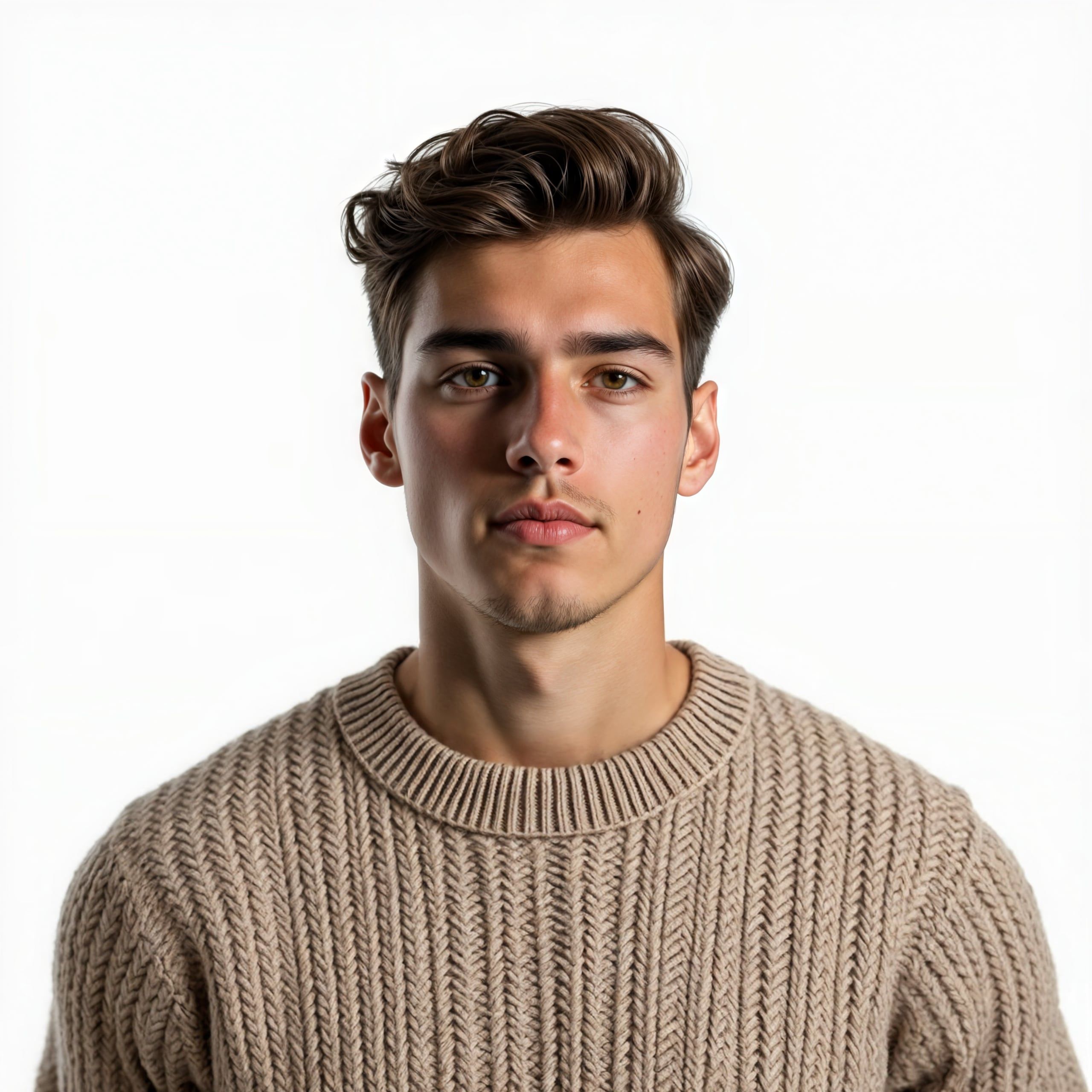
Fix imperfections, add new content, or remove unwanted elements with precision. Regenerate specific parts of an image before or after upscaling.
Before
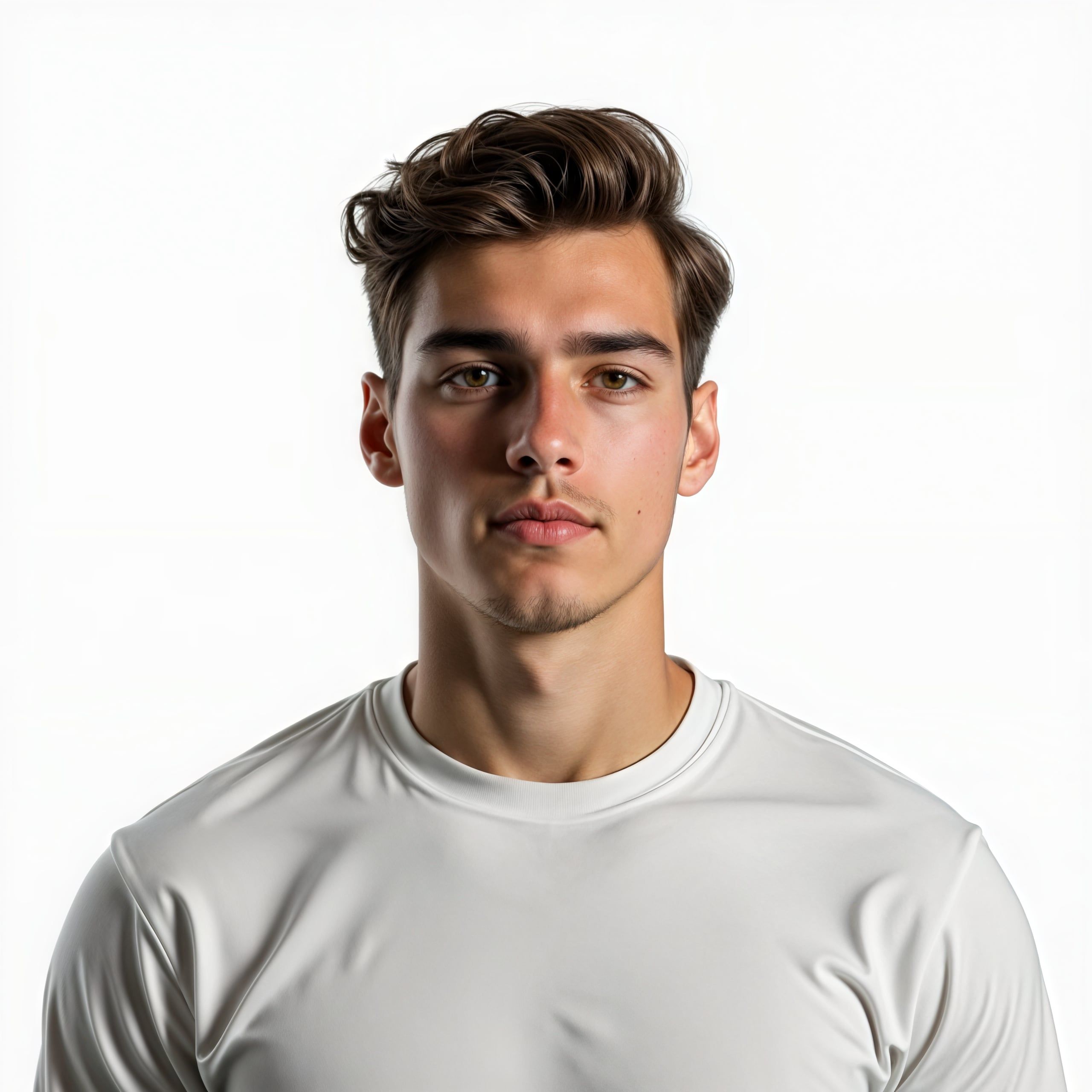
After
FAQ
Frequently Asked Questions
What is Upsampler and how does it enhance my images?
How does Upsampler's AI image upscaling actually work?
Is there a public upscaling API for Upsampler?
Why isn't Upsampler completely free to use?
What are the differences between "Smart Upscale," "Dynamic Upscale," and "Precise Upscale"?
Who can benefit from using Upsampler?
What is "Generative Fill" and how can it help me?
Will my upscaled images have artifacts? Can I control the output?
What image formats does Upsampler support for upscaling?
What is Upsampler's refund policy?
Is Upsampler suitable for beginners, or is it for professionals only?
What is an Image Upscaler?
How do I improve the quality of a photo?
How do I upscale an image to 4K?
Can I edit images after upscaling them?
We use cookies
We use cookies to ensure you get the best experience on our website. For more information on how we use cookies, please see our privacy policy.
By clicking Accept, you agree to our use of cookies.
AcceptDecline