

详细内容
Black Friday deal: 30% off an annual Visla Business plan!
Faster. Easier. Better. Create videos that expand your businessengage your audienceshare informationgo viralcommunicate ideasinspire actionsexpand your businessengage your audienceshare informationgo viralcommunicate ideasinspire actions
Bring your video ideas to life in minutes, powered by AI magic. No editing expertise needed.
Sign Up for Free Request a demo
AI video creation for teams to produce video at scale
 Marketing videos that accelerate your pivot to video \
\
Visla is a comprehensive video production solution: capture, create, edit, and collaborate. Ideal for professional marketing teams. 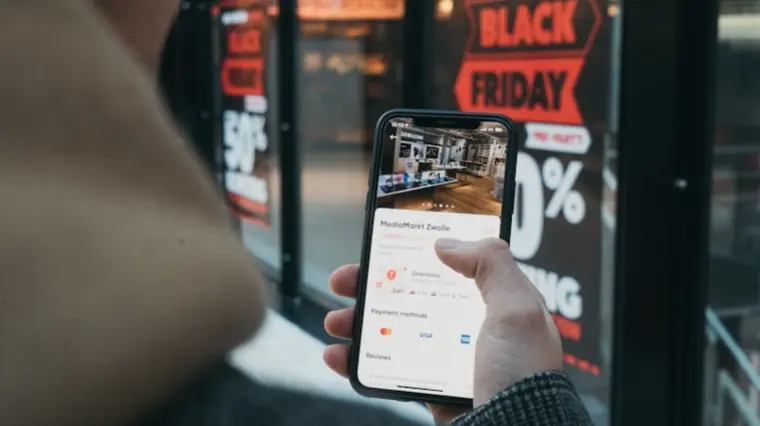 Training videos that engage your audience \
\
AI simplifies video production, while your expertise elevates it. Create impactful training videos with ease. 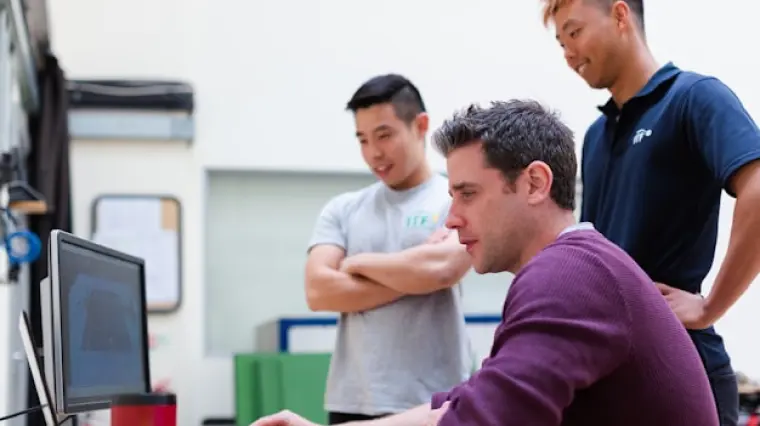 Sales videos that boost conversions \
\
Scale video production with AI to drive lead generation and increase conversion rates. 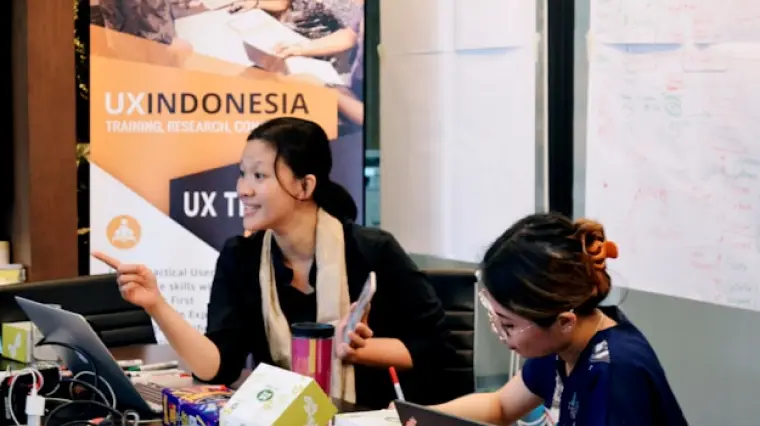 Support videos that empower customers \
\
AI video tools designed with your customers in mind. Visla is the best video creation suite to elevate your success.  Product videos that let you focus on building, not filming \
\
We know what you’re best at - making amazing products. But making videos? Well, our AI can help with that. 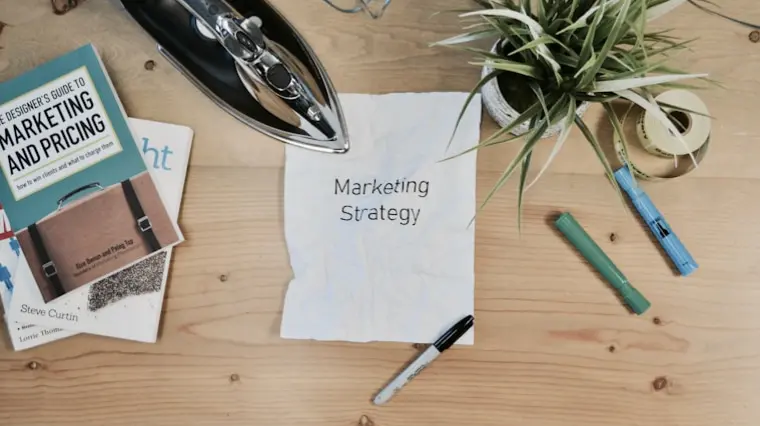 Communication videos that capture audience attention \
\
As a communications team, capturing attention is essential. Achieve this effectively with AI-powered video solutions.
Visla’s main features
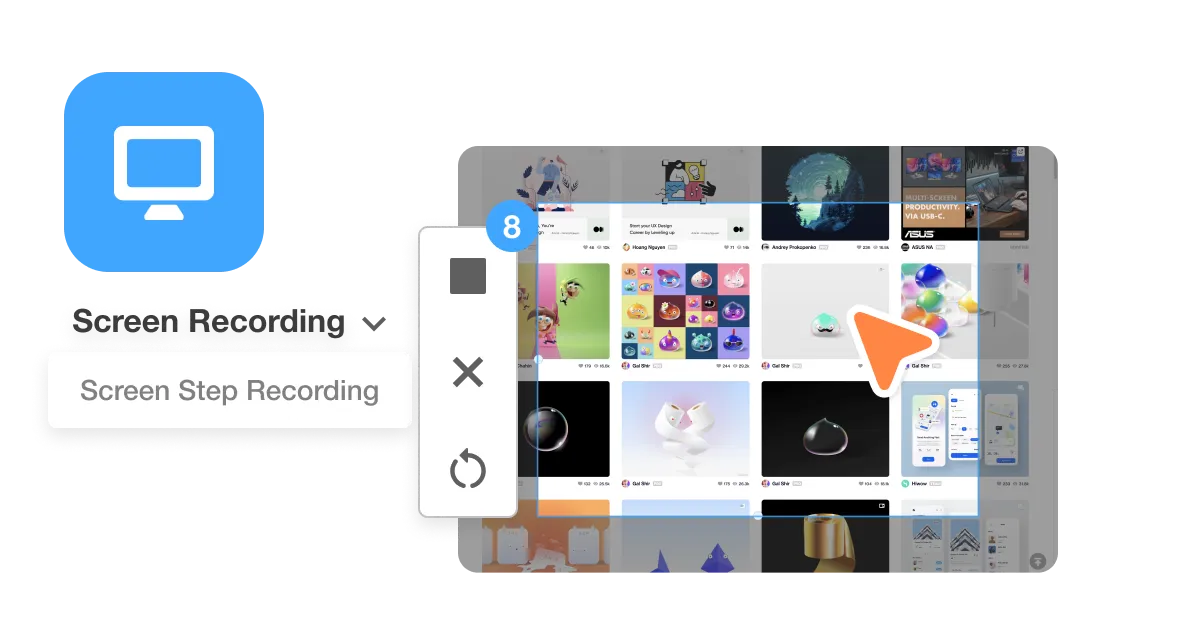
Recording suite
Capture every moment effortlessly with Visla's powerful recording suite. From high-quality video to screen and step-by-step how-to recording, you have a tool for every situation. It helps you create clear, professional content without complicated setups, so you can focus on telling your story.
Explore Visla’s recording tools >
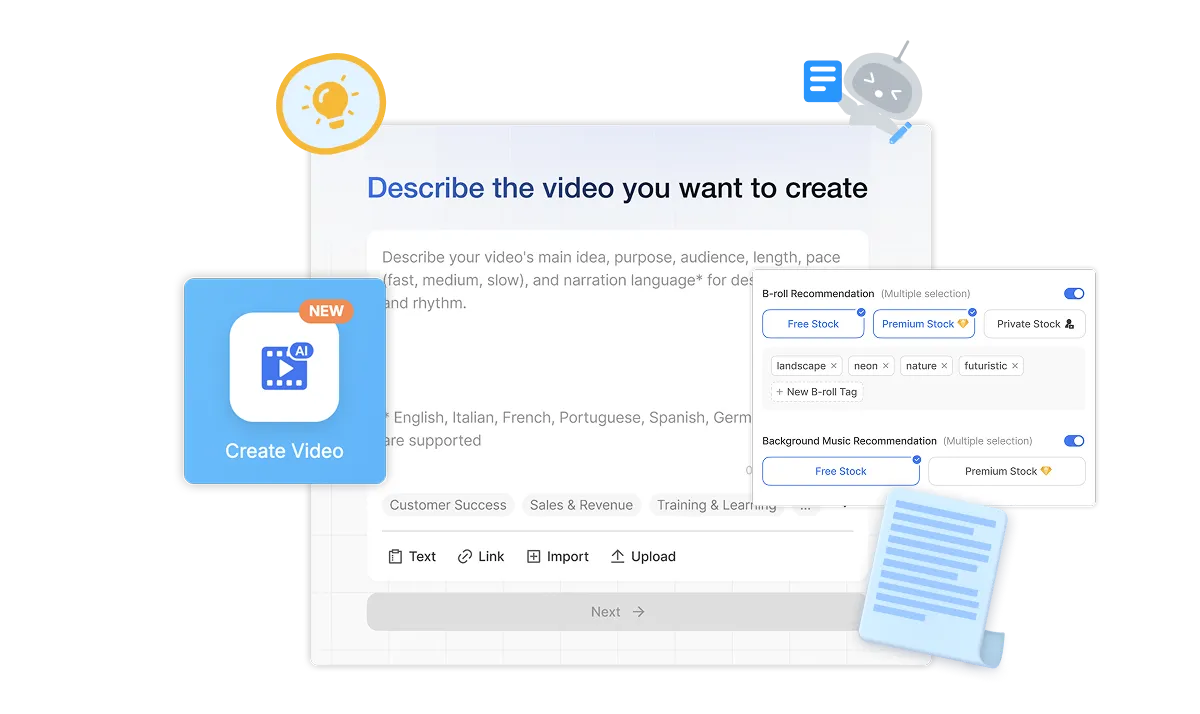
AI Video Agent
Bring your vision to life instantly with the help of Visla’s AI Video Agent. Start from an idea, a text or script, existing footage, audio, images, or even a PPT/PDF, and let AI assemble a polished, professional video in minutes. You save hours of work while still keeping creative control over the final product.
Generate with our AI Video Agent >
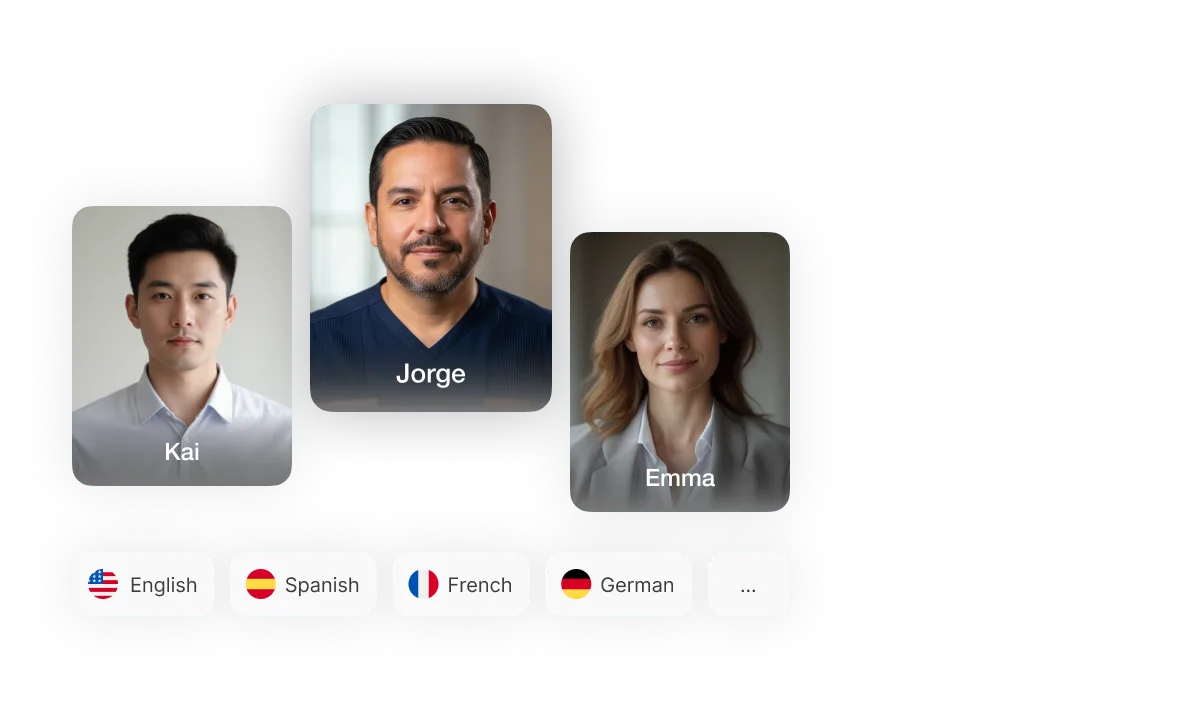
AI Personalization
Make every video yours with our AI personalization tools. Choose from 100+ public AI Avatars or create your own custom AI Avatar, and pair it with your AI-cloned voice for authentic narration. This helps you connect with your audience in a more personal, engaging way.
Create your AI Avatar and voice clone >
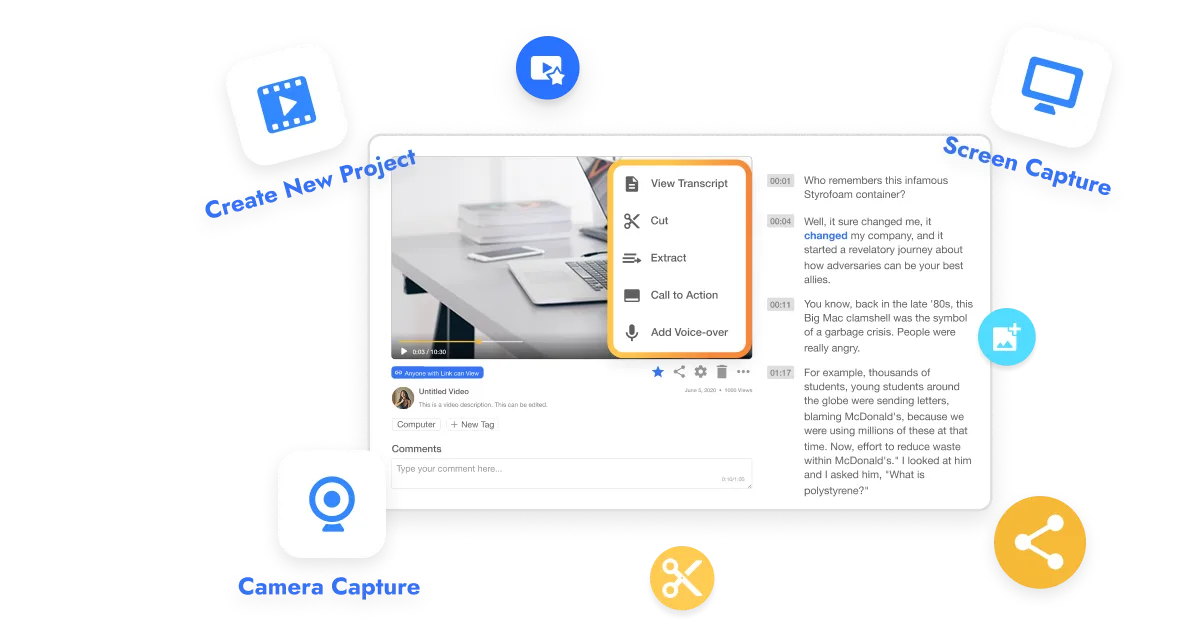
Video editing suite
Edit smarter and faster with Visla’s two main editing modes. Use the Scene-Based Editor for precision control over every shot, or start with the AI Video Editor to trim, summarize, and enhance your footage automatically. You always get a pro level video without a steep learning curve.
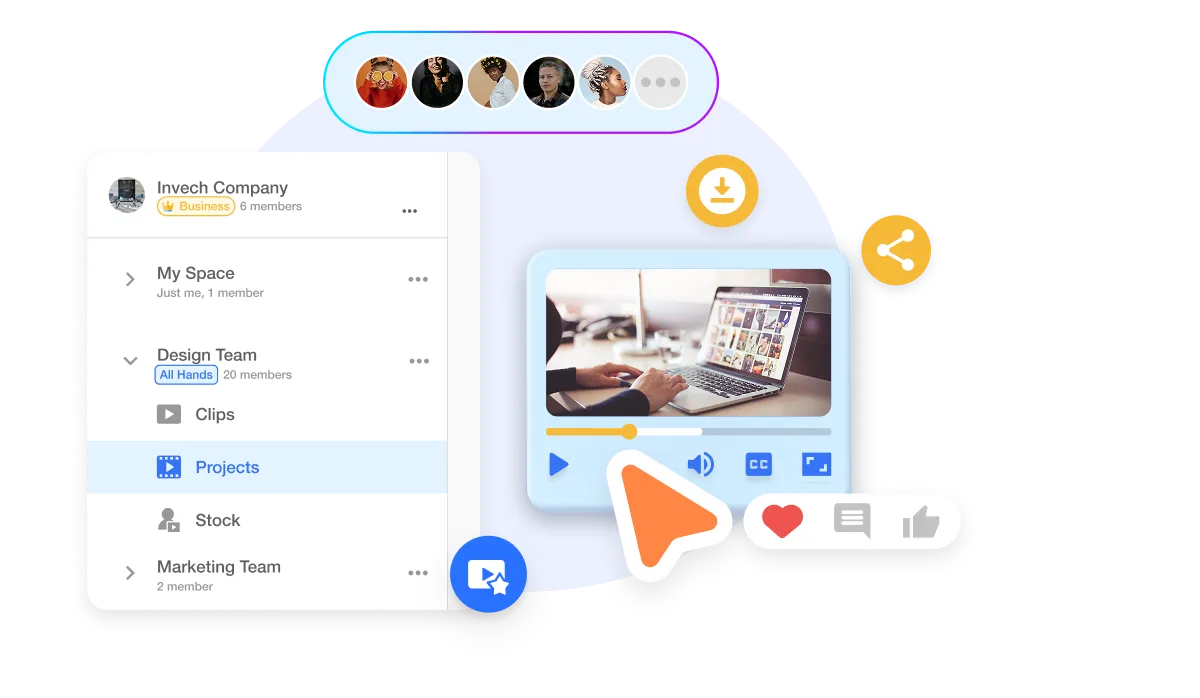
Collaboration
Create and collaborate with ease in our Workspaces and Teamspaces. Organize your footage, share feedback in real-time, and manage approvals, all in one secure, streamlined hub. Whether your team is across the office or across the globe, Visla makes working together feel effortless.
Safety and Security
SOC 2 compliance
Visla’s SOC 2 Type II compliance ensures strong data security and privacy, ensuring a secure, compliant environment for video creation and collaboration.
SSO
Visla’s secure Single Sign-On (SSO) enables streamlined, safe access, enhancing user security and simplifying authentication for enterprise teams.
Visla for Enterprises
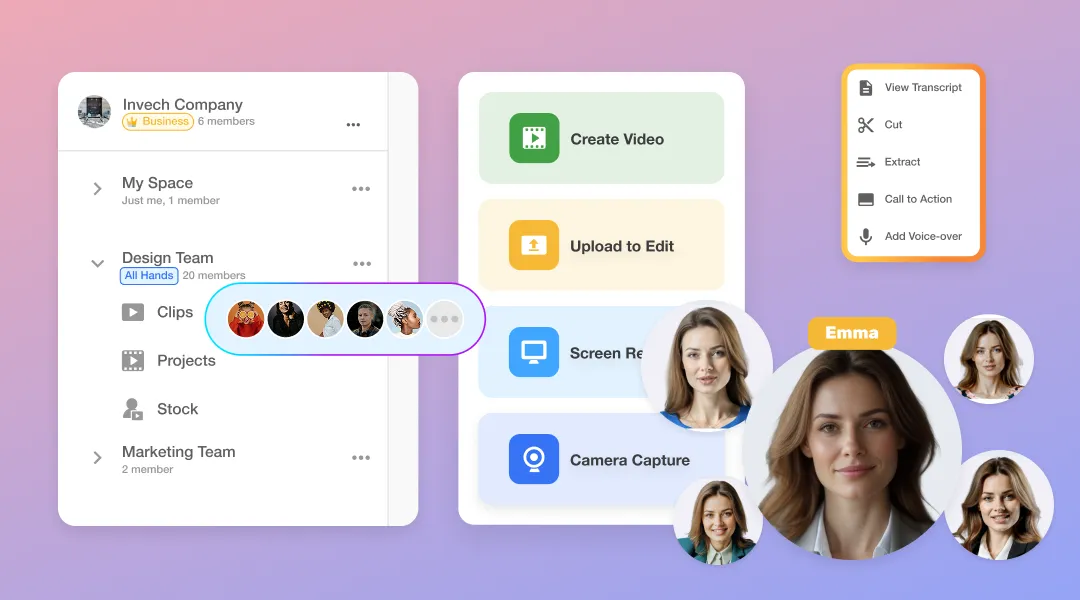
Visla empowers enterprise teams to produce more videos, faster, with the help of AI. From marketing and sales to training, support, and product development, Visla provides an end-to-end platform for capturing, creating, editing, and collaborating on video content. Your teams can maintain brand consistency, streamline workflows, and deliver professional-quality videos at scale.
Enterprise customers unlock our most advanced features: unlimited workspaces, multiple brand kits, full Getty Images access, advanced AI for complex workflows, and seamless API integrations. Plus, Enterprise users enjoy unlimited voice clones and unlimited avatars for personalized, scalable video content creation. A dedicated account manager, powerful admin controls, and premium security ensure your organization’s content stays on brand, on time, and protected.
How to use Visla
Capture your content
Start by recording your screen, camera, or both with Visla’s built-in tools. Easily capture presentations, product demos, tutorials, or meetings on desktop or mobile.
1
Start with anything
Kick things off with anything: an idea, script, text, link, clip, image, audio, or PDF/PPT. Our AI reads, listens, watches, and then analyzes everything.
2
Guide the AI Video Agent
You control the video’s duration, pace, aspect ratio, and which libraries the Agent pulls stock footage and music from. Plus, pick the AI voiceover and Avatar that fit your story.
3
Let the AI Video Agent work its magic
Based on your preferences, it creates a fully formed video with narration, visuals, scenes, transitions, and more.
4
Edit your video draft
Refine the video draft in our powerful Scene-Based Editor. Add text overlays, graphics, and adjust branding. Cut or move scenes around, fix wording, and more.
5
Share your video
Once you’re done editing, share with a click. Download it, get a share link, or copy an embed code.
6
Why Our Customers Love Visla

One of the things I appreciate most about Visla is its AI-powered features. They allow me to generate videos in minutes, significantly reducing the time and effort needed to produce content.
CEO/Founder
AImpact

Visla is essential for my day-to-day workflow and it saves me at least two hours of meeting per day. I record at least a dozen of videos in visla and share them with my colleagues every day. The product is super easy to use and the video quality is perfect.
Co-Founder/CTO
As a professional who has utilized various editing software like Premiere Pro, Final Cut, and Davinci Resolve for numerous projects of varying scales, I have always been skeptical about the reliability of online editing platforms. However, my experience with Visla has completely changed this perception.
Owner/Founder
FreckleTech Productions

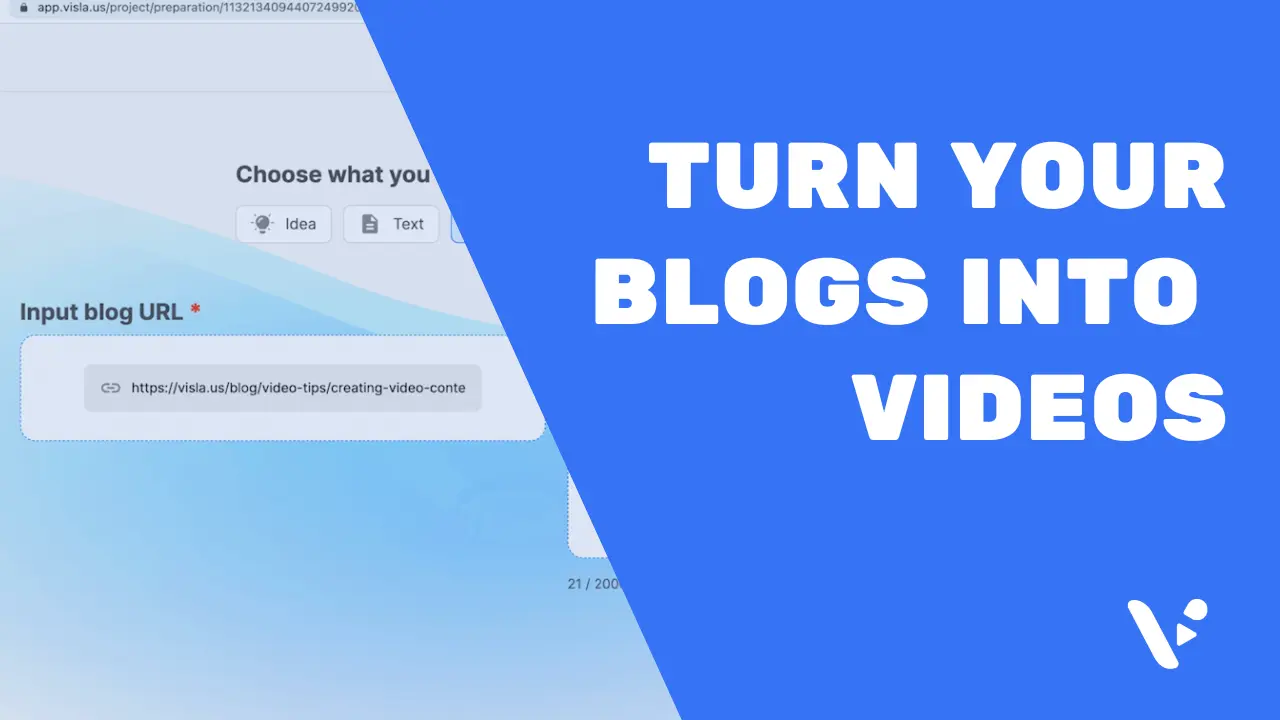
I love using Visla with ChatGPT! We created bulk YT shorts with just article links. Repurposing article content as videos is super easy with Visla!
Associate Director of Content
ProProfs
Simple Al Creation, Recording and Editing
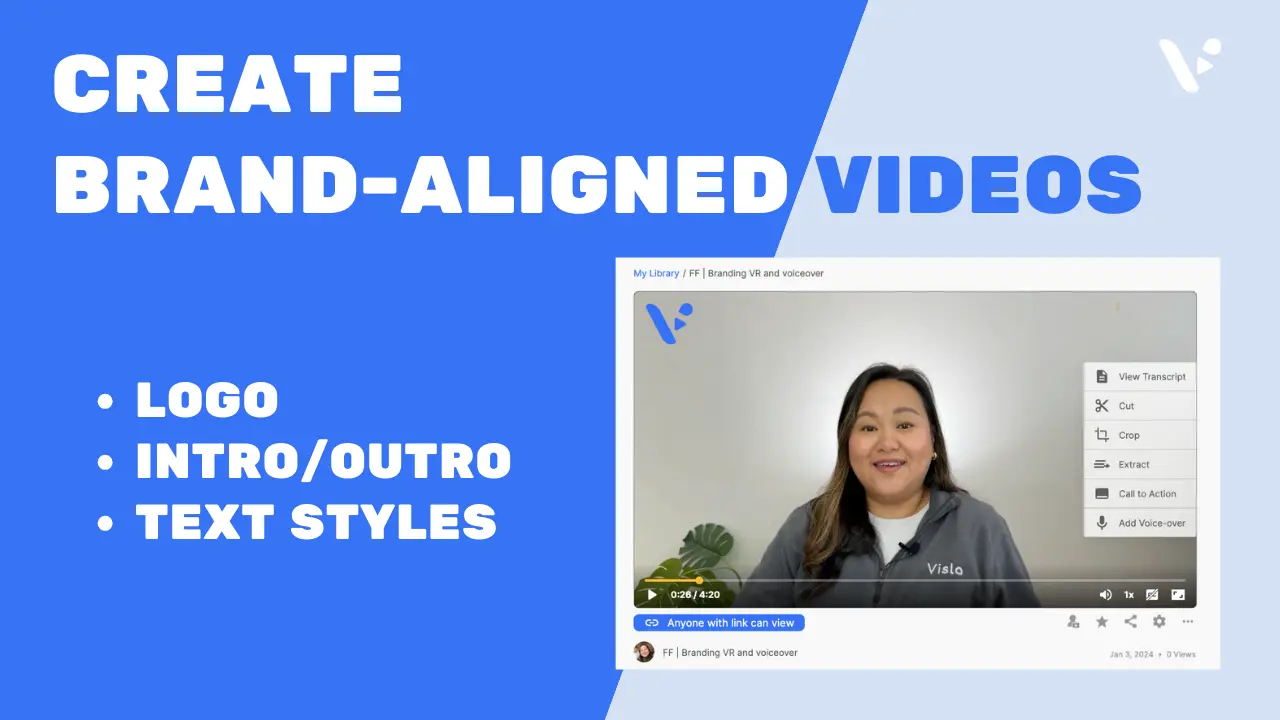
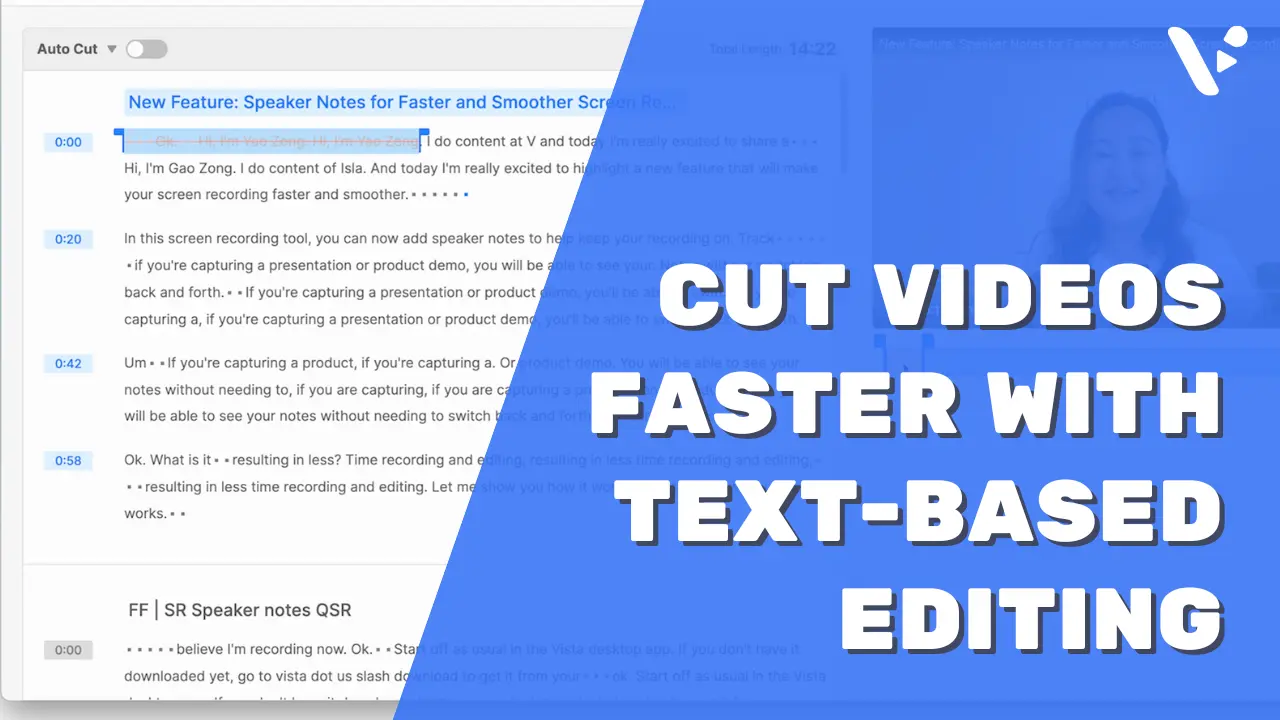
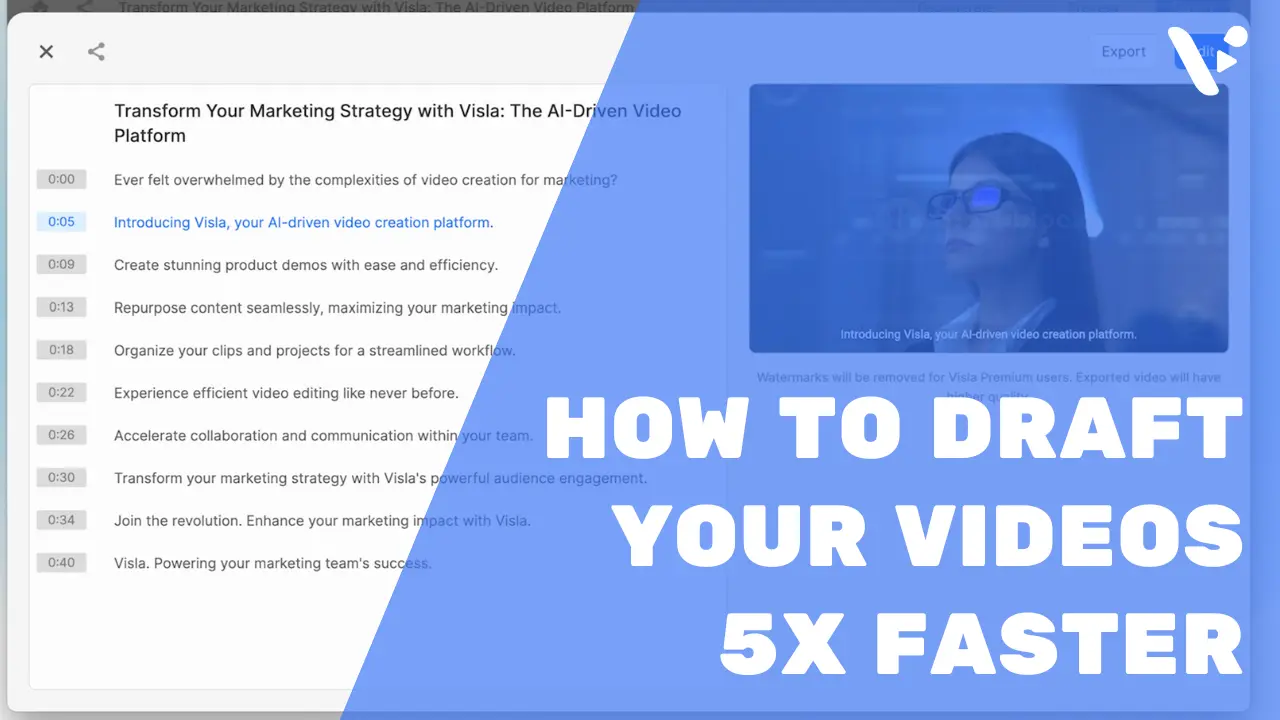
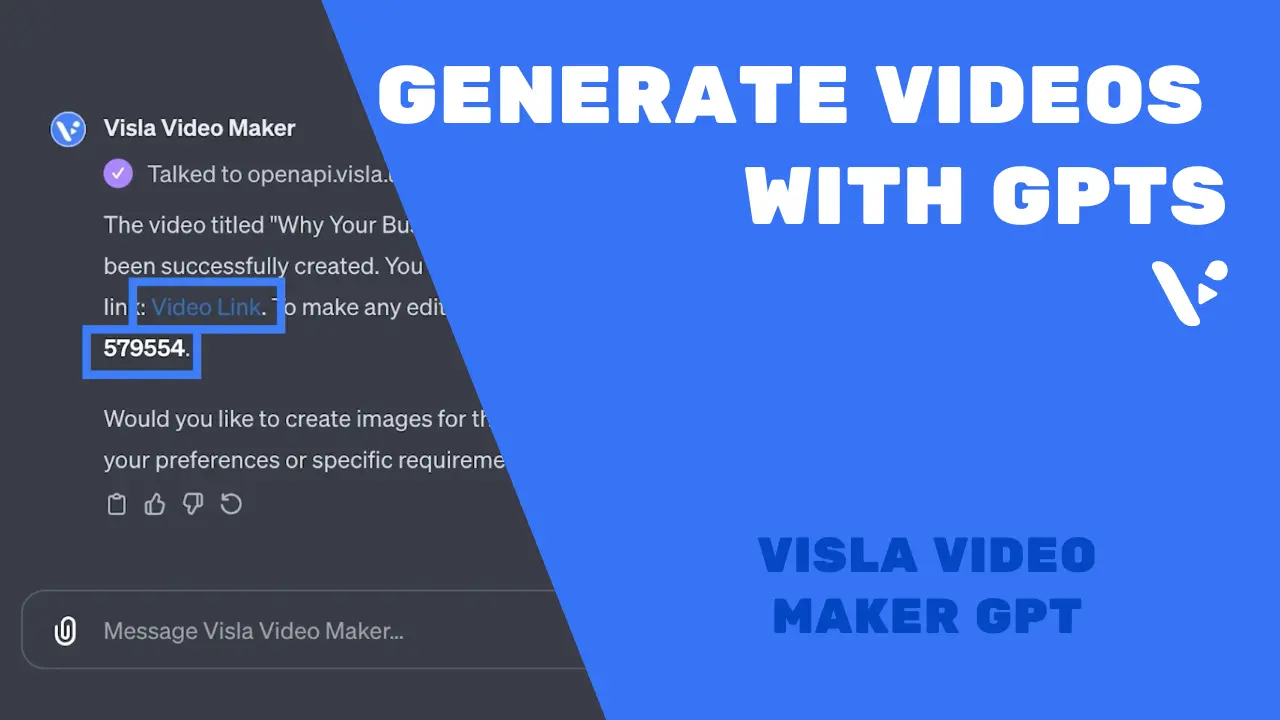
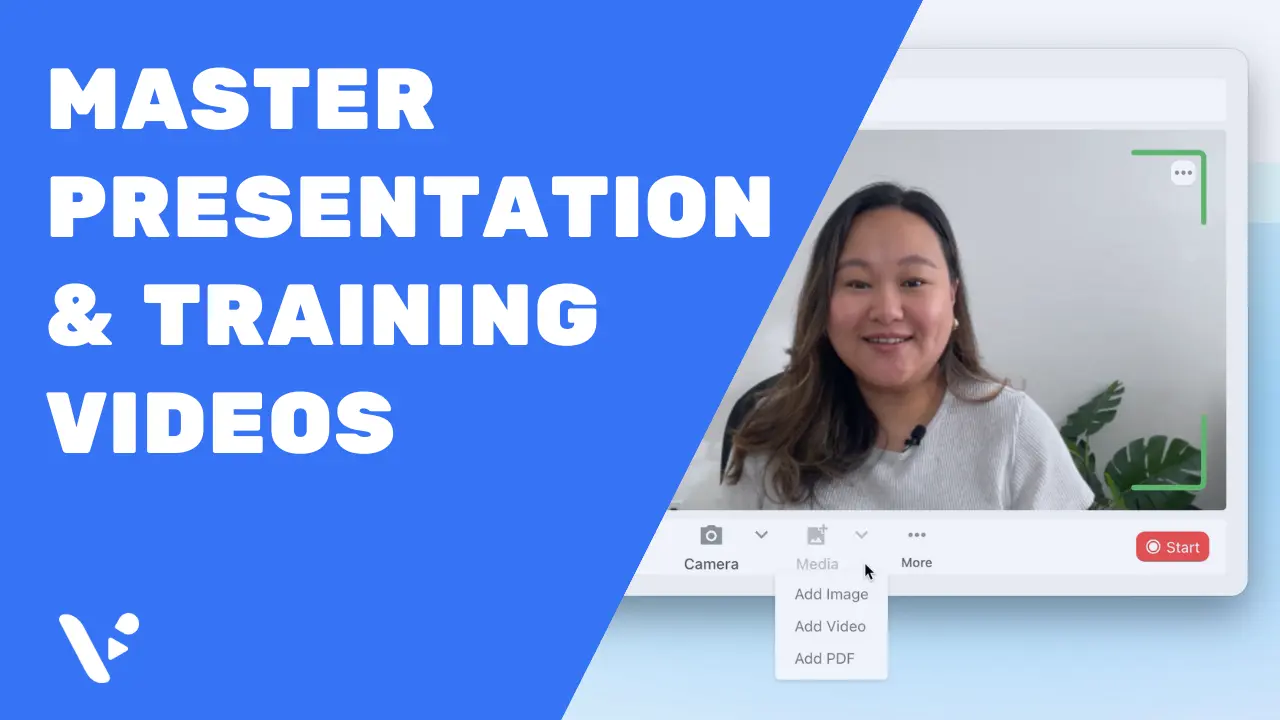
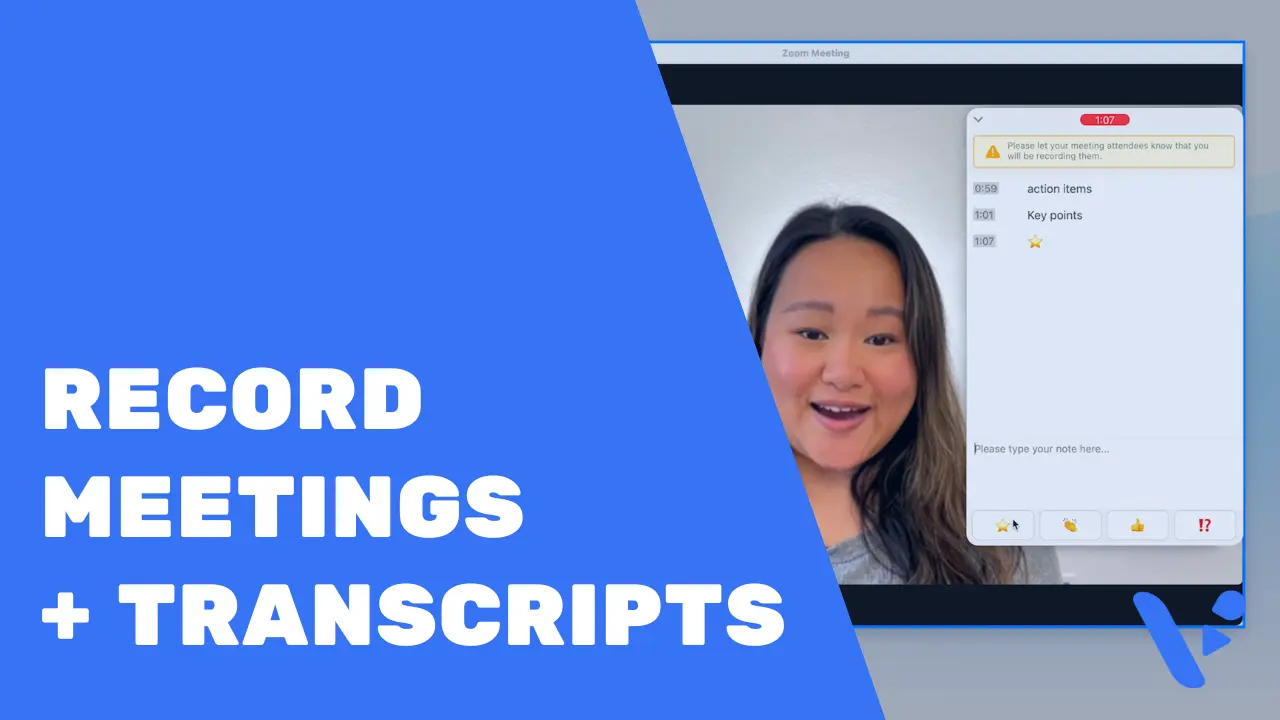
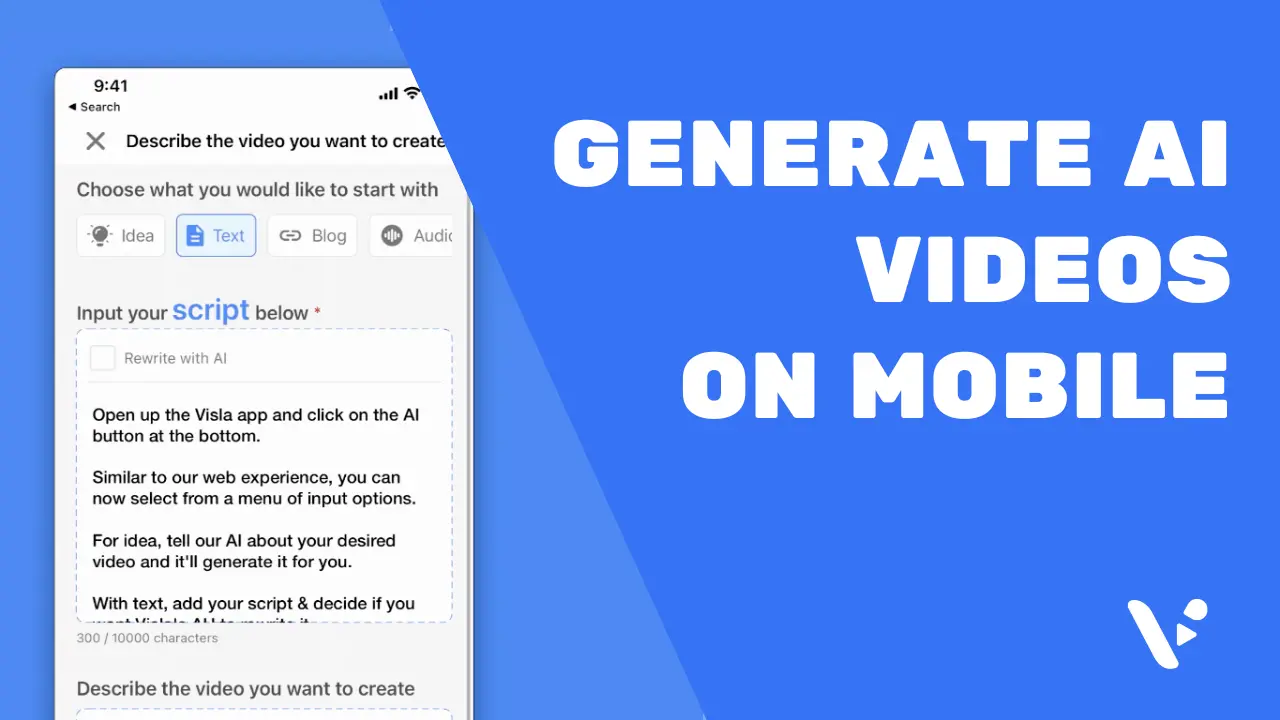
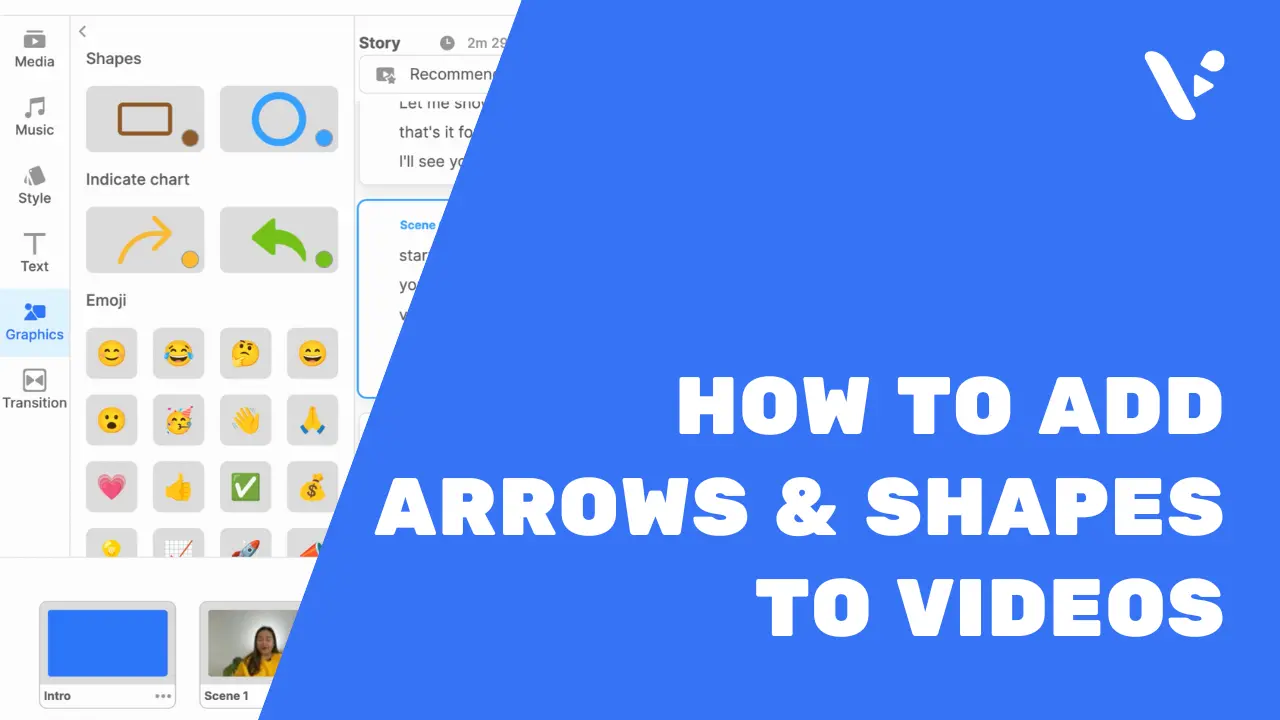
Watch our step-by-step video guides to learn how to unlock the full potential of our AI-powered platform. Learn about every feature, from recording to editing.


Subscribe to the Visla newsletter
Stay informed about the latest product updates and feature releases!
Sign up for our newsletter below
SubscribeThank you for subscribing
By checking this box, I’m opting into receive updates from Visla and agreeing to the Privacy Policy
