

详细内容
Creative work, reimagined
One suite: top AI models, pro editing tools, and stock assets—trusted by 700,000+ creatives.



Youbringthevision.Wehelpyougofurther.
Join 700,000 creative teams, marketers, and designers worldwide.

Freepik Spaces
All your tools. All your workflows. One infinite canvas. Built for professionals who want to work smarter, together.
The features you need, the simplicity you want
How to start with AI
ImagesVideoAudioIllustrationsDesign All AI tools
 \
\
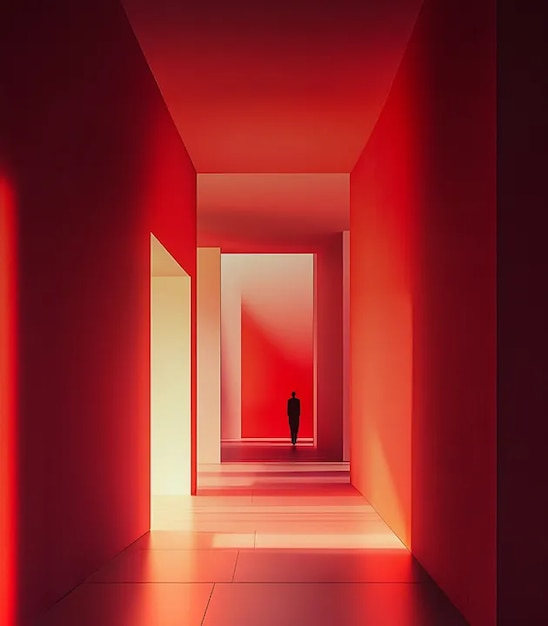
Generate an AI image\
\
Try it Learn more, Generate an AI image
 \
\
Chat with AI to transform images\
\
Try it
 \
\
Find high-quality images\
\
Find
 \
\
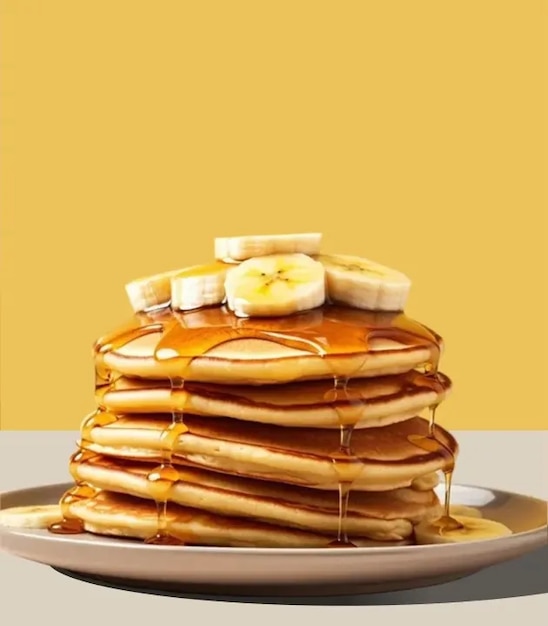
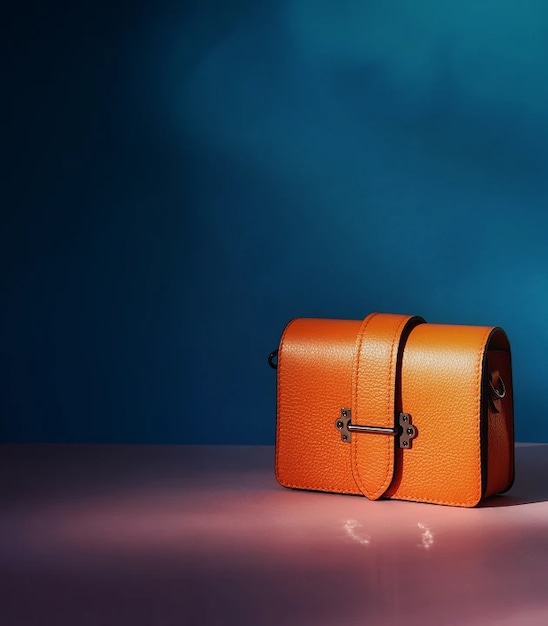
Edit an image\
\
Try it Learn more, Edit an image
 \
\
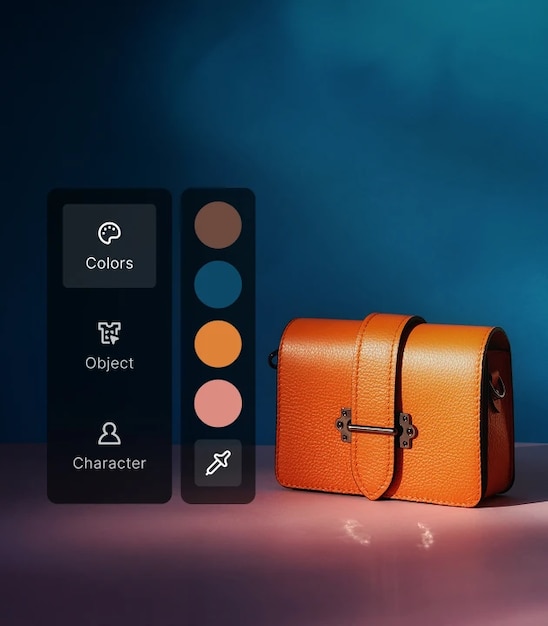
Create on-brand AI images\
\
 \
\
Try it
 \
\
Upscale an image up to 10K\
\
Try it Learn more, Upscale an image up to 10K
 \
\
Generate an AI video\
\
Try it Learn more, Generate an AI video
 \
 \
\
Edit a video\
\
Try it Learn more, Edit a video
 \
\
Add sound effects to a video\
\
Try it Learn more, Add sound effects to a video
 \
\
Upscale a video up to 4K\
\
Try it Learn more, Upscale a video up to 4K
 \
 \
\
Generate a voiceover\
\
Try it Learn more, Generate a voiceover
 \
\
Find royalty-free stock music\
\
Find
 \
\
Generate sound effects\
\
Try it Learn more, Generate sound effects
\
\
Add sound effects to a video\
\
Try it Learn more, Add sound effects to a video
 \
\
Find stock sound effects\
\
Find
 \
\
Find intros and outros\
\
Find
 \
\
Generate AI Illustrations\
\
Try it
 \
\
Find stock vectors\
\
 \
\
Find
 \
\
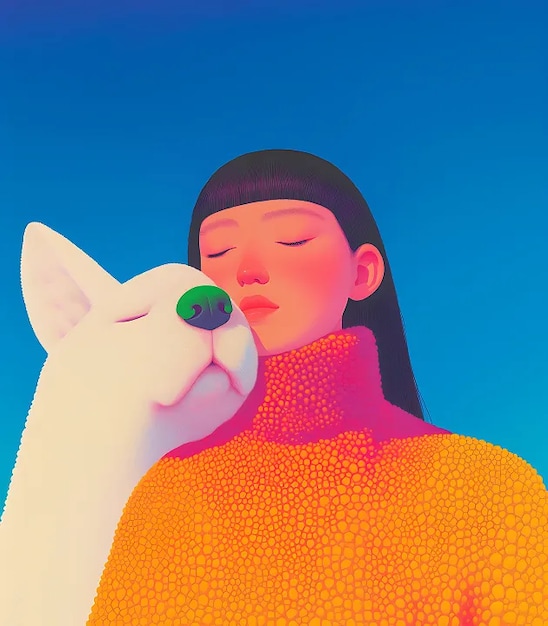
Find stock illustrations\
\
Find
 \
\
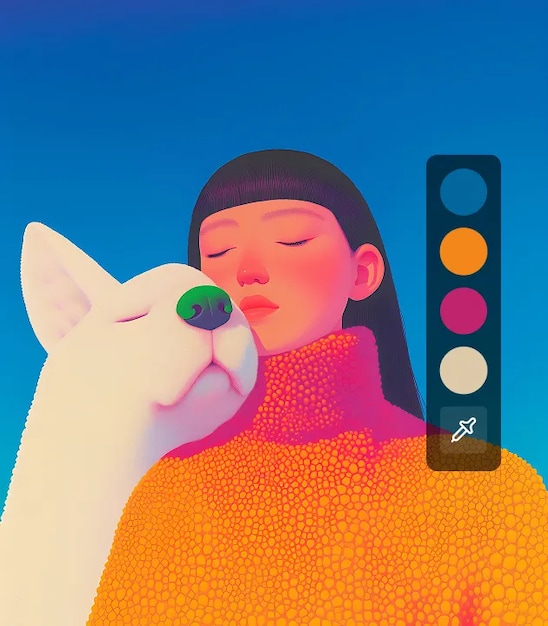
Create on-brand AI illustrations\
\
 \
\
Try it
 \
\
Animate an illustration\
\
Try it
 \
\
Convert any image to SVG\
\
Try it
\
\
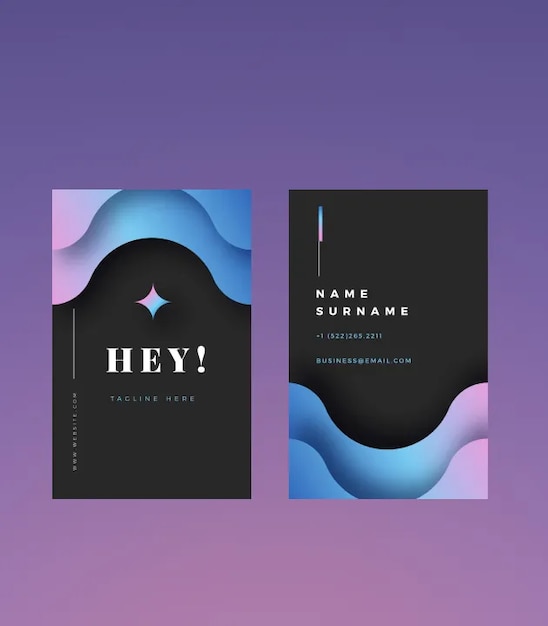
Use AI Assistant for graphic design\
\
Try it
 \
\
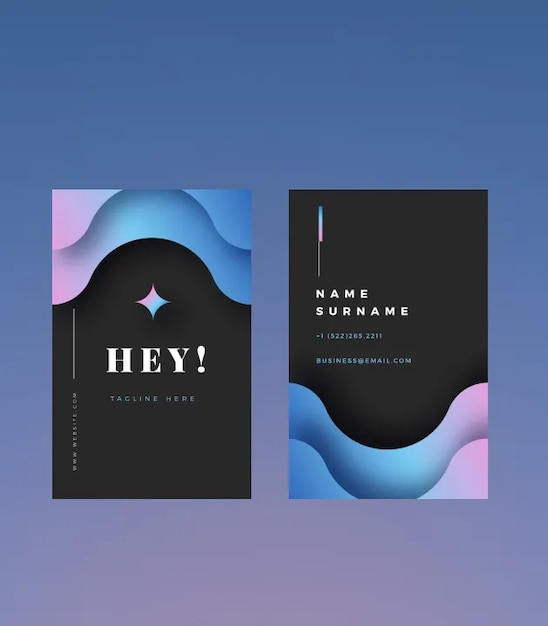
Find stock templates and PSDs\
\
 \
\
Find
 \
\
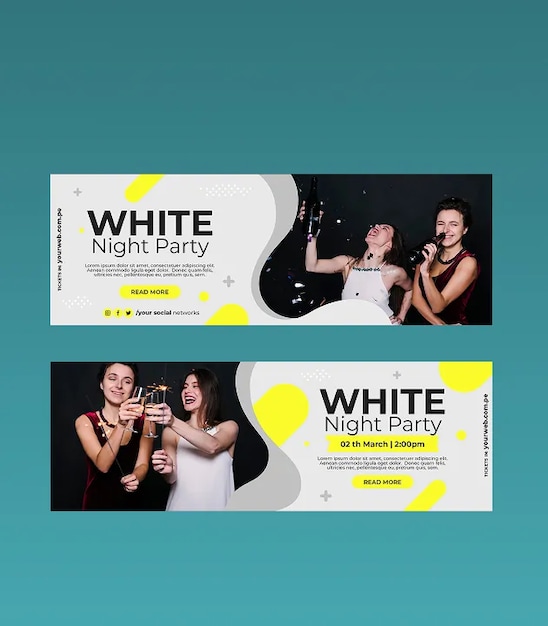
Create social media posts\
\
Try it
 \
\
Generate a mockup\
\
Try it
 \
\
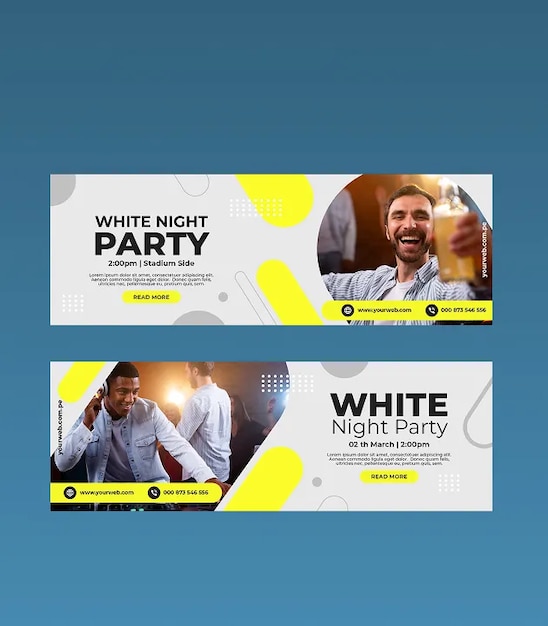
Create banners, posters, and more\
\
 \
\
Try it
 \
\
Generate AI icons\
\
Try it Learn more, Generate AI icons
All the top GenAI models—plus Magnific, recently acquired by Freepik






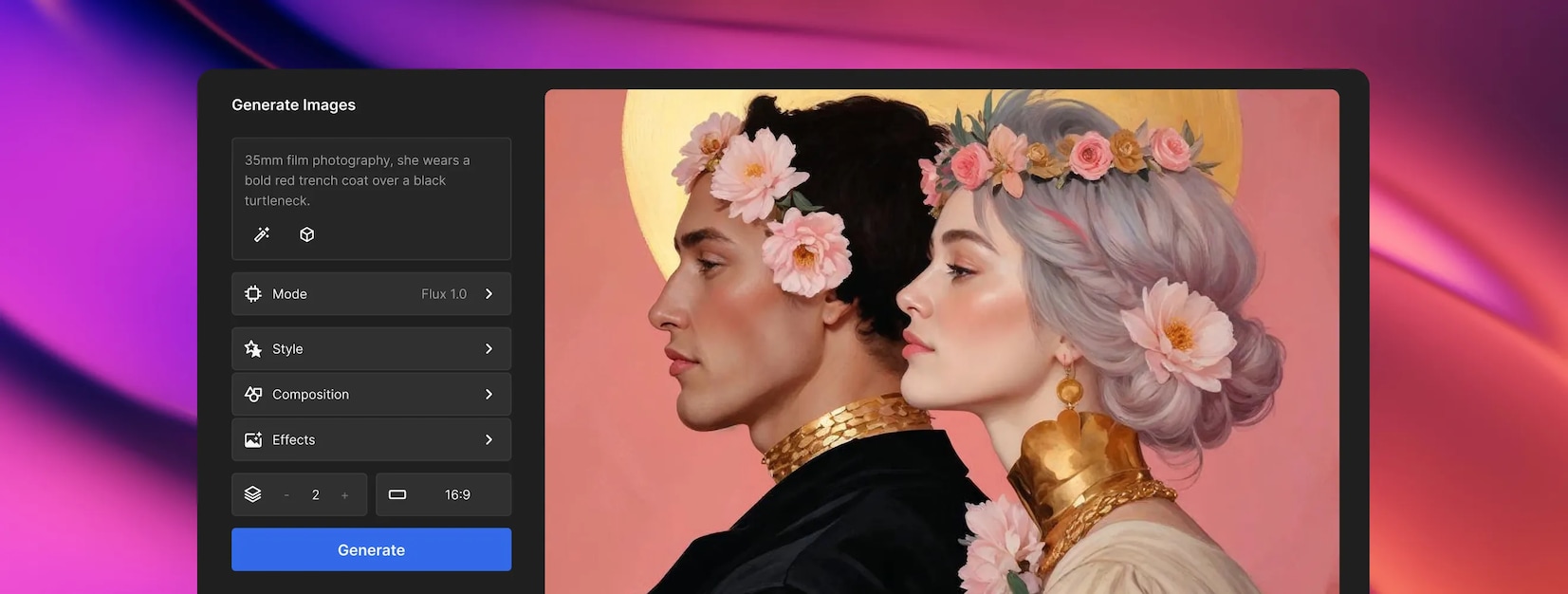


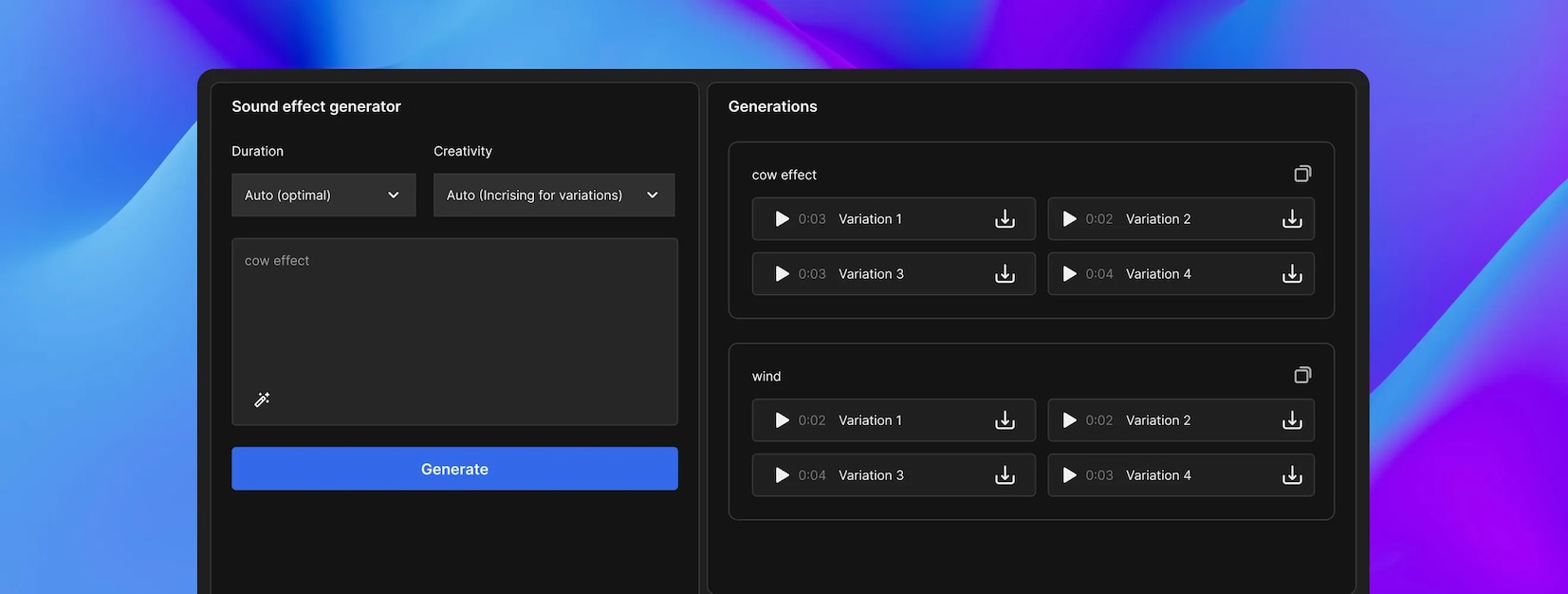
Image editingImage generationVideo generationVideo editingAudio generation
All in a single creative suite
Social media
Advertising
Video creation
Photography
Branding
Printed materials
Audio creation
 Try it\
\
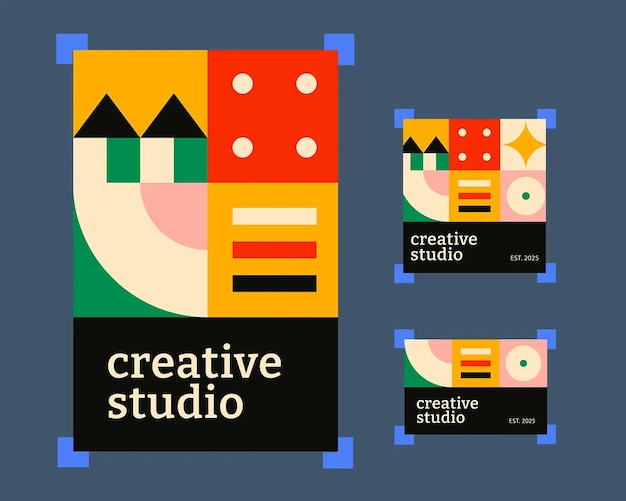
Auto-resize for each platform. Make your design fit every social format, fast. 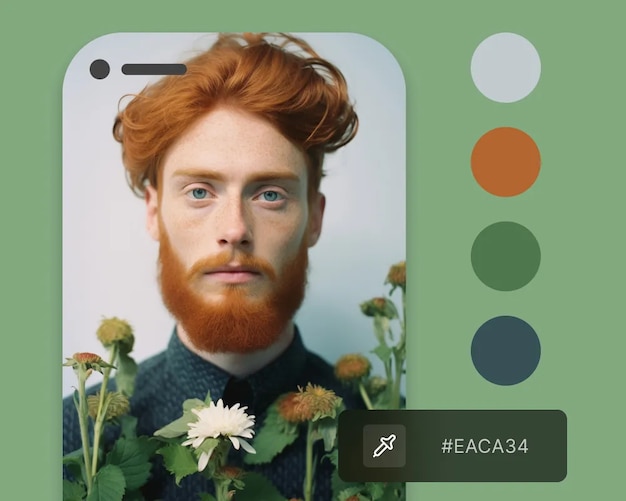 Try it\
\
Create on-brand stories and reels. Stay true to your brand style in every post. 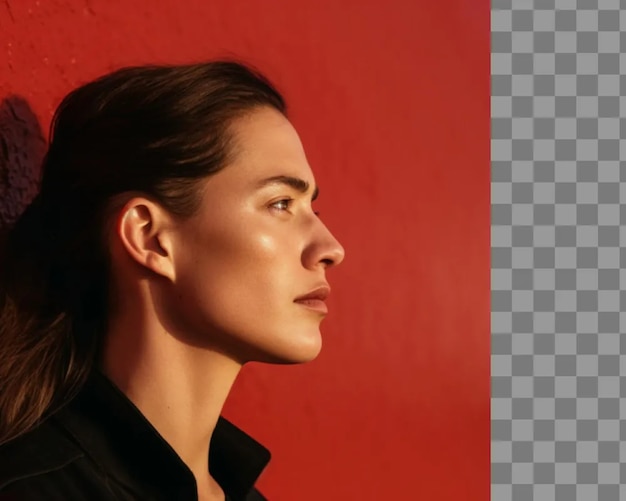 Try it\
\
Remove background to highlight subjects. Clean up your content and keep the focus on your subject.  Try it\
\
Generate social media posts. Need content fast? Get scroll-worthy posts in seconds.
 Try it\
\
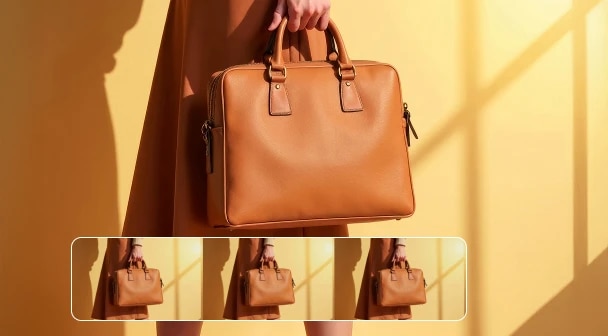
Create ad variants for A/B testing. Upload your asset to get multiple ad variations—ready to test.  Try it\
\
Turn product photos into dynamic commercial videos. Create high-impact video ads from one image.  Try it\
\
Upscale assets for high-res ad formats. From banners to billboards, upscale up to 10K resolution. 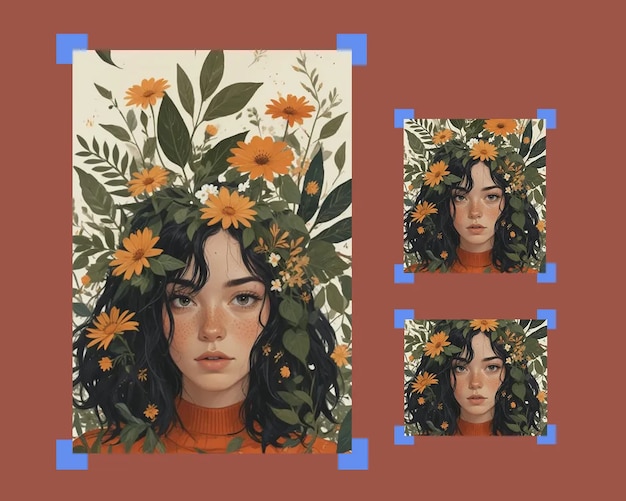 Try it\
\
Repurpose ads for different channels. One campaign, all sizes—ready for every platform.
 Try it\
\
Animate your campaign shoots. Turn static images into scroll-stopping videos—perfect for social, ads, and decks. 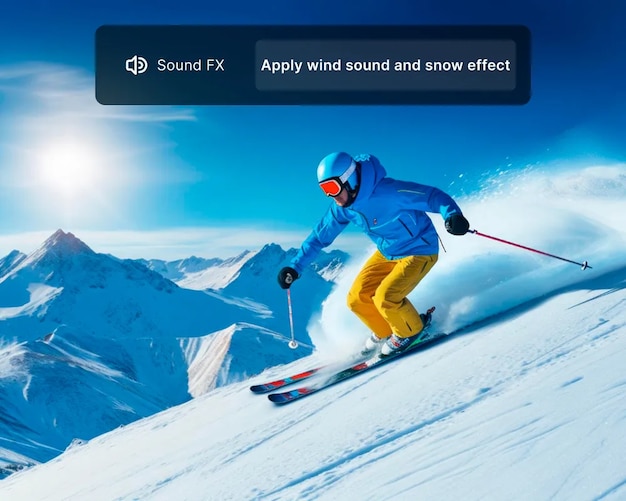 Try it\
\
Add sound effects to your videos. Boost your videos with sound effects that grab attention. 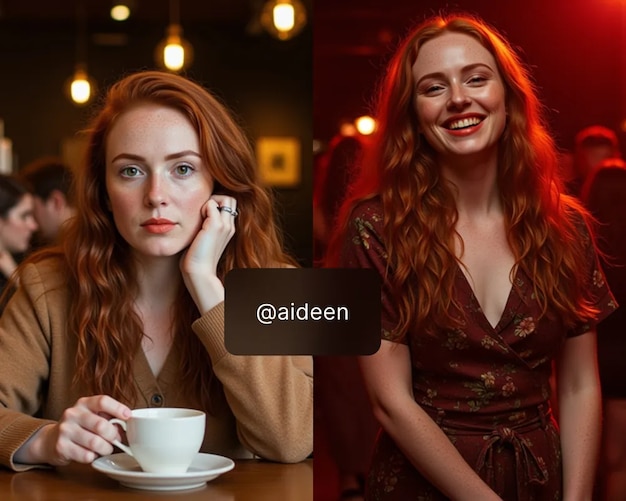 Try it\
\
Create clips using consistent characters. Keep a cohesive look across all your clips.
 Try it\
\
Replace or remove objects. Clean up your image or swap in what you need.  Try it\
\
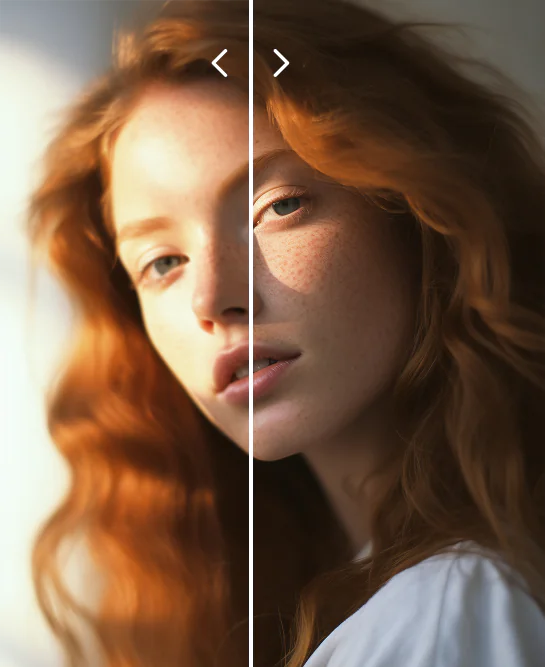
Enhance image quality. Fix any blurry photos and upscale up to 10K. 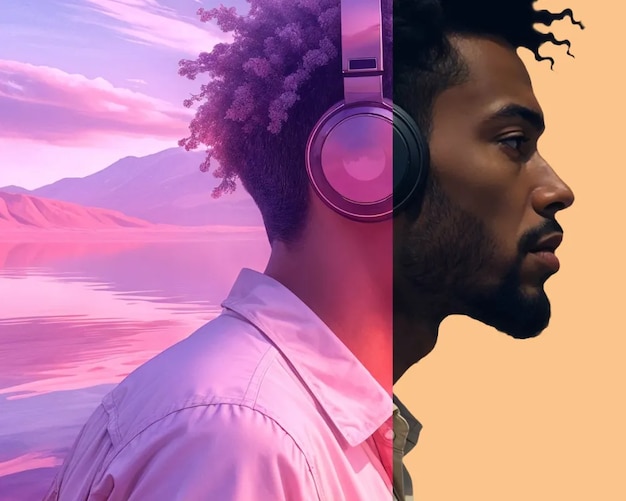 Try it\
\
Change the location of your photo. Move your subject anywhere with a new background.  Try it\
\
Reimagine your photos as art. Give your images a bold new look with creative filters. 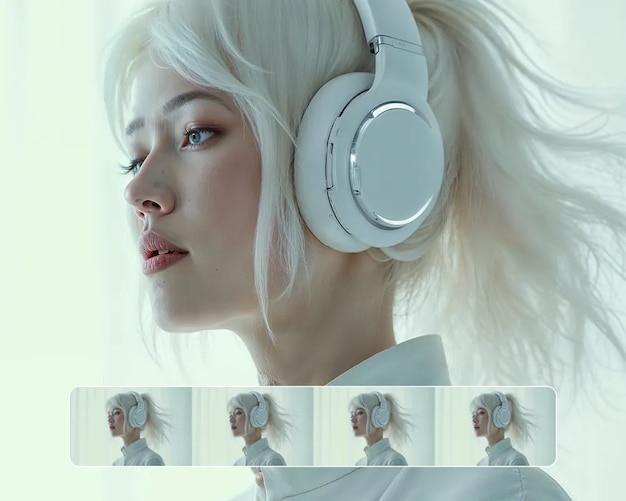 Try it\
\
Animate still photography for socials. Add motion to your photos to boost your engagement.
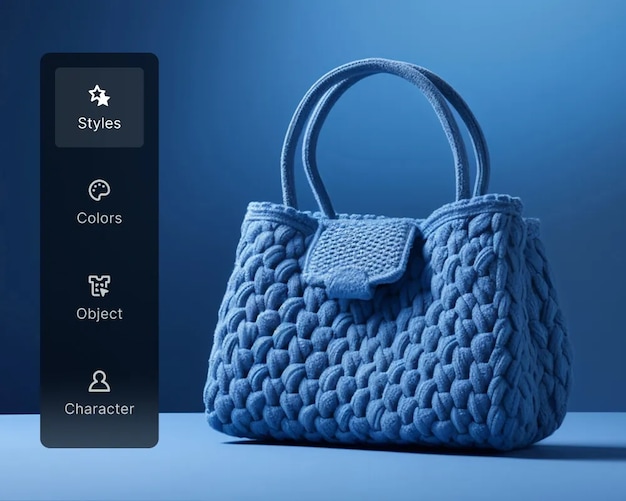 Try it\
\
Turn pictures into branded images. Adapt photos to match any brand’s style and identity. 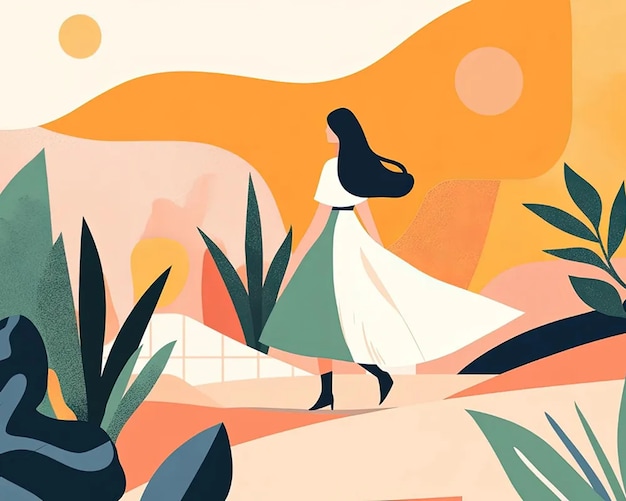 Try it\
\
Create unique brand mascots or illustrations. Give your brand personality with on-tone visuals.  Try it\
\
Brainstorm logo concepts. Explore logo ideas to shape brand directions for your clients.  Try it\
\
Mock up your logo on any photo. Showcase your logo in context, from packaging to posters.
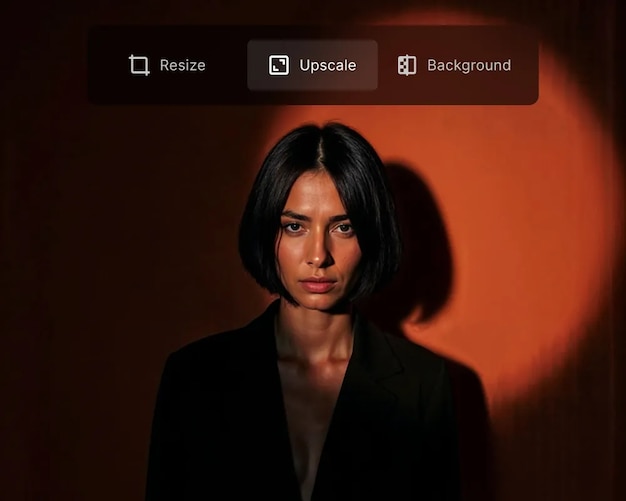 Try it\
\
Improve image resolution for printing. Enhance image quality for print—up to 10K resolution, ready in seconds. 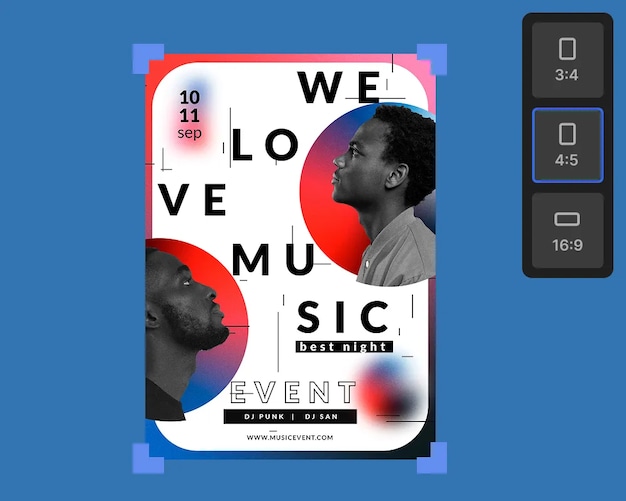 Try it\
\
Adjust your design for printing in different formats. Use it in brochures, posters, packaging, and more. 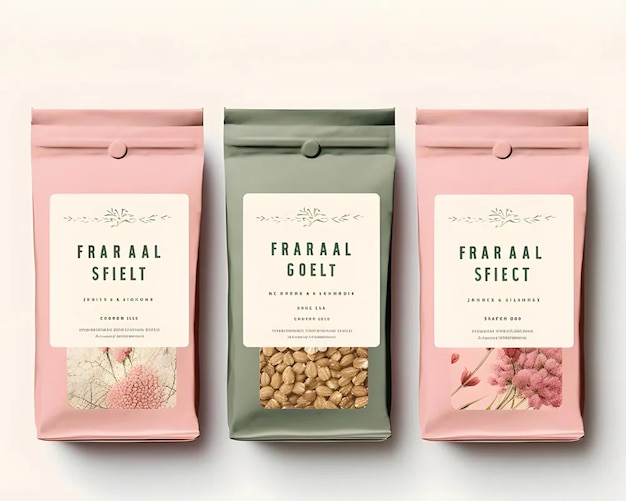 Try it\
\
Mock up product packaging designs. Preview packaging concepts before presenting them to clients.  Try it\
\
Design posters and flyers. Create eye-catching posters and flyers for print or display.
 Try it\
\
Design album covers. Match your music's vibe with a standout cover.  Try it\
\
Create visuals for your songs. Design visuals that reflect your song’s mood. 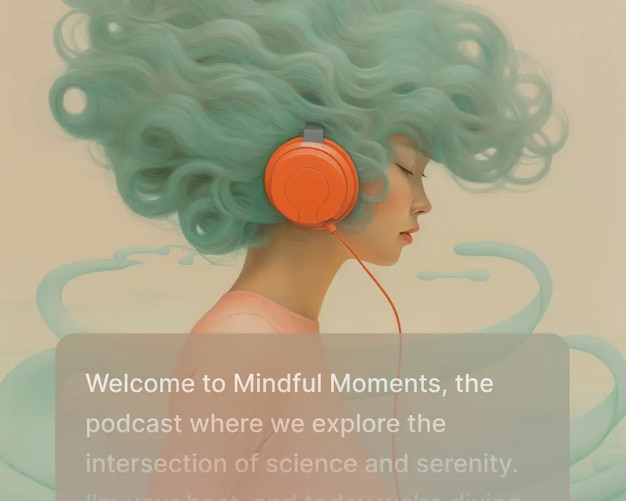 Try it\
\
Build voiceover scripts. Write ready-to-record scripts for your voiceovers. 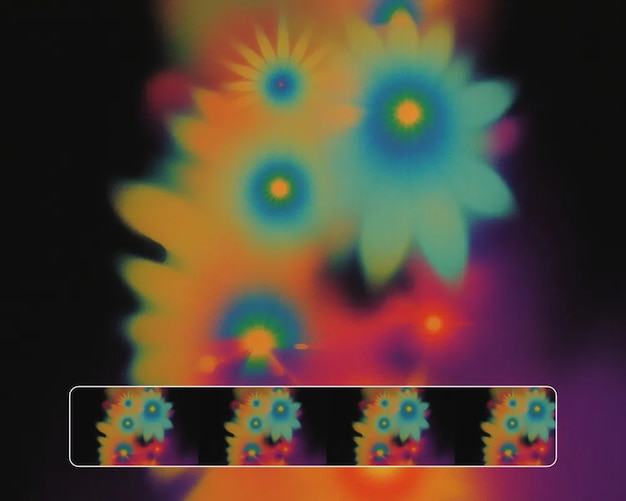 Try it\
\
Animate album visuals. Add motion to your album artwork for digital drops.
Boost your professional workflow and productivity
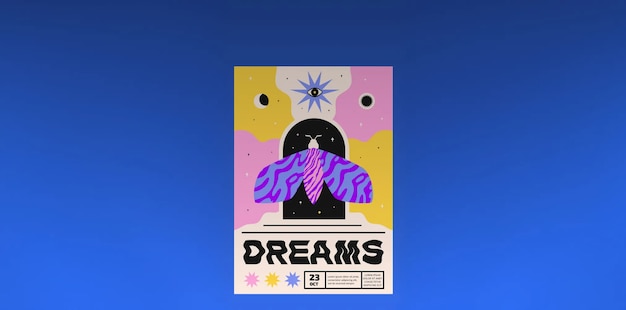
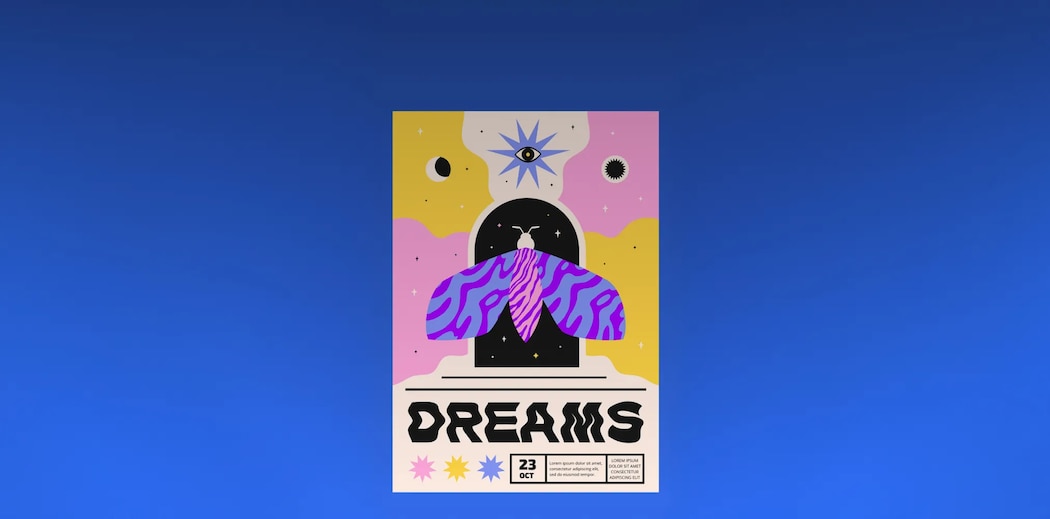
Designers

Tools that work like you do
Streamline your design process with AI-powered tools and high-quality assets that help you work faster and focus on what matters. Automate repetitive tasks, customize assets instantly, and keep every design consistent, secure, and on-brand—without extra effort.


Marketers

Create faster, explore new possibilities
Produce high-quality visuals in seconds with AI tools that open up new creative directions. Adapt assets for every channel, automate repetitive tasks, and scale campaigns—while keeping every piece consistent and on-brand.


Filmmakers
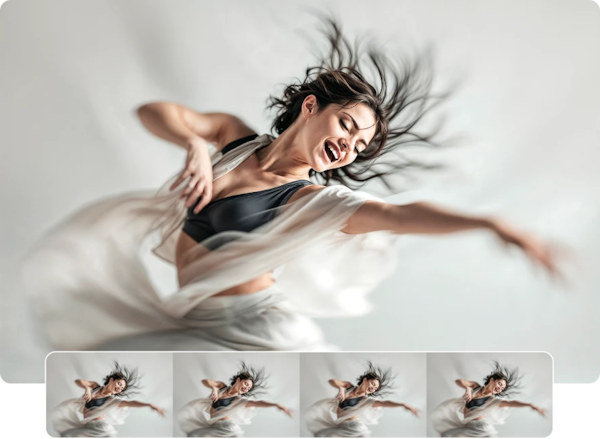
From concept to cut, faster
Upscale footage in a click for streaming, presentations, or final delivery. Instantly generate voiceovers to test edits or polish trailers—no studio required. Create storyboards, shot ideas, or concept art to support your workflow and speed up planning.
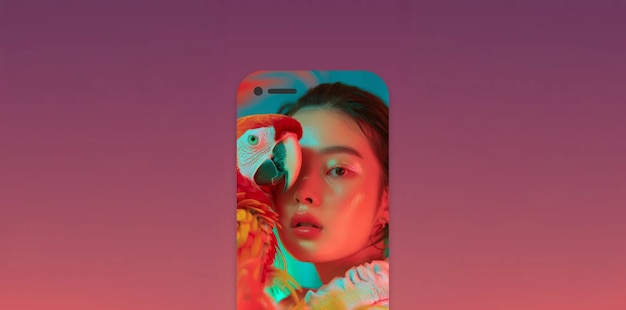

Content creators

Make scroll-stopping content, easily
Create videos fast by animating images, adding voiceovers, and generating intros for YouTube, TikTok, or Reels. Save time with AI tools that upscale visuals and help you design eye-catching graphics. Stay on-brand with features that match your style and keep content consistent.


Art directors
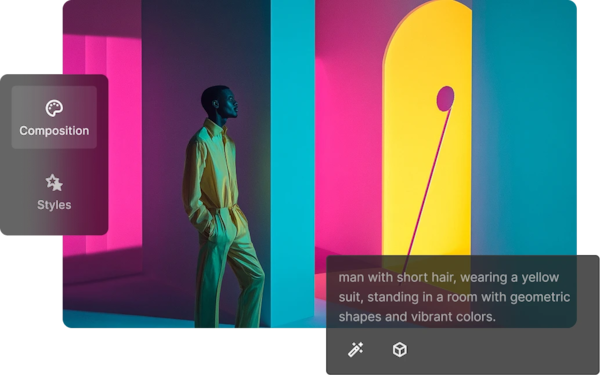
Creative control at every stage
Prototype concepts, explore new styles, and shape campaign directions faster with AI tools built for creative leads. Refine visuals with full control over composition and design details. Help your team move from concept to delivery without compromising quality or speed.


Photographers
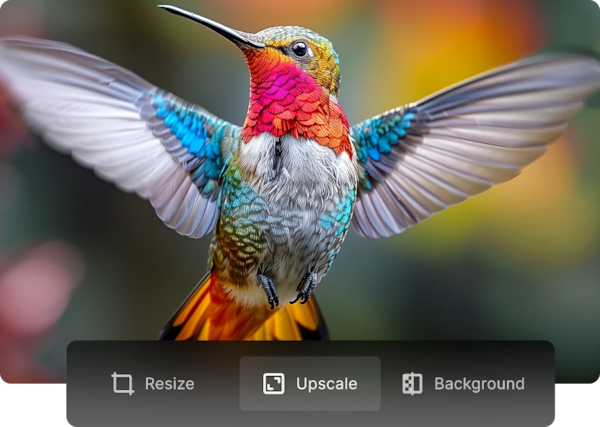
Polish your shots in less time
Enhance photo quality instantly for large prints, portfolios, or client projects. Retouch and correct details quickly—no complex editing required. Optimize every image for web, social media, print, or delivery from a single file.
Business owners

Professional content, simplified
Design polished content fast—from social posts to sales materials—always on-brand. Turn ideas into product demos or explainer videos to share with customers or your team. Keep your content looking sharp and on-brand without extra work.
Teachers
Build great materials in less time
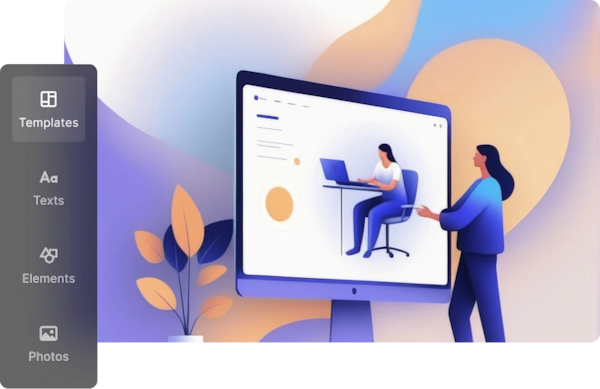
Quickly design flashcards, diagrams, or slides to make lessons more visual and engaging. Create short videos from key topics to explain concepts clearly—no need to start from scratch. Upscale your images or scanned worksheets so everything looks sharp in print or on screen.
Made with Freepik—real work, real results
How to create product visuals with AI
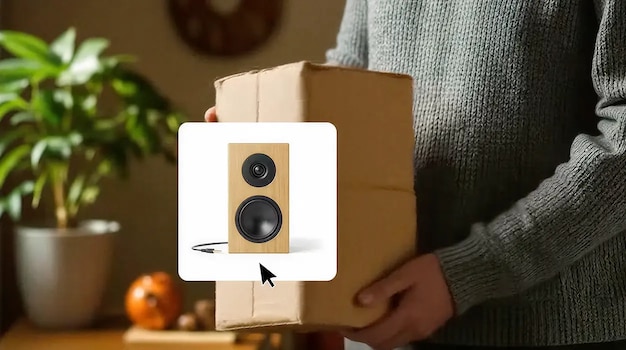
Select your product photo, craft detailed prompts, and build realistic compositions with the Nano Banana model.

How to localize a global campaign
Start with one country and easily scale your campaign across regions. Customize visuals and messaging for each market to connect authentically with audiences worldwide.

How to create AI videos using visual prompts
Upload an image as a start frame, add a short note, and guide the animation with simple directions.
Why choose Freepik?
The all-in-one suite for creatives
Power your creativity with leading GenAI models, pro features, and a vast stock library—all in one platform.
AI you can trust: private and secure
Your data is never used to train AI—ours or third-party. You're fully protected with advanced security and full rights.
Easy to use, with professional results
Stay consistent, adapt assets easily, and create confidently with powerful tools built for real workflows like yours.
Join the creators shaping AI's future
Be part of a global community of top creatives. Get early access to new tools, share your work, and stay inspired.
Plans that cover your needs
Enterprise
Get the best for your organization with a dedicated account manager and priority support.
Custom
Everything in team plans, and:
Legal indemnification for AI-generated content
Rights over your AI-generated content
SSO and enterprise-level security & compliance
Expert guidance, training, and technical support
Unlimited users, flexible credits
Freepik Studios: custom, high-impact AI content
Frequently asked questions
-
Is my content private and secure? Does Freepik use my inputs or outputs to train its models?
Your content is private and secure. Everything you create is private by default and only accessible to you. We have strict agreements in place to protect your data and keep your work secure. Freepik doesn’t use anything you create or upload to train our AI tools—and the same goes for our third-party providers. Your inputs and outputs are never used for training or shared with others.
-
How do credits work, and how many generations do I get per tool?
Credits are only used for generating content with AI tools—not for downloading stock assets or your own creations. Each one consumes a different number of credits per generation, and results can vary, from a single image to several.
If you’re on a monthly plan, credits reset every month. Annual plans give you all your credits upfront, with a yearly reset. Unused credits don’t roll over—unless you upgrade your plan or switch from monthly to annual. Premium+ users can also buy extra credits, which are used only after regular ones run out and expire after three years. You’ll need an active plan to use them, and if you cancel, they’ll be paused.
Downloads don’t use credits. Free users get 10 stock downloads a day. Premium and Premium+ users get unlimited stock downloads. Your AI creations have no download limits.
For more details, check out our Pricing page.
-
Can I use AI-generated content commercially, and do I own the rights to it?
Yes, absolutely. You fully own the rights to anything you create with our AI tools—including the ability to use, modify, and monetize it. Everything you generate is private by default and only accessible to you.
If you’re on a subscription plan, you’re also granted a full commercial license for both AI-generated content and stock assets—perfect for professional projects. Just make sure your inputs and outputs don’t infringe on third-party rights like identity, trademarks, or intellectual property.
Keep in mind that commercial regulations can vary across countries, especially for uses like merchandising, branding, or creating derivative works. For more details, check our Terms of Use for AI Products, or reach out to our support team—we’re here to help.
-
Do I need to attribute to use Freepik stock content?
If you're on a Premium, Premium+, or Enterprise plan, you don’t need to attribute. For Teams plans, it depends on the tier: it’s required with the Essential plan, but not with Premium or Premium+.
If you’re using Freepik for free or on an Essential plan, attribution is required. Just include a visible line like "Designed by Freepik" with a link to our site.
Keep in mind all our paid plans include a commercial license for AI-generated content. Free plans are limited to personal use only and require attribution.
For full details, check out our Attribution Guide.
-
Do you offer legal indemnification for AI and stock content?
Yes, but only with an Enterprise subscription.
Enterprise customers benefit from enhanced legal protection, including indemnification for both stock and AI-generated content. This coverage applies when content is used in accordance with Freepik’s licensing terms and the Master Services Agreement (MSA).
This protection is not available on Free, Essential, Premium, Premium+, or Pro plans. AI-generated content is explicitly excluded from indemnification under those subscriptions.
You can find more details in our Support Center, or learn more about Freepik Enterprise.
1 billion
AI images, audio, and videos
Powered by Flux, Kling, Runway, ChatGPT, ElevenLabs, and more.
200 million
Highest-quality stock assets
Icons, videos, audio, images, vectors, and more ready for your next project.
700,000+
Paying customers and growing fast
Unlock all creative possibilities with an all-in-one creative suite.
Your vision, elevated