

详细内容
AI-Powered Enterprise Workspace
Swit connects your entire organization, streamlines team communication, and adapts to any workflow.
Get started Schedule a Demo
2023 PRODUCT HUNT



Editor's Choice Recommend

No.1 in Project Management Usability Index
Fastest growing Top 20 (Jan 2023) by

Featured on





Winner of Global Conference 2020
Trusted by over 40,000 teams and companies worldwide





TASK
Work Management for connecting teams
Powerful task card features
Attach files, emails, or channel messages. Add checklists, subtasks, or multiple assignees. Specify the priority, timeline, and more to set clear expectations for each project. Swit task cards offer limitless configuration options that adapt to fit the needs of any industry.
Learn more
Project dashboard
Take the guesswork out of progress reports with customizable charts and graphs that are accessible to every member of a project. Track time spent on tasks, see a breakdown of workload by person, and compile other relevant data to improve project results.
Learn more
Share tasks to chat
Conversation is an essential component of collaboration, which is why the Swit Hub plan was built to connect tasks and chat. Simply drag and drop to easily share a task card to a chat channel so you can provide a progress update, gather feedback, or ask questions.
Learn more
CHAT
Communication for staying on track
Cross-workspace communication
Swit is structured to share channel posts between different workspaces and send direct messages to any workspace within your organization. This advanced functionality brings together the entire company on one hub designed to support cross-team collaboration.
Learn more
Convert channel messages to tasks
By including both chat and task functionality in the Hub plan, Swit empowers you to follow the natural flow of collaboration. You can take an idea suggested in a channel and easily convert it to a task, bringing context and relevant files along with it.
Learn more
Connect horizontally and vertically
We believe collaboration should work in any direction! Whether vertically in a team or horizontally in a group, Swit differentiates tags by color to keep communication clear and transparent for everyone involved in the conversation.
Learn more
CONNECT
Customization for flexibility and control
Automation connects If with Then
Communicate with integrations to trigger actions in Swit from 3rd party apps and within Swit between our native functions. Optimize your workflows by having Automation manage repetitive work, such as creating new tasks, sending emails, scheduling meetings, sharing sales opportunities, and more!
Learn more
Goals plug-in brings OKRs into Swit
Set and manage goals at every level of your company with full transparency and alignment. Connect tasks and projects to objectives or key results to easily track progress and stay agile in your approach. See how individual objectives connect to enterprise-wide initiatives.
Learn more
Circulate approvals to teams
Thanks to the interconnectivity of Swit’s features and plug-ins, you’re able to automate the process of sharing approvals. Choose any relevant teams when submitting your request, and a notification will be sent to all members once it’s approved. You can also share a request to a channel or DM for added flexibility in communication.
Learn more
Set and control guest permissions
With our Guests plug-in, Admin can set and control access for guests to participate in workspaces. Collaborate with outside partners on a big initiative or with freelancers on a limited contract, and choose which channels and projects they have permission to use. Guests can even sync integrations to bring docs, files, and emails into the workspace just as employees do.
Learn more

“ Swit is easy to manage any project with, and the tools provided combine software like Monday.com and Slack seamlessly. We just brought our team over to Swit from Monday.com and it has been the best decision for our company. ”
Deon B., CEO and Founder of Agency Evolve

“ Swit has been beyond helpful for us! Being able to have tasks and chat in a singular hub makes it easy to track progress, navigate timelines, and maintain project deadlines. ”
Nicholas C., President and Board Member (Education Management Industry)

“ Teams no longer work in silos. As a CEO, [I] exactly know the progress on every project. Our team can't work without Swit. ”
Privank V., Senior Executive (PR & Communications)

“ Just ten years ago our company didn’t even use email much, but Swit allowed us to immediately build a global, centralized project management system supported across varied devices. The excellent compatibility with Microsoft 365 was also a factor in our decision. Swit has never gone back on their targets or goals. Because of Swit, CTR will also finish our digital transformation for both office and manufacturing work and continue to grow more quickly than before. ”
Sangwoo K., President of CTR Group

“ We firmly believe that Swit will lead us to our next level of growth so we have adopted Swit as a tool and formed a partnership with the company. We will continue to provide companies with support for their own digital transformation and create an ecosystem that builds a cycle of mutual growth. ”
Hogeun C., B2B Consulting Team Lead of SKB

“ Visualization of project roadmaps, various viewing functionalities, and connectivity with other platforms such as Google Drive are all exemplifications of the numerous features [of] Swit. ”
Lyn S., Global Alliances
INTEGRATIONS
Integrations that interact with your workflow
Swit offers multiple project views for organizing task cards. Each person can sort tasks in the way that works best for them, giving our users more flexibility for individual preference.
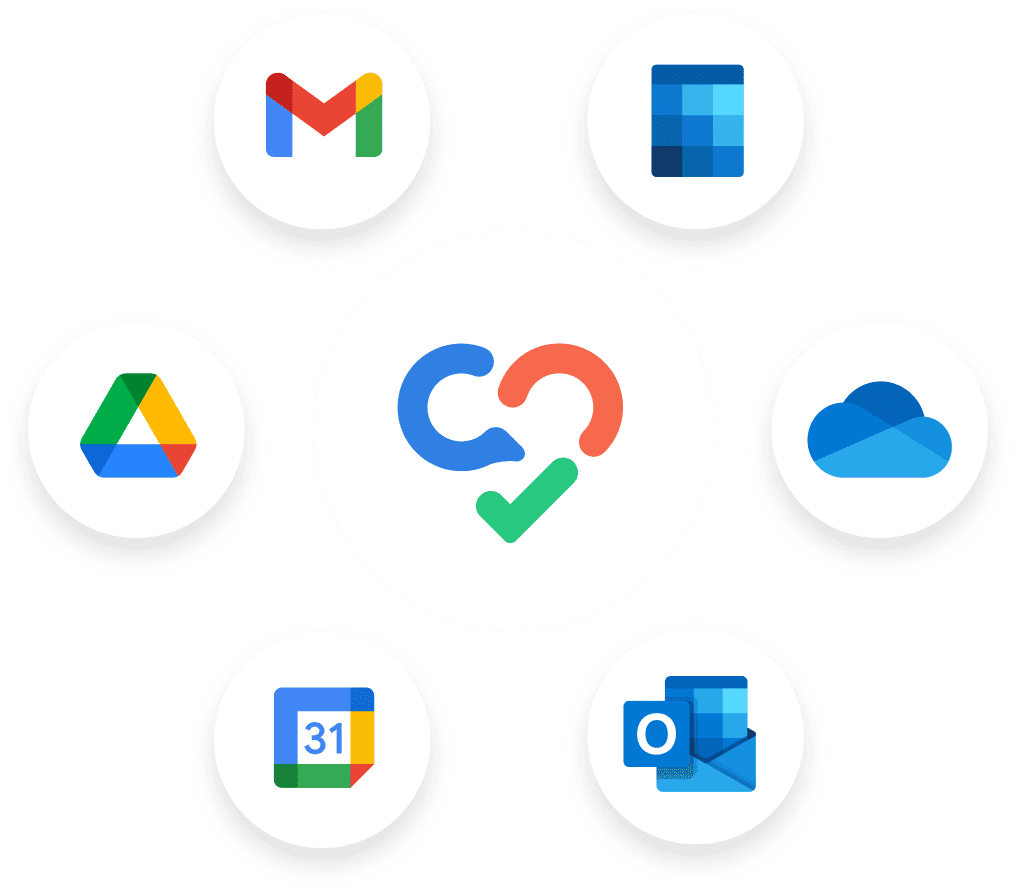
Integrates seamlessly with Google Workspace and Microsoft 365
Swit Store : Connect with all the top CRM technology, marketing automation software, and more through the Swit Store
Developers 2.0, part of Swit’s SaaS Integration Platform, allows users to install custom-built integrations that interact with our features and share data from third-party apps
Learn more
Frequently Asked Questions
Why is it essential to combine Communication (Chat) and Task?What makes Swit different from other work management apps?What is the biggest value of implementing Swit?Does Swit replace Google Workspace or Microsoft 365?My company is already using a few apps for work management. Why should we switch to Swit?How has the pandemic changed digital transformation strategies?Is Swit Enterprise-ready with regards to data security?






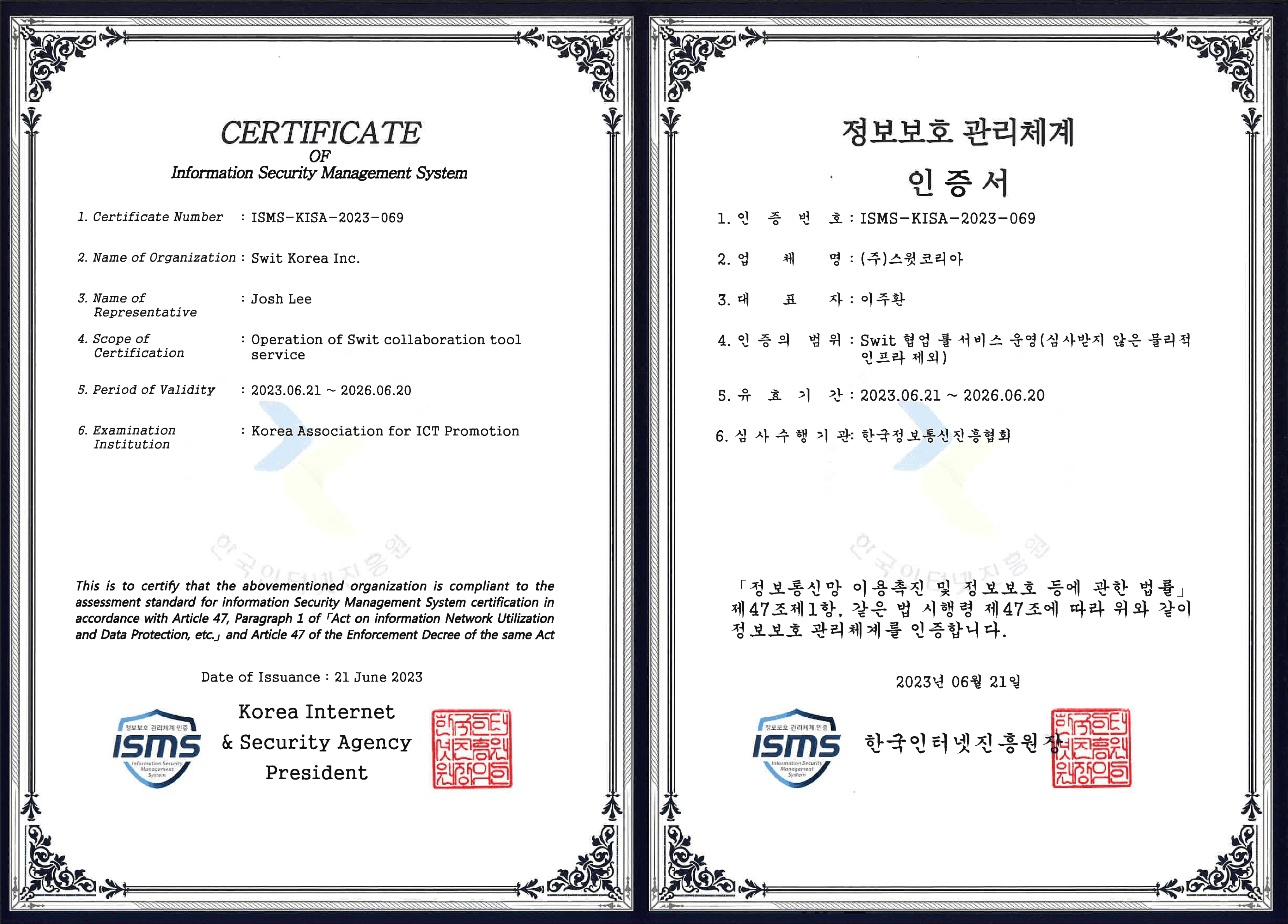


We prioritize data security
You trust Swit with your most valuable asset — your data. Rest assured that it is in safe hands. See how Swit handles the sensitive information of enterprises and small businesses, across the world.
Learn more
Ready to make the Switch?
Schedule a custom demo to see how our platform can benefit your workflow
Contact Us